A:AnswerYes it does and it works well.
Via Specs:
Bluetooth Enabled
This device will connect to other Bluetooth-enabled devices, such as cell phones, speakers, keyboards, and headphones, without the need for cables or cords.
A:AnswerI believe it is a one year parts and labor warranty and you can buy an extend warranty from the place you buy it from or the manufacturer itself. The warranty may be longer. If you play the device at 25% of the volume for the next few weeks and everything works, it should be fine for the 1 year warranty.
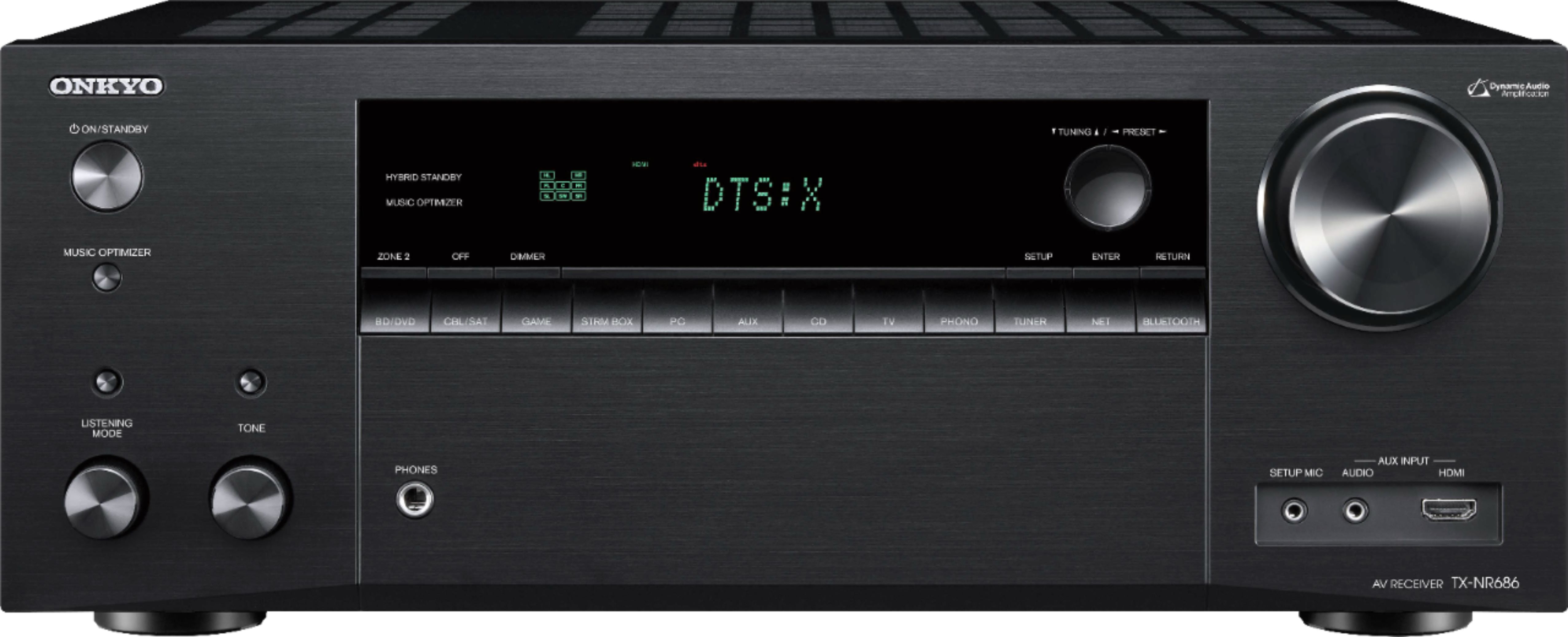
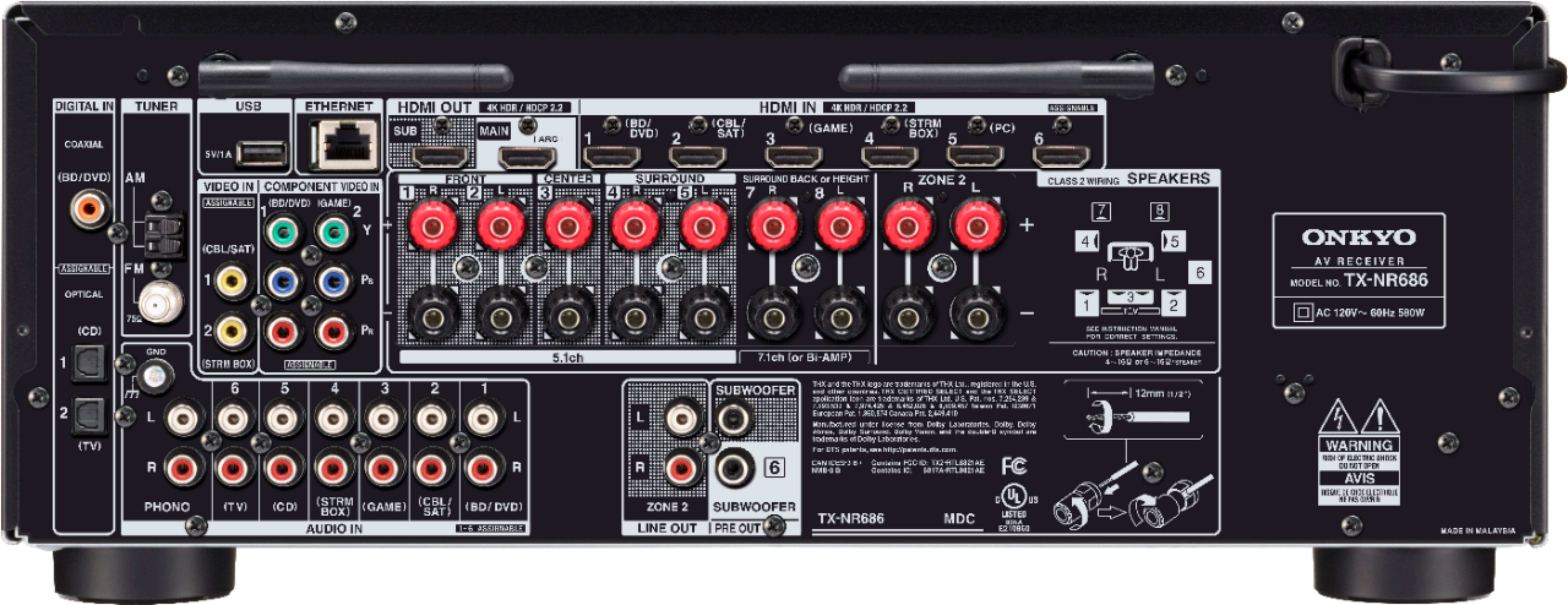
A:AnswerYou mostly likely need to press the button on the CABLE button on the front and make sure that you connect the output HDMI cable to the TV. Make sure that you test with another HDMI cable as well since it may be an issue with your HDMI. Make sure you don't connect any other devices - computer, game boxes to the stereo so you can force the audio to go to the television and not any other devices connected to it. Lastly, check to make sure the volume is turned up on your television and turn up the volume on the receiver itself. Do not turn it up too high and only do 25% of the volume level up from 0 percent.