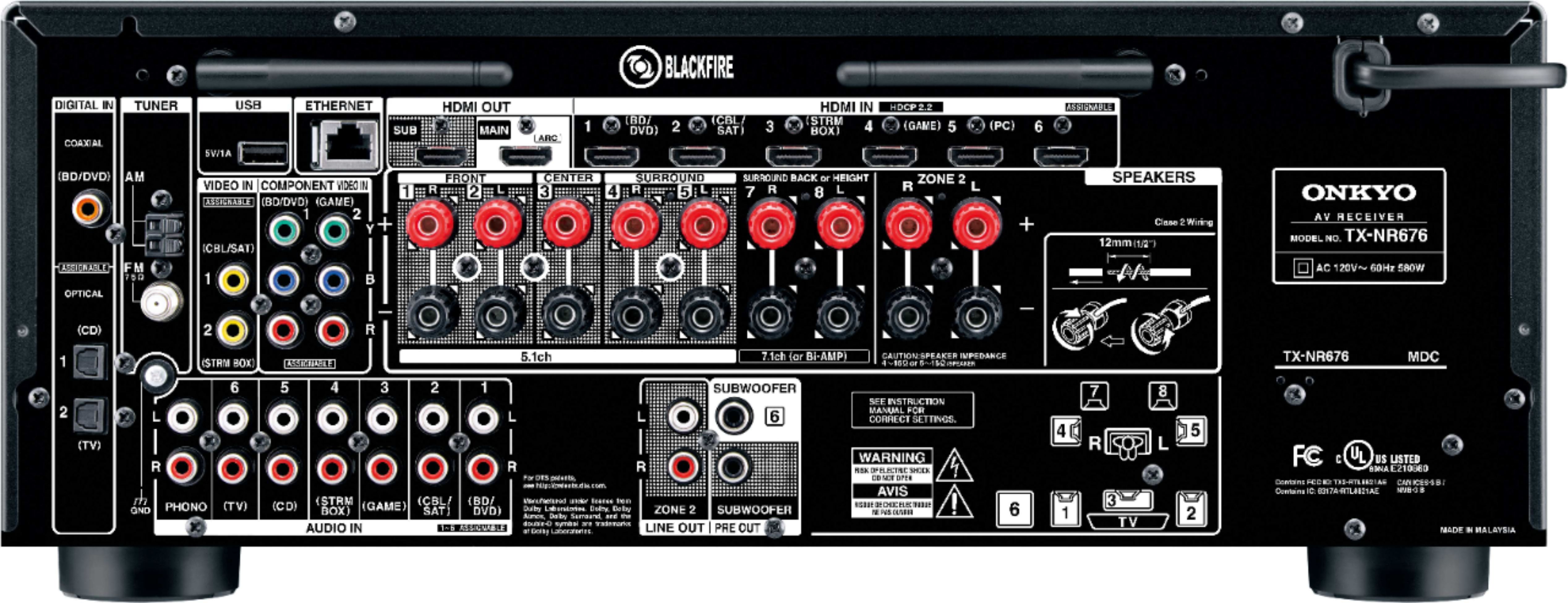
A:AnswerI have both the HDMI outputs (labelled MAIN and SUB) of this receiver hooked to LG 4K TV 55UJ7700 and a Panasonic projector. Both work simultaneously without any issue. I think the same applies for 2 TV's but not sure. You have to ENABLE MAIN + SUB under HDMI output in the SETUP menu.
A:AnswerPretty close comparing manuals. Maybe the NR has more power and supports full second source speakers you can access manuals and spec sheets on line
A:AnswerYes. It refers to lines of resolution. Hi def is 1080p. 1080 lines of resolution that refresh so many times per second. Ultra hi def is is called 4K also because it’s got 4000 lines of resolution. Say about four times clearer. If you only have a hi def receiver and run your hdmi through it, you are not getting the best quality picture your tv can deliver. Of course, they’re coming out with 8k now but 4K is beautiful
A:AnswerNo - it allows you to configure which speakers you have for any combo of left, right, center, subwoofer, surround left, surround right, surround back left, surround back right.
If you have a 2.1 or 3.1 setup, you can set up L+R+LFE or L+R+C+LFE.
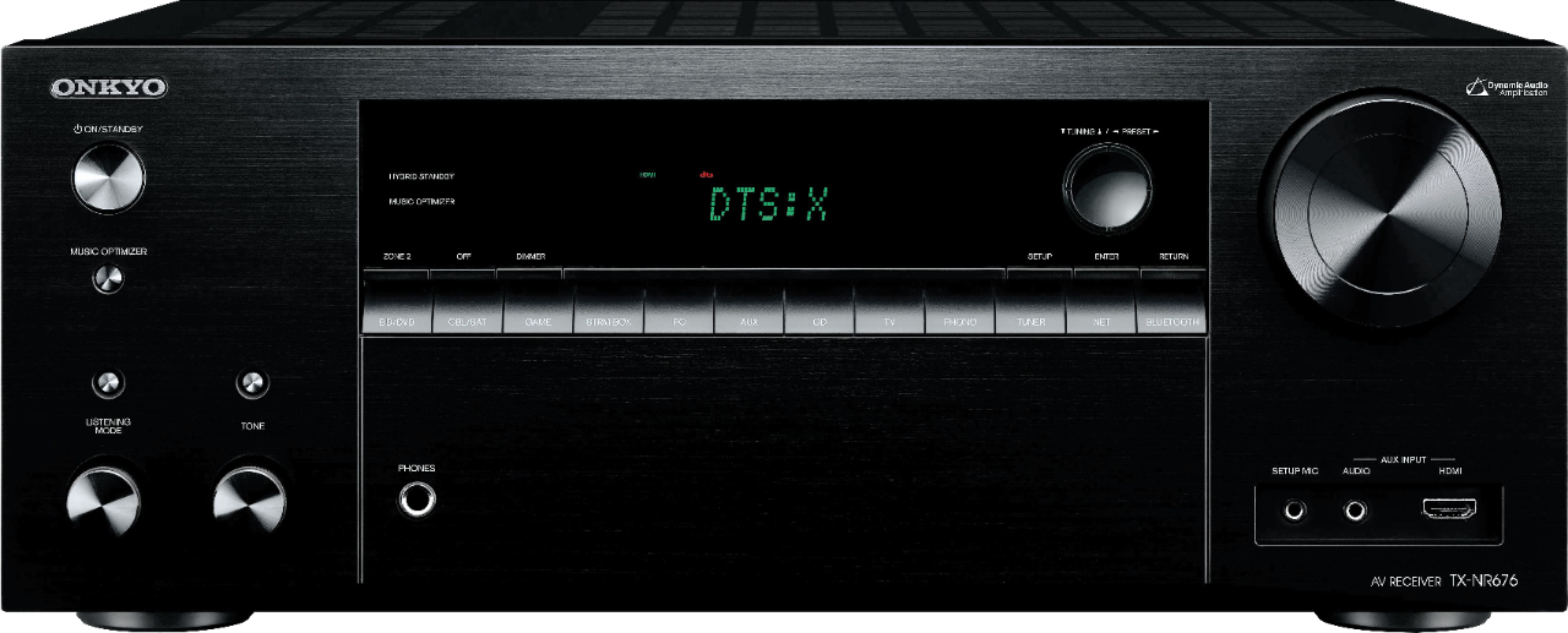
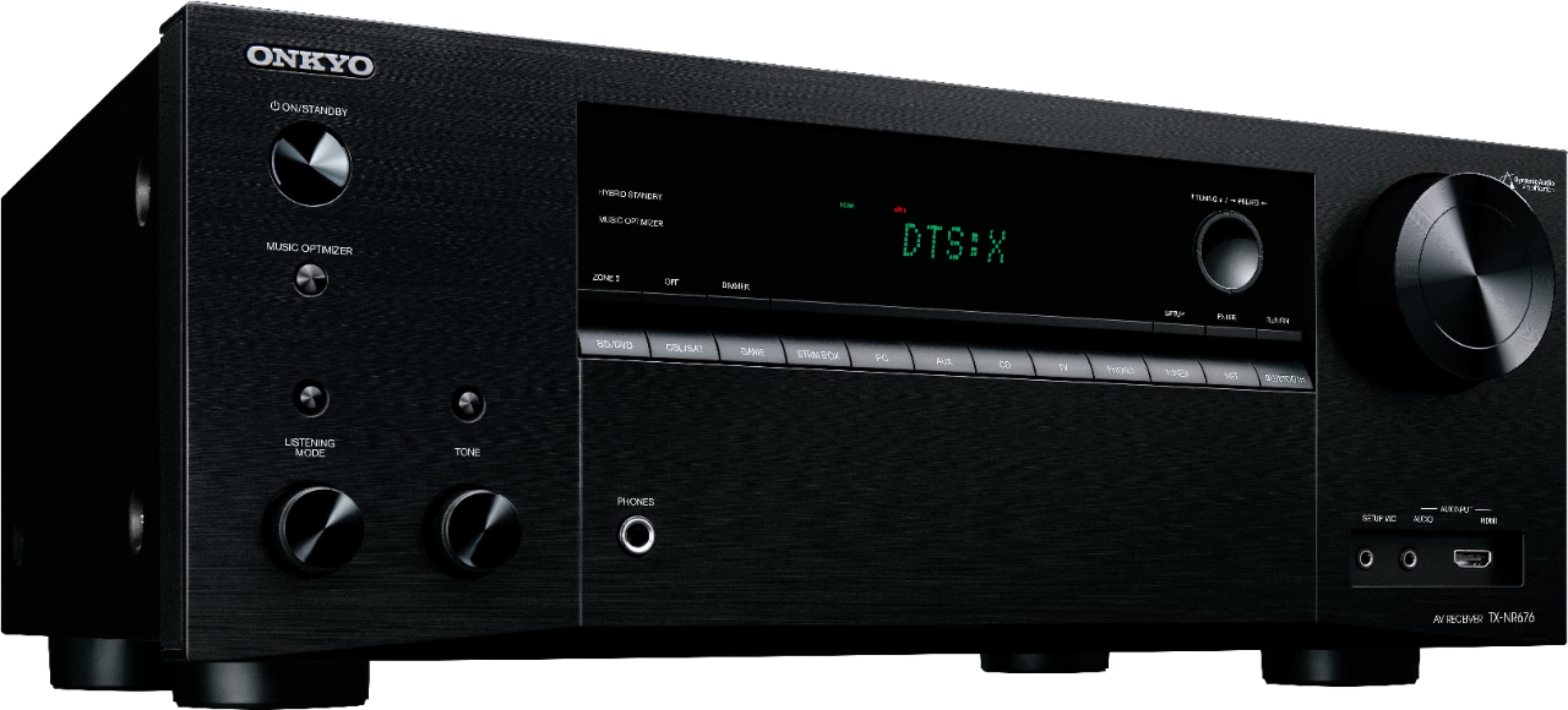
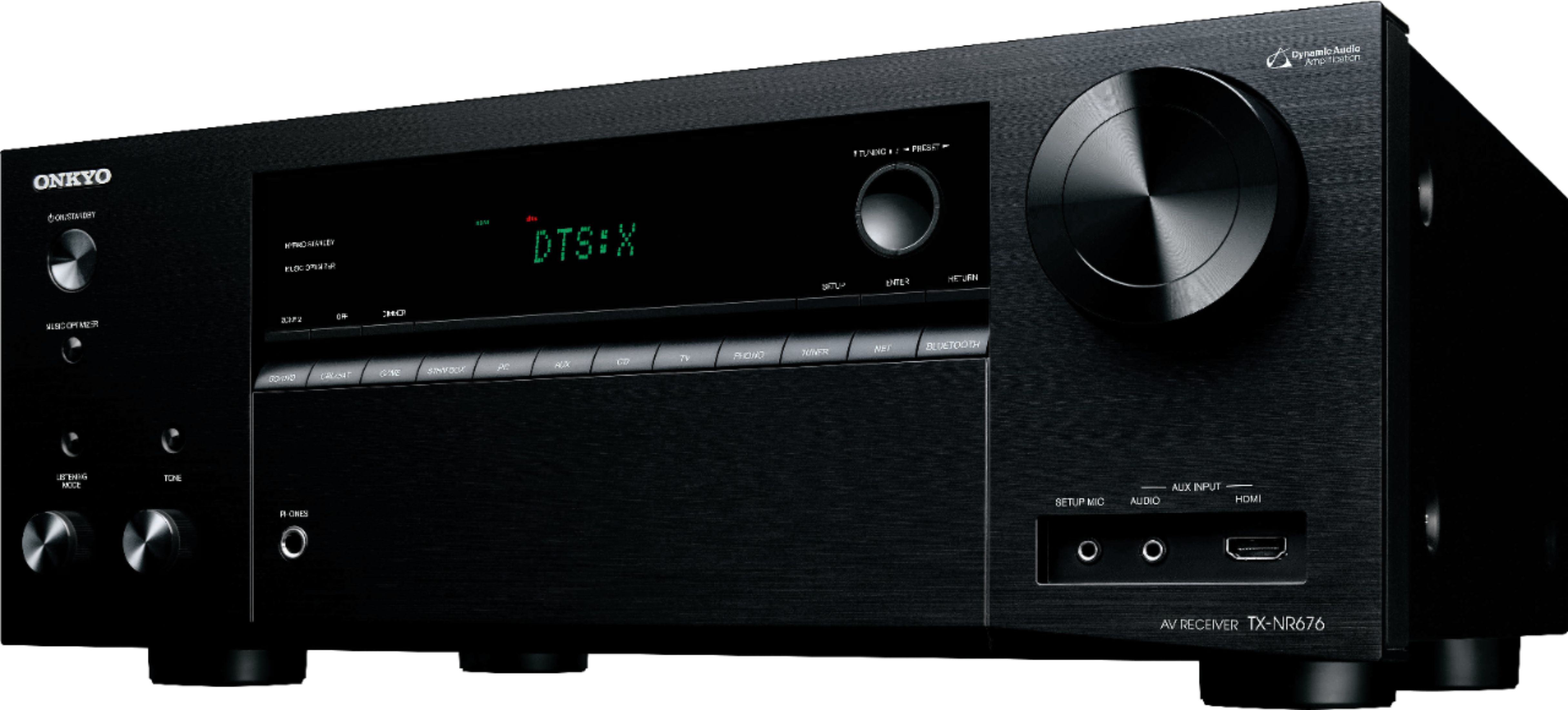
A:AnswerYes, that won't be a problem, although some subwoofers will give you a little more punch than others. There's also a button on the front of the unit called the "music optimizer" that's a neat feature, if you're playing music. It acts like a equalizer and really gives your music or movies a nice full sound.
A:AnswerYes, the setup includes a setting for 4-ohm speakers or for speakers 6-ohms or more. My front speakers are 6-ohm and the center and surround are 4-ohm. I hear no difference using either setting.
A:AnswerThat's an unusual approach, but I believe you can do that. (Most people start with at least a stereo pair in front.)
After you connect the one center speaker, select "mono" as the playback form, and you should be good to go.