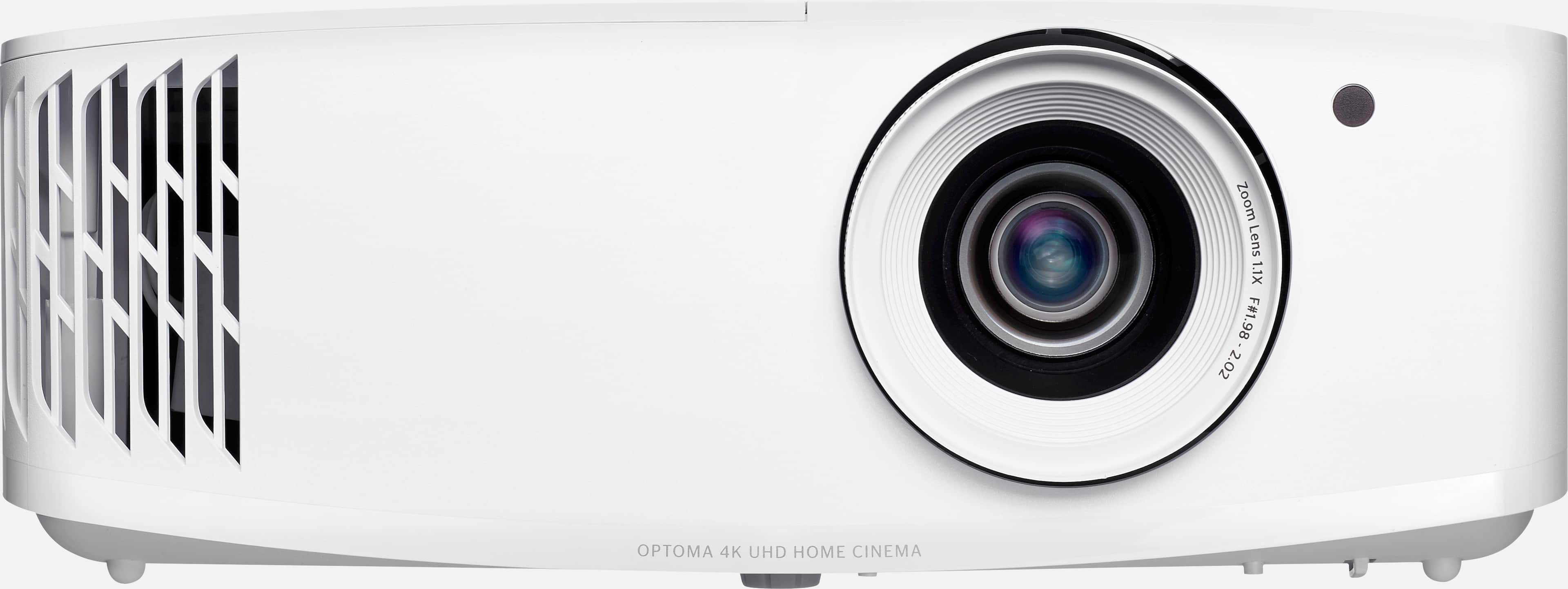
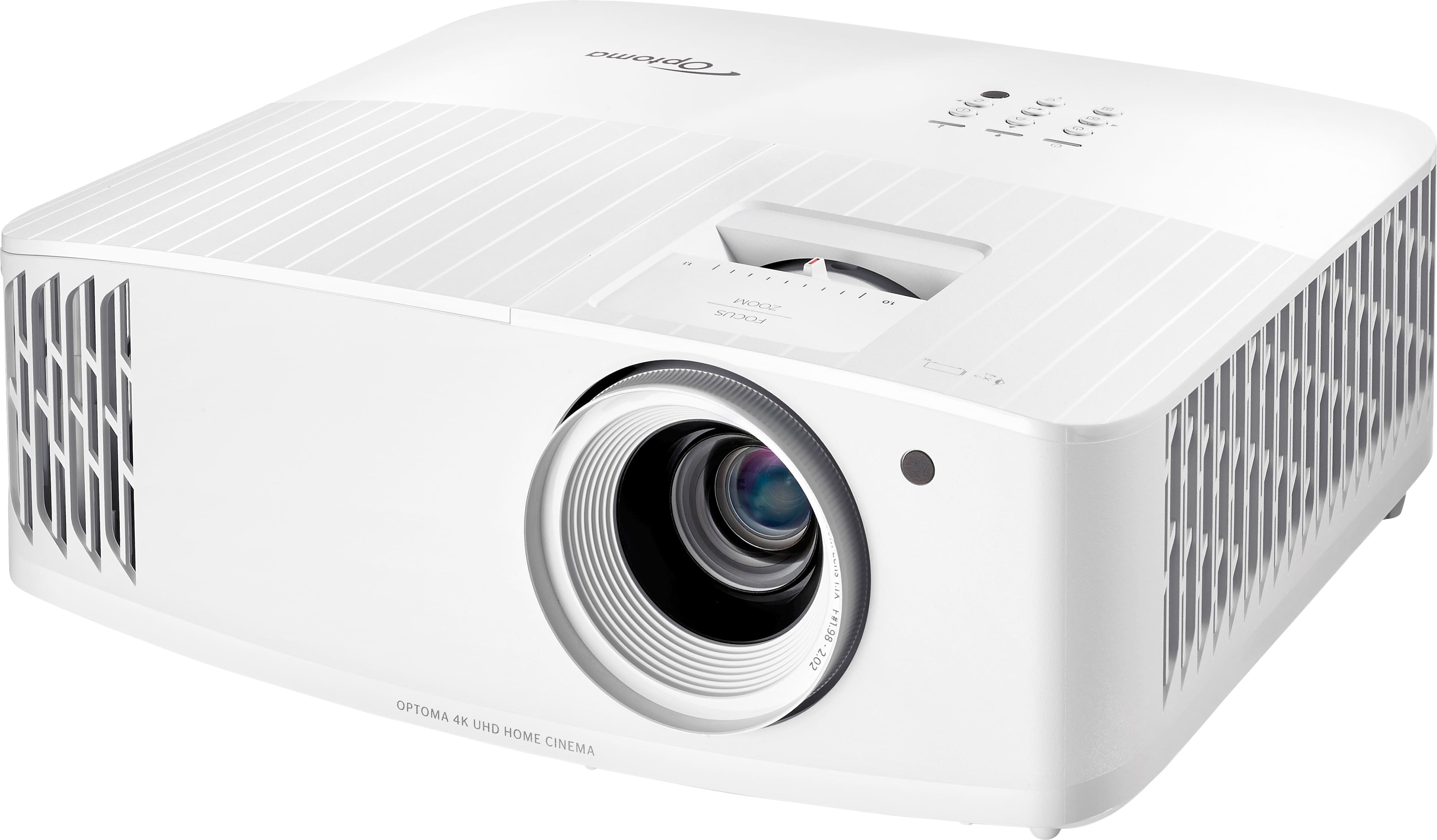
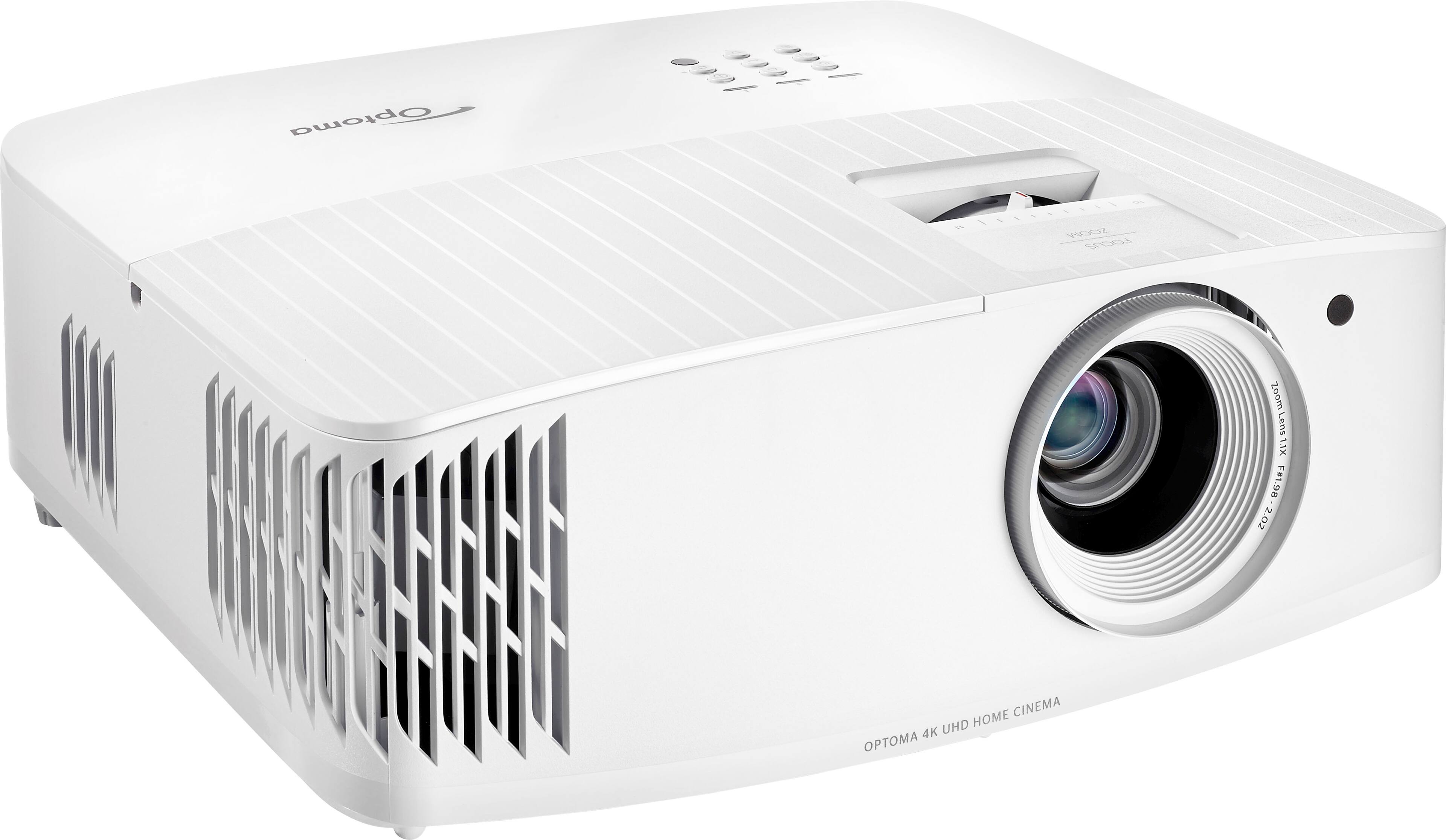
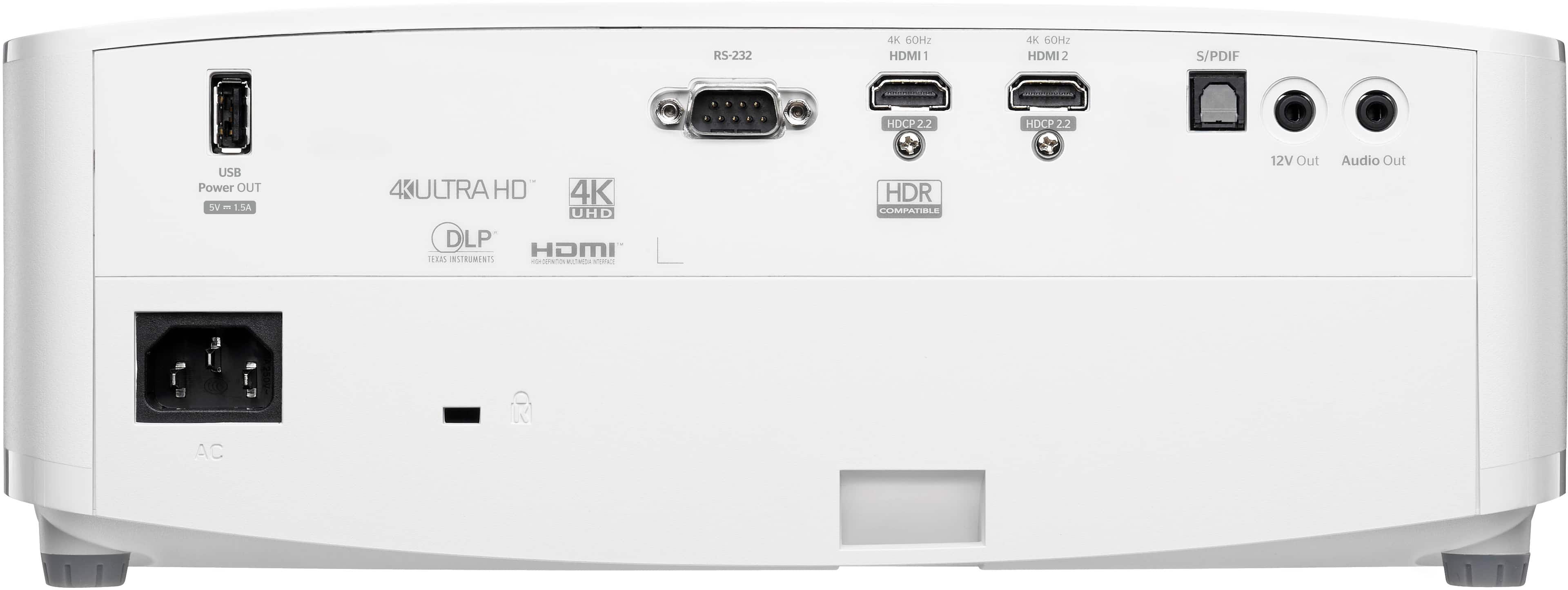
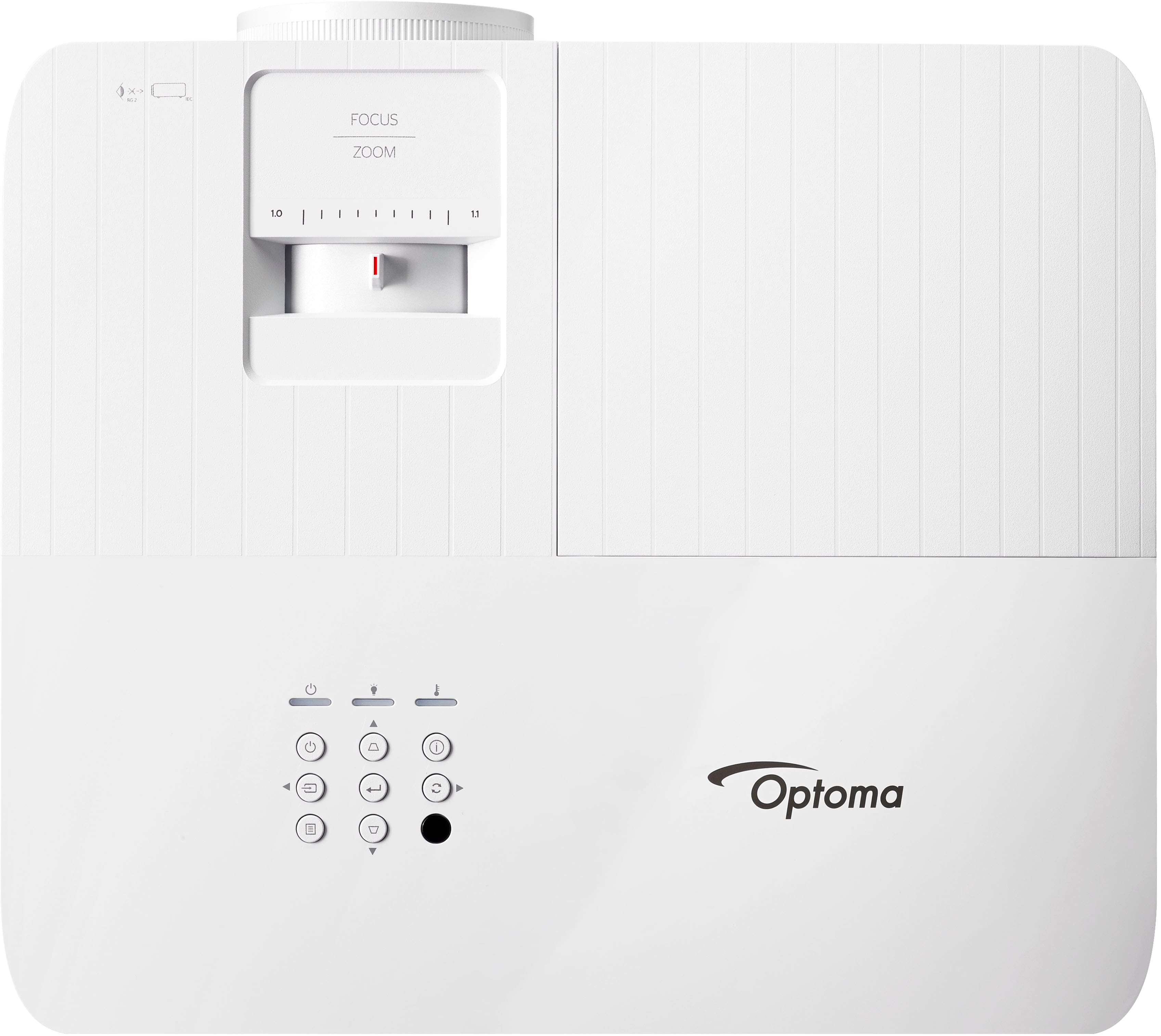
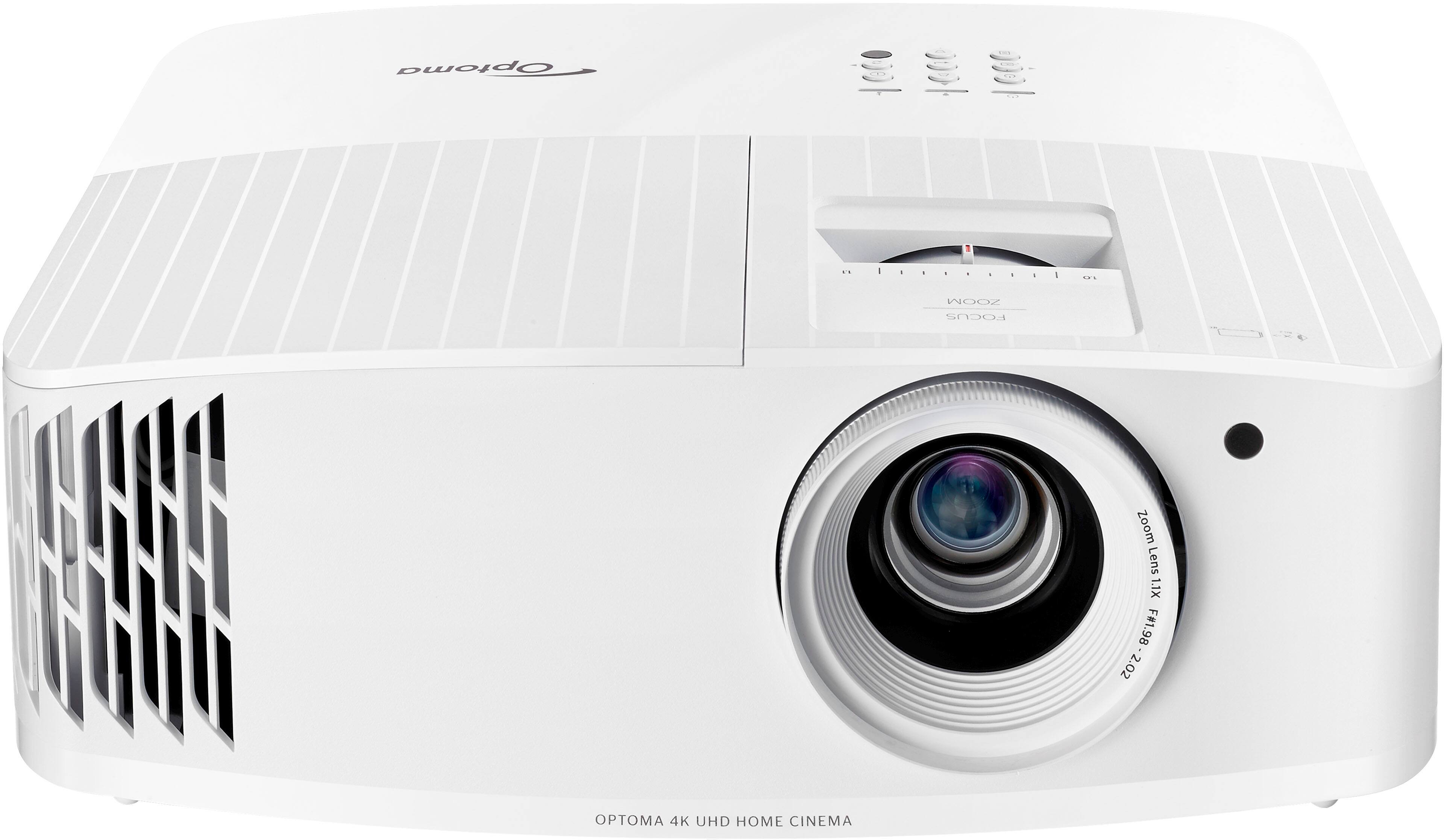
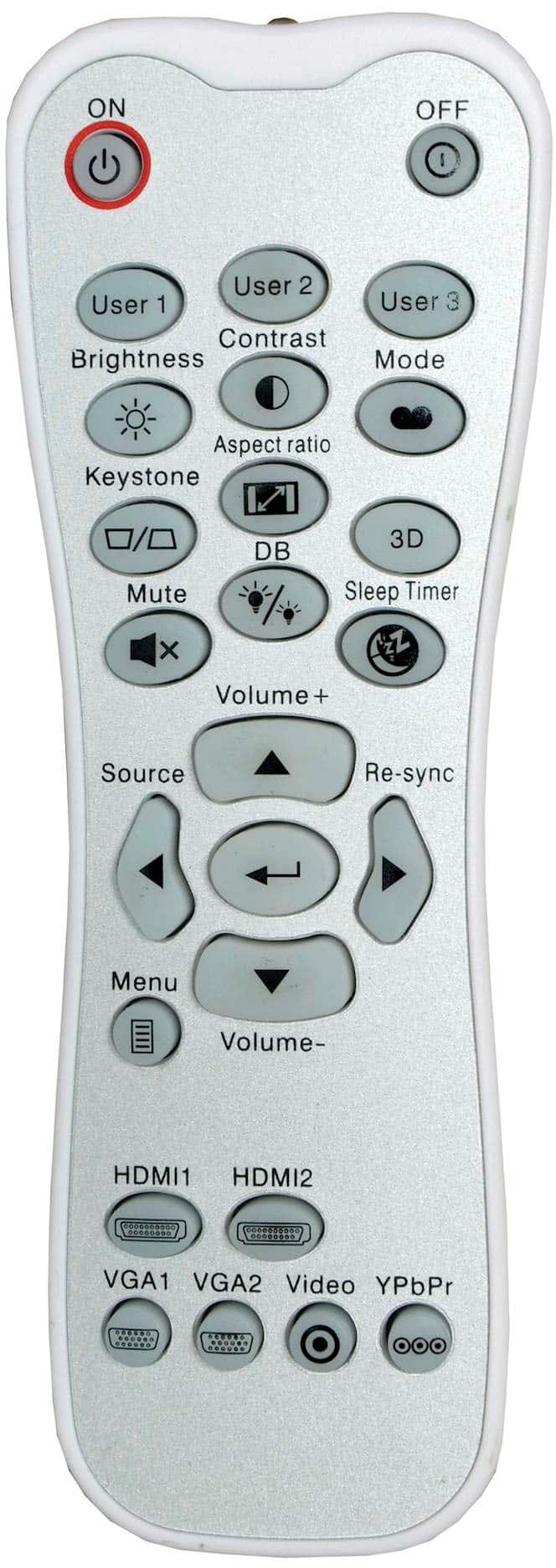
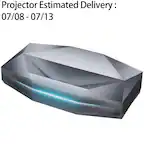
A:Answer Thank you for your interest in the UHD38X projector. Based on the request, "Can I change the aspect ratio of the image.. my screen will be 10ft x 10ft for a golf simulator" The diagonal for a 10ft by 10ft screen would calculate to a 170" diagonal projection and the placement of this projector will be between 22'-8" up to 25'-1".
You can also change the PC's display resolution to 4:3. To do this, follow these steps:
Right-click on an empty area of the desktop and select Display Settings.
Click on Advanced display settings.
Under Resolution, click on the drop-down menu and select a 4:3 compatible resolution. Use the user manual to reference the compatible resolutions list.
Compare it to your PC/laptop display resolution list and match them.
Click Apply.
If you have any further questions, please contact Optoma technical support at 888-289-6786 Monday - Friday 6 AM - 5 PM PST for further assistance.