Year-End SaleEnds 1/1/26. Limited quantities. No rainchecks.

Main Content

Questions & Answers

Your price for this item is $199.99
Page Showing 21-40 of 86 questions
  • QuestionWhat are the EXTERIOR dimensions?

    Asked by Daniel.

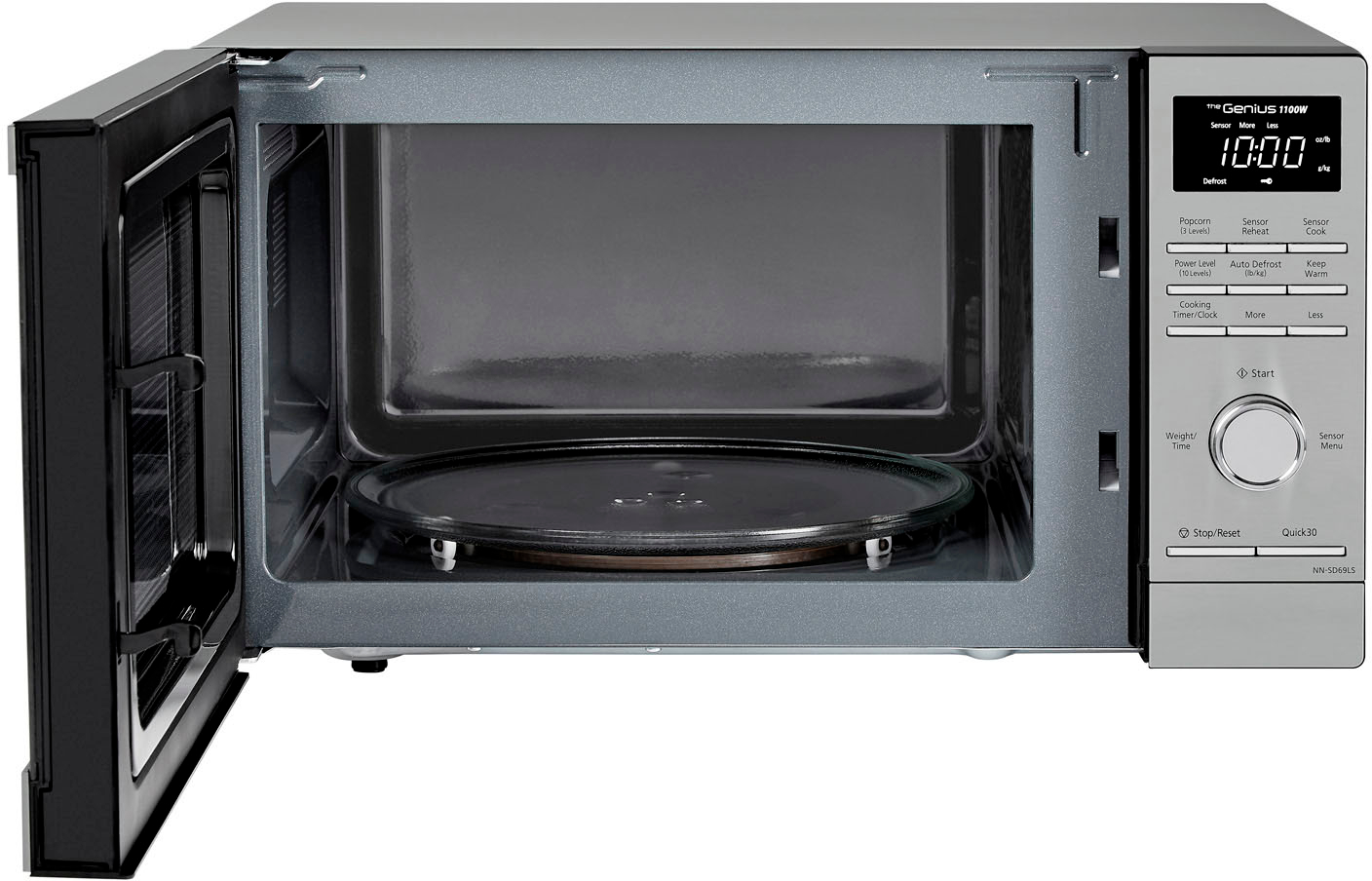
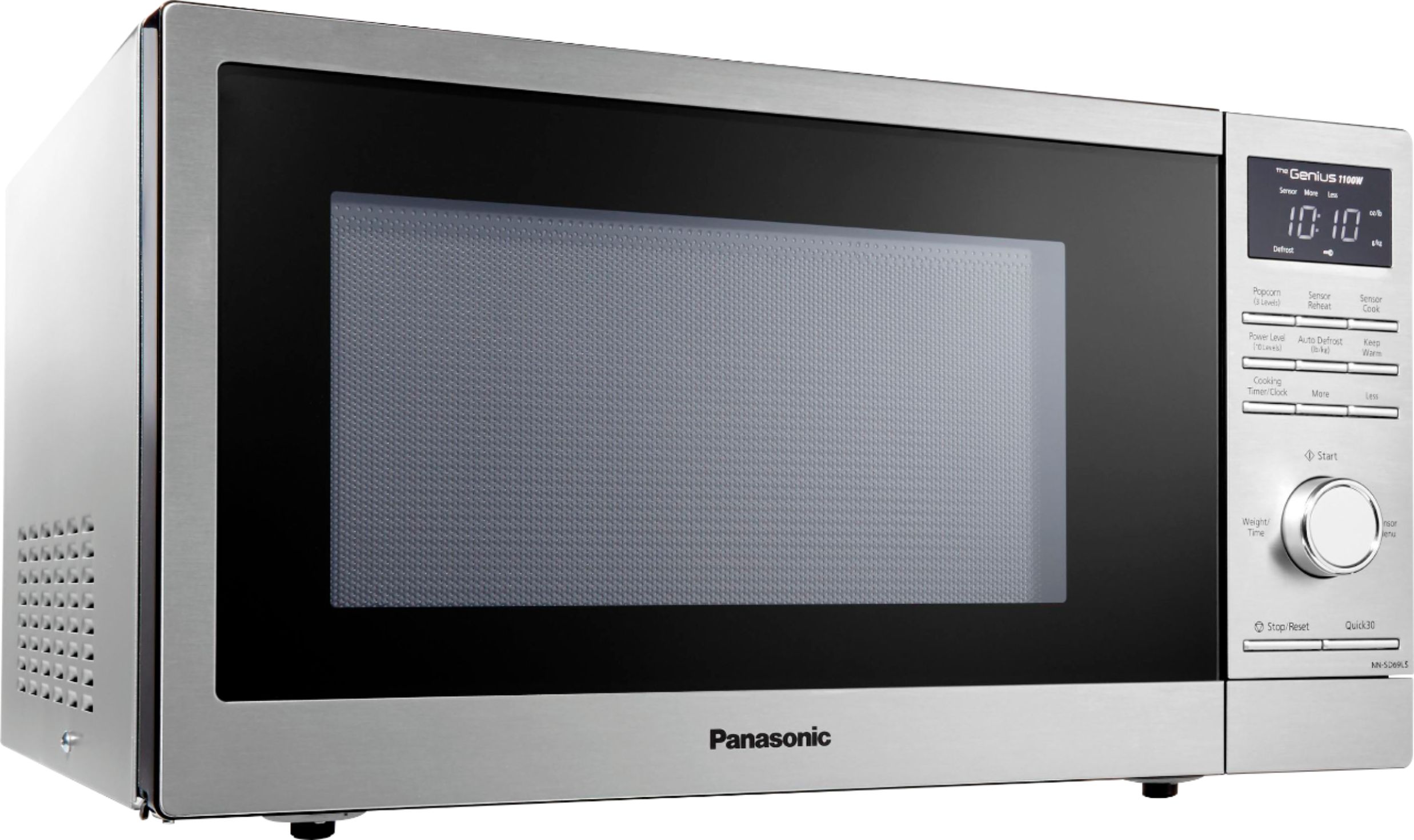
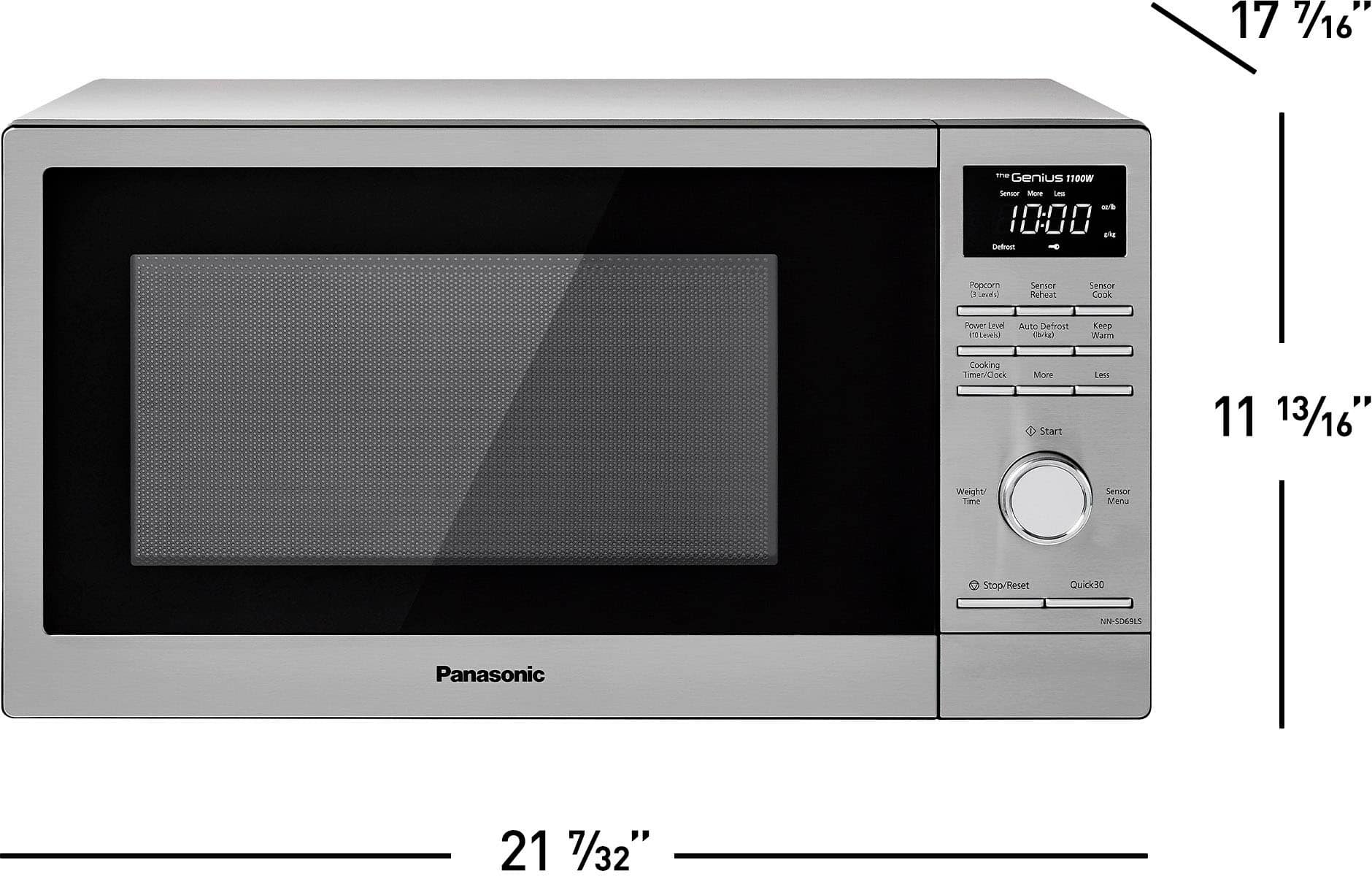
    • Answer Hi, Daniel! The outside dimensions (W x H x D) are 21 7/32” x 11 13/16” x 17 7/16”. -M

      Answered by Panasonic Team

  • QuestionCan I reprogram the programmable buttons?

    Asked by RickMesa.

    • Answer Hello, Rik! It is not possible to reprogram the buttons. -C

      Answered by Panasonic Team

  • Questionhow do i set the clock after a power outage?

    Asked by skip.

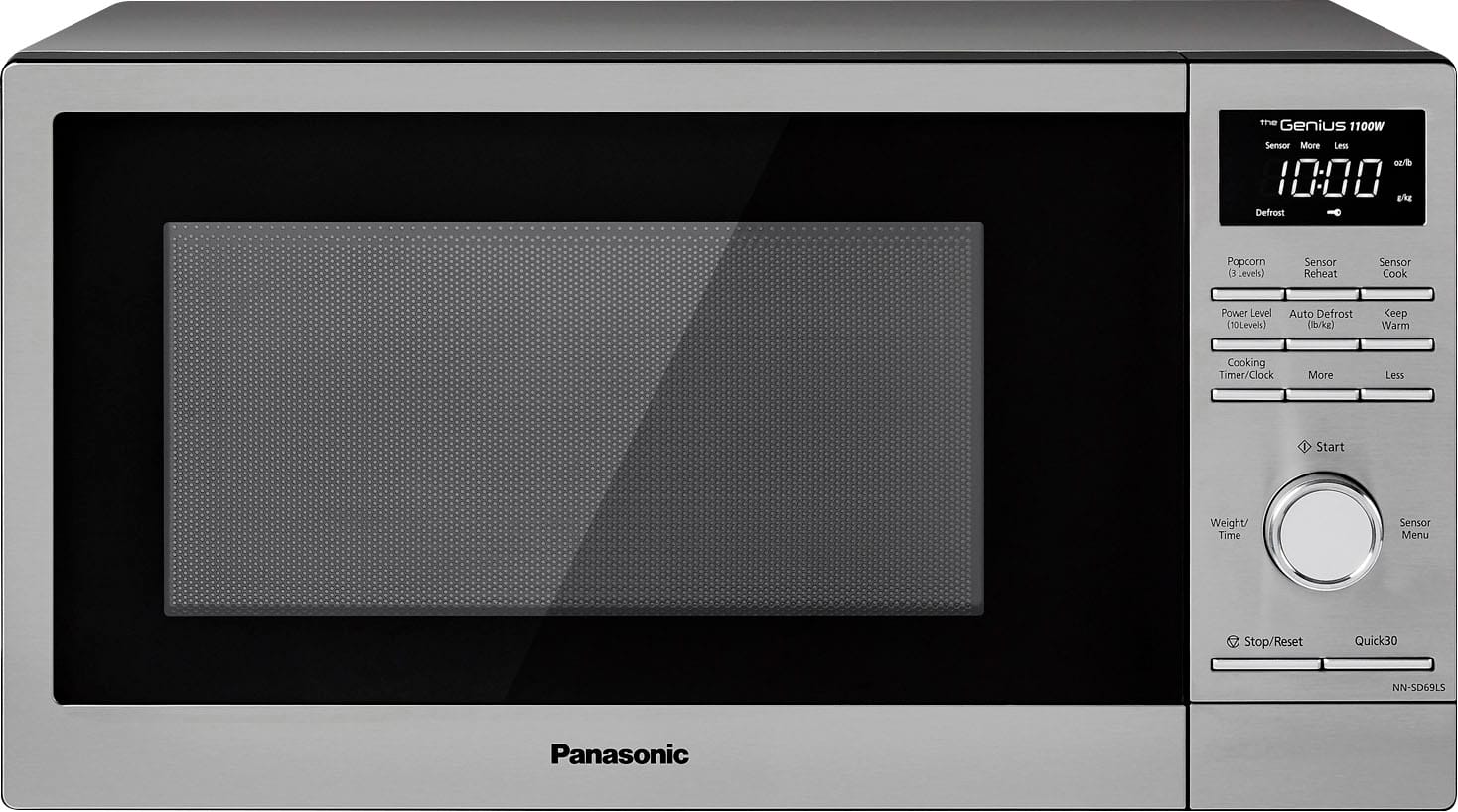
    • Answer Hello! With the oven not cooking, press Cooking Timer/Clock twice and the colon will blink. After this, you need to enter time of the day using the dial. Then, press Cooking Timer/Clock to finish the setting and the colon will stop blinking. The clock will retain the time of day as long as the oven is plugged in and electricity is supplied. Hope this helps! If you require further assistance, please contact the Support Team via Live Chat on the Panasonic Website, Contact Us option, Mon-Fri, 9am-5pm EST. -C
      Answered by Panasonic Team

  • QuestionIs this microwave NSF approved to be used in a commercial kitchen?

    Asked by Noellis.

    • Answer Hello! This oven is manufactured for household use only. It is not approved or tested for mobile vehicle, marine, or commercial use. -C

      Answered by Panasonic Team

  • Questionhow do I use the defrost cycle?

    Asked by dan.

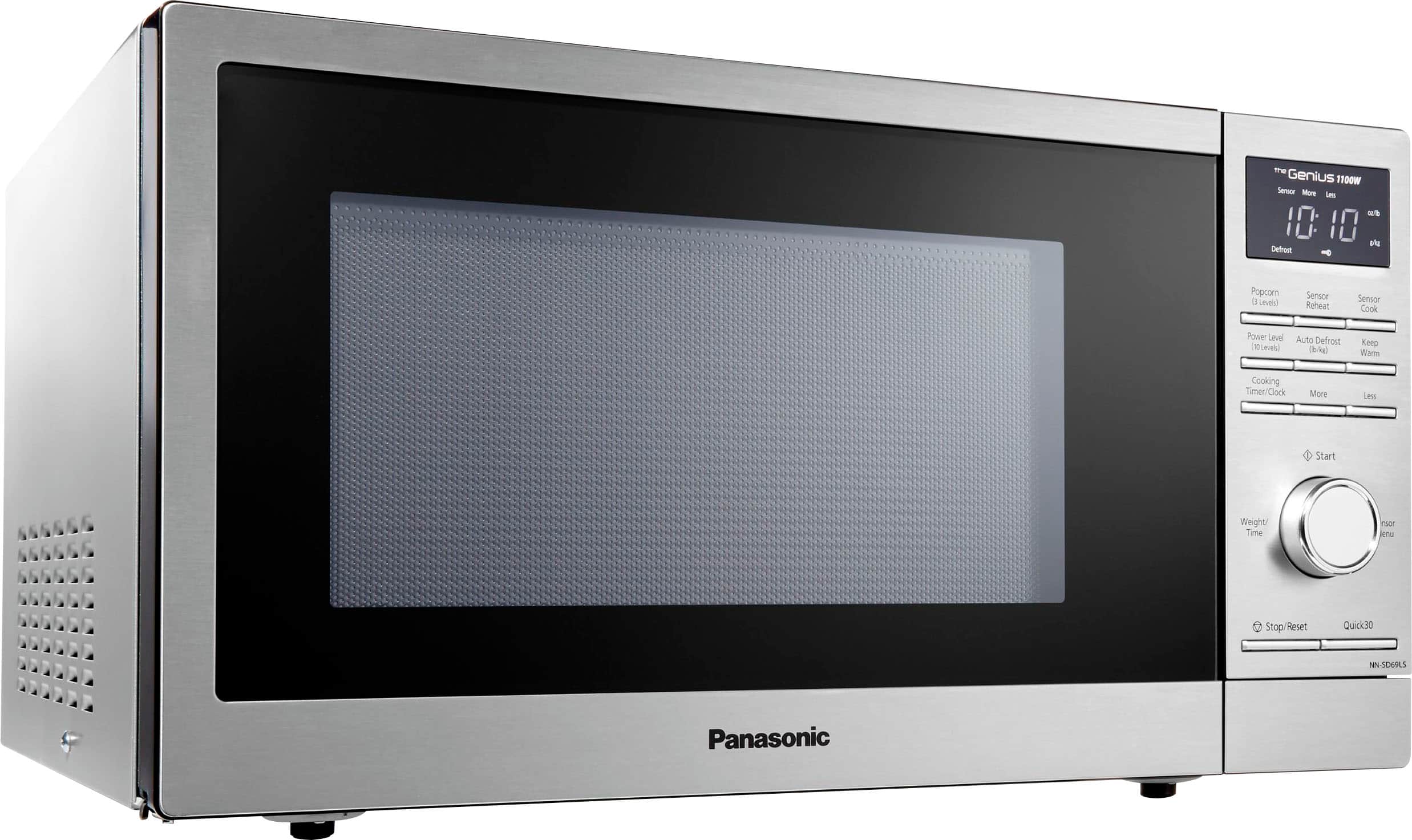
    • Answer Hello, Dan! This feature allows you to defrost foods such as meat, poultry and seafood, simply by entering the weight. Firstly, press Auto Defrost and bars will be displayed above the “Defrost”, and on the left side of the “oz/ lb” or “g/kg”. You need to enter weight of the food using the Dial. After this, press Dial. Defrosting will start. Larger weight foods will cause a signal midway through defrosting. If a beep sounds, turn over and/or rearrange foods. If you require further assistance, please contact the Support Team via Live Chat on the Panasonic Website, Contact Us option, Mon-Fri, 9am-5pm EST. -C
      Answered by Panasonic Team

  • QuestionDoes it have a convenient One Minute button or equivalent?

    Asked by 1234.

    • Answer Hi! It does have a 30 sec quick button but it also has the sensor cook who automatically adjust the cooking time and also the sensor reheat, for reheating the food. -A

      Answered by Panasonic Team

  • Questionhi is there a trim kit available for this model? thanks.

    Asked by fitting.

    • Answer Hello! This model was not designed to work with a trim kit. -C

      Answered by Panasonic Team

  • QuestionDoes this microwave have the Proposition 65 warning?

    Asked by BernardR.

    • Answer Hello! The NN-SD69LS has the Proposition 65 warning. -M

      Answered by Panasonic Team

  • QuestionReset clock?

    Asked by Paddy.

    • Answer Just open the door, press the clock butto and set the time, door needs to be open otherwise it thinks you want to cook something. GH

      Answered by GlenH

  • Questionwhat is the distance you need to leave between the microwave and the wall?

    Asked by Anonymous.

    • Answer Hello! The recommended is 3 inches. -M

      Answered by Panasonic Team

  • QuestionCan this microwave be used with a trim kit and built in?

    Asked by Anonymous.

    • Answer Yes

      Answered by EleazarL

  • QuestionWhat are the dimensions of the microwave? What is the wattage?

    Asked by susan.

    • Answer Hi, Susan! The outside dimensions (W x H x D) are 21 7/32” x 11 13/16” x 17 7/16” (539 mm x 300 mm x 443 mm). Also, the power consumption of the microwave is 1500 W and the cooking power is 1100 W. Hope this helps! -C

      Answered by Panasonic Team

  • QuestionDoes this have a child lock on it

    Asked by Lilsis127.

    • Answer Hi! Yes, it does have a child safety lock. -C

      Answered by Panasonic Team

  • Questionwhat year was it made?

    Asked by Anonymous.

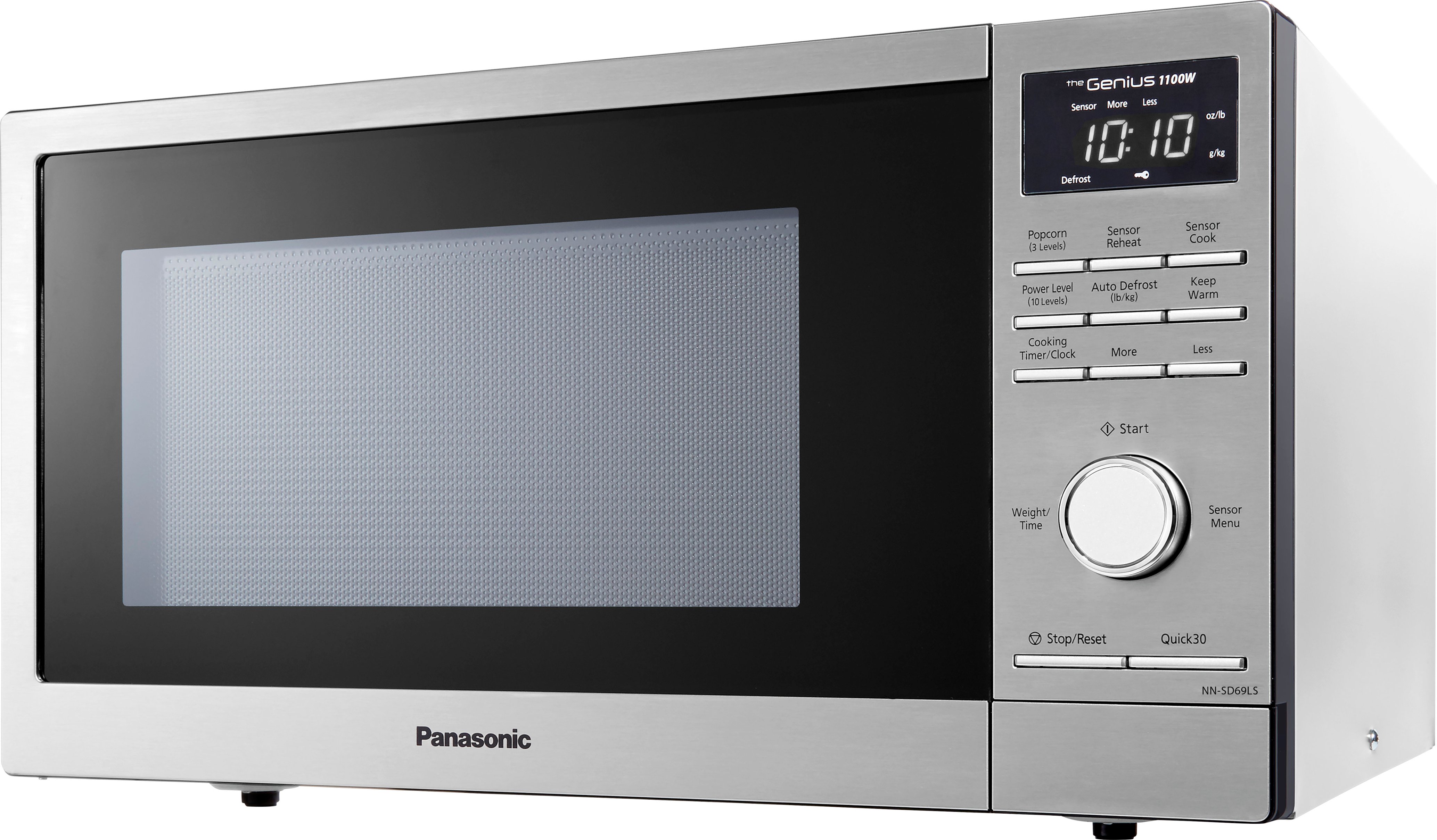
    • Answer Hello! The microwave was released in 2020. We will need the serial number in order to determine the manufacture date. Please contact the Support Team via Live Chat on the Panasonic Website, Contact Us option, Mon-Fri, 9am-5pm EST. -C
      Answered by Panasonic Team

  • Questionis there a light inside this microwave?

    Asked by queen11.

    • Answer Hello! The microwave has an interior light. -C

      Answered by Panasonic Team

  • QuestionOn the rear of the appliance there is a plastic piece, located above the exhaust fan vent on the left side. There's no mention of it in the manual. I'm wondering what it's for. It's U shape looks like it should hold something.

    Asked by bjakey.

    • Answer We would need more information in order to have a better understanding of your inquiry. If you’re open to discussing it further, please contact Support Team via Live Chat on the Panasonic Website, Contact Us option, Mon-Fri, 9am-5pm EST: https://shop.panasonic.com/contactus . -M

      Answered by Panasonic Team

  • QuestionDo it fit over a range

    Asked by Anonymous.

    • Answer No this doesn't fit over the range as it is a countertop mode.

      Answered by LawsonK

  • Questionwhat are the dimensions?

    Asked by Anonymous.

    • Answer Outside dimensions - 20" wide, 13" high, 17" deep - give or take... Inside dimensions - 13" wide, 10"high, 14" deep - give or take.

      Answered by LawsonK

  • QuestionCan you set the timer in seconds

    Asked by Mick.

    • Answer Yes.

      Answered by LawsonK

  • QuestionWhat trim kit would be used for this microwave

    Asked by klj.

    • Answer Hello. The microwave oven does not have a compatible trim kit. We recommend the oven to be placed on a flat, stable surface. Place the front surface of the door 3 inches (7.6 cm) or more from the countertop edge to avoid accidental tipping of the microwave oven during normal use. For proper operation, the oven must have sufficient airflow. Allow 4 inches (10.16 cm) of space between oven top, sides, rear, and adjacent surfaces.-G

      Answered by Panasonic Team