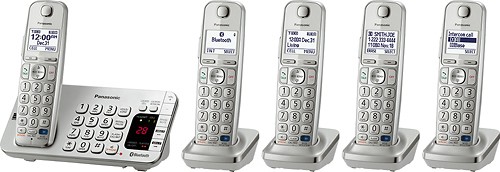
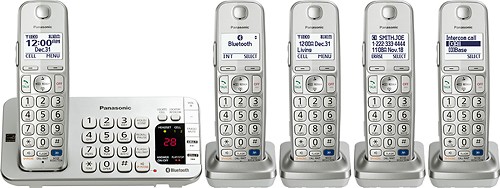
A:Answer Yes, push the button beneath the words "menu" on the phone handset screen, then navigate with the center navigation key by pushing the down arrow (labeled CID) to "settings", hit the select button, and navigate with the down arrow again until you see "ring adjustments", hit select and navigating again with the down arrow to choose "ringer tone", hit select, then navigate through all the choices for rings by using the down arrow and you will hear snippets of each one, use the up arrow to go to a previous ring tone, when you find one you like hit "save" and voila! I have 5 "tones" and 10 "melodies" from which to select. I think one may select different tones for each handset but I am not certain. You also will notice the ability to make a particular handset silent or have a lower volume ring tone, among other things, in the ringer adjustments category. I am no whiz at this but stumbled upon "ring tones" when trying to keep one handset silent in the guest room.