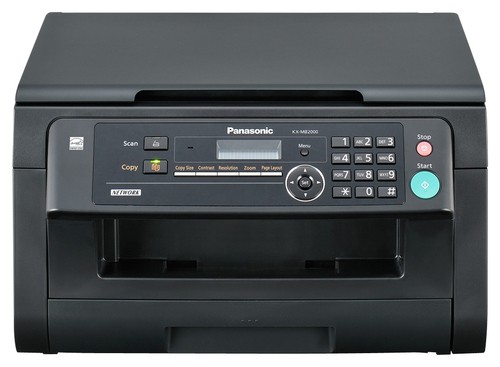
A:AnswerCan yes, but then it cannot be used with wired LAN or USB. Works great throughout my house. Full security setup in machine just like any other device linking to your wifi router.
A:Answeri have had this for 10 months and it is not telling me my toner is low. i printed quite a bit. this is also the toner that came with it when i purchased it. i will be getting a new toner soon. roughly 1500 pages and mostly documents. minumal graphics.
A:AnswerFeeder can only handle up to 20 pages at a time as long as the document you are scanning is within the required document weight, for multiple sheets it should be: 60 g/m2 to 80 g/m2 (16 lb to 21 lb). I hope this information helps you.
A:AnswerHi,
We are sorry but the feature you are looking for is not available on the KXMB2000, but can be found on the following models; KXMC6020, KXMC6040, & KXMB3020
Hope this helps out,
A:Answerhave never used laser paper. i used the 3.99 paper and the copy and print is perfect. very clear. i don't feel a need for more expensive paper nor do i think it will improve quality of print/copy.
A:Answerif you plug it into your router yes. use it as a network printer. that is how i have it with all my computers in house. have linux mac and windows and all print well wirelessly.
A:AnswerHi,
The KXMB2000 has the feature which allows you to scan a document or file and save it to a SMB folder within your network. The said feature is only applicable when the unit is connected to a network.
Hope this helps,