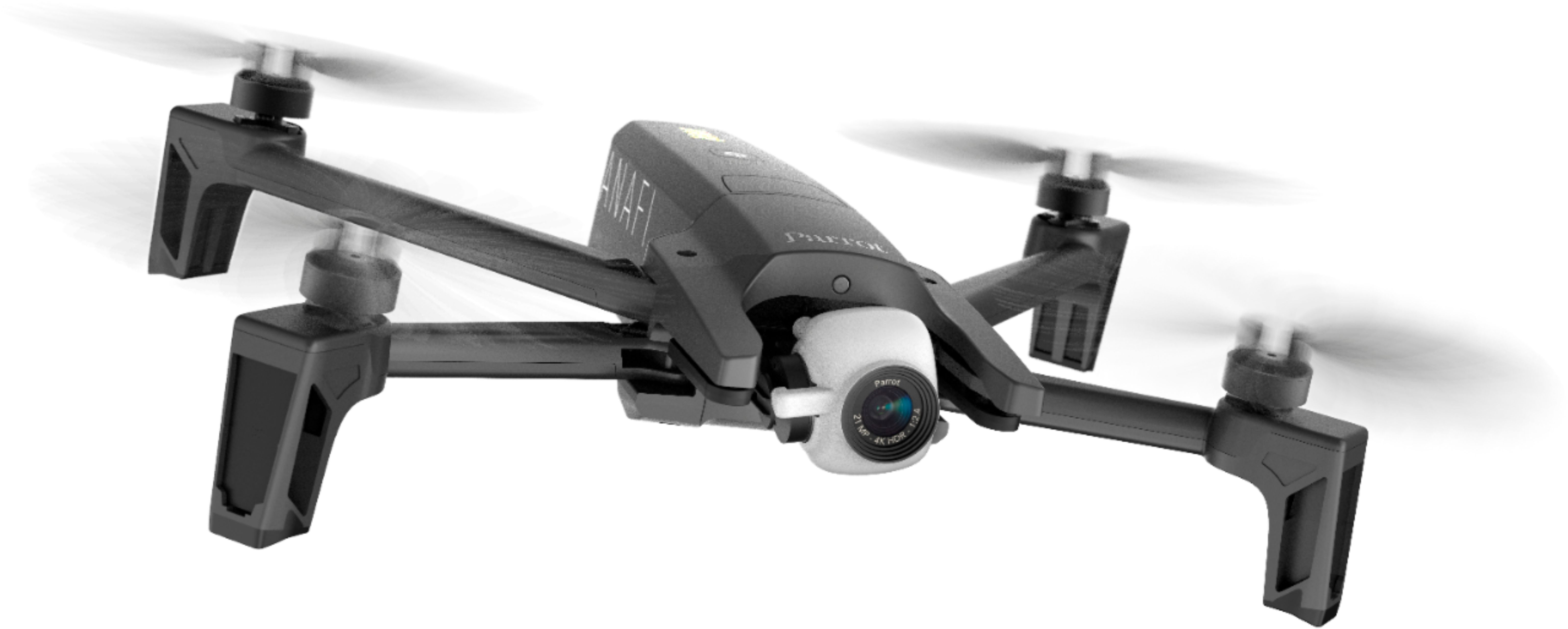
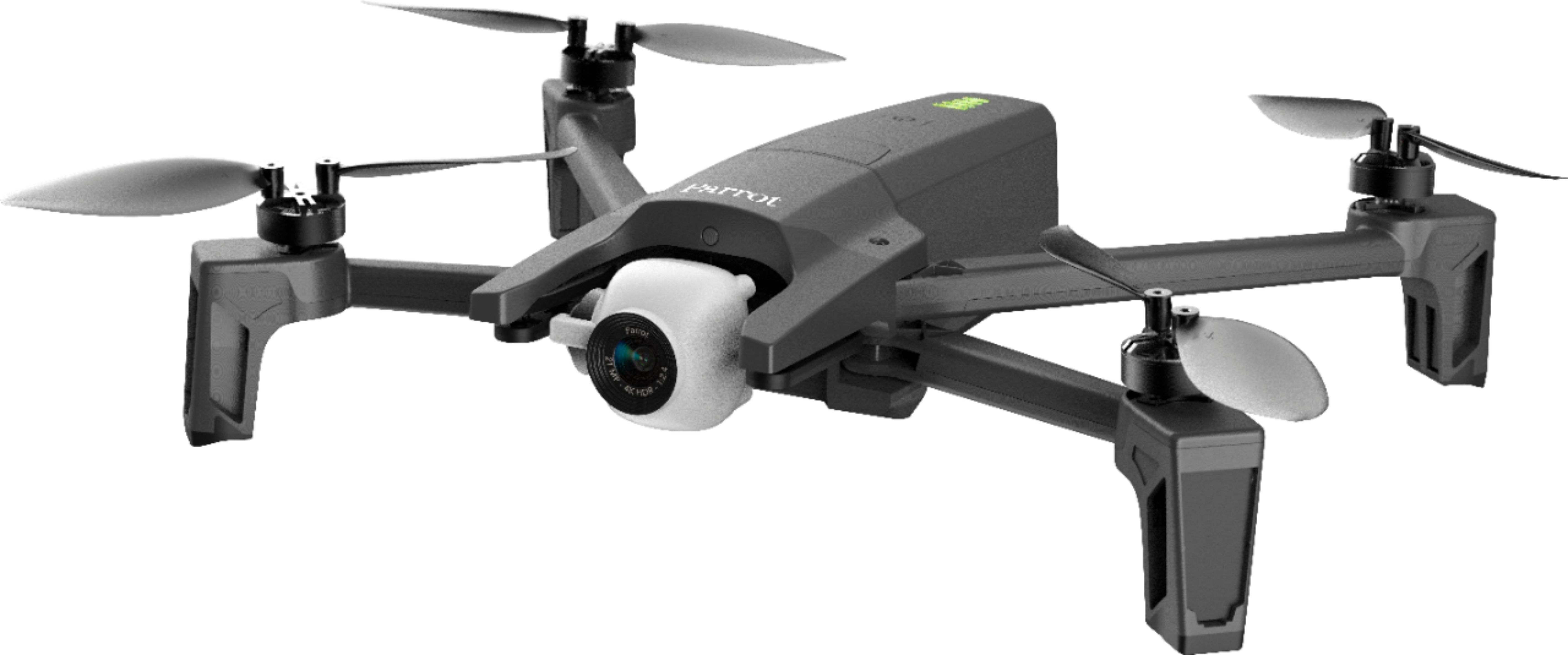
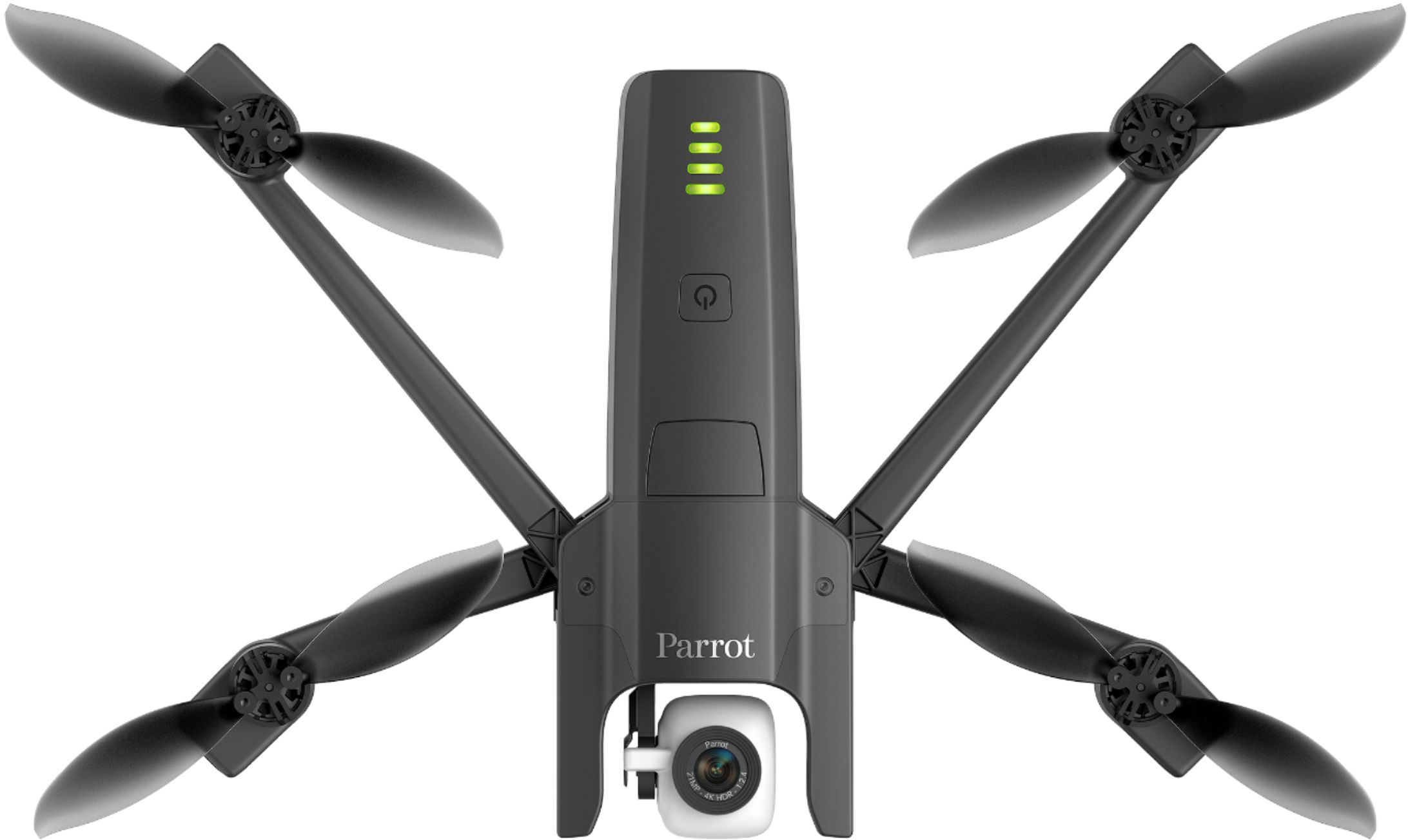
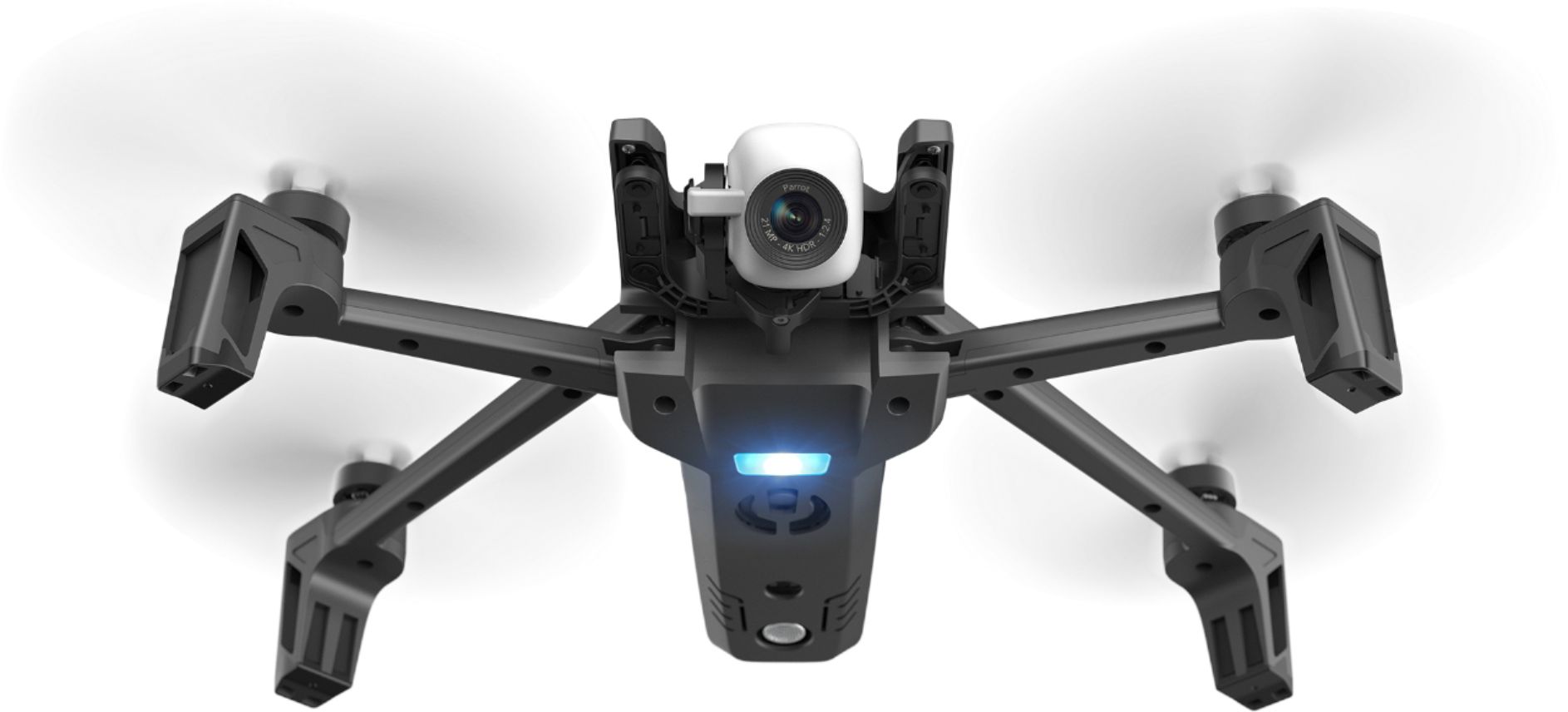
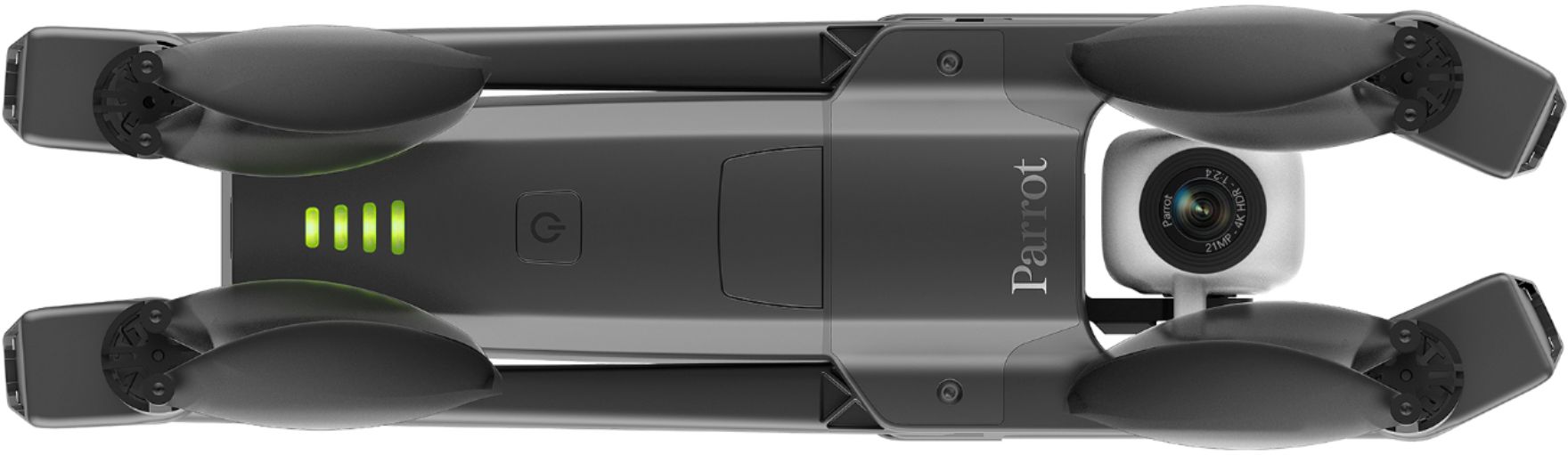
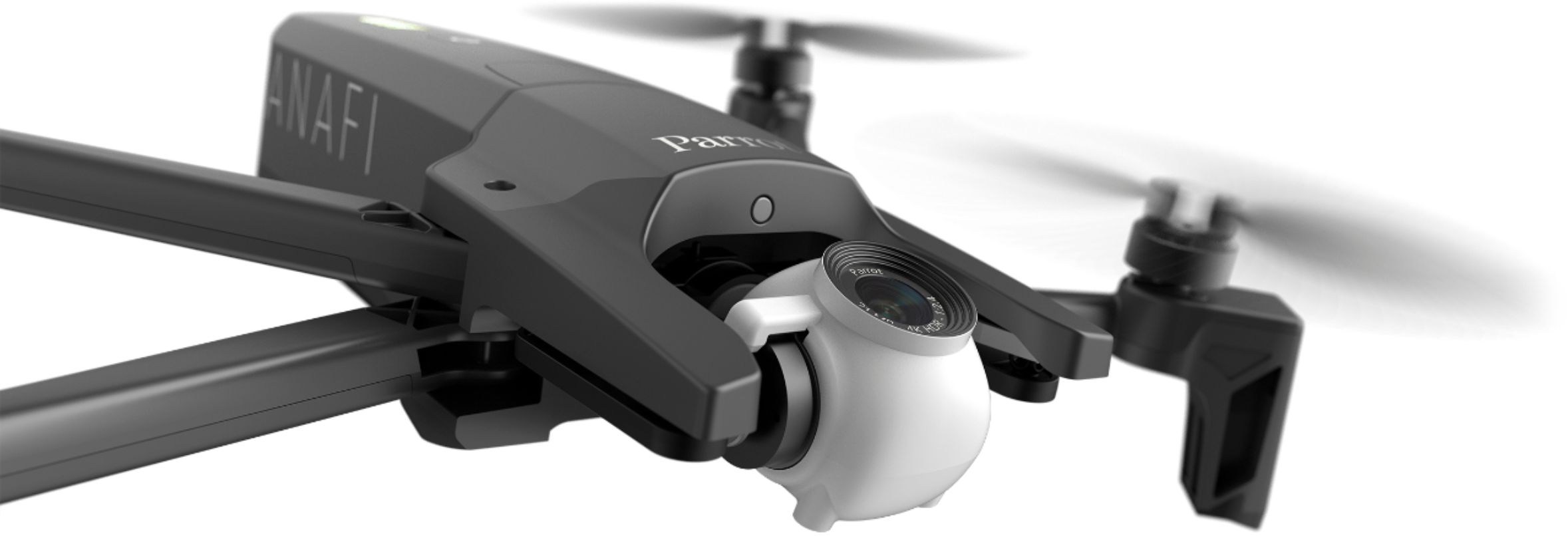
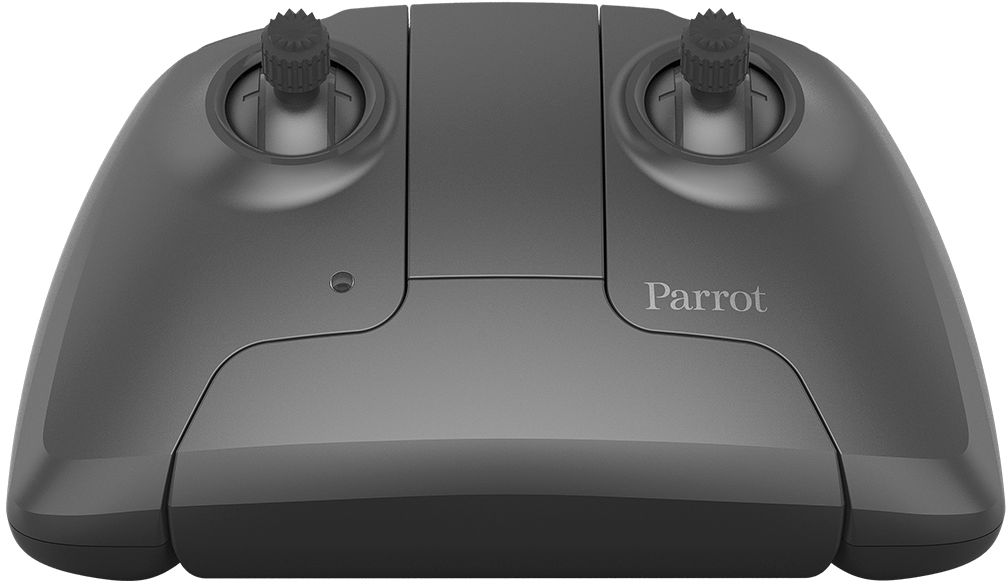
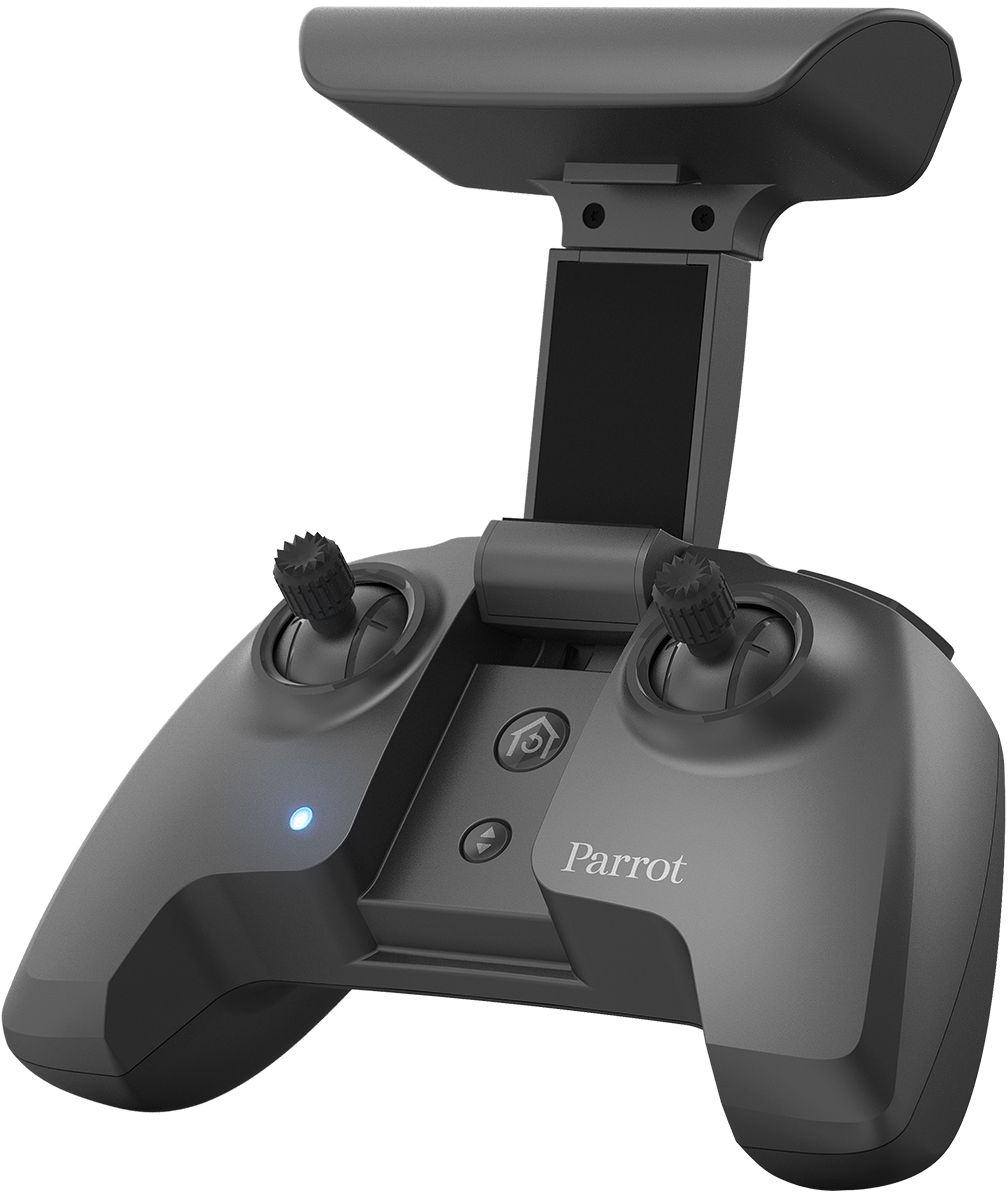
A:AnswerThe drone is not waterproof nor will it float. My first Anafi is still on the bottom of a stream. There are aftermarket styrofoam balls that will attach to the legs and provide bouyancy. I believe the Anafi also has a low power mode that enables the "return home" feature.
A:Answerive been flying my parrot bebop 2 for 2 years and had no issues with my app, given its not freeflight 6 but I would expect a similar experience
A:AnswerI can't speak for the DJI, but my first experience with the Anafi I flew it along my roof line. I was able to tilt the camera down and look in my rain gutters while slowly sliding from one end of the house to the other. The ability to rotate the camera may be something you want for inspecting roofs. Parrot says you get 25 minutes of flight on their battery. I've only flown mine twice so far for about 15 minutes each session so I can't confirm that as accurate.
A:AnswerCamera is a 4k resolution with 2x zoom levels while the controls take a little bit to get used to it is very stable even in windy conditions allowing for easy video recording and pictures
A:AnswerYou can remove the micosD card and with and adapter put the card into your card reader. The computer will see a new drive. Then open the card and use any photo viewer app.
Be careful of the card gate it is fragile and easily broken.
Remove battery.
Place finger gently on the gate covering the card and gently slide it up.
The gate should pop open releasing the card.
Revser that process to reinstall the card.