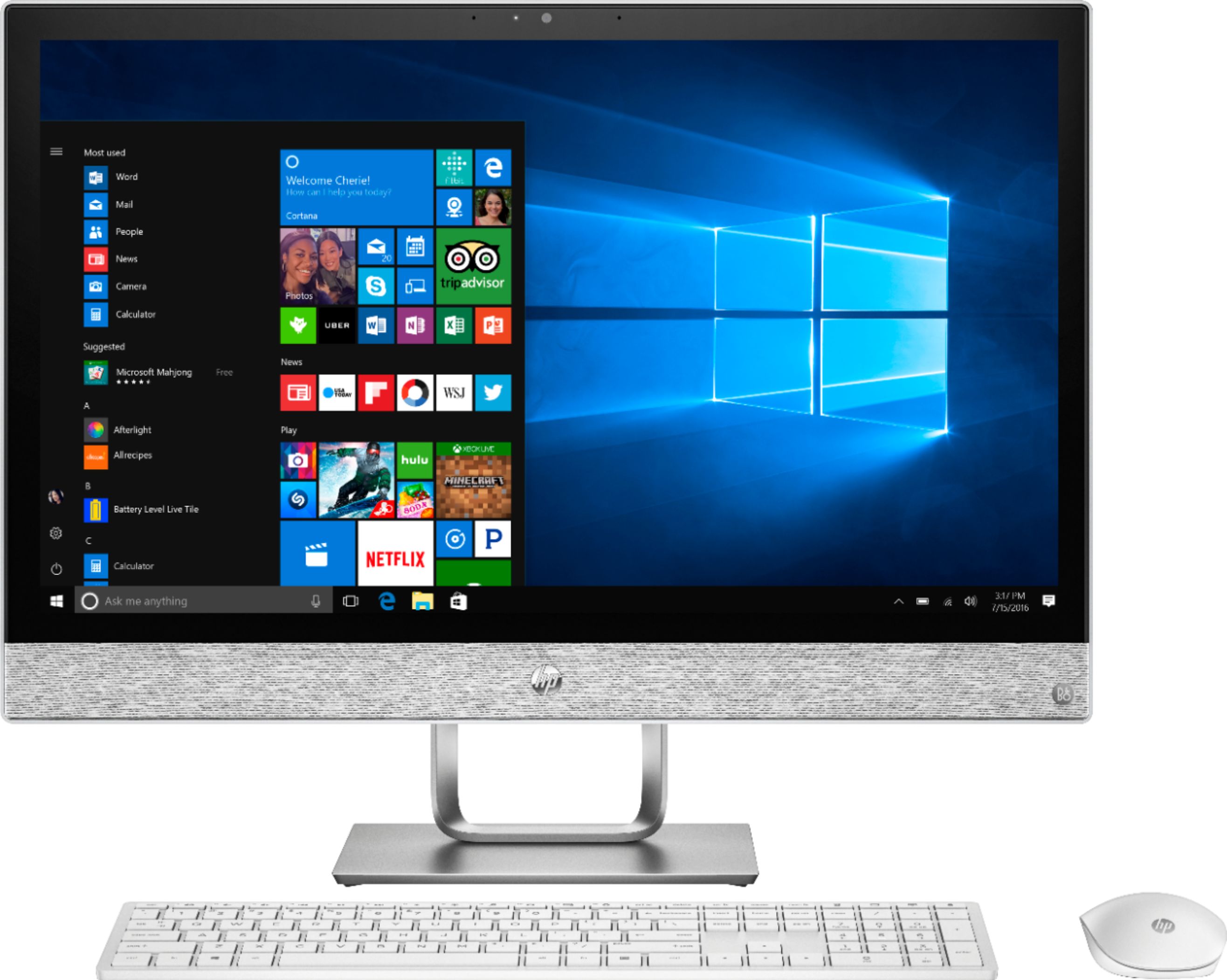
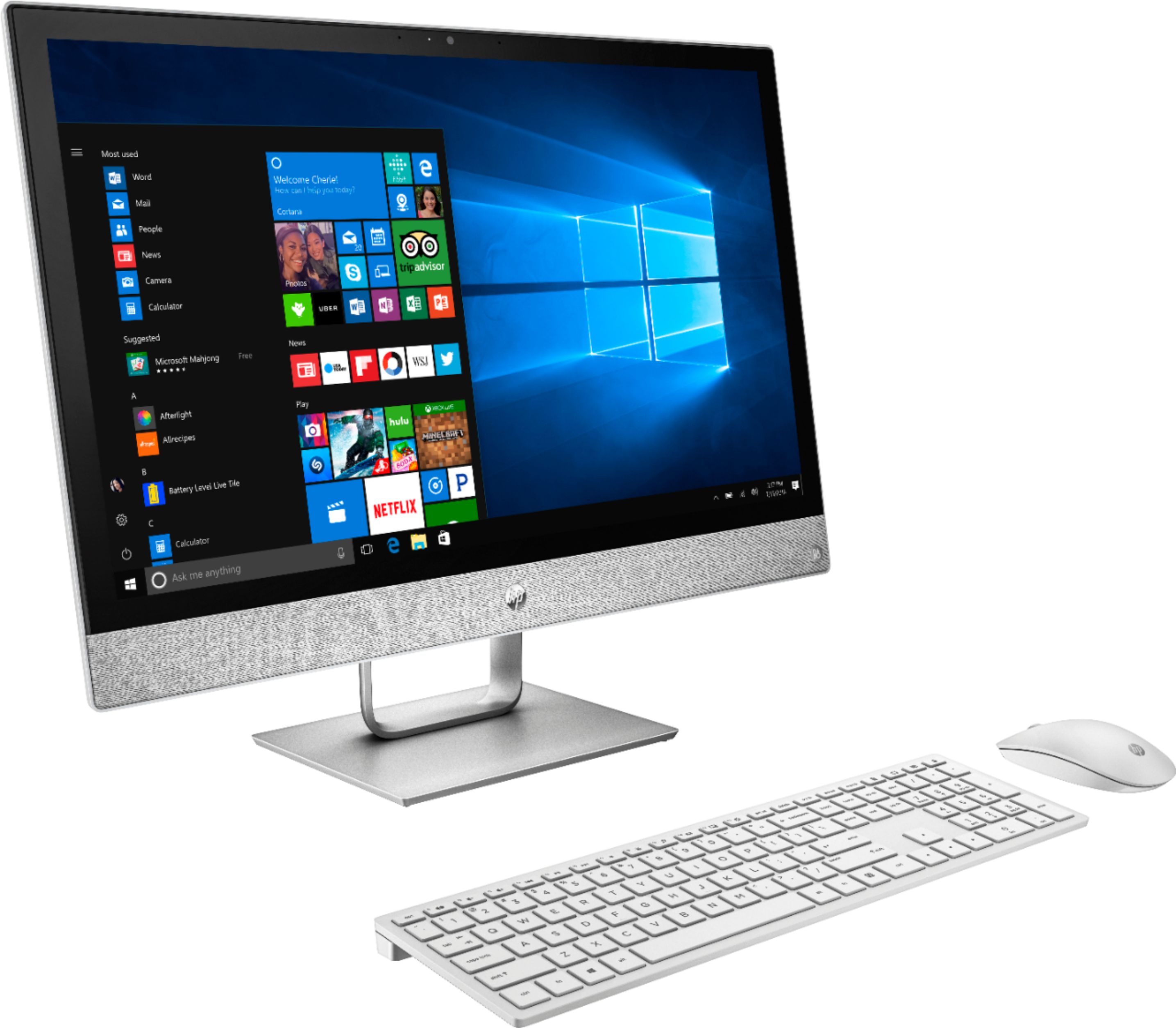
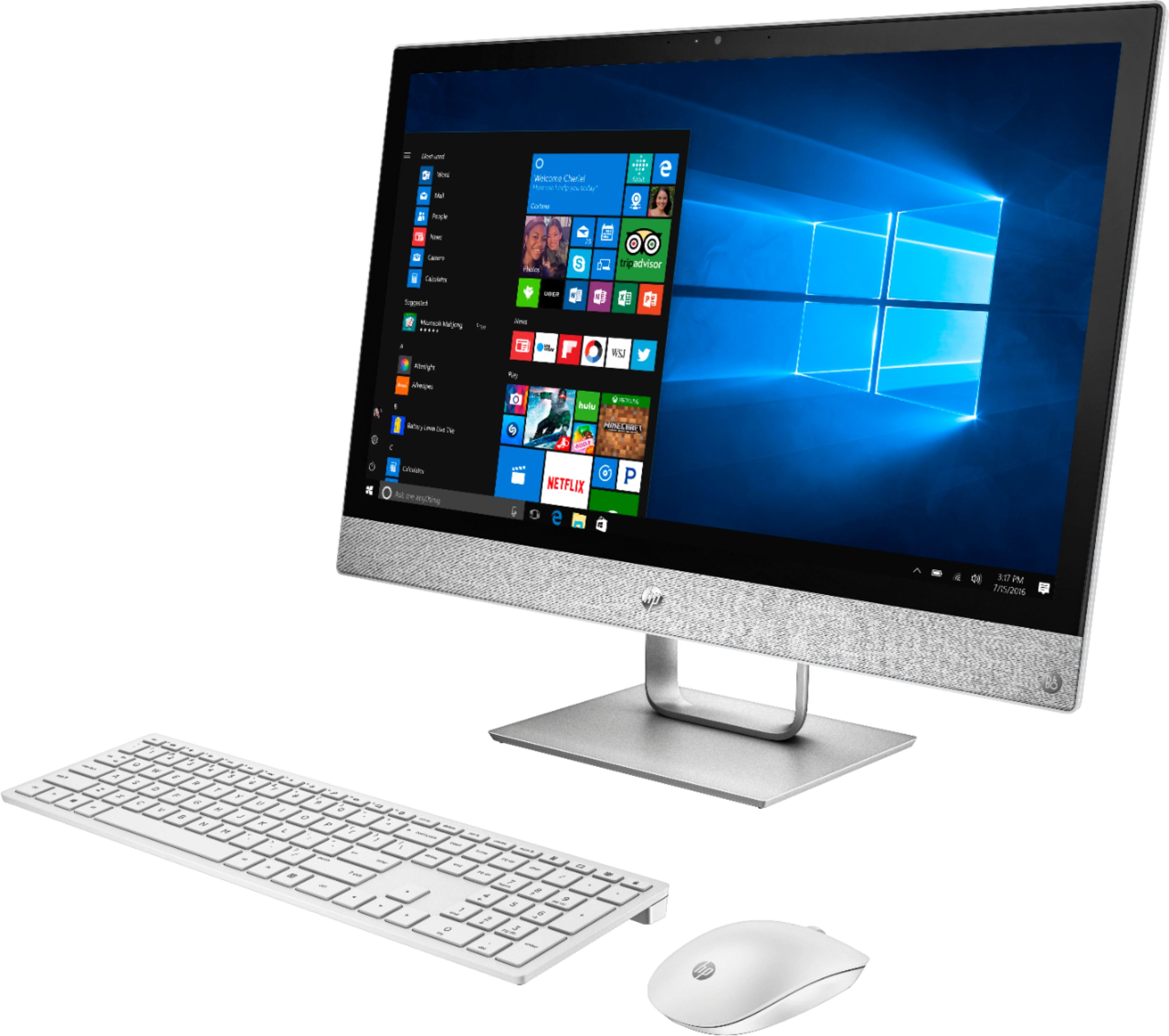
A:AnswerWhile the all in one lacks graphics for sharp, ultra-definition and efficiency, the processing power, memory, and integrated graphics are enough to run Sims 4 on moderate settings.
A:AnswerI had the same issue. Finally discovered updates that had to be downloaded. After I did those, restarted a few times, and ran the sound check again it started working.
A:AnswerI bought the same computer in November and HP support has no idea how to fix it other than restore the software and then you have to re-install everything all over if you have installed software. What a waste of time and with everyone having this issue they know there is a defect or something but they act like they haven't seen the issue when you contact them. Very bad to sell product you know isn't going to work as described. I chose not to restore at this time because who knows if it would solve the issue at all, so I have a computer I paid for touchscreen that doesn't have touchscreen.
A:AnswerWe're sorry to hear about this! Your all in one is meant to have touchscreen capability, so we're not certain why your system information would be saying otherwise. We recommend contacting our Tech Support team for more assistance: http://support.hp.com/us-en . Click "Contact HP" at the bottom left of the page. Alternatively, you can reach us by phone at 1-800-474-6836.
A:AnswerUpdate - I was able to follow the troubleshoot procedure to install a generic driver. It stoped working after a Windows update. Keep trying the troubleshoot to fix!!!!
A:Answerno, i connected my router with a network cable. it does not have an input for coax. My coax comes in to my router and the network cable goes from the router to the PC
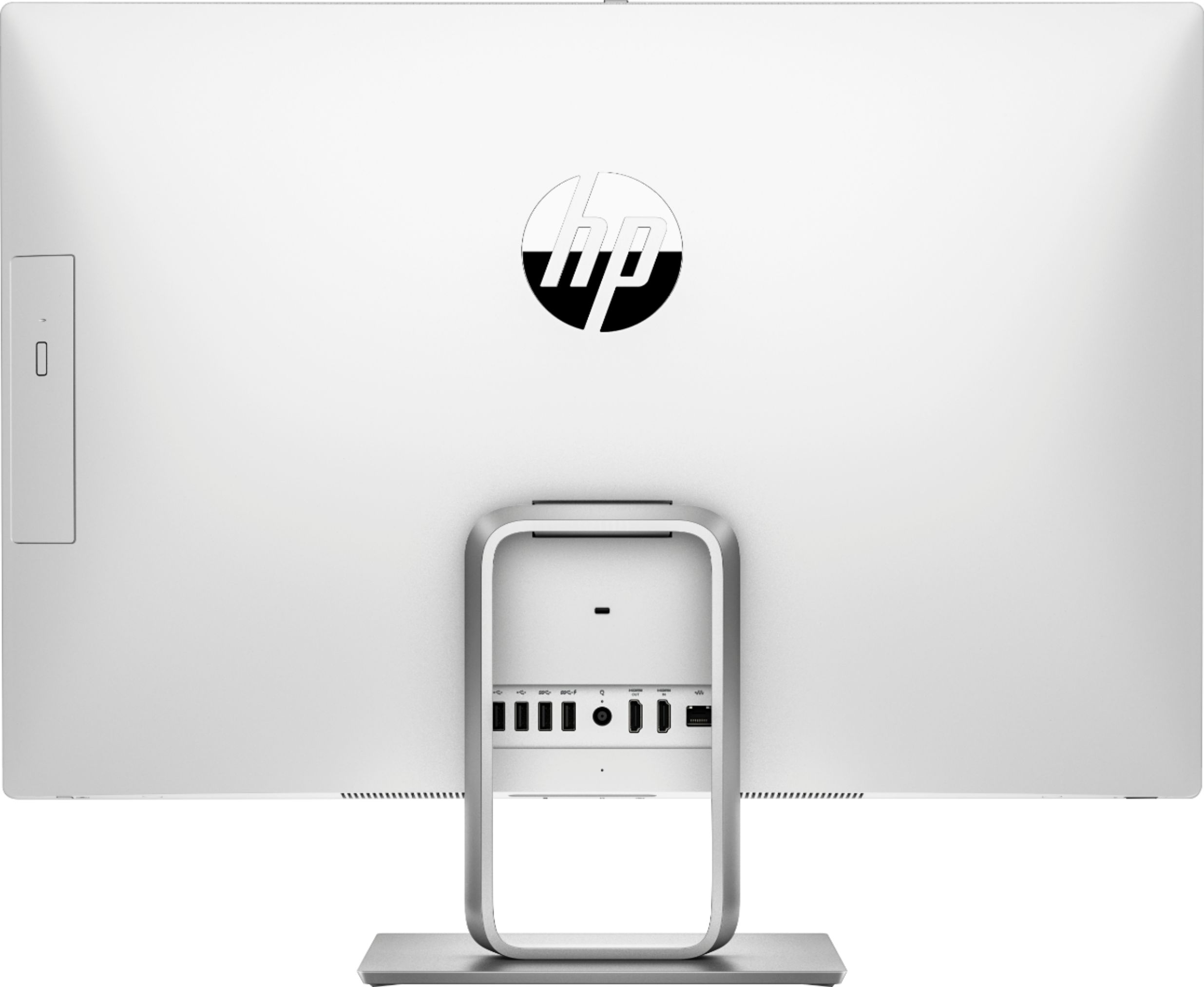
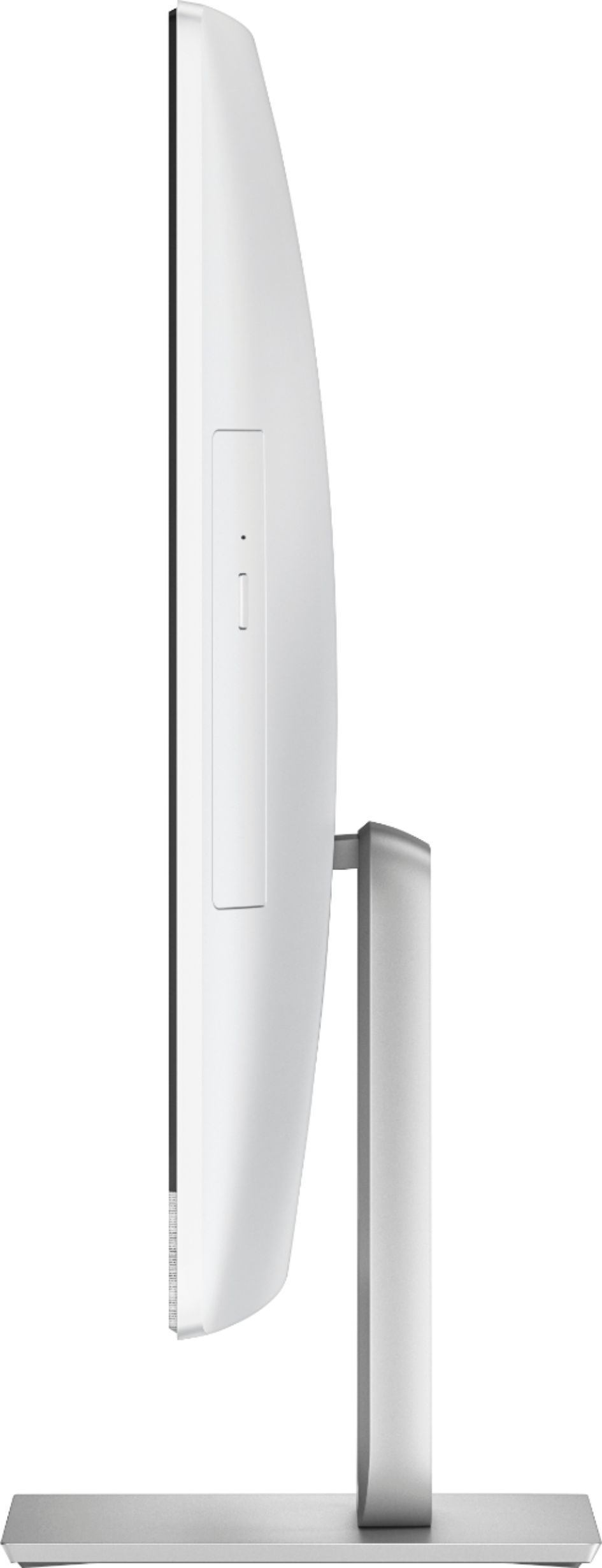
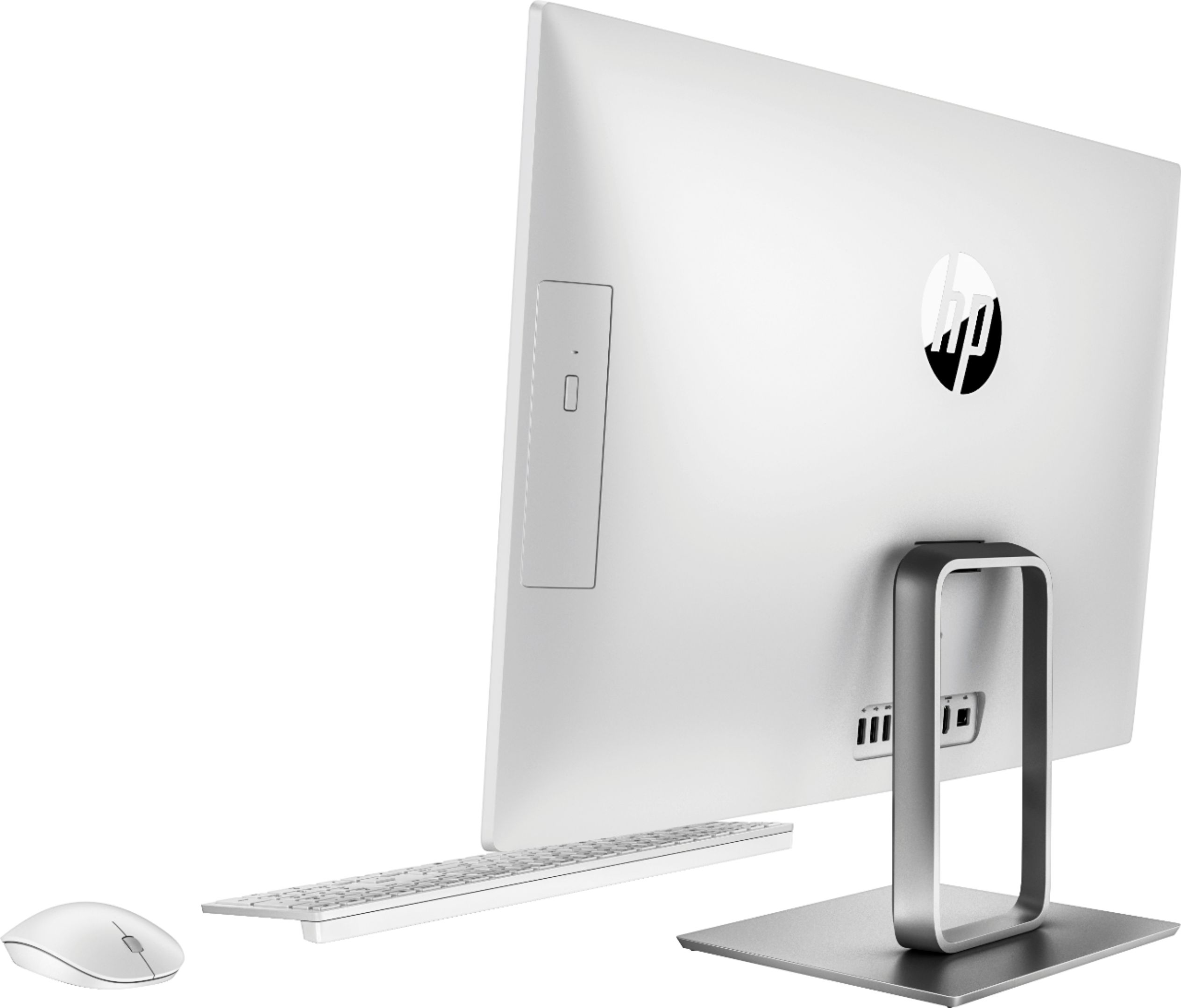
A:AnswerThis model has five ports total! On the back of the display, it features two USB 2.0, one USB 3.1-Type A, and one USB 3.1-Type A charging. The bottom underside edge has a USB Type-C port. This HP Support page details them better! https://support.hp.com/us-en/document/c05987221
A:AnswerIt only has plain text document and a trial version of MS Office 365. But, you can purchase MS Office 16 and 19 online for the life of the computer and download it for a reasonable price.
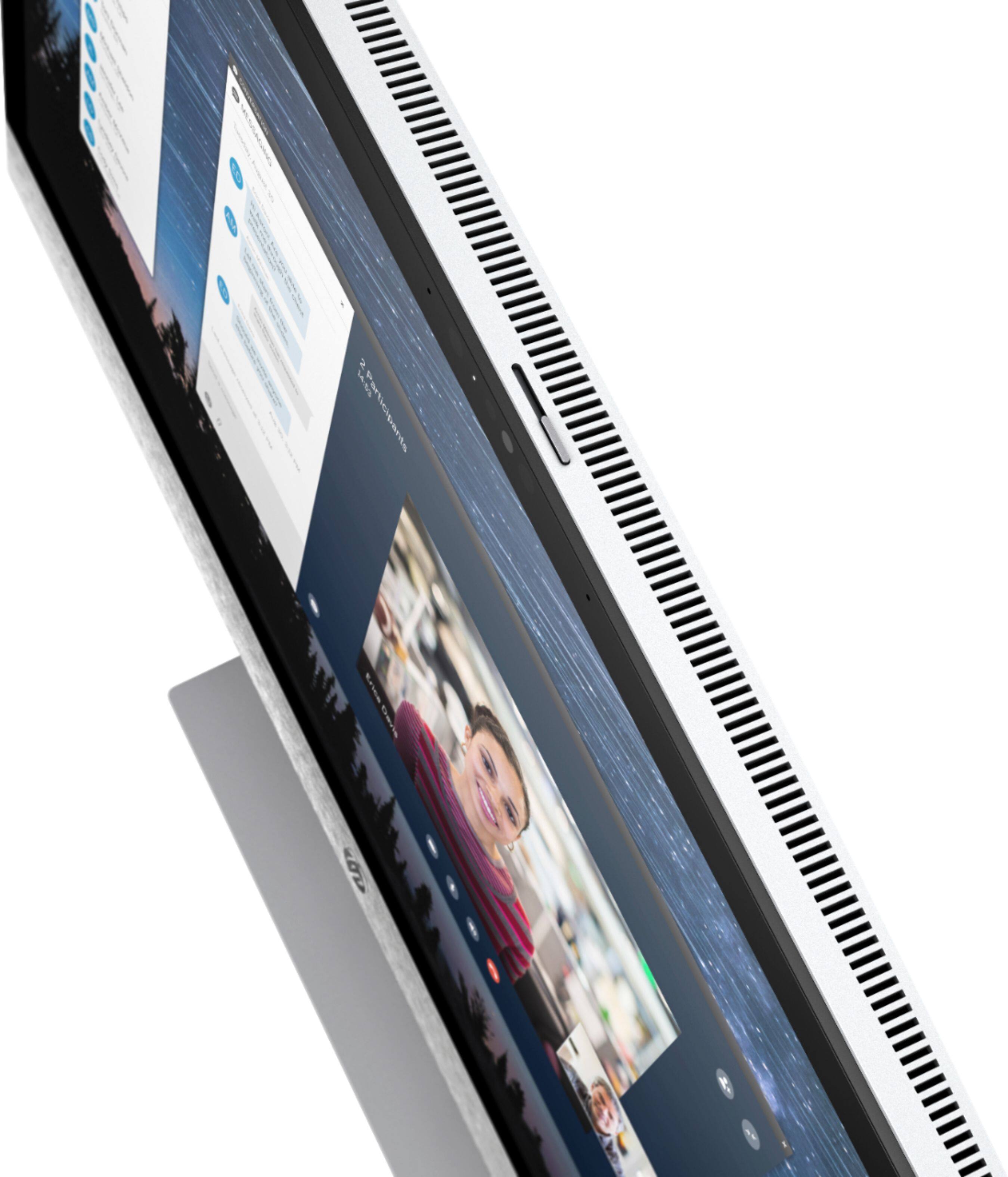
A:AnswerThe input slots for this computer are all on the back or bottom, not the front. If you are referring to the bottom ports, it includes Headphone/Microphone, SD card reader and USB 3.1-Type C (USB-C).