A:AnswerThe actual bulbs need to be within range of the hub. But the bulbs themselves can be used as a regular bulb, but the dim and color abilities will not be available.
A:AnswerNo, I believe one bridge will handle up to 50 devices. As long as the wifi can work out to the porch, you should be fine. If not get an extender!
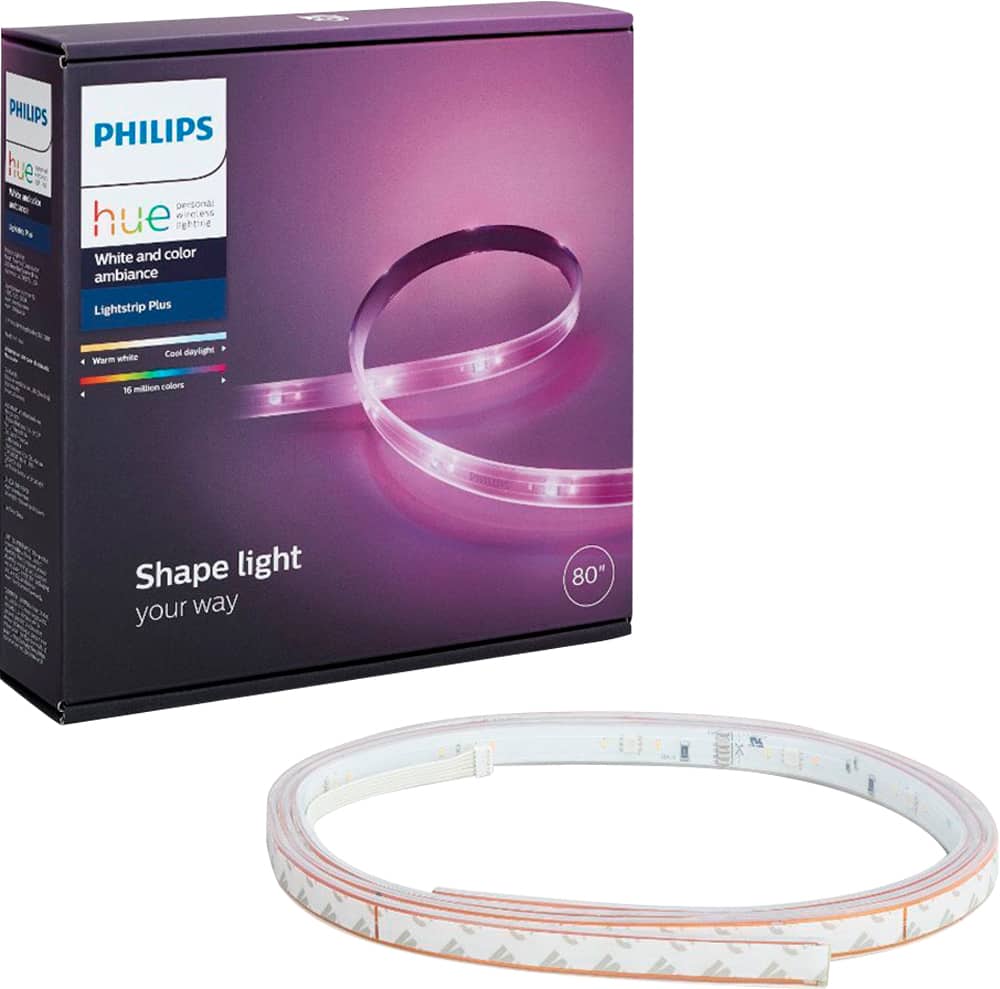
A:AnswerYou would still need a hue bridge. It is a starter kit for a reason. You have to have this if you would want to increase more length to it.
If you do not have a hue bridge, it will still light up when you plug it in. Though you will not be able to turn it off or change the color or dim the lights. You will have to unplug it to turn it off.
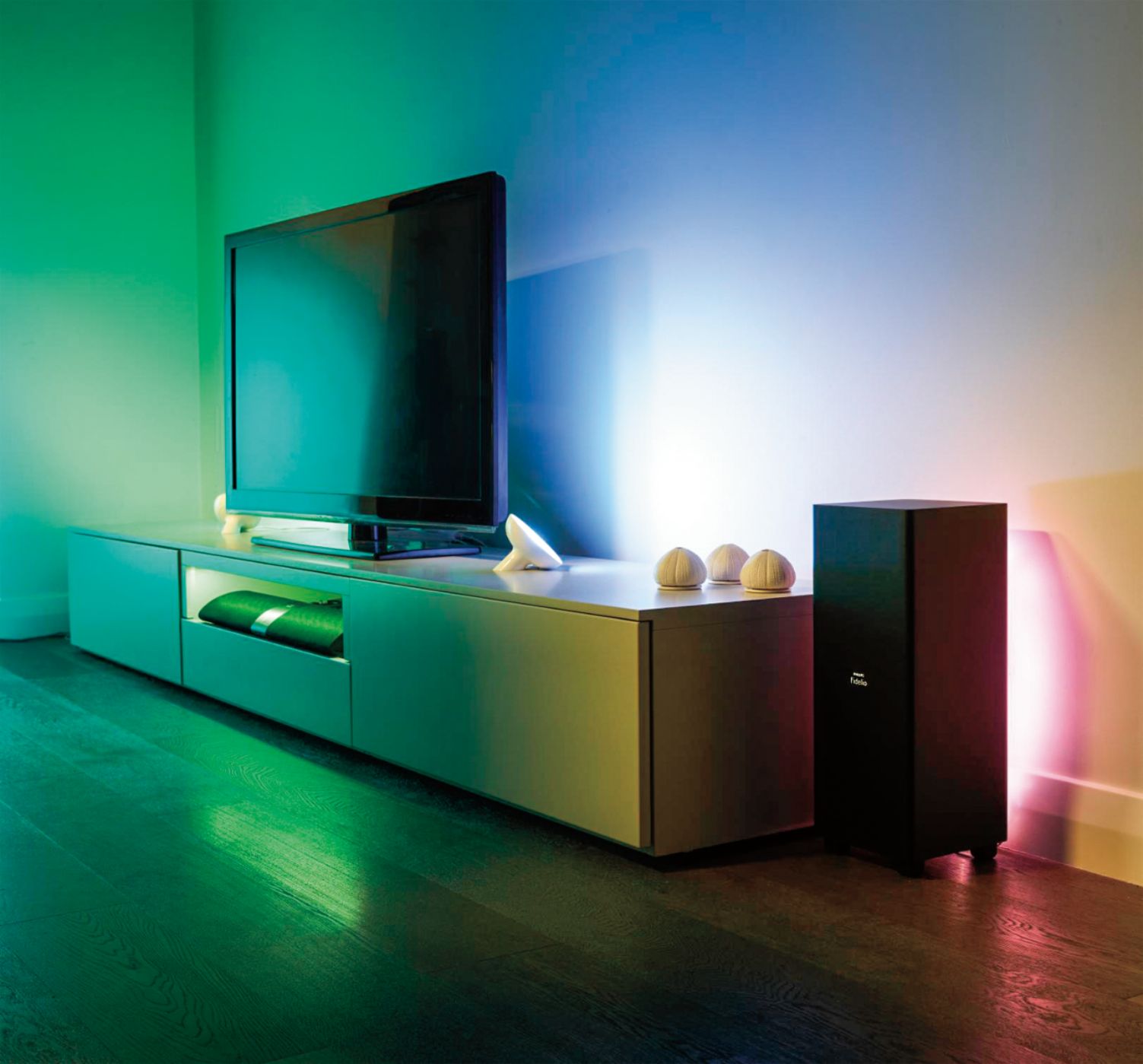
A:AnswerYou have two choices... add an extension kit to have the light strip right along the edge or make the biggest square you can make with the regular kit. I have done it both ways and it’s fine. You do not want the light strip all the way to the edge of the TV in my opinion.
A:AnswerJenny...
You do not need a bridge for the light strip; however, you must have an Amazon echo or an Alexa app on your phone to control these lights. The bridge is needed for individual Phillips hue lights.
A:AnswerNo, phillips hue lights dim from their own hub. A wi-fi smart switch would cut power to the lights and possibly damage them.
However Alexa should be able to connect to your phillips hue and you can dim and turn them off with voice commands.
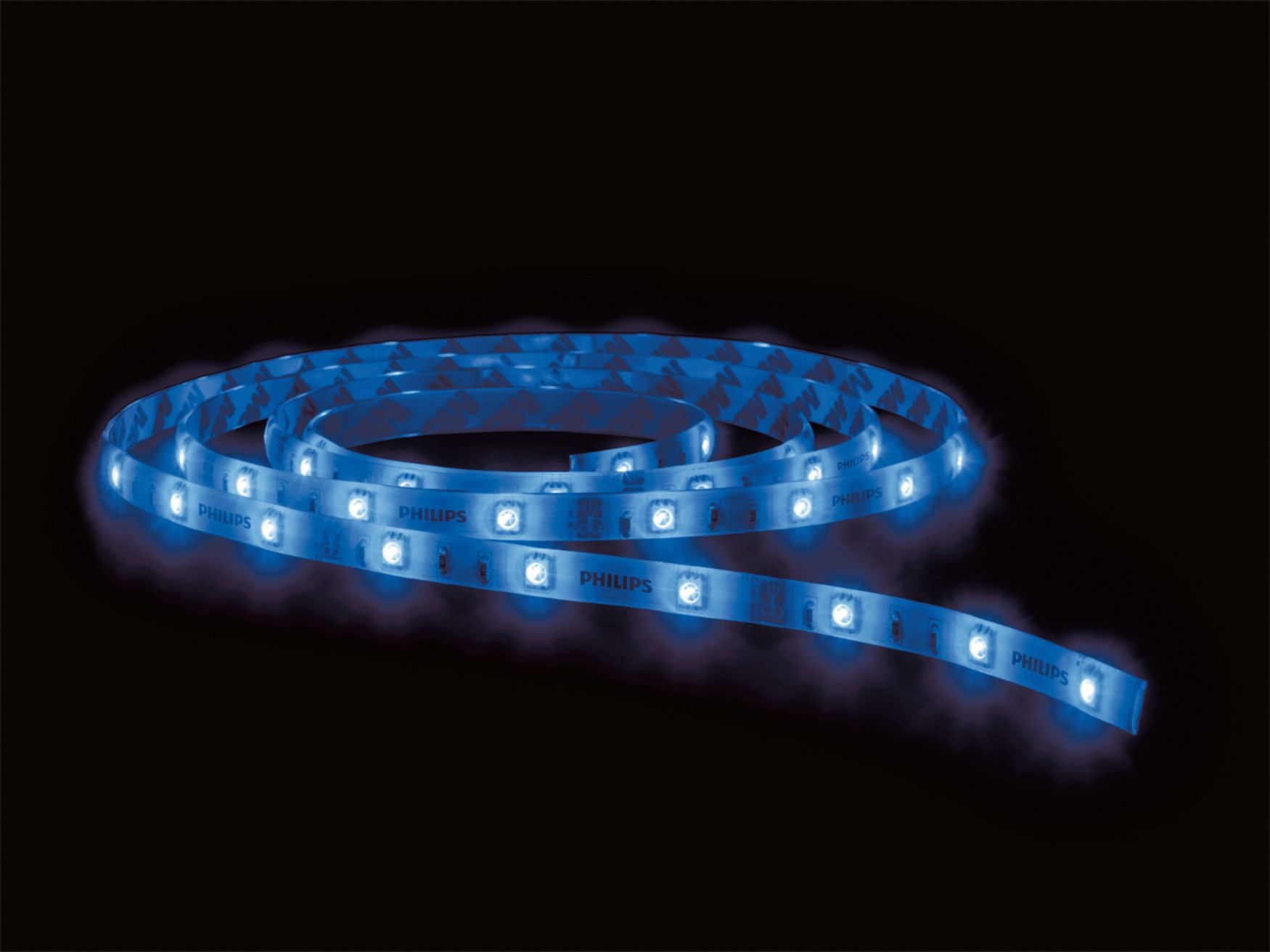
A:AnswerNope - Only Lifx has "zones" in the strip that can be addressed. Hopefully in the near future Philips Hue will address this shortcoming. As I own a Lifx Strip and love the different patterns. Since I have now invested in Hue, we can only hope! Only during a calling of "Colorloop" can the Hue light strip change colors gradually - but the whole strip is same color. Still nice in my kitchen.
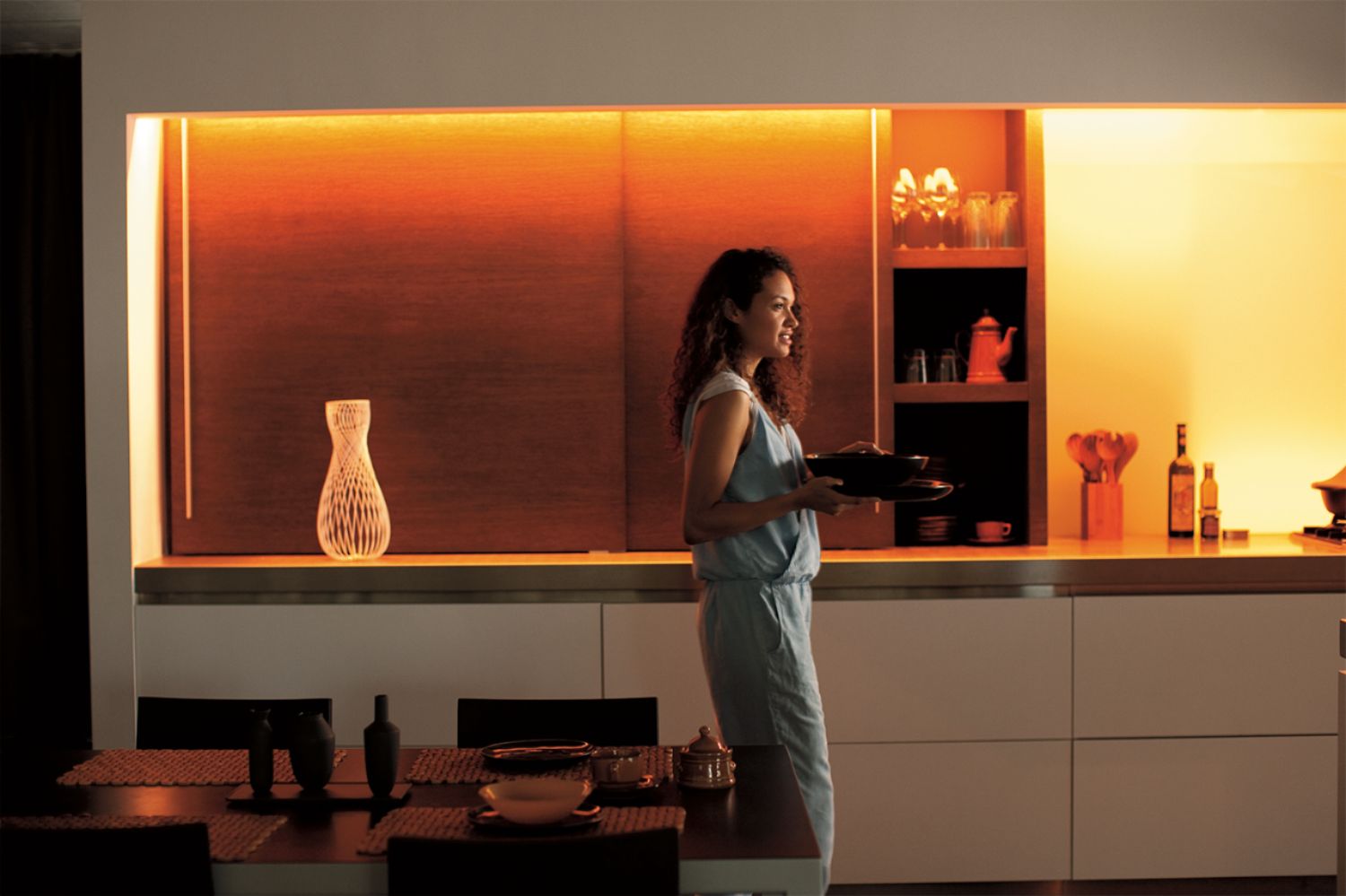
A:AnswerIt is bright enough on the white light settings if you get the light strip and light strip plus. Also, it depends on how much light you want. I have this on the wall between my dining and living room and it outs off a good amount of light.
A:AnswerThe Philips - Hue LED Lightstrip would work under your couch. You can cut the lightstrip at marked intervals on the lightstrip and that is where you would have to make the turn under your couch. However, be aware that the lightstrip by itself will not stick to your couch as the sticky side is not enough to stick to anything; you will have to make alternative plans to get the Lightstrip to stick to the underside of your couch. A plus is that you can connect the Lightstrip to Alexa.
A:AnswerIt should. We use it with Echo. It goes through the Philips hub that we have for some LED bulbs around the house and is setup with a phone ap. We also have it linked to the wireless motion detector so that it comes on when we enter the room and don't have to fumble for light switches or tell Echo to turn it on or fumble for our phone.
A:AnswerYes each strip needs to be plugged into an outlet. You also need the bridge which plugs into outlet and router. I used 4 strips for my kitchen and it worked out perfectly!