Questions & Answers
- Model:
- PN24-551-24U
- |
- SKU:
- 6569626
Q: QuestionCAN YOU PLAY BACK FROM A USB DRIVE, POSSIBLY A THUMB DRIVE, PUT INTO THE USB SOCKET
Asked by CHUCK.
- A:Answer Yes, you can play back media from a USB drive, including a thumb drive, on the Pioneer 24” Class LED HD Xumo Smart TV. This TV supports various media formats, so you should be able to enjoy your videos, music, and photos directly from the USB drive. If you have any other questions or need further assistance, feel free to ask! -Ed | Pioneer Support | https://www.bestbuy.com/site/brands/best-buy-brands/pcmcat1596746025285.c?id=pcmcat1596746025285
Answered by PioneerCustomerSupport
Q: QuestionWhat is the link to download a user manual? Can the coaxial antenna connection be used as a cable box input or does one of the HDMI connections have to be used as a cable box input to the TV?
Asked by JR.
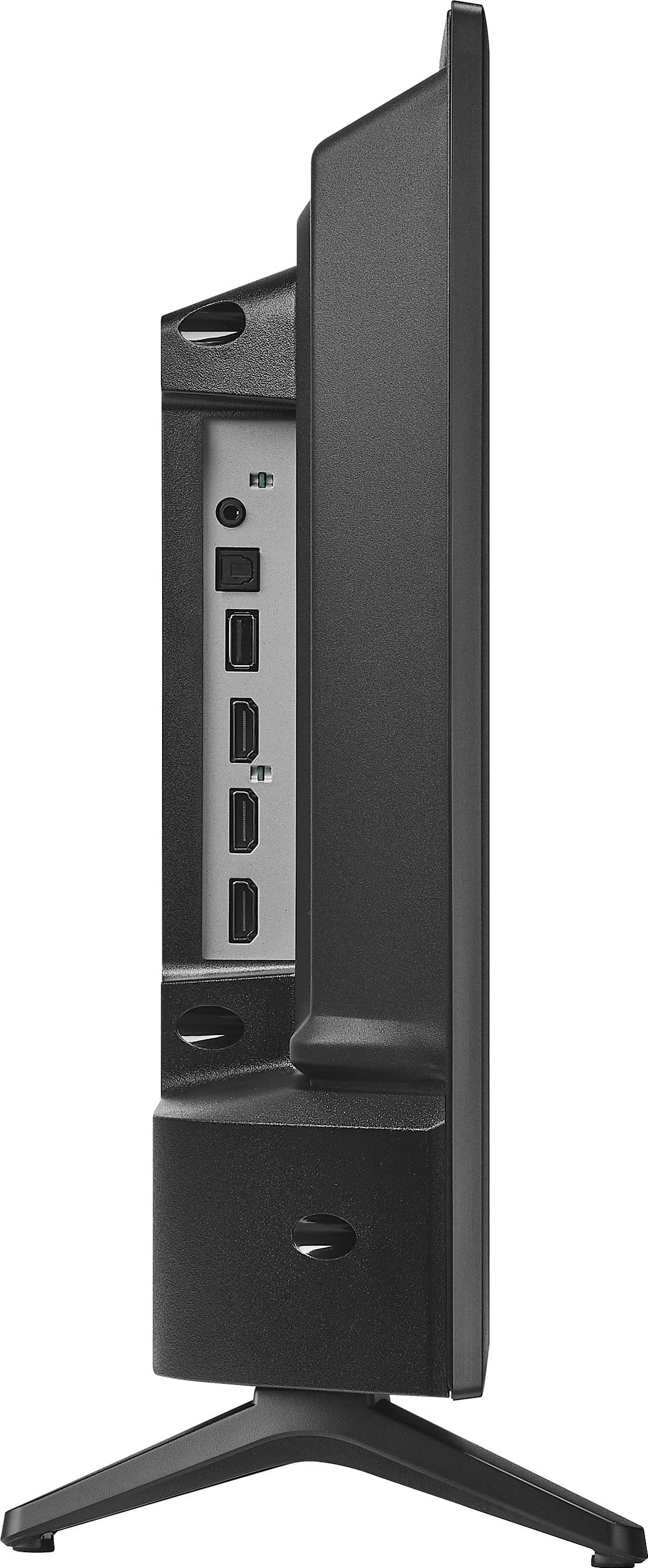
- A:Answer Thank you for your questions, JR! You can download the user manual for your Pioneer 24” Class LED HD Xumo Smart TV [here](https://www.xumo.com/-/media/xumo/support/xumo-tv-user-manual.pdf)[1](https://www.xumo.com/-/media/xumo/support/xumo-tv-user-manual.pdf). Regarding your second question, the coaxial antenna connection on this TV is designed for connecting an antenna to receive over-the-air broadcasts. For a cable box input, you will need to use one of the HDMI connections. If you need further assistance, please don't hesitate to reach out. Enjoy your new TV!
Answered by PioneerCustomerSupport
Q: QuestionIs SLING included in the preloaded apps
Asked by Anonymous.
- A:Answer If it's not pre loaded it's available free (the app not the service)
Answered by truth
Q: QuestionDo you needan account to set it up.
Asked by Kbp1.
- A:Answer Yes, to set up the Pioneer 24” Class LED HD Xumo Smart TV, you will need to create or sign in to a Xumo TV account. This account allows you to access and personalize your streaming services and other smart features. During the setup process, you'll be prompted to enter your email and password to create the account. If you have any other questions or need further assistance, feel free to ask! -Ed | Pioneer Support | https://www.bestbuy.com/site/brands/best-buy-brands/pcmcat1596746025285.c?id=pcmcat1596746025285
Answered by PioneerCustomerSupport
Q: QuestionBought this TV and set it up. On my old TV I used Amazon smart plug to TV on/off (Alexa). When I connect this TV to the smart plug, the TV does not turn on/off. Does this TV not work with a smart plug? The plug works with a lamp so it is not the plug.
Asked by Scooter44.
- A:Answer The Pioneer 24” Class LED HD Xumo Smart TV should work with an Amazon smart plug for turning the TV on and off. However, some smart TVs have settings that might interfere with this functionality. Here are a few things you can try: 1. Ensure that the TV's power settings allow it to turn on from a complete power-off state. Some TVs have a "Quick Start" or "Instant On" feature that needs to be enabled. 2. If your TV has an Eco Mode or Energy Saving setting, try disabling it. These settings can sometimes prevent the TV from turning on via a smart plug. 3. Make sure your TV's firmware is up to date. Sometimes, updates can resolve compatibility issues. 4. Since your smart plug works with a lamp, try connecting another electronic device (like a fan or another TV) to see if the issue persists. If these steps don't resolve the issue, it might be worth checking the TV's manual or contacting Pioneer customer support for more specific guidance. Let me know if you need further assistance or have any other questions!
Answered by PioneerCustomerSupport
Q: QuestionWhat is product dimensions
Asked by Pluto.
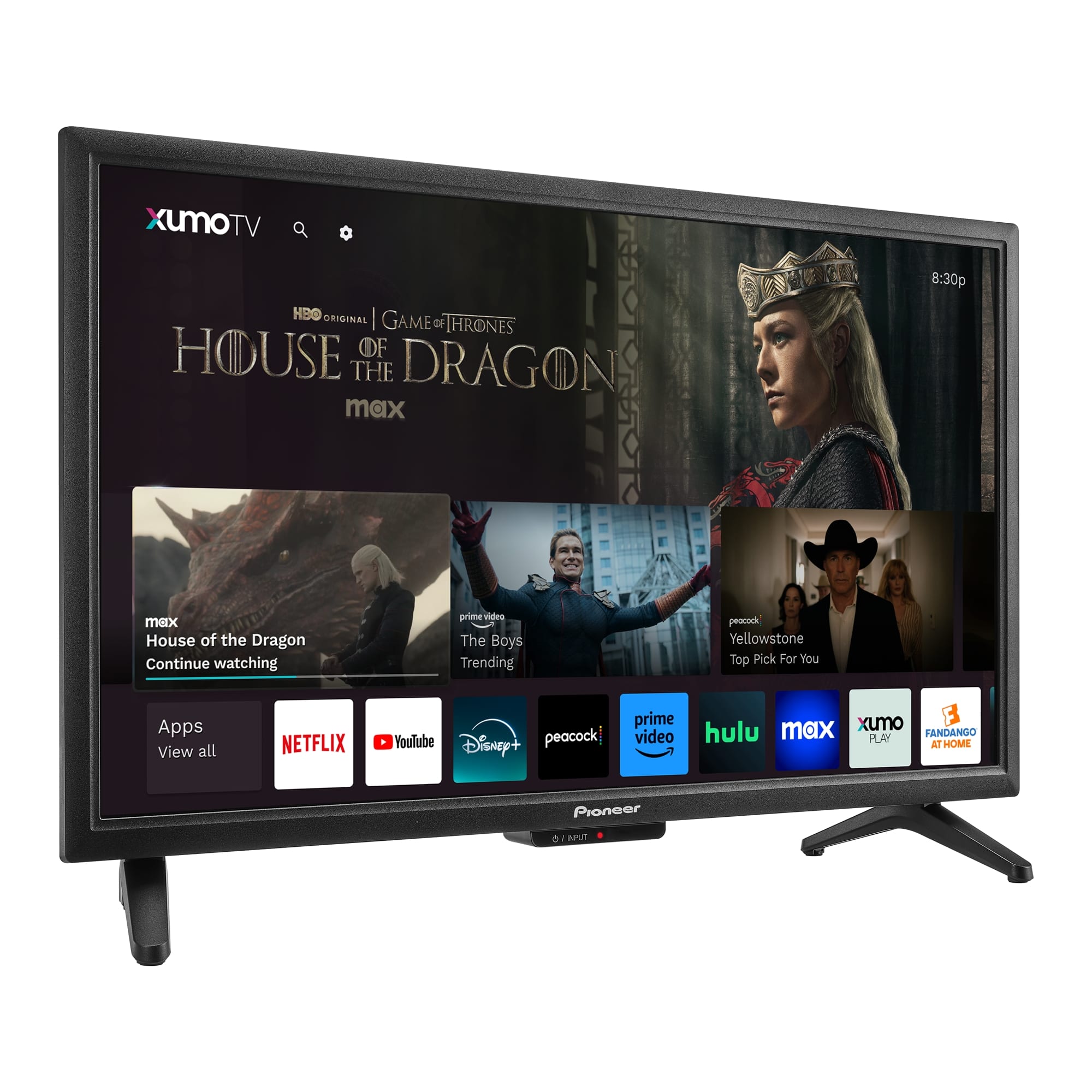
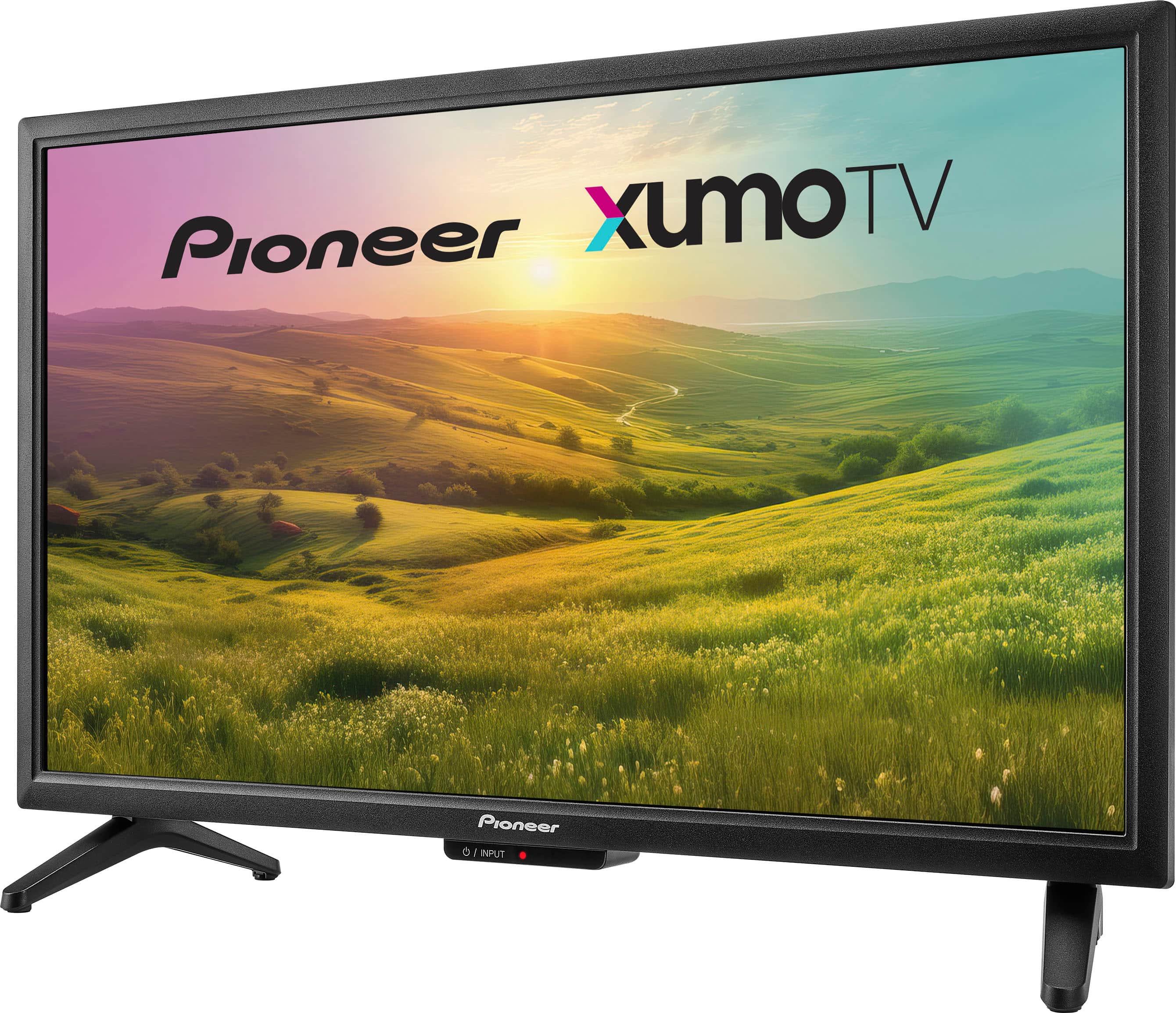
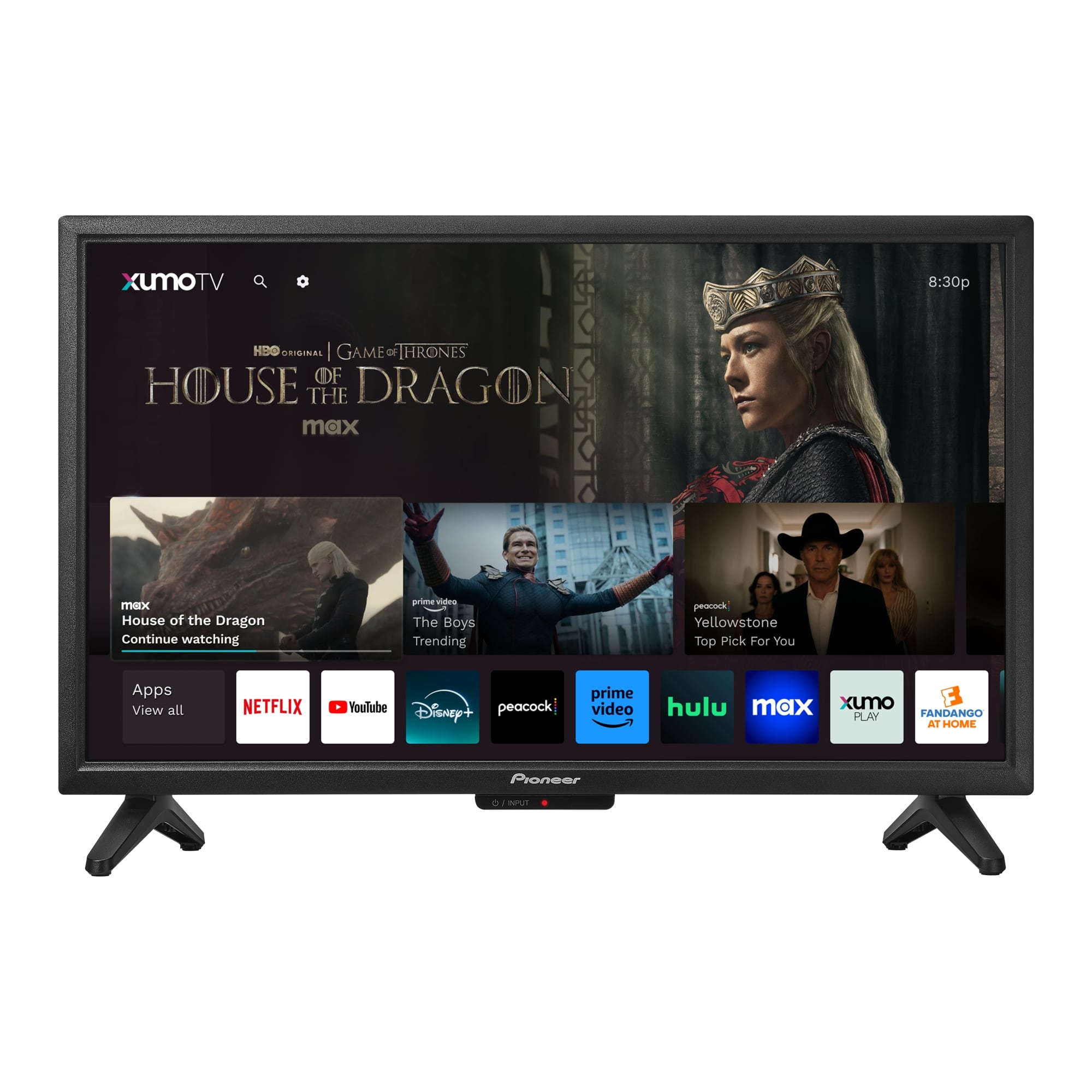
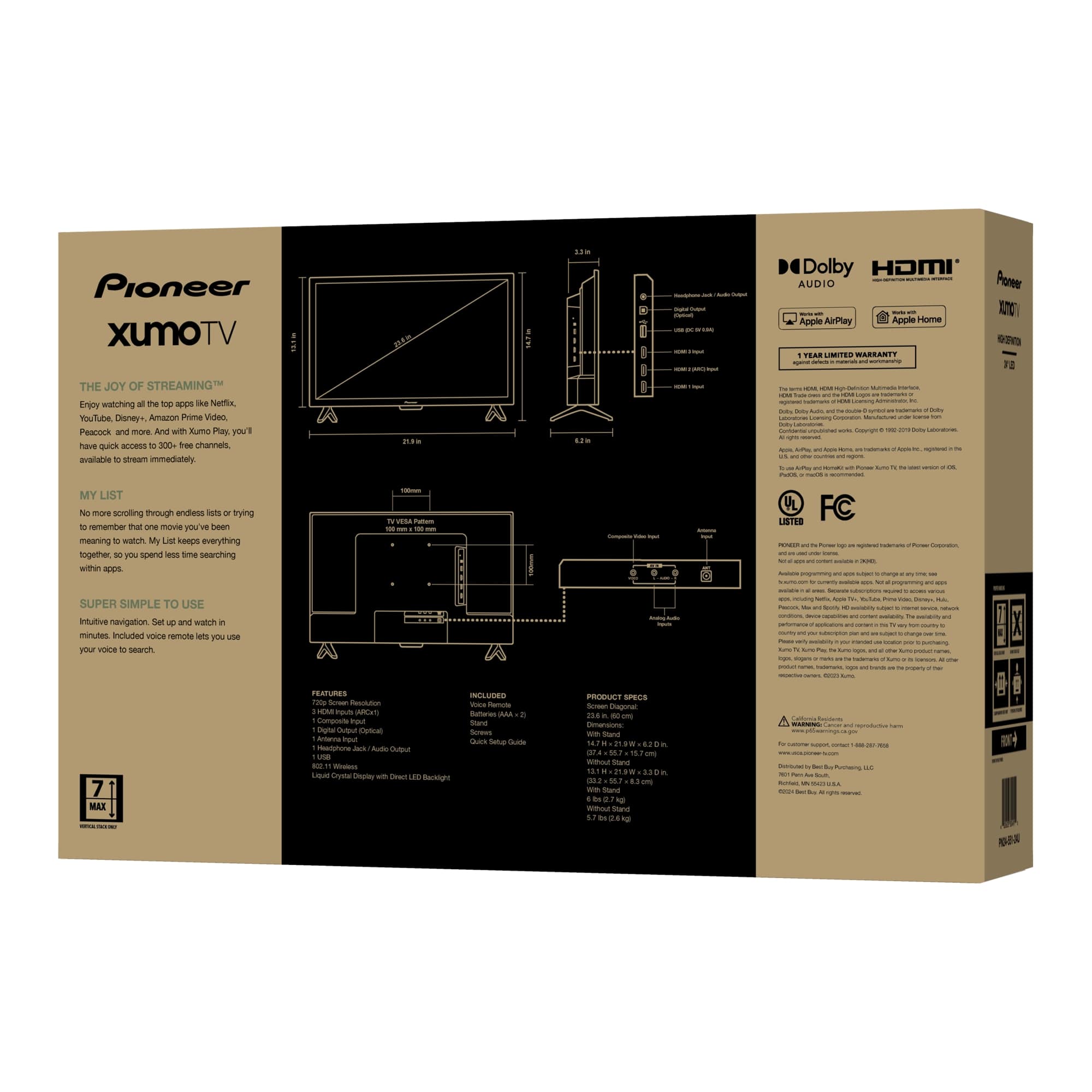
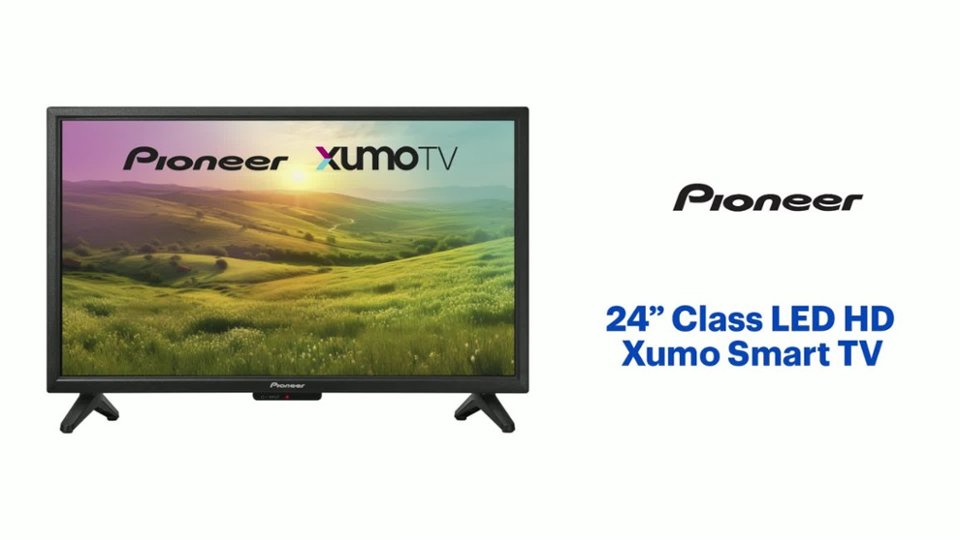
- A:Answer The Pioneer PN24-551-24U is a 24-inch LED HD Xumo Smart TV. It measures 14.7 inches in height with the stand, 21.9 inches in width, and has a stand width of 17.9 inches. This compact size makes it a great fit for smaller spaces while still providing a quality viewing experience. Patricia | Pioneer Support
Answered by PioneerCustomerSupport
Q: Questioncan you loop videos from a usb? If so, can you explain.. I have one I cannot get it on a continuous loop
Asked by moe.
- A:Answer You would have to connect to an external device. Its possible but loop features are external device
Answered by WinnieB
Q: QuestionI can't find if this TV is stereo. I want to know if I use the earphone jack (out) connected to amplified speakers that would be stereo (2 channel).
Asked by kevin.
- A:Answer I didn't look for an earphone jack because I bought Pioneer due to the fact that they have been making audio equipment for years and didn't disappoint however if you want to use a headphone jack to stereo that is literally what I did before surround sound and you can get a stereo (small headset style male) plug to plug into the Auxiliary port on your stereo and you can rock your TV through the stereo.
Answered by truth
Q: QuestionWhat is the amperage of the 24" tv?
Asked by Robo.
- A:Answer It's in back of TV im guessing
Answered by WinnieB
Q: QuestionDoes this Pioneer Xumo set support the xfinity stream app? Comcast reps say that the Xumo sets can replace the converter box with this app using this set?
Asked by Randy.
- A:Answer Yes it does. If you download the Xfinity Stream app onto this Pioneer Xumo TV you can watch the Xfinity/Comcast programming without a converter box even without the coax cable. You need to subscribe to Xfinity service plus be connected to your Wi-Fi to do so.
Answered by Randy
Q: QuestionCan you access the internet from this TV?
Asked by BSAC.
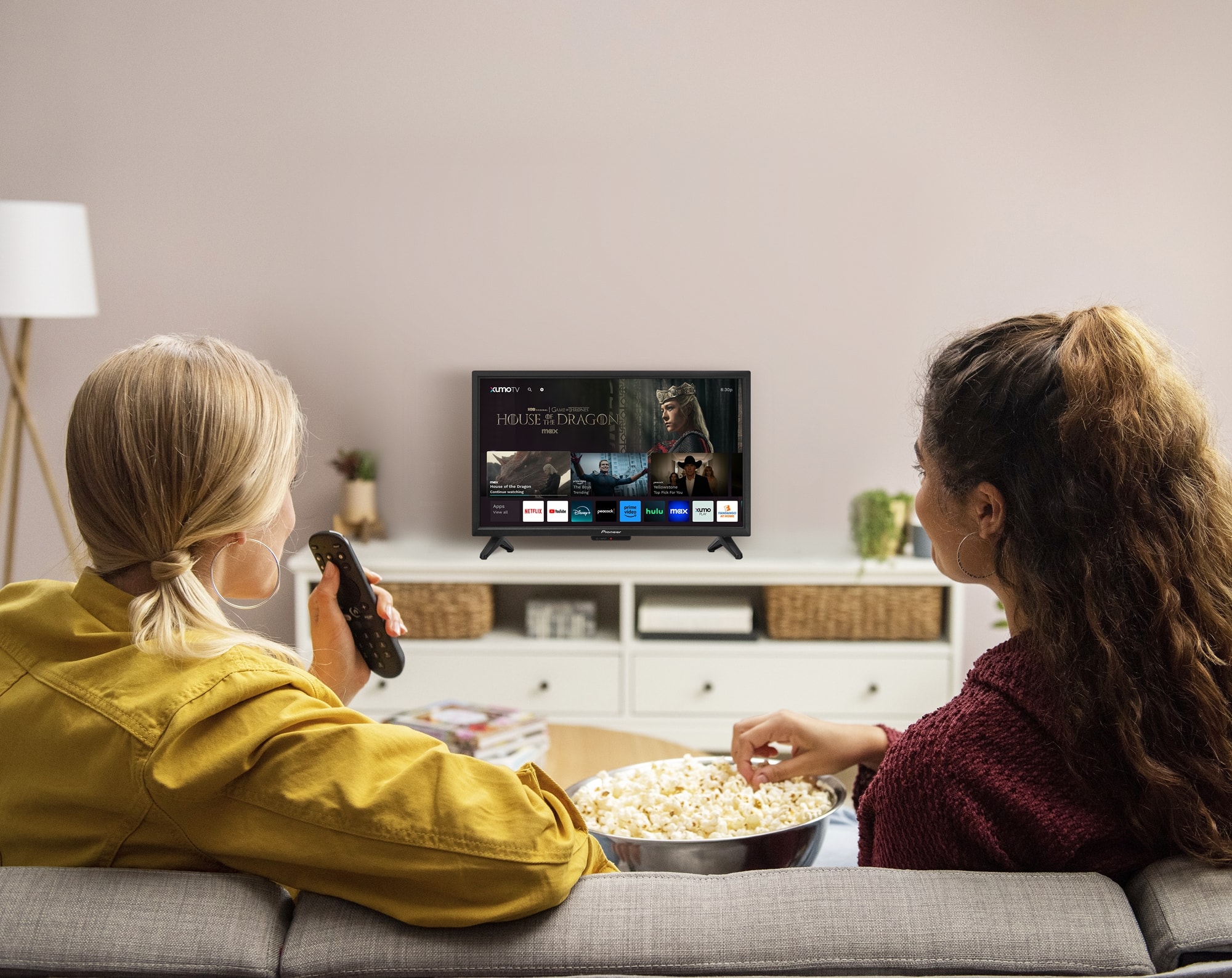
- A:Answer Yes, you can access the internet from the Pioneer 24” Class LED HD Xumo Smart TV. This smart TV allows you to connect to the internet via Wi-Fi or an Ethernet cable, enabling you to stream content from various apps like Netflix, YouTube, Disney+, and more. Patricia | Pioneer Support
Answered by PioneerCustomerSupport
Q: QuestionCan you casting with android phone or windows computer?
Asked by Ep2010.
- A:Answer Yes
Answered by user230407
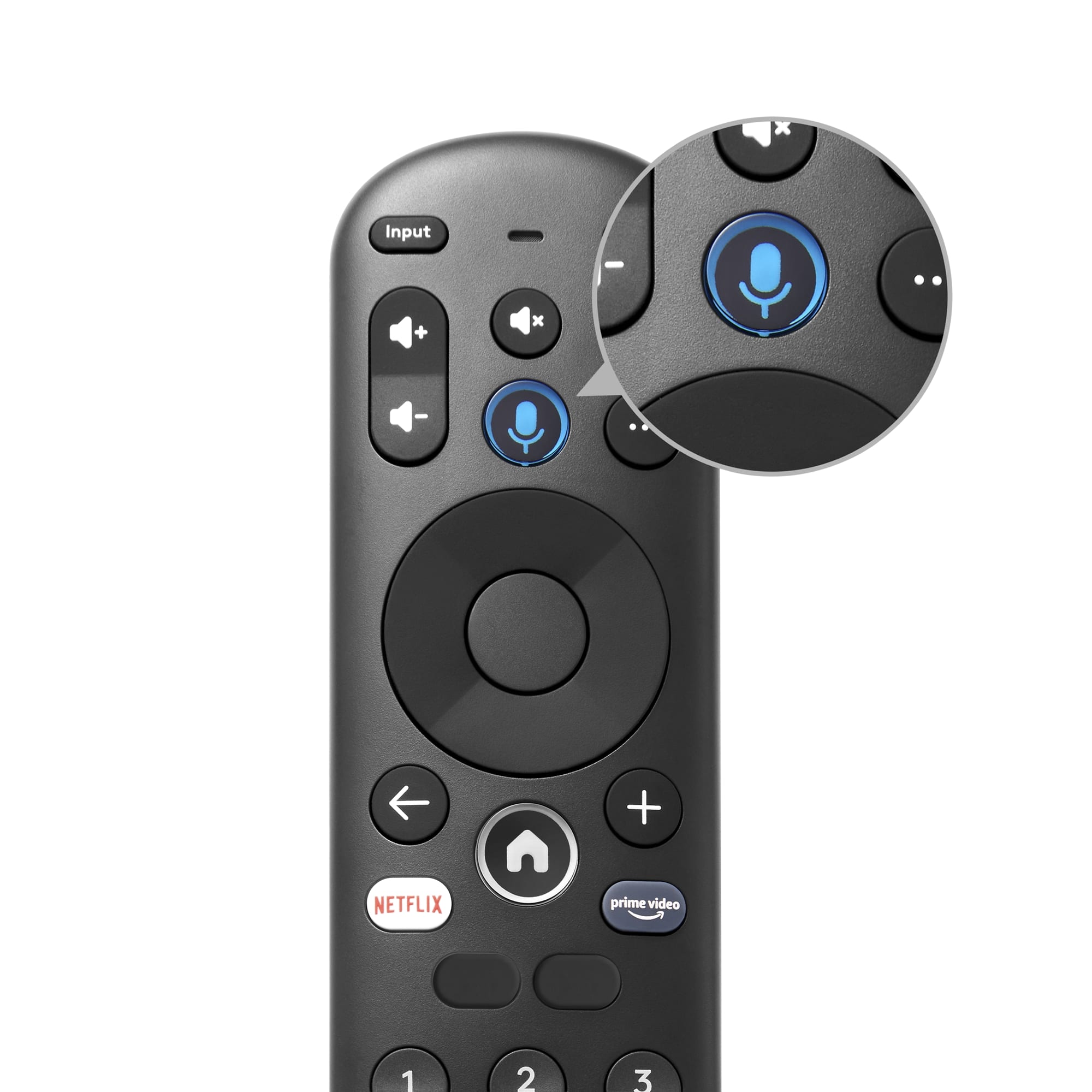
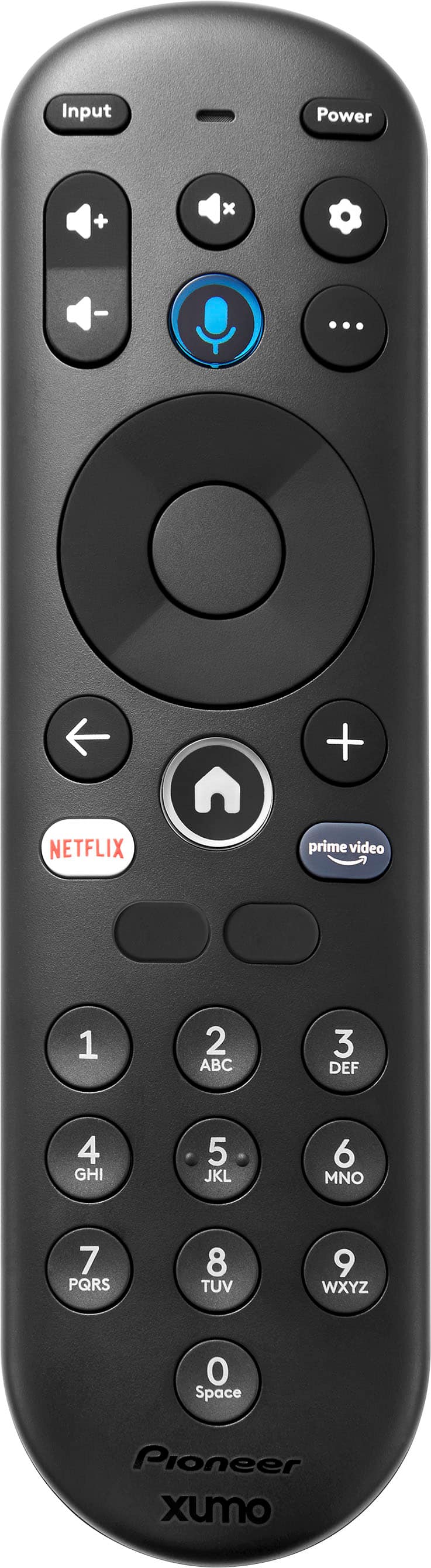
Q: QuestionI have a Bose sound bar that I use for audio w/ the TV. I paired the TV remote to operate the volume on the sound bar and it works, but each time I turn on the TV, I need to pair the remote with the speaker again. Is there a way to save the setting?
Asked by uacats.
- A:Answer It should do it automatically. Maybe recheck settings :) Reset. hope it helps
Answered by WinnieB
Q: QuestionI want to use as a monitor for security camera, does it have an AV plug outlet to plug in the camera?
Asked by LuellaJ.
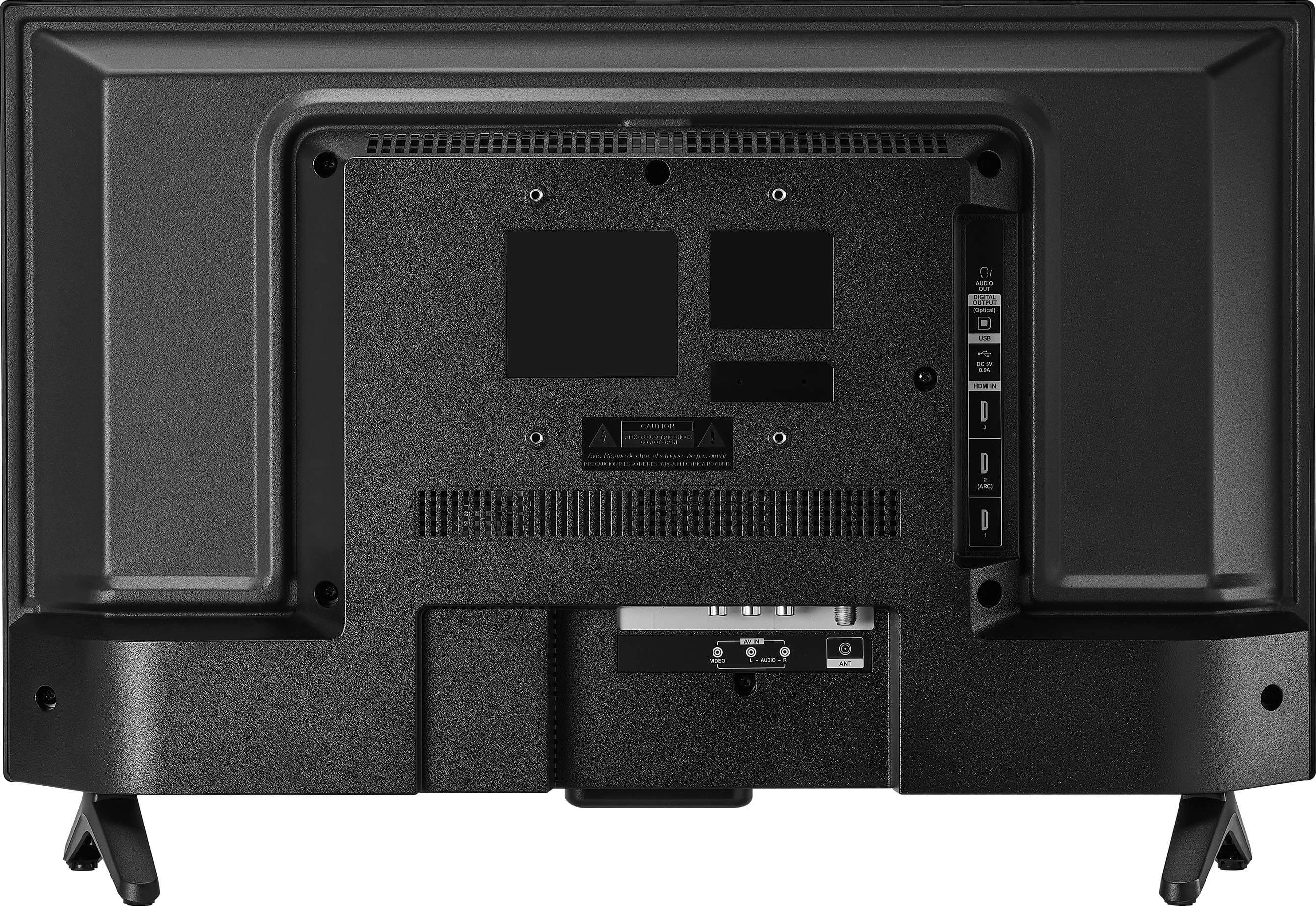
- A:Answer The Pioneer 24” Class LED HD Xumo Smart TV does have a composite video input, which can be used to connect devices like security cameras that use AV cable. Patricia | Pioneer Support
Answered by PioneerCustomerSupport
Q: Questioncan you get the ruko channel?
Asked by Jim.
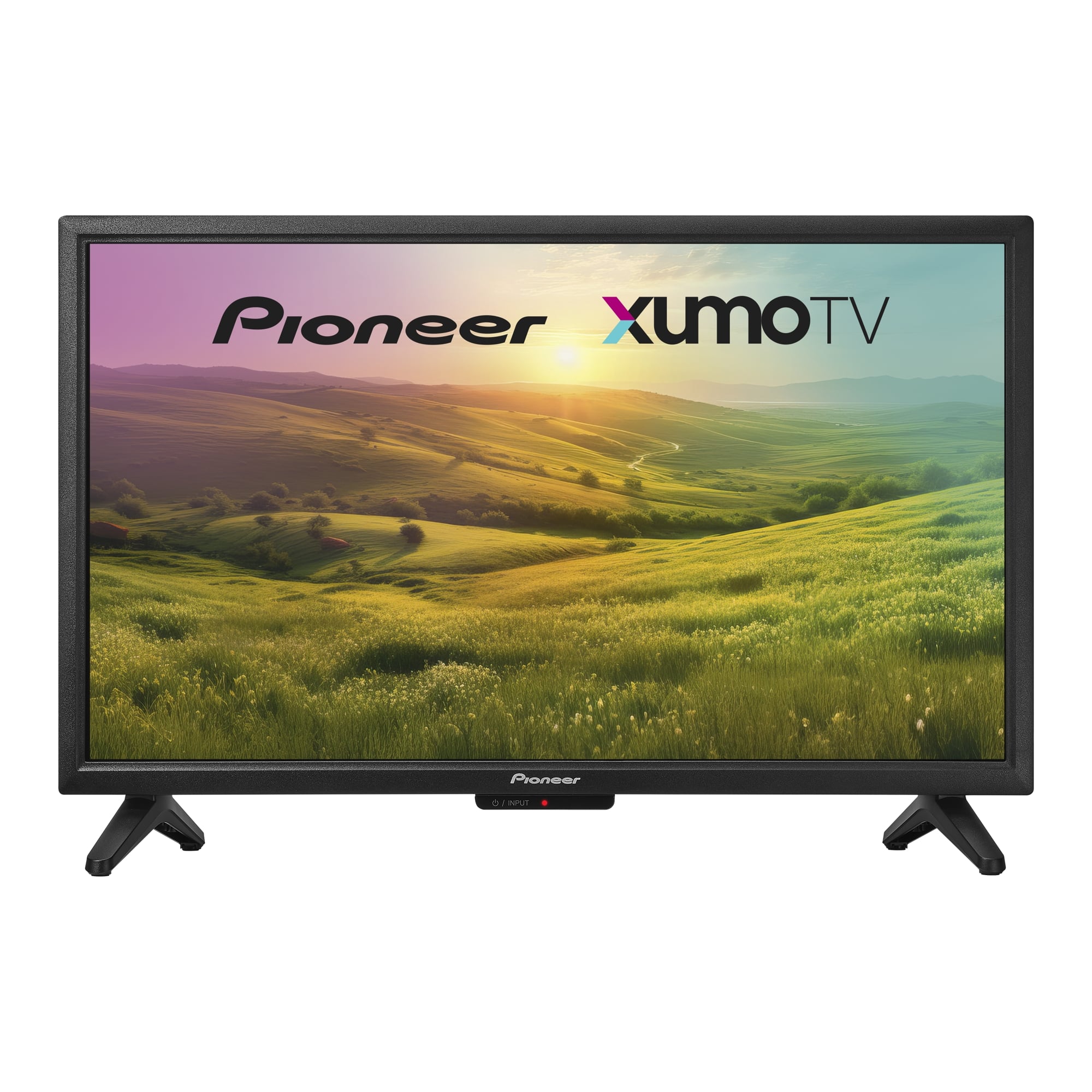
- A:Answer The Pioneer 24” Class LED HD Xumo Smart TV does not specifically mention support for the Roku channel. However, it comes with pre-loaded streaming apps, including popular ones like Netflix, YouTube, Prime Video, Disney+, Hulu, and more. If you specifically need access to the Roku channel, you might want to consider a TV that has Roku built-in or use a Roku streaming device. Patricia | Pioneer Support
Answered by PioneerCustomerSupport
Q: QuestionDoes the Pioneer - 24” Class LED HD Xumo Smart TV support MPEG-4?
Asked by djwo.
- A:Answer Yes, the Pioneer - 24” Class LED HD Xumo Smart TV (PN24-551-24U) does support MPEG-4. This format is commonly used for video compression and is supported by most modern TVs, including this model. If you have any other questions about this TV or need further assistance, feel free to ask! Jeth | Pioneer Support. https://www.bestbuy.com/site/pioneer-24-class-led-hd-xumo-smart-tv/6569626.p?skuId=6569626
Answered by PioneerCustomerSupport
Q: QuestionWhat are all of the inputs on this TV?
Asked by Frank.
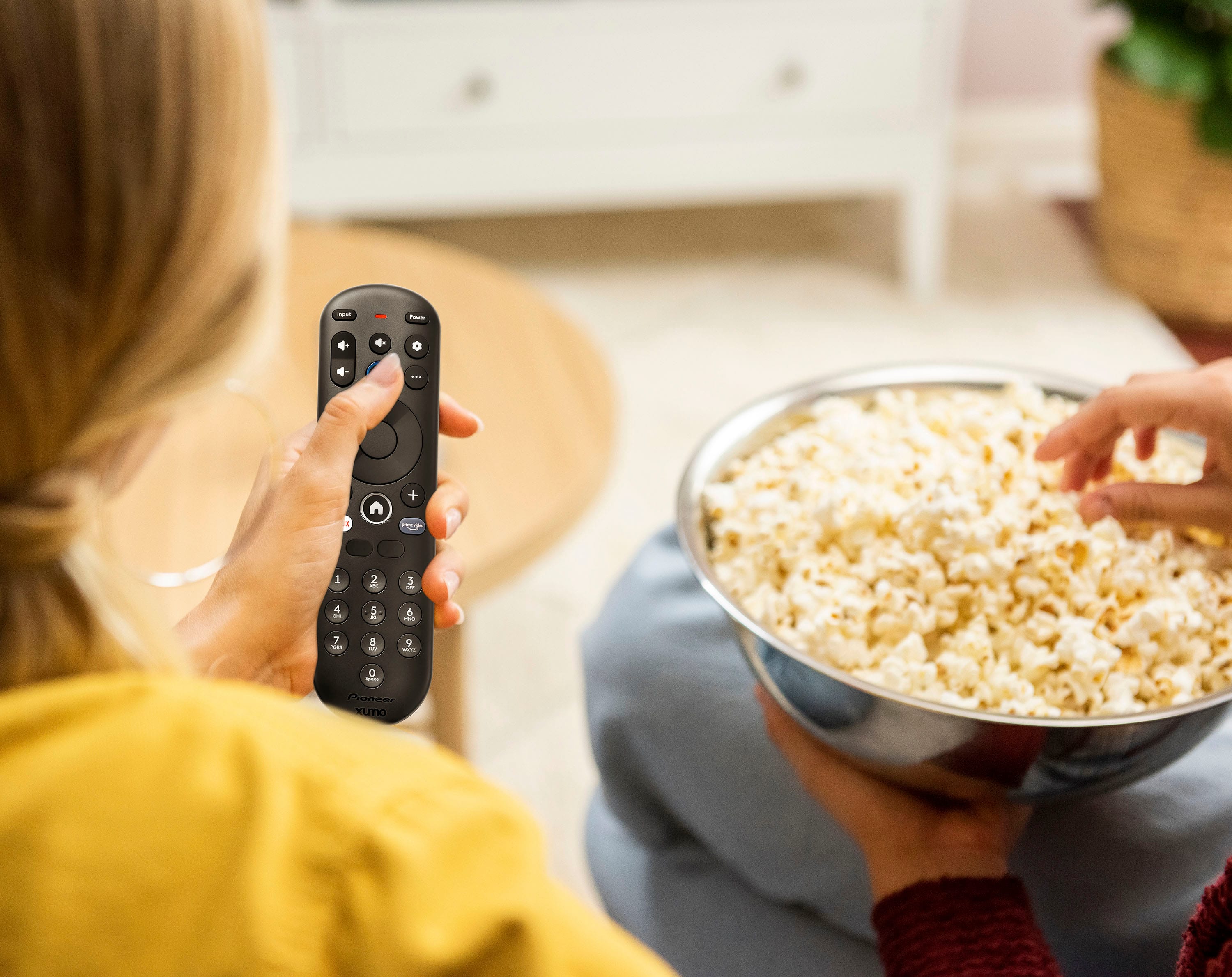
- A:Answer The Pioneer 24” Class LED HD Xumo Smart TV is well-equipped with a range of inputs and connectivity options. It includes three HDMI inputs for connecting high-definition devices, one component video input, and one composite video input for older equipment. For audio, it has an optical digital audio output and supports HDMI Audio Return Channel (ARC). The TV also features one USB-A 2.0 port, Wi-Fi and Bluetooth for wireless connectivity, an RF antenna input for over-the-air broadcasts, and a headphone jack for private listening. The Bluetooth version is 5.0, ensuring reliable wireless audio connections. These inputs and features make it versatile for various entertainment setups. Patricia | Pioneer Support
Answered by PioneerCustomerSupport
Q: QuestionCan this tv be used as a computer monitor
Asked by friendofpam.
- A:Answer Yes
Answered by Shneeeess
Q: QuestionDoes this tv have a usb port?
Asked by Lori.
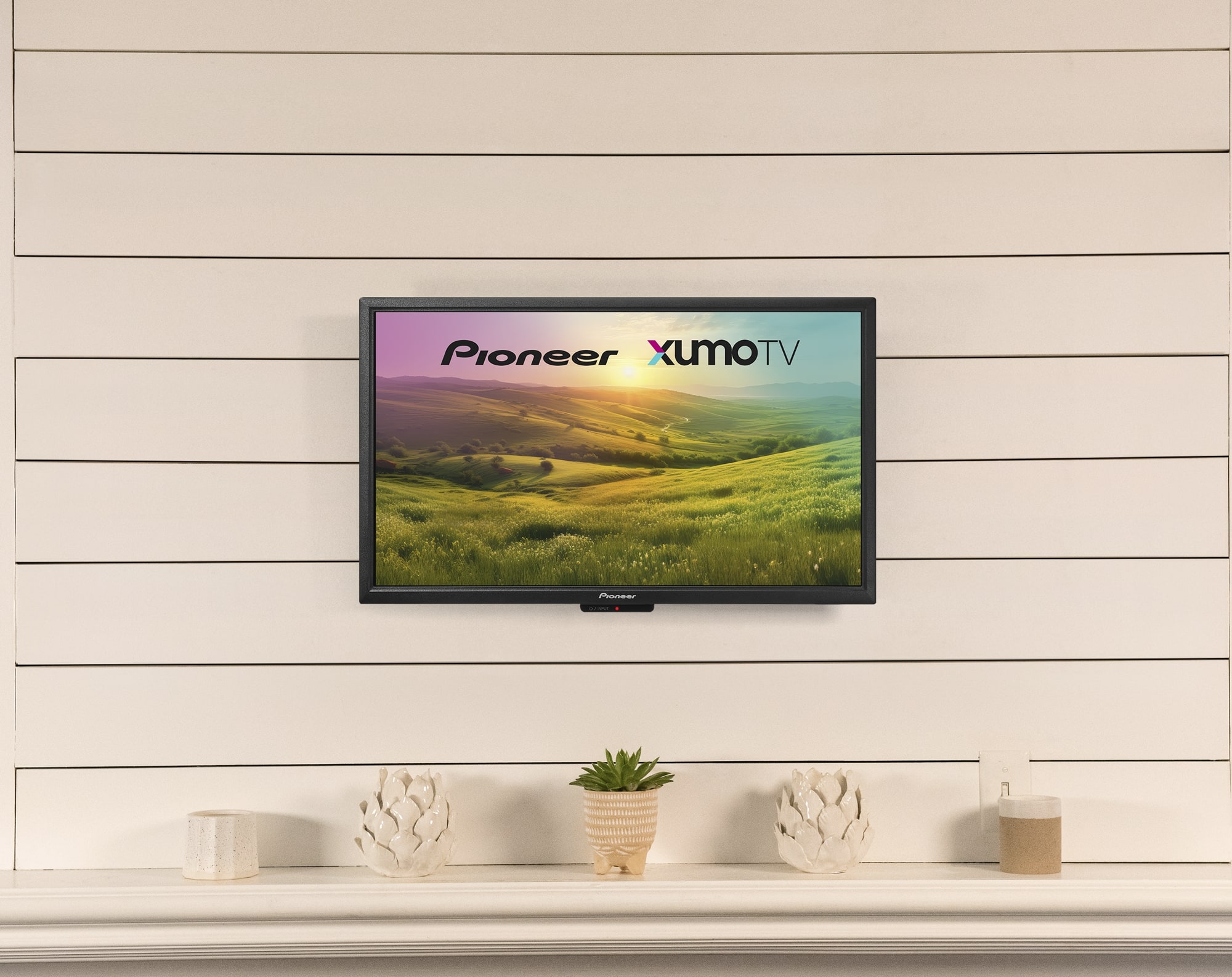
- A:Answer Yes, the Pioneer 24” Class LED HD Xumo Smart TV does have a USB port. Specifically, it includes one USB-A 2.0 port. Patricia | Pioneer Support
Answered by PioneerCustomerSupport
Q: QuestionDoes it have a sleep timer?
Asked by RobertP.
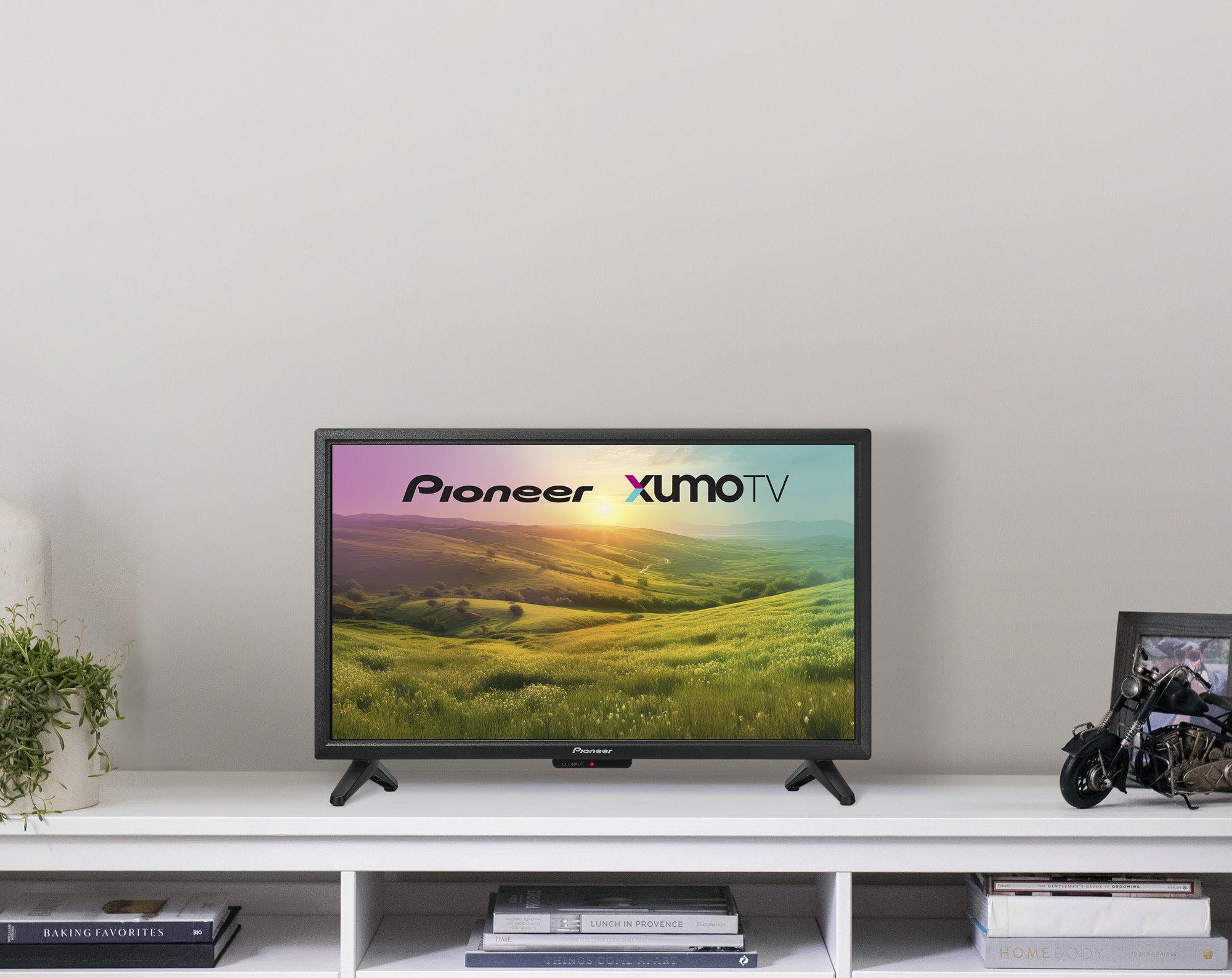
- A:Answer Yes, the Pioneer 24” Class LED HD Xumo Smart TV does have a sleep timer feature. You can set it to turn off the TV automatically after a specified period, which is great for saving energy and ensuring the TV doesn’t stay on all night. Patricia | Pioneer Support
Answered by PioneerCustomerSupport
Best-selling TVs
- $109.99Your price for this item is $109.99$149.99The comparable value for this item is $149.99
- $199.99Your price for this item is $199.99$349.99The comparable value for this item is $349.99
- $279.99Your price for this item is $279.99$379.99The comparable value for this item is $379.99
- $229.99Your price for this item is $229.99$299.99The comparable value for this item is $299.99
- $179.99Your price for this item is $179.99$299.99The comparable value for this item is $299.99
- $99.99Your price for this item is $99.99$189.99The comparable value for this item is $189.99
- $189.99Your price for this item is $189.99$249.99The comparable value for this item is $249.99
- $499.99Your price for this item is $499.99$649.99The comparable value for this item is $649.99
- $479.99Your price for this item is $479.99$649.99The comparable value for this item is $649.99
- $1,399.99Your price for this item is $1,399.99$2,699.99The comparable value for this item is $2,699.99
- $179.99Your price for this item is $179.99$259.99The comparable value for this item is $259.99
- $399.99Your price for this item is $399.99$529.99The comparable value for this item is $529.99
- $99.99Your price for this item is $99.99$129.99The comparable value for this item is $129.99
- $149.99Your price for this item is $149.99$199.99The comparable value for this item is $199.99
- $399.99Your price for this item is $399.99$469.99The comparable value for this item is $469.99
- $1,999.99Your price for this item is $1,999.99$3,699.99The comparable value for this item is $3,699.99
- $89.99Your price for this item is $89.99$129.99The comparable value for this item is $129.99
- $74.99Your price for this item is $74.99$149.99The comparable value for this item is $149.99
- $369.99Your price for this item is $369.99$489.99The comparable value for this item is $489.99
- $69.99Your price for this item is $69.99$79.99The comparable value for this item is $79.99