A:AnswerHi Angel! Xumo TVs, including your Pioneer PN55-751-24U, don't allow users to download additional apps beyond what's pre-installed or available in the Xumo store. This can be limiting if you're looking for specific apps not included in their selection. Jeth | Pioneer Support.
A:AnswerI am certain that it does provide Bluetooth sync ability. I say that based on the fact that the tv itself is Wi-Fi compatible so I would be led to believe that is ALSO be able to connect to your earphones/earbuds.
To connect them via jack auxiliary cable the. It is also possible to attach your headphones.
A:AnswerHi Rich! The Pioneer 55" Class LED 4K UHD Smart Xumo TV is designed for indoor use and typically operates best within a certain temperature range. Most TVs, including this one, are generally recommended to be used in environments where the temperature stays between 32°F (0°C) and 104°F (40°C).
Placing the TV in a room where the temperature can drop as low as +10°F (-12°C) might risk damage to the internal components. It's best to keep the TV in a more stable environment to ensure its longevity and performance.
If you have any other questions or need further assistance, feel free to ask! -Ed | Pioneer Support | https://www.bestbuy.com/site/brands/best-buy-brands/pcmcat1596746025285.c?id=pcmcat1596746025285

A:AnswerWorst TV ever. Rather than the wall your going to end up putting it in the garbage. Freeze all the time, they are awful. Currently frozen for 5 hours.
A:AnswerThis is false. The pioneer 43” as I’m sure the others have 7 picture modes - Stabdsr, Vivid, Theater, Energy Saving, Sports, Game and Custom. It’s actually better at night than in the day because of less glare, even though it’s a 4K UHD Xumo smart tv.
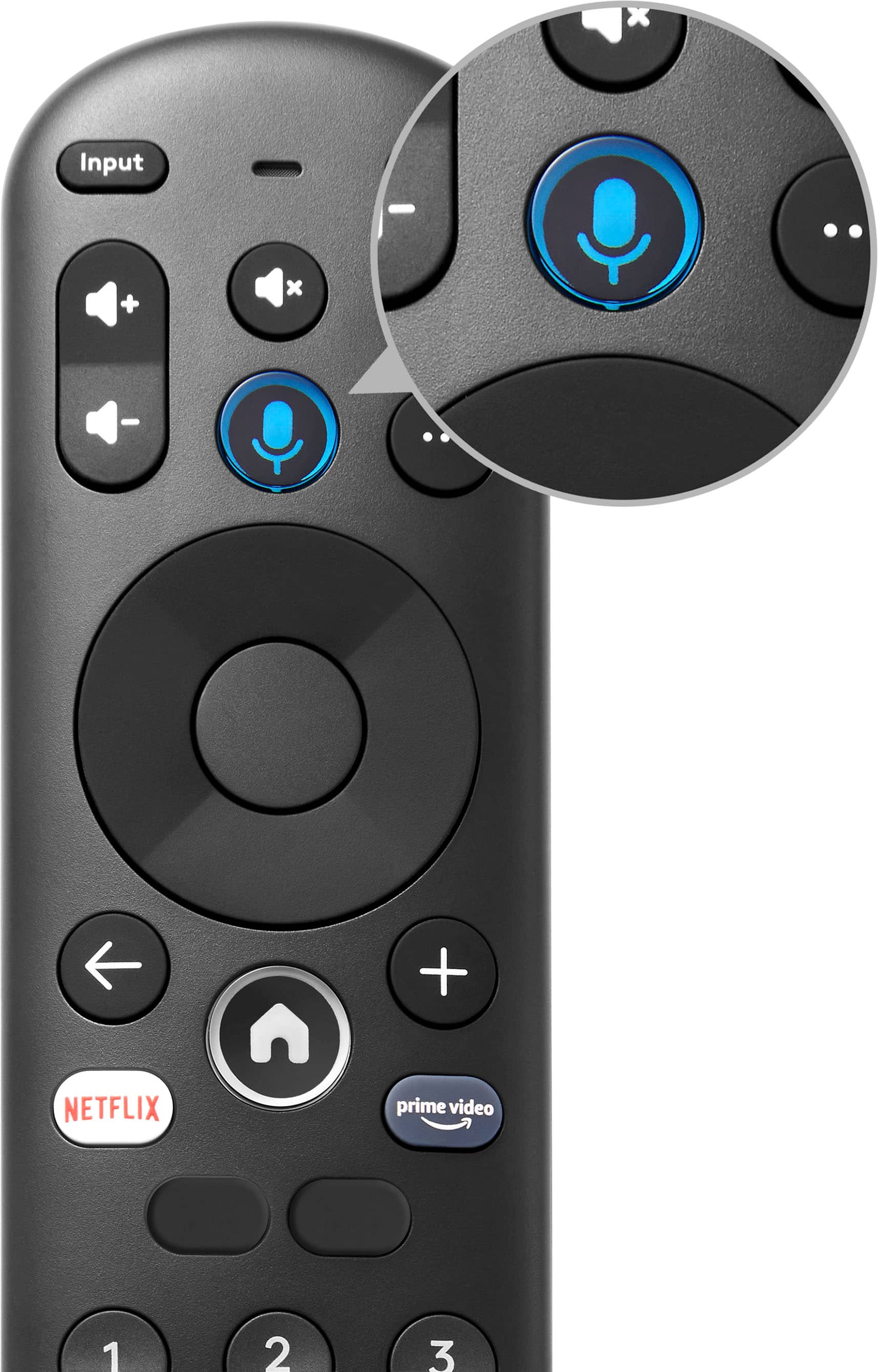
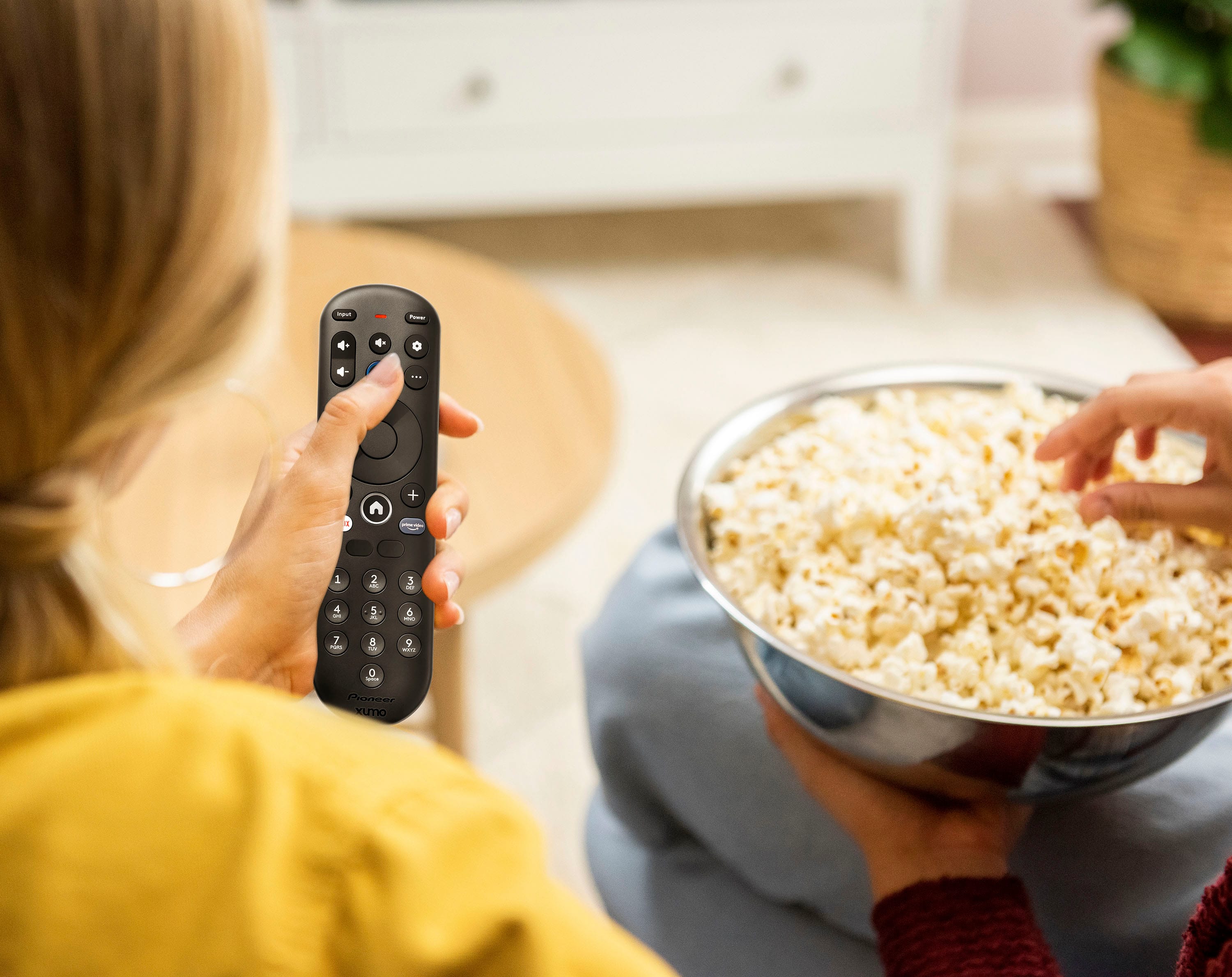
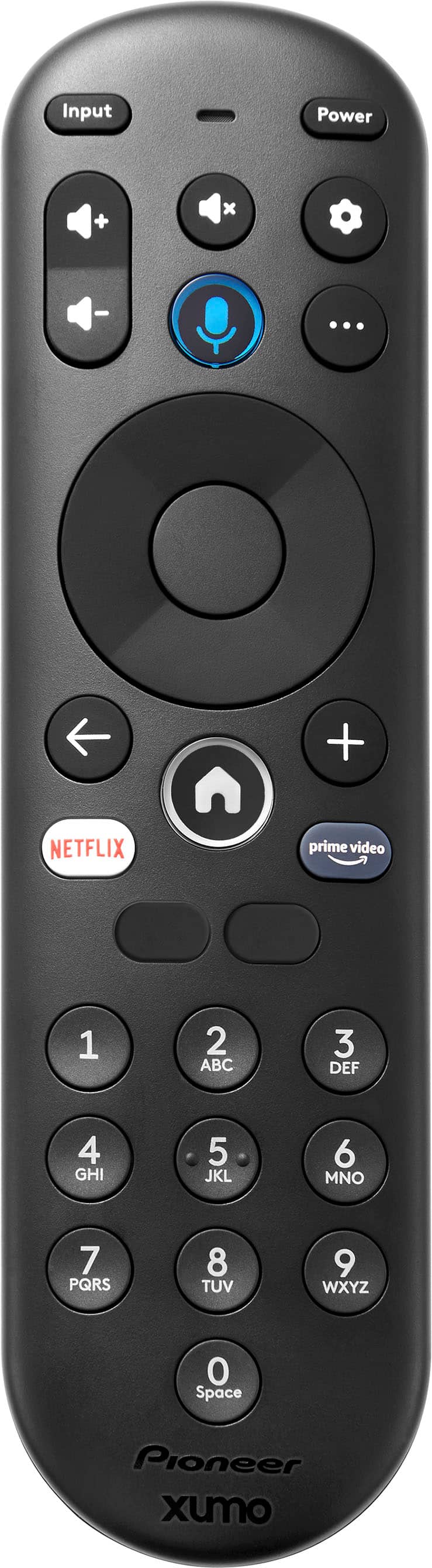
A:AnswerSince the remote for your television has stopped working, please try changing the batteries first and ensure there are no obstructions between the remote and the TV. If the issue persists, you may contact our customer service team for further assistance. Patricia | Pioneer Support

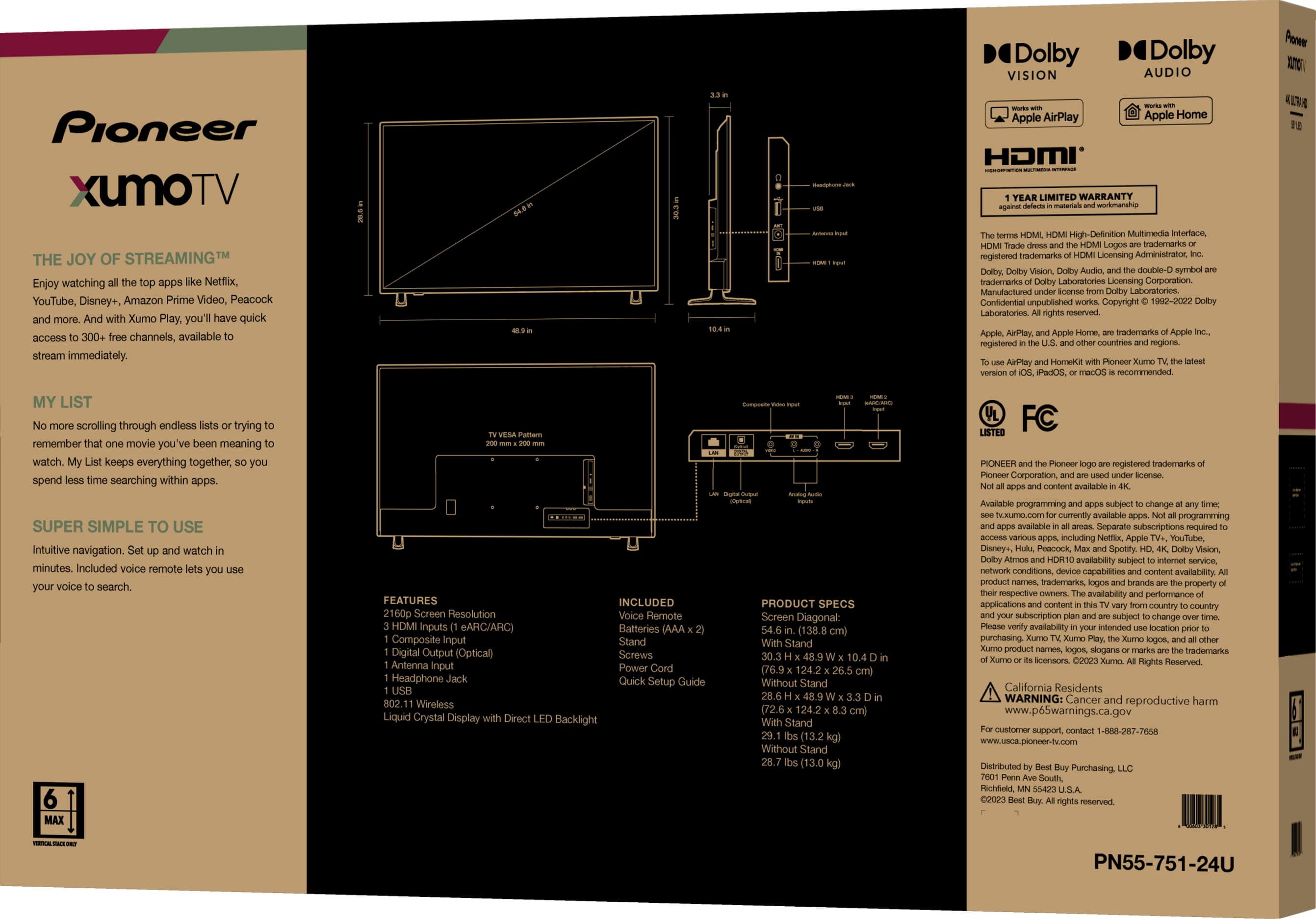
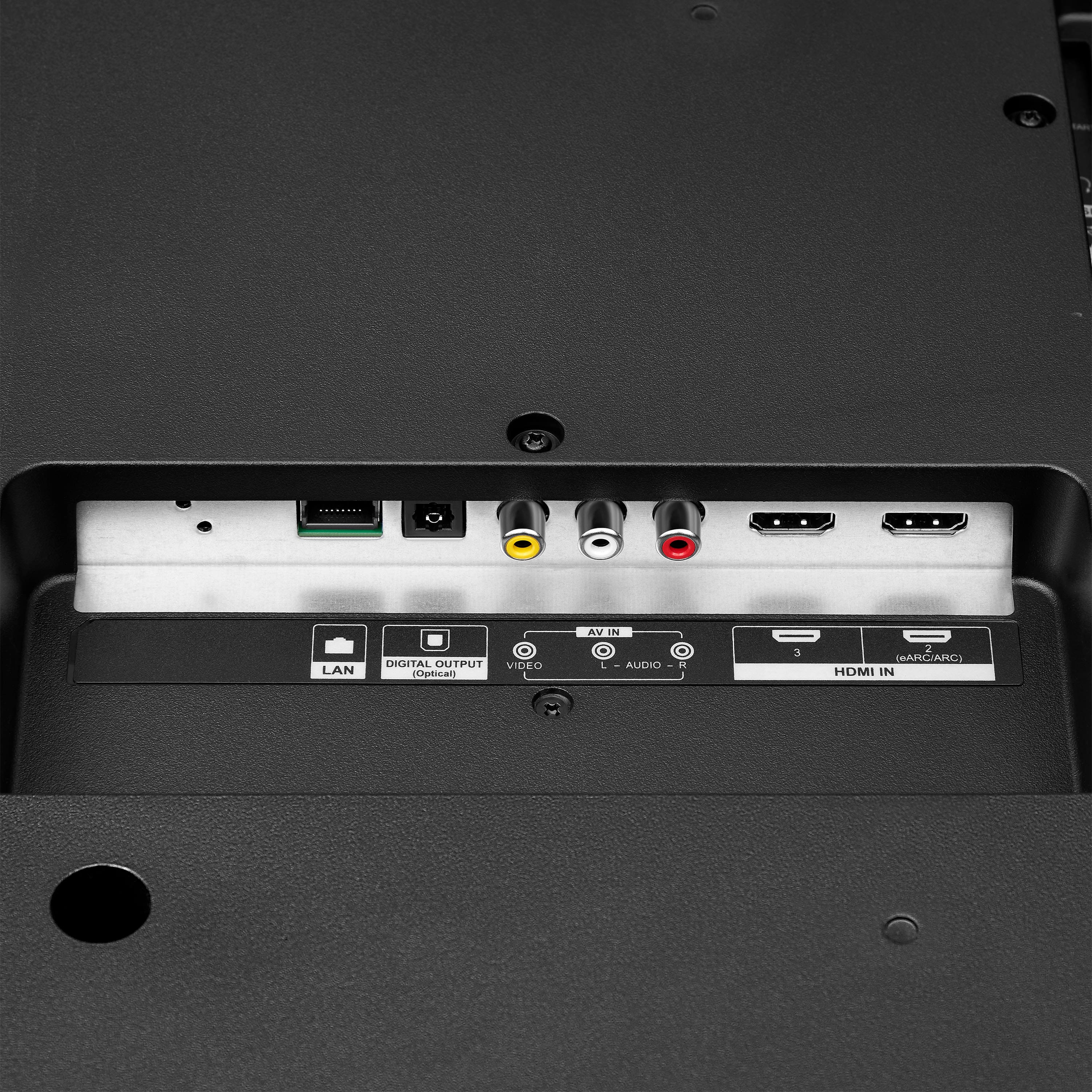
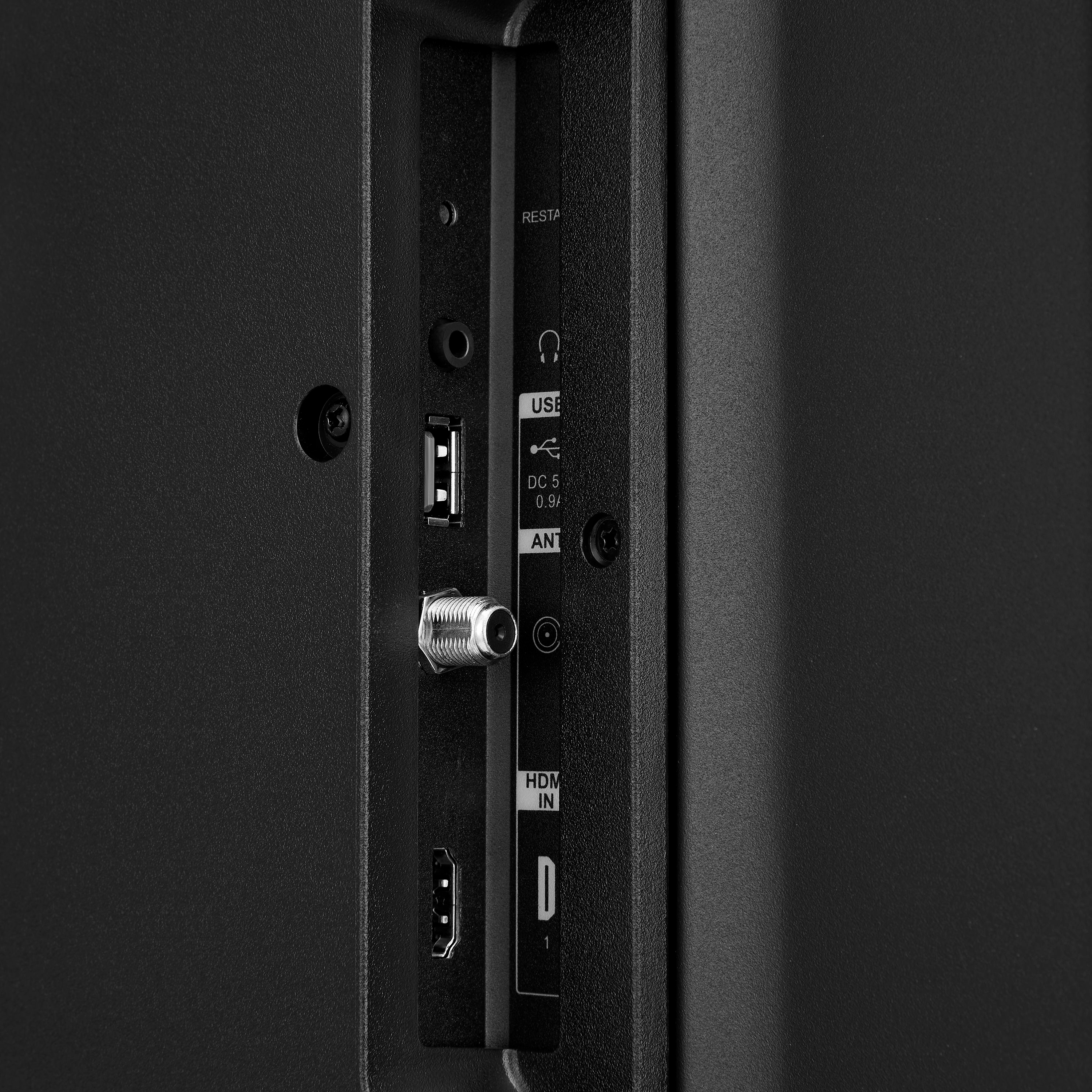
A:AnswerYes, you can use the Pioneer 55" Class LED 4K UHD Smart Xumo TV as a computer monitor. It has multiple HDMI ports that allow you to connect your computer easily. Patricia | Pioneer Support

A:AnswerThe Pioneer 55" Class LED 4K UHD Smart Xumo TV is not directly compatible with Roku as it uses the Xumo TV platform for its smart features. However, you can still use a Roku streaming device by connecting it to one of the HDMI ports on the TV. Patricia | Pioneer Support

A:AnswerTo find out which store location you can pick up your Pioneer 55" Class LED 4K UHD Smart Xumo TV from, you can follow these steps:
1. Check Your Order Confirmation: Your order confirmation email from Best Buy should include the pickup location details.
2. Best Buy Website: Log in to your Best Buy account, go to your order history, and check the details of your recent purchase. The pickup location should be listed there.
3. Contact Customer Service: If you can't find the information online, you can contact Best Buy customer service for assistance. They can provide you with the exact store location for your pickup.
If you have any other questions or need further assistance, feel free to ask!