A:Answer Hi SteveAM,
To perform a power cycle, please follow the steps below:
1.Unplug your TV from the power outlet.
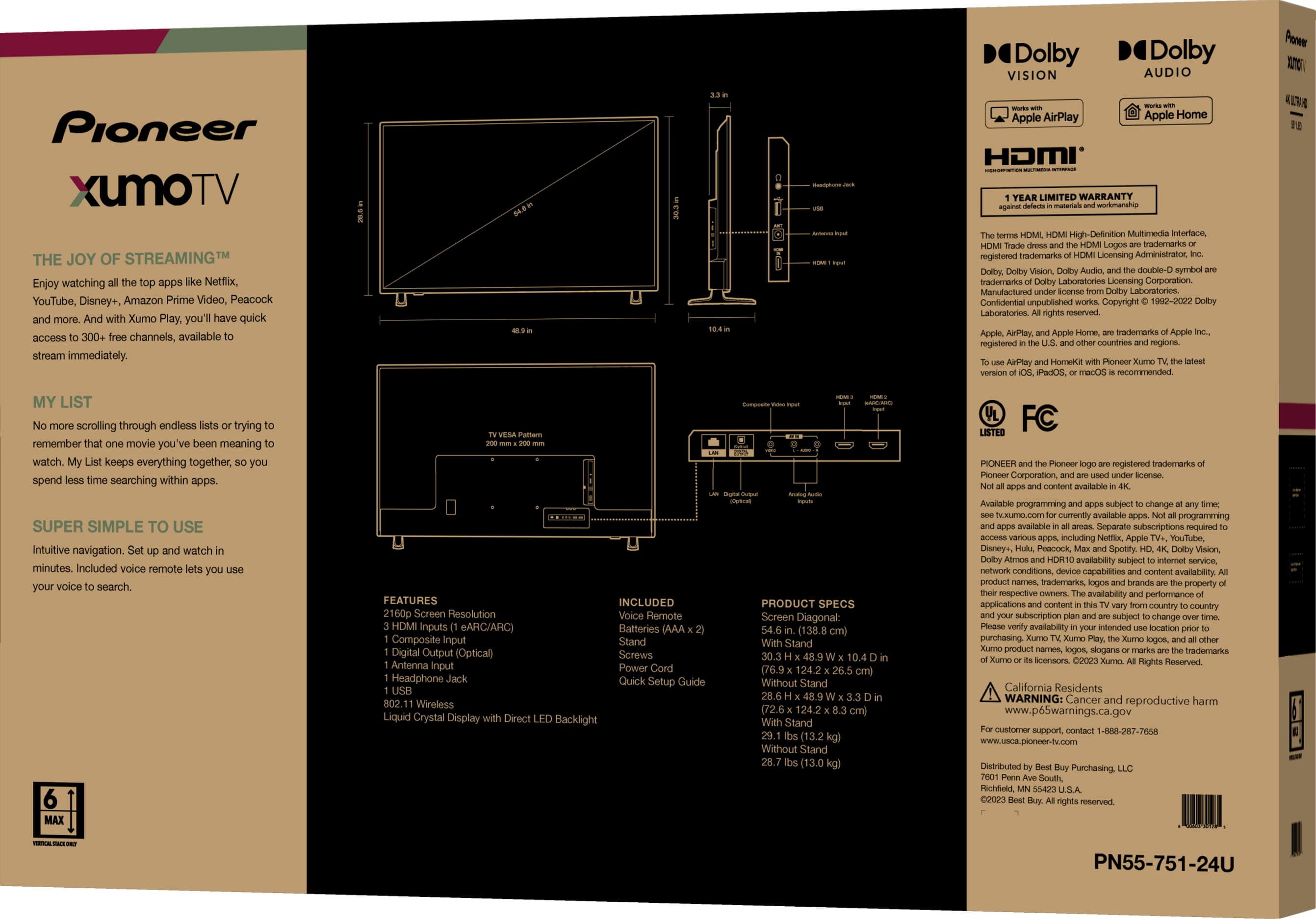
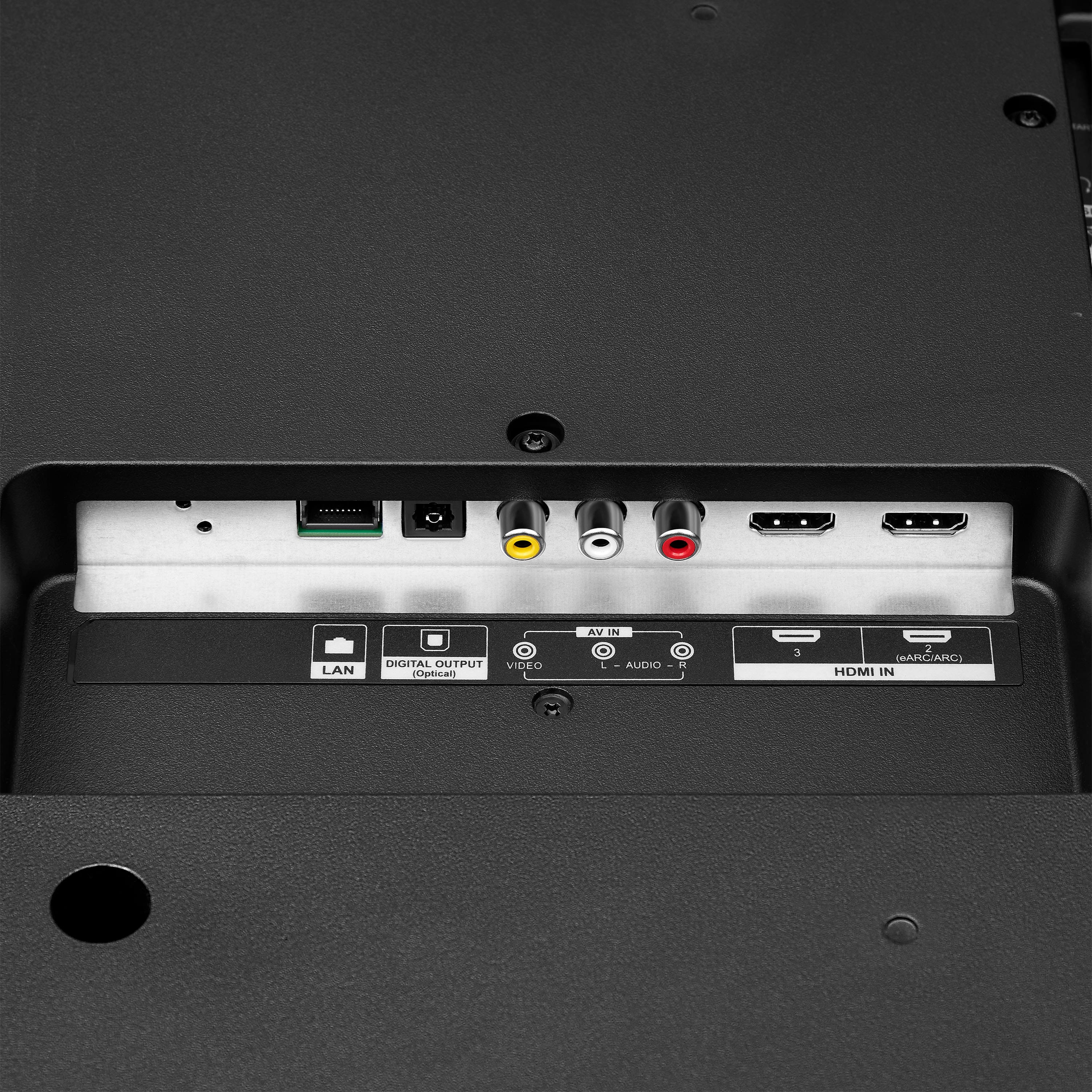
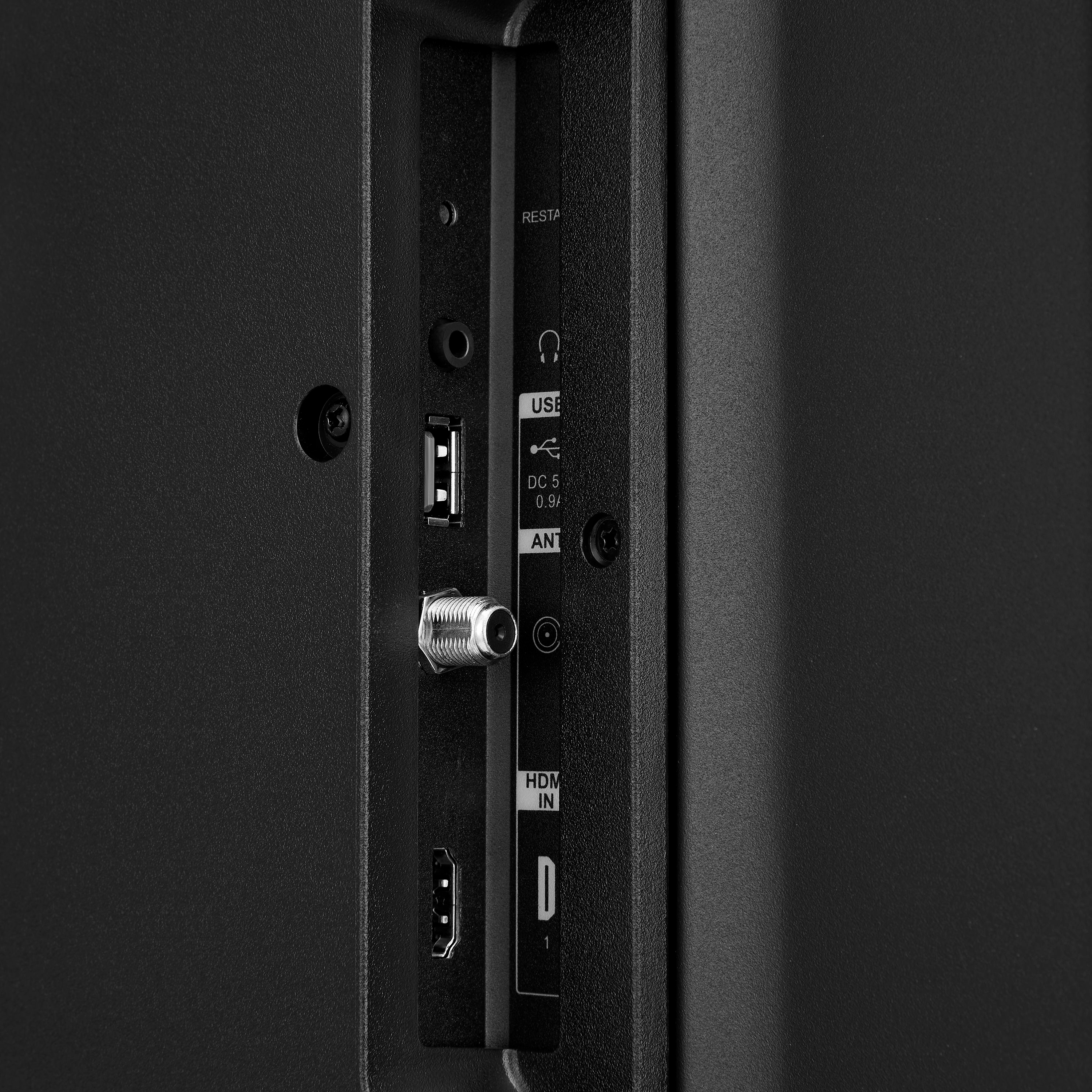
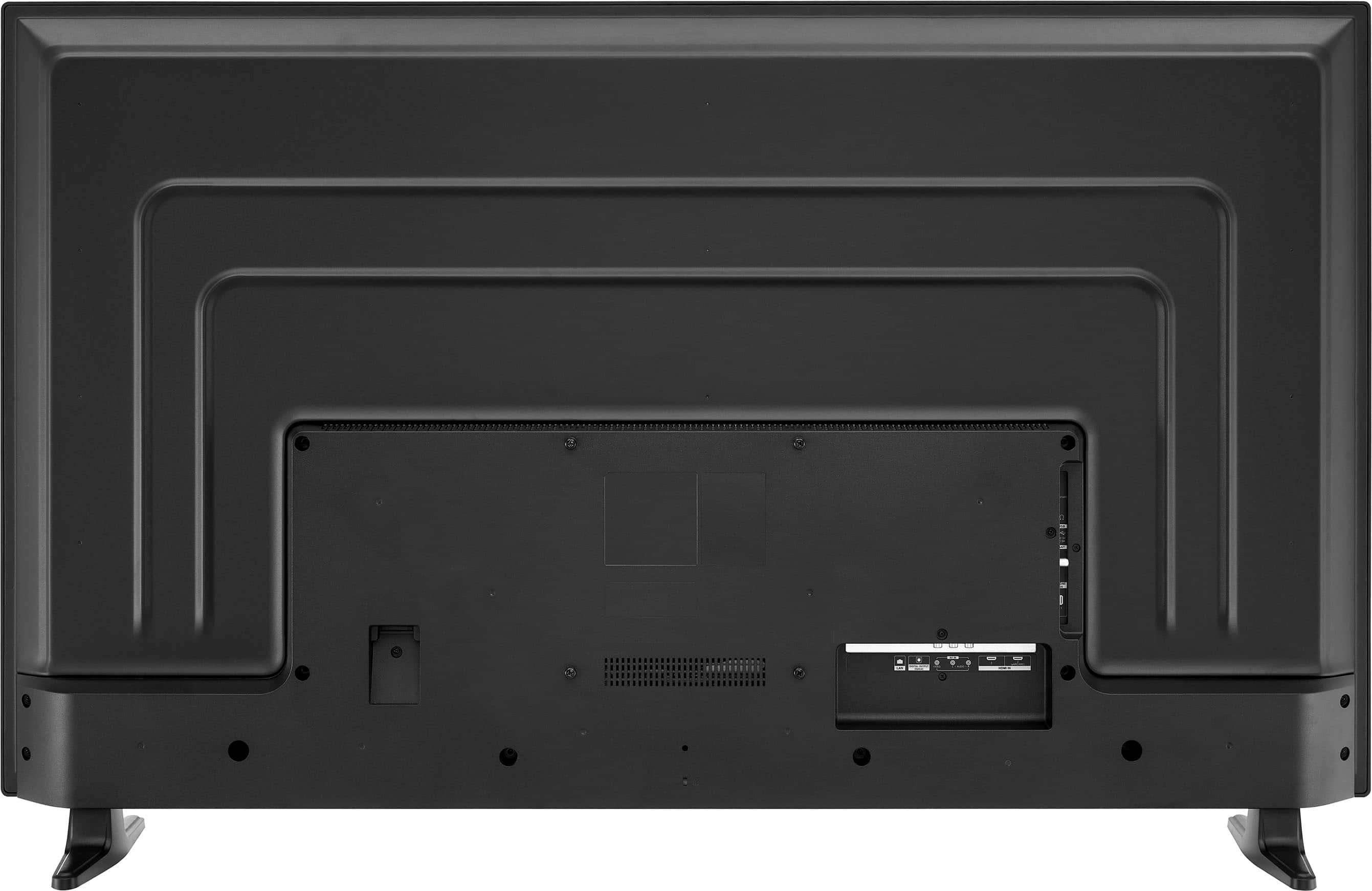
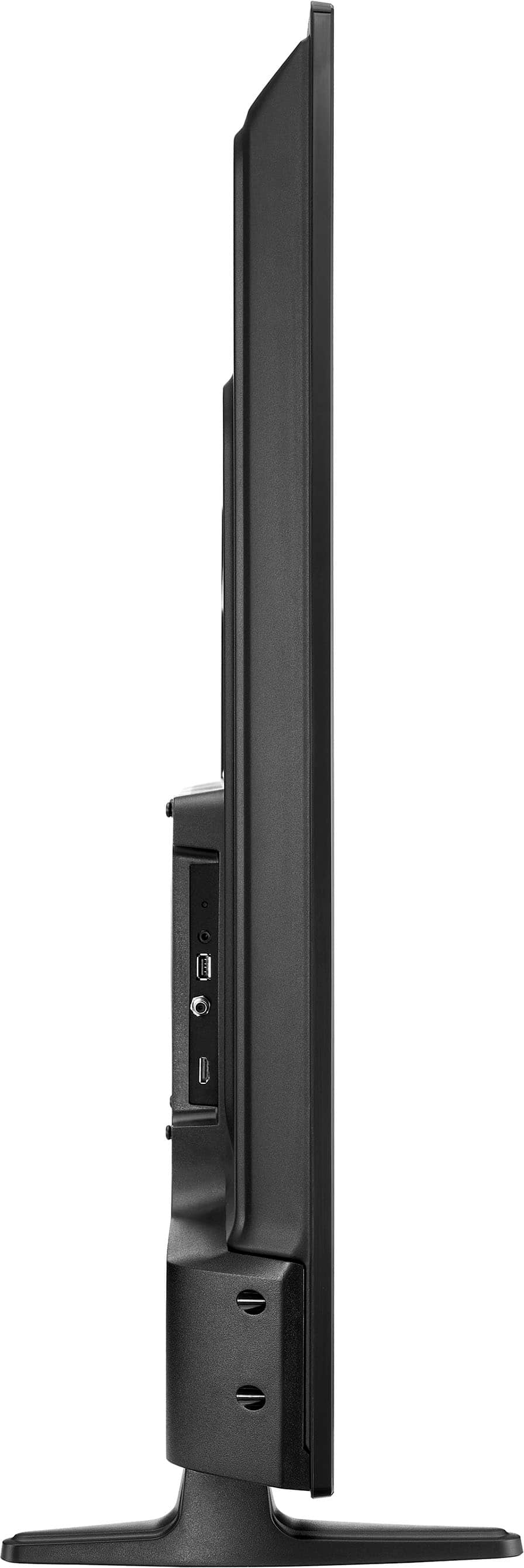
2.Remove all connections from the back of the TV.
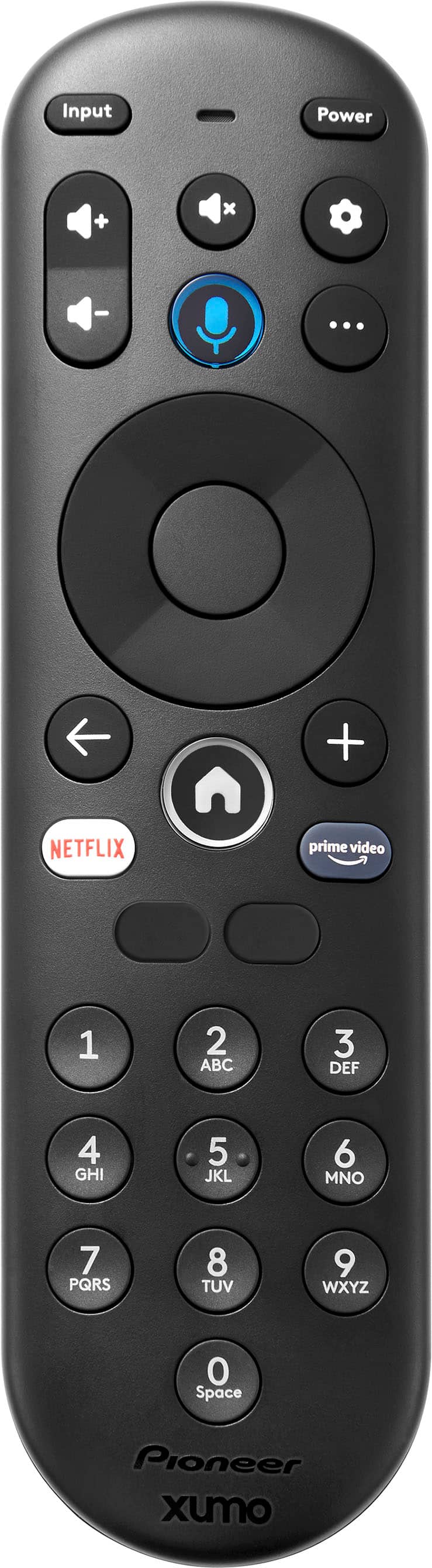
3.While everything is unplugged, press and hold the "POWER" button on your TV for 60 seconds.
4.Plug all connections at the back of your TV making sure all of them are properly connected.
5.Plug the set to the power outlet, if possible, try to connect to a different power outlet or a surge protector.
6.Turn it on and test it. For further assistance, please contact our Insignia Customer Service directly at 1-877-467-4289 Monday to Saturday 8 a.m. to 9 p.m. CT to sort this out.
Pioneer Support
Shella
https://www.bestbuy.com/site/brands/best-buy-brands/pcmcat1596746025285.c?id=pcmcat1596746025285