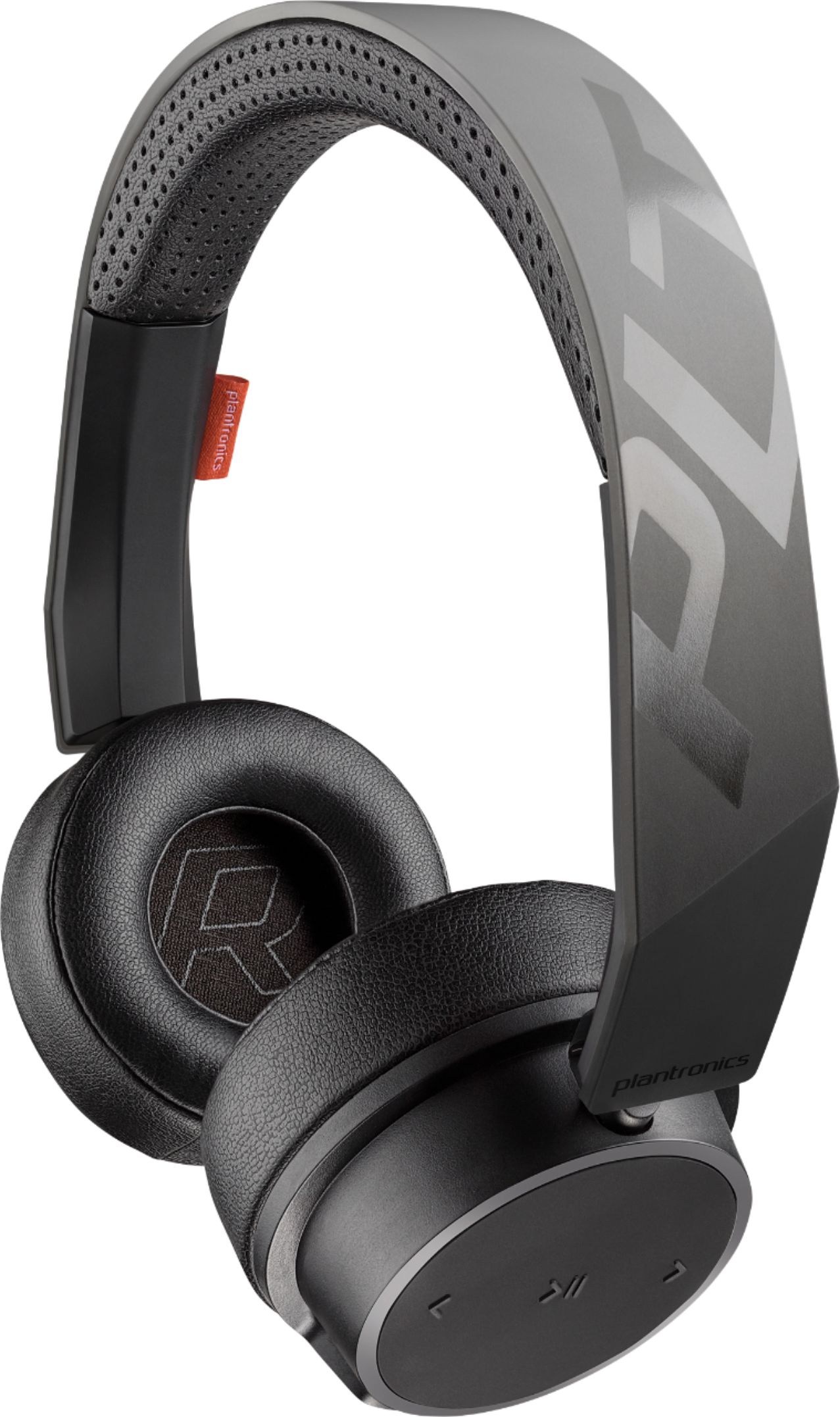
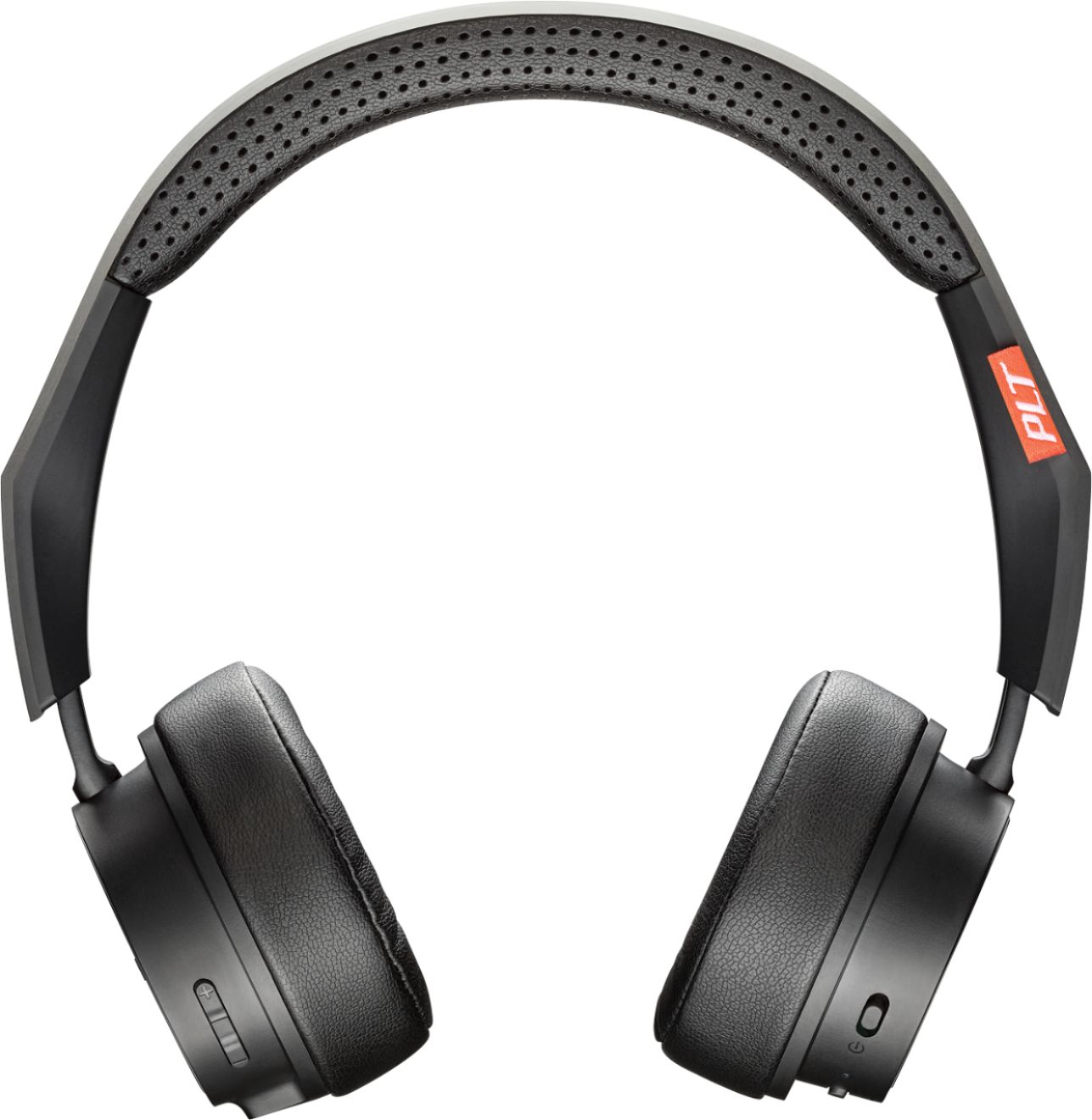
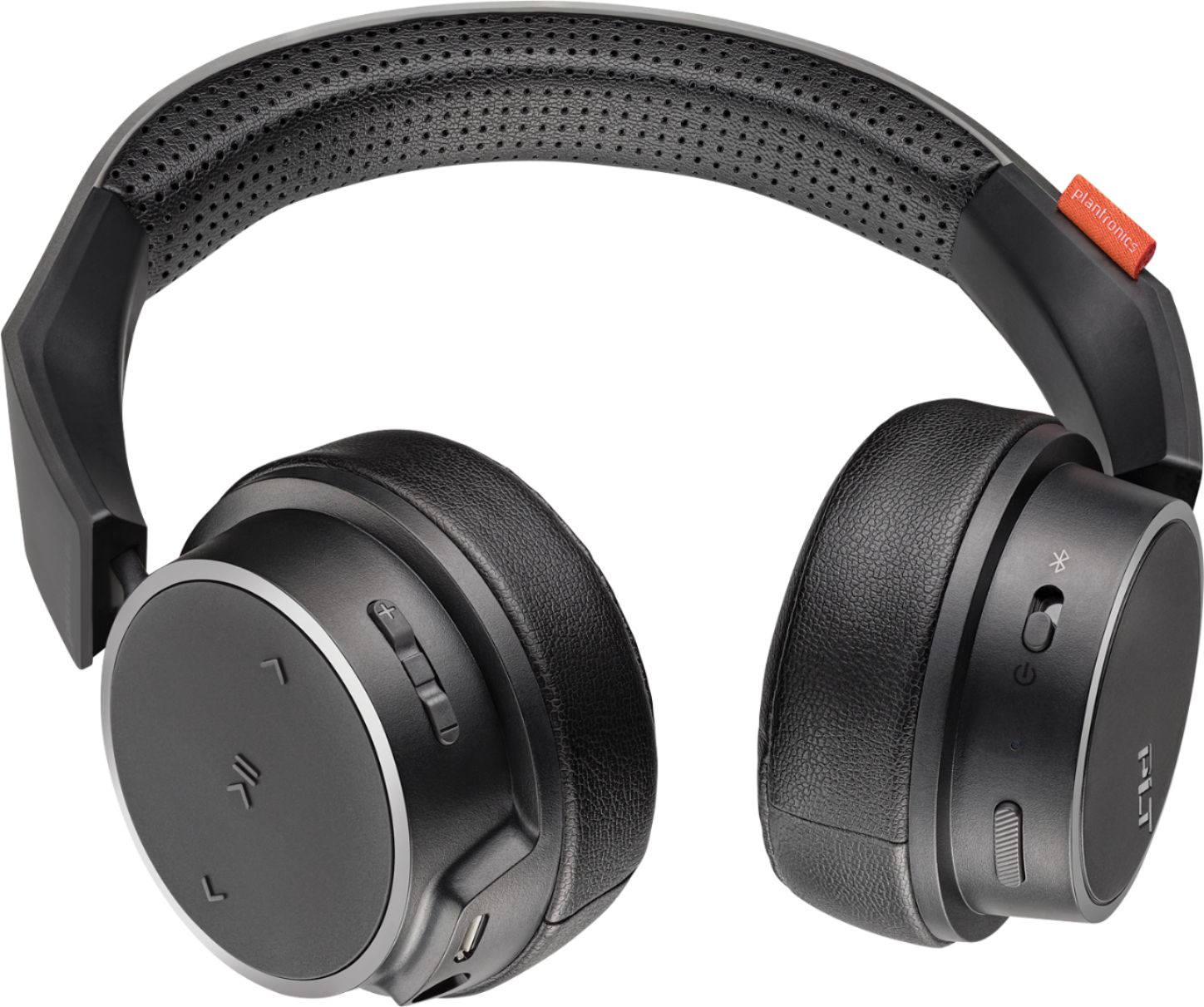
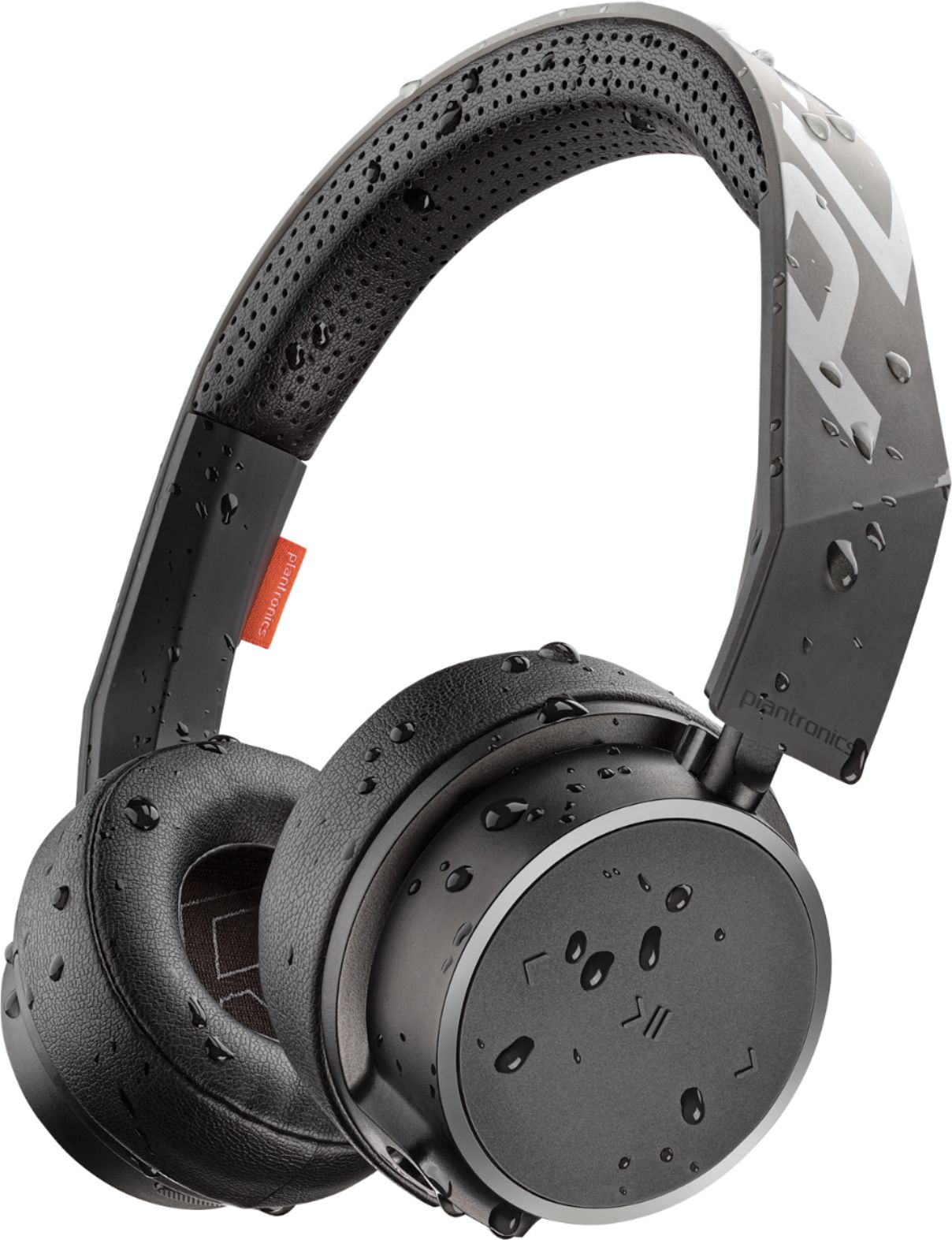
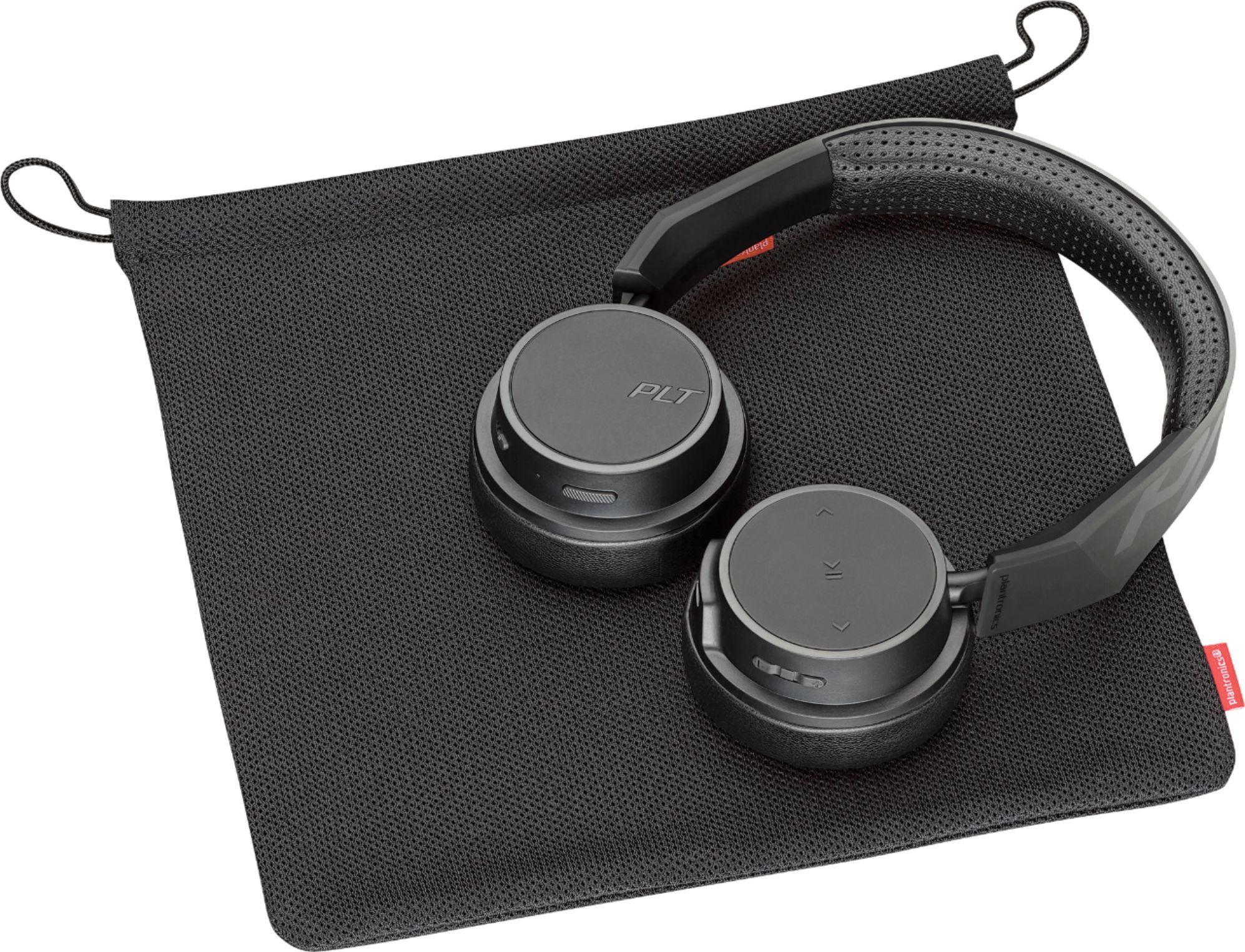
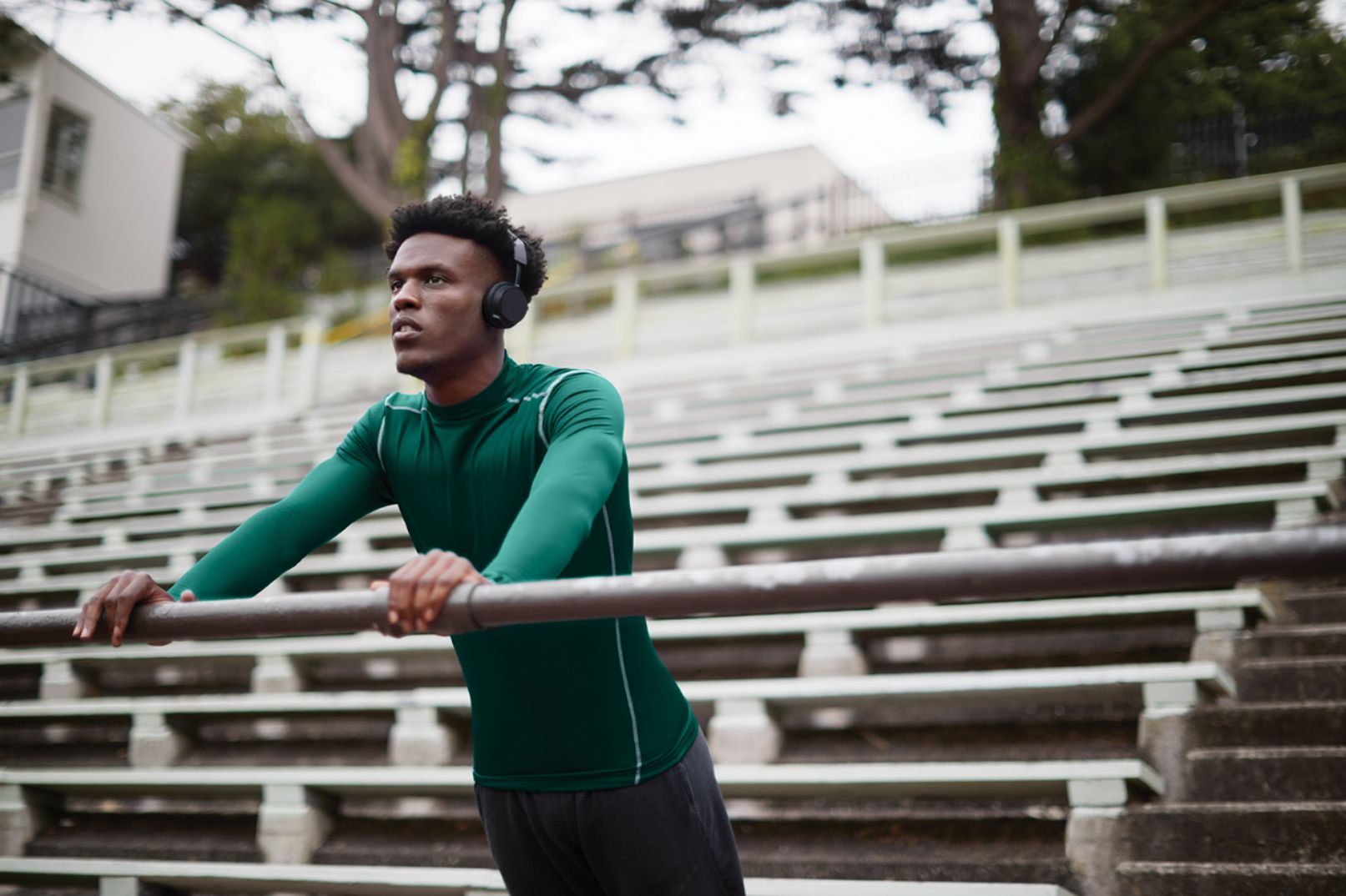
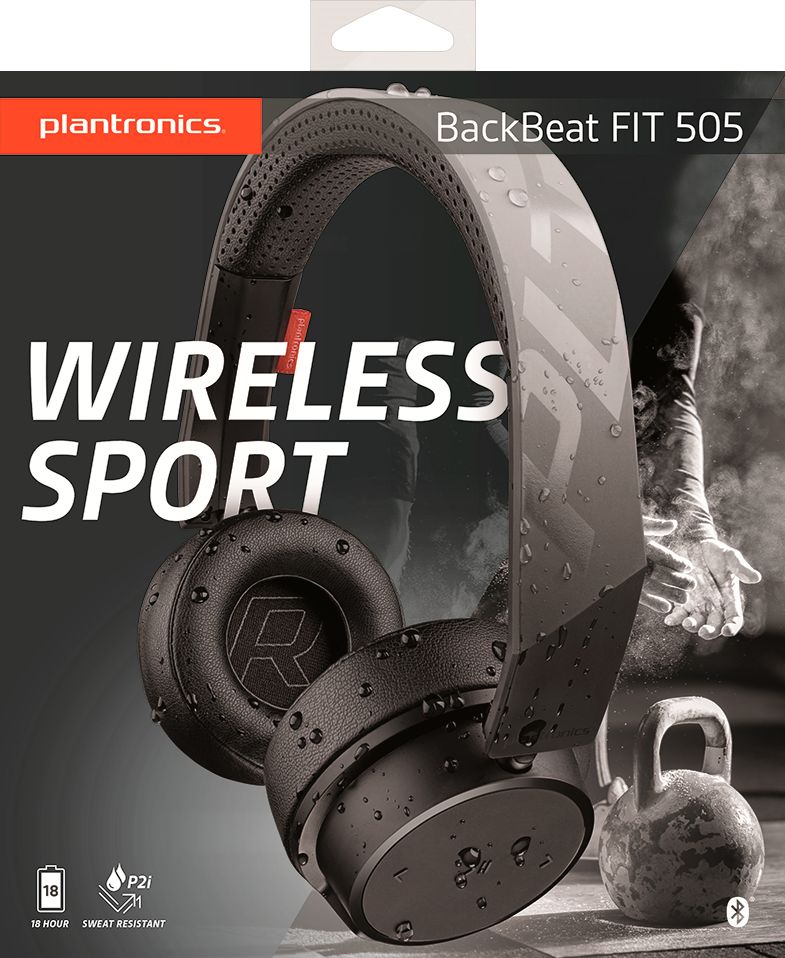
A:AnswerHello Andy! The only difference between these two models is that the latter is an exclusive version from BestBuy. Therefore both units have the exact same features. For more details related to these units, please click here: https://goo.gl/ri1vNA. Feel free to contact our Customer Care Team at: https://www.plantronics.com/us/en/support/contact If you have any other questions!
A:AnswerNo, our BackBeat FIT 505 do not feature active noise cancellation. If you're looking for a similar headset that does you might want to consider our BackBeat PRO 2.
A:AnswerHello! Yes, the BackBeat FIT 505 has Multipoint technology, which enables you to pair and connect your headset to two different Bluetooth audio devices at once. Note that you will not be able to use two devices simultaneously; instead, the benefit is that you will be able to answer an incoming phone call from either device using the headset. When making an outgoing call: The headset remembers the device you most recently used. Double press the call control button to perform a last number redial on that device or perform a long press of the call control button to initiate voice dialing on that device (if the device supports it). To make an outgoing call on the other device: Initiate the call from the device itself. The audio will automatically transfer to the headset. To answer a call: If you receive a call on either device, you will receive an incoming call notification on the headset. In some cases, the ring tone from the device will play on the headset, enabling you to determine which device is ringing. Press the call control button on the headset once to answer the call. To answer a call on one device while you are on a call on the other device: You must either disconnect the first call or place place it on hold in order to answer the second call. Unfortunately, there is no way to place a call on hold using the headset, so you must do so using your cell phone. If you choose to terminate the first call, you can do so by pressing the call control button on the headset once. You will then hear the incoming call notification (beep) on the headset. Press the control button again to answer the call. Feel free to contact our Customer Care Team at: https://www.plantronics.com/us/en/support/contact if you have any other questions!
A:AnswerAmazingly, this comes with a cord! If your TV has a headphone jack, you can just plug it in. Might need an extension cord, too, but at least it would work.
A:AnswerThis headset has an adjustable headband and it is designed to fit the vast majority of ear shapes and head sizes. For more details on this product, click here: https://bit.ly/2SQJQys or you can also contact our Customer Care Team at: 1 888 248 4143 or 1 916 928 7561
A:AnswerThe headphones automatically connected to my IPhone XS without issue. So it shouldn’t be an issue with OIS at all. Perhaps a call to customer support would be best and or check phones blue tooth settings.
A:AnswerHi Tammy! The BackBeat FIT 505 is compatible with any cell phone or tablet that supports Bluetooth headsets. To confirm compatibility with the phone that you have, feel free to access our Compatibility guide where you can enter the exact model of phone/soft phone that you have: https://compatibility.plantronics.com/softphone or you can contact our Customer Care Team at: 1-855-765-7878
A:AnswerHi! These headsets are designed to fit the vast majority of ear shapes and sizes. It usually has pretty tight fit for average adults, so it should fit comfortably. If you have any further questions, feel free to contact our Customer Care Team at: 1-888-363-0726
A:AnswerHello! This headset model can be used by any device that supports Bluetooth headsets and audio streaming. Bluetooth technology works through several Bluetooth Profiles and these are the ones that the Bluetooth enabled device should have to at least allow a connection to the headset: AVRCP (Audio/Video Remote Control Profile), A2DP (Advanced Audio Distribution Profile), HSP (Headset Profile), HFP (Hands-Free Profile). We hope you will find this information useful, if you require further assistance, please don't hesitate to contact our Customer Care Team at 1-888-363-0726.
A:AnswerHi Danny! The BackBeat FIT 505 is mainly intended for any cell phone or tablet that supports Bluetooth headsets. As they are Sport Headphones, this model may not our first option for conference calls through a computer. As you've seen the headset does pair to your computer due to its internal Bluetooth adapter; Yet, it is crucial to point out that Bluetooth technology works through different profiles and not all computers support Bluetooth headsets. Many times, these drivers are not installed by default – even on new computer installations. For MS Teams, Zoom, Webex and Skype on a computer, we strongly recommend you to check out our UC line of products, like the Voyager 4200. We hope you will find this information useful. If you have any further questions, feel free to contact our Customer Care Team at: 1-888-363-0726.
A:AnswerHello! The button to increase and decrease volume is also a mute button. For more information related to this product: https://bit.ly/2kfMVH9. If you have any further questions, feel free to contact our Customer Care Team at: 855-765-7878
A:AnswerHello! The BackBeat FIT 505 Wireless headphones are designed for use with Bluetooth devices that have the required profiles (HSP, HFP, A2DP). It also features a 3.5 mm connection, that with the use of an aux cable, might be compatible with your Xbox One S. However, this will depend on the cable you use, and we cannot guarantee compatibility, since it is not intended for that use. If you have any other questions, please don't hesitate to contact Plantronics Customer Care at 855-765-7878.