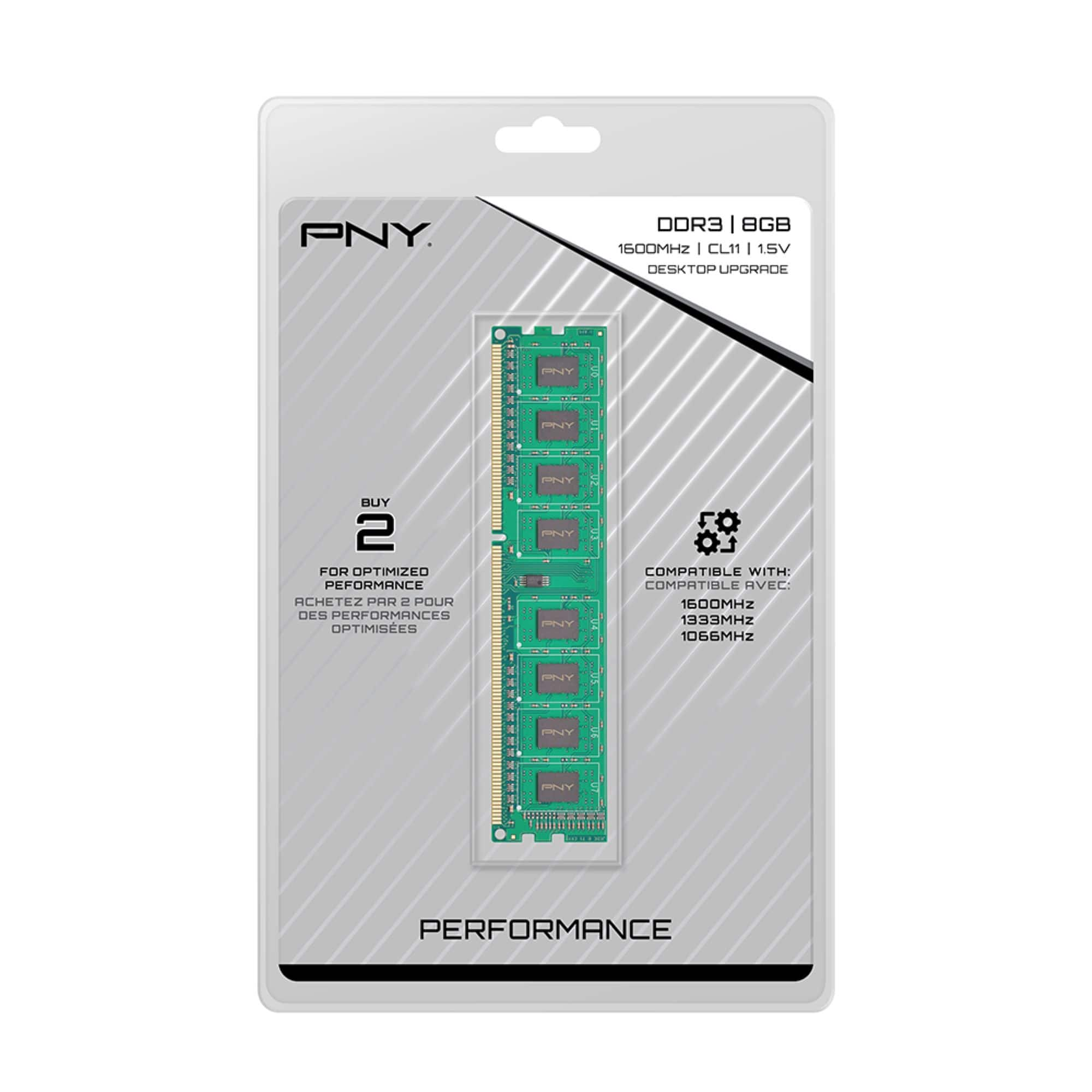
A:AnswerDepends on the speed of your Motherboard, for example Motherboard speed takes 8 GB DDR3 1333 MHz Pc3-10600 would not take a upgrade 8 GB DDR3 1600MHz CL 11 Don't waste your money like I did even though the packaging stating that's it's compatible.
A:AnswerThe Dell Inspiron 3250 Computer takes the DDR3L PC3L-12800 1600MHz Non-ECC DIMM memory type, and comes installed with 4GB memory. Your system should be able to run up to 16GB memory.
A:AnswerWhen I consulted a sales associate at Best Buy they told me it was better to buy matching RAM, especially since my system was older. I purchased 2 8GB chips to raise my RAM to 16GB and glad I did. I have had no problems and sped up my system considerably.
A:AnswerThe product pictured shows DDR3 ram. Your motherboard requires DDR4. If you enter your motherboard info into a google search, you will learn all the specs.
Example: This is from Newegg.
Learn more about the MSI X370 GAMING PRO CARBON
Model
Brand
MSI
Model
X370 GAMING PRO CARBON
Supported CPU
CPU Socket Type
AM4
CPU Type
Supports AMD RYZEN Series Processors and 7th Gen A-series/ Athlon processors for Socket AM4
Chipsets
Chipset
AMD X370
Memory
Number of Memory Slots
4×288pin
Memory Standard
DDR4 3200(OC)+/ 2933(OC)/ 2667(OC)/ 2400/ 2133/ 1866
* 7th Gen A-series / Athlon processors support up to 2400 MHz only.
Maximum Memory Supported
64GB
Channel Supported
Dual Channel
A:AnswerThe Operating System will not be a problem as long as the ram works in the computer, so whether it is win98,xp,win7 etc.. makes no difference on type of ram. It just has to be the right ram for the motherboard.
A:AnswerIt depends on what your desktop will take, the best option for you to do is go to http://www.crucial.com/usa/en/systemscanner and it will do a scan and tell you what you have and what you can upgrade to. Then look to see what BestBuy has and purchase from them.
A:AnswerI believe iMac's use Laptop Memory. Click the Apple logo in the top left corner and choose "About this mac". It should list the type of memory the iMac is using (Whether it's DDR2 or DDR3 and what MHz).
A:AnswerThe best way to find out if this will work with your desktop is to open task manager on your computer. Select the performance tab at the top and then select memory. See what RAM you already have and see how many slots you have available. Pay attention to the RAM speed that is listed and it should say the form factor is DIMM for a desktop. If you already have 8 GB of RAM and have an open slot then this would be the product for you.
A:AnswerFrom reviewing the specs online for your particular machine it states that there is 8 GB of preinstalled ddr3 ram or for better perspective two sticks of 4 GB. The machine is rated for the maximum of 16gb of ram or for better terms 2 sticks of 8 GB ddr3 ram. Of maximum speed of up to 1600 MHz. So yes this product will work for your system
A:Answeryes it should run great and run much faster on your pc.
Any DDR3 memory will work on your PC but you should take your memory out of the PC. Then put your new faster 8 gb chip in the first slot which is the slot closest to the processor. then start it up go into cmos setup so the motherboard recognises the new memory . boot up to windows and check for any errors. If ok shut computer down and add your memory chip to slot 3 and repeat boot to cmos setup you should a total of memory of 8gb plus whatever you put in slot three. reboot to windows and check for errors. You may have to reboot two or three times to allow windows to reconfigure the pc for new memory configuration. It should be much faster now.
Good luck Mad mike
A:AnswerIt should be, as both RAM sticks are the same type (DDR3), and I've never heard of it being incompatible with anything else, as long as you have the right type, which this is!