Questions & Answers
- Model:
- P-FD16GCOM-GE
- |
- SKU:
- 4896077
Highly rated by customers for: Storage, Size, Price
Page Showing 1-3 of 3 questions
Q: Questionhow do I copy the pictures in my computer to the PNY flash drive?Do I have to download each file one at a time, or can I download the whole Pictures section (or Documents) at one time?
Asked by khnun.
- A:Answer insert flash drive into computer, then there will be a screen appear on desktop reflecting "open to view files". Now locate the items you wish to copy to flash drive. Drop and drag those items to the drive. Yes, you can do a full transfer by right clicking on the main title-scroll to 'copy' or 'send to' and entire contents will transfer.
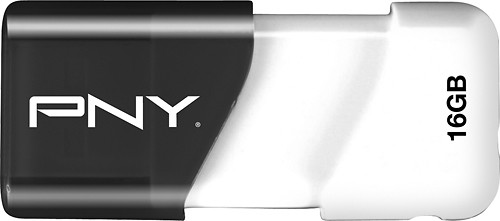
Answered by greyresearcher
Q: QuestionMy PC has a USB 2.0 port. Can I use a USB 3.0 flash drive to transfer data? Or does it have to be a 2.0 USB flash drive only.
Asked by Anonymous.
- A:Answer you can use a USB 3.0 on your 2.0 port. but you will not be able to take advantage of the 3.0's data transfer ability. hope that helps
Answered by work3r
Q: QuestionI cannot copy a 8 gb video from my Mac hard drive to the PNY flash drive???
Asked by JJ.
- A:Answer Make sure it's formatted using a standard other than FAT or FAT32. NTFS works great for Windows, don't know about Mac.
Answered by MickeytheMouse
Page 1, Showing 1-3 of 3 questions
Top Rated
- $329.99$329.99The price was $469.99
- $299.99$299.99The price was $349.99
- $949.00$949.00The price was $1,099.00
- $139.99$139.99The price was $149.99
- $449.99$449.99The price was $649.99
- $279.99$279.99The price was $329.99
- $1,499.00$1,499.00The price was $2,799.00















