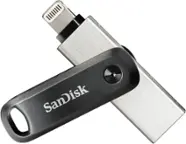
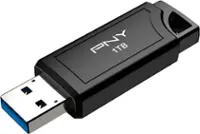
A:AnswerThe amount of shows this drive will hold would depend on the resolution and quality of the movie. Depending on the quality and type, one movie could be as small as 1GB or as large as 50GB.
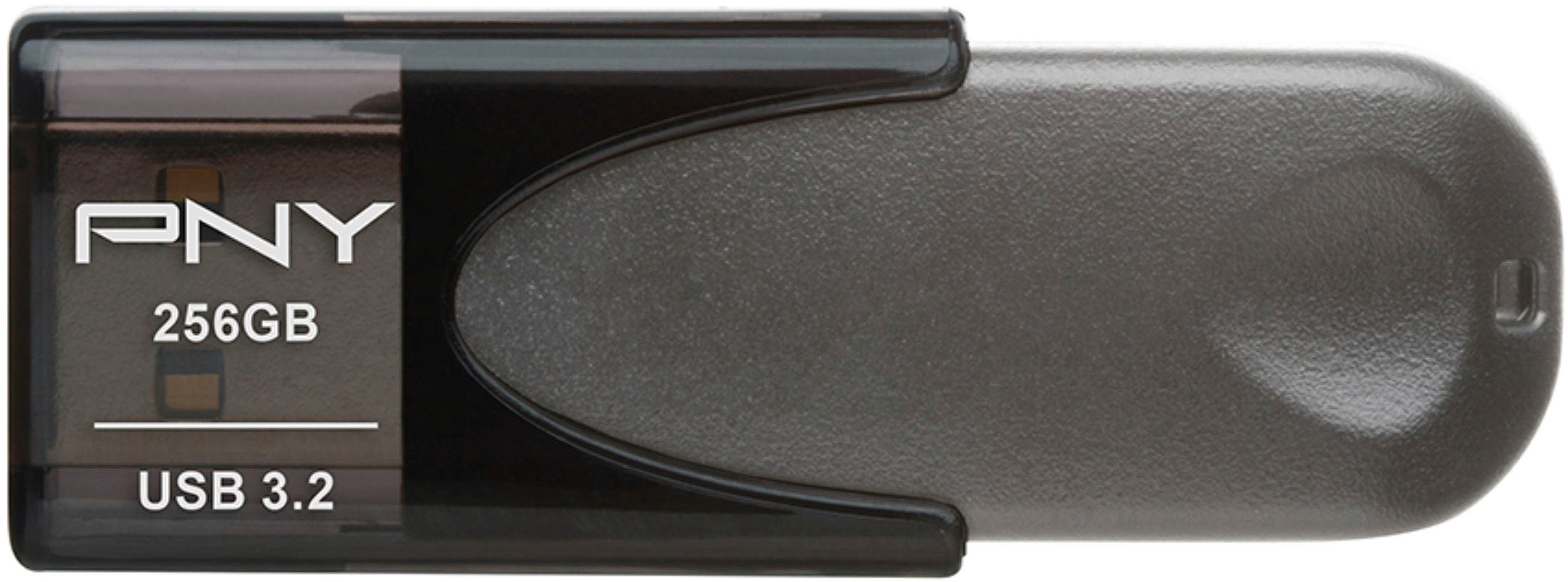
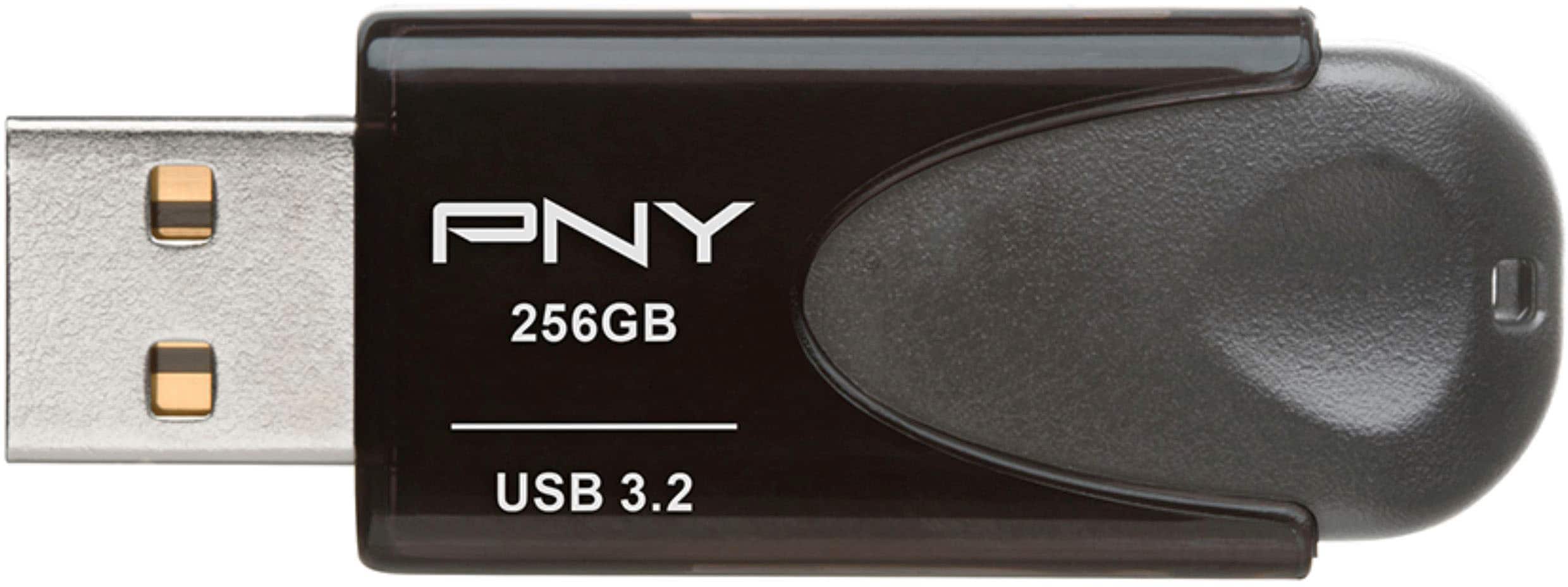
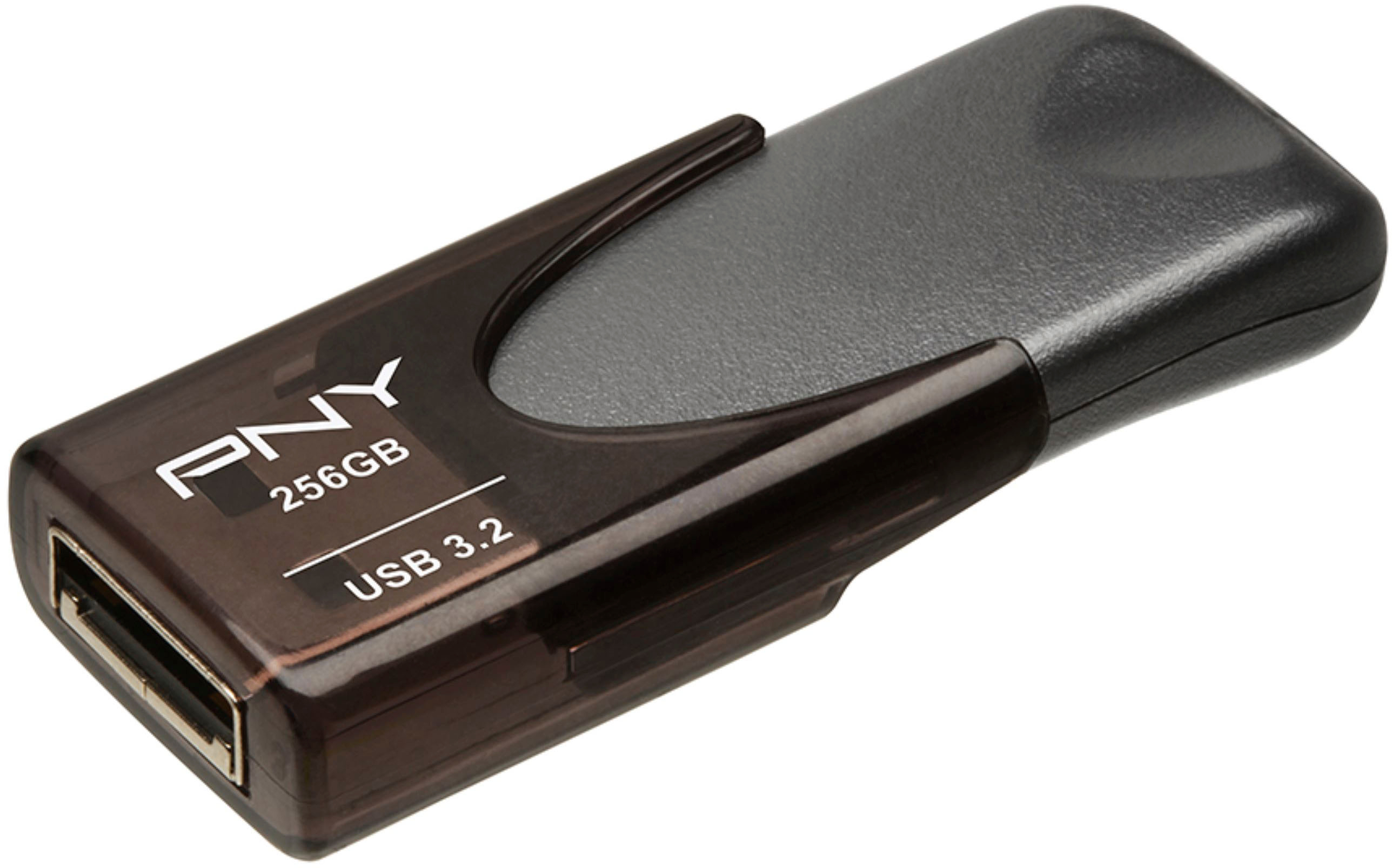
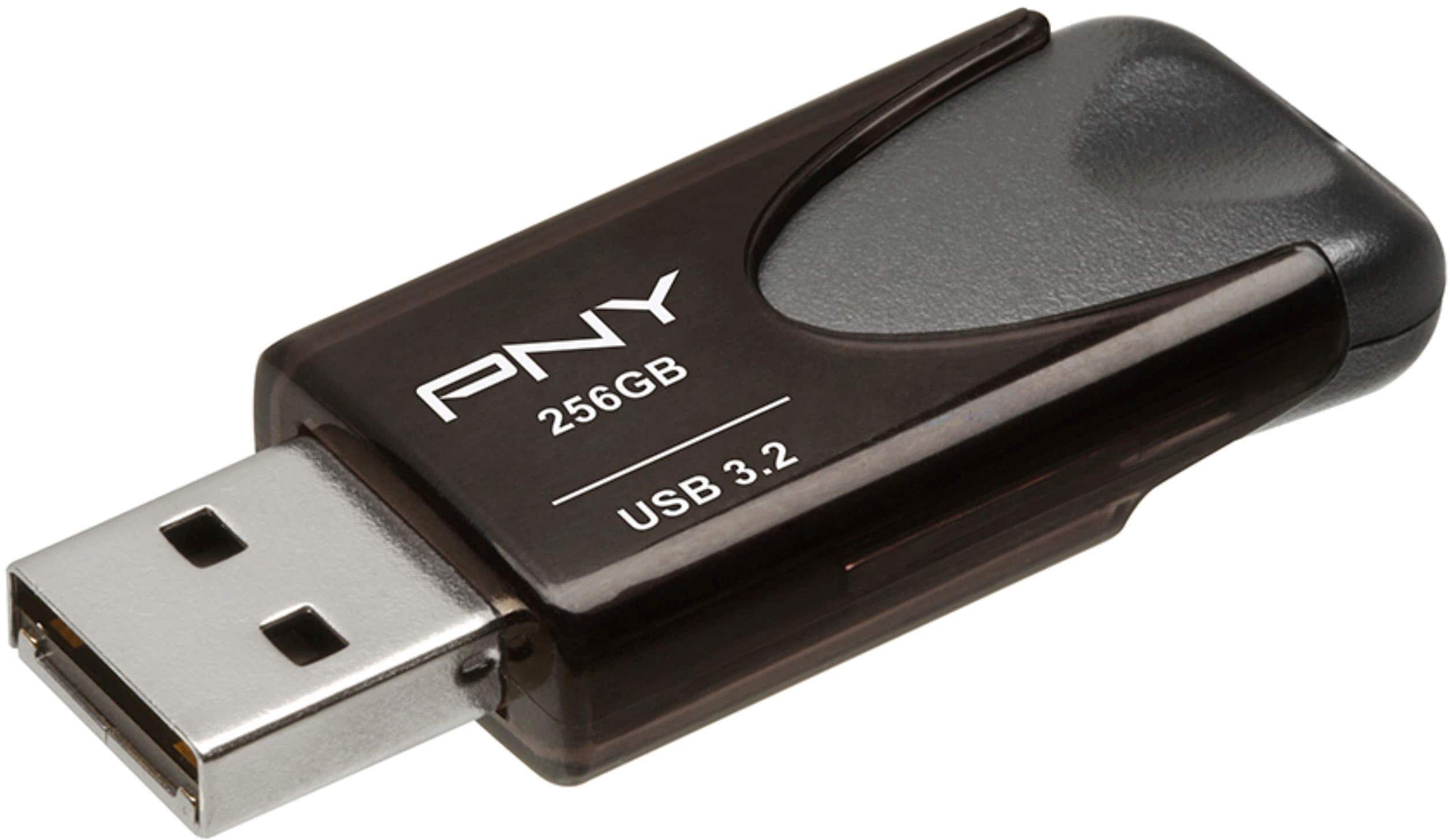
A:AnswerYes. It has a red LED light that comes on when the drive is inserted, when files are written and read and when ejected from a computer (prior to removal from a USB port.) It is a bit obscure due to the dark color of the sliding cover. In daylight you have to watch for it. It is easier to see in dull light.
A:AnswerI worked directly with my work files using my home computer as a dumb terminal through VPN access. Your employer's IT department should be able to set you up.
A:AnswerYes, the PNY - Turbo Plus 128GB USB 3.0 Flash Drive is ideal for use with a windows tablet sporting a USB drive. Be sure to keep back up copies of files on hard drives.
A:AnswerThe speed was just as quick as it is from transferring a file on your computer from One folder to another I could not see any drag of delay in transferring files or folders
A:AnswerI use it with an older Levovo laptop which I think has a 2.0 gen USB port & I've seen files transer up to 25 MB a second. Slower on large files (like a movie). Maybe 8-10 MB per second if I transfer a huge # of photos (say 1000-1500 pictures at a time).
A:AnswerIt depends on what you happened to save the photos to. If you saved them all on the device and have a microSD card in the phone for extra storage, I think its easiest depending on what inputs you have on your PC and/or USB hub to just transfer as many as possible from the phone to the micro SD Card. Ive got a bunch of options, I have a USB hub with a microSD slot, most of the cards come with an SD adapter that you can pop it into and view/transfer files to your PC from there. Also a totally different route but look into cloud storage options like Google Drive that have a free 2BG of cloud storage. Save them to the cloud and download them to your PC if you want. Peaceeee