A:AnswerHello,
This is not enough information to make a determination. You must find out what the computer model (or motherboard model) is in order to determine what type of memory you require.
PNY Brand Champion
A:AnswerHello,
This computer module is said to use PC3-8500 memory (1066mhz) only in the Fujitsu specification, but this memory may work in it. Please contact Fujitsu and confirm that the Lifebook T1050 can accept 1333mhz memory modules.
PNY Brand Champion
A:AnswerI recommend doing a search and finding the spec sheet for the computer. It will tell you which type of memory your machine has and how much memory you can add in (max). That is what I did for my Toshiba laptop. The spec sheet will also tell you how many slots you have. In my case, 2 slots, so I needed two 4GB chips to make 8GB total which is the max that my laptop supports. Good luck !!
A:AnswerYou need the model and serial number of your computer and they will help you find the correct module for your computer (if you have the space to add it because some computers can't add additional memory)
A:AnswerIt should... I installed this in my Wife's 2010 MacBook Pro and it pretty much doubled the speed. She complained that it was almost unusable before the upgrade.
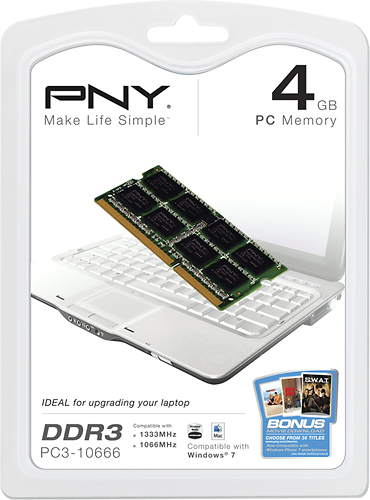
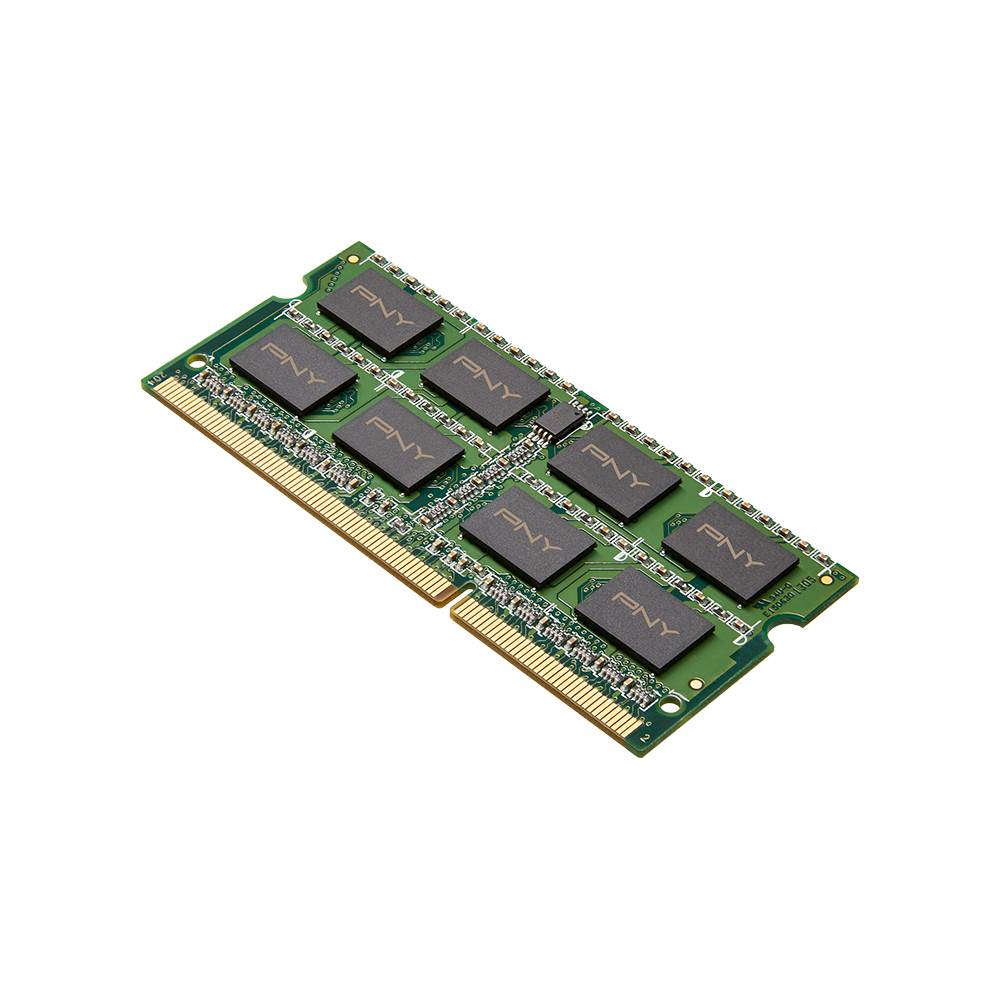
A:AnswerThis is 1 4gb module so you would need two to make 8 gb. Double check the back of your laptop to make sure you have 2 slots available. If yes, then you would be able to install them next to each other.
A:AnswerThis is somewhat older RAM, and may not be rated as fast as your new Toshiba needs. Your computer may recognize it, but not run as fast as it should.
A:AnswerThis is RAM memory, not a solid state hard drive. You could configure some of your installed RAM memory as a virtual disk, but it looks like your question is about permanent storage.
A:AnswerYes installed on hp notebook running windows 8.1 and had no issues, all worked and has worked now for over a month. Just make sure to check your page file has updated correctly.