Questions & Answers
- Model:
- SIGNA S1 SYSTEM
- |
- SKU:
- 5754936
Highly rated by customers for: Sound quality, Price, Easy setup
Page Showing 161-167 of 167 questions
Q: QuestionCan volume be controlled by cable box remote?
Asked by LeRoy.
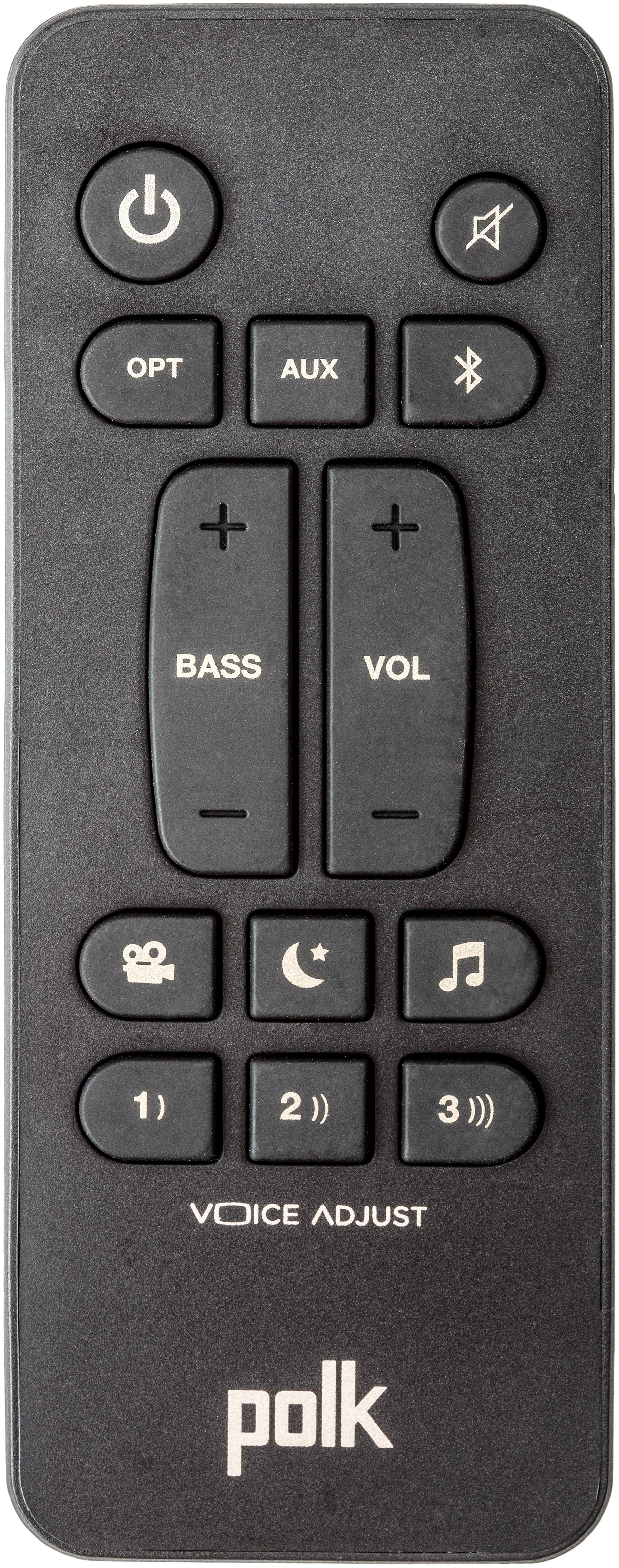
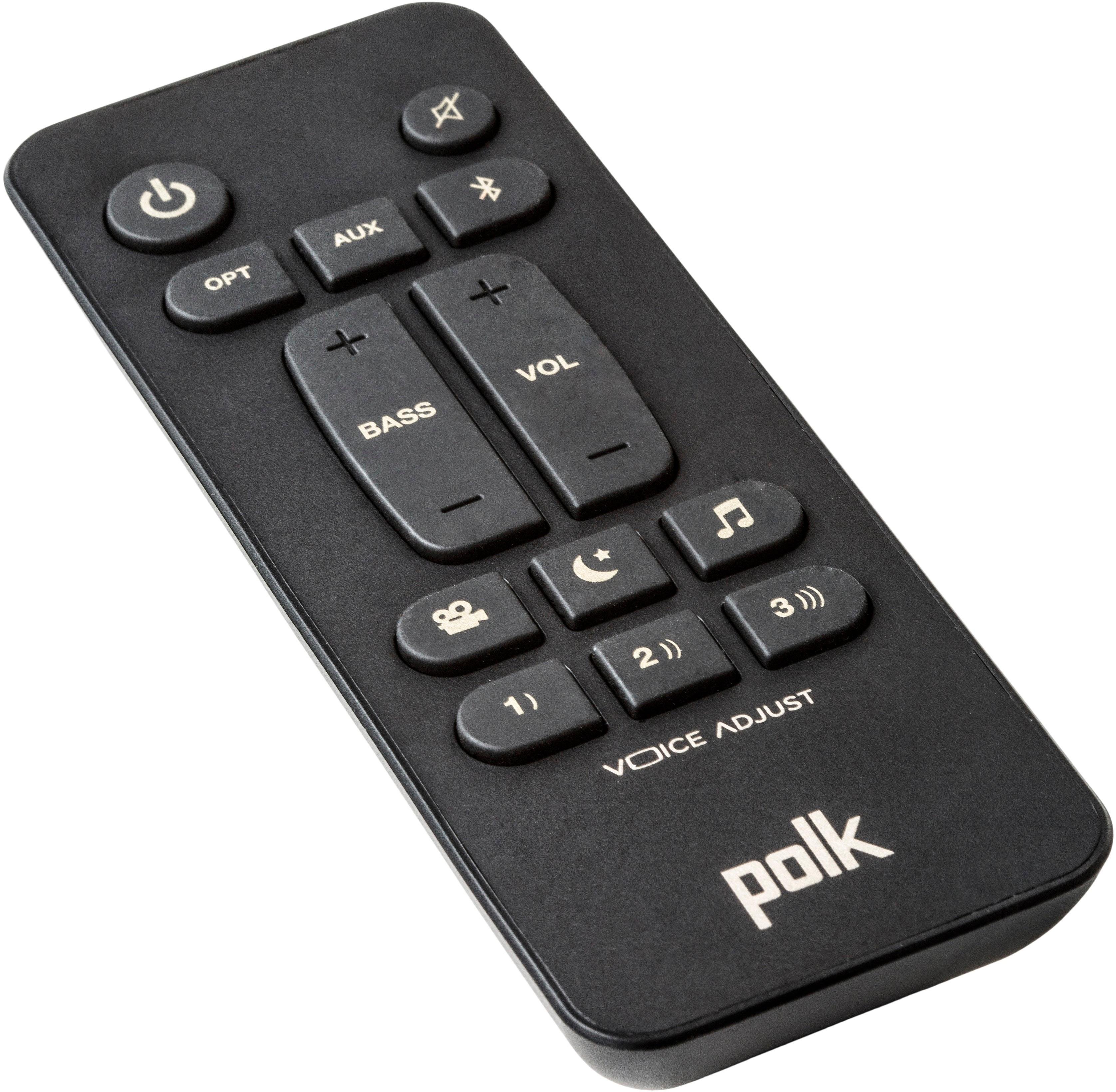
- A:Answer The answer is No...according to Polk Audio support
Answered by mtv1
Q: QuestionMy Signa S1 soundbar will not stay turned on. It immediately goes to a blinking blue light. Unplugging and plugging soundbar and subwoofer does nothing. Now there is no sound coming from my Sony TV when I completely disconnect the soundbar.
Asked by conniebc.
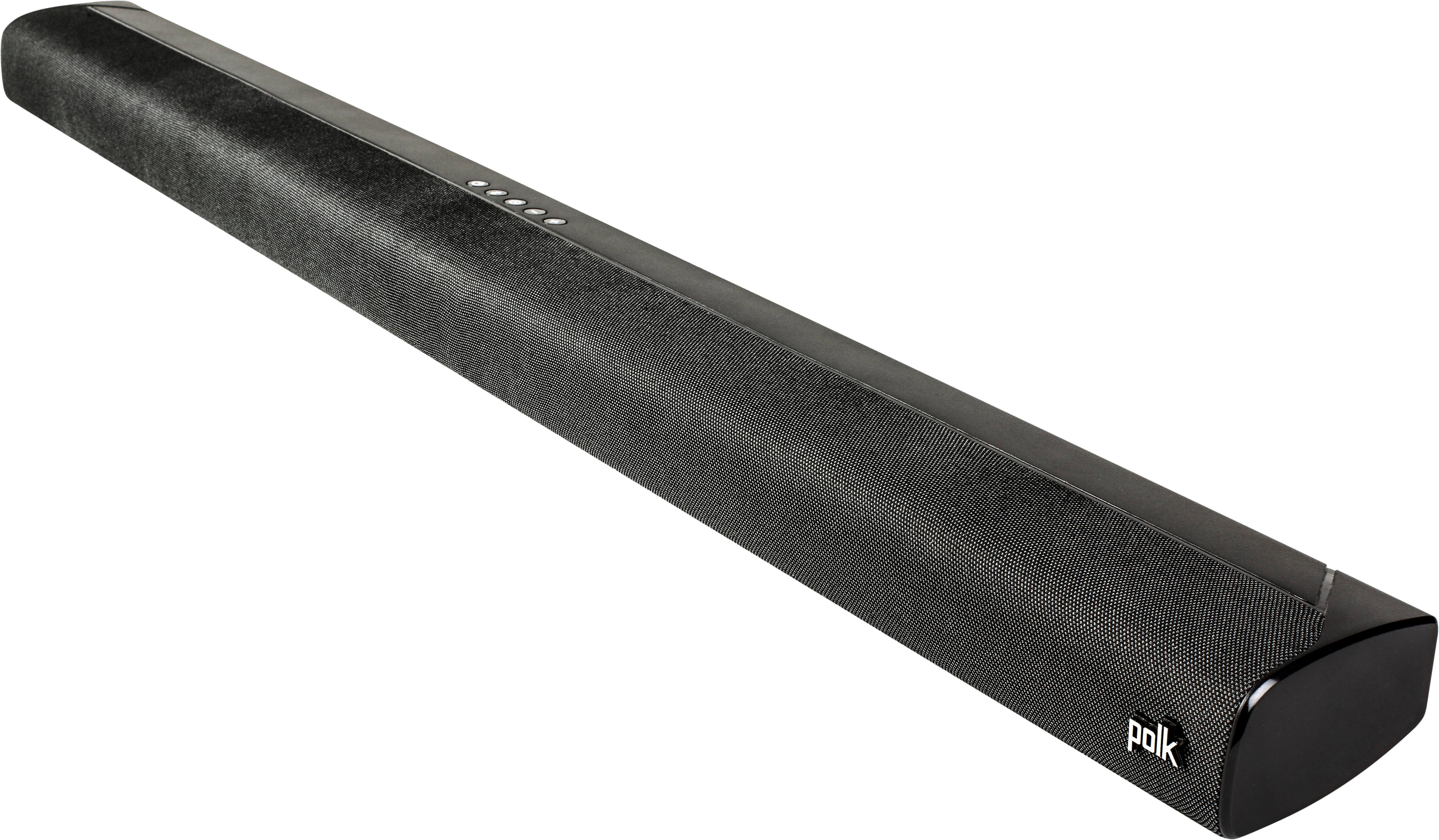
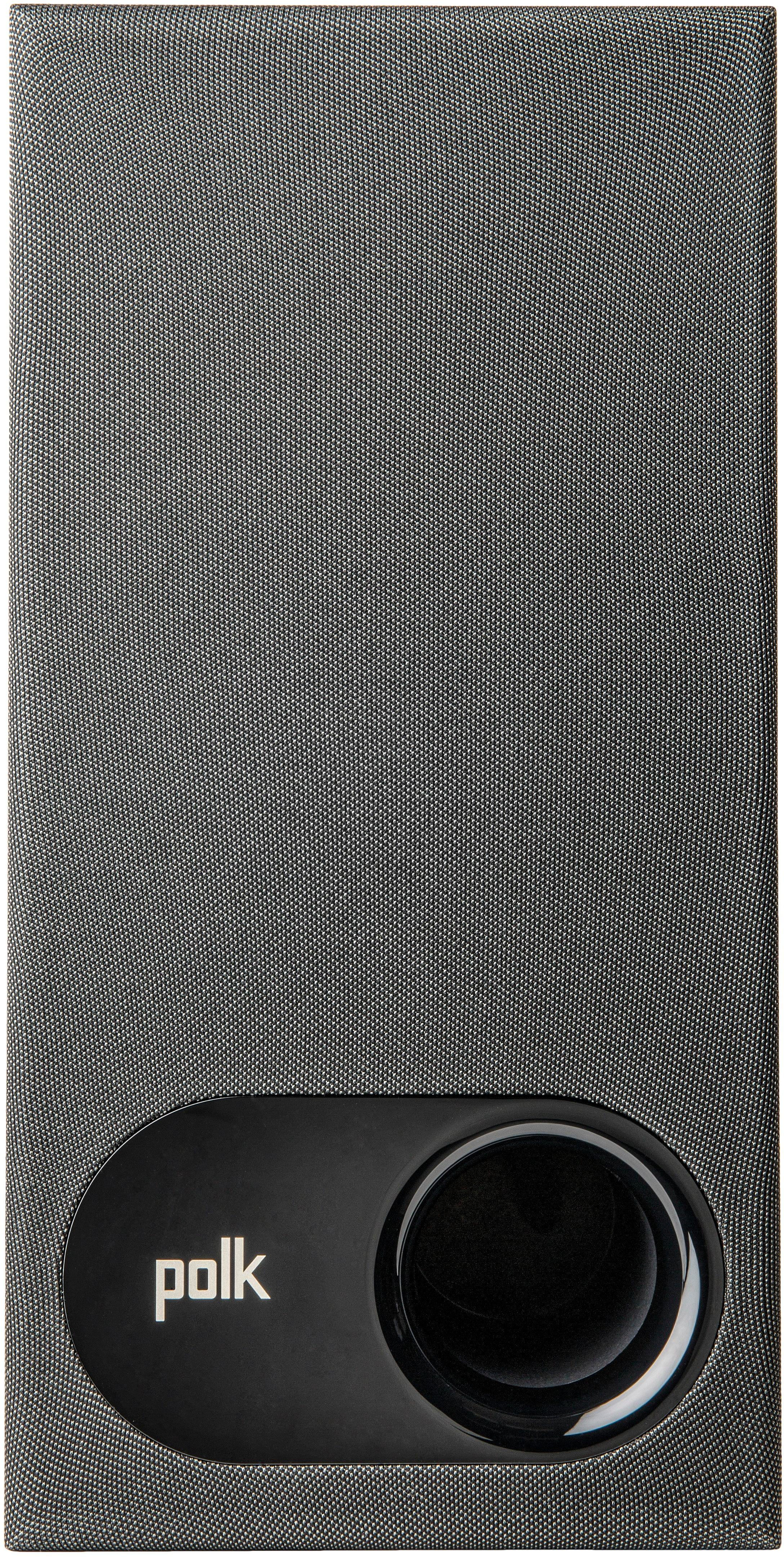
- A:Answer I have the same problem, but figured out a work-around. Try pressing the button in the middle of the sound bar (to the right of the Bluetooth button) to cycle though the various sound options. Polk should do something about this. Hope this helps
Answered by OpenMike
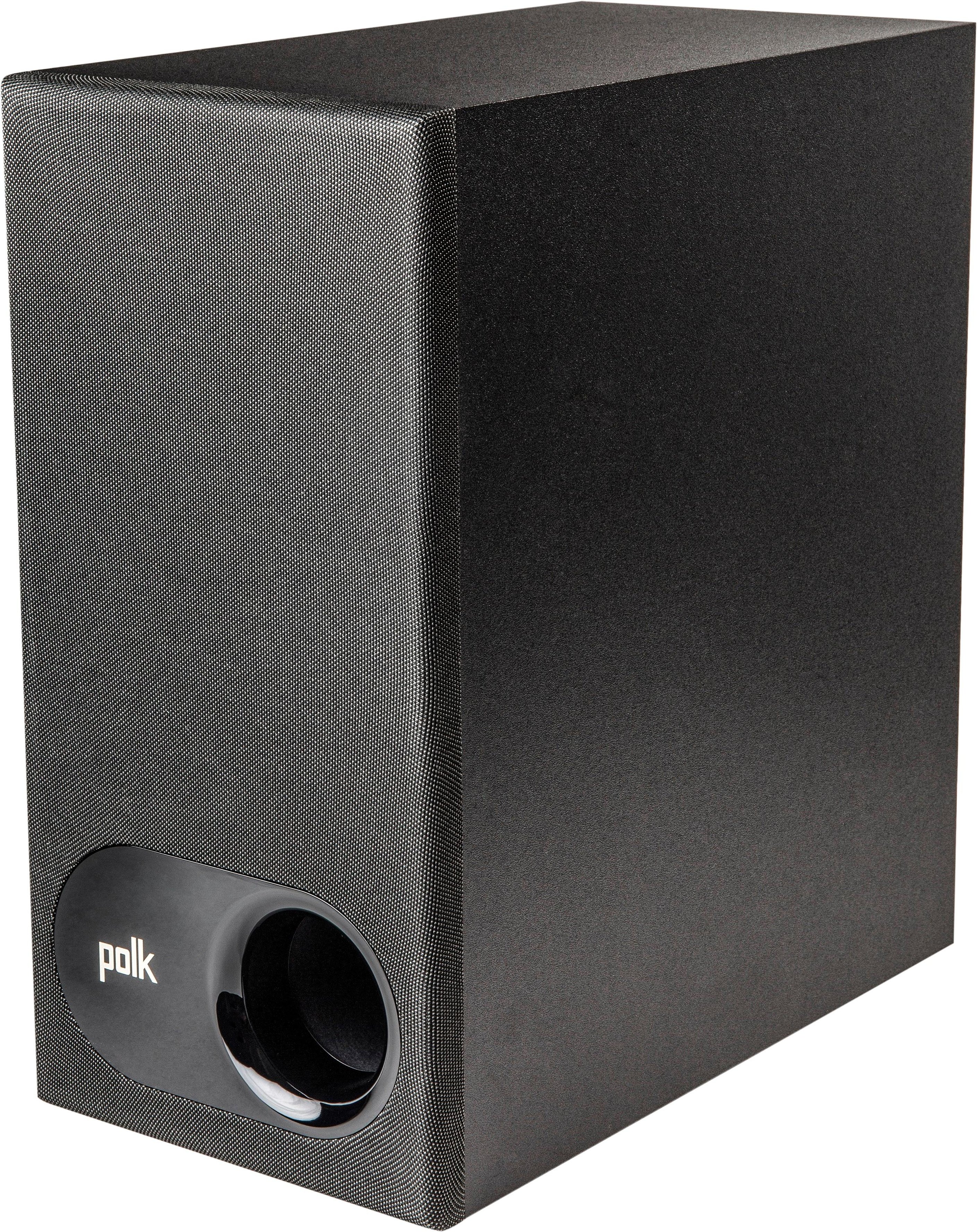
Q: QuestionDoes the Polk Singa S1's subwoofer work on/through the optical source? Or does it have to be on the bluetooth source itself simce it is a wireless speak? When I watch tv the subwoofer doesnt seem to be working. Played music though via Bluetooth it worked.
Asked by Mdmonroe87.
- A:Answer The center channel works on the optical out, the sub receives it's signal via blue tooth from the center channel speaker. You could adjust to a different preset or increase the base volume with the remote to get more base during movies.
Answered by nbaker2
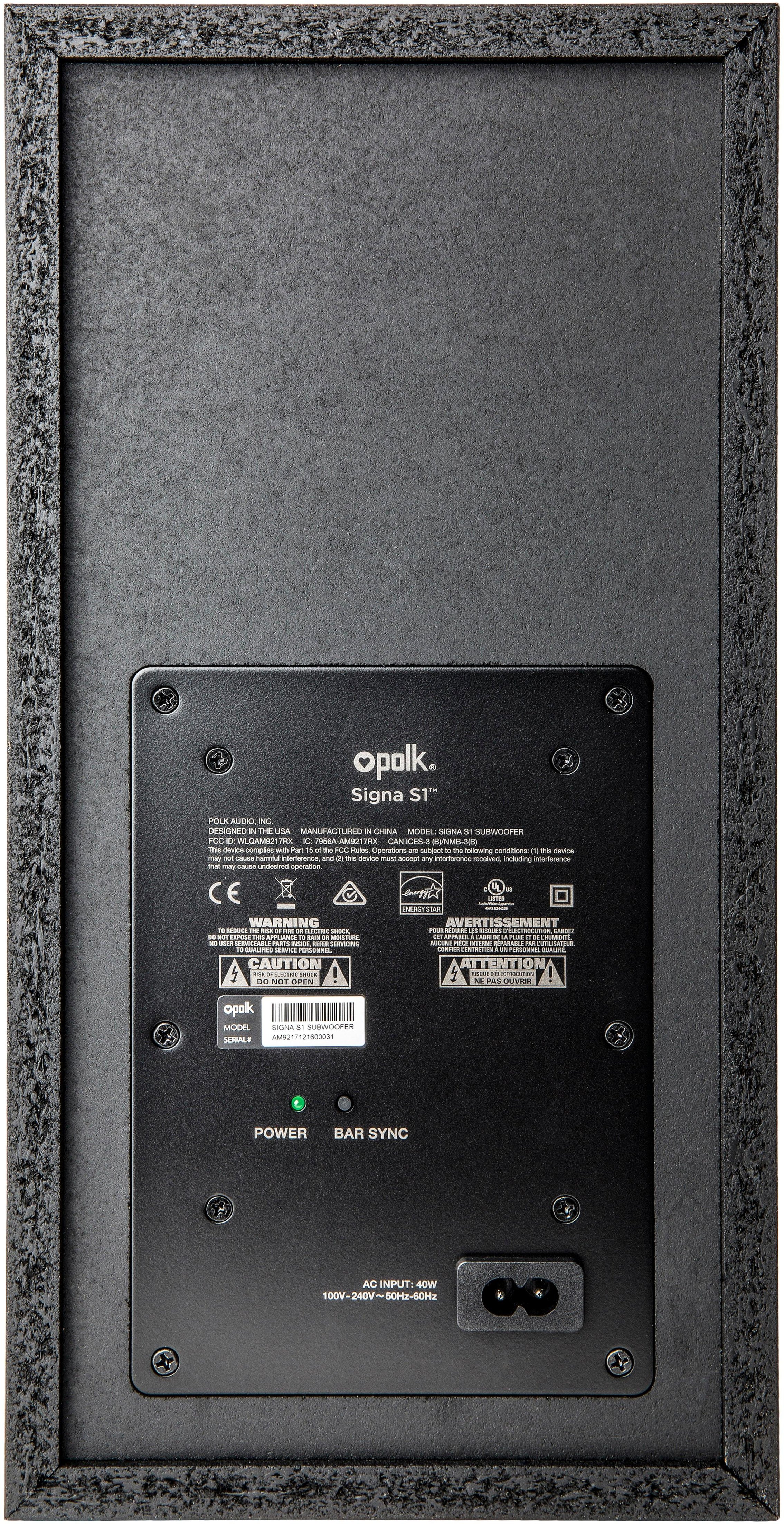
Q: QuestionJust connected the Polk Signa S1. Sound bar works great but we cannot get the subwoofer to work. It is plugged in and 2 feet from the sound bar. We cannot get the power to stay on and cannot sync with the bar.
Asked by Joe.
- A:Answer The Polk S1 needed an update on the software for the sound bar and sub woofer I download everything online as I was told by the representative but I cannot get the system to work I need to know what how to fix the problem right now I have a red light green light and a white light on the sound bar and nothing else how can I fix this problem
Answered by Anonymous
Q: QuestionSoundbar turns-off after about 5 mins of inactivity.. After pausing a video on TV, soundbar turns off in couple of mins and I always have to look for soundbar remote to turn it on as resume video on tv is not turning on soundbar. Anyone have solution?
Asked by Andz.
- A:Answer There was a hack listed on another large online retailer’s site, haven’t tried it myself, but here is what they had. UPDATE : Found a hack to disable the auto-shutoff. Press POWER button and VOLUME DOWN buttons on soundbar (not remote) simultaneously for 10 seconds. This seems to have disabled the auto shutoff for 4 hours, based on my initial test. The soundbar went to standby after 4 hours. This may be tolerable, but I'll continue testing.”
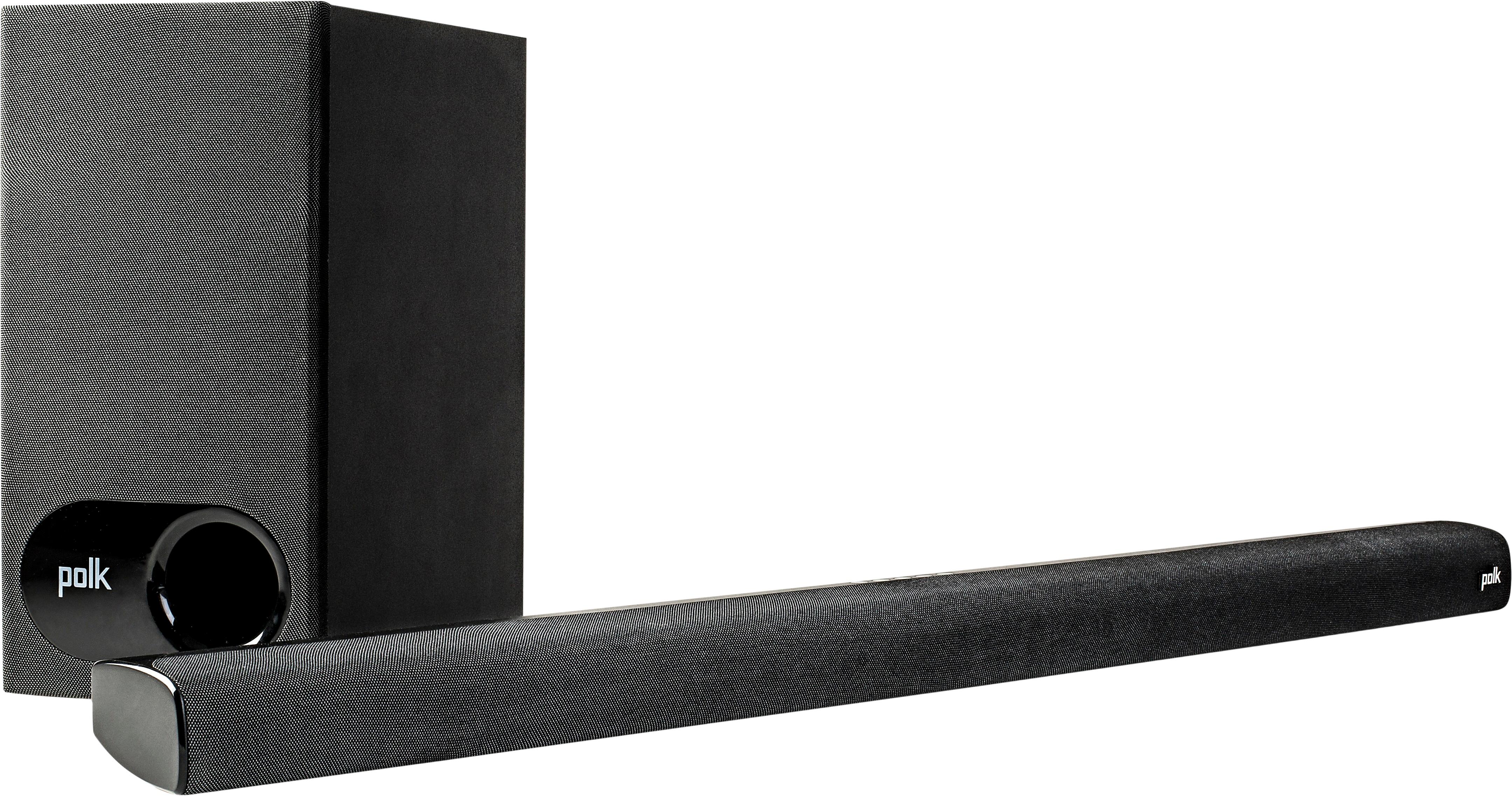
Answered by Cole83
Q: QuestionMy polk signa s1 has a white light when i trun it on and speaker doesn't work. Says something about pairing. How do I do that
Asked by Debbie.
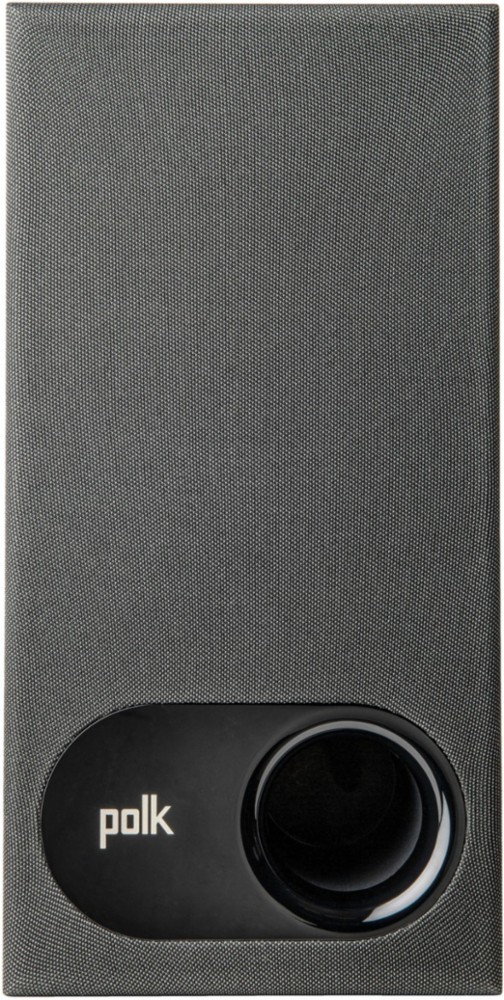
- A:Answer Press the button on the wireless sub.
Answered by DavidP
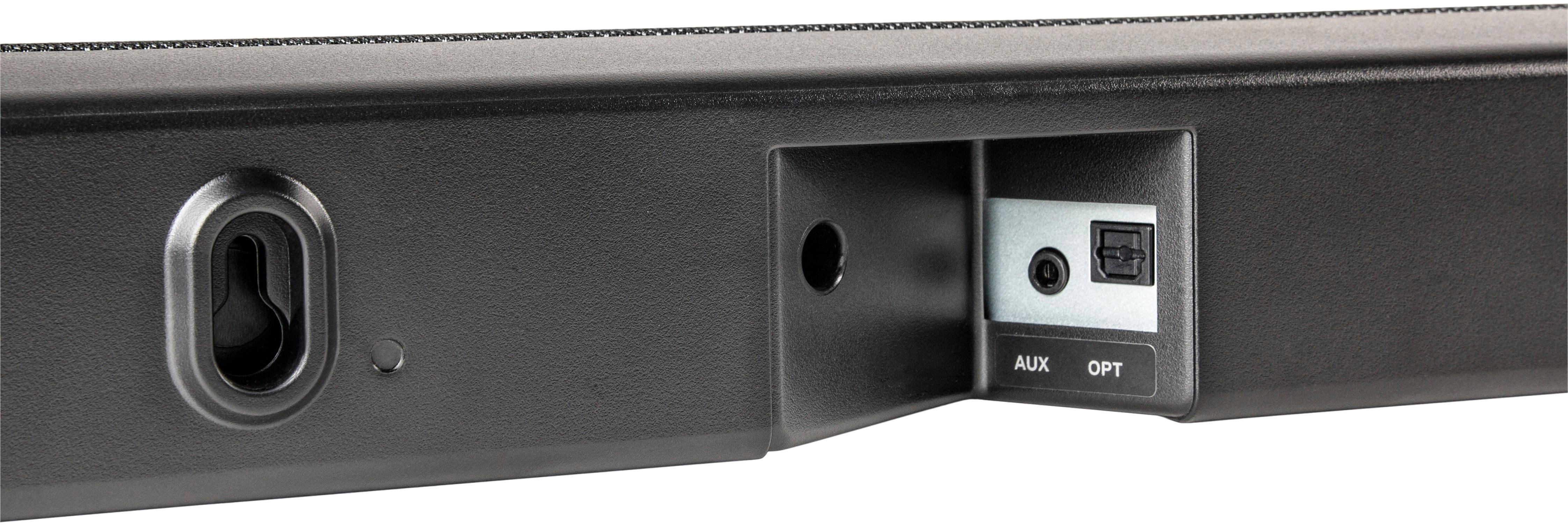
Q: QuestionWhat sound bar mount should I use for the Signa S1 on my TV?
Asked by Dv.
- A:Answer The salesperson said the Rocketfish universal mount would work, but it does not. They recommended the Sanos kit, but it is identical to the Rocketfish kit. The slot on the soundbar for the keyed bolt is too narrow and will not attach. I found the AVF universal soundbar attaching kit model AK101 at Micro Center. Easy to install.
Answered by Sean
Best-selling Best Buy
- $299.99$299.99The price was $349.99
- $14.99$14.99The price was $19.00
- $199.99$199.99The price was $349.99
- $24.99$24.99The price was $29.99
- $14.99$14.99The price was $19.00
- $139.99$139.99The price was $149.99
- $139.00$139.00The price was $399.00