A:AnswerHello,
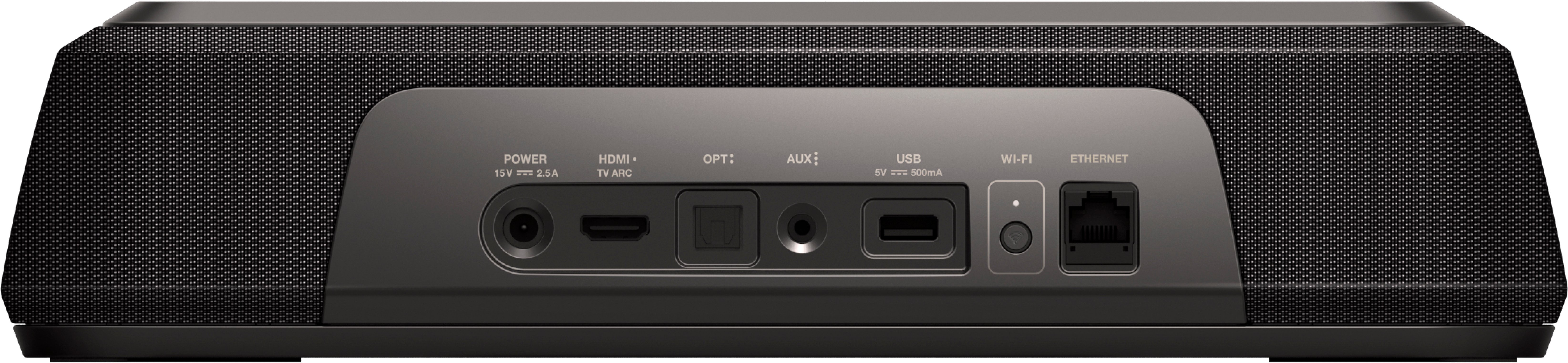
You could connect it via bluetooth but please keep in mind that bluetooth is really only for audio and not video. There will be lag and we do not recommend that you connect the sound bar system only via bluetooth for TVs. We recommend HDMI ARC or Optical for TVs.
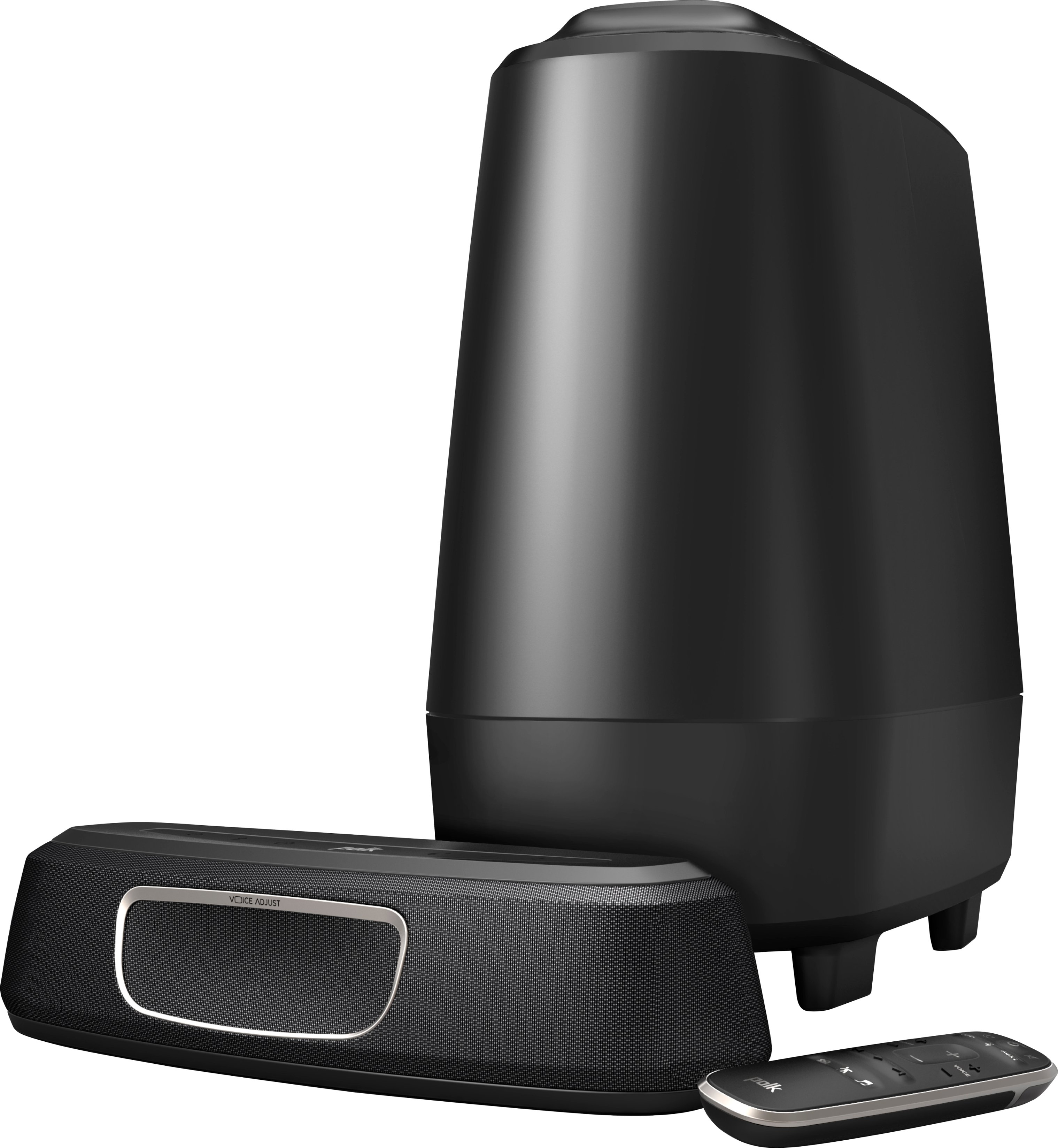
A:AnswerHello, only one wireless subwoofer may be paired. Pairing a second subwoofer is not possible. For increased bass response, try relocating the subwoofer to a corner. Experiment with other nearby corners within the room. You may find that one may produce more bass response than another.
A:AnswerHello, the Polk Audio MagniFi Mini is not compatible with rear speakers. Consider our Polk React Sound Bar or MagniFi 2 Sound Bar. The Polk Audio SR2 wireless surround speakers can be added to either of these models.
A:AnswerHad the same problem. Went in the TV settings and changed the audio output to HDMI ARC. Which is what I am using and it fixed it immediately. Check your TV settings
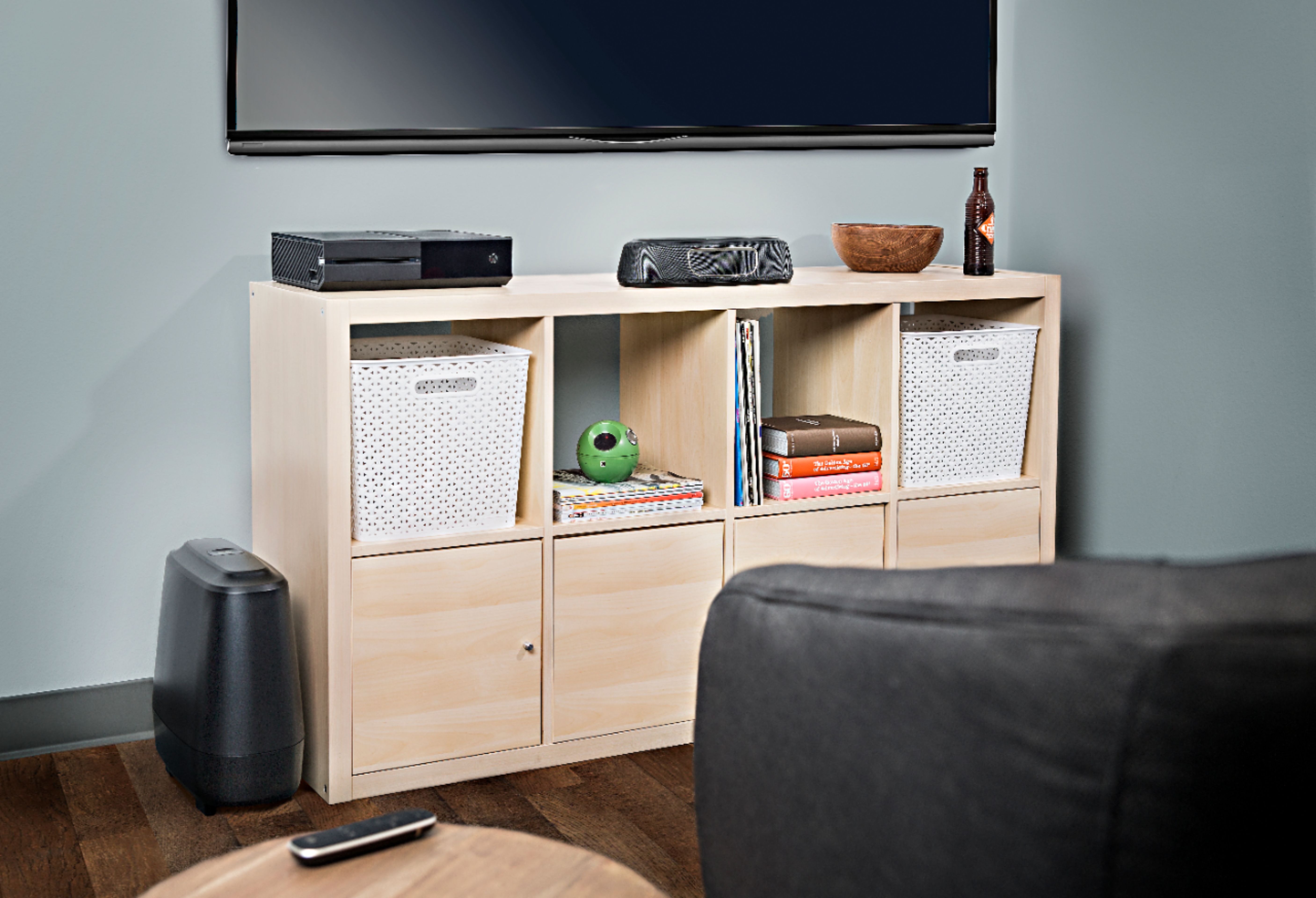
A:AnswerThe first thing which comes to mind is the possibility of your sub-woofer currently residing in a wi-fi weak spot. Have you tried moving your sub-woofer to a different location in your room?
Corners are usually a good place to start.
A:AnswerWe would like to apologize for the issues you are experiencing with the MagniFi Mini sound bar. We'd like to learn more about your specific situation and make things right by providing some information and/or troubleshooting to help resolve the issue. Please reach out to Polk Audio General Customer Service #800-377-7655. You can also get in touch by email https://support.polkaudio.com/ We look forward to speaking with you and restoring your trust back in Polk.
A:AnswerHello this is Clint with Sound United. I would encourage you to please reach out to our technical service team by phone so we can help troubleshoot the issue. 800-377-7655 or email https://support.polkaudio.com/app/ask
A:AnswerAbsolutely. I've connected directly to my PS4 with both the analog output from the controller (where you'd normally plug in headphones) and more recently with optical (the PS4 slim doesn't have optical, but the original model and the Pro do). Both work great, but I'd say optical is a bit better. It's clearer and the max volume is higher, plus a bit less of a hassle because you don't have the cable connected to the controller.
Great sound bar. For anything other than maybe a very large area, this works wonderfully.
A:AnswerPlease check the TV and source audio output settings. TV audio out settings need to be set to Dolby Digital. The source audio out settings also need to be set to Dolby Digital.