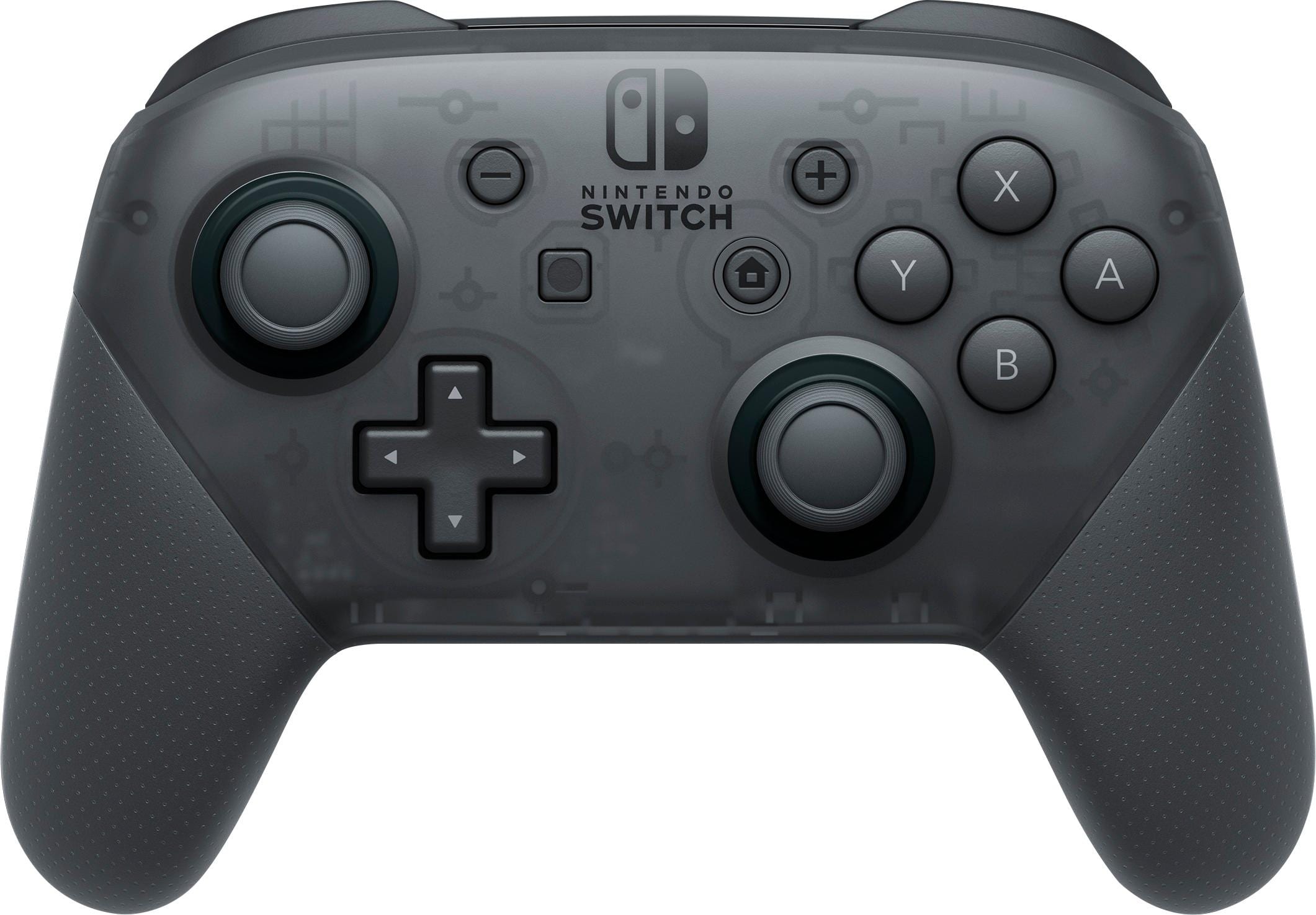
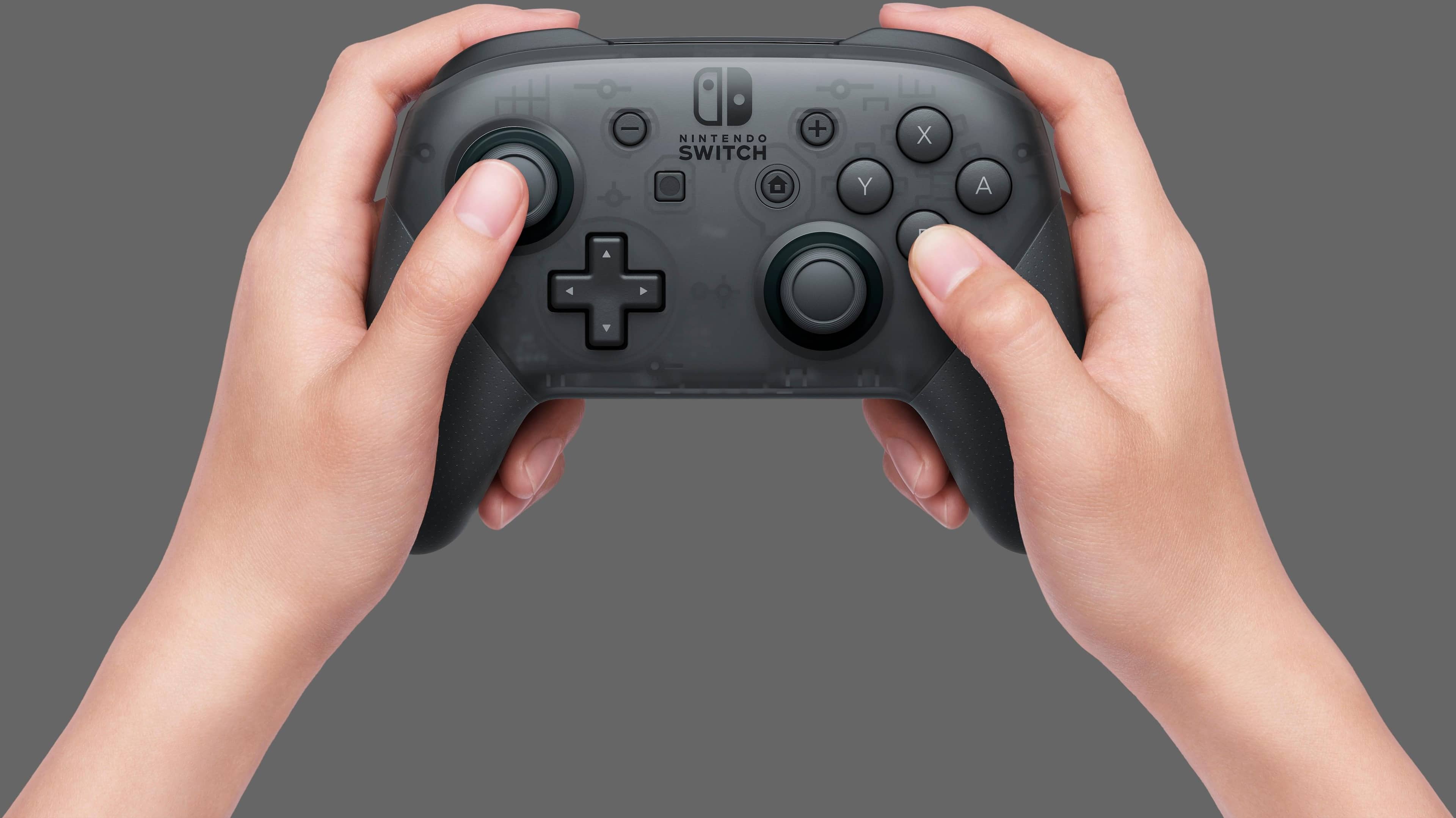
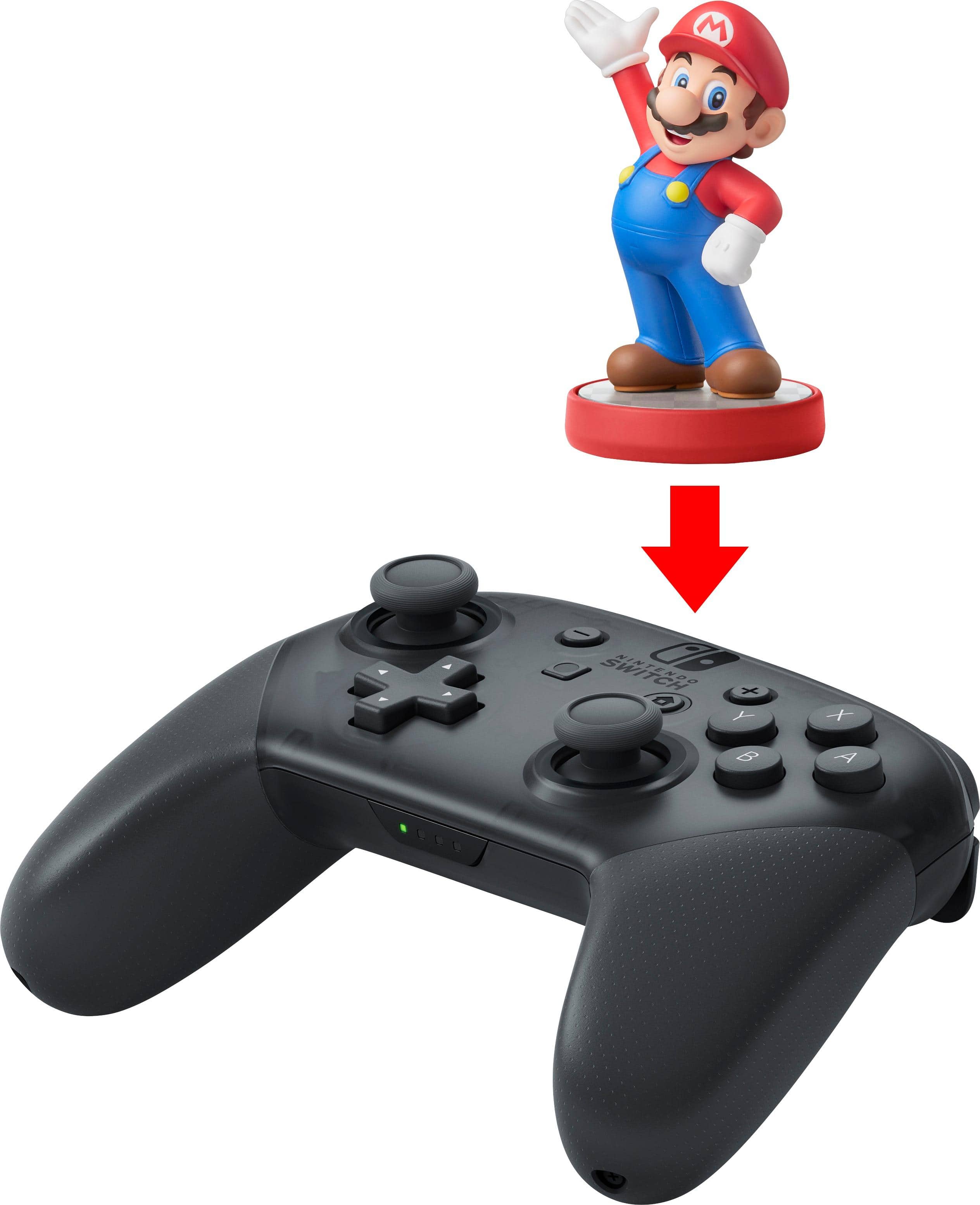
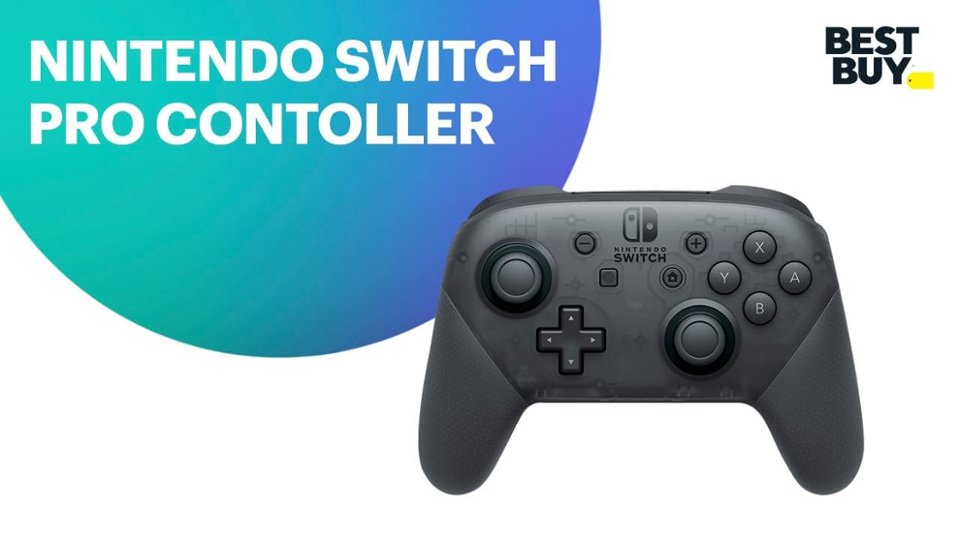
A:AnswerUnfortunately a feature input like that has not been provided to the Nintendo Switch Pro controller. I do hope by this year Nintendo plan to release another controller that is headphone jack compatible during the year.
A:AnswerYou can however, most plugs will not produce the right Voltage to Amperage output and this could damage the battery inside the switch long term.
15V@2.6A is the highspeed charge for the switch when it is not above 80% and it switches to 5V@1.5A for slow charging it to 100% or if it's just sleeping.
Most plugs do not have this exact V-A output so it could #1 hurt the switch battery by being too much V or A or #2 it could just not charge it enough in use so it would be plugged in but not charging or #3 it could work fine if its a smart AC plug most can talk to the switch and try to give it just want it wants.
It really depends on the AC plug that you are using that will dictate what will happen, it is not recommended to use anything that isn't at least close to that output though.
A:AnswerUnfortunately no; you can calibrate your joysticks and motion sensor in the Switch settings but that is about it.
You maybe able to custom map when using steam account, but not on the Switch device
A:AnswerI haven’t experience any drifting with the pro controller. The reason the joycons have the drifting issues is because of their compact design. The Pro Controller is a proper sized and robust design. So drifting on the pro controller is, probably, unlikely.
A:AnswerNo you do not. I bought mine a week ago. I opened the box plugged in the control via usb, came in the controller's box, and got to playing. Once it syncs no need to use the usb cable other than for charging.