A:AnswerI'm not 100% sure how to verify, but I checked system info, dxdiag and HWInfo and none of the three specify Max-Q. I've attached a photo of the HWInfo details for it if that helps.
A:AnswerI was told by my friend who works at Best Buy it depends on the store some stores and still trying to sell out the old 2019 models so they don’t become dead stock.
A:AnswerI expanded both the RAM and the hard drive. Easy to do. The RAM I had to order from New Egg but the Hard Drive Best Buy carries. If you get Geek Squad Tech Support, they will install it under that for no extra charge.
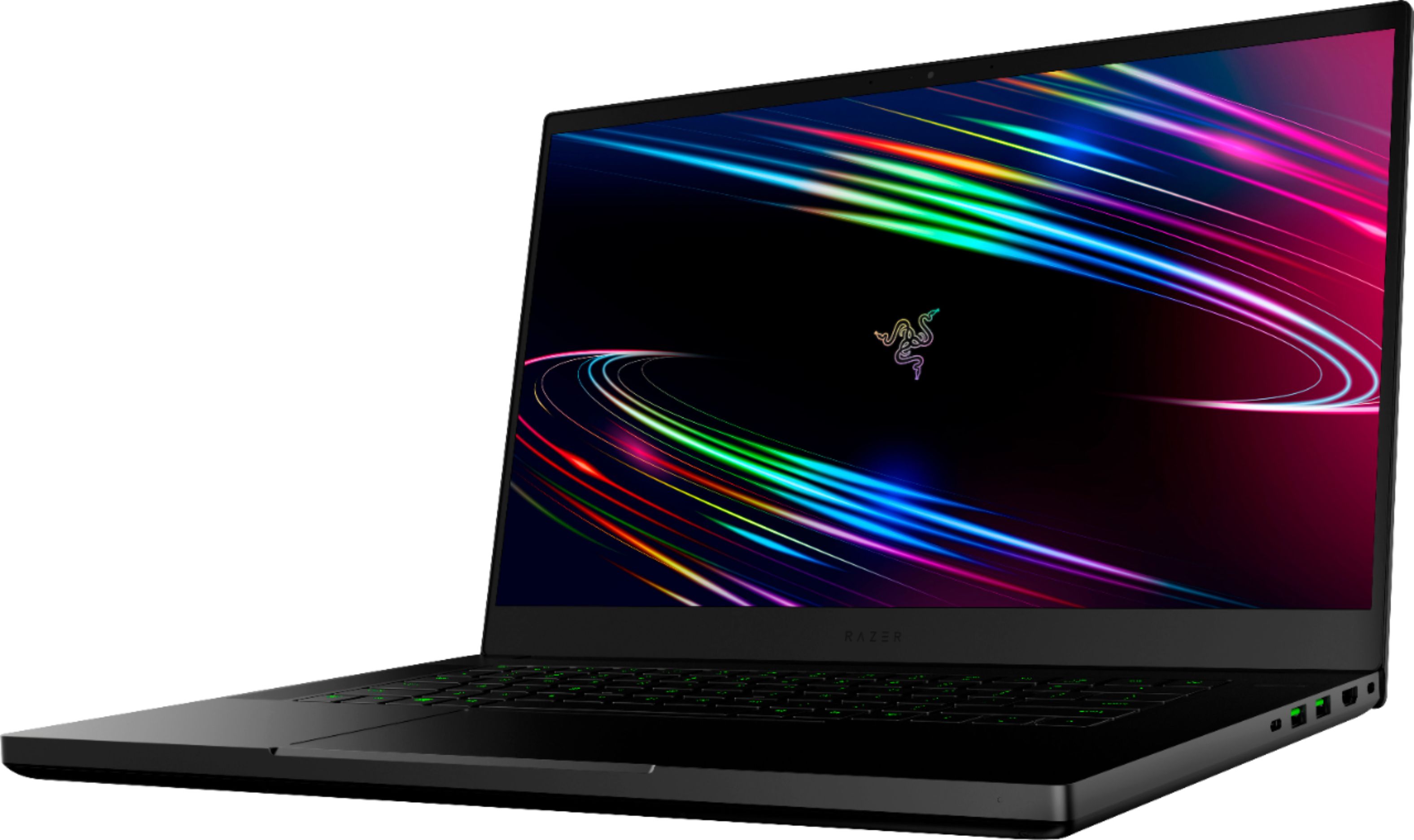
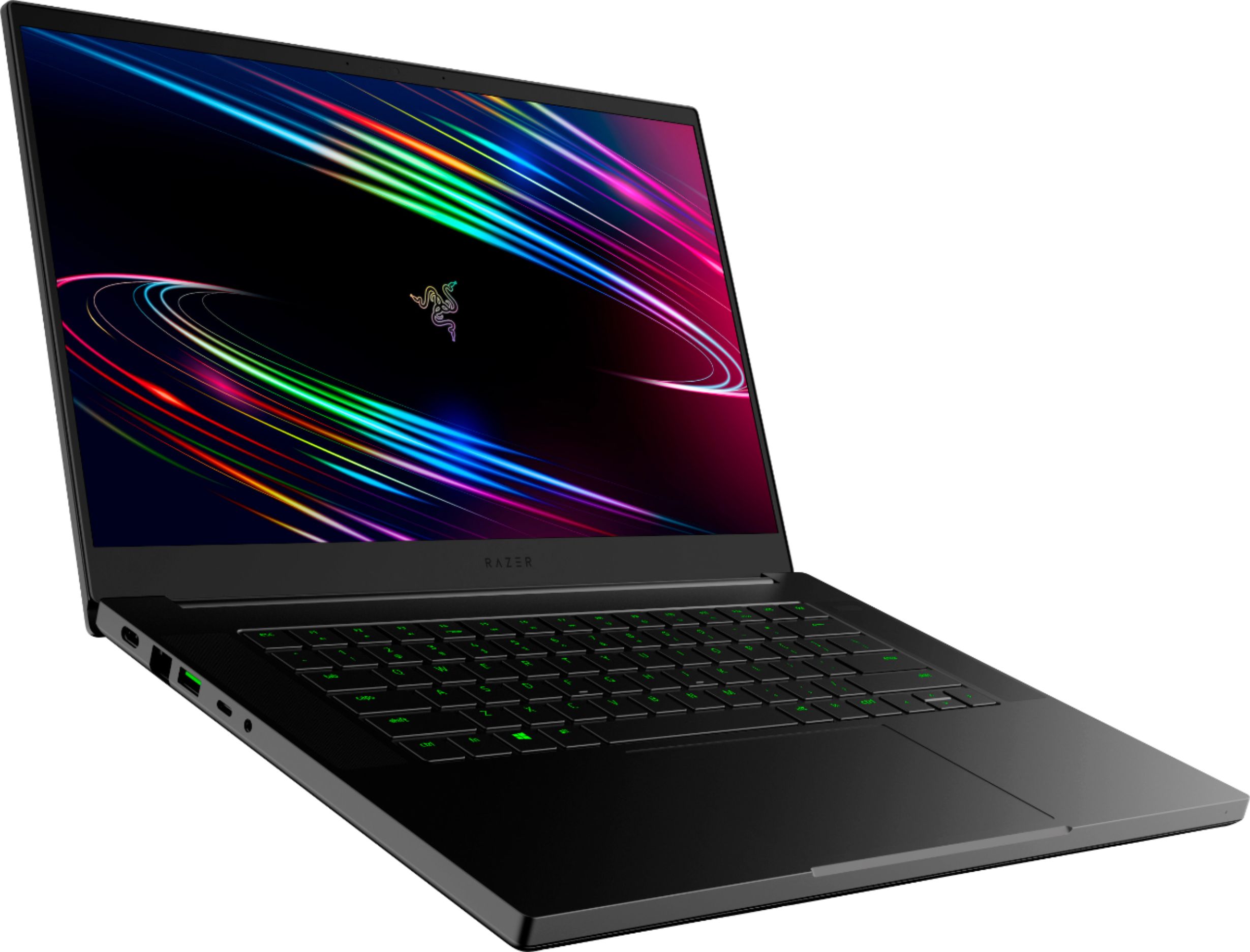
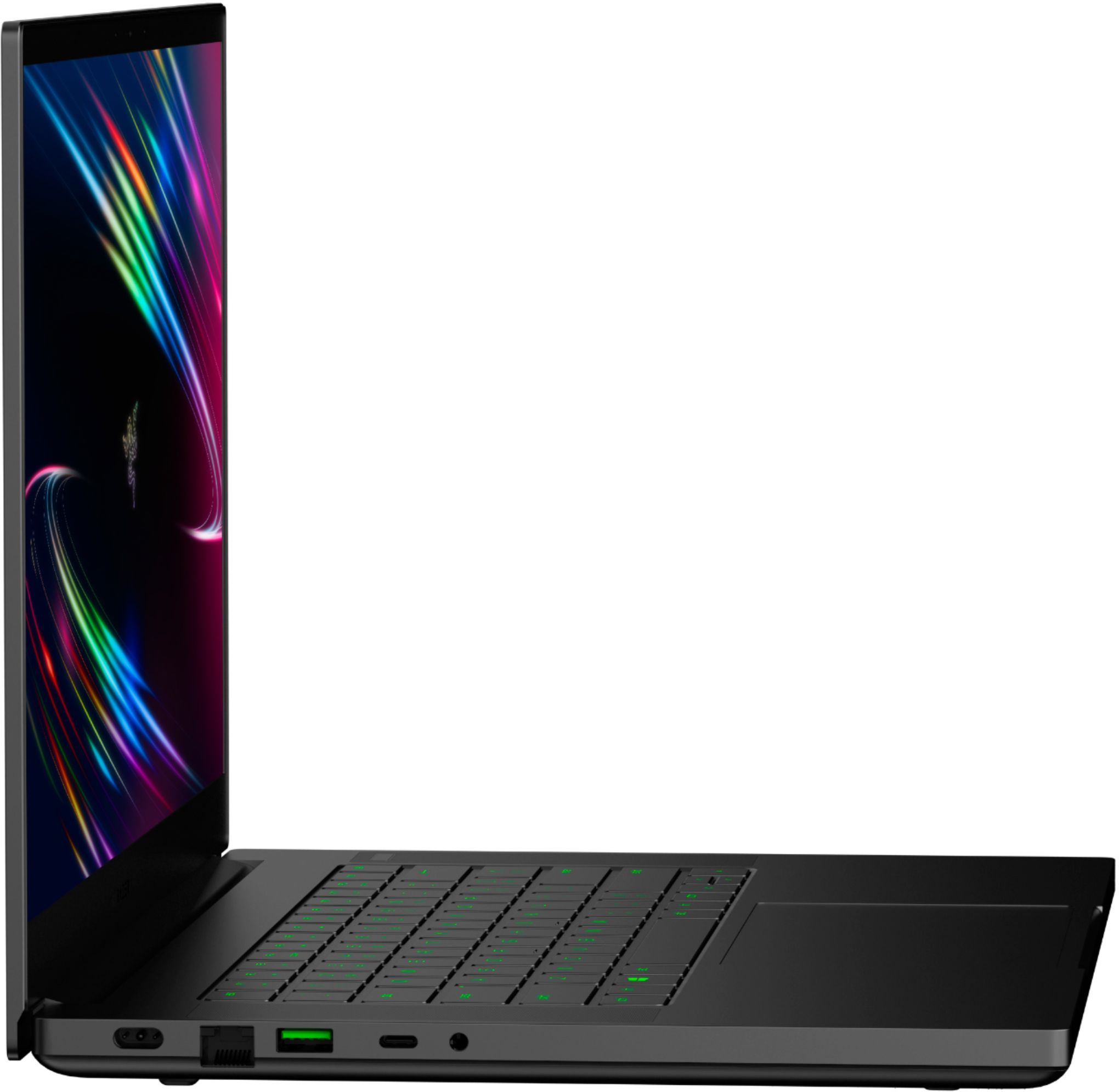
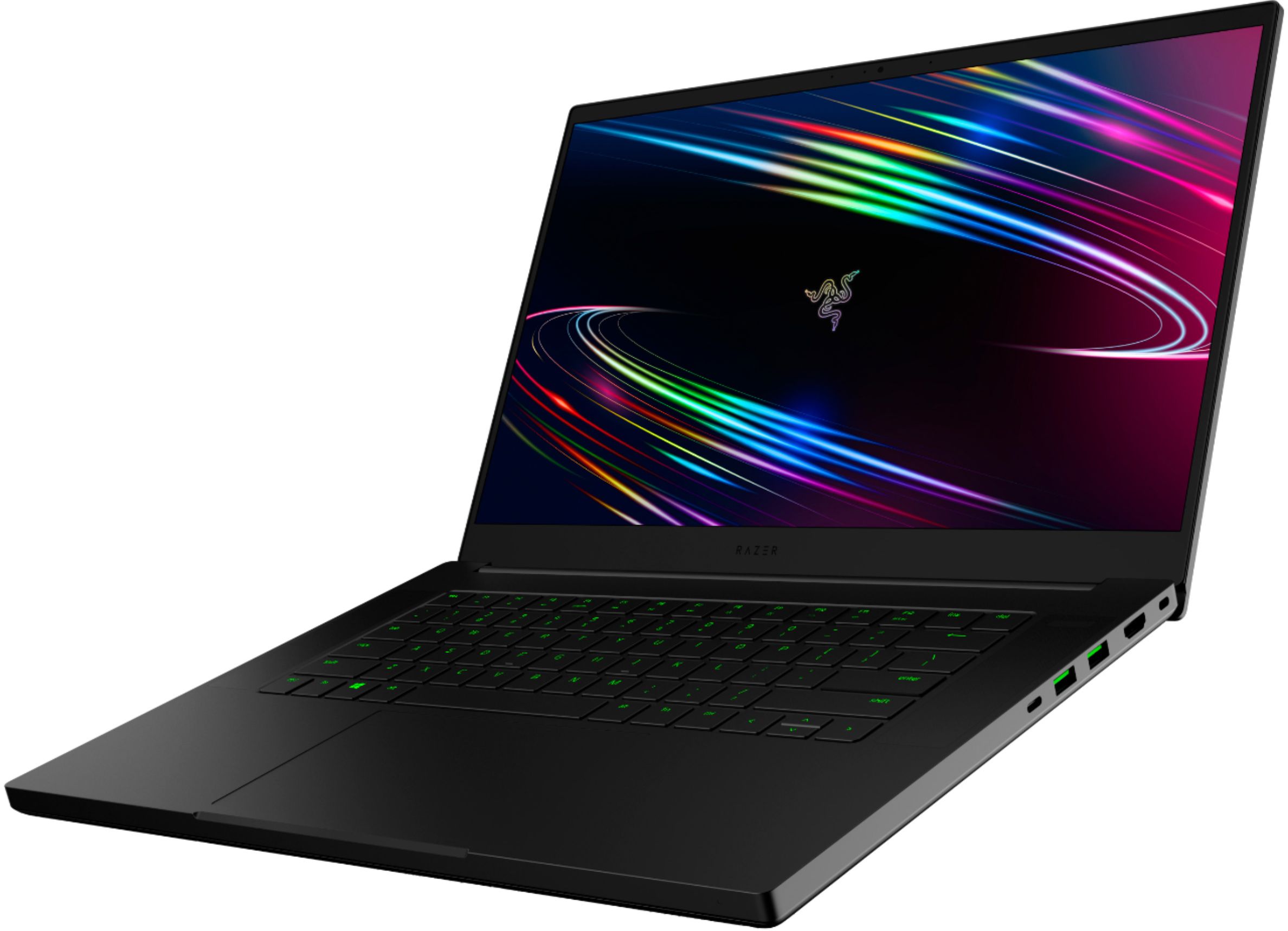
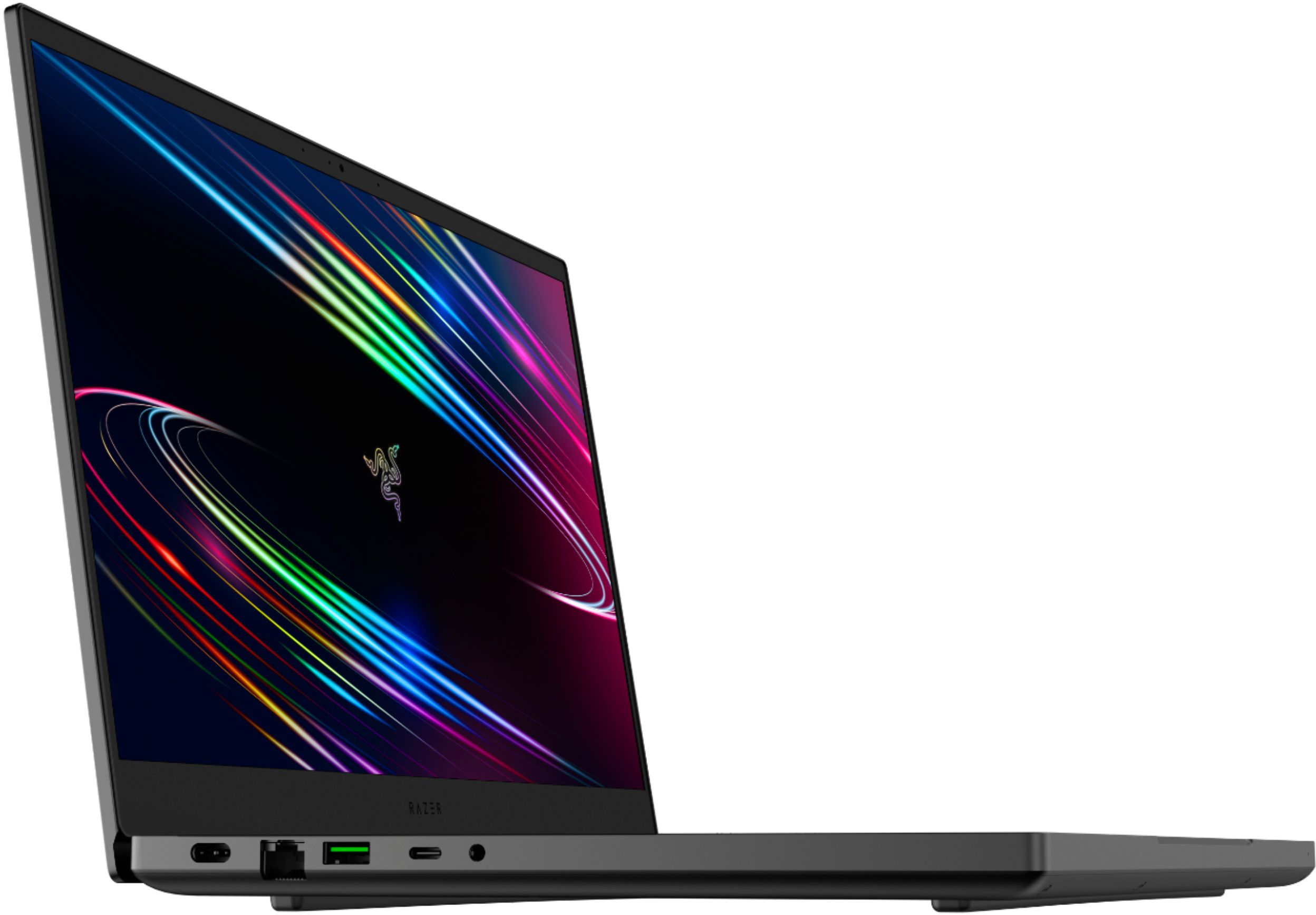
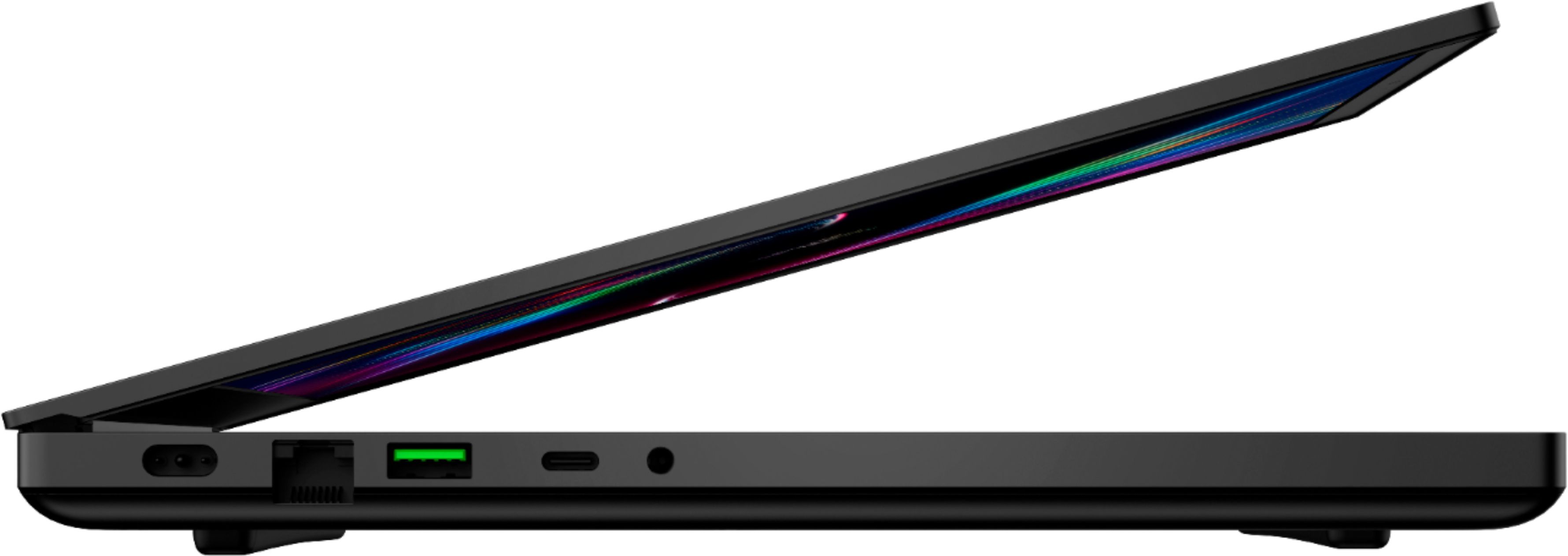
A:AnswerNo. However, it is equipped with advanced connectivity to accommodate a wide range of devices. It features Wi-Fi 6 (802.11ax), Bluetooth® 5.1, Thunderbolt™ 3, and plenty of ports for external displays and peripherals.
A:AnswerA user can add a second nvme ssd or replace the one in the laptop as well as upgrading the ram. I believe there are 7/8 screws holding the back plate on. Once it’s off it is pretty easy to swap those two things out. I don’t think Best Buy will do the upgrade for you.