Questions & Answers
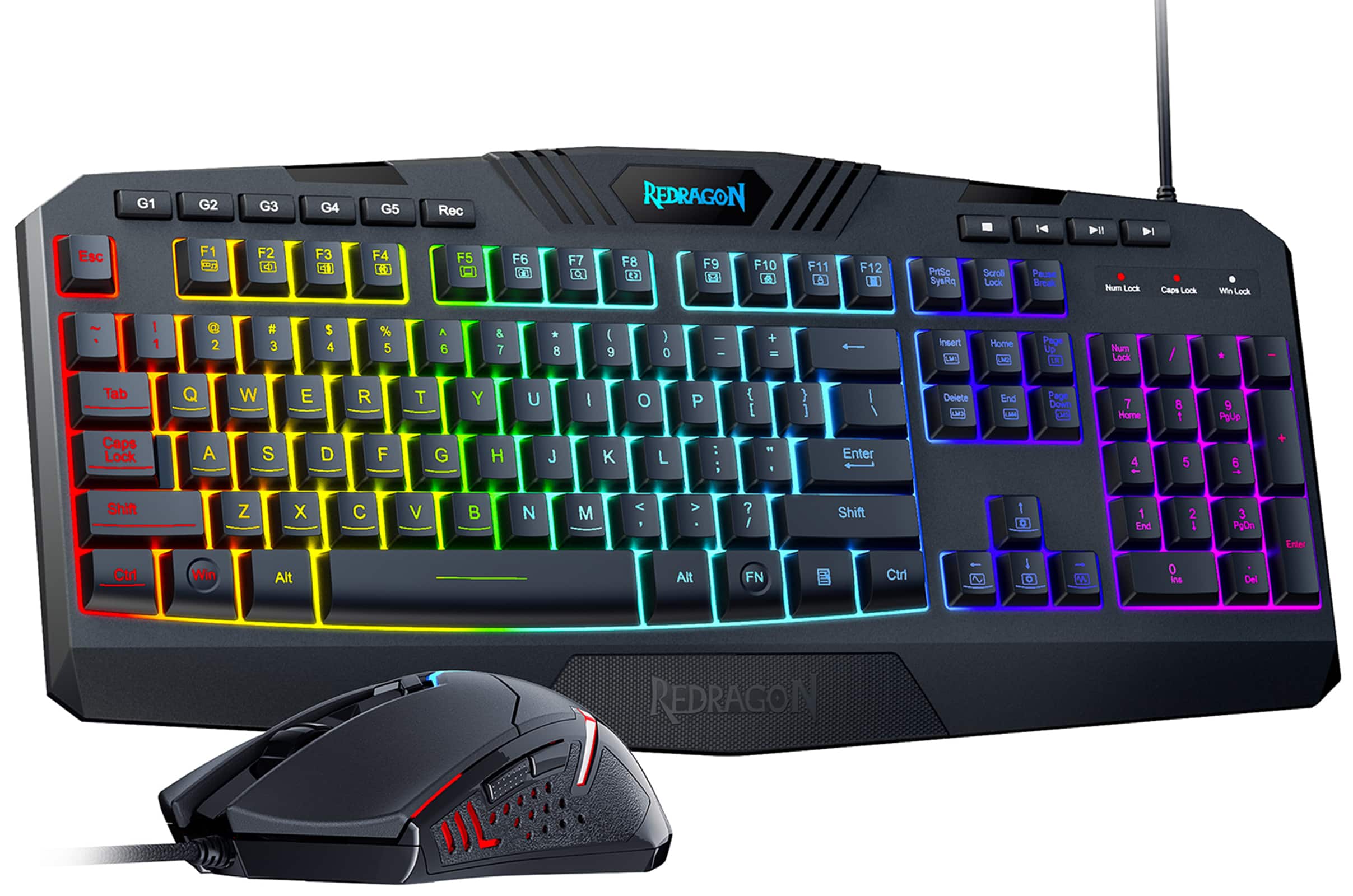


![Macro Recording Function:
1. Press [Rec] to start the record.
2. Press one of the G1-G5 keys.
3. Record your macro.
4. Press [Rec] again to save the recording.
5. Press the G key to play the Macro.
Note: The image shows a keyboard with the G1-G5 keys labeled.](https://pisces.bbystatic.com/image2/BestBuy_US/images/products/07474c3e-287a-4043-a8a6-b02b8361f737.jpg)
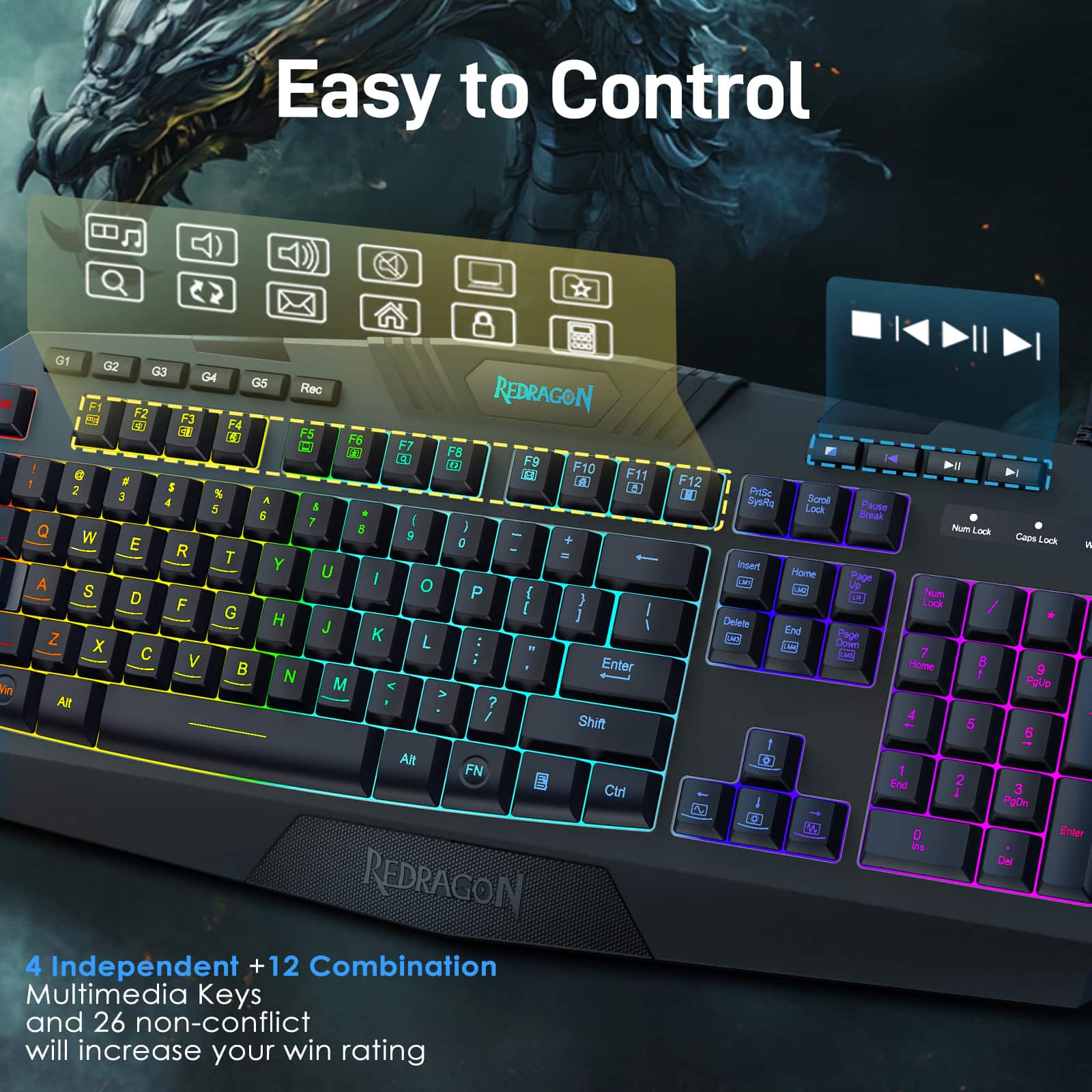
![Soft Quiet Typing Keystroke: 4.00.2mm Rec F5 6% 5 T . Key operation force: 557g REDRAGON F9 EA 10 F8 2 F7 Q - F6 ) ] 0 I P * 8 O & 7 L U K Y J < - , F12 F11 B + { [ ] " , : 3 ? I > - PrtSc SysRo FN](https://pisces.bbystatic.com/image2/BestBuy_US/images/products/d85c631a-503d-4ae0-adcb-201086a4c2d6.jpg)

Page
QuestionWhat operating systems are compatible with this keyboard and mouse?
This question and answer was generated by AI based on customer and product data.QuestionWhat type of connection does the mouse use?
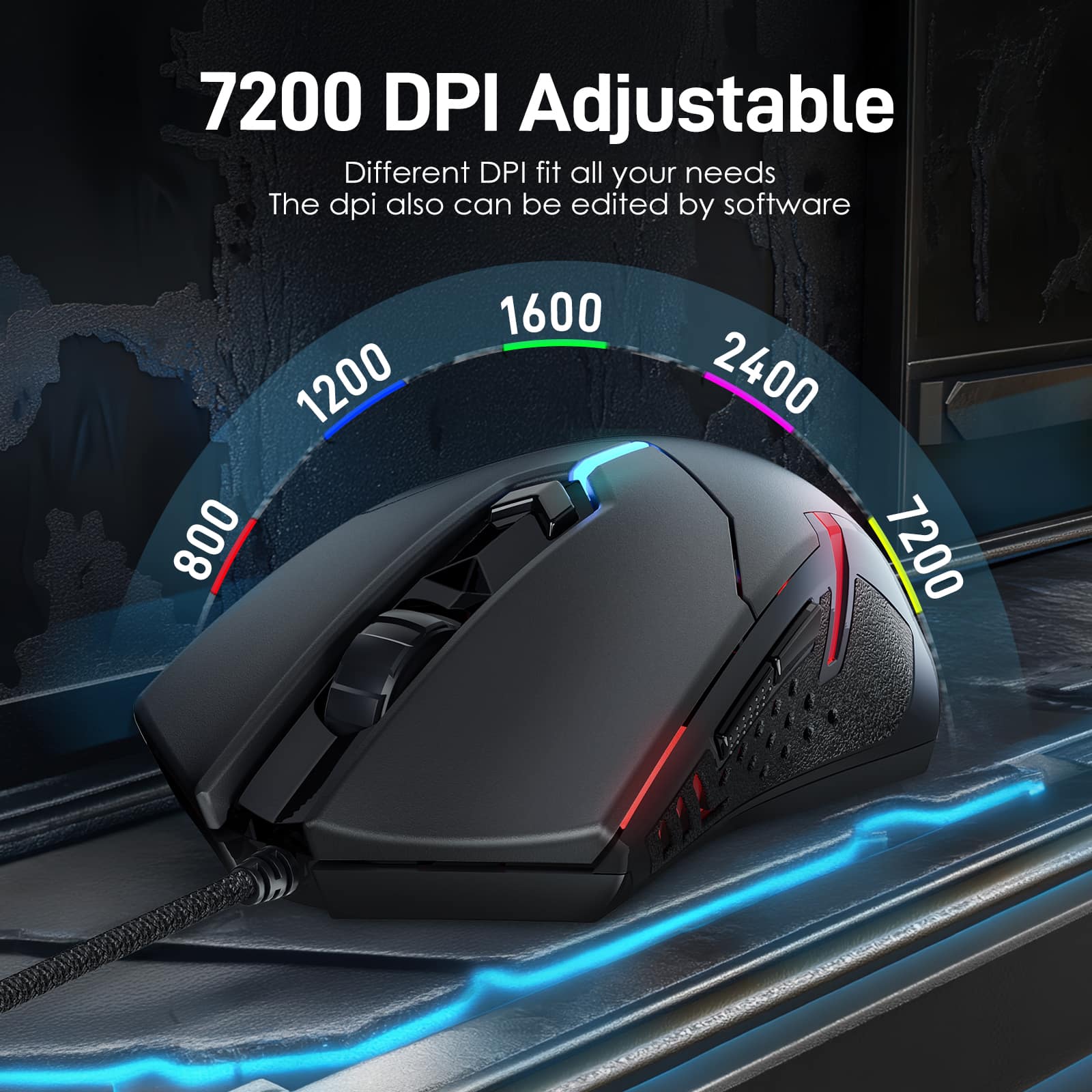
This question and answer was generated by AI based on customer and product data.QuestionWhat is the maximum DPI of the mouse?
This question and answer was generated by AI based on customer and product data.QuestionHow many macro keys does the keyboard have?
This question and answer was generated by AI based on customer and product data.QuestionDoes this keyboard and mouse combo have RGB lighting?
This question and answer was generated by AI based on customer and product data.QuestionIs this gaming keyboard and mouse combo programmable?
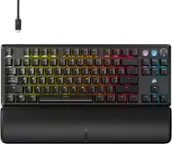
This question and answer was generated by AI based on customer and product data.QuestionDoes the keyboard have a wrist rest?
This question and answer was generated by AI based on customer and product data.