A:AnswerHi Ring.
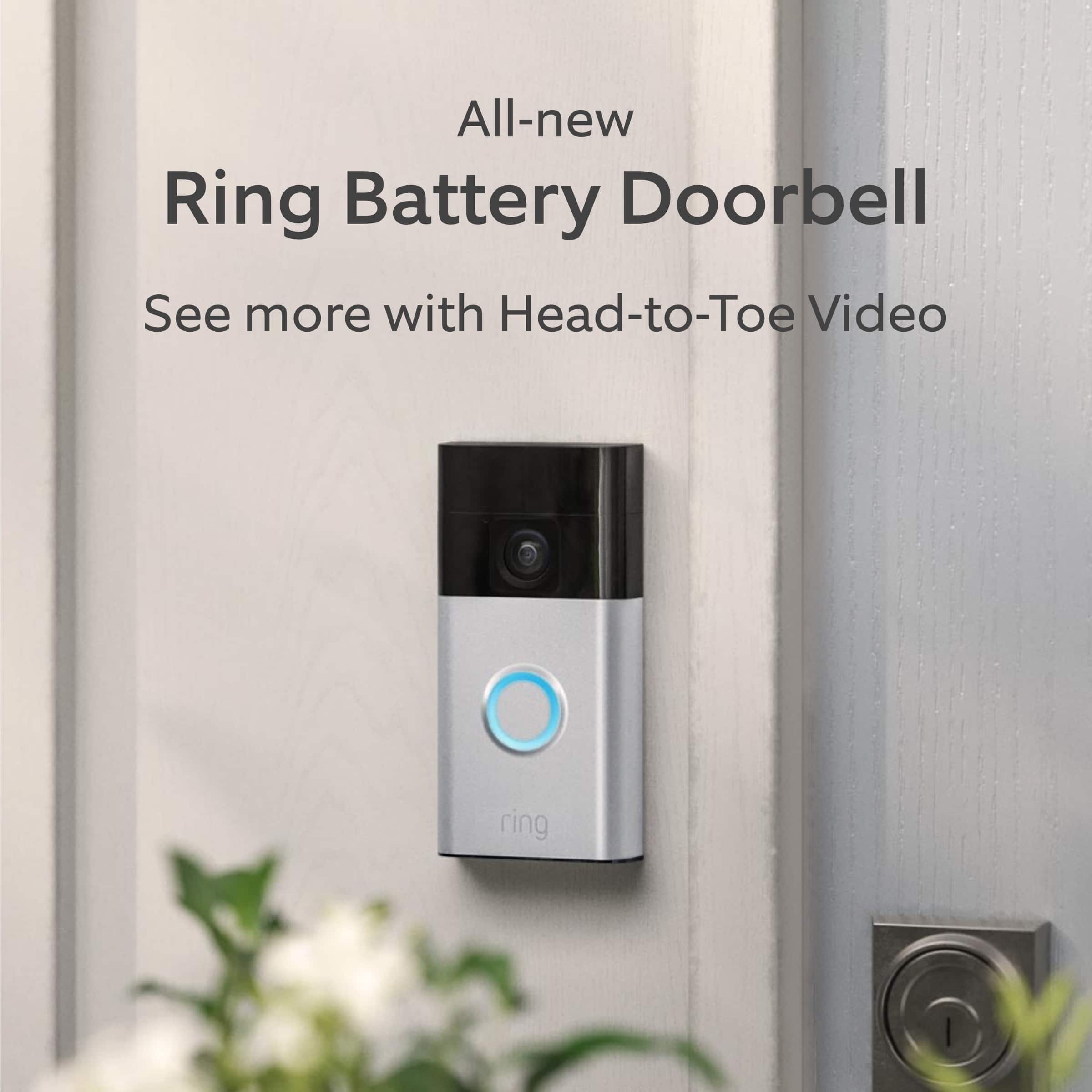
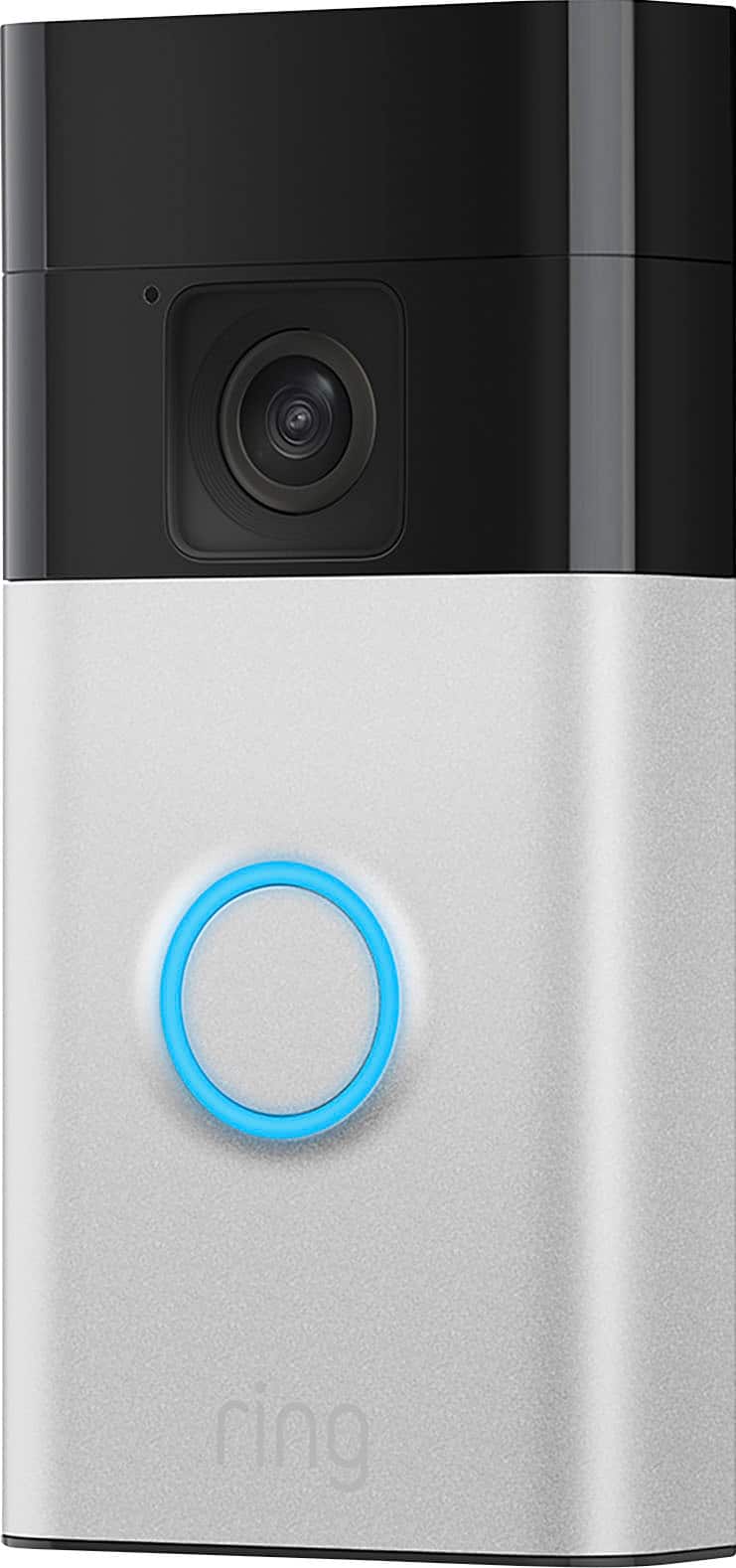
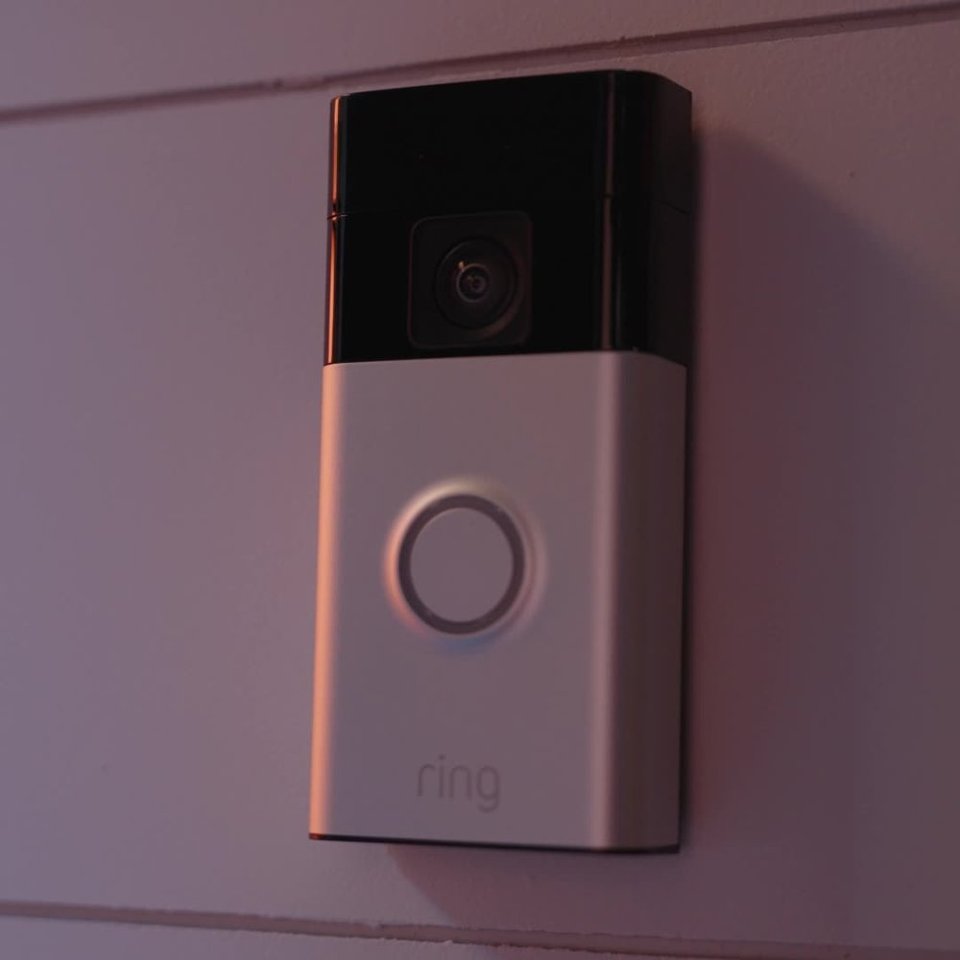
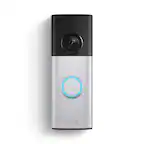
Thank you for taking the time to ask this question. Yes, the Ring Battery Doorbell can be connected to a Ring Solar Charger. The Ring Solar Charger for the Ring Battery Doorbell uses a USB-C power connector.
If any additional information is needed regarding your question, please reach out to our community. Ring Community is our first peer-to-peer community forum, giving our customers the ability to help one another and share their feedback and experiences directly with Ring. Join the Ring Community today!
Thank you,
Amilia from Ring.
A:AnswerHi JF.
Thank you for taking the time to ask this question. I would be happy to address your concerns regarding the account creation issues. Please ensure that your are connected to wifi or cellular data. If you have a VPN, please disable it. Ring does not support the use of Virtual Private Networks.
Open the Ring app and tap Create Account.
Enter your First Name and Last Name.
Choose your Country.
Enter and confirm your Email address.
Create and confirm your Password.
Verify your email address.
Following account creation, you should receive an email from us to verify your email address within a few minutes. Tap the button in the email notification. Once verified, you'll be able to continue completion of your account setup. During account setup, you have the option to link your Amazon and Ring accounts, so you can use features like the Ring Alexa Skill on Echo devices. You will need to know your Amazon password in order to link your accounts.
At Ring, our top priority is to ensure that you have the best possible experience with our products and services. We invite you to reach out to our community if any additional information is needed regarding your question. The Ring Community is our first peer-to-peer community forum, giving our customers the ability to help one another by sharing their feedback and experiences with each other.
Thank you,
Amilia from Ring.
A:AnswerHi gelf.
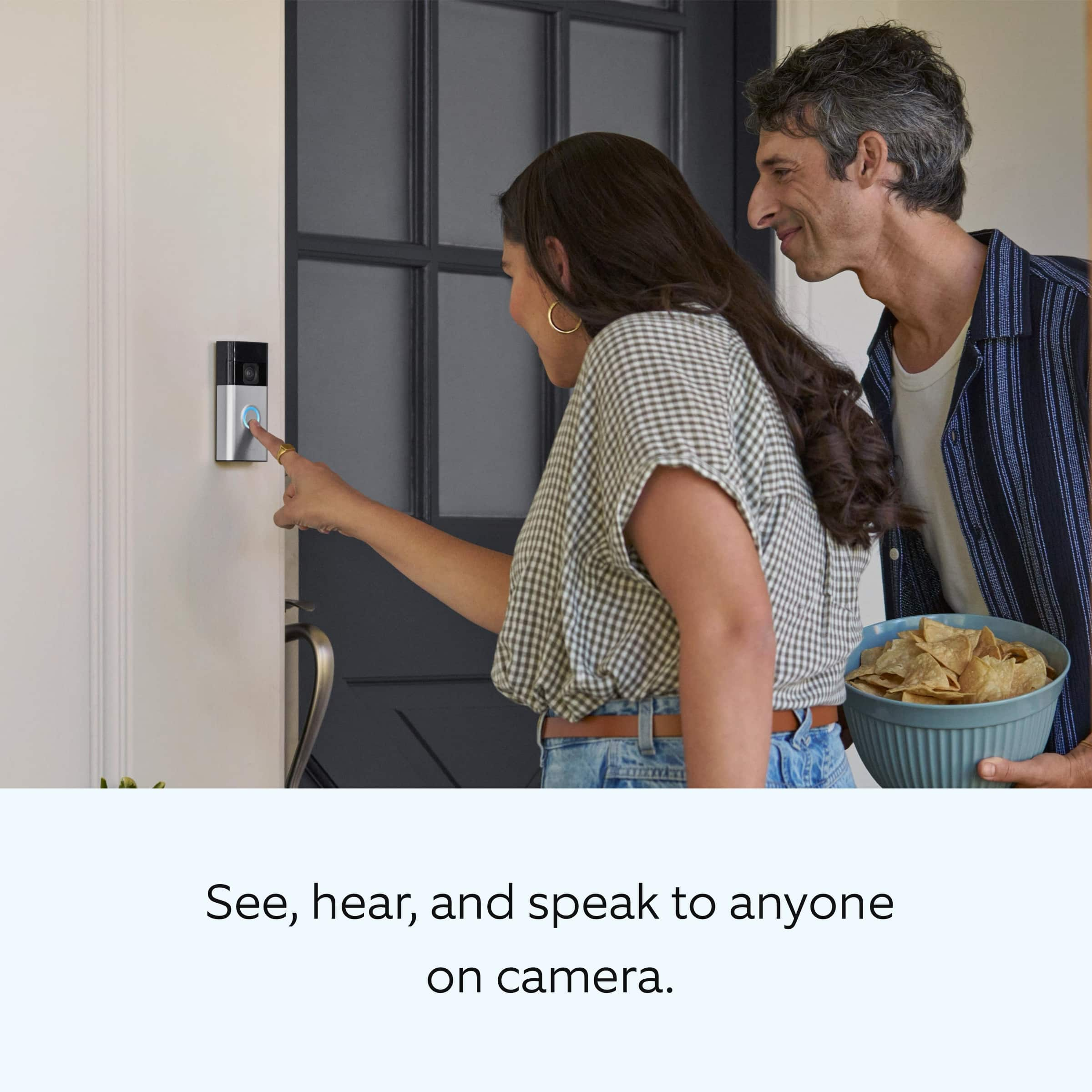
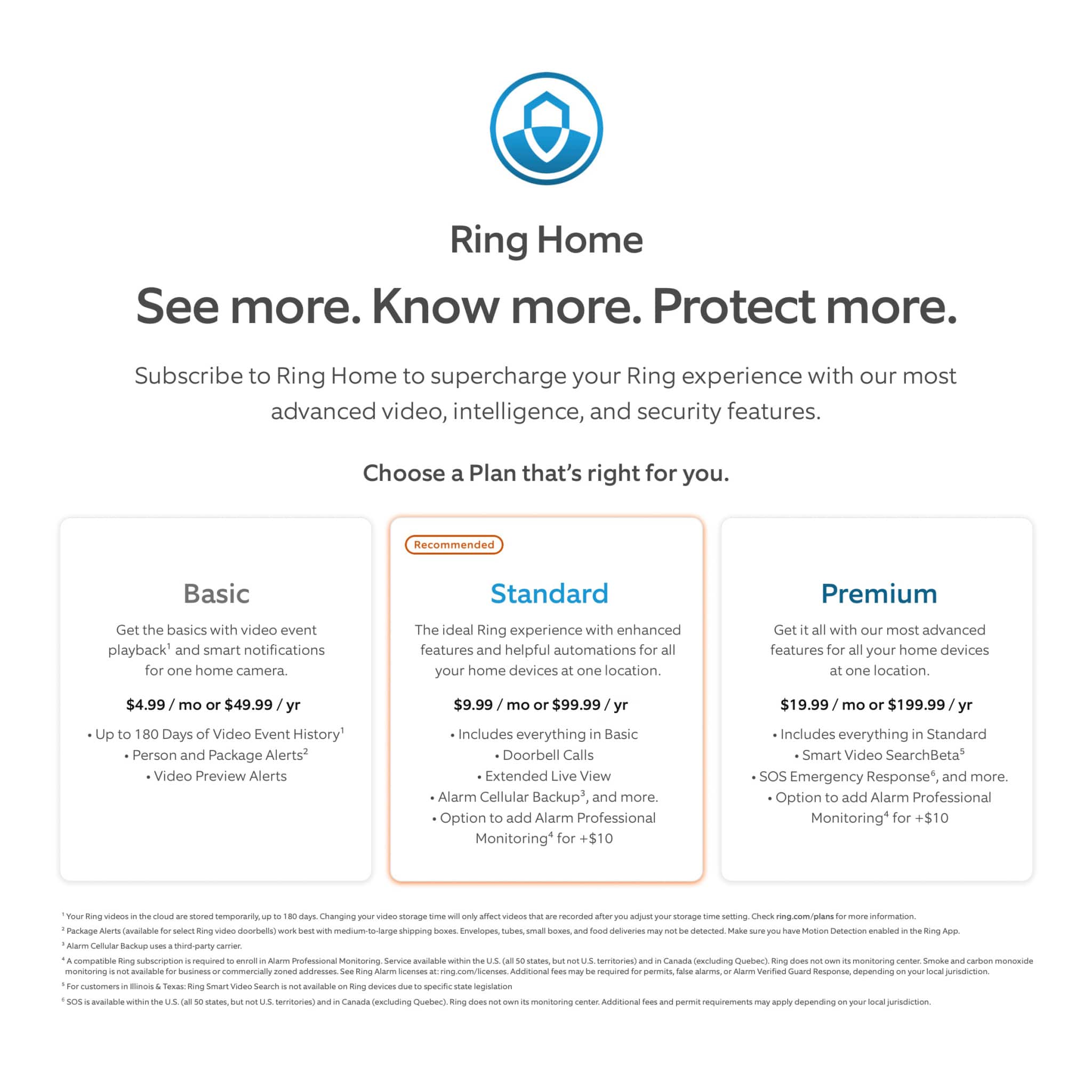
Thank you for reaching out to us with your question. With a Ring Home Plan you can save, share and replay recorded videos of every doorbell ring, motion event, and live view event for up to 180 days. Ring products provide their standard features such as instant alerts, live view, and two-way talk without any subscription. Ring Home Plans offer downloading and sharing video capabilities and additional features for those who want them.
If any additional information is needed regarding your question, please reach out to our community. Ring Community is our first peer-to-peer community forum, giving our customers the ability to help one another and share their feedback and experiences directly with Ring. Join the Ring Community today!
Thank you,
Amilia from Ring.
A:AnswerHi Ken01.
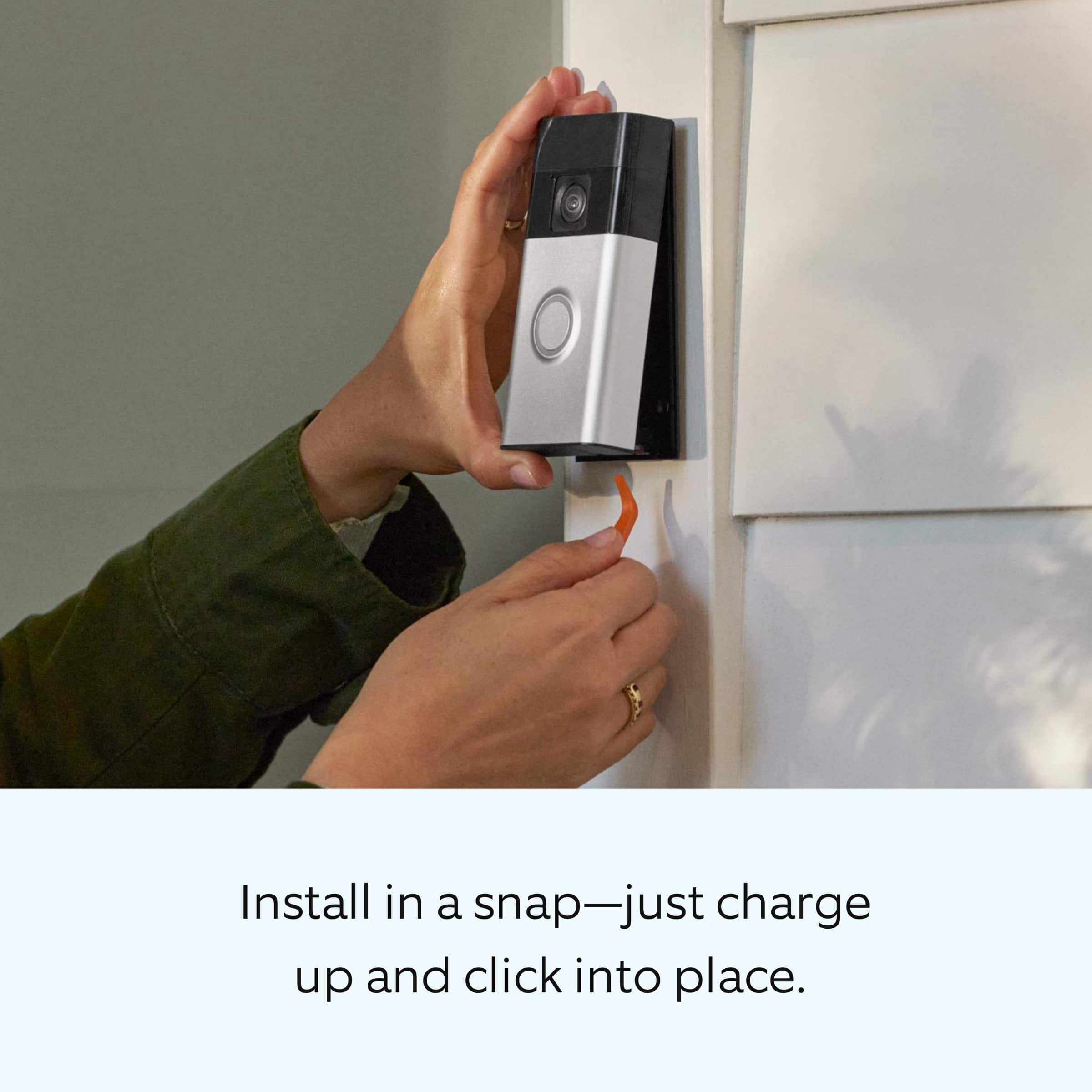
Thank you for reaching out to us with your question. Yes, the Ring Battery Doorbell is designed with the ability to be hardwired. A hardwired transformer (8 to 24 VAC, 50/60Hz, 5VA to 40VA) is required. We have included the instructions here for installing the Ring Battery Doorbell to an existing doorbell:
1. Download the Ring app.
2. Scan the QR code.
3. Remove protective film.
4. Fully charge the battery.
5. Choose a location for your doorbell.
Install your doorbell without connecting to an existing chime:
6a. Install the mounting bracket. Then, attach your doorbell to the bracket.
On stucco, brick, or concrete, use a ¼ in (6 mm) masonry bit to drill holes for the included wall anchors.
7a. Press until you hear a click to secure.
Install your doorbell and connect to an existing chime
6b. Shut off power at the breaker.
CAUTION! You’ll be working with electrical wires during the install process. If you are uncomfortable or inexperienced with doing so, consult with a licensed electrician. Do not wire your Ring Doorbell to a DC-powered intercom system.
7b. Install the mounting bracket. Then, connect your doorbell to existing wires and attach.
If any additional information is needed regarding your Ring Battery Doorbell question, please reach out to our community. Ring Community is our first peer-to-peer community forum, giving our customers the ability to help one another and share their feedback and experiences directly with Ring.
Thank you,
Melissa from Ring.
A:AnswerHi Chrissy.
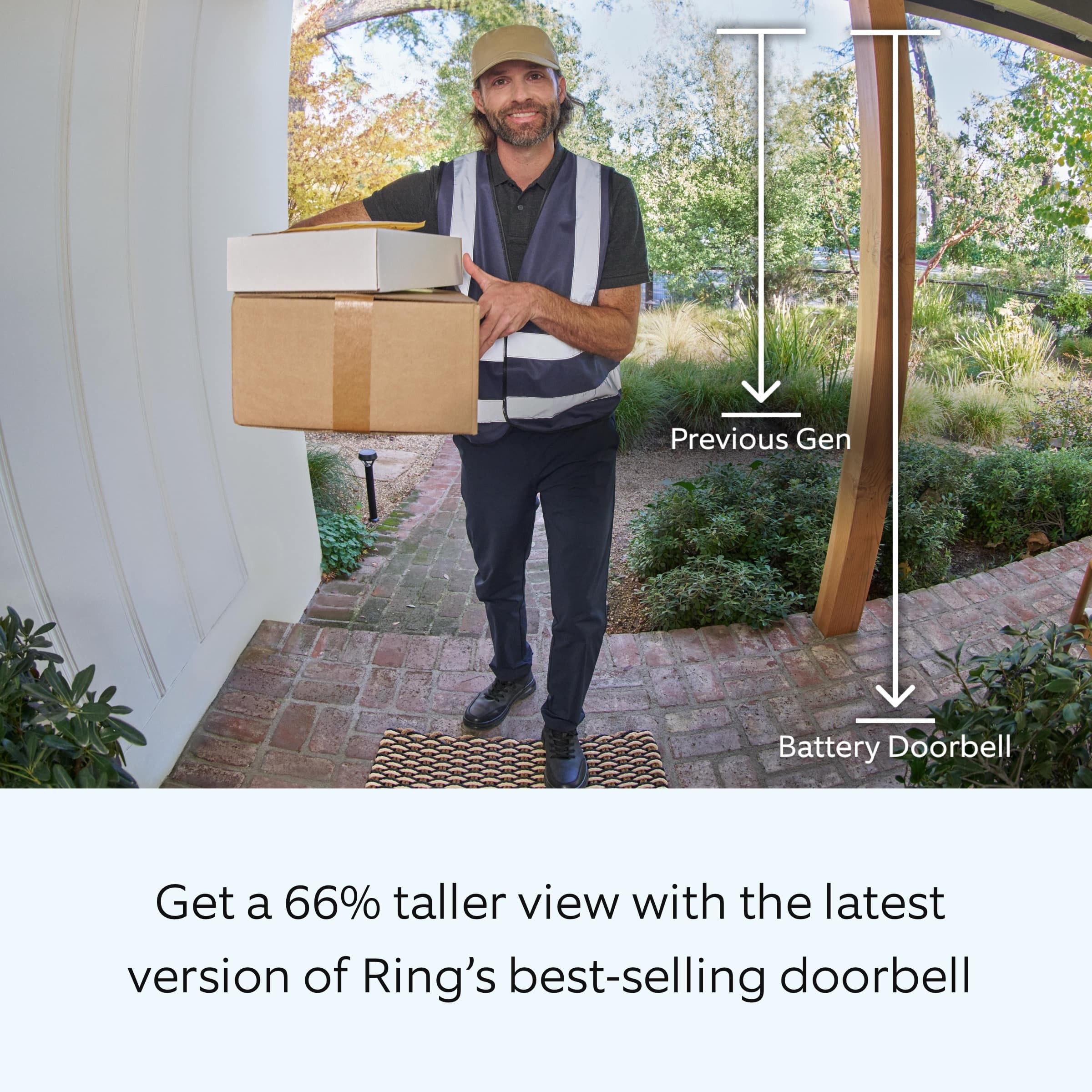
Thank you for taking the time to reach out to us with your question. We recommend using the Ring Wedge Kit or the Ring Corner Kit for the Ring Battery Doorbell to adjust the device to your desired view. It sounds like the Ring Corner Kit would be the best option for turning the doorbell to face another direction if your door does not face the front. We have included a link here to an article on our website with more information on using a Ring Wedge Kit or Ring Corner Kit with your Ring doorbell: https://ring.com/support/articles/90tcr/Using-a-Wedge-Kit-to-Properly-Position-your-Ring-Video-Doorbell.
We invite you to reach out to our community if any additional information is needed regarding your question. The Ring Community is our first peer-to-peer community forum, giving our customers the ability to help one another by sharing their feedback and experiences with each other. You can find it here: https://community.ring.com/.
Thank you,
Melissa from Ring.
A:AnswerHi Angie.
Thank you for taking the time to ask this question. The Ring Battery Doorbell does not ring an existing in-home mechanical or digital doorbell chime when it is running on battery power alone. To hear audio alerts in your home, pair it with a Ring Chime or compatible Alexa device (each sold separately). If the doorbell is hardwired to existing doorbell wiring with a compatible transformer and a compatible in-home chime, it can be configured through the Ring app to sound the existing chime when the doorbell button is pressed.
We invite you to reach out to our community if any additional information is needed regarding your question. The Ring Community is our first peer-to-peer community forum, giving our customers the ability to help one another by sharing their feedback and experiences with each other.
Thank you,
Miyuki from Ring.
A:AnswerHi Al.
Thank you for reaching out to us with your question. No, Ring devices are not compatible with the Eufy HomeBase 2. Ring products provide their standard features such as instant alerts, live view, and two-way talk without any subscription. Ring Protect Plans offer downloading and sharing video capabilities and additional features for those who want them.
If any additional information is needed regarding your question, please reach out to our community. Ring Community is our first peer-to-peer community forum, giving our customers the ability to help one another and share their feedback and experiences directly with Ring. Join the Ring Community today!
Thank you,
Amilia from Ring.
A:AnswerI use 3M double sided tape to avoid holes. For this mount, you’d have to unfortunately remove the rubber backing to have the tape stick to. Using screws, they screw in pretty easily to wood, aluminum, or siding.
A:AnswerHi Carl.
Thank you for reaching out to us with your questions. Batteries in Ring devices are designed to go months between charges under normal conditions. However, real battery life is dependent on a number of factors, such as local weather, the number of events captured, and the frequency of activation.
If any additional information is needed regarding your questions, please reach out to our community. Ring Community is our first peer-to-peer community forum, giving our customers the ability to help one another and share their feedback and experiences directly with Ring.
Thank you,
Miyuki from Ring.