Questions & Answers
- Model:
- B08F6DWKQP
- |
- SKU:
- 6460924
Highly rated by customers for: Camera Quality, Ease of use, Light Brightness
$179.99Your price for this item is $179.99
Page Showing 21-40 of 276 questions
Q: QuestionIs this light dusk to dawn?
Asked by Reb.
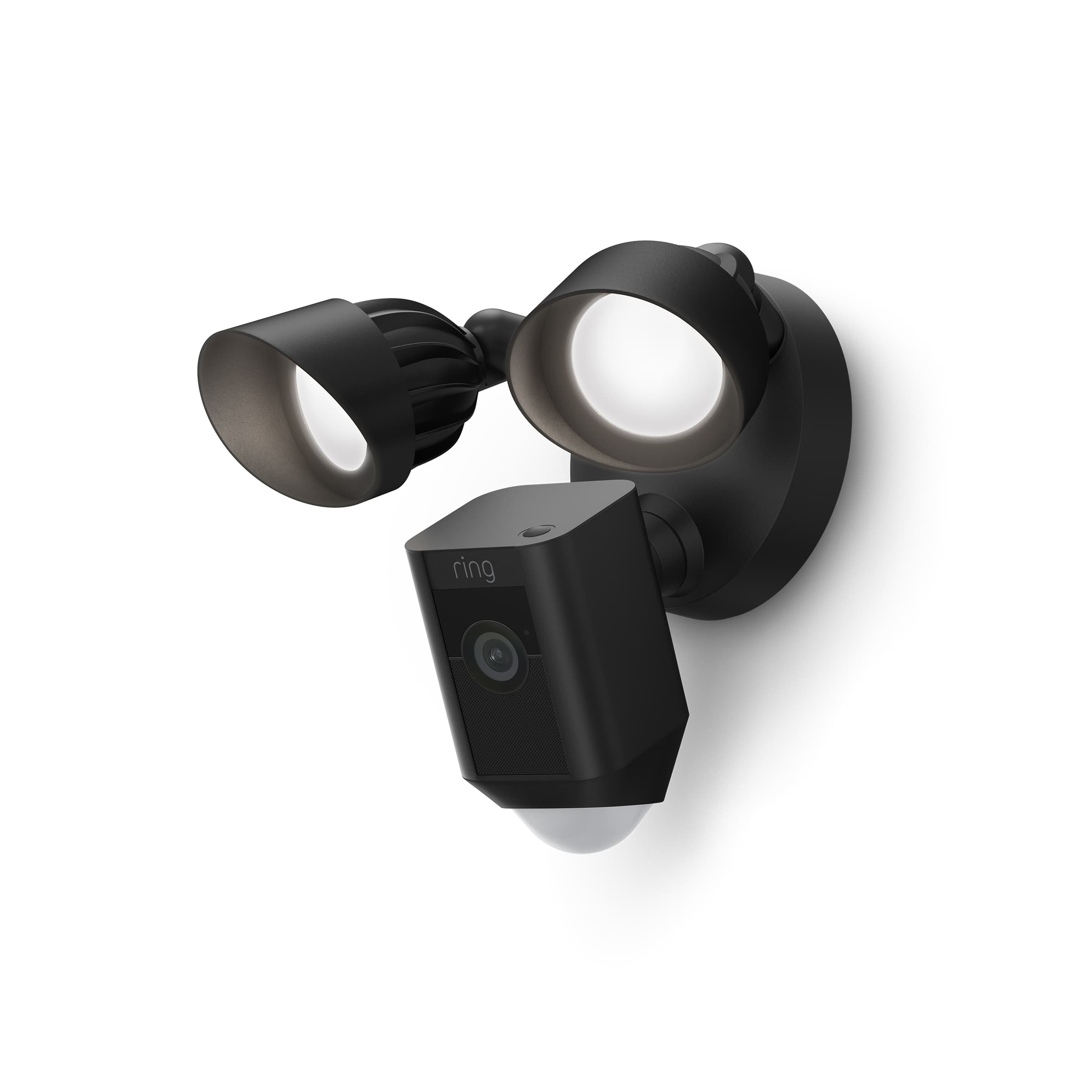
- A:Answer Hi Reb. Good question. Yes, you can set a schedule for the Ring Floodlight Cam Plus lights to come on for set periods of time, such as dusk to dawn. Follow these steps in the Ring app to set up a light schedule: Open your Ring app. Tap the Menu (☰). Tap Devices. Tap the Device Schedule tile. Tap Light Schedules. Follow the prompts in the Ring app to customize your light schedules. To adjust or change any of the light settings, use the same step-by-step sequence to navigate back to your security camera and select the Device Schedule tile. We invite you to reach out to our Community if any additional information is needed regarding your question. The Ring Community is our first peer-to-peer community forum, giving our customers the ability to help one another by sharing their feedback and experiences with each other. All the best, Nicole from Ring.
Answered by Ring

Q: QuestionWhat's the difference between the Plus and the pro?
Asked by Hamilton.
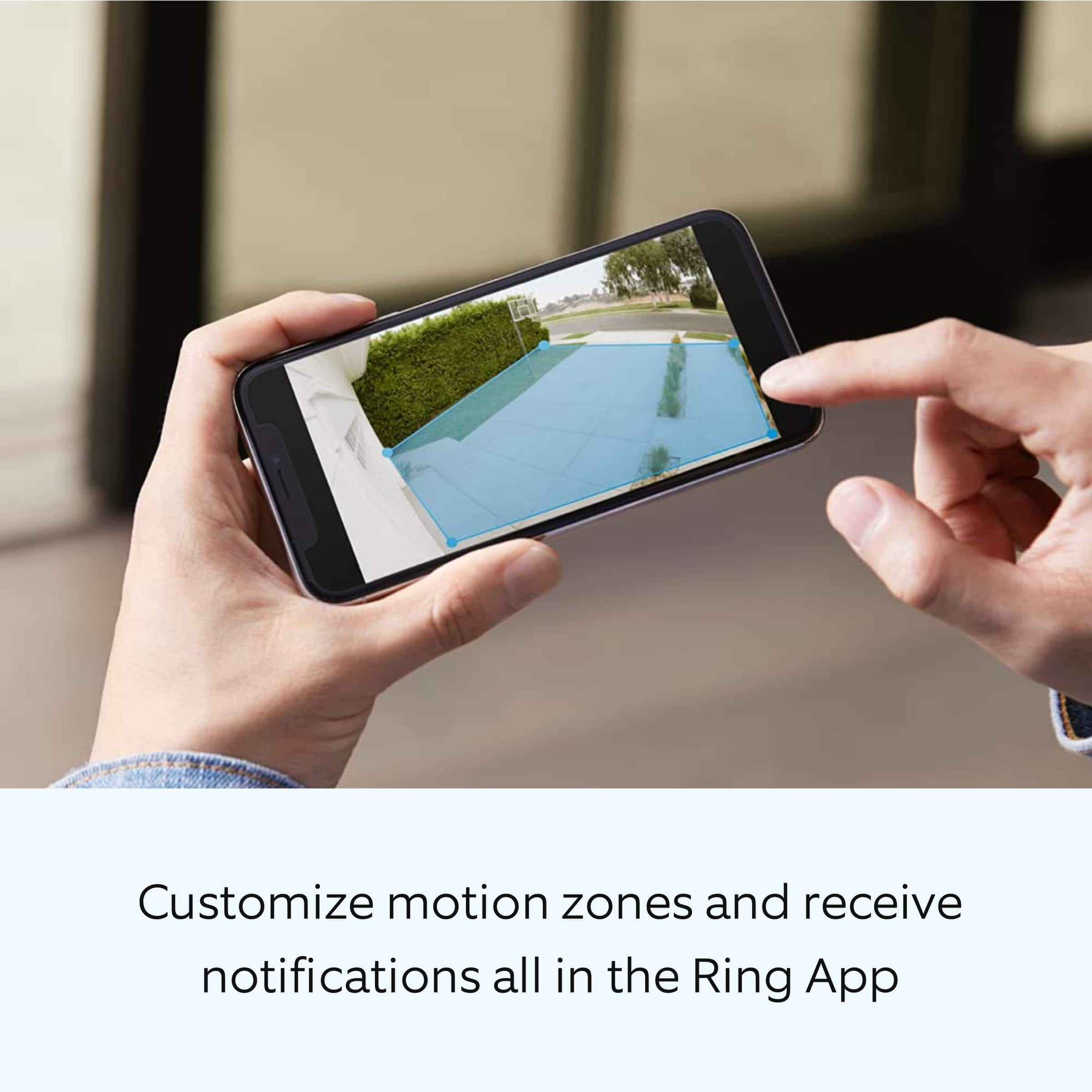
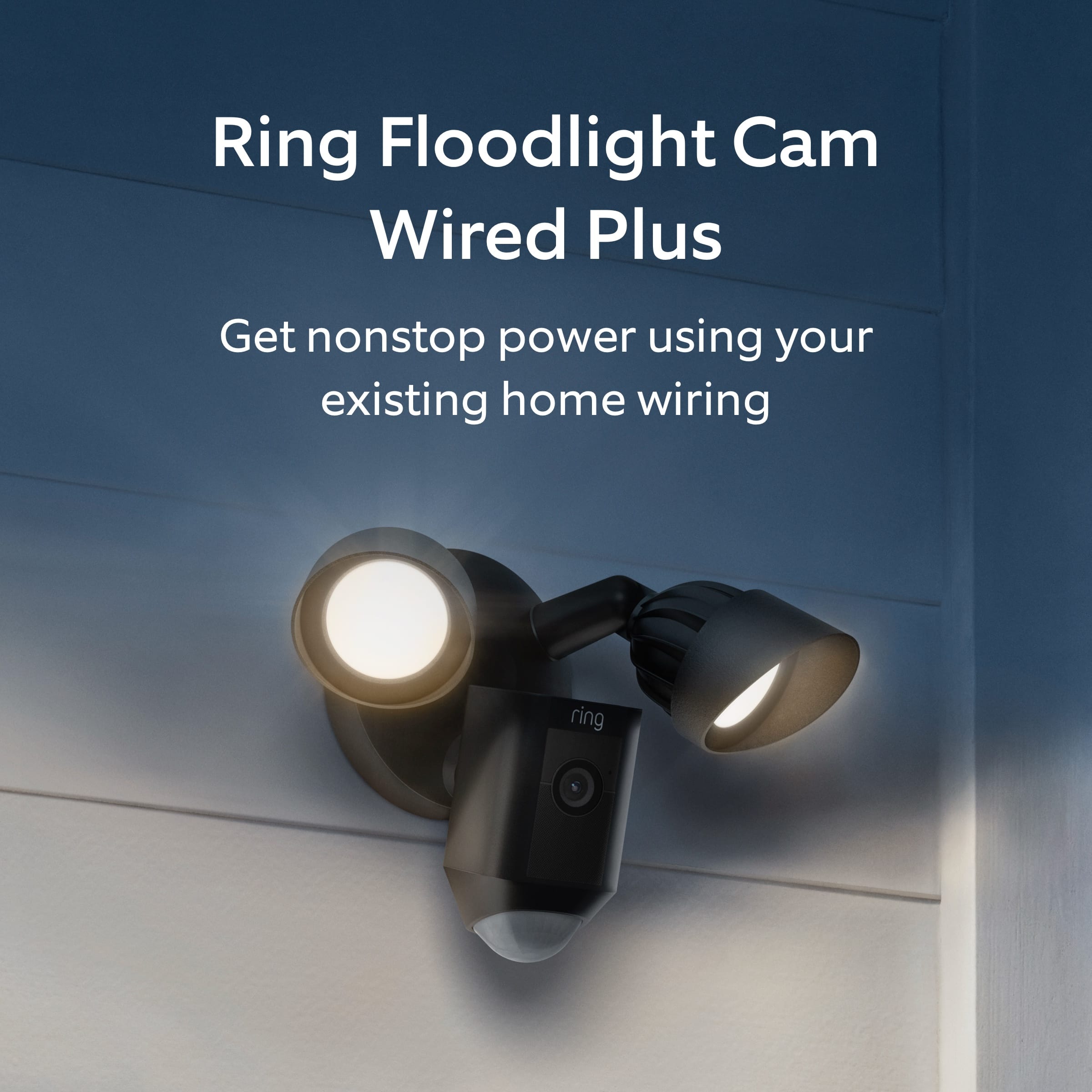
- A:Answer Hi Hamilton. Good question. The Ring Floodlight Cam Wired Plus includes Live View, Two-Way Talk, Advanced Motion Detection, Customizable Motion Zones, Customizable Privacy Settings, and an easy-to-use app. The Ring Floodlight Cam Wired Pro builds upon all these great features with a new design and advanced features, including radar-powered 3D motion detection, bird's-eye view, Audio+ for enhanced audio, a 110db siren, dual-band wifi, and an array microphone that limits sound distortion. We invite you to reach out to our Community if any additional information is needed regarding your question. The Ring Community is our first peer-to-peer community forum, giving our customers the ability to help one another by sharing their feedback and experiences with each other. All the best, Nicole from Ring.
Answered by Ring
Q: QuestionI have an older house that is not wired with outdoor lights. How can the floodlight be mounted without outdoor light plugs?
Asked by ringquest.
- A:Answer You can use the battery floodlight camera with or without a solar panel.
Answered by ChaB
Q: QuestionSo, no battery backup on the wired version? That's poor design. So a thief can just shut off my power at the street and snoop undetected. Or during a power outage. I can't buy the battery version because I'm away from my property for 6 months at a time.
Asked by JohnJohn.
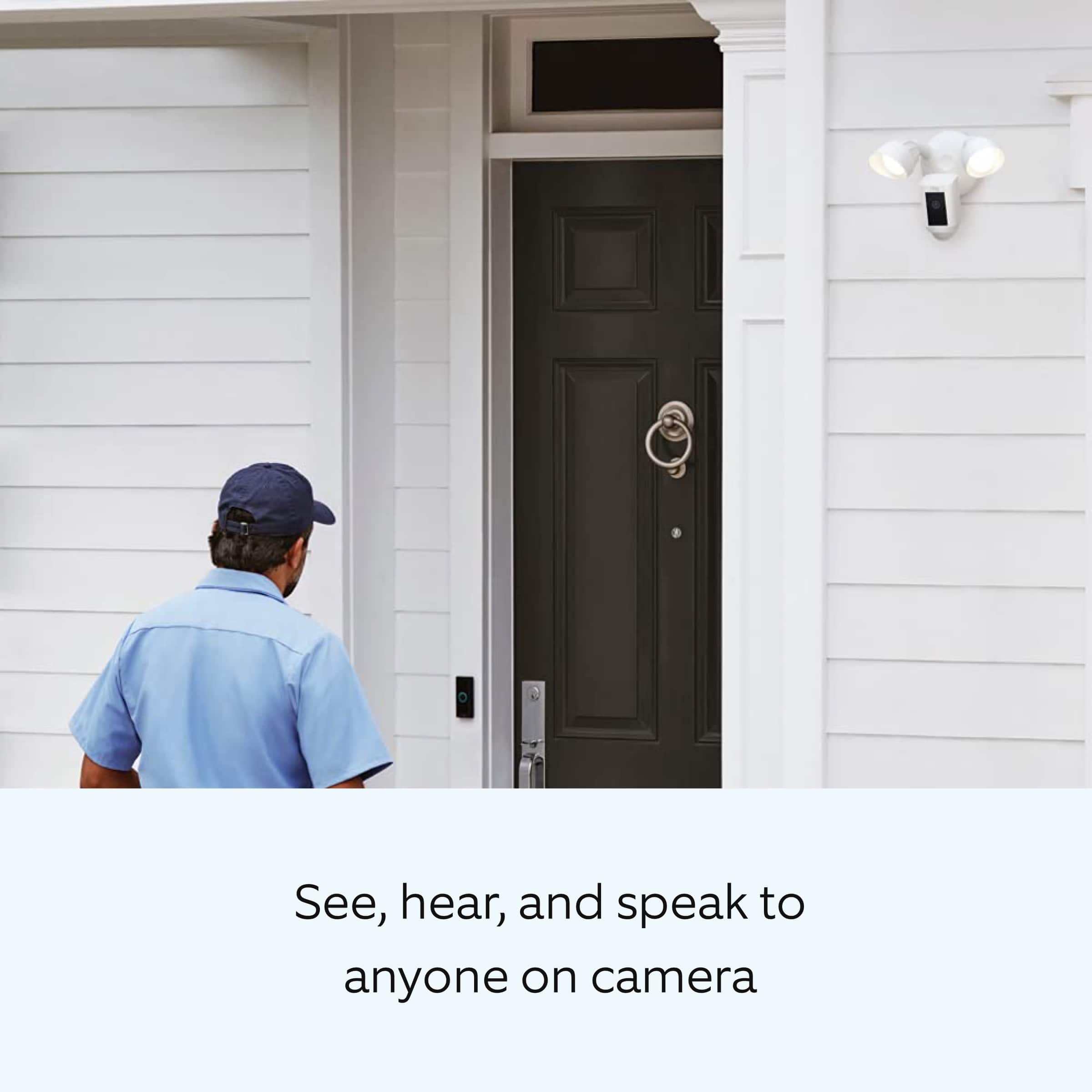
- A:Answer Hi JohnJohn. Good question. The Ring Floodlight Cam Wired Plus security cam requires a hardwired connection and must be installed on a 4“ round UL-listed weatherproof electrical box. It does not have a battery backup option. We invite you to reach out to our Community if any additional information is needed regarding your question. The Ring Community is our first peer-to-peer community forum, giving our customers the ability to help one another by sharing their feedback and experiences with each other. All the best, Nicole from Ring.
Answered by Ring

Q: Questioncan i wire the ring to an extension cord and run it into my garage
Asked by cappy.
- A:Answer Yes. There is a kit available just for that.
Answered by Ronald
Q: QuestionOne of the bulb from my Floodlight Cam is about to die where can I get a new bulb?
Asked by Anonymous.
- A:Answer I purchased the bulbs at Home Depot. I even got Wi-Fi ones they work great.
Answered by Debora
Q: QuestionI installed this camera and at first it worked ok but now it just says it’s offline ..my Wi-Fi is fine . I’m fixing to throw in trash can get something else tired messing with it
Asked by Rib.
- A:Answer Due to the distance from the wifi we had to add a booster in the garage to improve the signal.
Answered by JeanetteH
Q: QuestionAre the light bulbs or light led replaceable? What happens if one light dies?
Asked by iGaona.
- A:Answer I'm using Wi-Fi LED lights from Home Depot
Answered by Debora
Q: QuestionCan the motion sensor for the flood light be turned off? What if I want to choose when the light goes off instead of motion.
Asked by Jennifer.
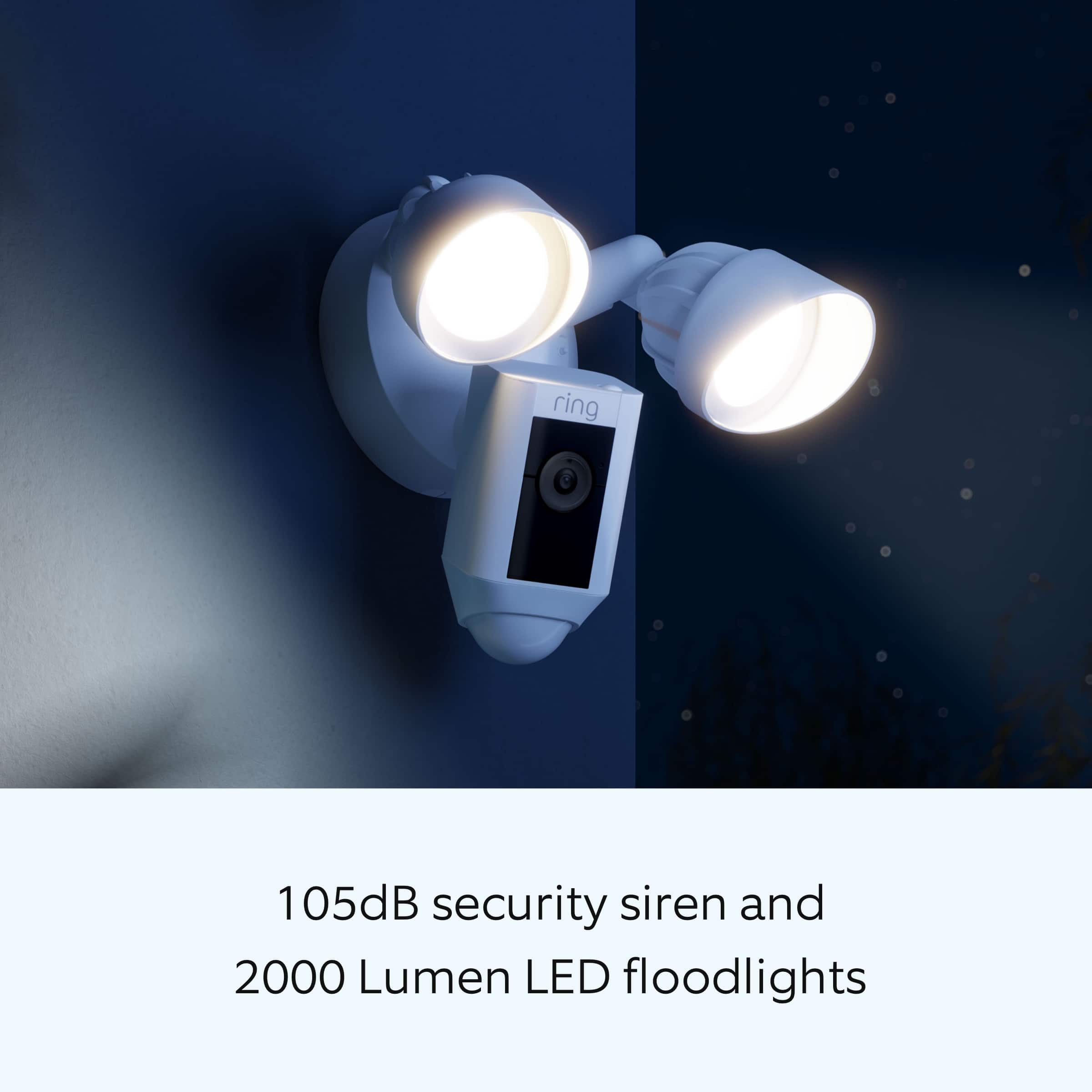
- A:Answer Hi Jennifer. Great question! Yes, you can manually control the lights on your Floodlight Cam Plus Wired device from the Ring app. The Ring app has a manual "lights" control. This is the control that appears above the Motion Alerts toggle on your device's main menu in the Ring app. Toggle this control to manually turn the floodlights on (blue) and off (white). This control overrides any other settings or controls that are set with the Ring app. Regardless of whether you've scheduled the lights to be on or off, or whether it's day or night, this control will always turn on your lights. We invite you to reach out to our Community if any additional information is needed regarding your question. The Ring Community is our first peer-to-peer community forum, giving our customers the ability to help one another by sharing their feedback and experiences with each other. All the best, Nicole from Ring.
Answered by Ring

Q: QuestionIt's not picking up my internet
Asked by Anonymous.
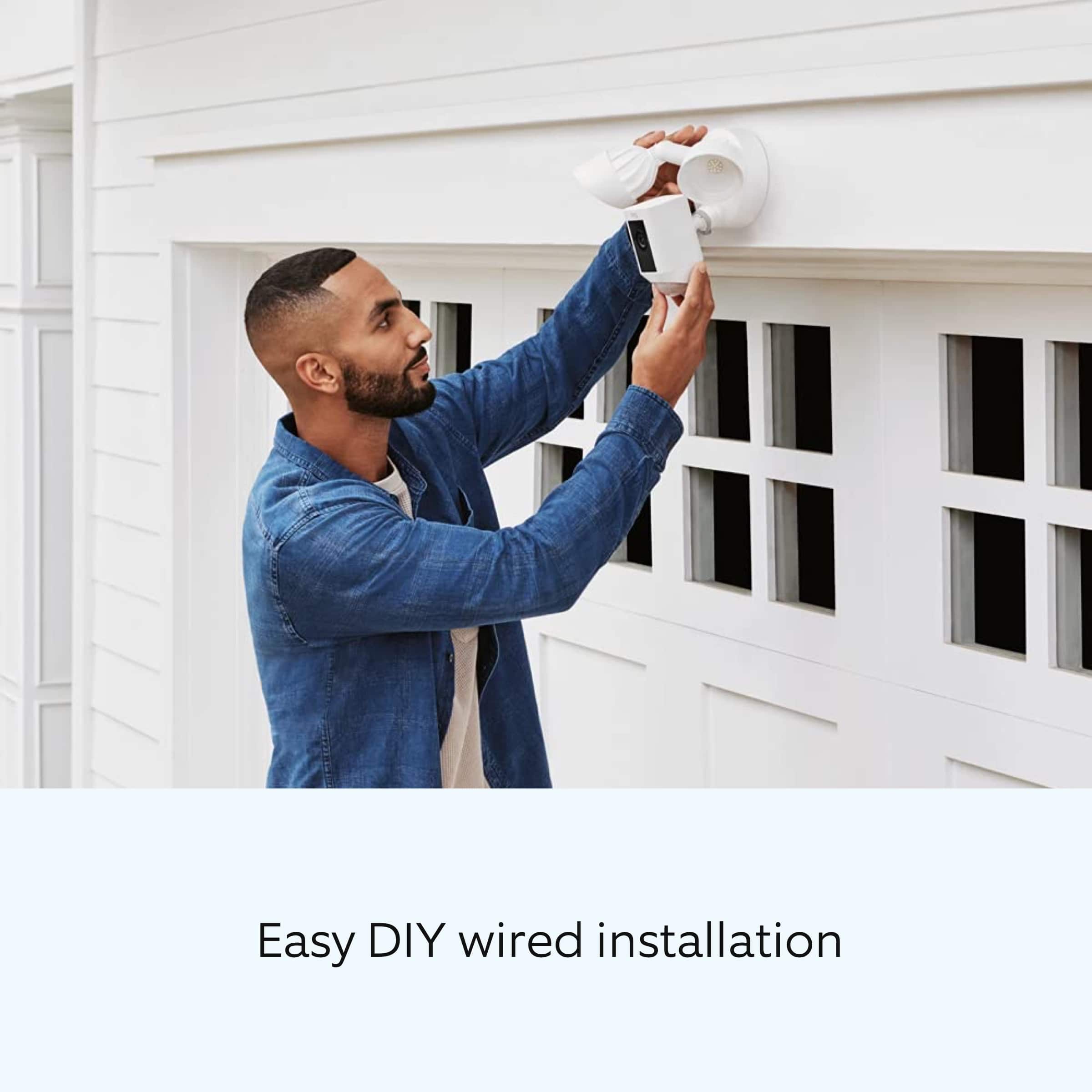
- A:Answer Hello. Thank you for reaching out. If your device is continuously failing setup, you can try performing a reset or restore on your Ring device by holding down the reset button on the device for 20 seconds and then releasing it. After performing a reset or restore, wait a minute or two and attempt setup again, making sure that: You’re entering the correct password for your wifi network. Passwords are case sensitive. You're not far from your wireless router. Your internet is not down. Visit our support center for more tips and tricks for getting your device set up. We invite you to reach out to our Community if any additional information is needed regarding your question. The Ring Community is our first peer-to-peer community forum, giving our customers the ability to help one another by sharing their feedback and experiences with each other. All the best, Nicole from Ring.
Answered by Ring

Q: QuestionI don’t have a junction box I want to replace my cameras does this come with a power cord and does this have good night color vision?
Asked by JJ.
- A:Answer Hi JJ. The Floodlight Cam Wired Plus must be installed on a 4“ round UL listed weatherproof electrical box. If you don't have an electrical box, you may need to consult with a qualified electrician to have one installed. For reference, you can find the installation instructions here: https://support.ring.com/hc/en-us/articles/360060800632-Installing-Floodlight-Cam-Wired-Plus-Security-Camera-. The Floodlight Cam Wired Plus does have color night vision, which you can see examples of in our Help Center article here: https://support.ring.com/hc/en-us/articles/360038559351-Understanding-Color-Night-Vision-and-Troubleshooting-Night-Vision. All the best, Ashley from Ring.
Answered by Ring

Q: QuestionAre ring products waterproof or just weather proof where they need a roof or something over to protect??
Asked by Buddy.
- A:Answer Hello Buddy, Ring Floodlight Cam Wired Plus is weather resistant and is rated IP66. DIY installation of your Ring Floodlight Cam Wired Plus is intended to be a relatively easy process. However, as the Floodlight Cam Wired Plus requires a junction box as well as wiring up live wires, it's recommended you hire a licensed electrician to install the device, and should be connected to a 100 VAC~240 VAC 50/60 Hz power source. More details can be found on our website: https://support.ring.com/hc/en-us/sections/360013672231-Floodlight-Cam-Wired-Plus Also, Ring Community was launched to help deliver the most current news and educational information to our neighbors. This online forum is divided into four categories: Product Boards, Ring Updates, Tips + Tricks, and a Moderators’ Corner. The Product Boards are where you can begin new topics with your questions or feedback; there is also a search option that helps you find topics that have already been posted by other neighbors. We invite you to visit our site at https://community.ring.com/ today! Thank you, Antonio from Ring
Answered by Ring

Q: QuestionI still use basic Wi-Fi with my cable, home phone and computer and our service is actually pretty fast for all my needs. So here are my questions. What all do I need for this system? Can videos be shown from my emails? Will this only work thru cell?
Asked by new2security.
- A:Answer I currently usean eero system..which provides a more wider & secure coverage. If you have basic Wi-Fi and it reaches ur back yard, then you should be ok. But I would test it out to make sure. My old& existing Wi-Fi ( from street to house) worked in my old camera. Though I used range extenders.
Answered by Dell27inchmonitor
Q: QuestionI am thinking of replacing existing outdoor wired lights. Can I supply power to this using the same wires? Also, without a subscription, can you see current activity? Can you see any history at all?
Asked by AngelB.
- A:Answer Hello AngelB, DIY installation of your Ring Floodlight Cam Wired Plus is intended to be a relatively easy process. However, as floodlight camera's require a junction box as well as wiring up live wires, it's recommended you hire a licensed electrician to install it. The Ring Floodlight Cam wired Plus should be connected to a 100 VAC~240 VAC 50/60 Hz power source. Also, while subscribed to one of our optional Ring Protect Plans, you will be able to access videos from every ring, motion, and live view event for up to 60 days (US). You can also access, download, and share past Ring videos. Without this service, you will still receive real-time video alerts on your smartphone as well as have access to the Live View feature,however events are not recorded. For more details on Floodlight Cam Wired Plus: https://support.ring.com/hc/en-us/articles/360061193351-Floodlight-Cam-Wired-Plus-Security-Camera-Information- For any additional installation questions or set up concerns, please feel free to reach out on our community forum at https://community.ring.com/. You can also visit our help site, https://support.ring.com/hc/en-us, for tips & tricks, videos and help articles for all our Ring products. Thank you, Antonio from Ring
Answered by Ring

Q: QuestionCan this be used with my ADT plan instead of the Ring Protect Plan?
Asked by Gonzo.
- A:Answer Hello Gonzo, Great question. No, the Ring Floodlight Camera can not be used with your ADT plan. Please see our help center article for more information: https://support.ring.com/hc/en-us/articles/360061193351-Floodlight-Cam-Wired-Plus-Security-Camera-Information-. If you have any additional questions, please feel free to reach out through our Ring Community forum on Ring.com: https://community.ring.com/. Thank you, Jamila with Ring.
Answered by Ring

Q: QuestionDoes this camera run on solar or battery?
Asked by Smokey.
- A:Answer There is a battery or wired option. I have seen small solar panels sold by ring meant to go with the battery powered version.
Answered by Renee
Q: Questiondoes this model have 2 way talk and how much cloud does it have
Asked by Jerry.
- A:Answer Yes, has two way talk. In order to have cloud recording you need a ring subscription. I bought a 12 month plan for 99.00. It stores your videos for ninety days. If you offload the videos to your personal cloud, I’ve read from other subscribers that offloading videos to your own cloud, can cause some latency. Don’t know if that true as it could have been there bandwidth, but just FYI.
Answered by Anonymous
Q: QuestionWill this work with door bell volts
Asked by Teq4.
- A:Answer No it just takes 120v power. One of your breakers. Your ring doorbell should hook to your doorbell.
Answered by SarahS
Q: QuestionFirst ring camera for me. It says it's compatible with Amazon and Google. Does that mean the monthly subscription, or what does it mean that it is compatible with Amazon and Google? What is the monthly subscription price for 2 cameras to store video?
Asked by AquaFoxx.
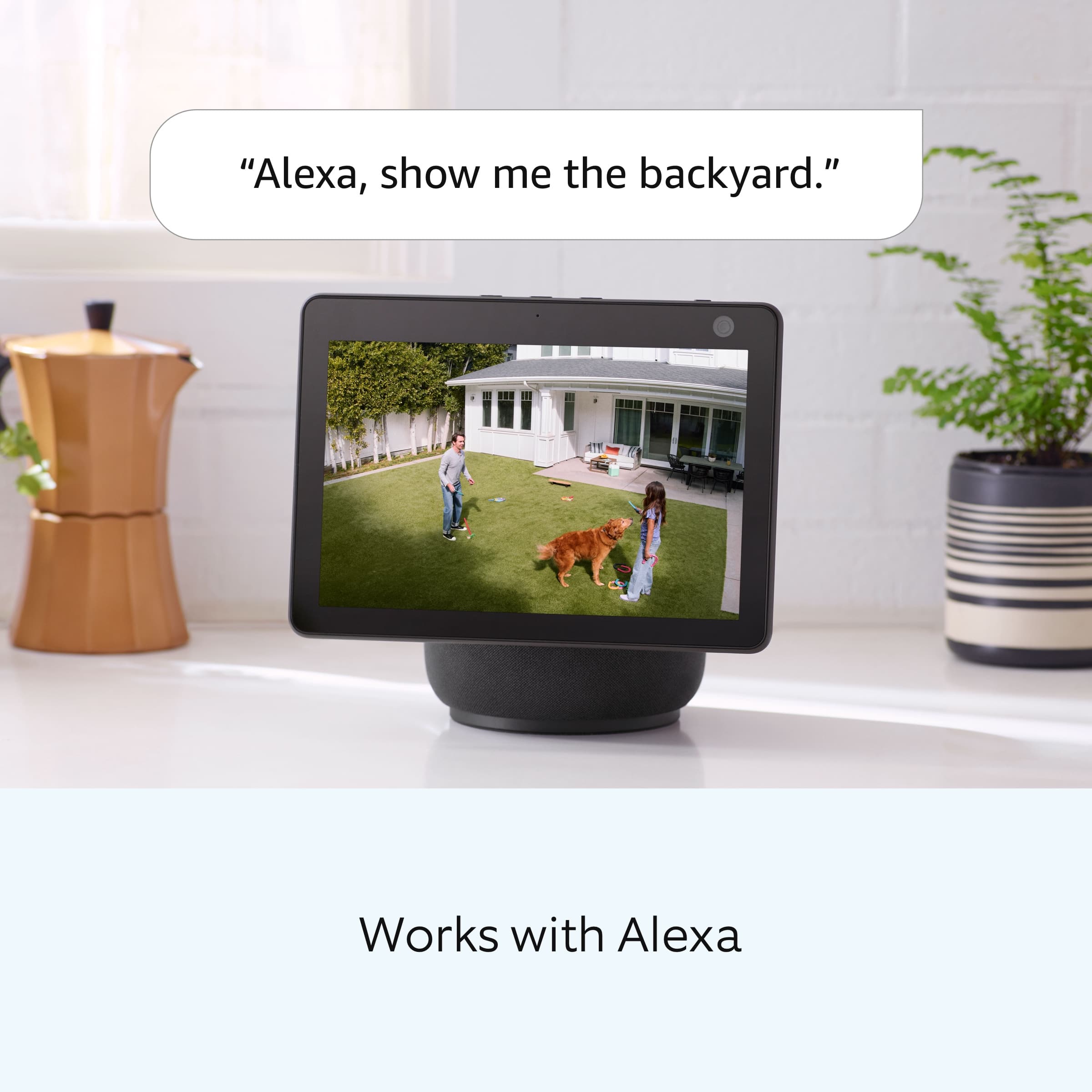
- A:Answer Hi AquaFoxx. Thank you for taking the time to ask this question. No, Ring is not compatible with Google Home. For smart home integration, Ring is compatible with Alexa-enabled devices. We have listed the pricing for the optional Ring Home Plans here: The Ring Home Basic Plan includes video recording for one Ring doorbell or home camera, person and package alerts, video preview alerts, and 10% off select Ring site purchases. The cost of the Ring Home Basic Plan is $4.99/month or $49.99/year. The Ring Home Standard Plan covers all home devices at one location, includes everything in the Ring Home Basic Plan, doorbell calls, extended live view, alarm cellular backup, and more. The cost of the Ring Home Standard Plan is $9.99/month or $99.99/year. The Ring Home Premium Plan covers all home devices at one location, includes everything in the Ring Home Standard Plan, smart video search, 24/7 recording, SOS emergency response, and more. The cost of the Ring Home Premium Plan is $19.99/month or $199.99/year. If any additional information is needed regarding your question, please reach out to our community. Ring Community is our first peer-to-peer community forum, giving our customers the ability to help one another and share their feedback and experiences directly with Ring. Join the Ring Community today! Thank you, Amilia from Ring.
Answered by Ring

Q: QuestionAt what distance from the camera will it detect a person?
Asked by Anonymous.
- A:Answer Depends on how you set it up. General i think 3 ft to 30ft. But i would not want to keep it set for my neighbors yards.
Answered by MaWa
Best-selling outdoor security cameras
- $229.99Your price for this item is $229.99
- $99.99Your price for this item is $99.99
- $199.99Your price for this item is $199.99
- Black Friday Deal$149.99Your price for this item is $149.99
- $99.99Your price for this item is $99.99$149.99The comparable value for this item is $149.99
- $199.99Your price for this item is $199.99$249.99The comparable value for this item is $249.99
- $189.99Your price for this item is $189.99$279.99The comparable value for this item is $279.99
- $119.99Your price for this item is $119.99$149.99The comparable value for this item is $149.99
- $99.99Your price for this item is $99.99
- $119.99Your price for this item is $119.99$149.99The comparable value for this item is $149.99
- $69.99Your price for this item is $69.99
- $49.99Your price for this item is $49.99$99.99The comparable value for this item is $99.99
- $99.99Your price for this item is $99.99$149.99The comparable value for this item is $149.99
- $149.99Your price for this item is $149.99$369.99The comparable value for this item is $369.99
- $69.99Your price for this item is $69.99
- $104.99Your price for this item is $104.99$129.99The comparable value for this item is $129.99
- $219.99Your price for this item is $219.99
- $199.99Your price for this item is $199.99