A:AnswerThe camera POWER is hard wired. The Input/Output is wireless. So, the video, through the camera, is wireless access. There are apps available to manage all rings devices. Hope this helps!
A:AnswerThat is interesting, I think yes.
Why, because all the camera cares about is that it has the login credentials of the router providing internet access. This could be a WiFi extender or a new router in a new location. As long as the router provides internet access you just need to register the device to your app.
To me, it seems like this is doable.
A:AnswerHi MJM1,
Ring recently implemented a feature in your Video Recordings called "Motion Stop". This feature automatically stops the recording after a Ring device stops detecting motion. The devices stop after 20 seconds for battery-operated devices even if physically installed as hardwired, and 60 seconds for hardwired devices without a battery option. This saves on battery life and data charges but is primarily the first stage for a new feature to be launched soon. When this new feature is completed. It will allow you to control how long your Ring device records footage after detecting motion.
Thanks,
Kaitlyn R., Customer Satisfaction Specialist
[email protected]
A:AnswerHi Jannie,
Thanks for reaching out.
For best streaming performance, we recommend 2 Mbps upload and download speeds.
Thanks,
Kaitlyn R., Customer Satisfaction Specialist
[email protected]
A:AnswerHi Trashtakerouter,
Thanks for reaching out.
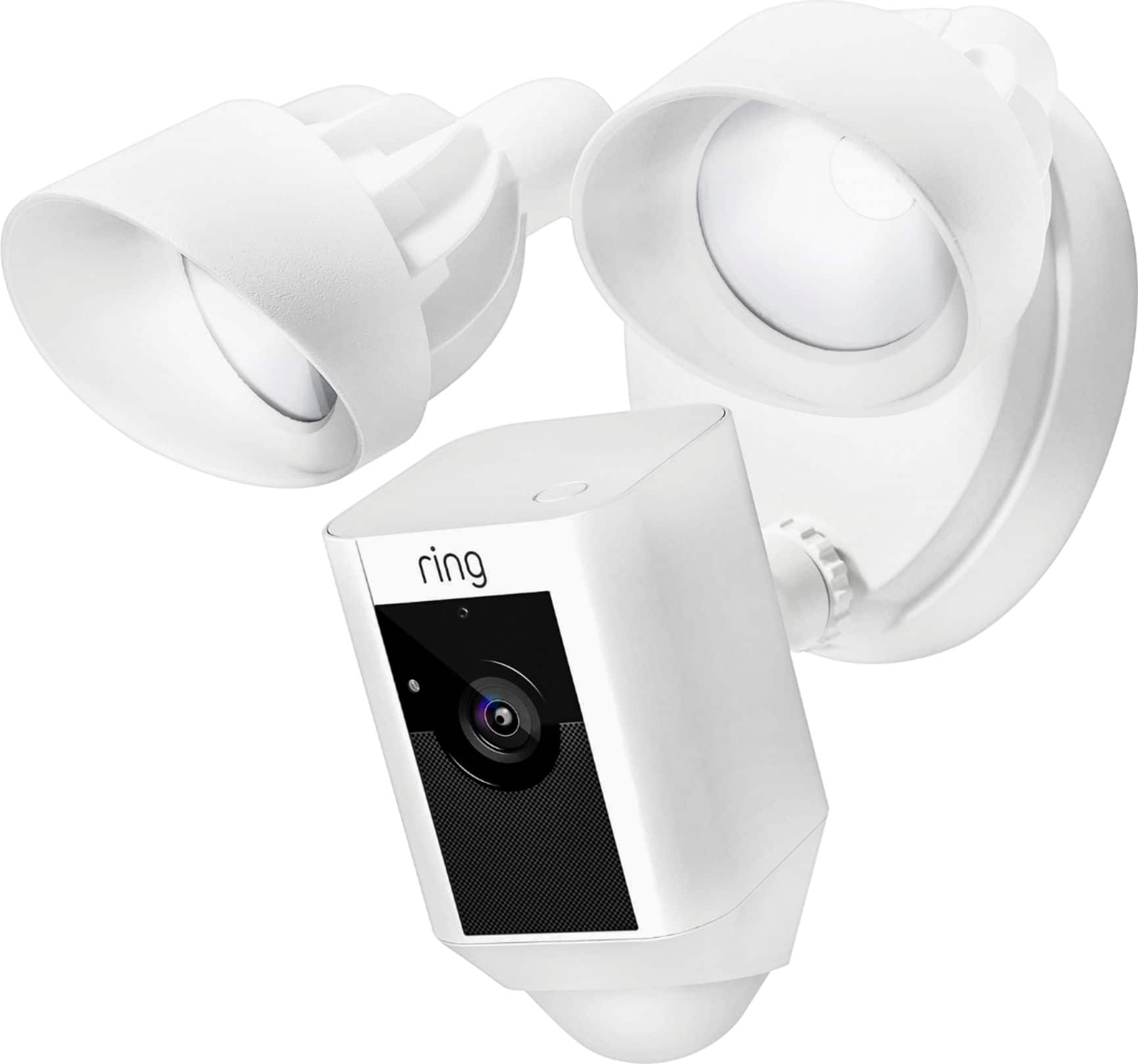
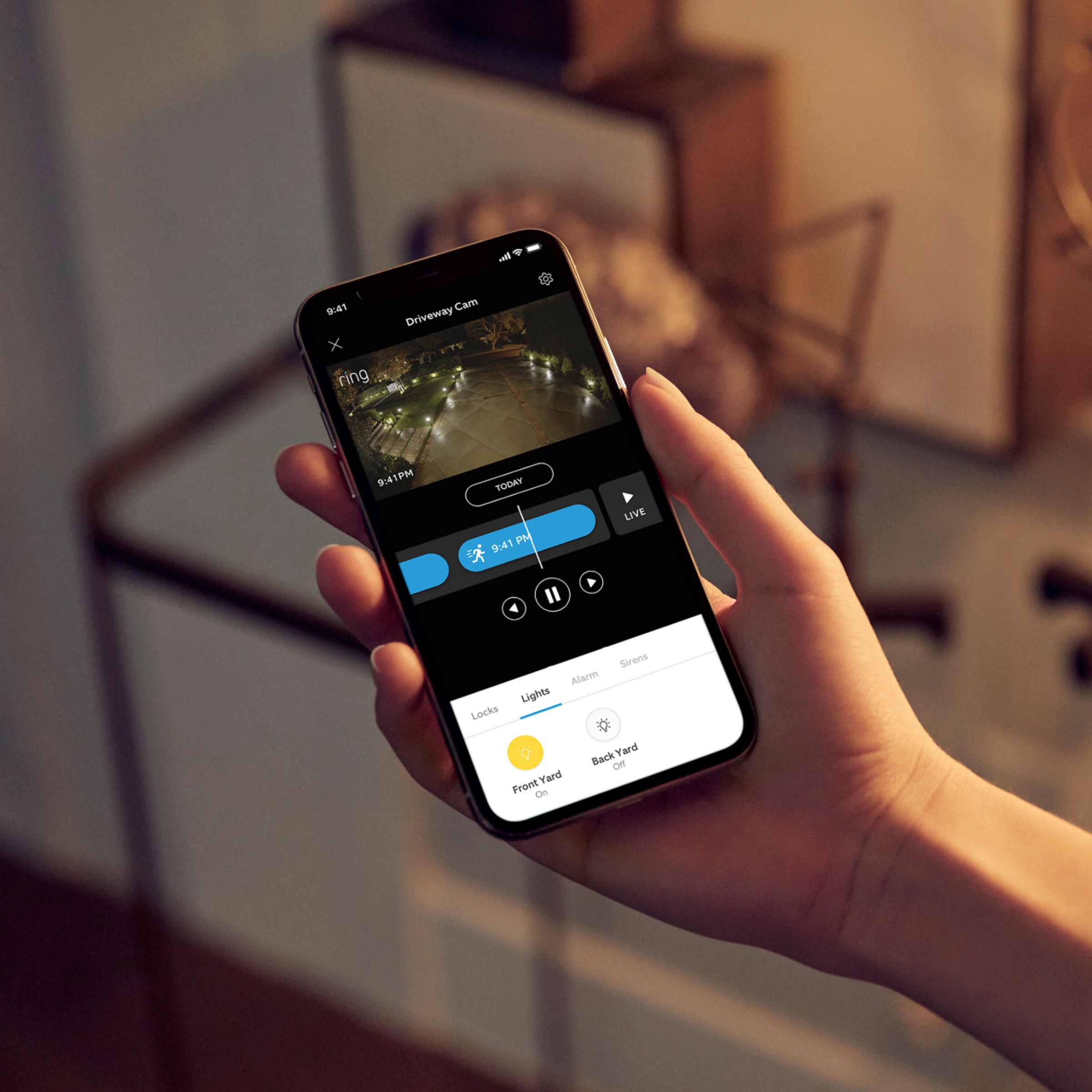
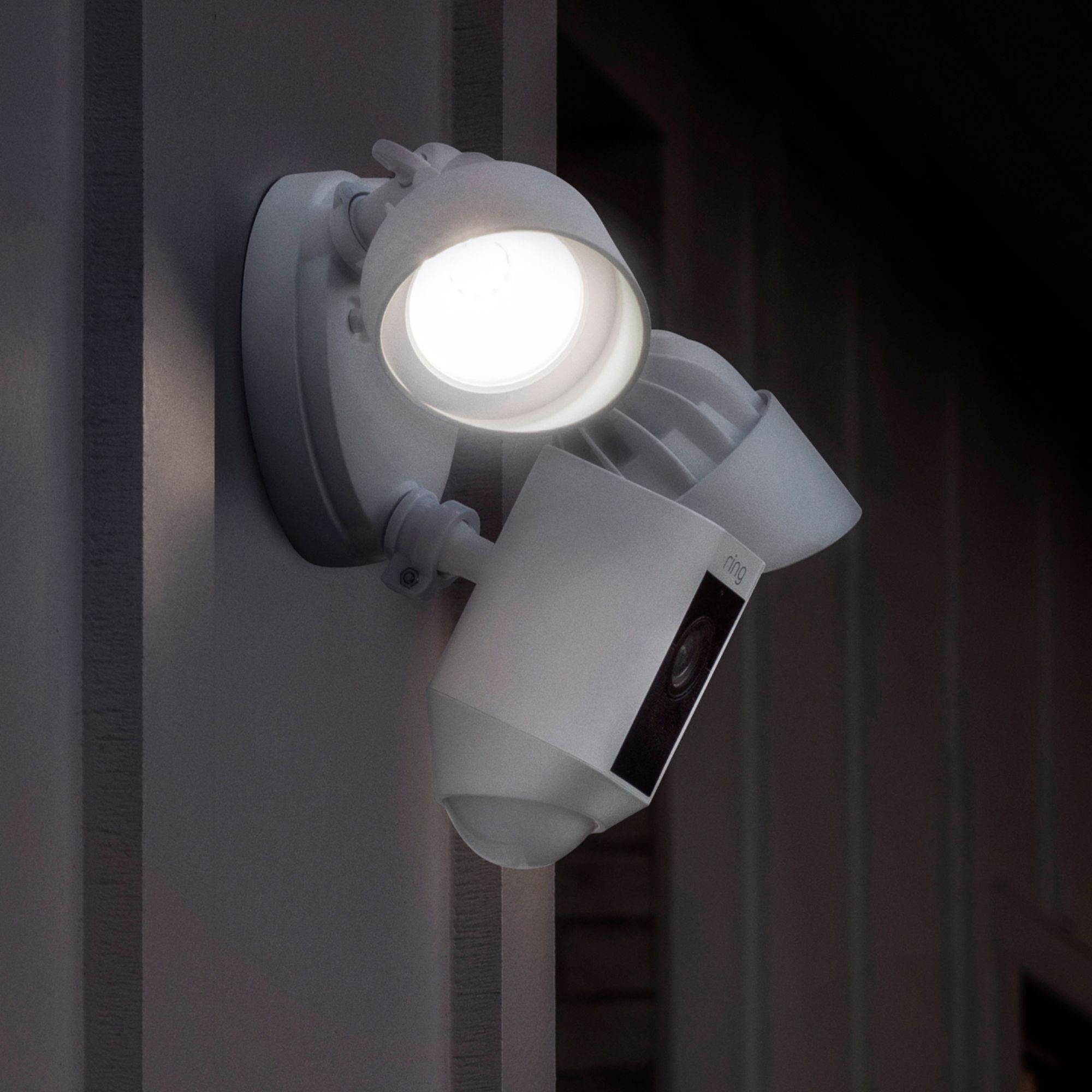
While your Floodlights will only automatically turn on when motion is detected, you are, however, able to manually turn your Floodlights on at any time. Every function of the floodlights on your Floodlight Cam is available on your Ring App. The manual "lights" control is the control that appears above the "motion alerts" toggle on your device's main menu in the Ring app. Toggle this control to manually turn the floodlights on and off.
Thanks,
Kaitlyn R., Customer Satisfaction Specialist
[email protected]
A:AnswerHello,
Thanks for reaching out.
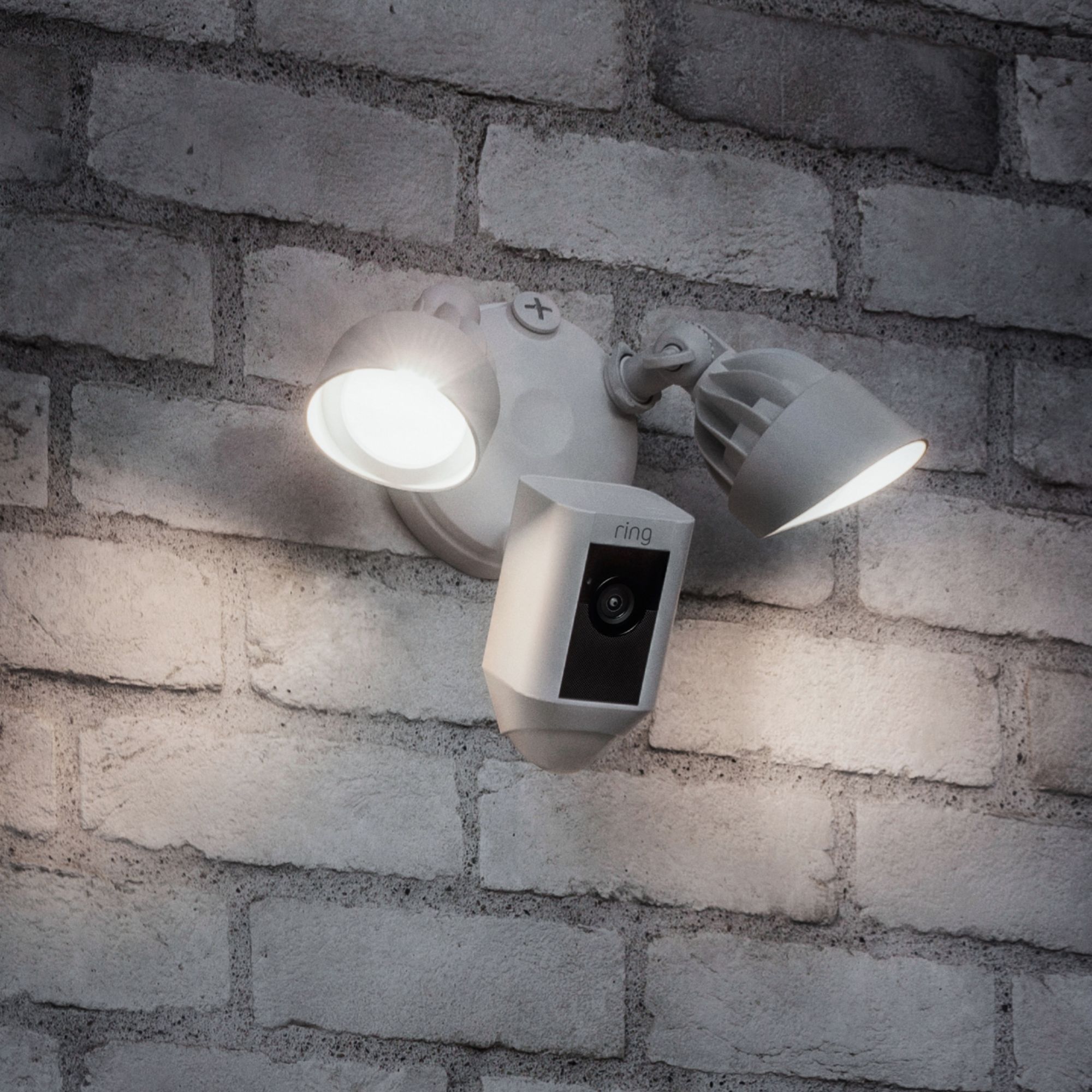
Installing Floodlight Cam requires hardwiring hot, or live, wires into a standard junction box. Ring highly recommends that you engage a licensed electrician for this.
Thanks,
Kaitlyn R., Customer Satisfaction Specialist
[email protected]
A:AnswerHi BobMarley,
Thanks for reaching out.
The Vivent systems use Alarm.com and usually use an Alarm Panel like the 2Gig's. With that being said, I do not believe that this would work.
Please see the link below for compatibility information.
https://support.ring.com/hc/en-us/articles/204736064-Ring-App-Compatibility-With-Smart-Lock-Systems-from-Kevo-LockState-Kisi-and-Lockitron.
Thanks,
Kaitlyn R., Customer Satisfaction Specialist
[email protected]
A:AnswerHi Resolution,
Thanks for reaching out.
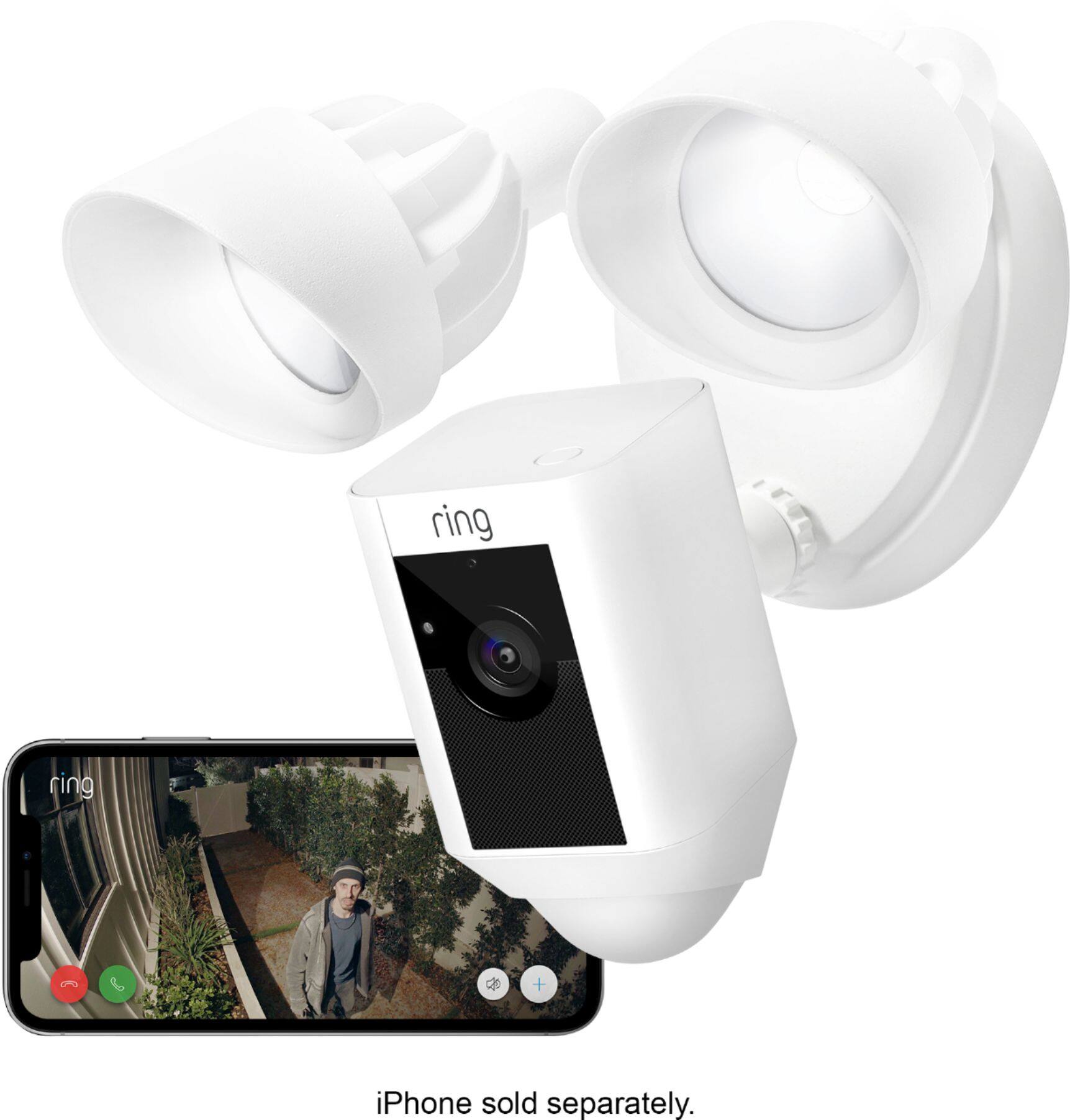
I apologize for the miscommunication. We only have one type of Floodlight Cam, the resolution for our Floodlight Cam is 1080p HD Video. Additionally, our Floodlight Cam puts out 1800 Lumens total.
Hope this helps!
Kaitlyn R., Customer Satisfaction Specialist
[email protected]
A:AnswerHi Richard,
Thanks for reaching out.
Our Floodlight Cam can operate in temperatures ranging between -22°F to 120°F. Additionally, while our Floodlight Cam is weather-resistant, we do not recommend that you submerge your device in water. Please do note that for best streaming performance, we recommend that your device is installed no further than 30 feet from your router for best streaming performance.
Thanks,
Kaitlyn R., Customer Satisfaction Specialist
[email protected]
A:AnswerHi Steve,
Thanks for reaching out.
Unfortunately, In order to support its robust array of features, Floodlight Cam needs to be hardwired into a standard junction box.
Thanks,
Kaitlyn R., Customer Satisfaction Specialist
[email protected]
A:AnswerI have multiple ring cams on my property. All of them digitally zoom on your phone. They dont have optical zooms, but the resolution is so good that digital zoom by pinching and expanding with your fingers on the stream on your phone works well.
A:AnswerThe Spotlight Cam can run off of a Solar Panel, but you need a battery(ies) inside. I am currently using it and it seems to work so far. Just when you buy it, make sure you don't buy the "Wired" Spotlight cam. I made that mistake. Check the label on the box.
A:AnswerHi Pastorivera,
Thanks for reaching out.
Yes, the Floodlight Cam will interact with Amazon Alexa. Please see the link below for more information.
https://support.ring.com/hc/en-us/articles/115003247146-Echo-Show-Integration-With-Ring-Devices-through-Amazon-Alexa
Thanks,
Kaitlyn R., Neighbor Satisfaction Specialist
[email protected]