Appliances Memorial Day SaleFree delivery. Ends 6/3. Terms apply.Shop now

Skip to contentGo to Product Search
Main Content

Questions & Answers

$59.99
Page Showing 21-40 of 43 questions
  • QuestionHow exactly does the two way talk work? Can the person on the camera side in initiate the conversation? And can the person on the phone side or tablet side initiate the conversation?

    Asked by Sharon.

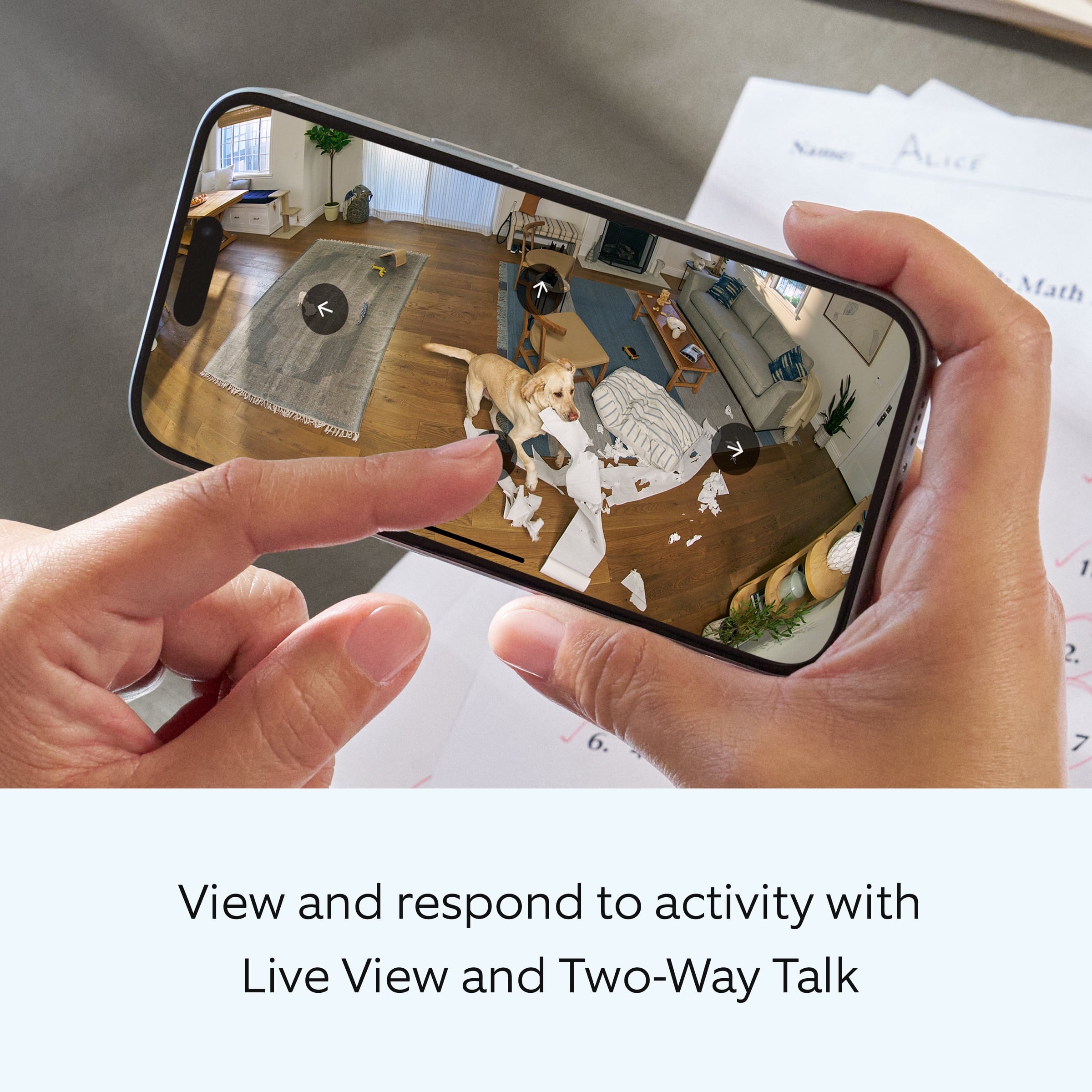
    • Answer Hi Sharon. We appreciate the time you have taken to ask this question. The Two-Way Talk feature allows you to speak with visitors through your Ring device during Live View. By default, your device will play incoming sounds, and your microphone will be muted when Live View is activated. Tap the microphone button to speak with visitors. Tap it again to mute yourself. Tap the speaker button to control incoming audio from your Ring device. If any additional information is needed regarding your question, please reach out to our community. Ring Community is our first peer-to-peer community forum, giving our customers the ability to help one another and share their feedback and experiences directly with Ring. Join the Ring Community today! Thank you, Amilia from Ring.
      Answered by Ring

  • QuestionDo you always have to keep the camera plugged in while in use? Can I just leave the outdoor camera inside instead of leaving it outside when I use it at night to make sure no one is coming on to our properties taking anything?

    Asked by Ash.

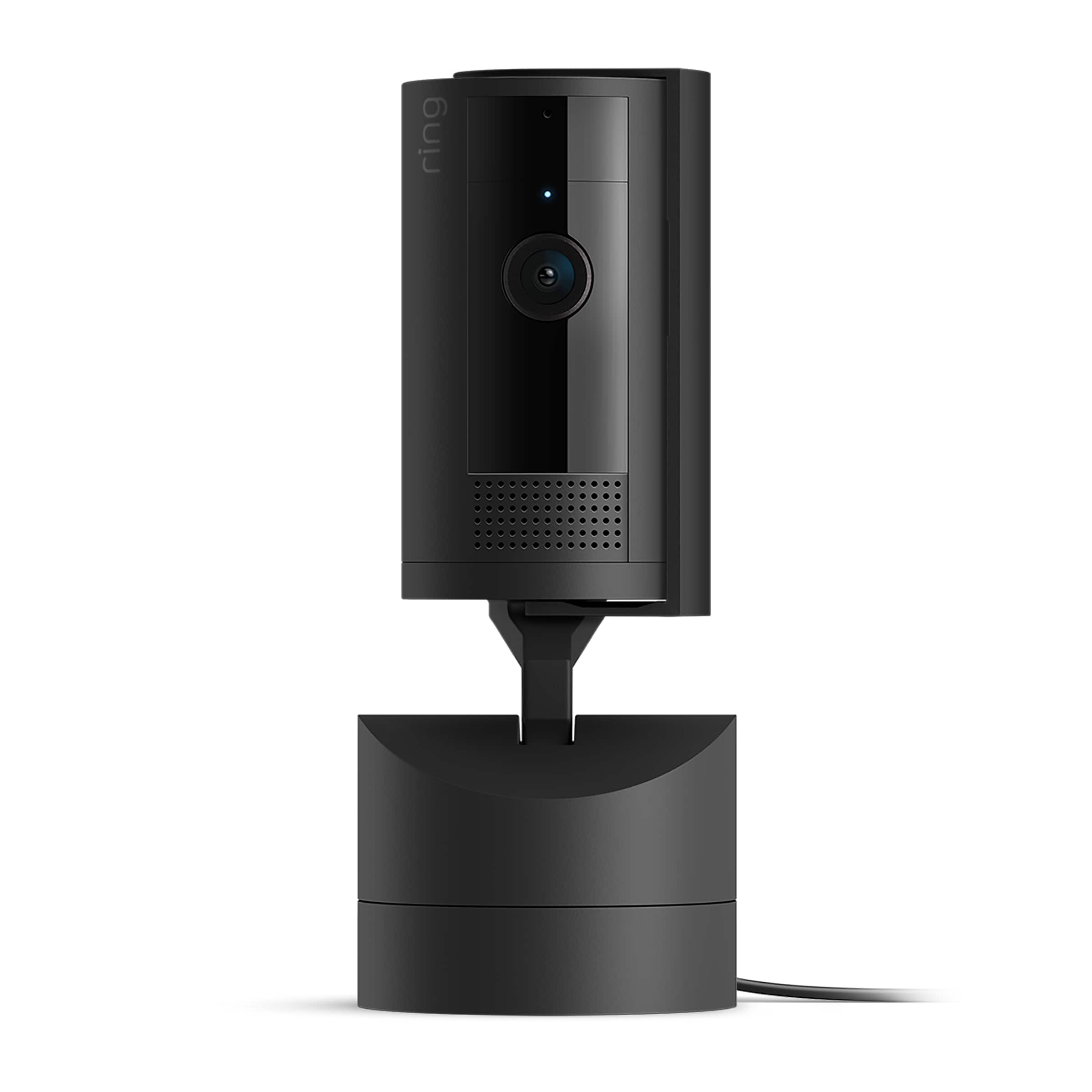
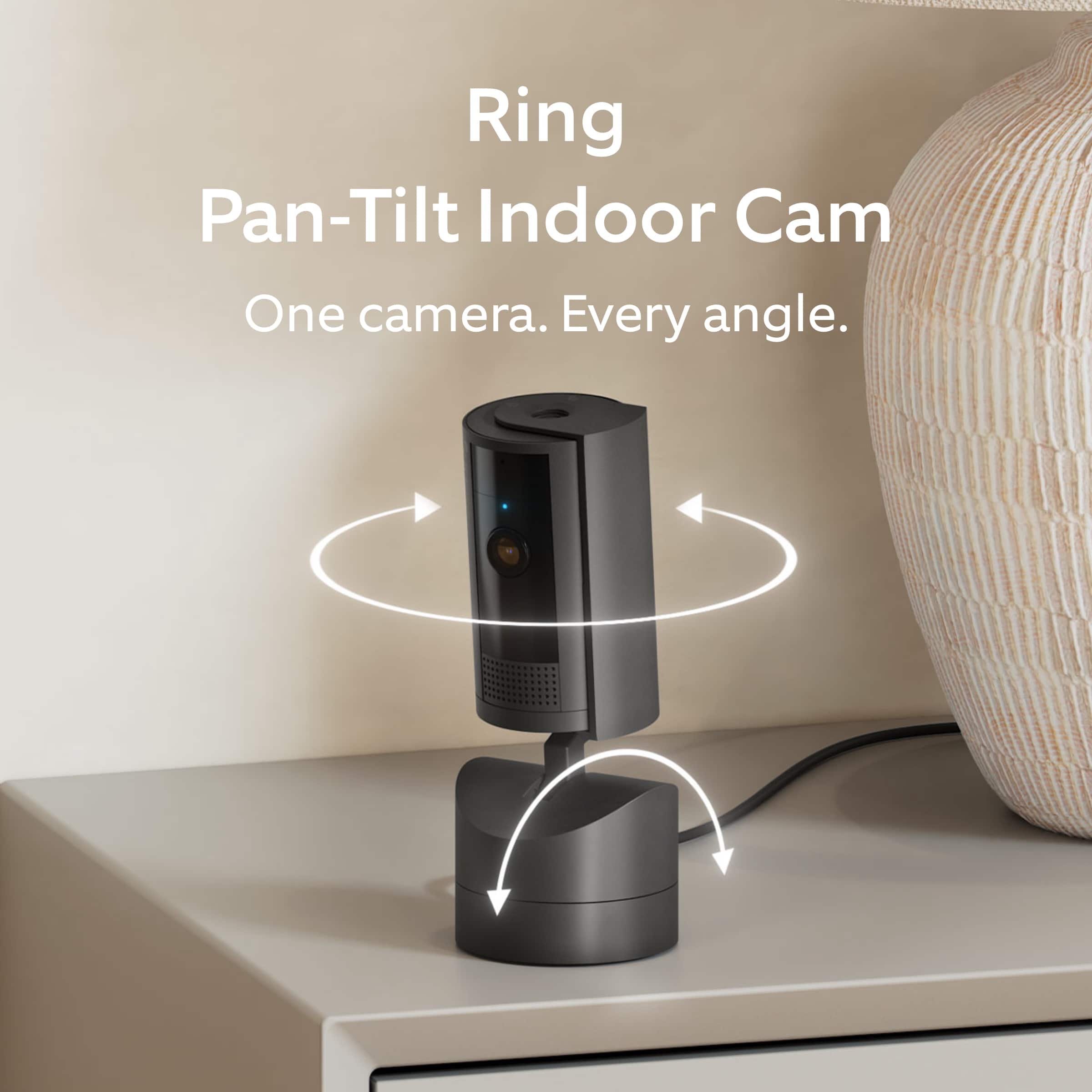
    • Answer Hi Ash. Thank you for reaching out to us with your question. Yes, the Ring Pan-Tilt Indoor Cam must remain plugged in to operate. Ring Outdoor Cams can be placed inside on a table or shelf. To get proper motion detection, cameras should not be placed facing a window or in front of a glass door. If any additional information is needed regarding your question, please reach out to our community. Ring Community is our first peer-to-peer community forum, giving our customers the ability to help one another and share their feedback and experiences directly with Ring. Join the Ring Community today! Thank you, Amilia from Ring.
      Answered by Ring

  • QuestionWill this Ring camera work with wi-fi at 5 Gigs?

    Asked by Jethro.

    • Answer Hi Jethro. Thank you for taking the time to ask this question. No, the Ring Pan-Tilt Indoor Cam is not compatible with a 5GHz wifi connection. The Ring Pan-Tilt Indoor Cam requires an 802.11 b/g/n wifi connection at 2.4GHz and a minimum upload speed of 2 Mbps for optimal performance. If any additional information is needed regarding your question, please reach out to our community. Ring Community is our first peer-to-peer community forum, giving our customers the ability to help one another and share their feedback and experiences directly with Ring. Join the Ring Community today! Thank you, Amilia from Ring.
      Answered by Ring

  • QuestionHi, Can Best Buy do installations for Ring Cameras?

    Asked by RingInstallation.

    • Answer Hi RingInstallation. Thank you for your question today! In this particular case, we'd suggest you reach out to Best Buy's customer service: 1-888-237-8289 or https://www.bestbuy.com/services/triage/home. We are confident that they will be able to provide you with a resolution to this installation question. We invite you to reach out to our community if any additional information is needed regarding your question. The Ring Community is our first peer-to-peer community forum, giving our customers the ability to help one another by sharing their feedback and experiences with each other. Thank you, Miyuki from Ring.

      Answered by Ring

  • QuestionCan you zoom in?

    Asked by Dale.

    • Answer Yes, You can pinch and zoom on your phone screen.

      Answered by dropkick

  • QuestionCan just the audio portion be turned off?

    Asked by Daffy.

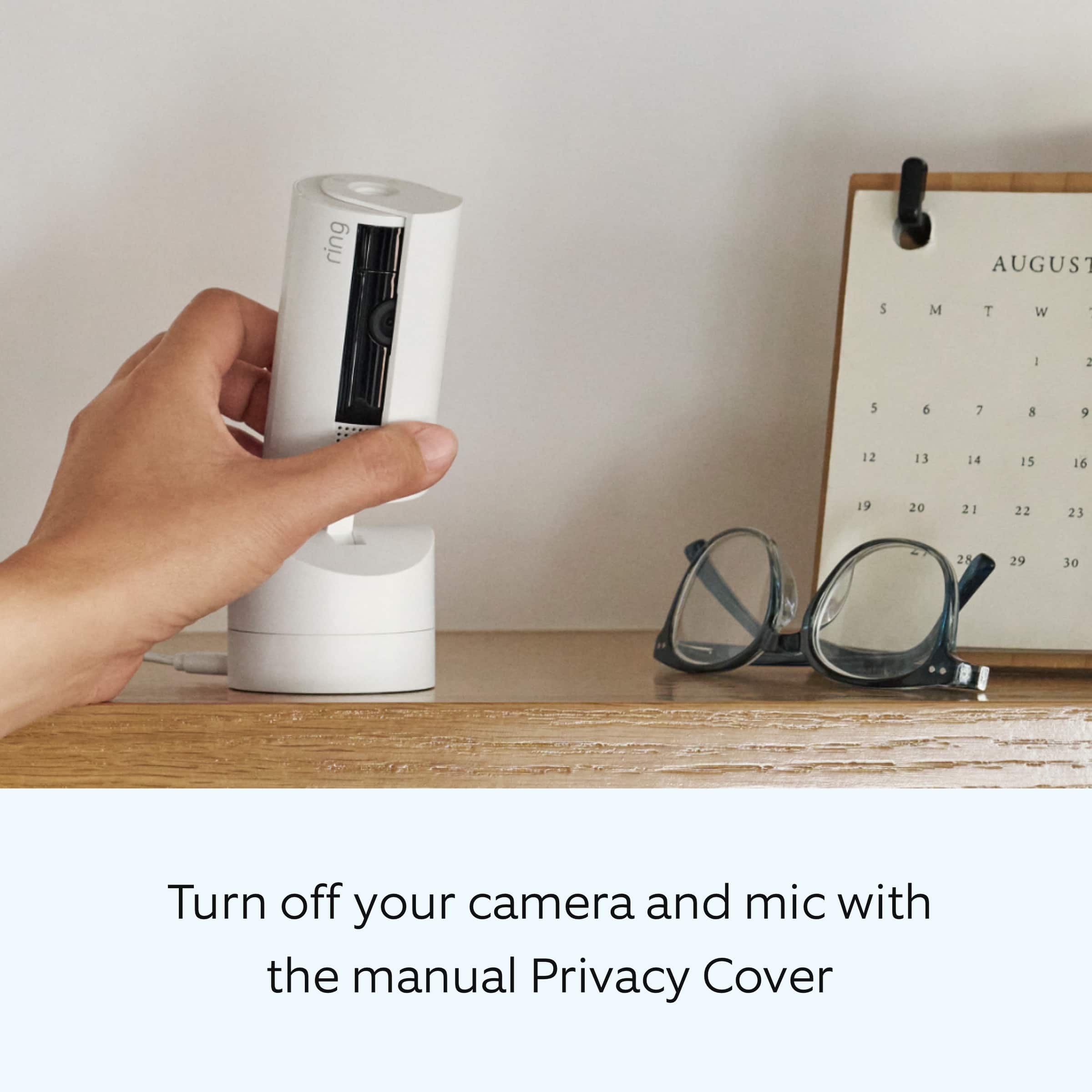
    • Answer Hi Daffy. Thank you for your question today! Yes, you can turn off just the audio portion on your Ring Pan-Tilt Indoor Cam. To disable audio, navigate to Device Settings in the Ring app, select Privacy Settings, and toggle Audio Streaming and Recording off. We invite you to reach out to our community if any additional information is needed regarding your question. The Ring Community is our first peer-to-peer community forum, giving our customers the ability to help one another by sharing their feedback and experiences with each other. Thank you, Miyuki from Ring.

      Answered by Ring

  • QuestionDo any Wi-Fi security cameras have temperature monitoring and/or an alert feature?

    Asked by scott.

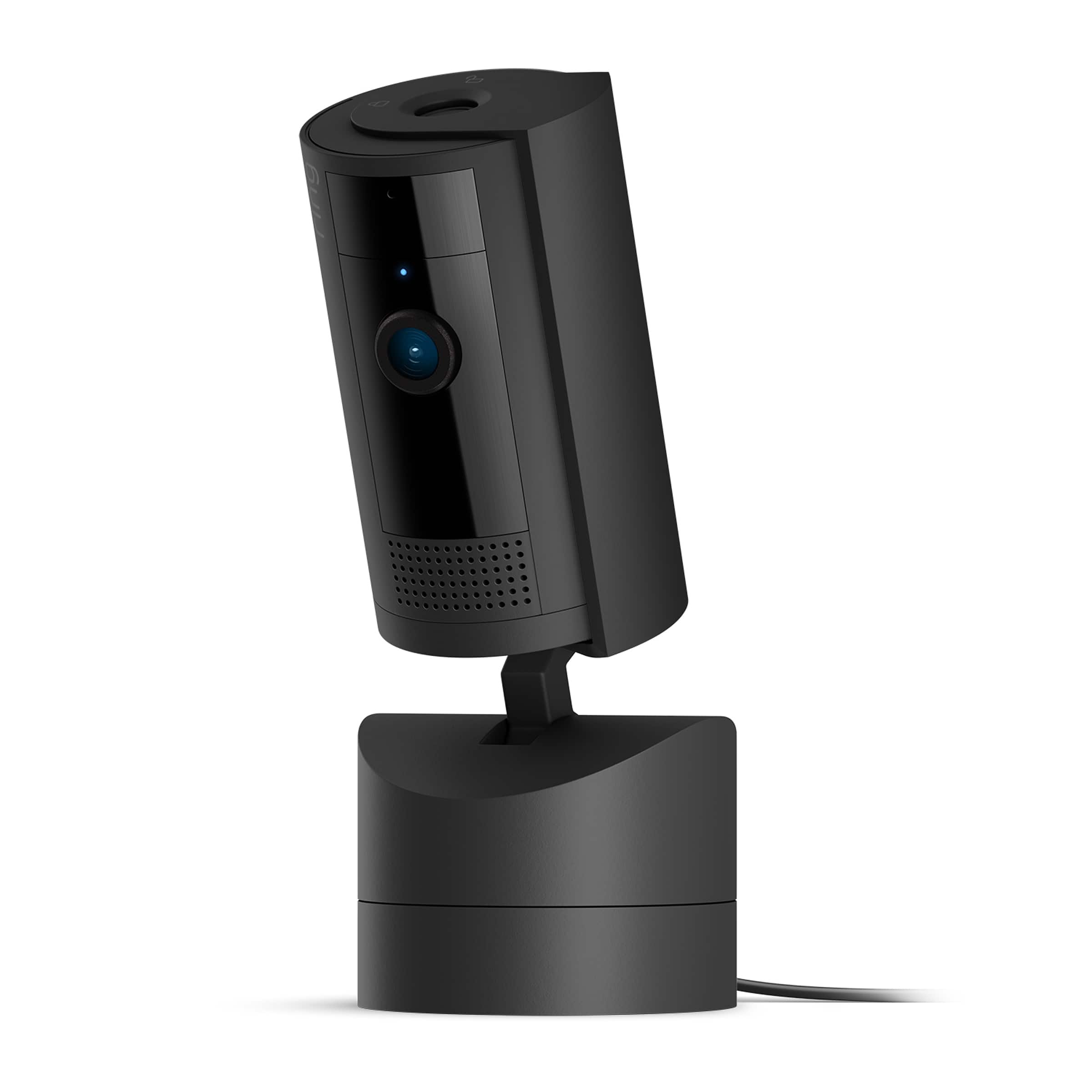
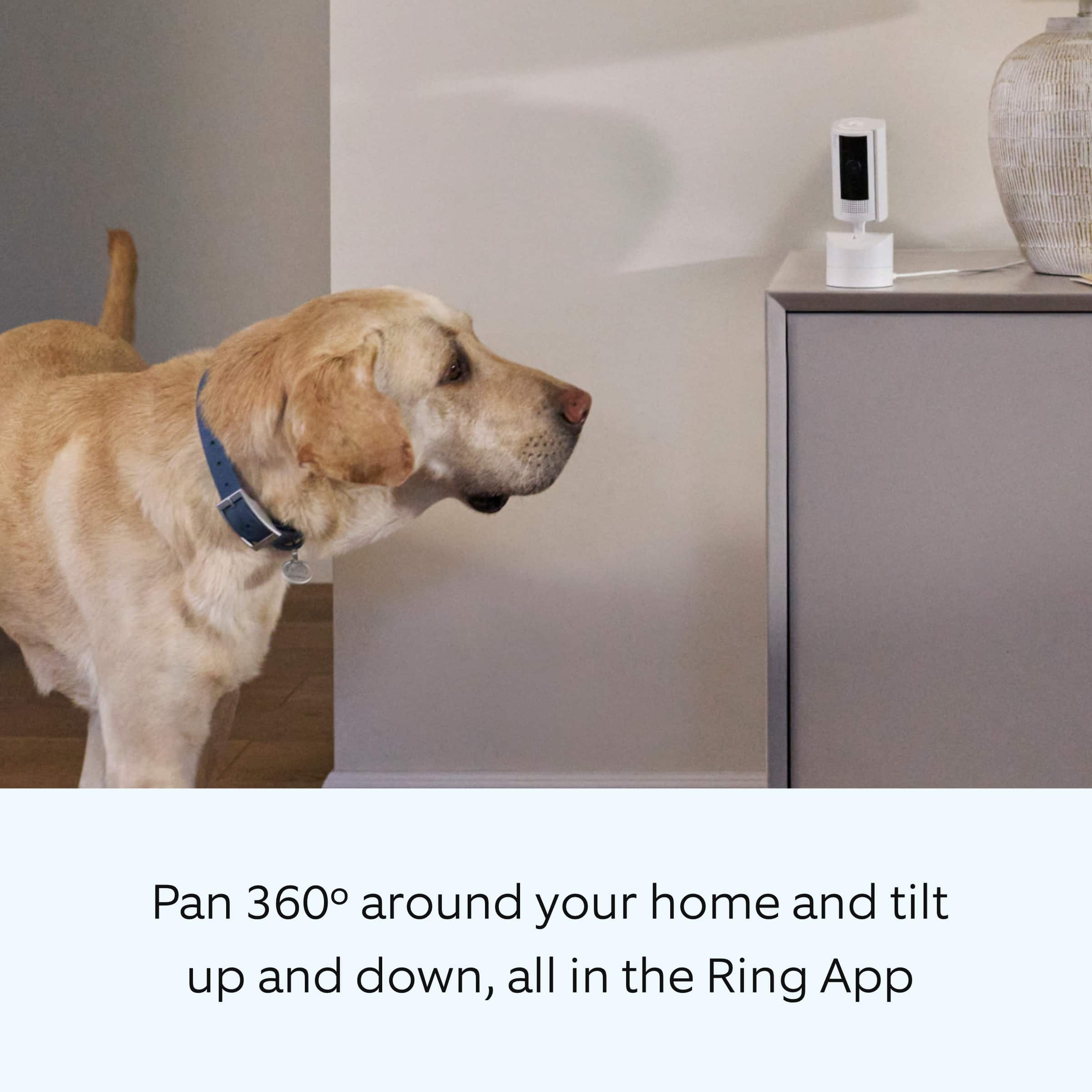
    • Answer Hi scott. Thank you for reaching out to us with your question. The Ring Pan-Tilt Indoor Cam has the following features: 1080p HD, Live View, Color Night Vision. Customizable Motion Detection. Static: 143° diagonal, 115° horizontal, 59° vertical field of view. Pan-Tilt: 360° pan coverage, 169° tilt coverage field of view. Two-way audio with noise cancellation. If any additional information is needed regarding your question, please reach out to our community. Ring Community is our first peer-to-peer community forum, giving our customers the ability to help one another and share their feedback and experiences directly with Ring. Join the Ring Community today! Thank you, Amilia from Ring.
      Answered by Ring

  • QuestionDoes it come with a SD card?

    Asked by Bill.

    • Answer No SD card. All is stored within the app

      Answered by dropkick

  • QuestionCan the camera be set to record continuously - and just be there so I could review as needed?

    Asked by DavidK.

    • Answer Hi DavidK. Thank you for reaching out to us with your question. Yes, with 24/7 Recording, you can use 24/7 Video Storage Time to save your videos for up to 14 days. Motion events and all other event types will be saved according to your existing Event Video Storage Time setting for your Ring device, and can be stored for 60 days (default) up to 180 days. The 24/7 Recording feature can only be turned on if your Ring camera is hardwired or plugged in to continuous power. This feature requires a Ring Home Premium subscription. If any additional information is needed regarding your question, please reach out to our community. Ring Community is our first peer-to-peer community forum, giving our customers the ability to help one another and share their feedback and experiences directly with Ring. Join the Ring Community today! Thank you, Amilia from Ring.
      Answered by Ring

  • QuestionCan the Ring pan-tilt indoor camera be turned on/off from the app?

    Asked by DGNLV.

    • Answer You can tell the camera to not detect motion from the app, which essentially will turn it "off". However the cover remains open. If you want to truly turn it off you have to manually close the camera cover.

      Answered by dropkick

  • QuestionIs the speaker on the camera loud ?

    Asked by Volume.

    • Answer Yes, it is loud enough that a 2 way conversation can be done easily.

      Answered by DeanF

  • Questiondoes this have a magnetic mount? if not how would you mount it?

    Asked by john.

    • Answer No magnetic mount. It is mountable by using the screws provided or place a weight in the 2inch bridge on the base. That is what i have done for 1 unit. For the other unit i used the 2 sided tape with velcro.

      Answered by coffeeclub

  • QuestionWhich generation camera comes with the Pan-Tilt, 1, 2 or 3?

    Asked by ToddA.

    • Answer Hi ToddA. Thank you for your question. The Ring Pan-Tilt Indoor Cam is one of our Ring Indoor Cam (2nd Gen), which is the latest generation of our Indoor Cams. For more information on the Ring Pan-Tilt Indoor Cam I'm including this link to our help site: https://ring.com/support/products/cameras/pan-tilt-indoor-cam?page=1 If any additional information is needed regarding your question, please reach out to our community. Ring Community is our first peer-to-peer community forum, giving our customers the ability to help one another and share their feedback and experiences directly with Ring. You can find it here: https://community.ring.com/. Sincerely, Matthew from Ring.

      Answered by Ring

  • QuestionHello can the tilt camera be used outside if under cover from all rain on a covered porch?

    Asked by Kevin.

    • Answer I’m sure. It can also be placed inside and look through a window without any reflection. That’s how I have it set up It’s on the windowsill looking through the window to outside.

      Answered by NicholasO

  • QuestionDo I have to have wifi to use this device?

    Asked by Needasecuritycam.

    • Answer Yes.

      Answered by wallesq

  • QuestionCan you set up "dead" zones so you don't get every movement by what's going on? Like the doorbell cam?

    Asked by Trukdrvr.

    • Answer Yes. Use the Ring app on your phone, the web interface lacks many the features on the phone app. You can configure the zones, motion sensitivity, alerts, and schedules.

      Answered by Squirrel

  • QuestionCan you use this indoors facing a window pointing outside with good visibility?

    Asked by Indoorcam.

    • Answer I haven't tried it myself but my sister has and she said it works really well and she can position cameras in multiple windows and see all around her house and yard.

      Answered by KMom

  • QuestionCan this be wired by an electrician for power?

    Asked by Smith.

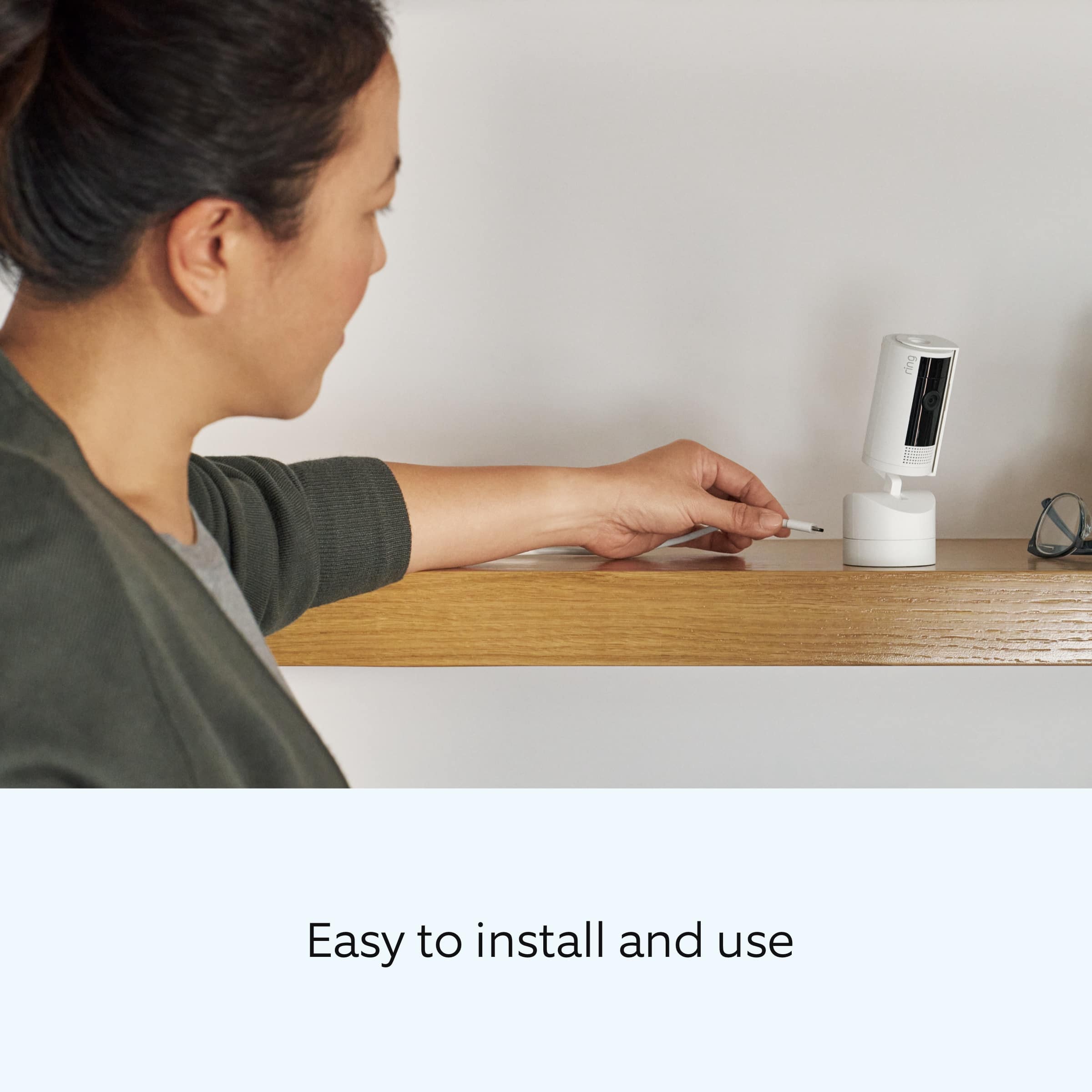
    • Answer It a type c to usb. If you can plug in your cell phone. You can plug in this camera

      Answered by NicholasO

  • QuestionDoes this require some kind of subscription service in order to use it?

    Asked by Subscription.

    • Answer Yes

      Answered by Justshopping