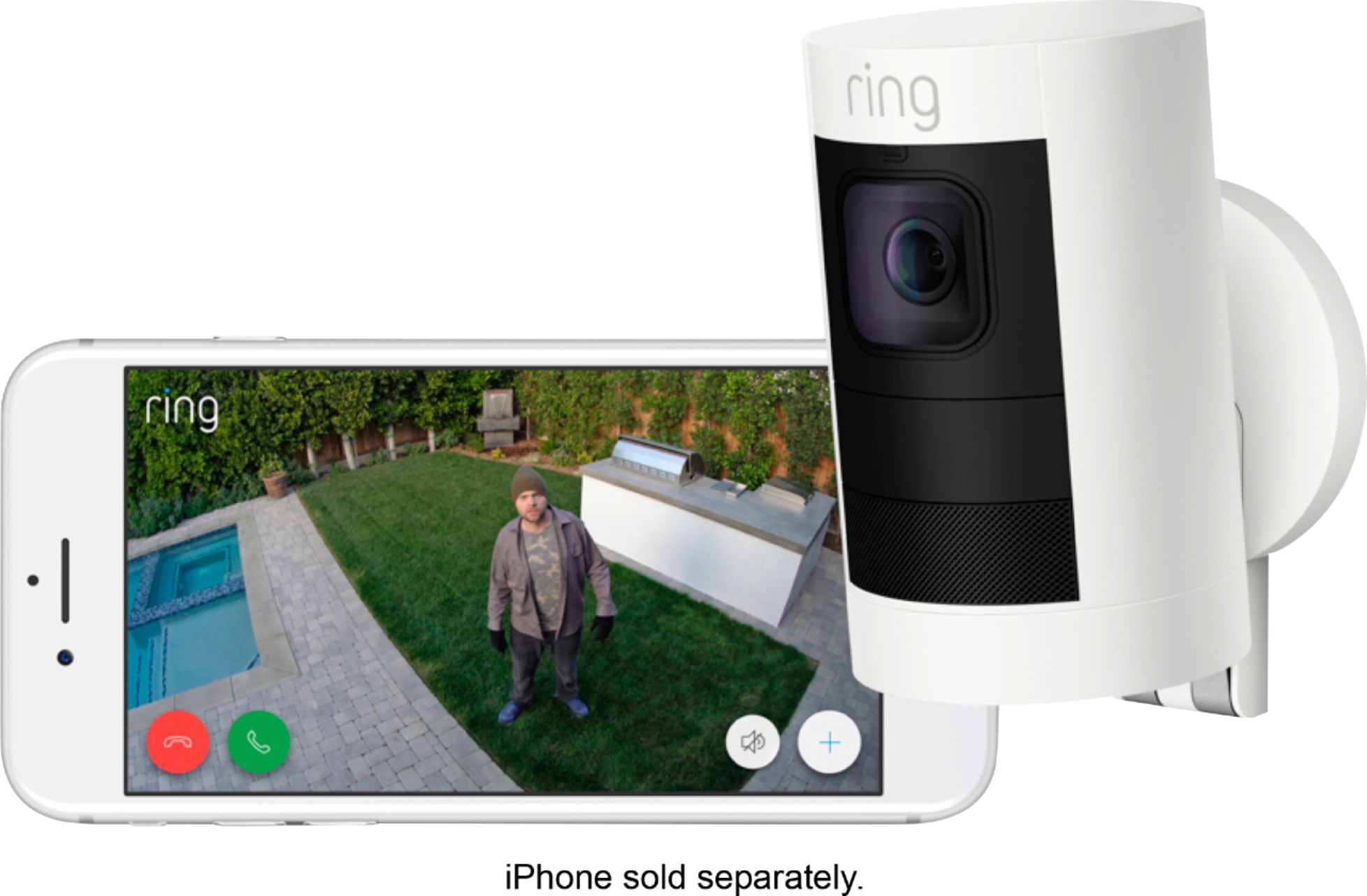
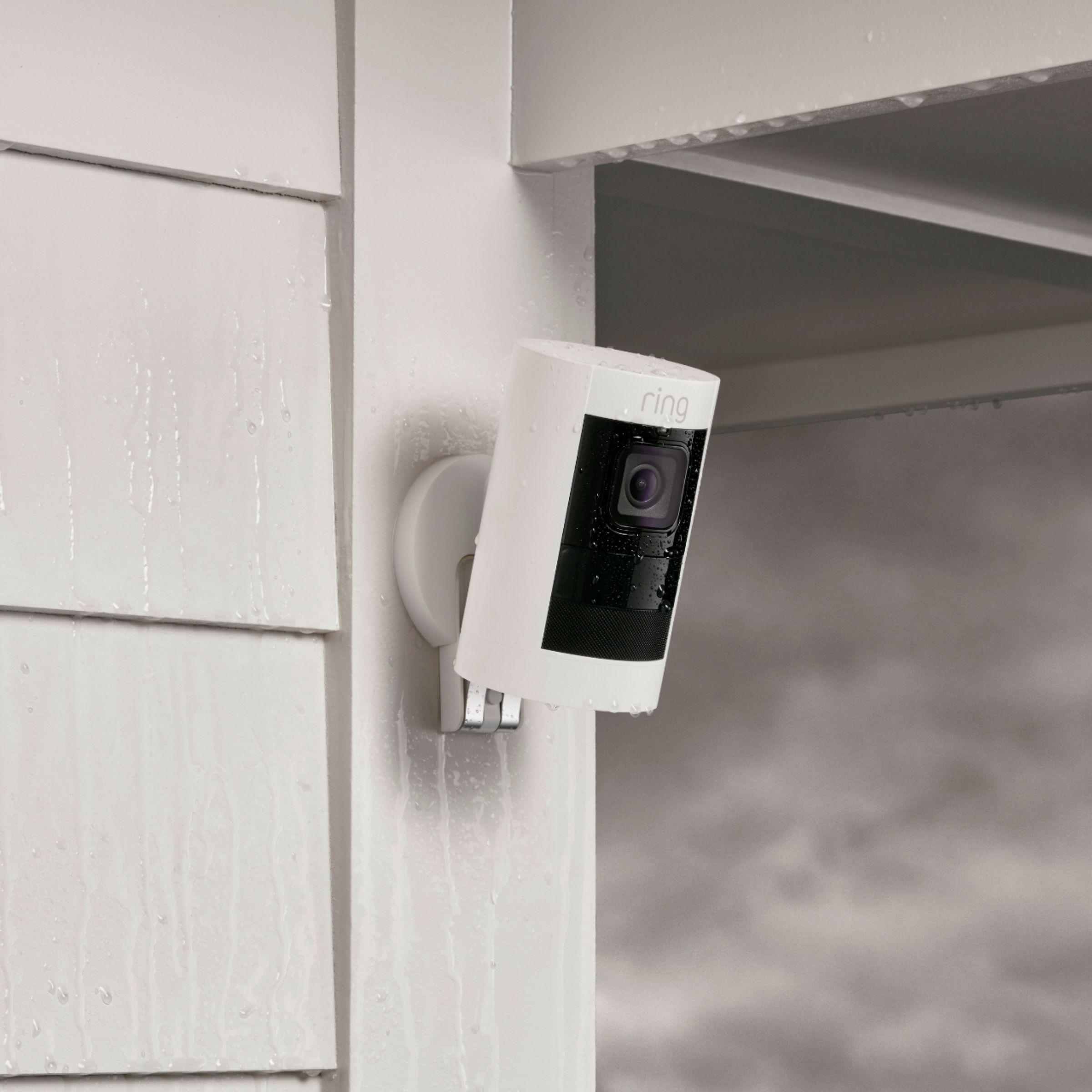
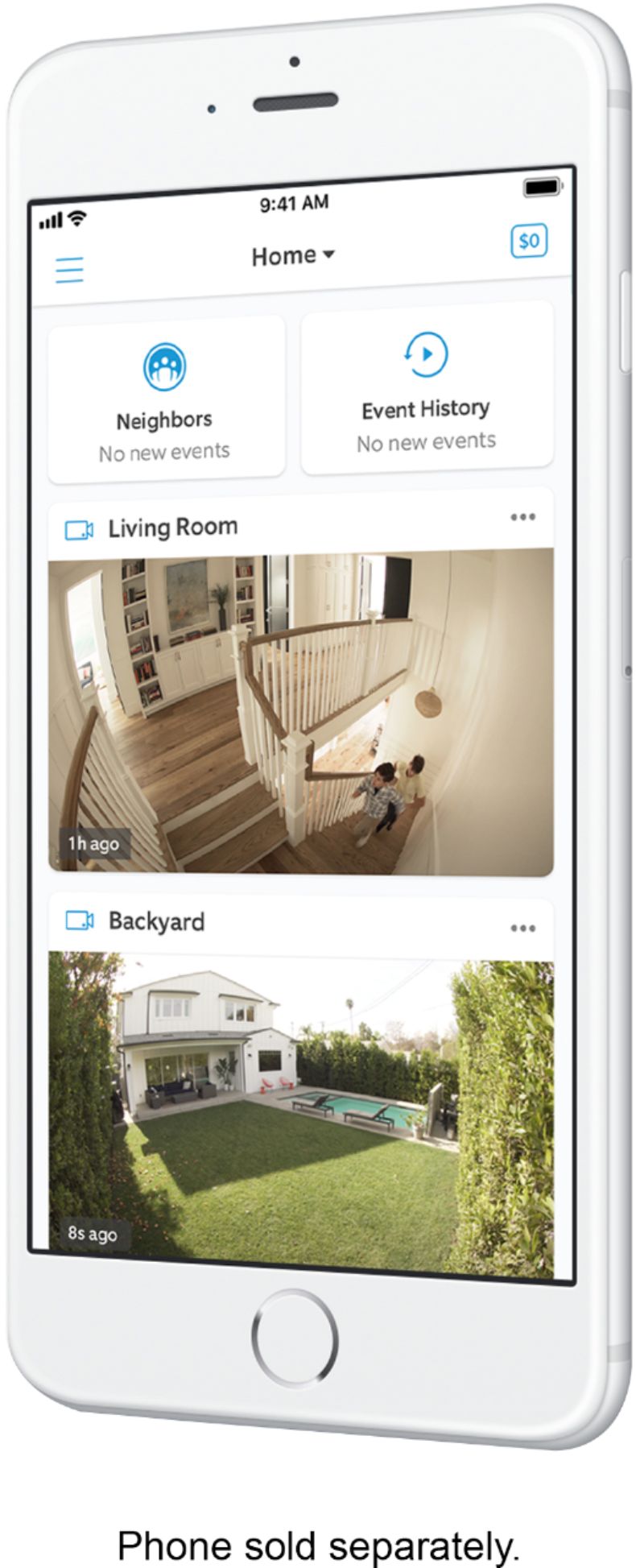
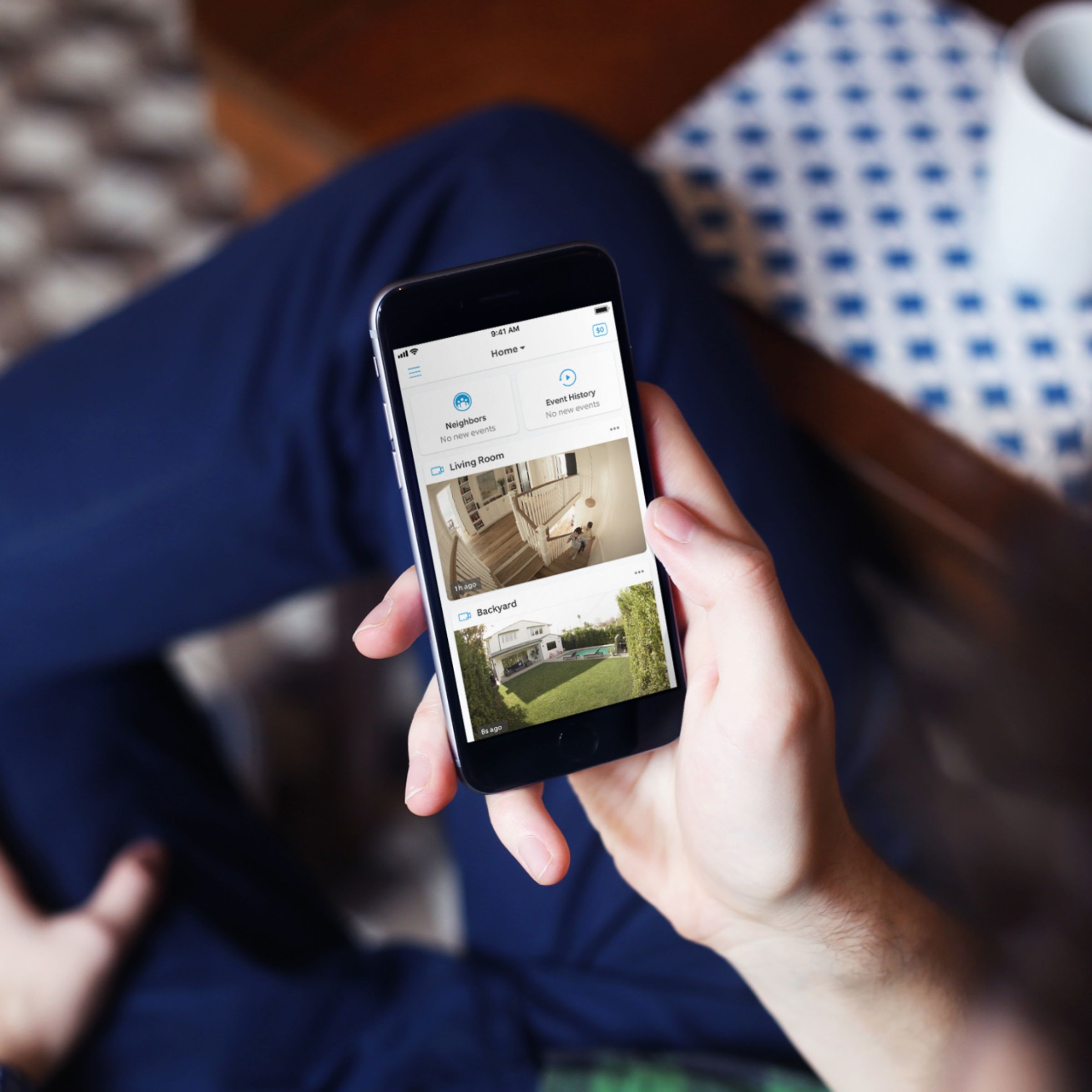
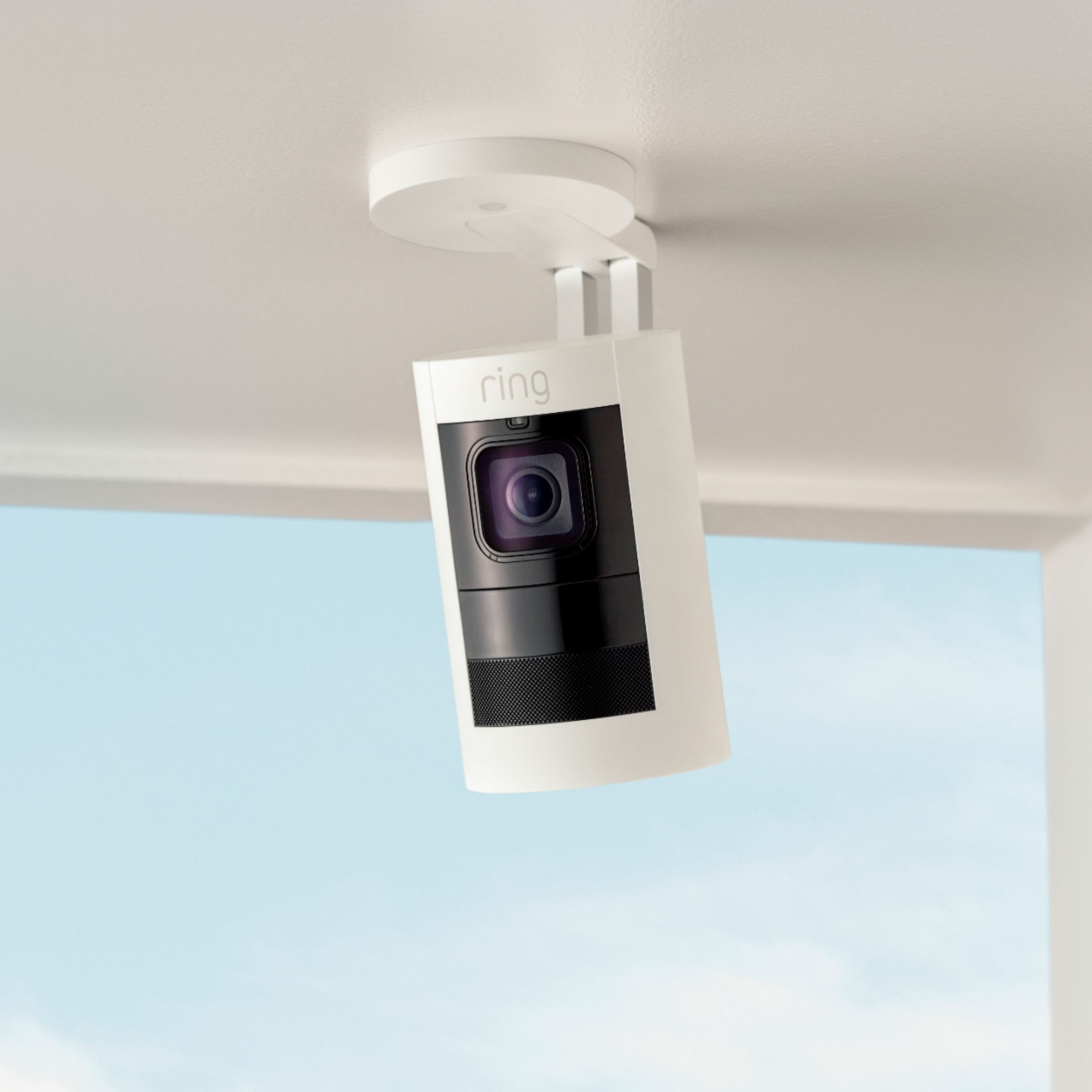
A:Answer Go into your RING app and look at the devices. Select one of your cameras and open device settings. Go to 'alert settings' and customize audible alerts and notifications. My husband has his turned off because he doesn't want to receive the notifications. Also, open 'notification preferences' in 'alert settings' and you must slide the toggle at the top of the page to on to enable in-app notifications. Also, in 'device health' check the 'signal strength' of your device which is measured by the RSSI. The lower the RSSI number the better. If you are not familiar with RSSI, tap the question mark next to the green rating of your device and it will explain the parameters you need to fall within for your device/camera to record properly. RSSI is measured from 0-99 and the devices work best if under 50. A high RSSI reading will cause your camera to miss recording events even though you think it's recording. If all else fails, contact RING 1 800 656 1918. Customer services is great.