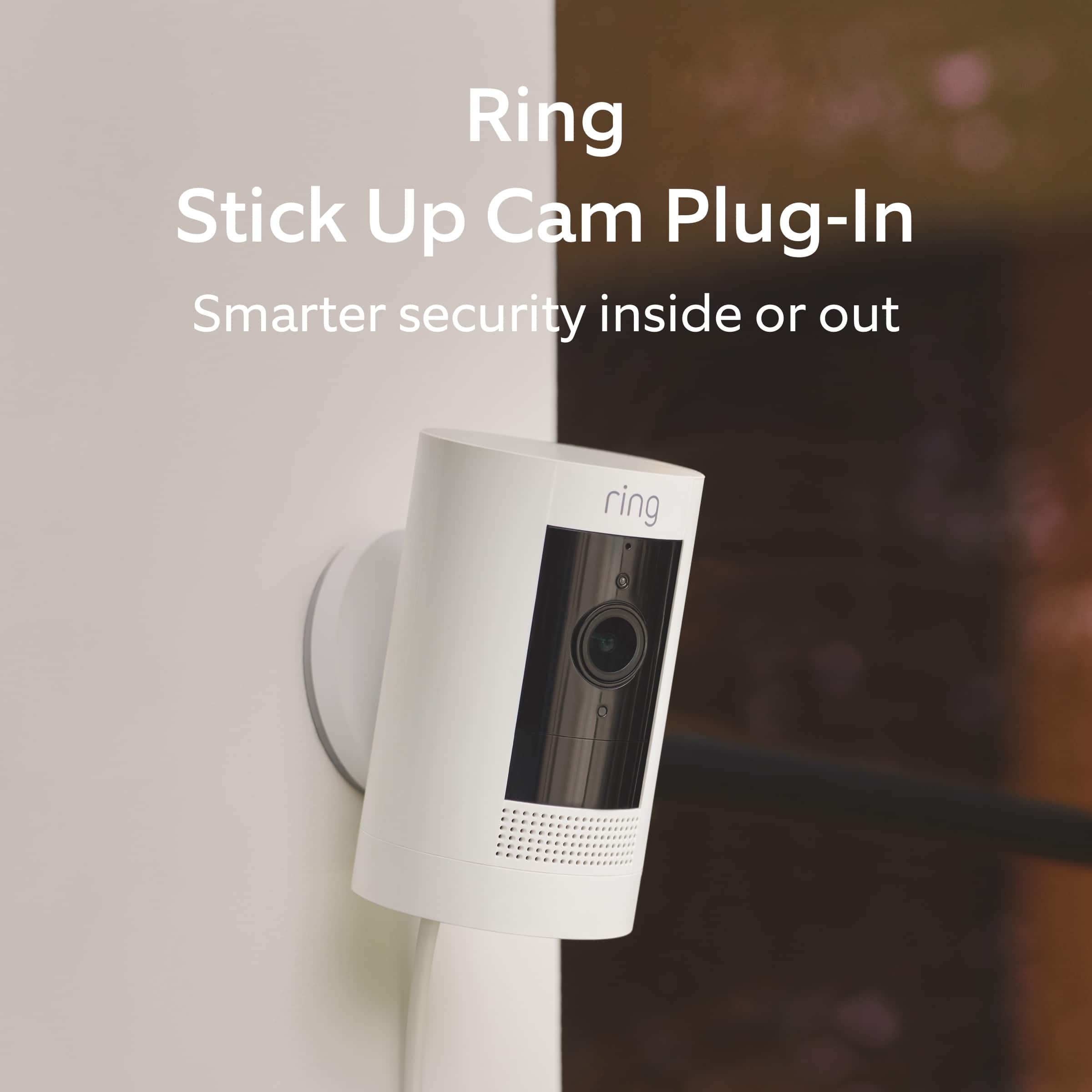
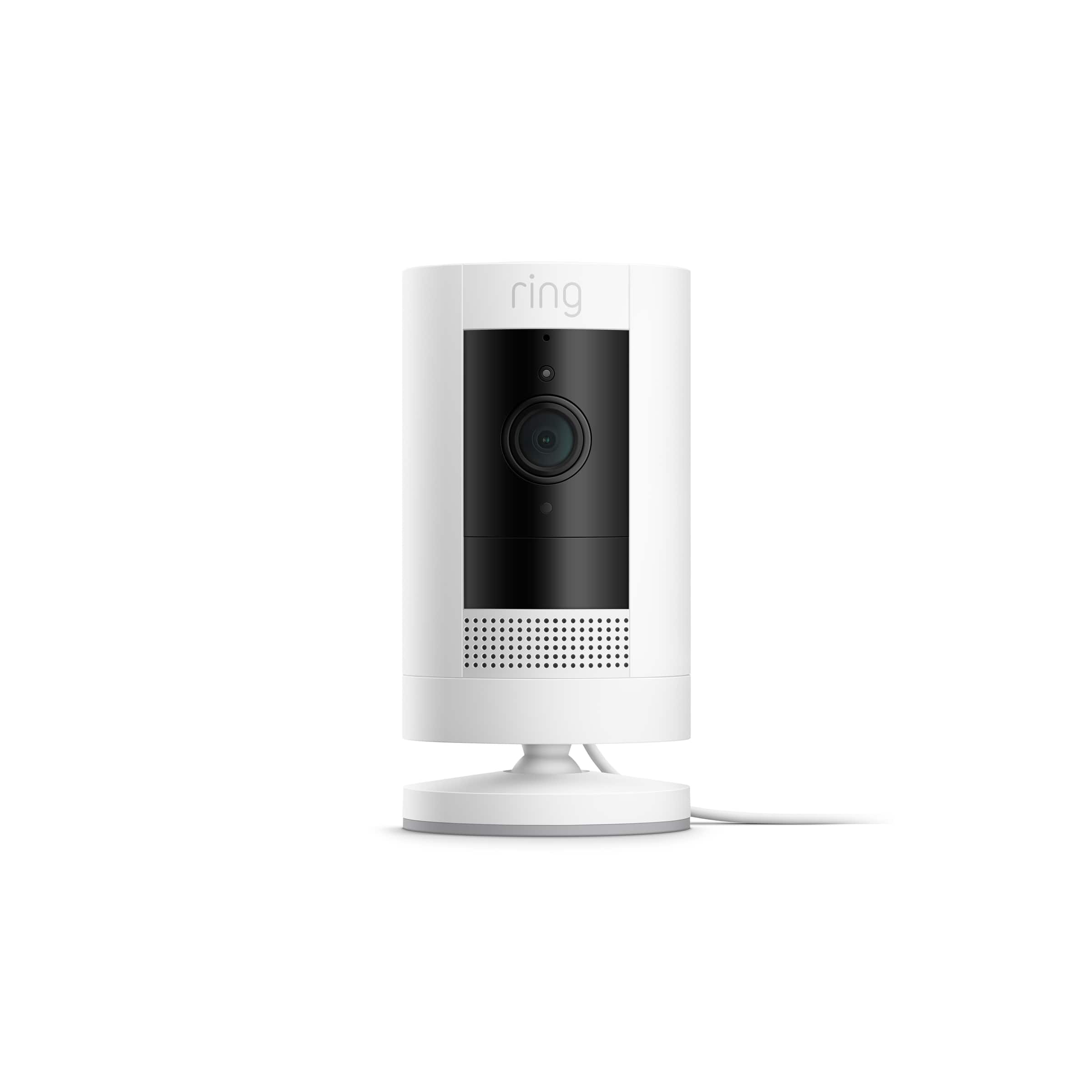
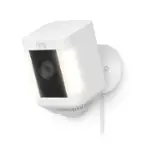
A:AnswerMotion starts the video. You reconnect if you want to review something. If anything moves in front it catches it . My charm goes off if the camera sees something moving. I think it’s suppose to work like that to prevent a waste of power/ battery life. Mine does the same thing. It’s fine I don’t want wasted pictures . Only when it catches something moving for me to look at later.
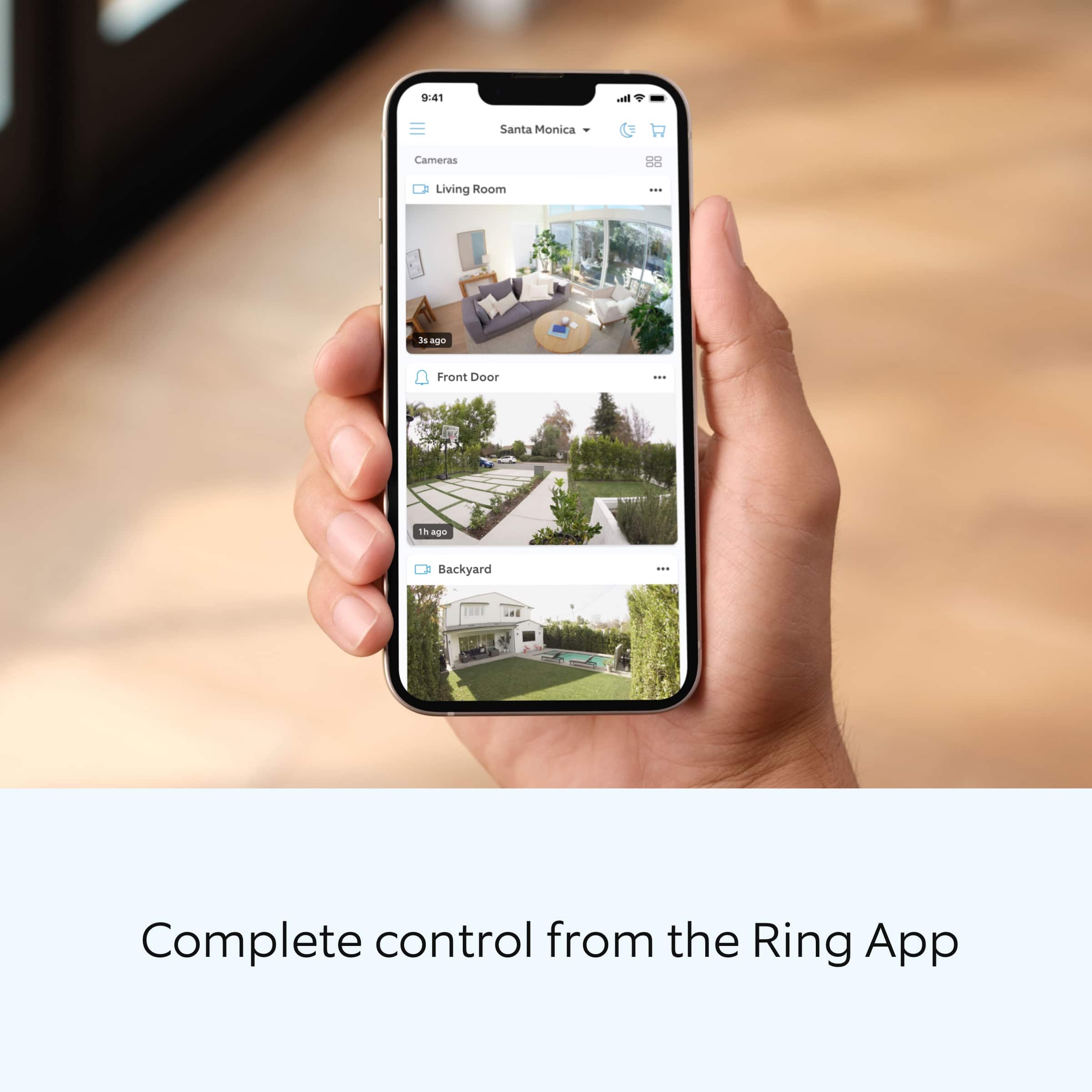
A:AnswerThe camera has to be hooked up to Wi-Fi to operate. From Wi-Fi to telephone is easy as long as your phone and Wi-Fi can cover the high definition data transfers.
A:AnswerYes, we originally purchased it to record in the house and then outside through a window , image was good but we decided to move the camera to outside as we no longer needed to record info in the house.
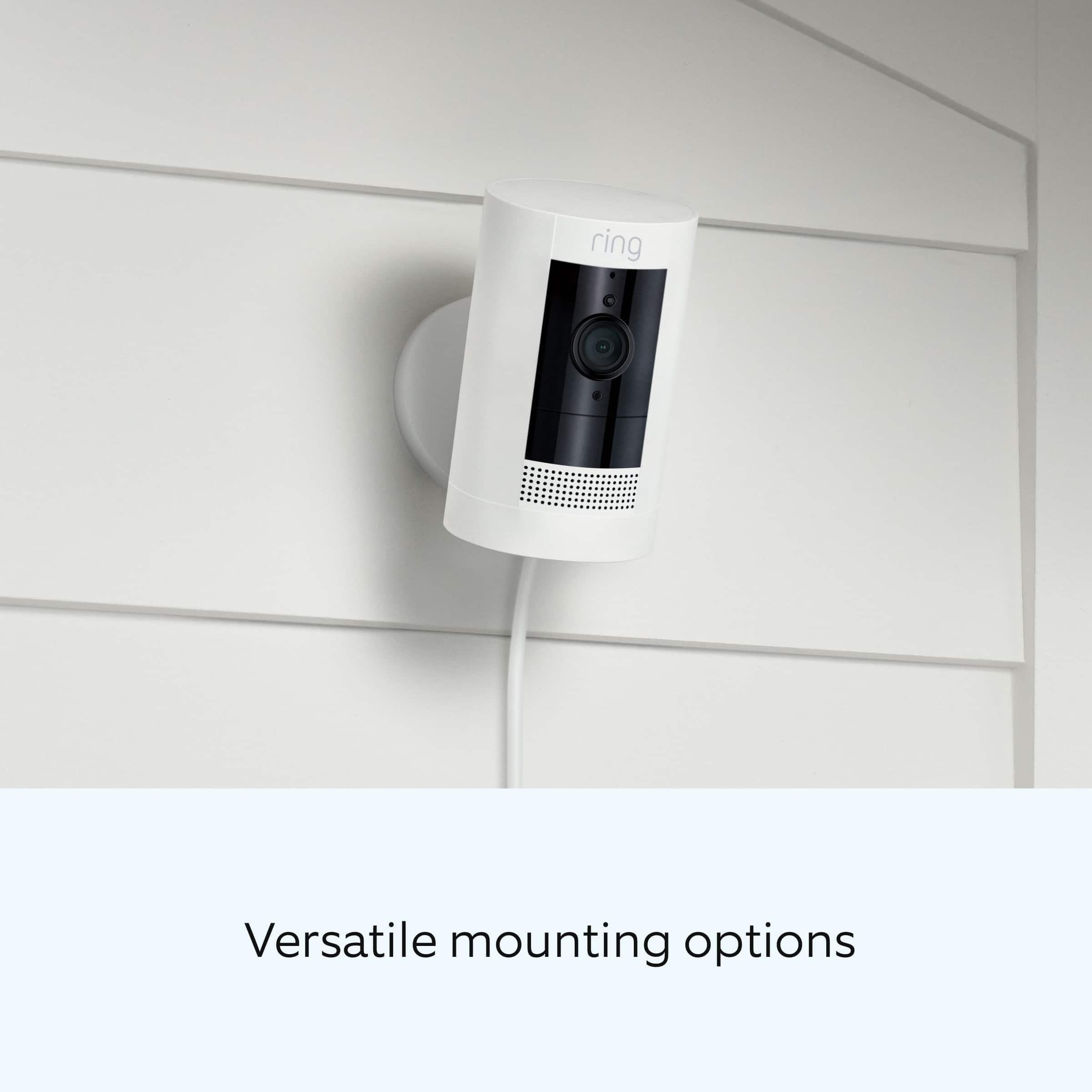
A:AnswerIt is not custom, just the 3 zones as you mentioned. The camera can be tilted up and down and side to side, just a little bit, but it may give you the coverage you're looking for. We had to tilt it to have the 3 zones work for us.
A:AnswerNo battery is included, but the software is so terrible that it will tell you constantly that the non-existent battery is dead... which will prevent you from viewing the live video, recording snapshots, obtaining a consistent wifi signal, sharing the camera with family members or using the advertised features and Ring app. You can buy a battery, which will make some of this camera work as well as the battery operated one does.
A:AnswerLook at Rings website to better understand the protection plans.
Technically, you do not need to pay a subscription, but if you want to store videos and recall them later, they provide that service.
https://shop.ring.com/pages/protect-plans