A:AnswerHello Carolee, Great question! No, you will not need to purchase another Alexa device to have your Ring Video Doorbell work with Alexa. If you have any further questions, please visit our community forum at https://community.ring.com/, for some additional tips and support. We look forward to hearing from you. -All the Best, Jamila at Ring
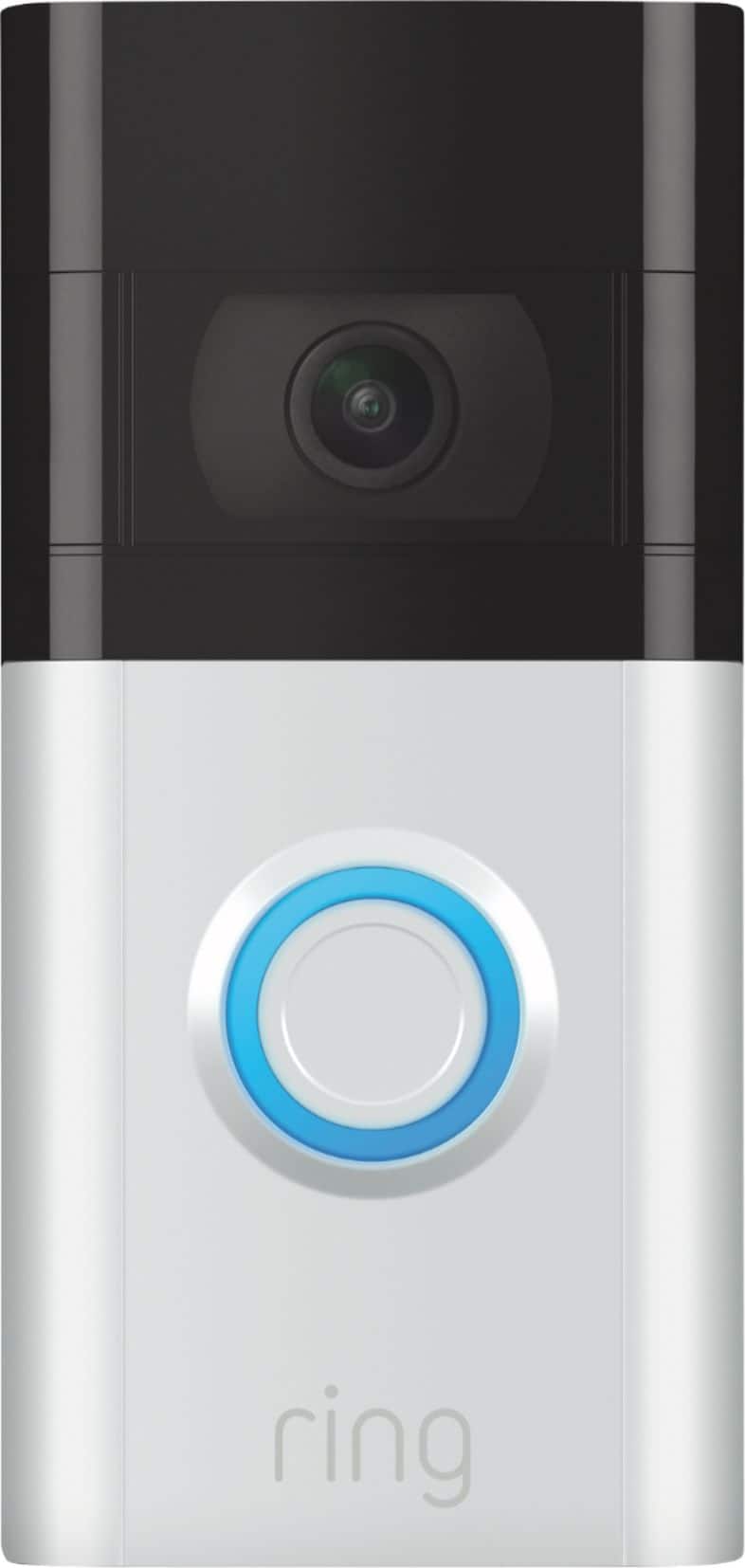
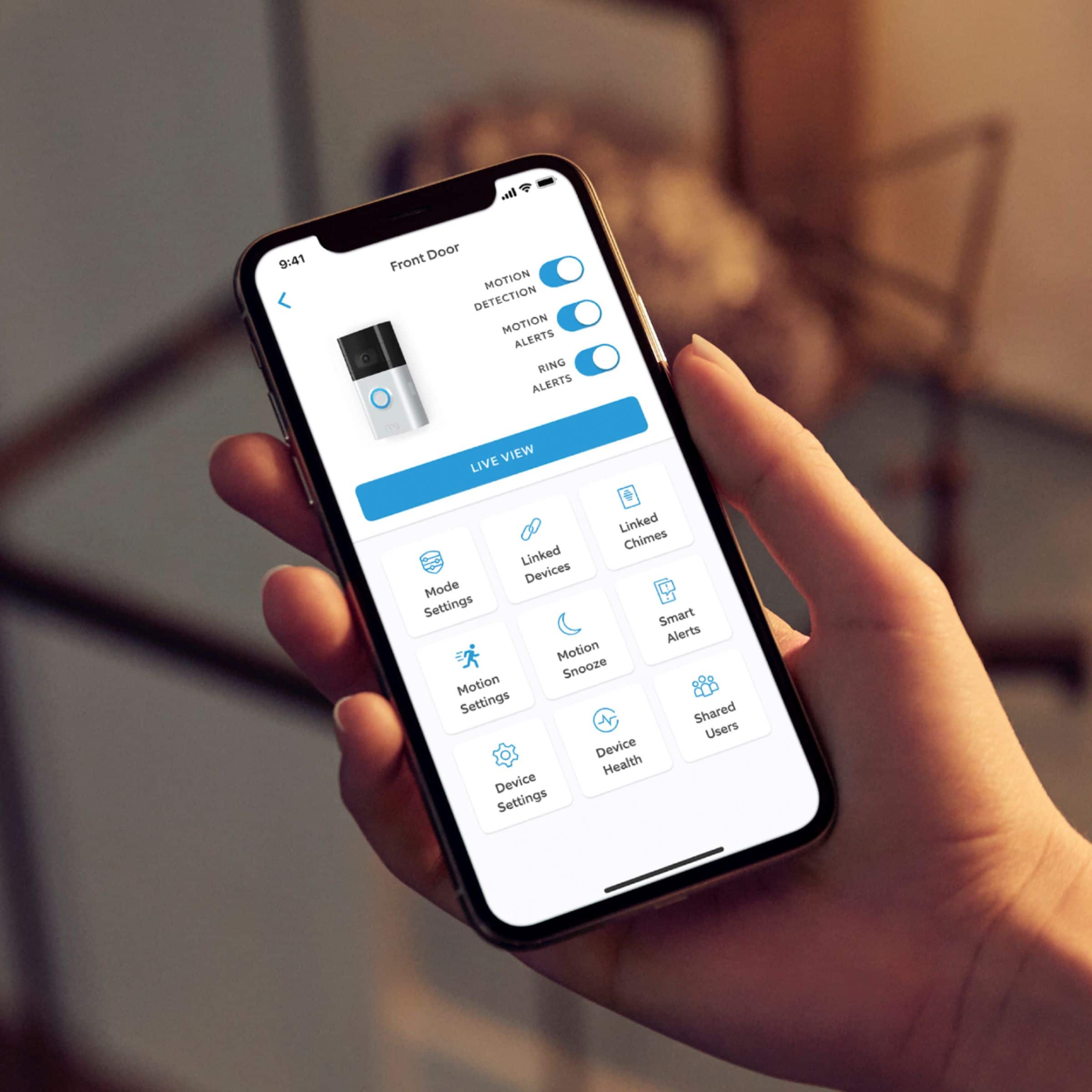
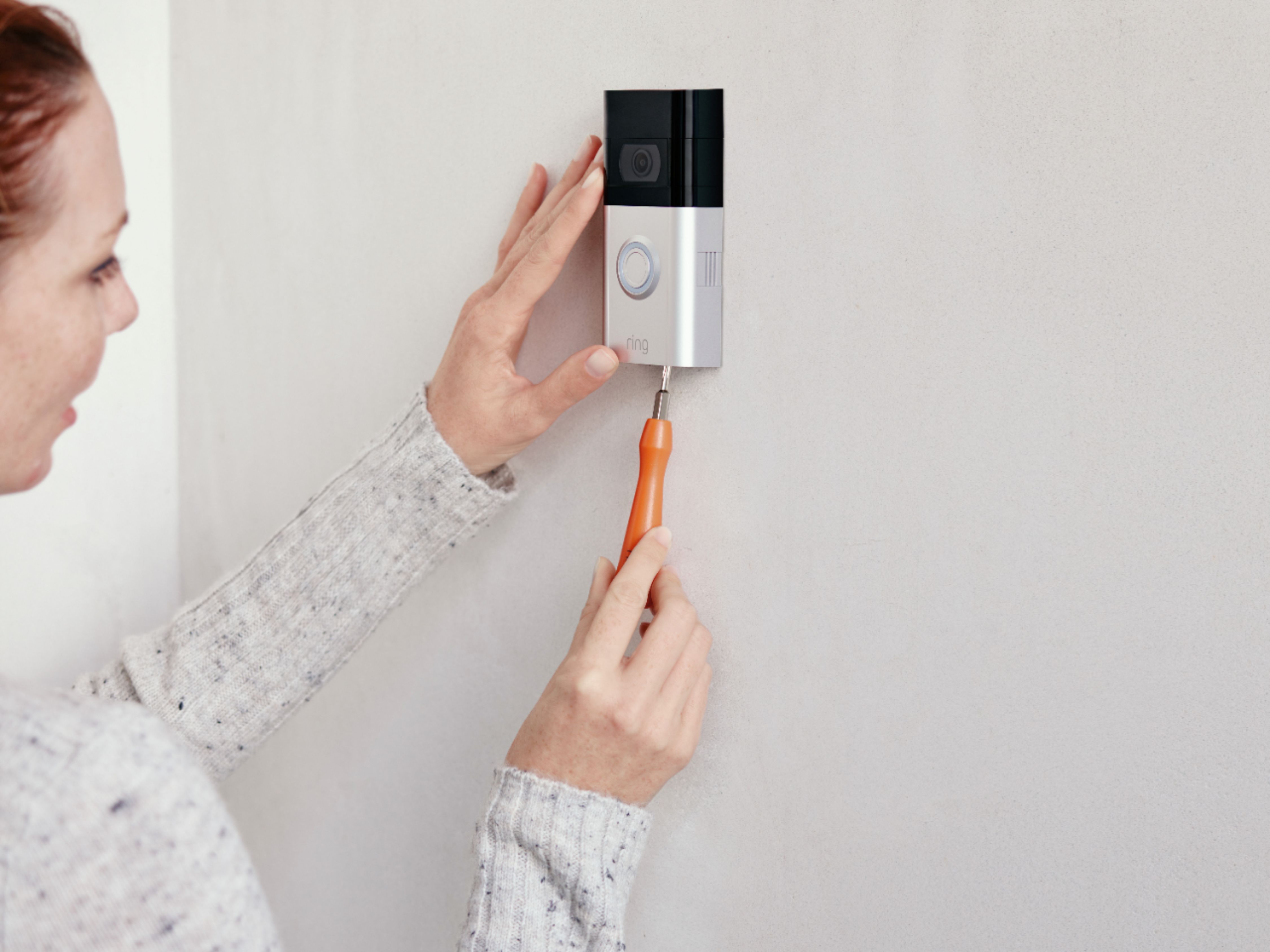
A:AnswerYou can get a Ring door bell for each door! You will download the Ring app on your phone or computer, then each Ring doorbell will walk you through the download and you will identify/name each Ring doorbell (backdoor, front door, garage, etc.) on your phone or computer. It’s easy and so worth the peace of mind! Installation of each product will take you less than 15 minutes!
A:AnswerYou’ll need to subscribe to use certain features, like accessing and storing video/audio for more than 3 days But it’s only $3.00/month for thefeatures I wanted. That also linked me into neighborhood sharing of ring experiences with Ring and suspicious behavior in the neighborhood. Totally worth it!
A:AnswerHi Blivet,
This is a fantastic question! Since each wifi network is unique to its locale, we would love the opportunity to discuss this with you directly, to ensure you are set with the best expectations for your specific environment.
We do offer more information regarding power and wifi requirements at Ring.com within our Help Center. The link provided will show you a complete side-by-side comparison of product requirements for our Ring Video Doorbells: https://support.ring.com/hc/en-us/articles/115004668746-Ring-Video-Doorbells-Product-Comparison
I understand how important it is that you have confidence in your home security, and kindly ask that you reach our team of specialized agents directly at [email protected], to ensure we fully resolve your questions and concerns.
Thank you,
Caitlin from Ring