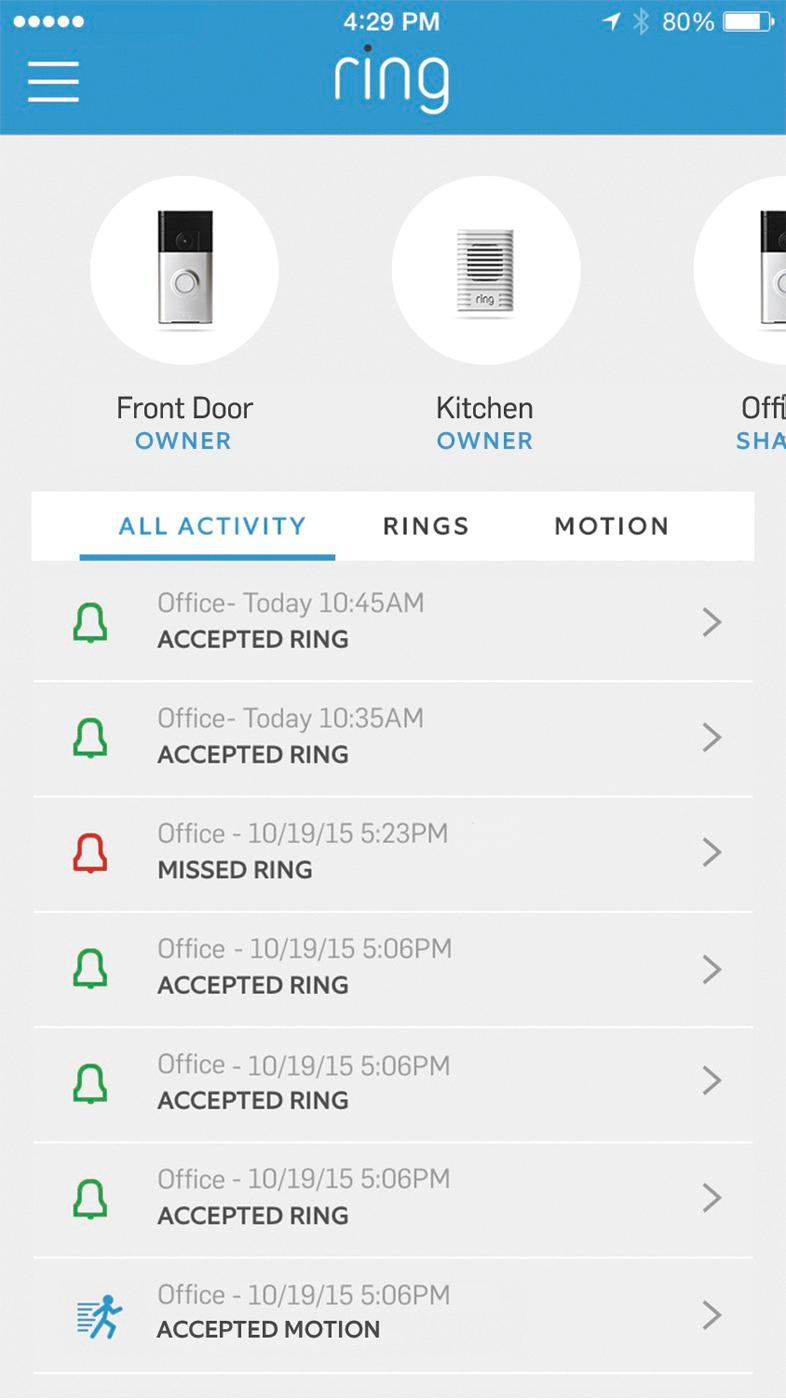
A:AnswerThis question isn't very clear, but if you are asking if a secondary user, Robin for instance, has been given access to the online cloud storage--then they can delete video clips without the primary user knowing about it.
A:AnswerHi BraysDad,
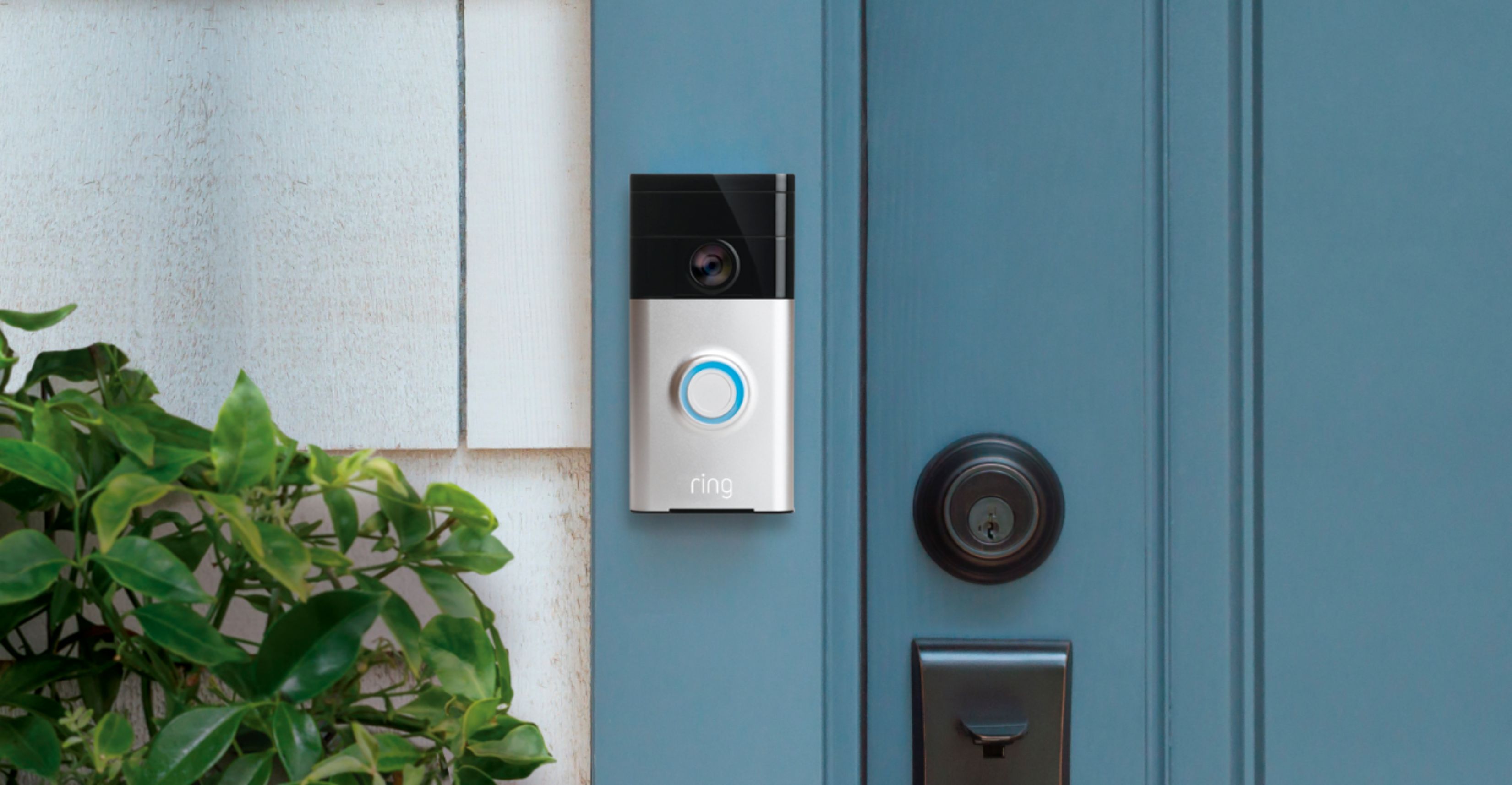
The motion sensors in your Ring Video Doorbell are designed to detect motion up to 180 degrees horizontally and from five to 30 feet outward from the fixture.
Bilan J, Customer Satisfaction Specialist
[email protected]
A:AnswerYou need to add an external 24vac relay connected to the nest ring. Nest ring when pushed picks up the relay and the Dry contact connects to chime front door input terminals and operates chimes. Like 2 separate doorbells. Relay contact Closed simulates front door push button operation.
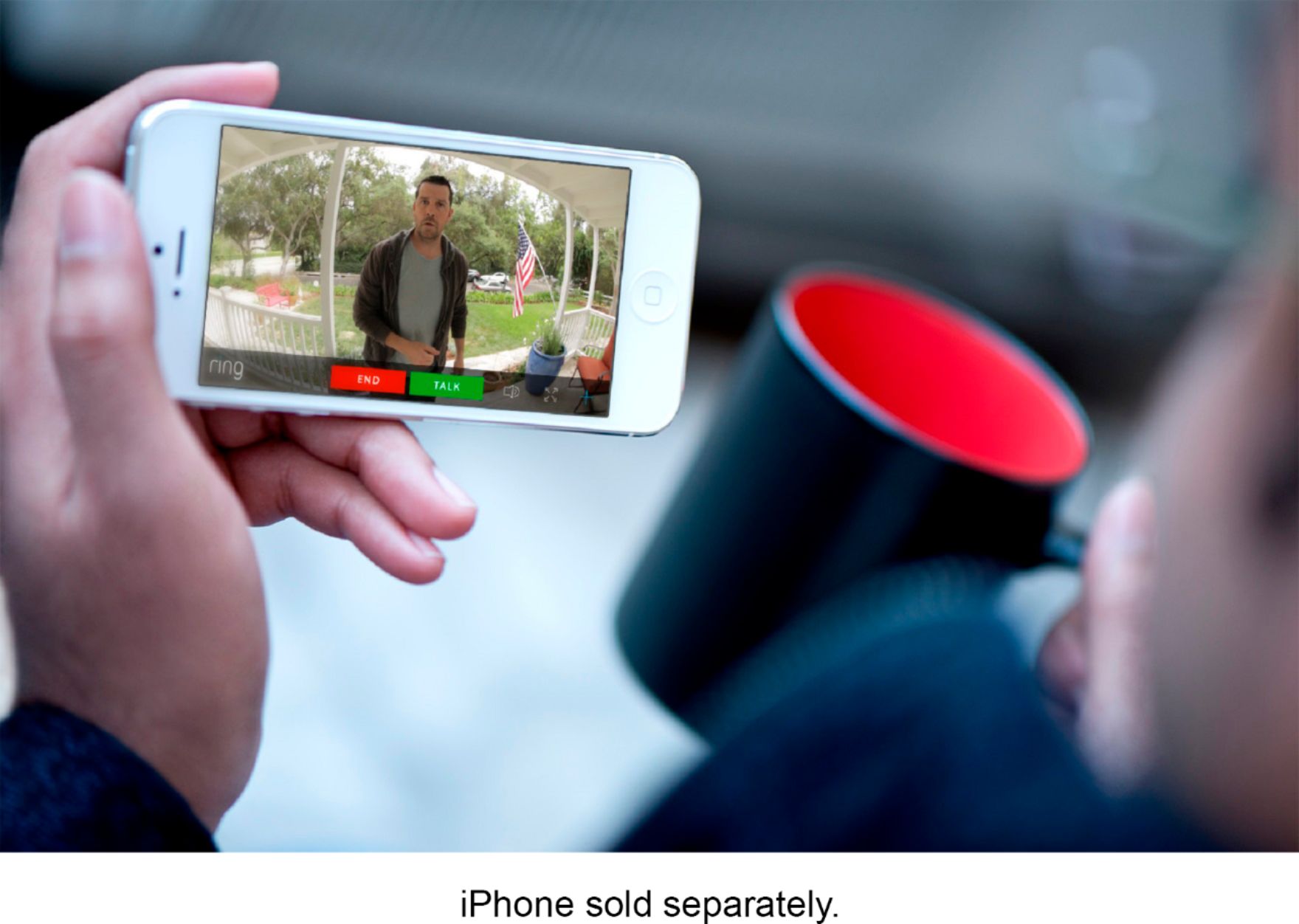
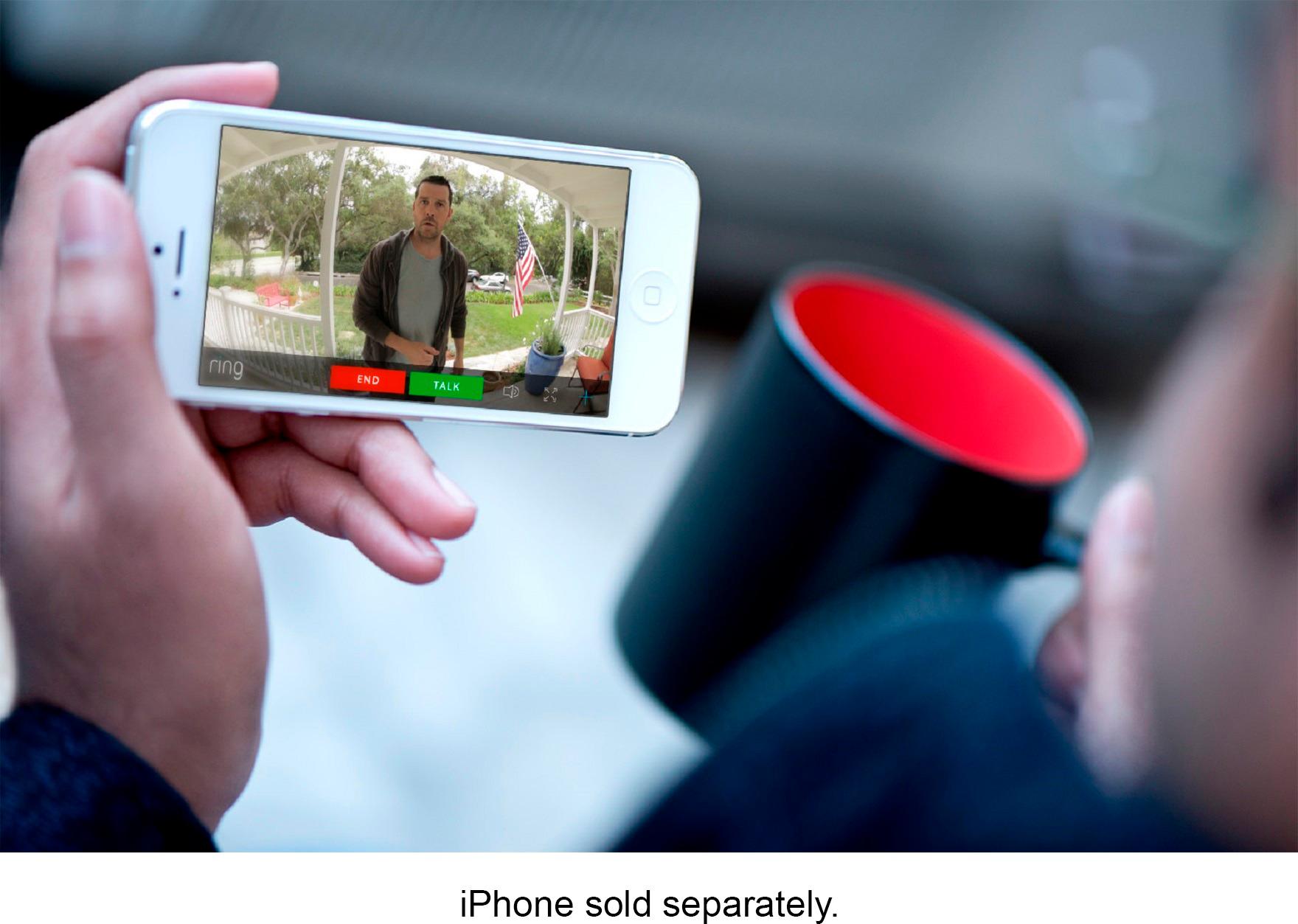
A:AnswerNo, they don't have to ring the bell. Motion trips it and you can set it for how far you want it to trip as well as the frequency of notifications for when it is tripped.
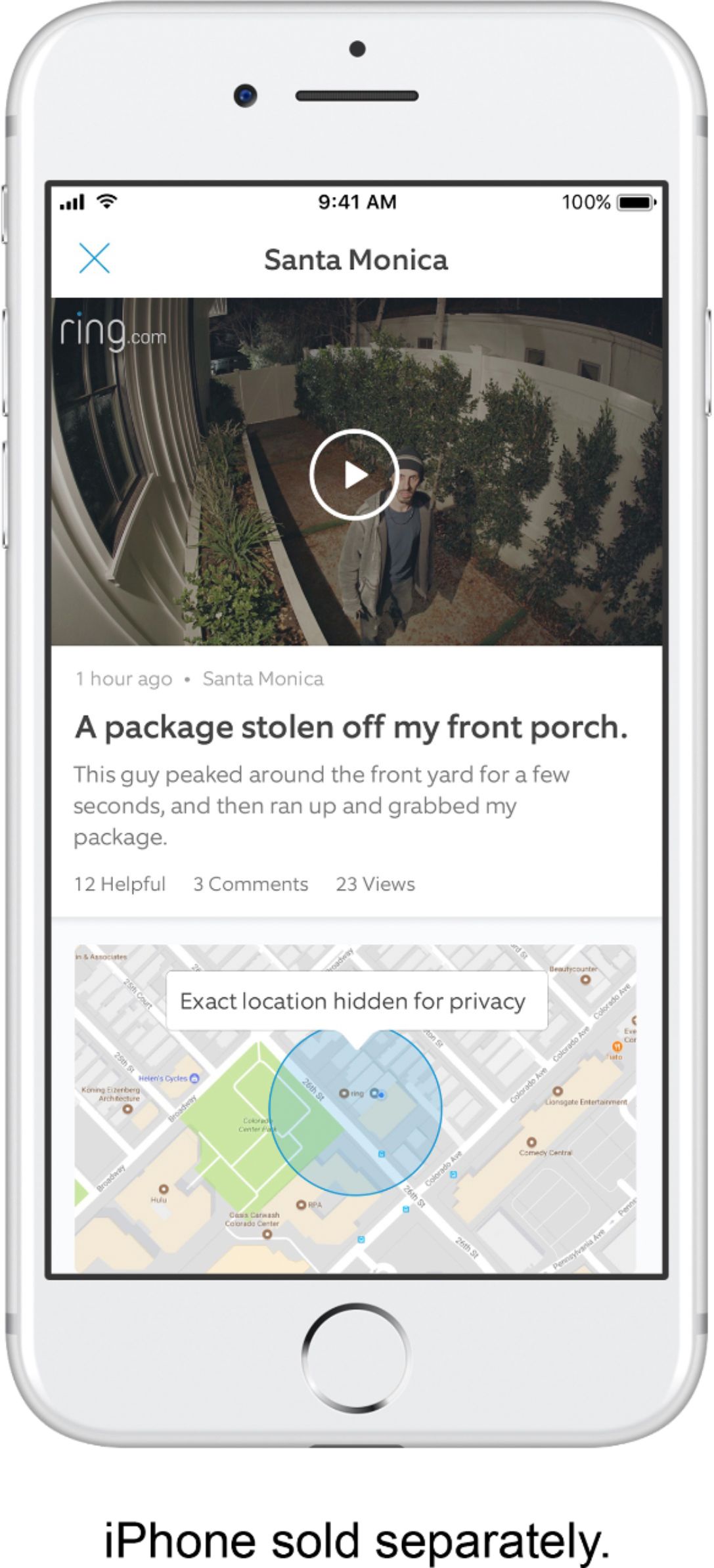
A:AnswerThe video is stored on Ring’s servers; so if you don’t subscribe to their service then no video is saved. I don’t pay so I can’t save the video but when AUSTIN had the package bomber ordeal going on the Ring people did turn on video recording on all the units even if you didn’t have the service to help with trying to end that crisis. Thumbs up to Ring for stepping up and trying to help.
A:AnswerWhat I did ( and no one will know ) is used 3M velcro tape that supports 50 Lbs. The capacity is of non-issue. However, it is easy to remove and place back for charging and does not deface your home. Works excellently as anyone who walks up will think it is bolted/wired. And in the very unlikely event it is taken: you have continuous video/audio of the thief each time they hit a wifi hotspot.
A:AnswerWhen you set the system up there are names for each device and in the app you click on the different locations also the device will still ring to your phone the same
A:AnswerHi Abbo,
If you're moving and will leave your Ring device behind, we suggest you save the videos you want and then go to Settings in the Ring app to remove the device. The new owner can set up a Ring account in order to begin using the device. I hope this helps!
Bilan J., Customer Satisfaction Specialist
[email protected]
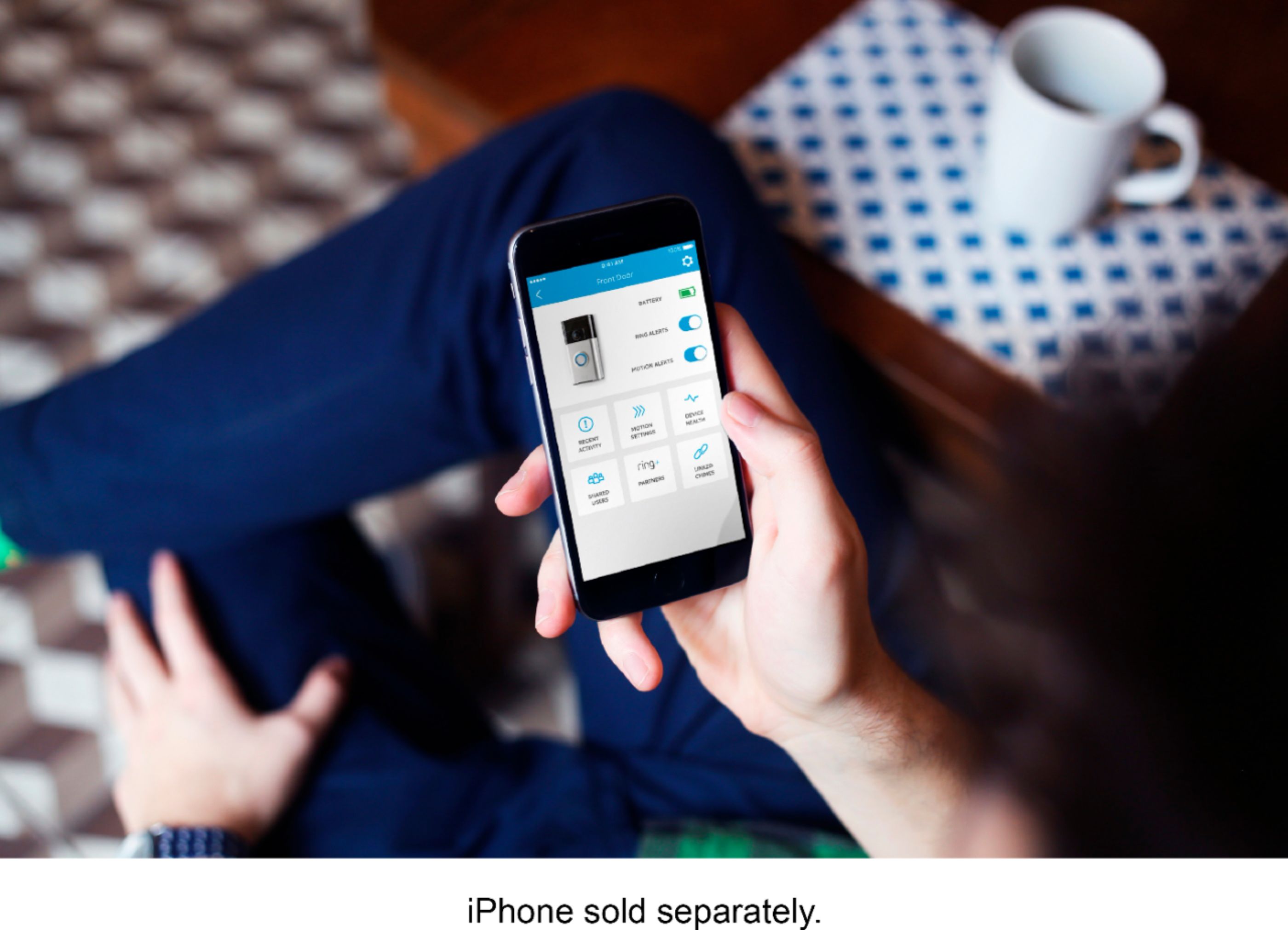
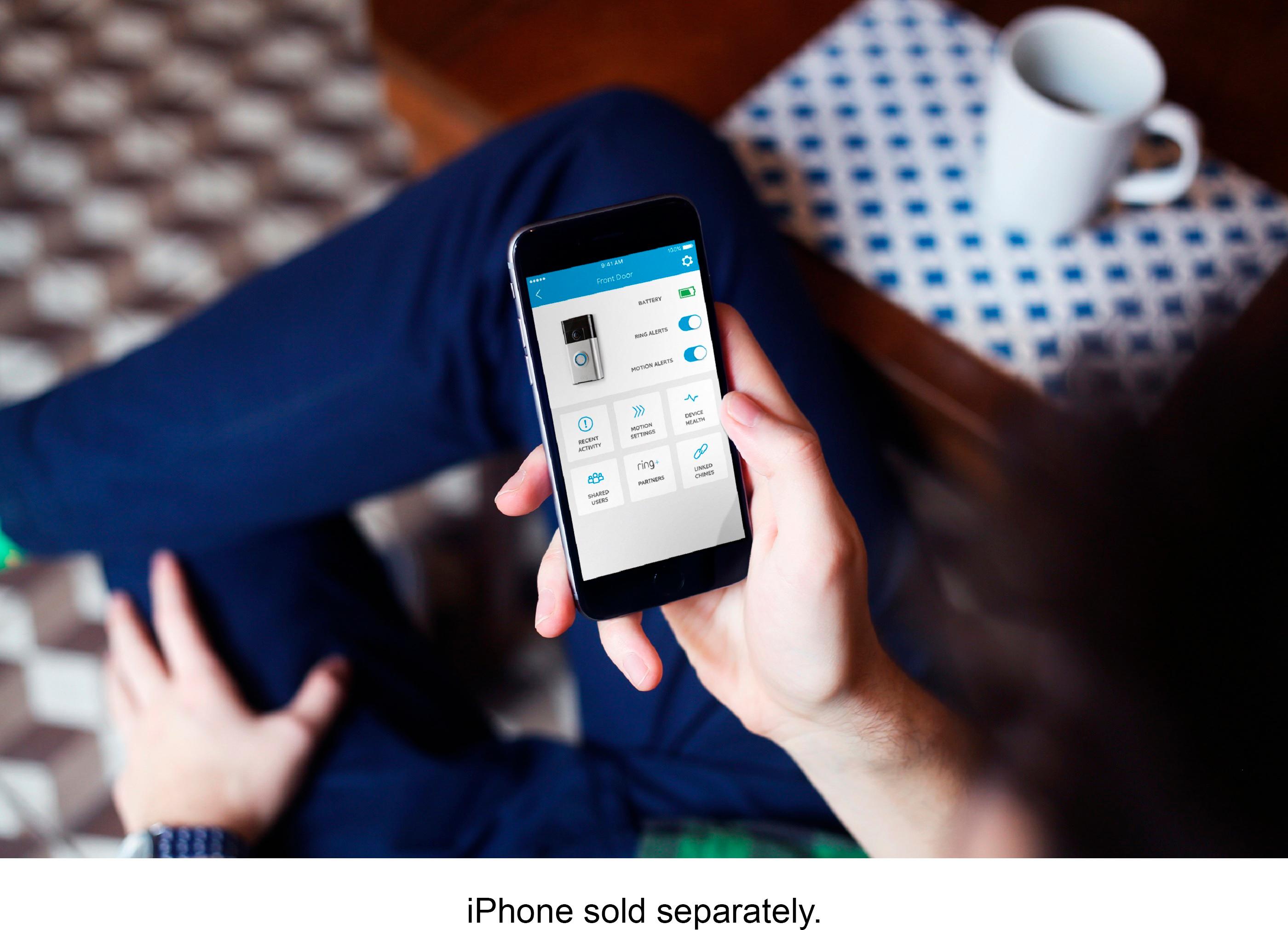
A:AnswerIt has an internal battery that can be charged using a provided cable. It can also be hardwired if you have an existing hardwired doorbell. You will need to turn off electricity to the doorbell to install wires. After you install it in this manner, your app should show that your ring doorbell is fully charged, showing a green battery sign with an electricity bold down the middle.
A:AnswerRING doorbell comes with a battery installed. If not directly connected to an existing doorbell and power source, the device will need to be removed (< 2 minutes) and recharged periodically via the included USB cord.
The RING App allows the user to monitor battery power. Time between recharges is expected to be 3-6 months, dependent on activity.
A:AnswerI think all Ring products come in both a hardwire and battery option, and some devices - like the doorbell - can be used either way. I have the Ring 1 model (basic model) and it works both ways. I use the battery option. Check out Ring.com for specific info.