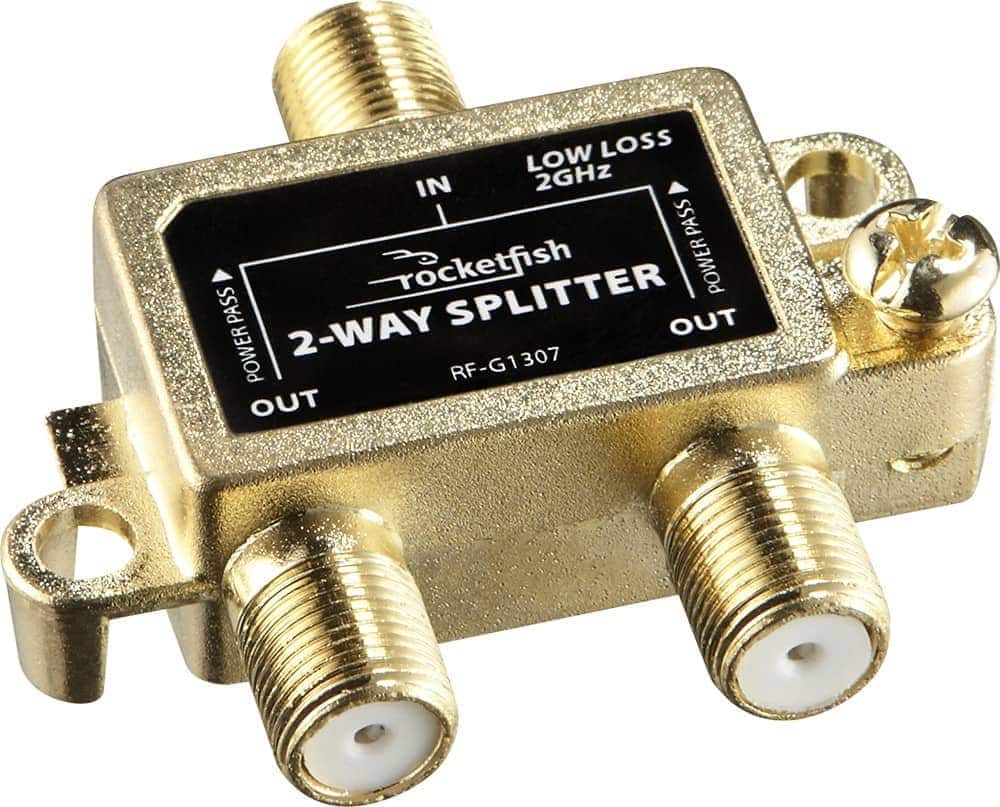
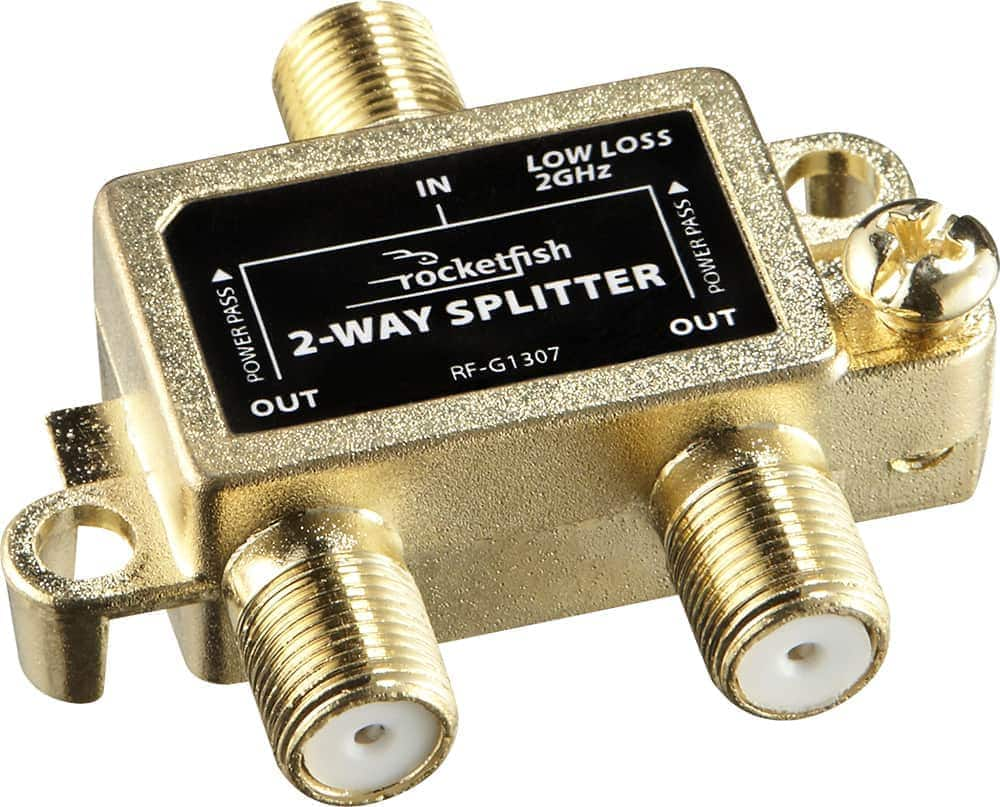
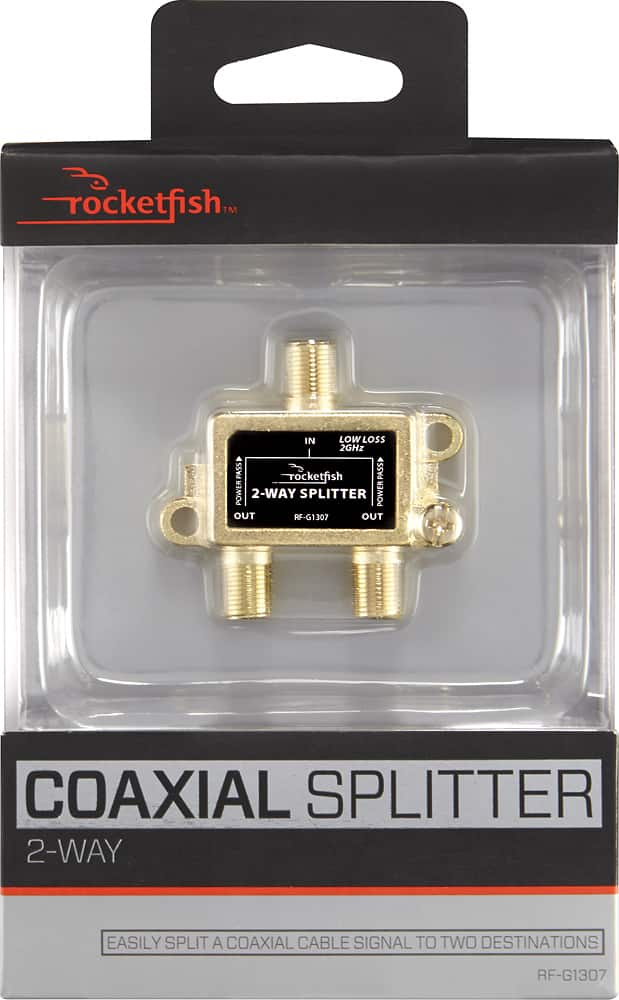
A:AnswerYes this is a bidirectional signal splitter. It provides access to our Xfinity X1 platform. We have the tv, VoIP and broadband internet bundle.
A:Answer1st if ain't broke don't fix it.
What you want is a 5way to be proper. You lose signal with every split so split a split give much weaker signal on the secondary splitter. With what you have place the cable modem and what I am guessing is your longest run on the the primary splitter. You modem need a strong signal and the long run needs a strong signal for distance. Then put the 3 short runs on the secondary splitter. That will give you optimum signal to all devices with the set up you currently have
A:AnswerYou will likely have issues hooking it up this way but you won't know for sure without trying it. I'm assuming you have an older TV if your cable box is connected via the TV coax input. If you have another way to plug in the cable box to the TV, say via an HDMI cable or Composite or Component inputs that would be a better way to go. Then you could leave the antenna alone plugged into the TV's coax input. If you must connect both cable and antenna to a single coaxial input you should buy an A/B switch. This will allow you to switch between either device as needed and it will block the unused device from the TV. There are even remote controlled switches so you won't have get up and manually throw the switch when you want to change from cable to antenna and back again. Be advised that these cost more than a splitter.
A:AnswerHello Bill,
Thank you for taking the time out of your day to post a question, in this case this coaxial splitter should work with an indoor antenna, but in order to have it work you would need to adjust some settings on your TV.
I welcome you to contact us at 877-467-4289 so that we can guide you on how to perform this procedure.
Brian C.- Insignia Support
A:AnswerDo not have Direct TV and a regular antenna in my attic. (Both coax) What can I use to be able to switch from Satellite to antenna by using my tv input settings? I tried a basic splitter but the Direct TV stopped working. Is there a 2-In & 1-Out type splitter
A:AnswerYes. This product simply Splits the signal so it is coming out of two channels instead of one. I have one gig internet and cable coming through the same line. This splitter turns it into two outputs, one going to modem, other to cable box. It’s the job of whatever it’s plugged into to unscramble the signal and make it work (show a picture or connect to the internet)
A:AnswerThe fewer connectors and splitters in-line the better. Think where your "home-run" drop is (back of cable box or internet box usually), try to run that with no or one split or connector. Split the rest off a single splitter if possible. 120' is nothing if you've got good cables (If it's less than 3 years old to pick a number you should be OK).
A:AnswerThis will split the cable feed to your modem to allow you to hook up a tv box from the same feed, it will attenuate the signal even if you aren't using the tv box, but the loss is negligible unless you are stringing splitters.
A:AnswerUsing a 75‑mile Antenna with a Splitter
Yes, you can attach a 2‑way splitter to your attic antenna to feed two separate TVs. Here’s what you need to know:
Splitter Considerations
- Balanced Splitter: Use a 2‑way balanced splitter (each port has equal signal loss).
- Signal Loss: Expect about 3.5 dB loss per port. With a strong attic antenna rated for 75 miles, this is usually fine.
- Amplifier Option: If you notice pixelation or weak channels after splitting, add a distribution amplifier or use a powered splitter to compensate for the loss.
Best Coaxial Cable for Antenna + Splitter Setup
- RG6 Coaxial Cable:
- Standard for HDTV, antennas, and satellite.
- Lower signal loss compared to older RG59.
- Handles frequencies up to 3 GHz, which is more than enough for OTA TV.
- Quad‑Shield RG6:
- Extra shielding against interference (especially useful in urban areas like NYC).
- Recommended if your cable runs are long or near electrical wiring.
- Indoor vs Outdoor Jacket:
- Use indoor RG6 for attic and inside walls.
- Use outdoor‑rated RG6 (UV‑resistant, weatherproof jacket) if any part of the run goes outside.
Practical Setup Steps
- Run RG6 coax from your antenna to the input of the 2‑way splitter.
- Connect each TV with RG6 coax from the splitter outputs.
- If one TV is much farther away, use a longer RG6 cable but keep runs as short as possible to reduce loss.
- If signal drops after splitting, add a signal amplifier near the antenna before the splitter.
Bottom Line
- Yes, a 2‑way splitter will work with your 75‑mile attic antenna.
- Use RG6 coaxial cable (preferably quad‑shield) for best performance.
- Consider an amplifier if you notice signal loss after splitting.
Would you like me to recommend a specific 2‑way splitter and RG6 cable kit that’s MoCA‑compatible as well, so it future‑proofs your setup for DVRs or streaming boxes?