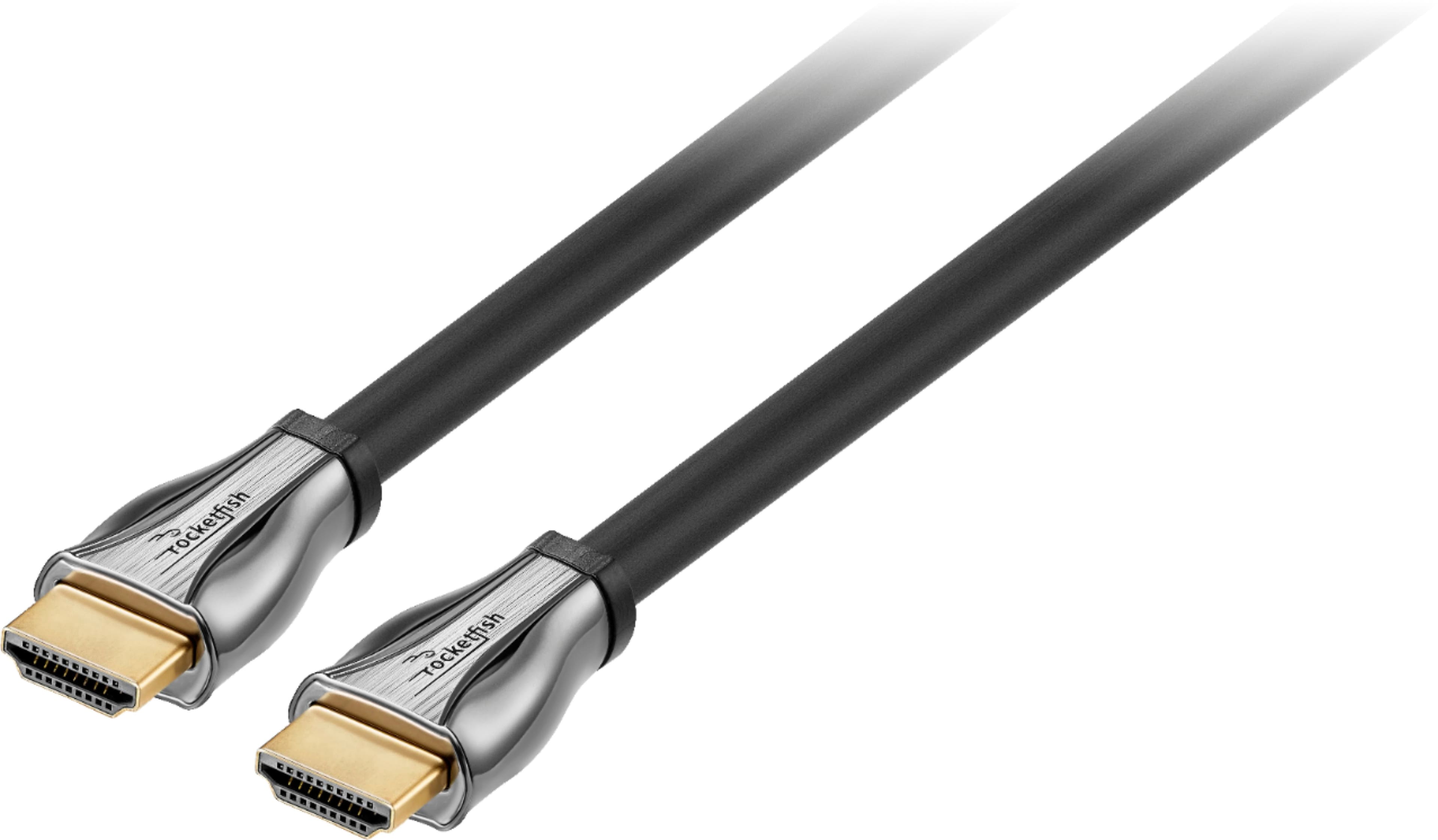
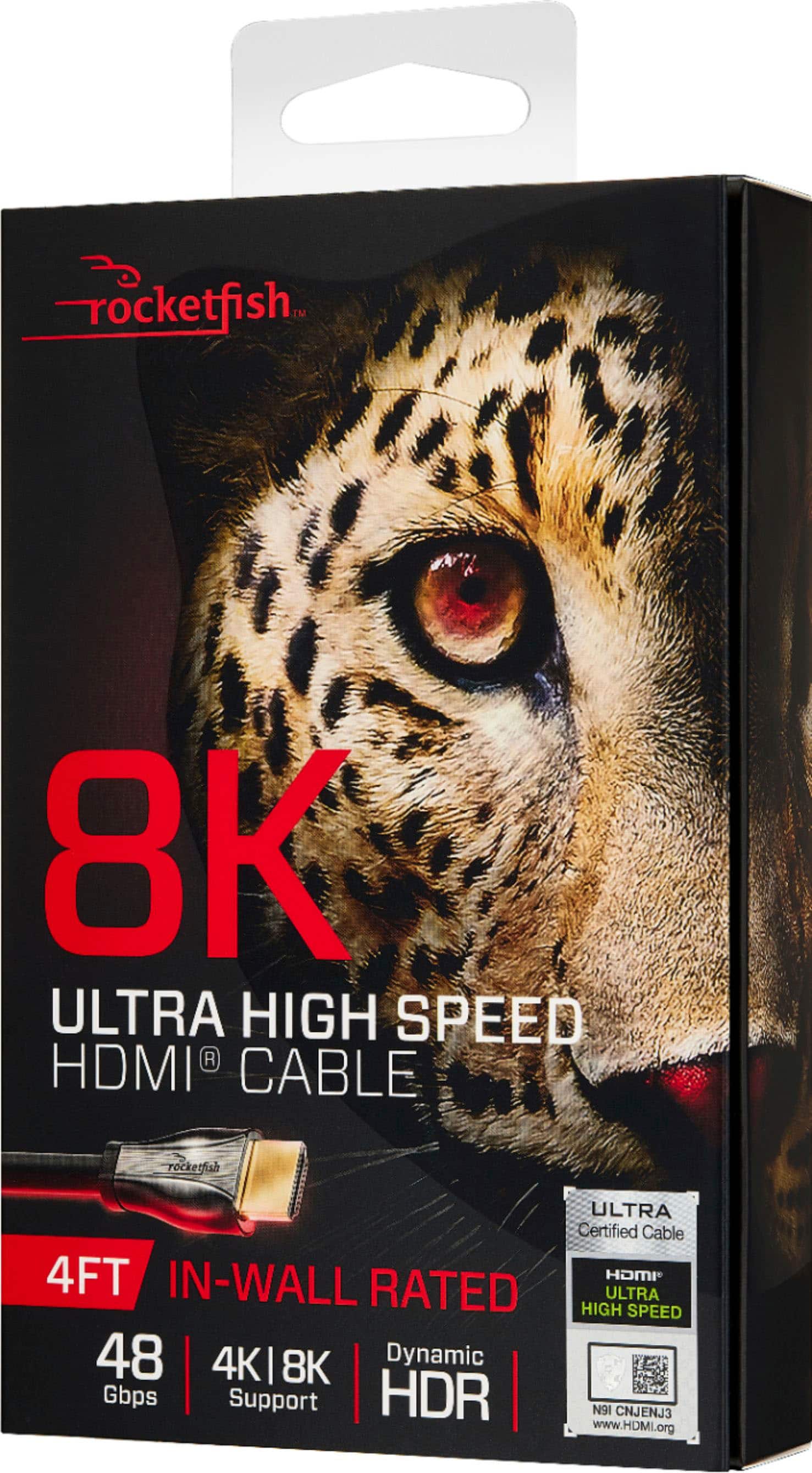
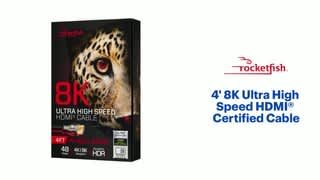
A:AnswerThe box says "Variable refresh rate". It is called an HDMI ultra high speed cable supporting 4K and 8K. There is nothing else in the box to specifically answer what the refresh rate is. Sorry.
A:AnswerBased on the setup you are describing it probably will not matter unless you plan on running anything else through the AVR to the TV. The quality of the signal(resolution and FPS) will match whatever the lowest standard in the chain is. If the Set Top Box can only output 1080p at 60fps that's all you'll get regardless of if your TV is able to do 4K 120fps. If your TV and AVR can both do 4K 120fps I would connect them using the 8K cable and use the premium HDMI to connect the Set Top Box since most companies aren't providing cable channels in 4K at 120fps. This way if you want to connect a game console, 4K streaming device or 4K Blu ray player you done need to change the cable connecting your AVR and TV.
A:AnswerIt should for computer monitors that have 165hz. Double check your monitor Hz, sometimes people overlook that it is only 144Hz, or they forget to enable 165hz within the actual monitor menu (overclocking)
A:AnswerI would recommend no longer than 50 feet, but try to stay with less, as longer length means slower transfer, along with possible signal interference.
A:AnswerI'm not 100 on this, but I assure you it is all muscle. This cable flexed on me and took my cash... I now sit at intersections asking for change to make up for the loss. I almost got enough back but then thought back on this moment and decided to use my nickels and pennies to get enough for some internet so I could warn all of you about it.
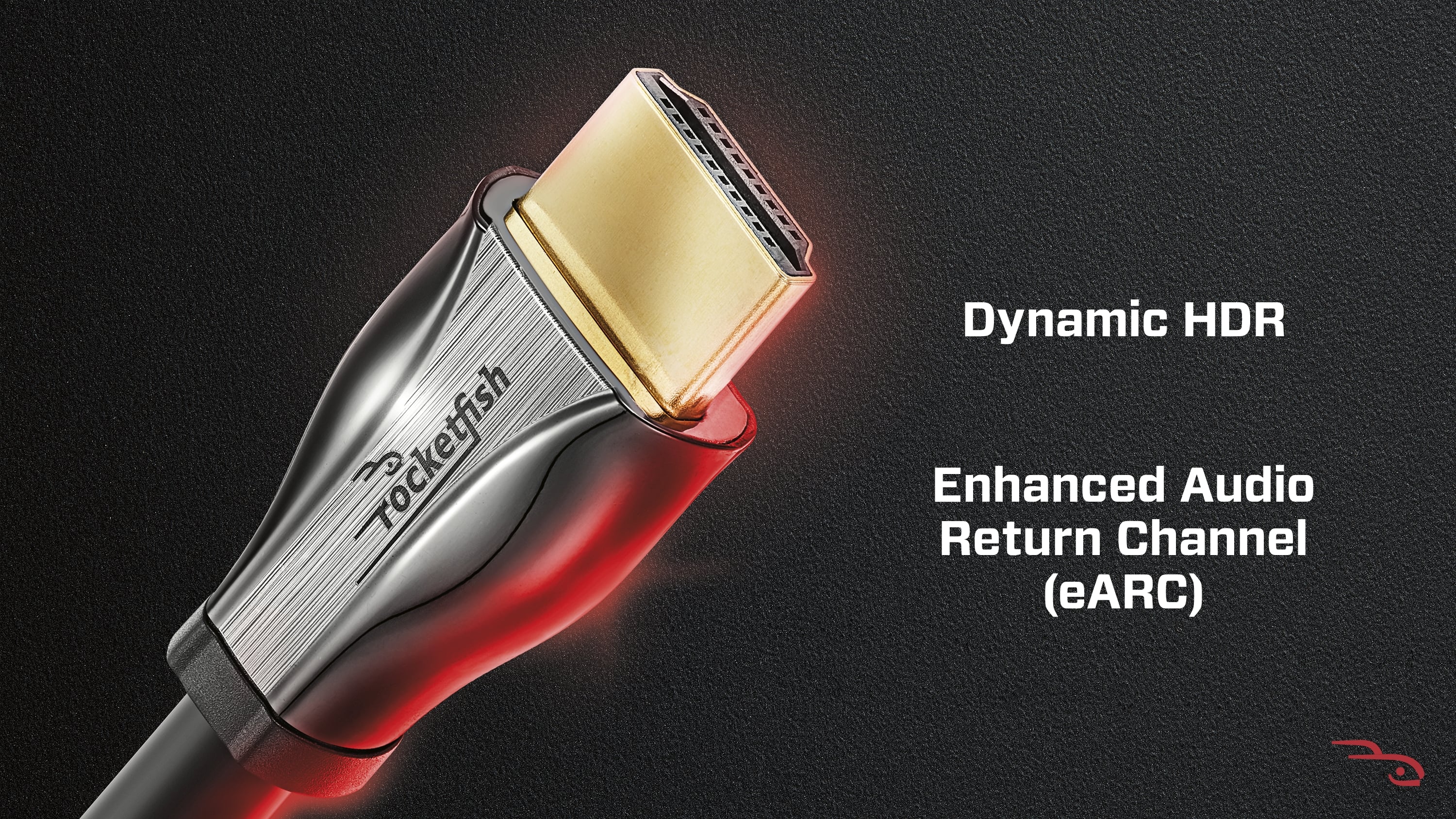
A:AnswerIf you are asking does it support ARC/eARC then yes. Otherwise most ports on TVs, AVRs and anything else with HDMI ports are either In or Out and what cable you use can't change that.