A:Answer Hi ComputerHelp,
To SET UP YOUR HDMI
SWITCH
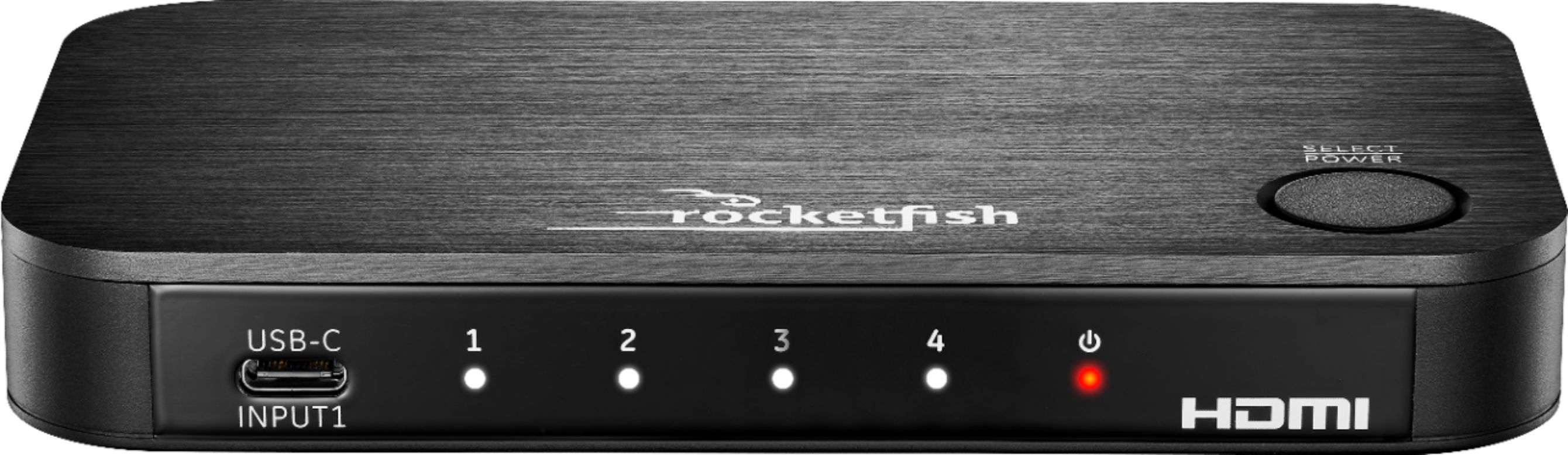
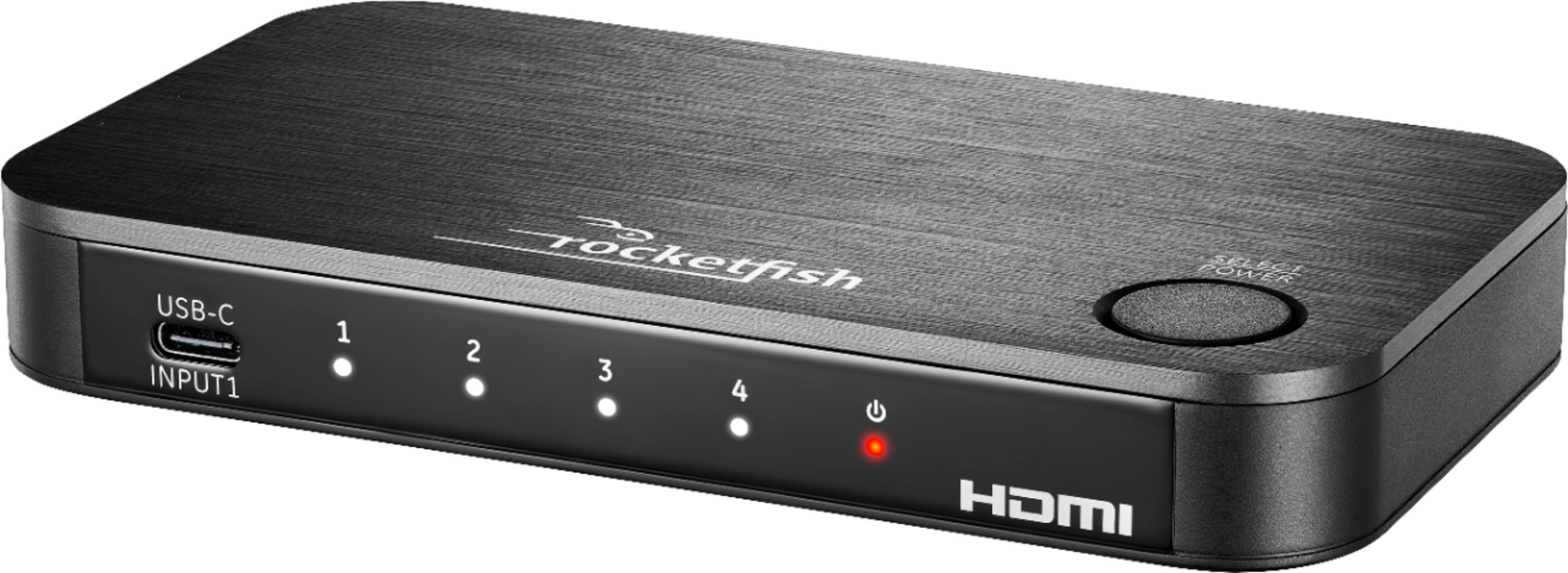
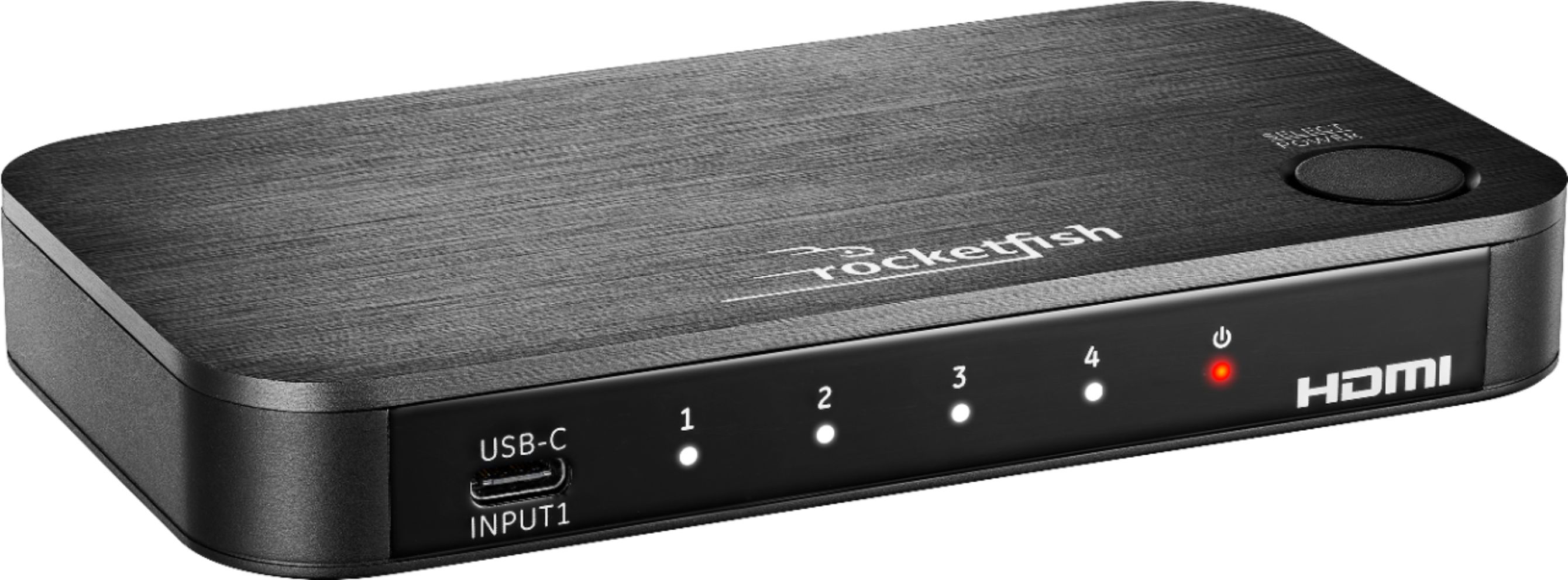
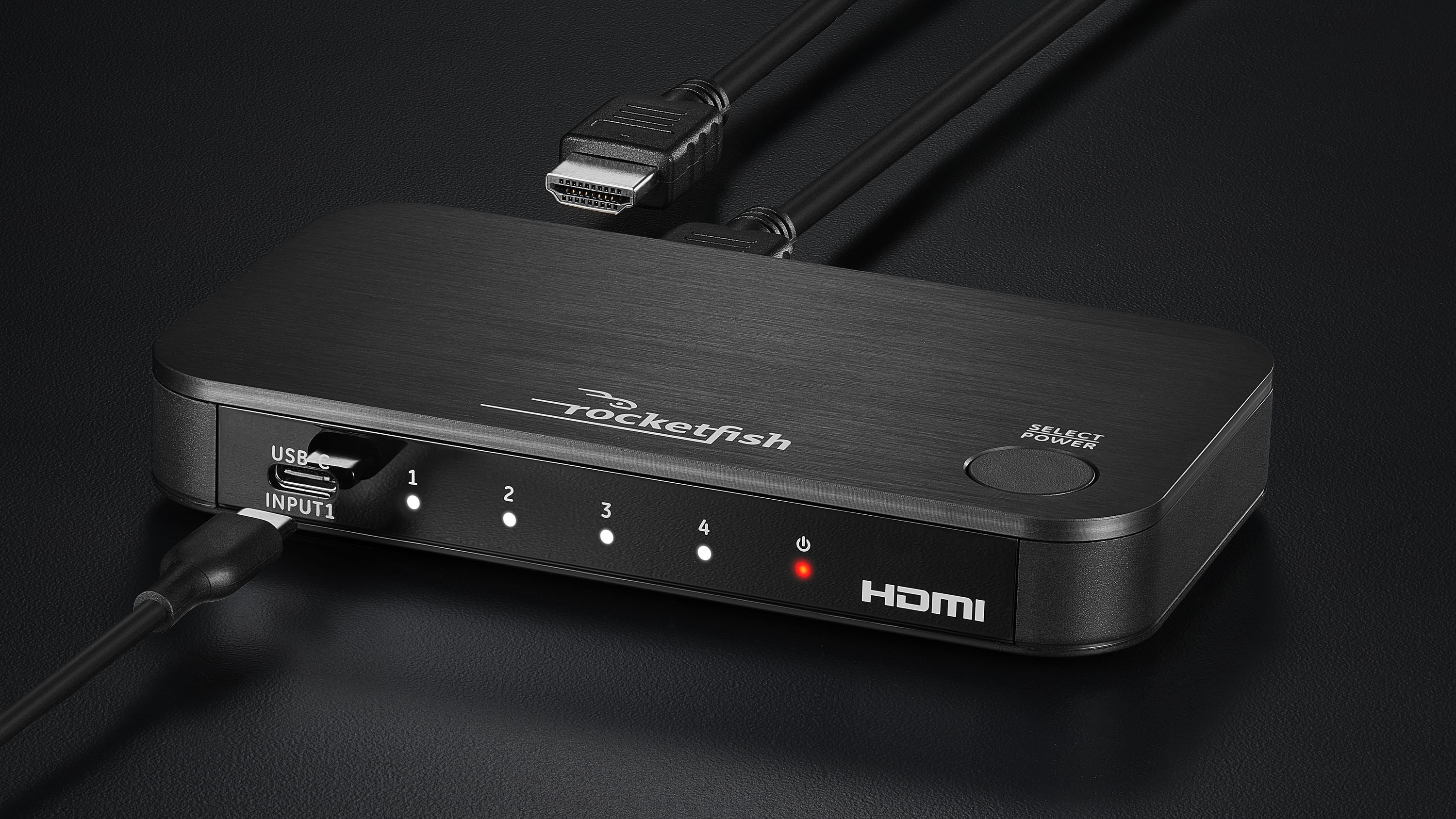
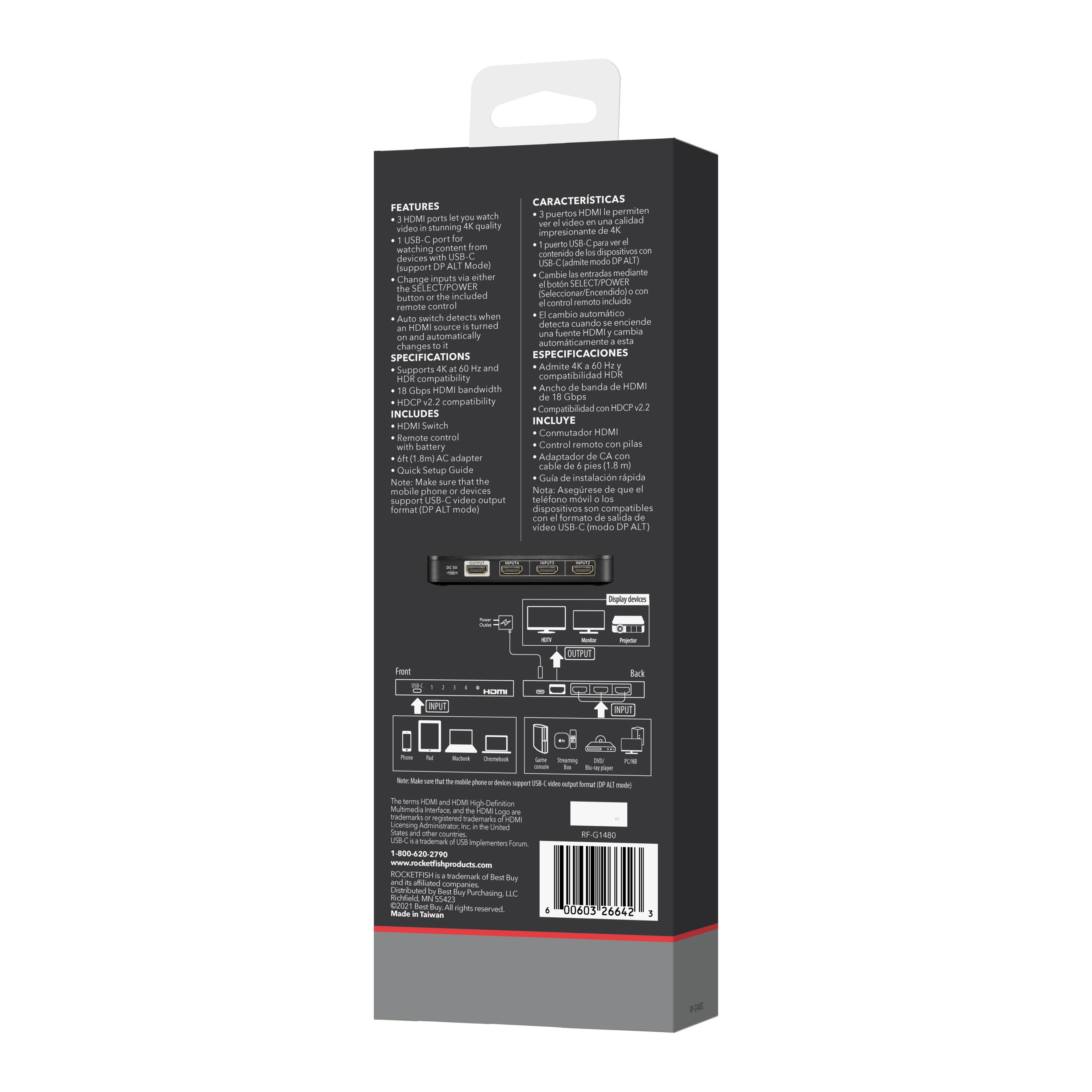
1 Please connect up to three HDMI cables and one USB-C cable from your source
devices to the switch’s INPUT ports.
2 Please connect an HDMI cable* from your TV (or projector) to the switch’s OUTPUT port.
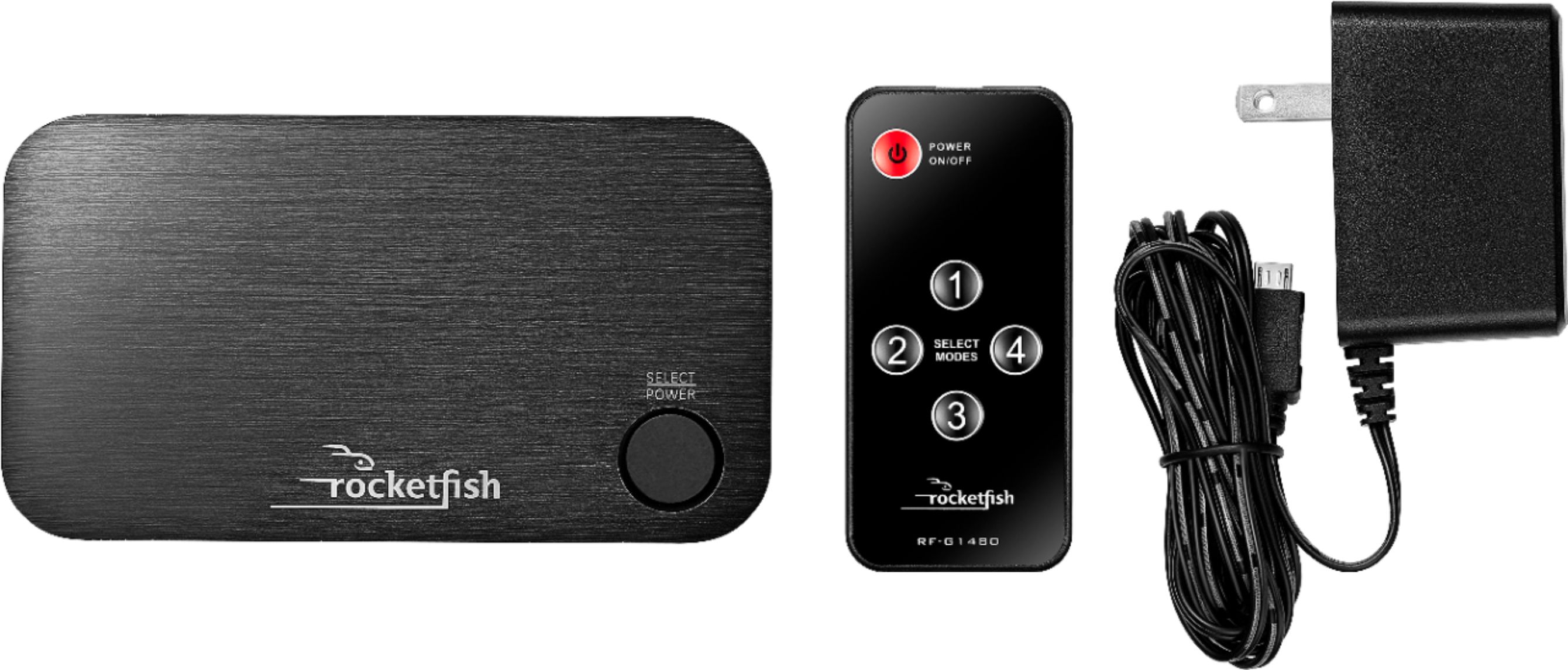
3 Please connect the power adapter from the DC 5V port to a power outlet. The
power LED ( ) and an input LED light up.
NOTE:To fully support 4K resolution, connect
the input and output channels using HDMI
PREMIUM certified cables (within 9.8 ft. (3 m)).
Renee,
Insignia Support