A:AnswerMy average expertise when watching the Geek person doing the installation is that it varies with the type of
chassis that the monitor has. Otherwise, my guess is that
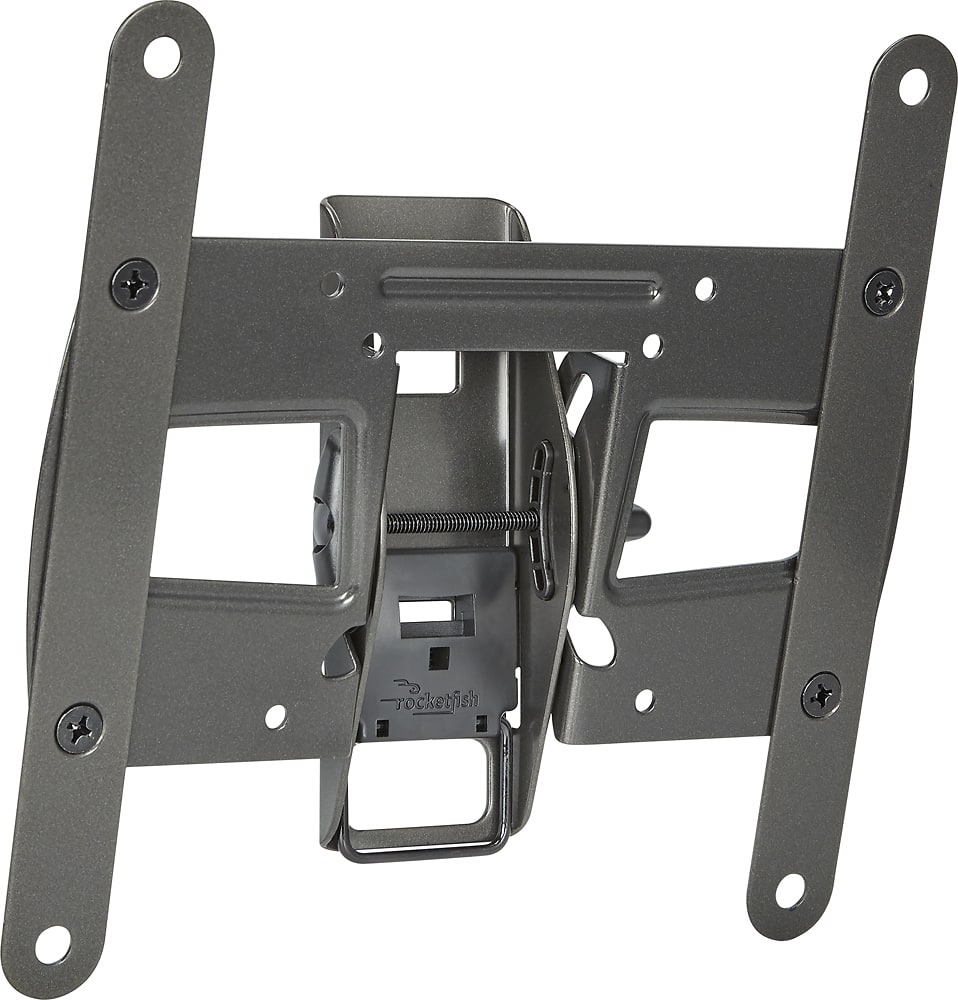
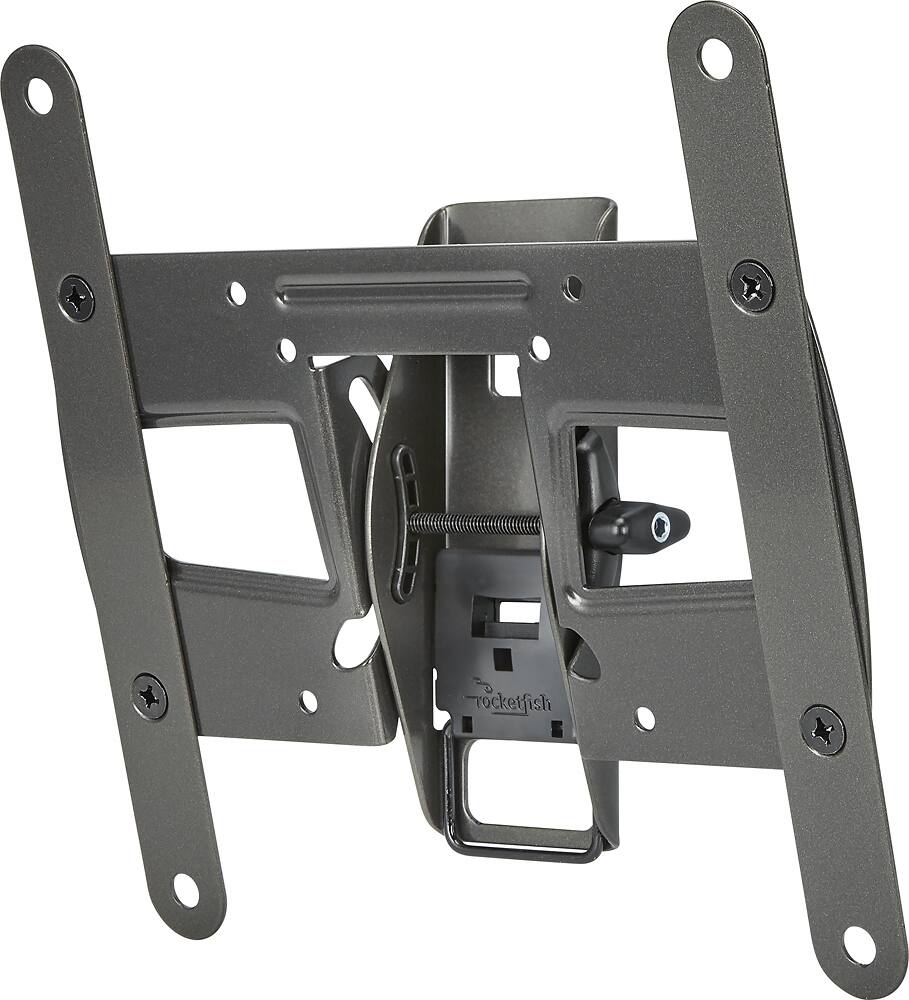
the variance max tilt is 15 degrees with a spatial gap
variance of 2 to 3 inches.
A:AnswerIt comes with a BIG selection of screws to use for mounting the tv. I would say there are approximately 8 to 10 different screw types included. VERY accommodating.
A:AnswerThe mount comes with 4 sets of screws that are two different lengths and two different diameters to fit different TVs. In addition, the brackets are also configurable for the TV and have instructions for mounting to wall studs and concrete walls. They seem to have thought of everything.
A:AnswerDon't know and can't answer. However, I would have a Geek Squad person come to your home and appraise the situation. That was one of my prime reasons for being a member.
A:AnswerIt has a great rear clip-on device. Carefully check out the rear for the TV release and just push the clip to open position in order to lift the unit out.