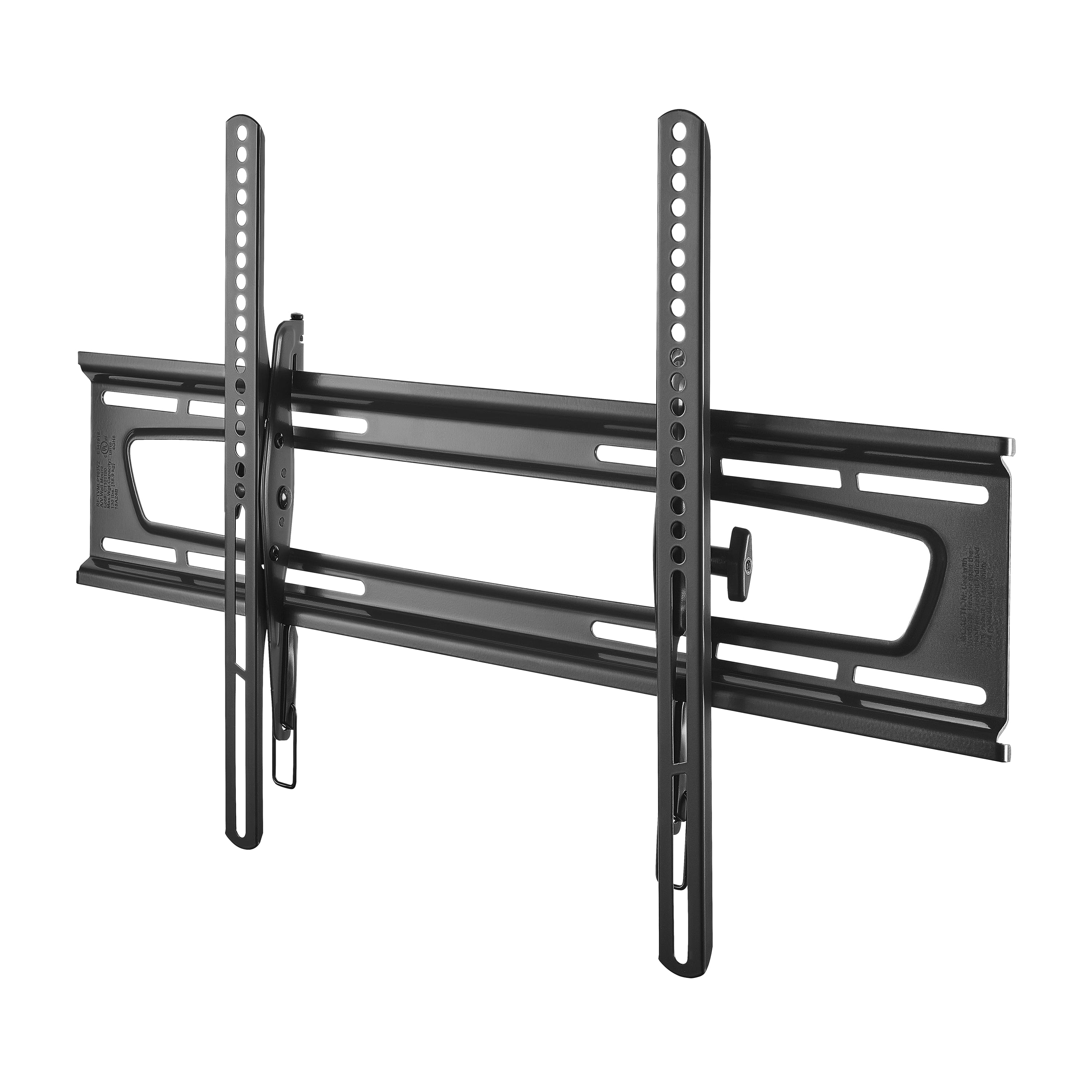
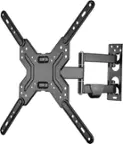
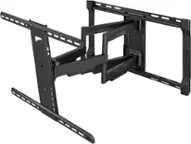
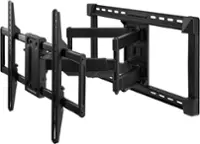
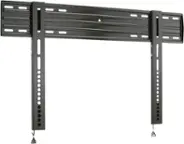
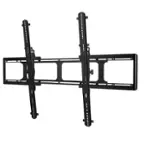
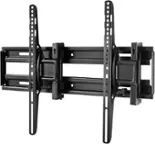
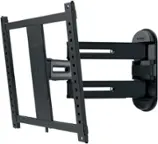
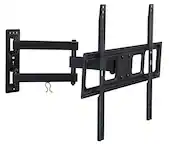
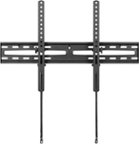
A:AnswerThis product comes with large lag bolts that anchor is into the wall studs. However the wall studs may not be in an appropriate location for where you want to put the TV. It does have some side to side adjustment to accommodate some. I prefer to cut a small piece of plywood that is about 4 inched bigger than the wall bracket. I screw that into the wall studs, and then I pre-drill holes into the plywood exactly where I want the braket positioned and I get a perfect mount every time.
A:AnswerDefinitely use any of the RockFish tv mount products. Make sure that if the tv is going to be more than 4 or feet off the ground that it is on a TILTING MOUNT, or a FULL MOTION MOUNT if you want it to turn side to side as well.
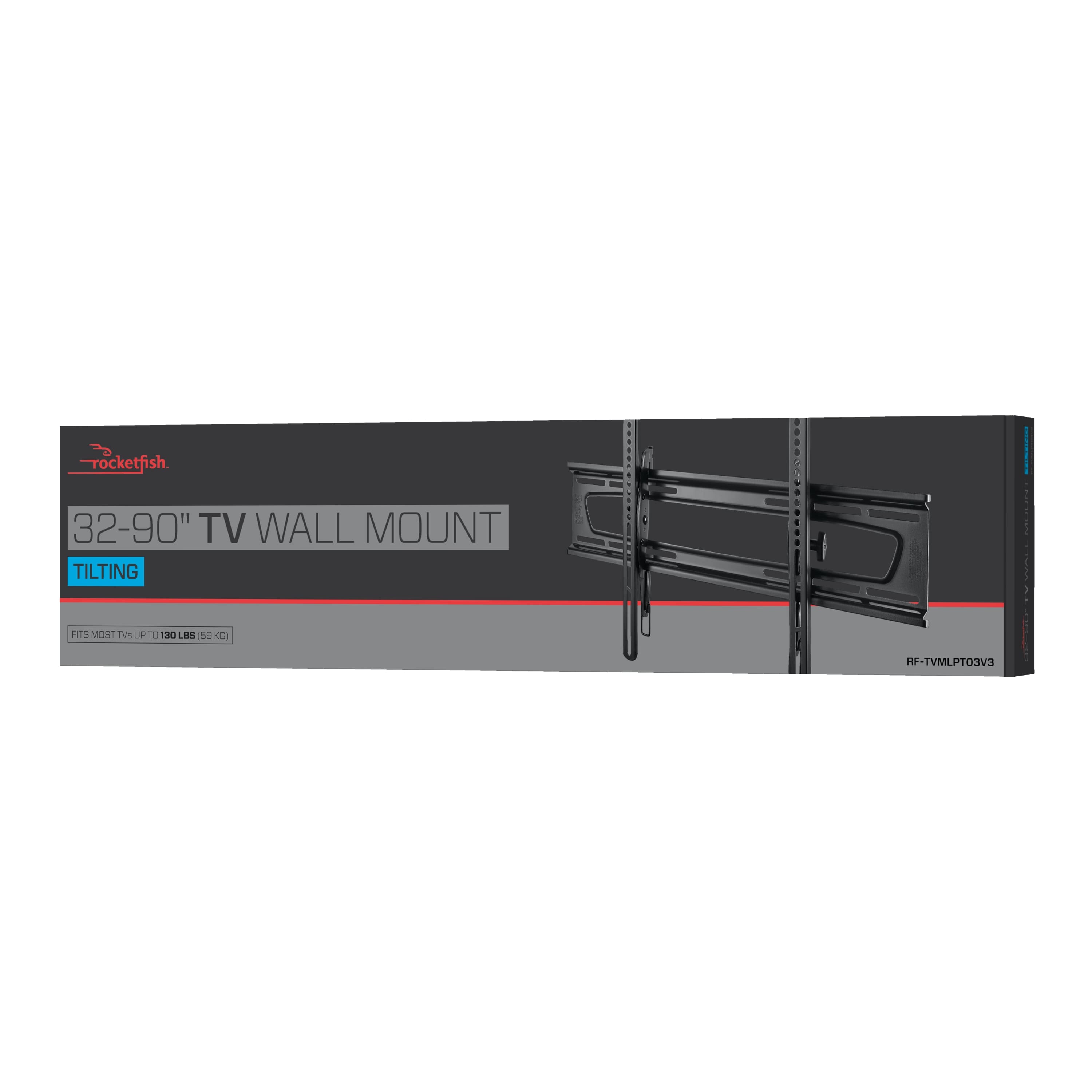
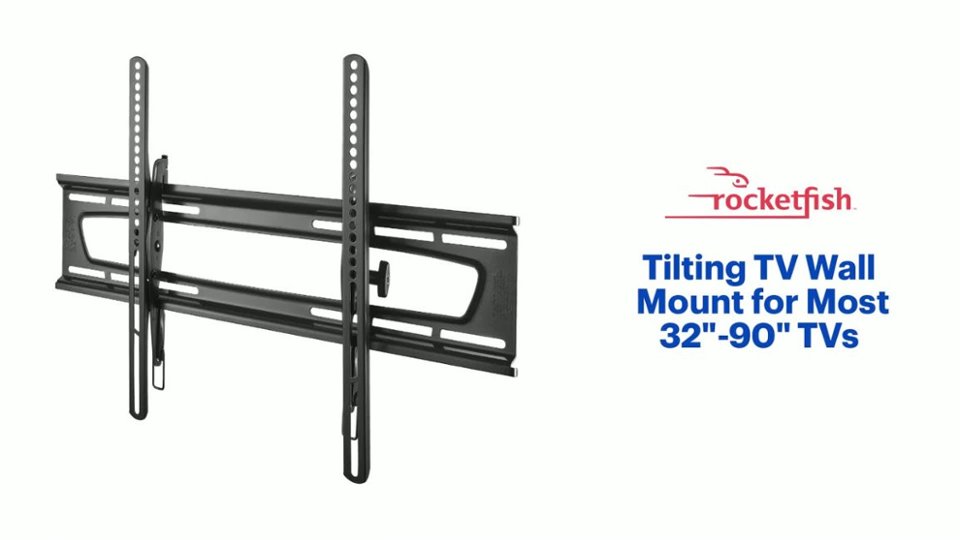
A:AnswerNot familiar with the tv brand. I attached it initially to a 55 inch then later to a 60 inch Samsung with no problem. It says 32-70 inch FLAT panel.
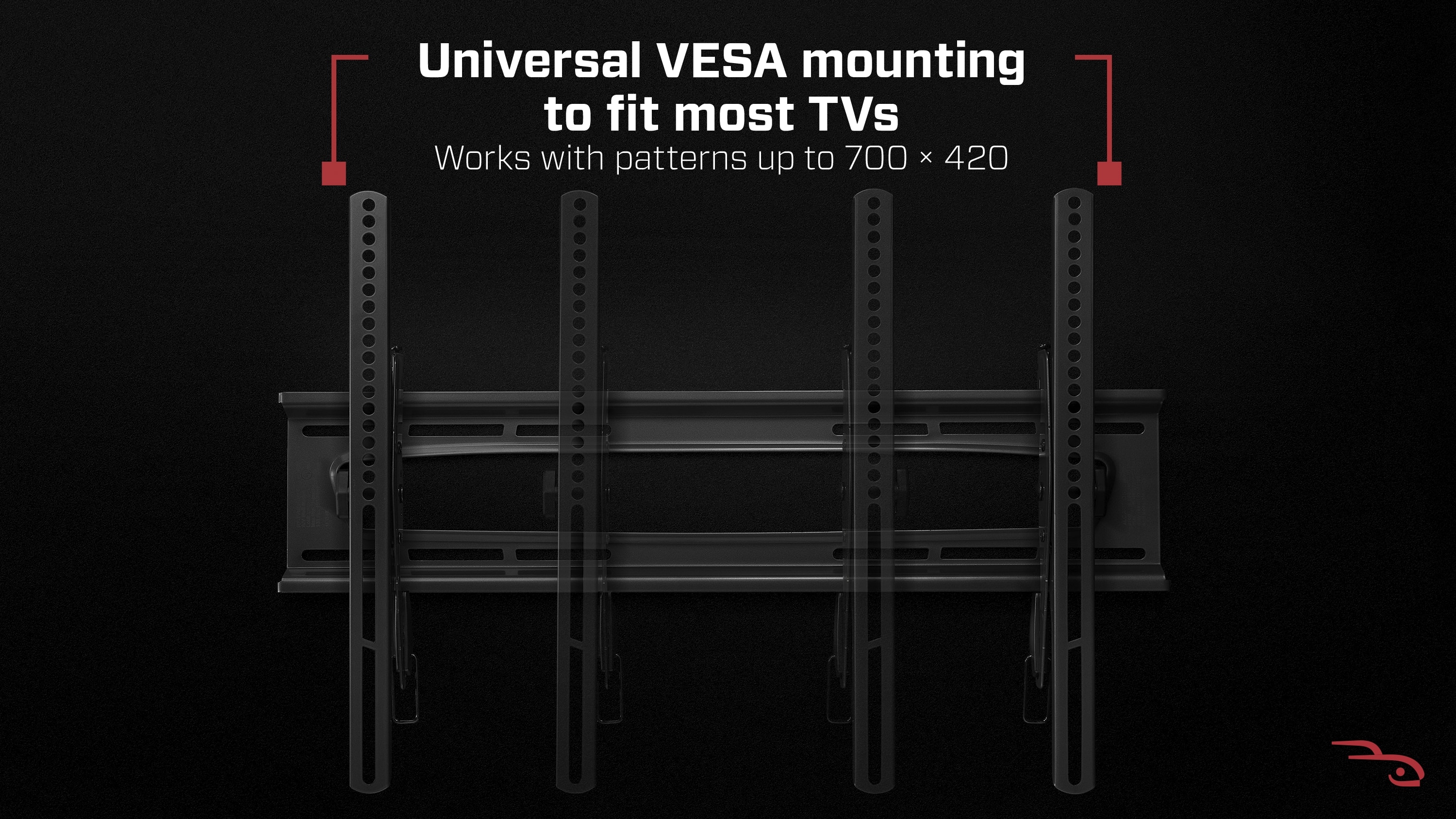
A:AnswerThe brackets attach according to the location of the mounting screw holes on the back of your television. Those are probably centered on the back of your device.
A:AnswerI don't think so. I don't see how it could as the brackets don't swivel so you would have to cut wood pieces on 45 degree angles to be able to make it work. So basically, it would take some additional carpentry work to install in a corner location.
A:AnswerI believe this will work. I'm able to stick my hand easily up to the middle of the TV (55" Samsung) between the tv and the wall. I'd say I have about 3 inches of room minus less than a half inch where the wall bracket runs horizontally. The wall bracket has two horizontal members about 6 inches apart. The TV brackets run vertically so it depends on how wide they mount on your TV.
A:AnswerI don't think you'd be able to purchase just the brackets from Best Buy, but you might be able to directly from the manufacturer. I'd recommend contacting Rocketfish customer service. You should be able to find contact info on the Rocketfish website.
A:AnswerI have it on my 65'' Samsung and it works perfect. And yes, the packaging will says up to 70 so your 60 should be fine, just check weight requirements and you should be good to go.
A:AnswerThis mount comes with multiple size machine screws to fit most tvs. If you are asking about the spacing between the holes on the back of the tv they are typically universal so this mount should work.