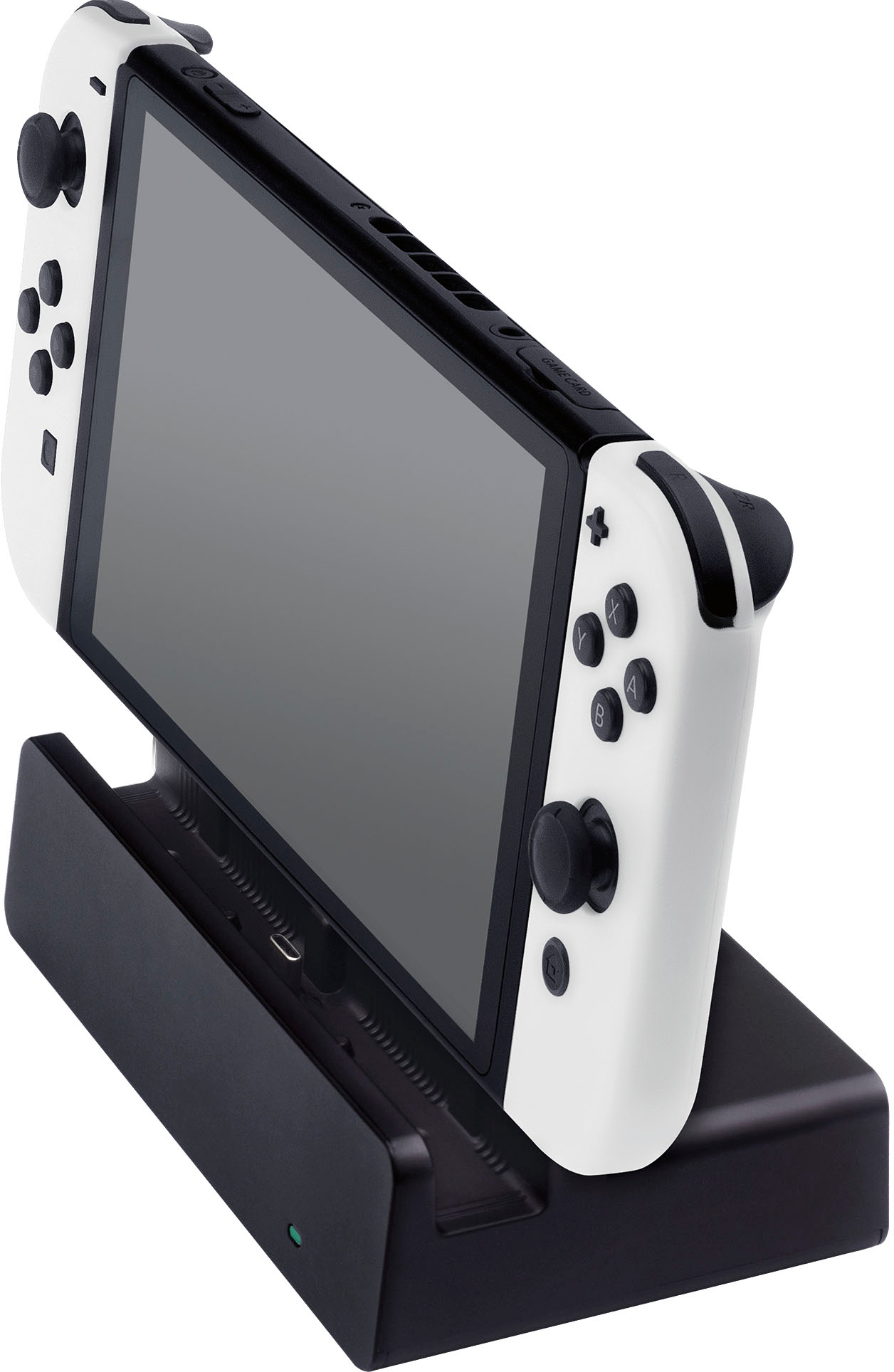
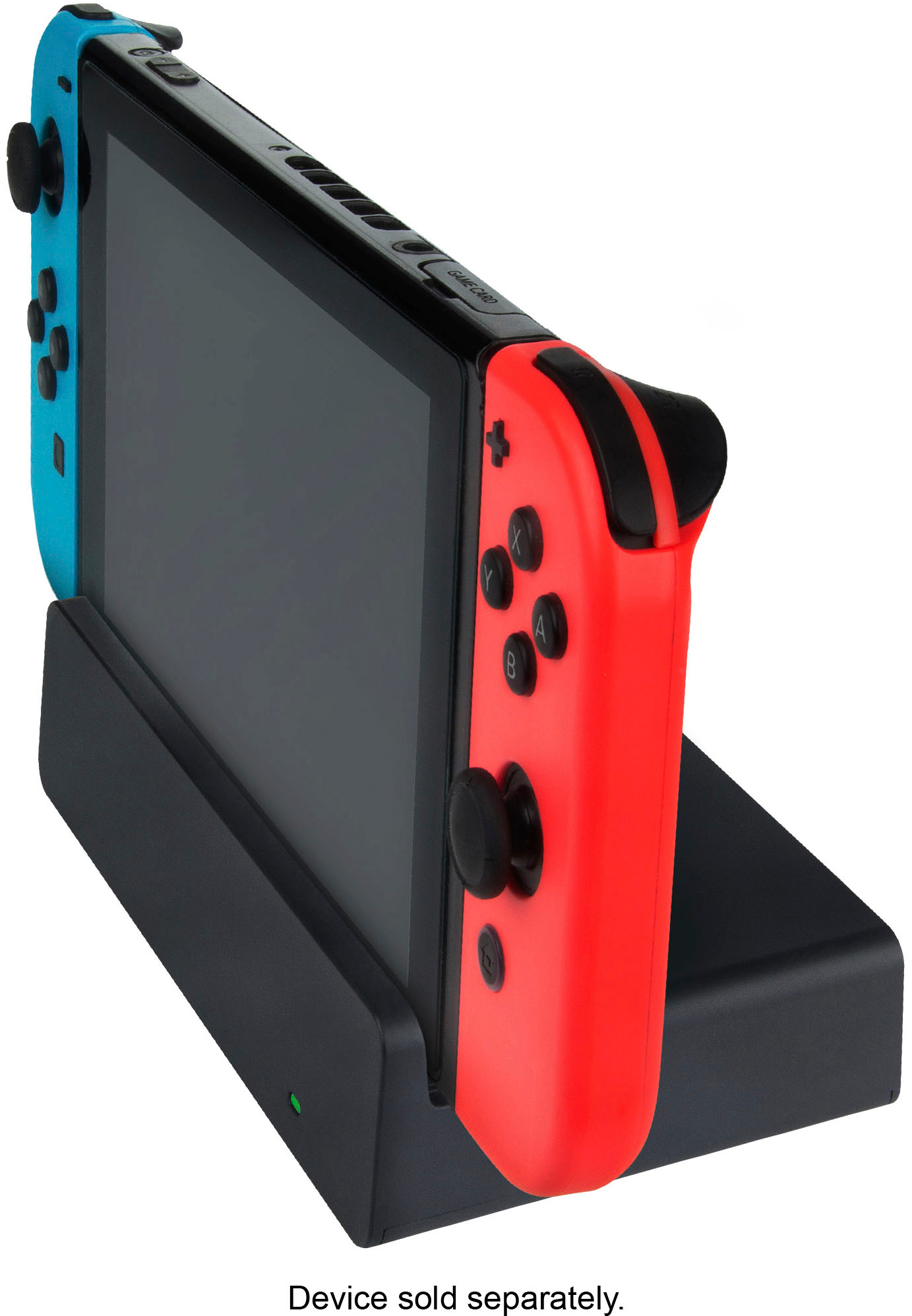
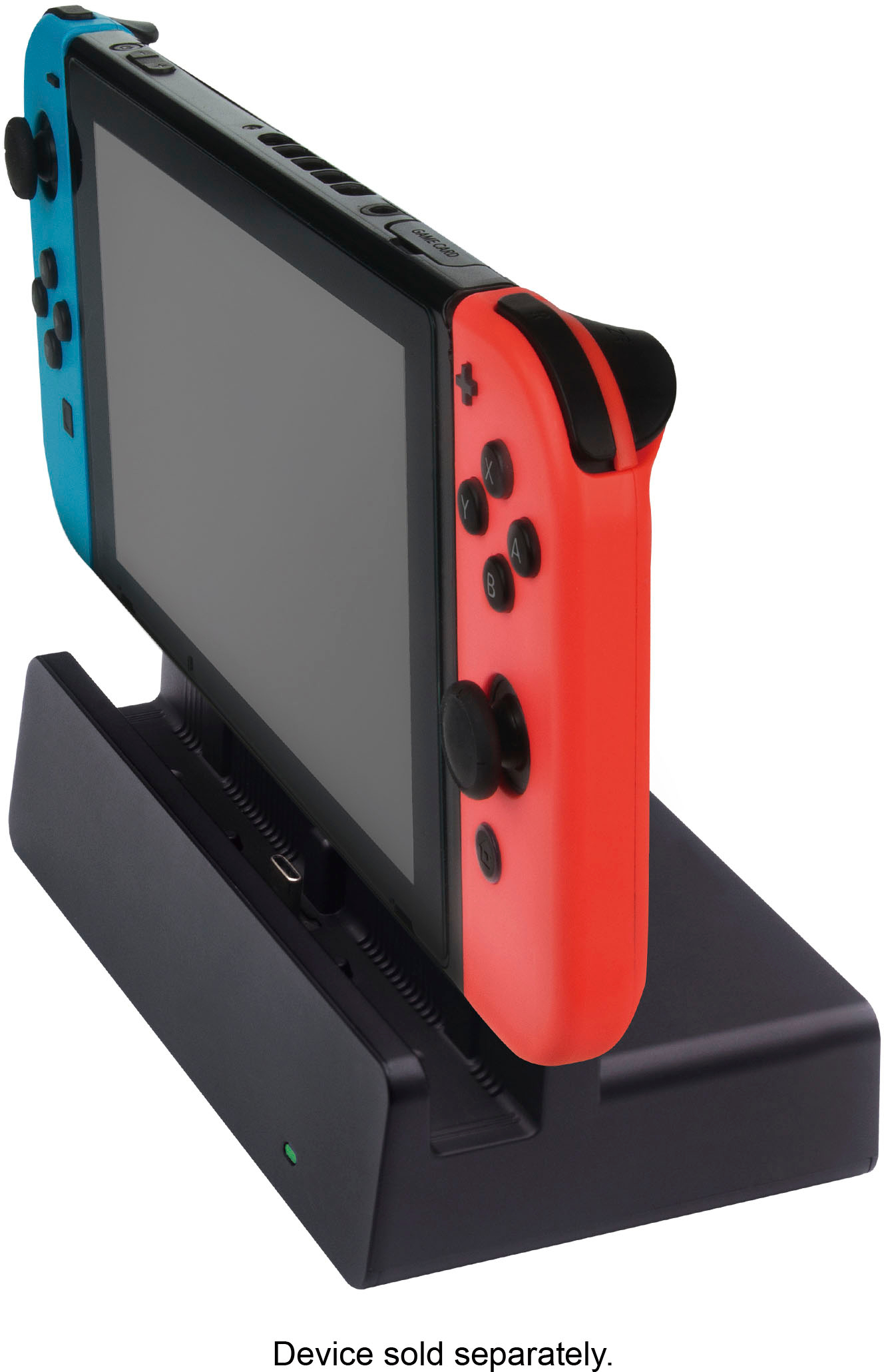
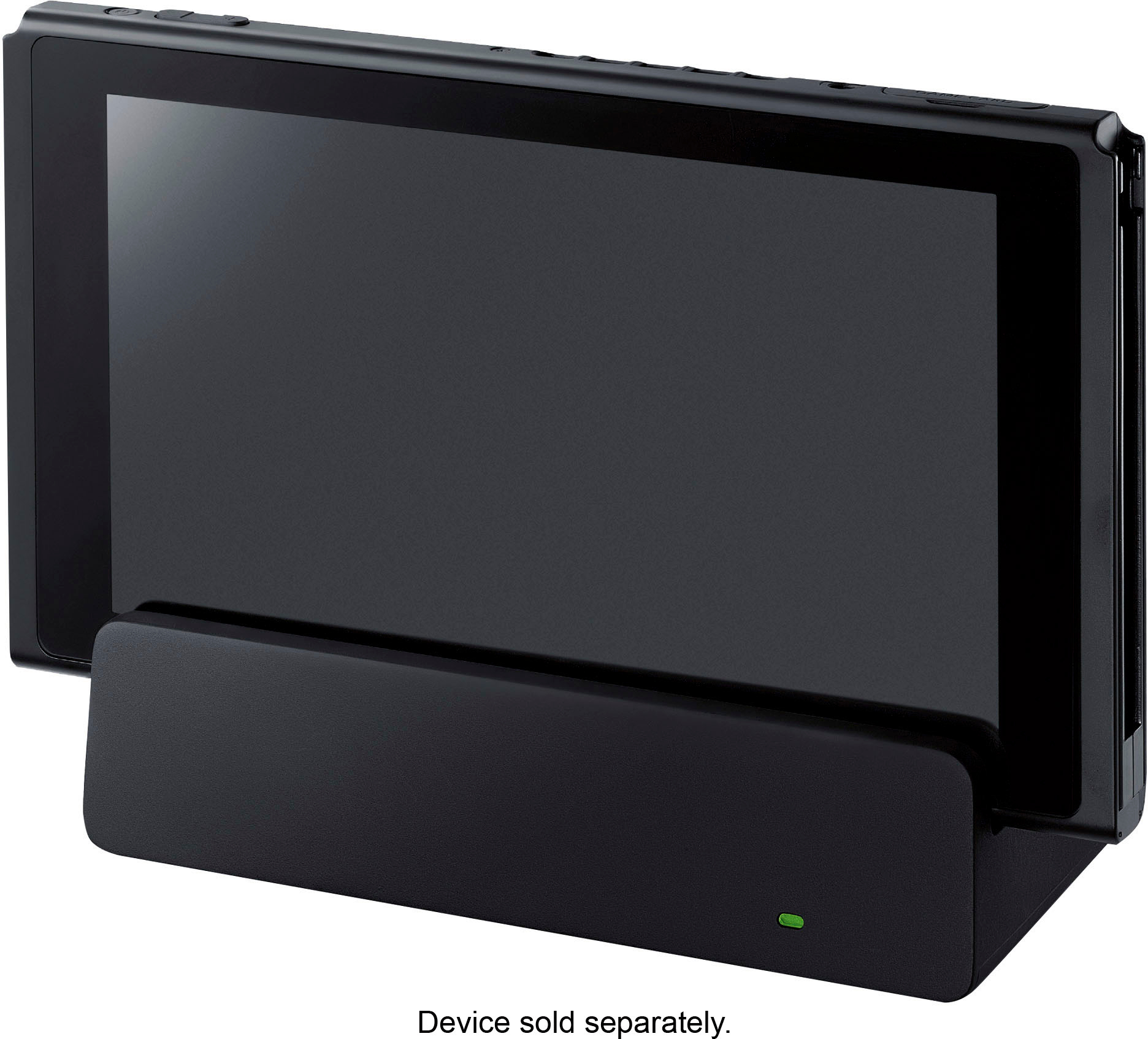
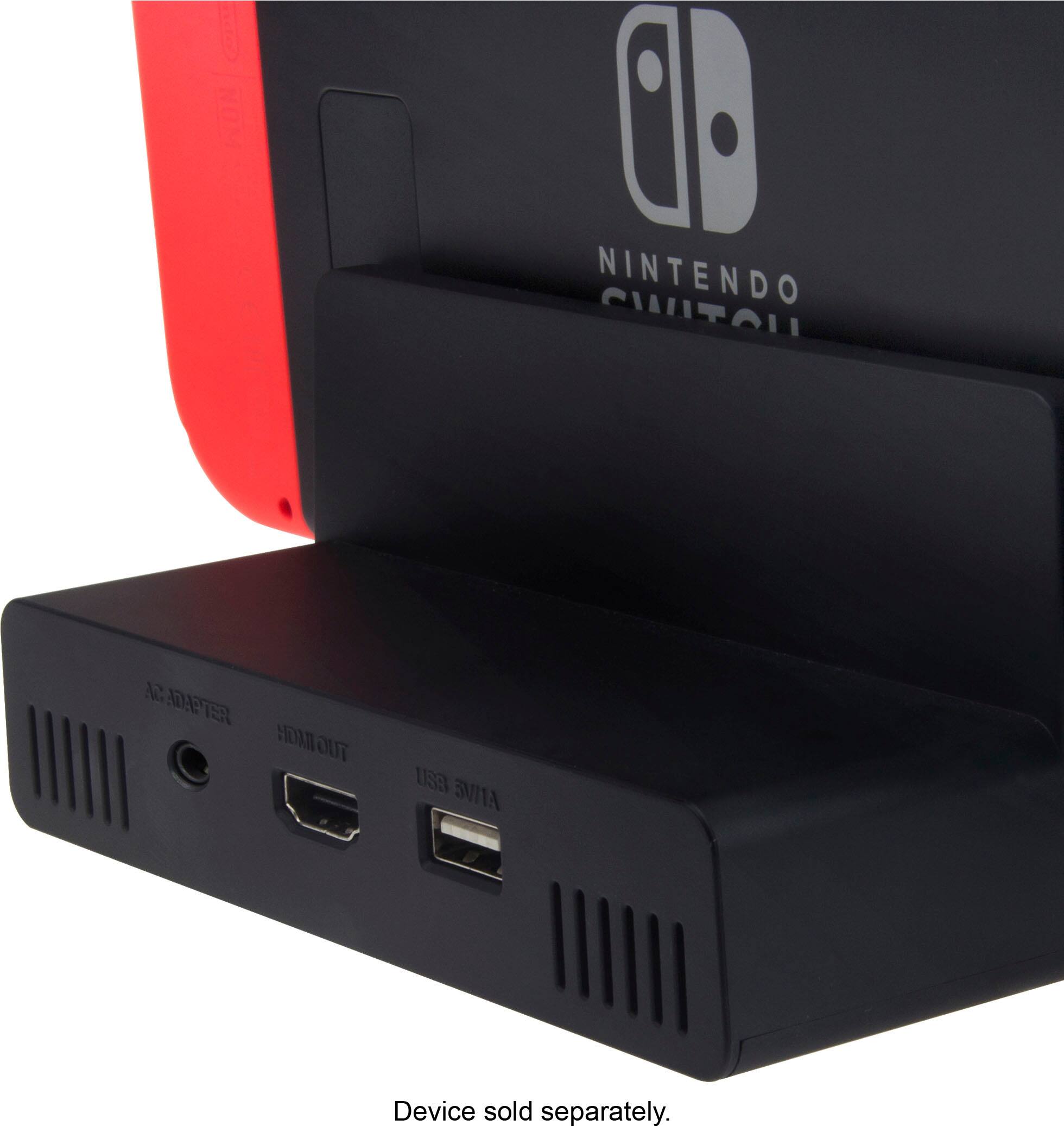
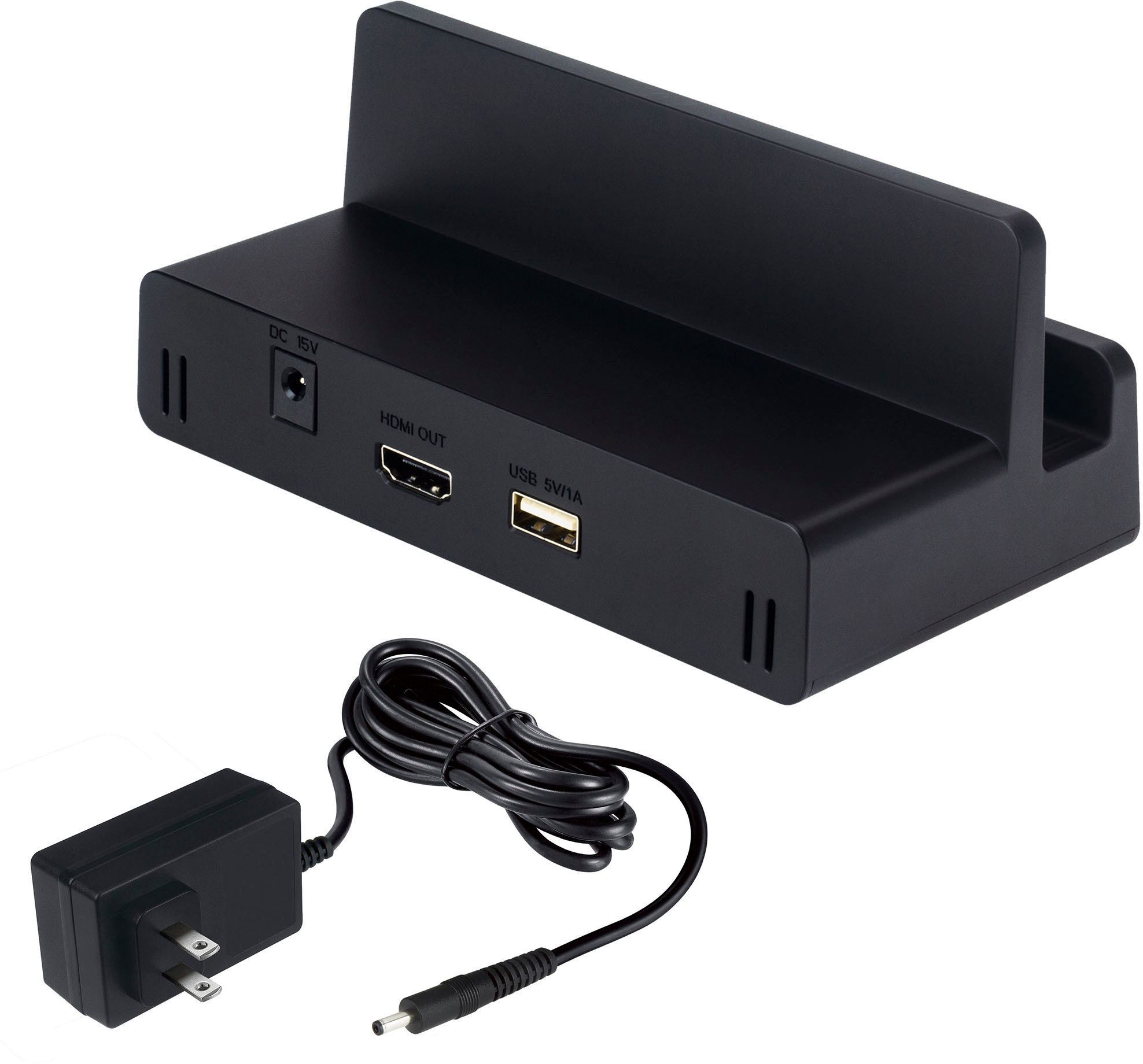
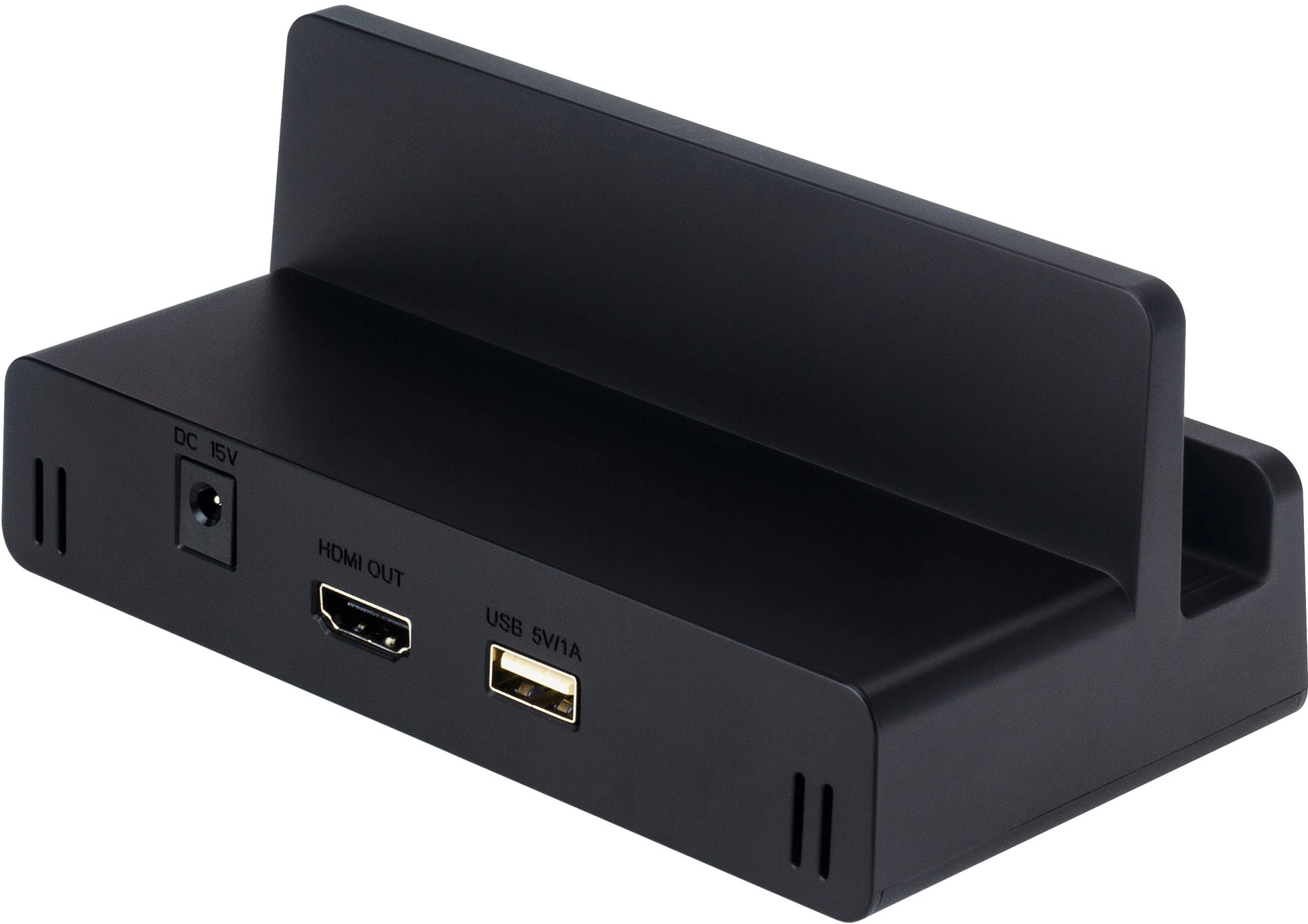
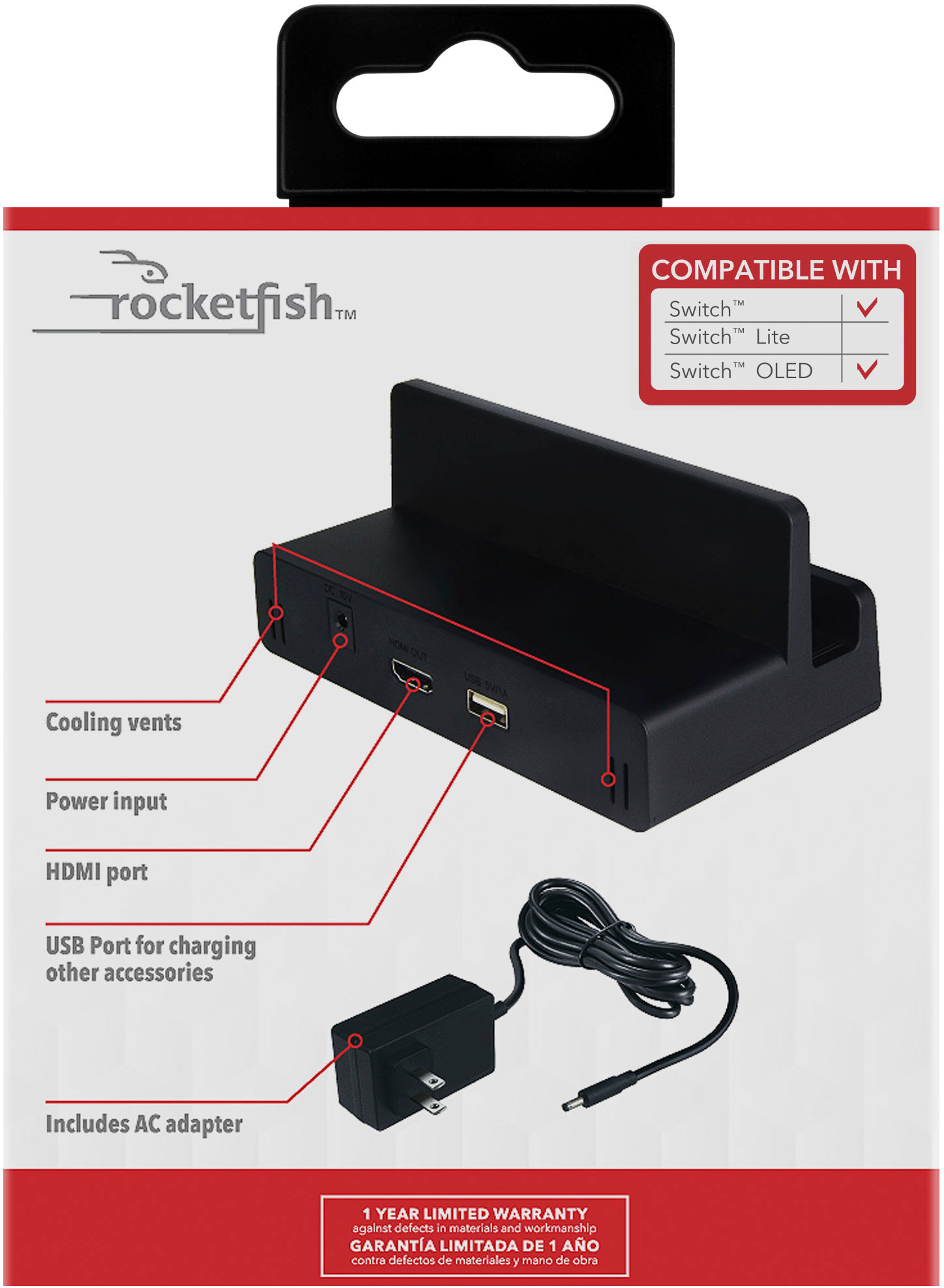
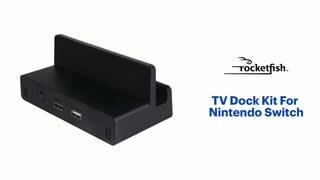
A:AnswerIt may be something with the charger port. I know it may work for charging off the dock but it doesn’t work on the dock. I had the same problem and got this as an alternative. Although it did work for me. I may suggest changing the hdmi output. If not, return it and have them try it out to see what’s going on.
A:AnswerNo switch is not native 4k so it cant support a highr resolution than the actual hardware... but it will connect to a 4k tv and play just fine.. your tv will upconvert to near 4k....
A:AnswerIt comes with a standard USA plug 120 volts. It uses a standard barrel plug, so an alternative plug can work or you can get a adapter for the outlet side.
A:AnswerNo not needed unless you are planning on putting the switch on multiple TVs then all you have to move is the switch itself and purchase another hdmi of course
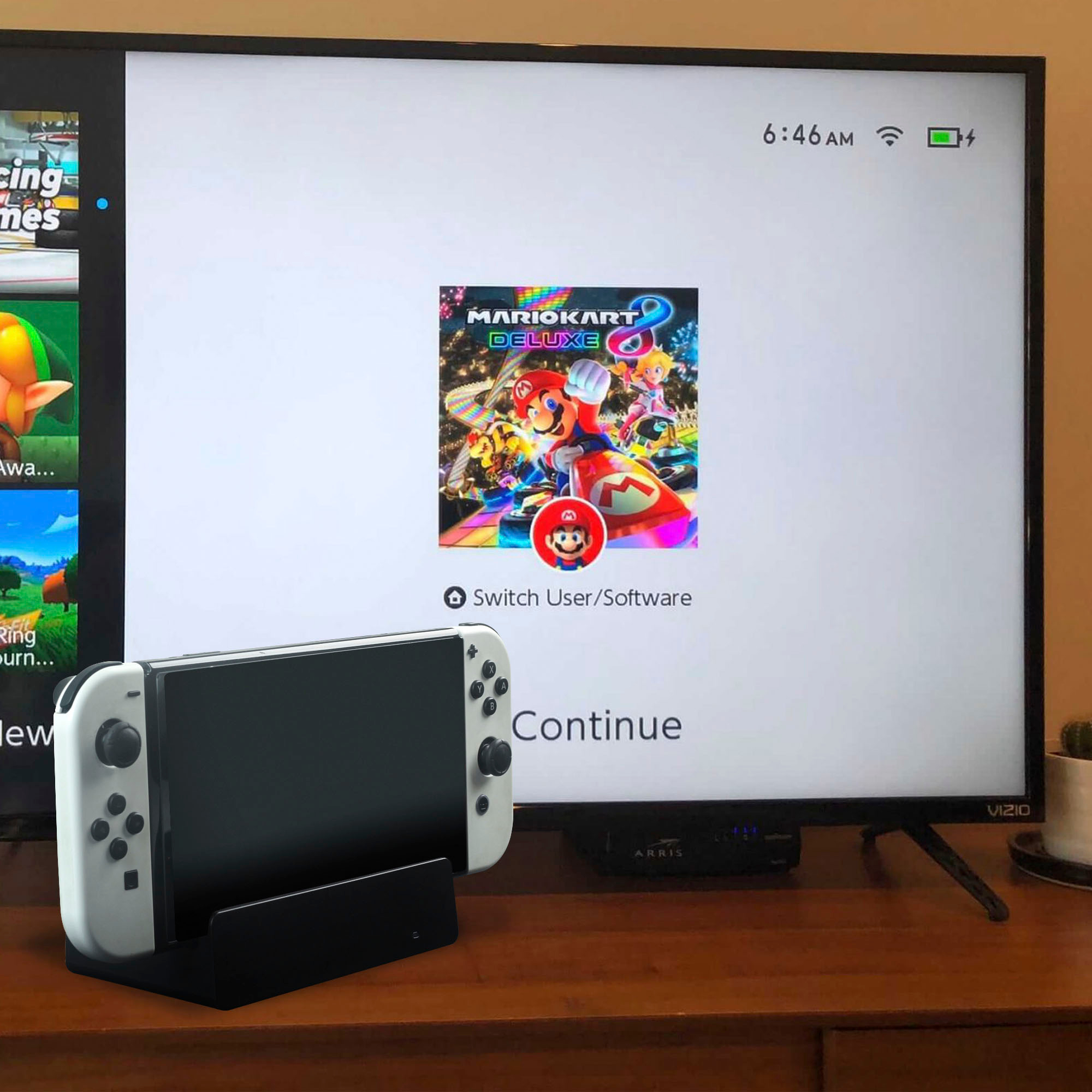
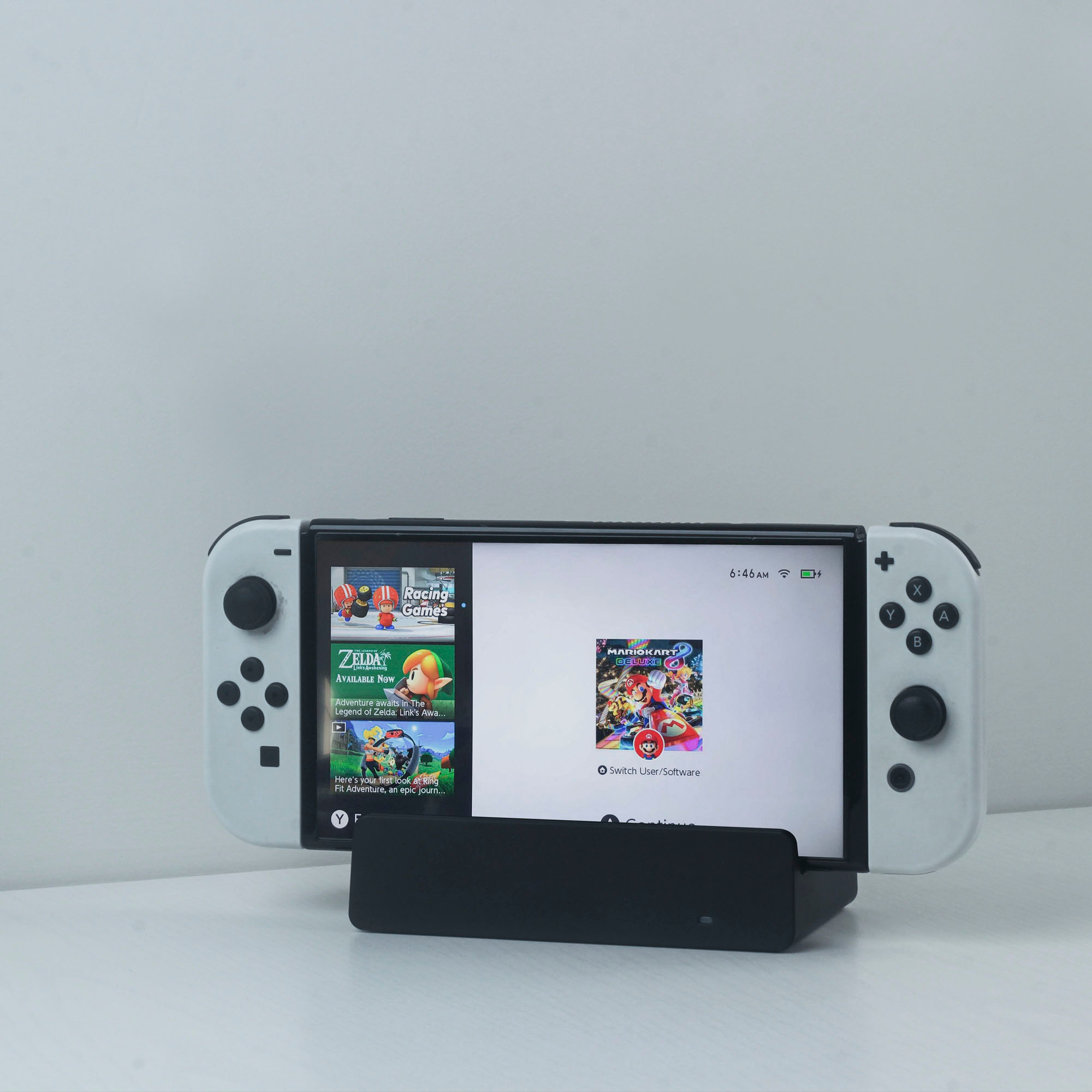
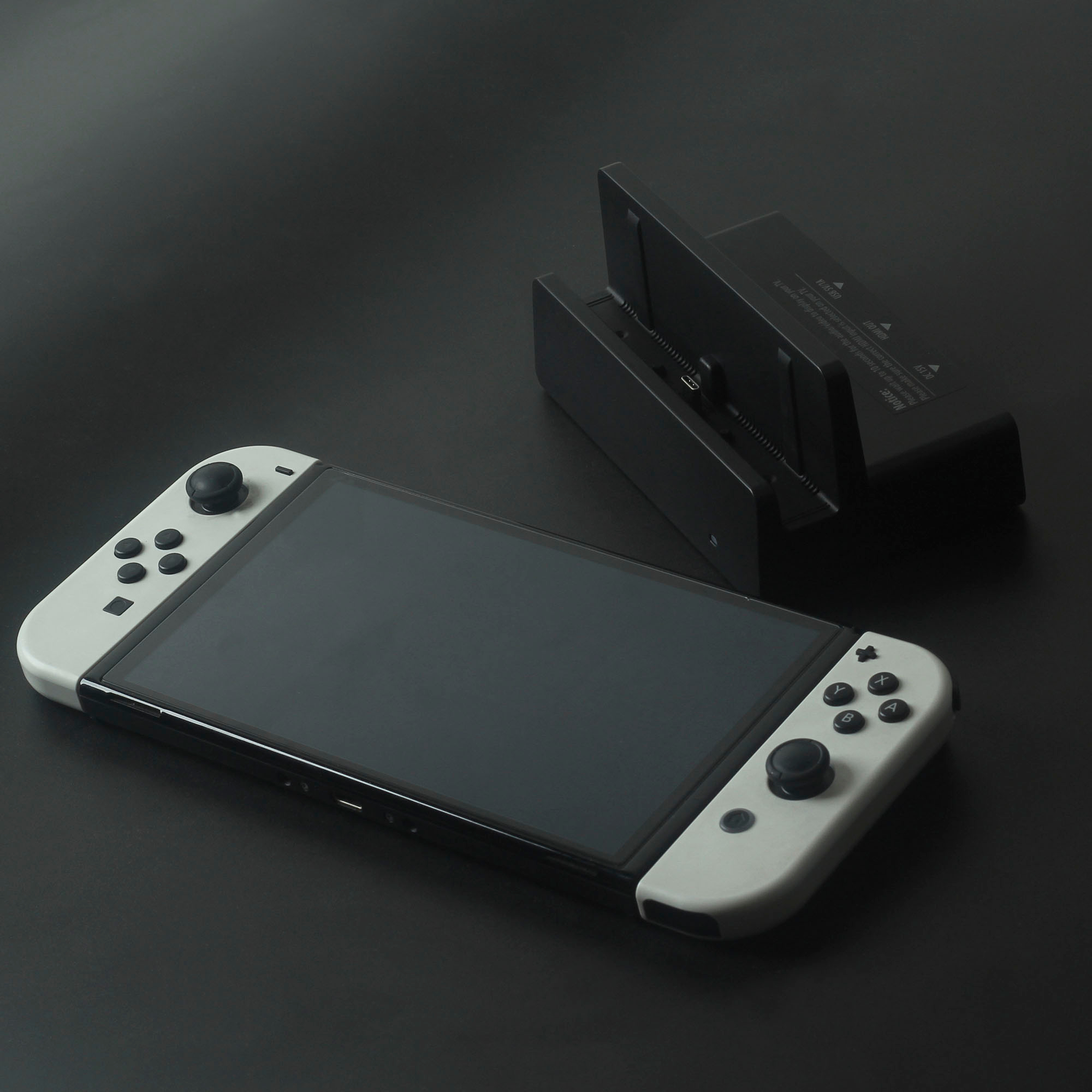
A:AnswerYou CAN use it with the OLED. I'm currently trying to find a way to get it out of 480p mode. It seems that the OLED has different chips or something that is causing it to conflict with the dock. This seems to be going with all 3rd party switch docks so far. There may be a firmware update in the future to fix but currently is stuck in 480p docked.