A:AnswerHello geo1, the 43” is 24.4”H (22.4” without stand), 37.9”W, 8.7”D(3.4” without stand) stand width 37.2”
The 40” is 22.4”H (20.4” without stand) 35.6”W, 8.1”D (2.5” without stand) stand width 29.9”
A:AnswerHello court, of course you can! Please visit Roku Support for any product or support related questions at https://support.roku.com/ or call 408-556-9391
Call or chat at this link and someone can guide you on how to set it up.
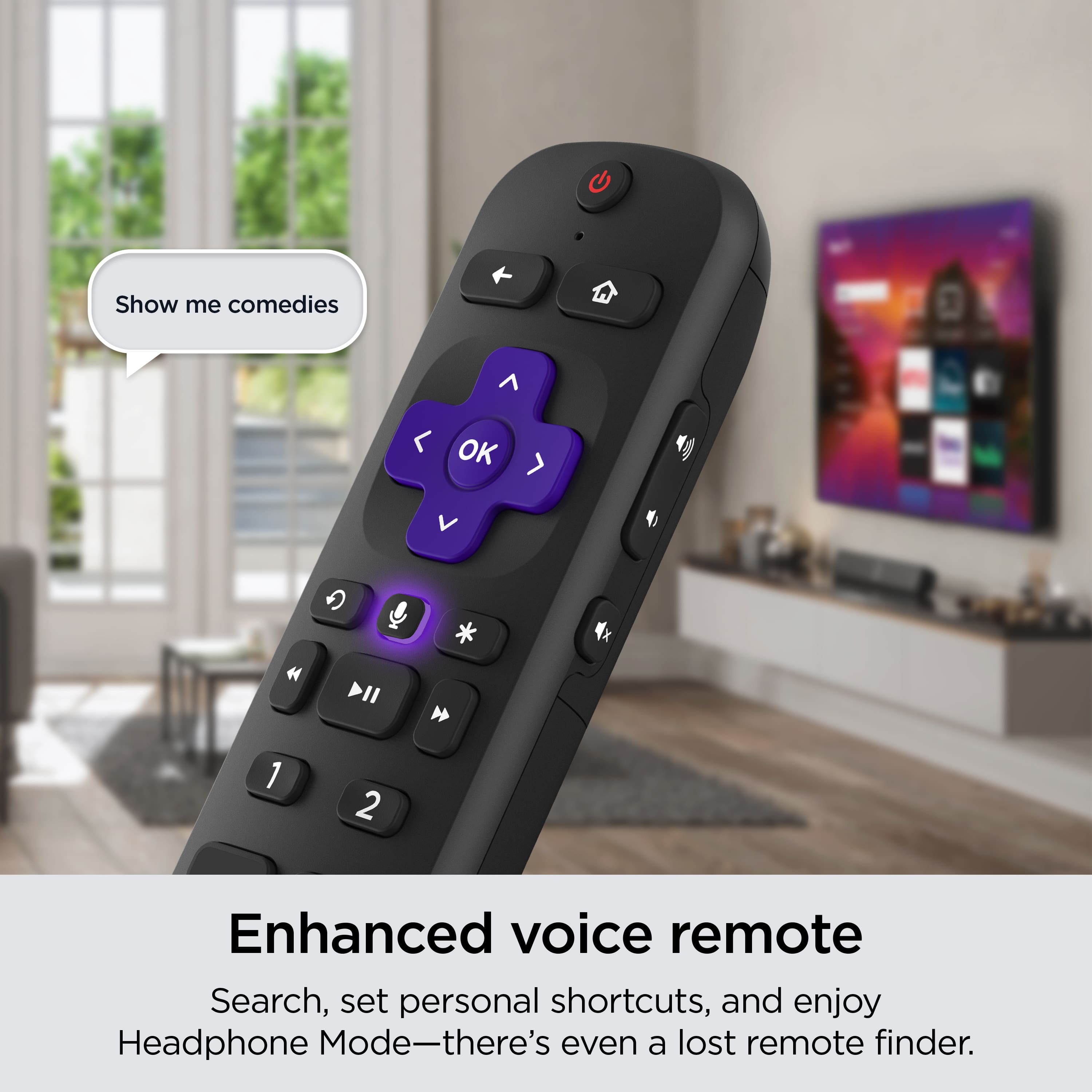
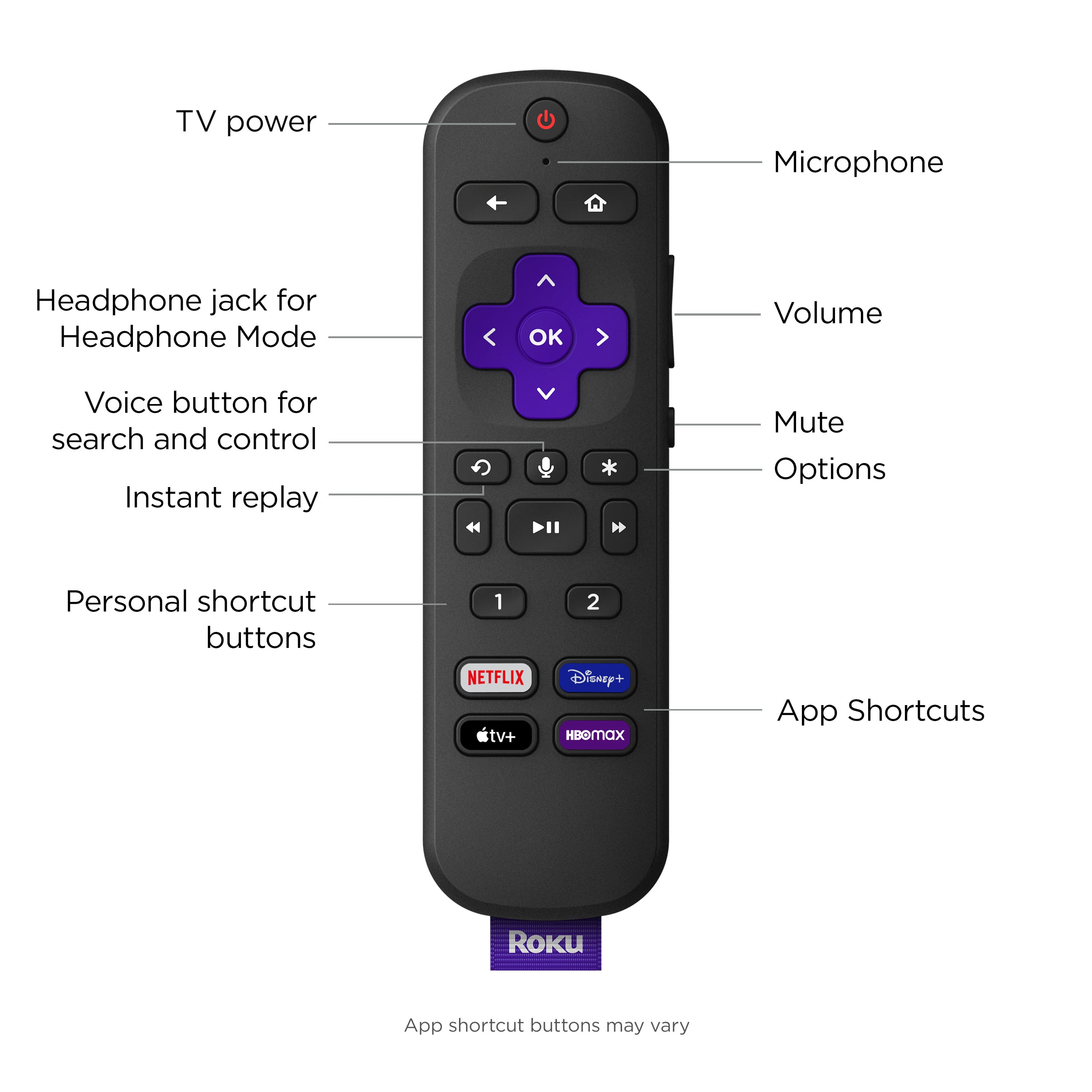
A:AnswerHello Curious, this model does not have Bluetooth so it can connect straight to the TV but what you can do is download the Roku app on your smartphone and as long as your phone and tv are both connected to the same internet you can use your phone as the remote and any headphones connected to your phone will be connected to your tv through the app.
A:AnswerA number of Apps like Tubi - which is a large free movie/TV App - come already installed on the TV. If you want subscription Apps like Netflix, you'll have to pay a fee.
A:AnswerHello Sunnye, You can use the Roku App on your phone to turn your phone into the remote and then any airpods or headphones connected to your phone can connect to the tv.