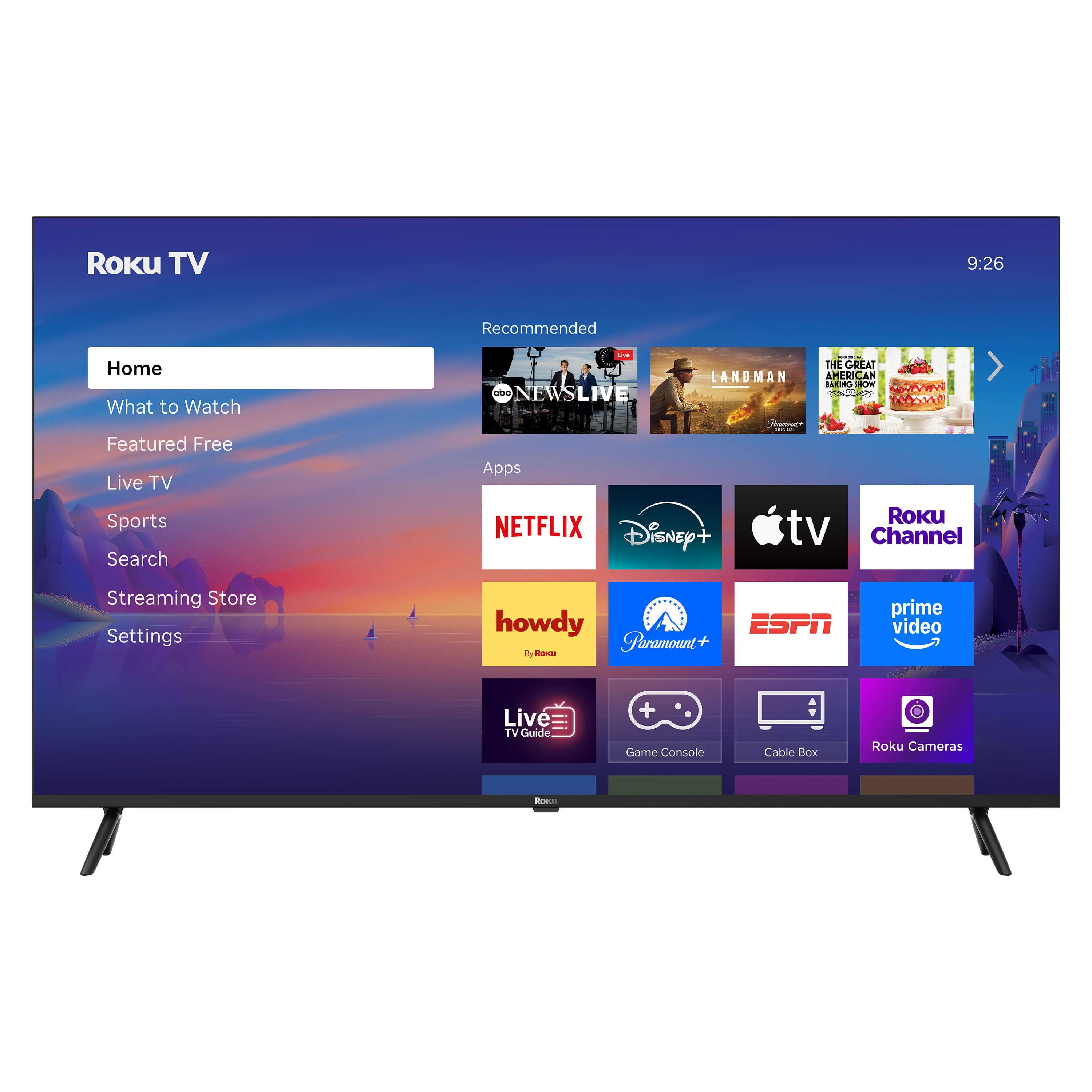
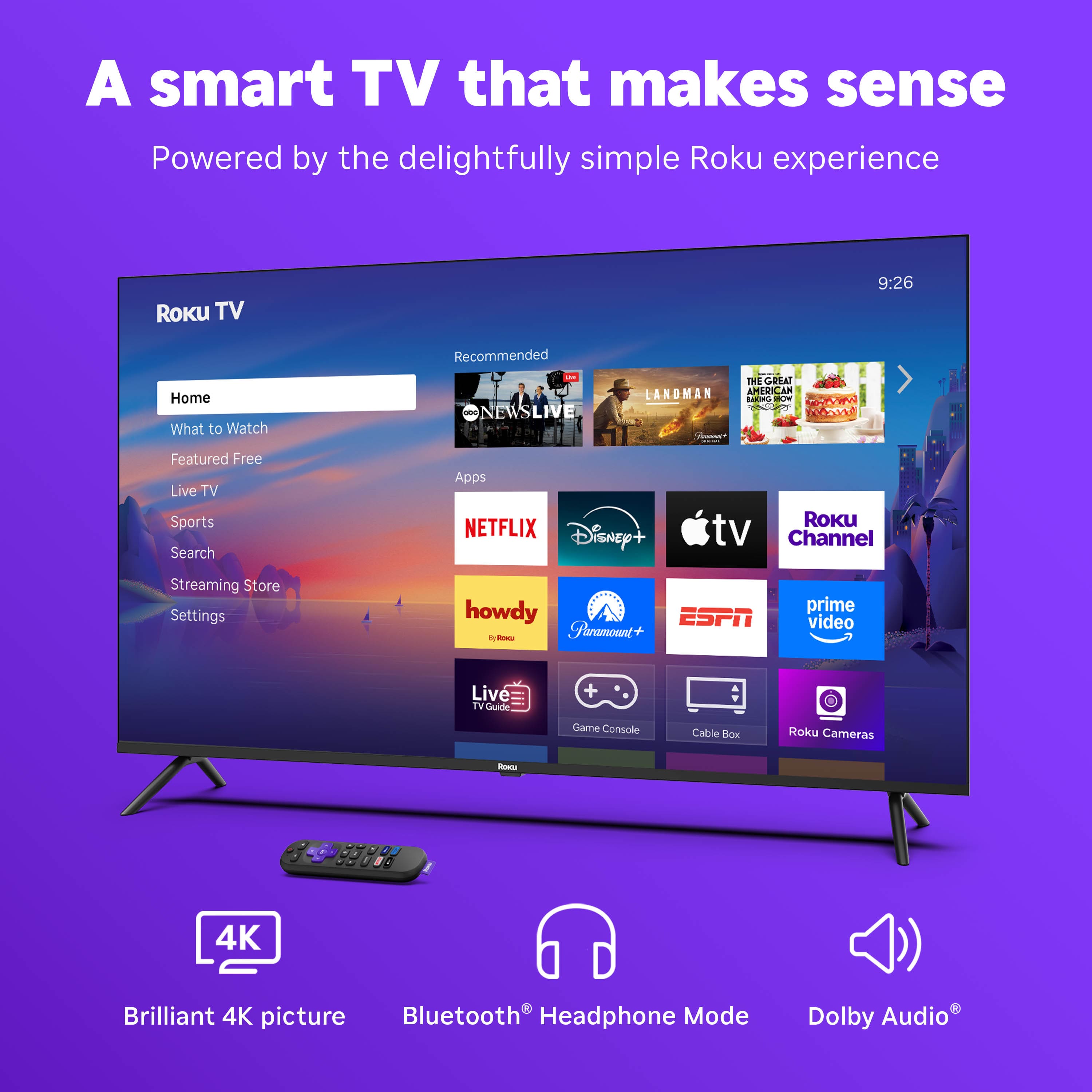
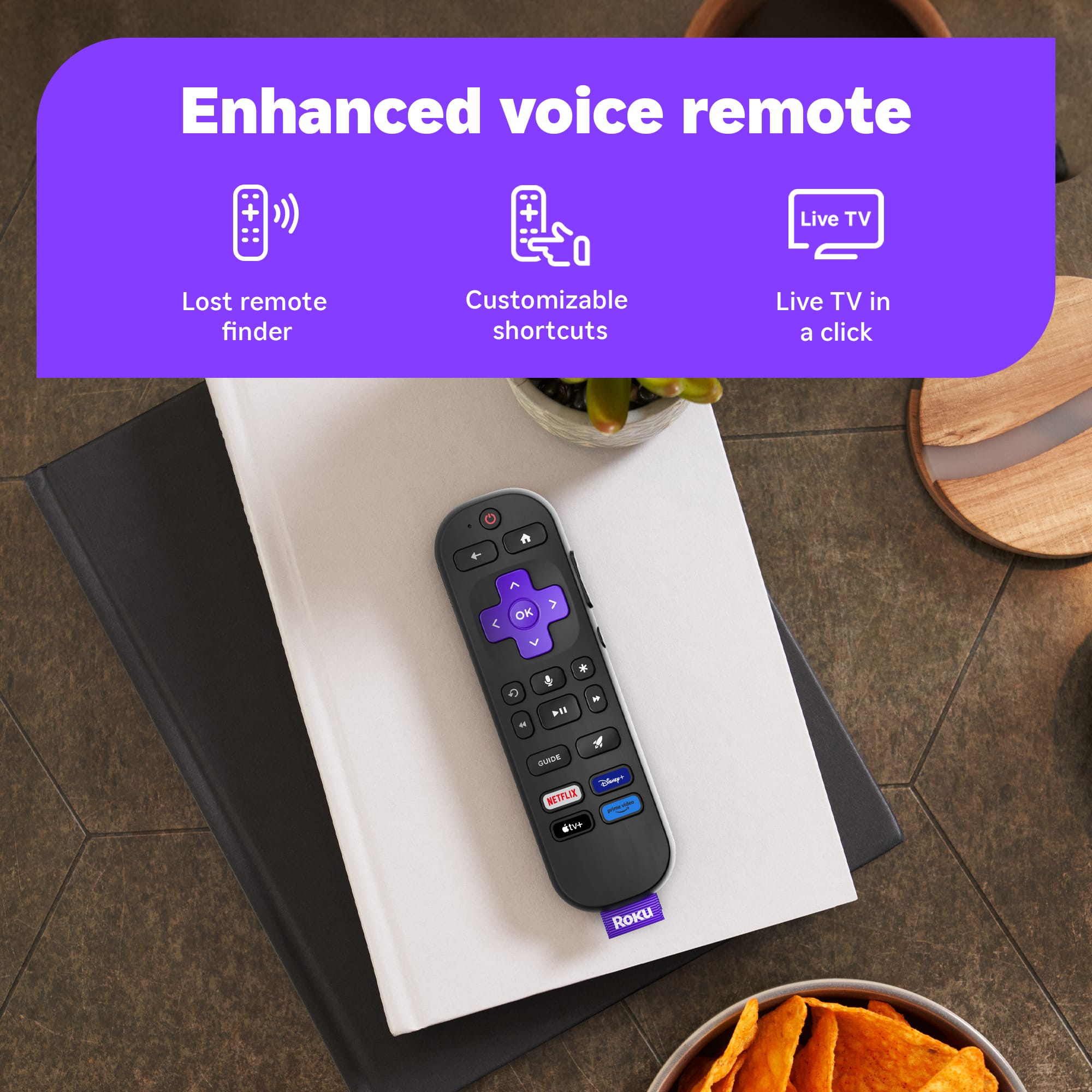
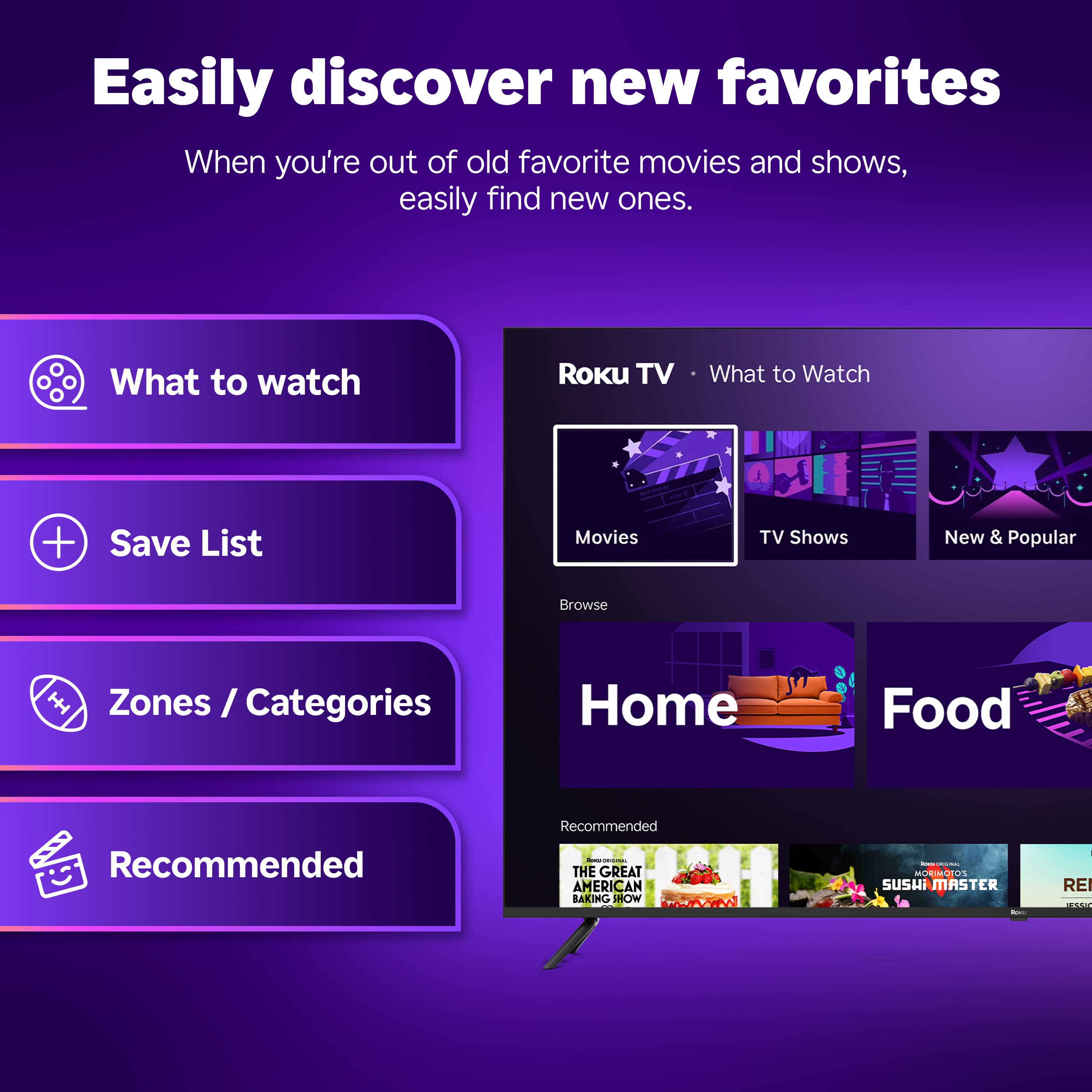
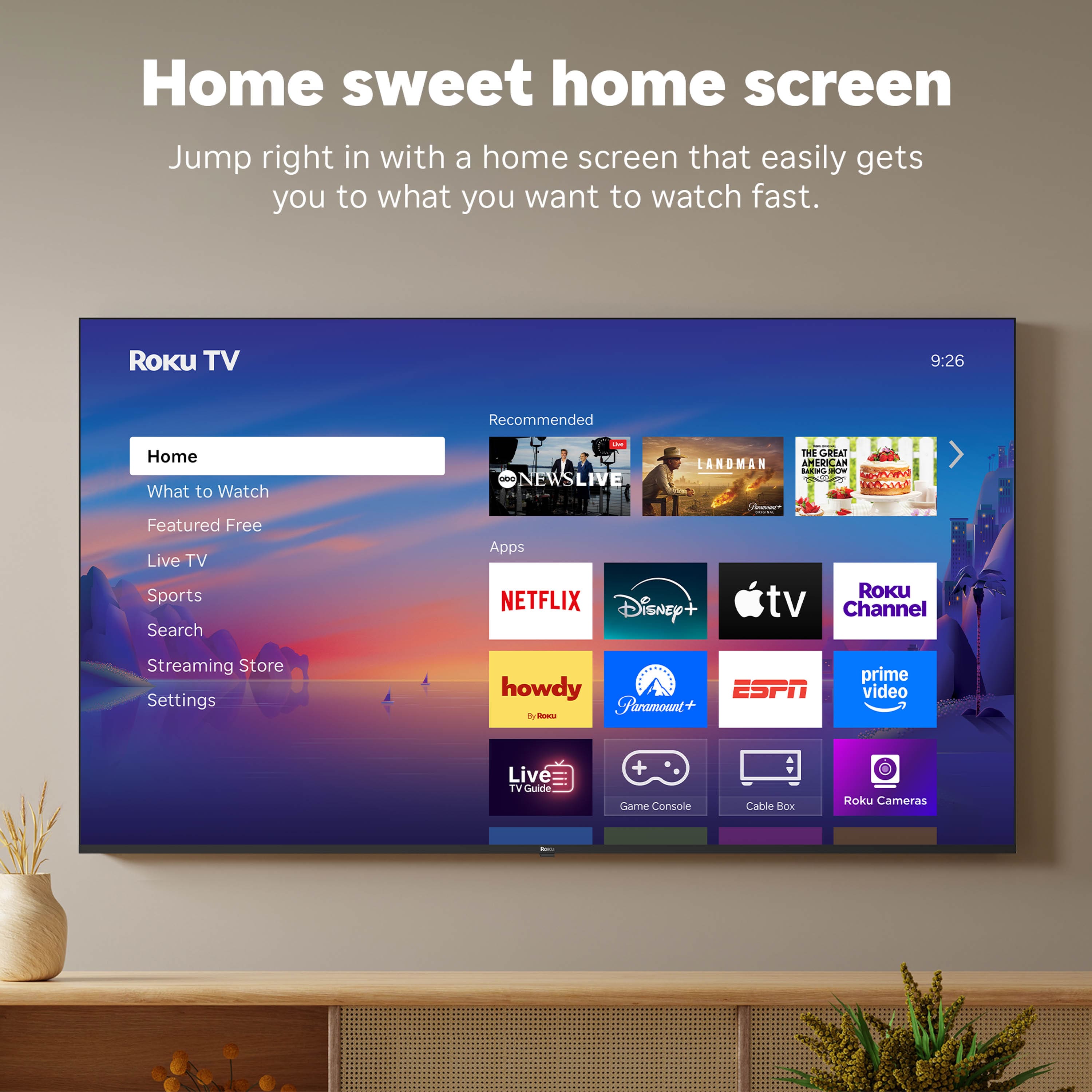
A:Answer Hello BODA, getting local channels depends on where yopu live and if your local channels have apps on roku or are offered through other apps. most major cities news channels have apps or can be viewed for free on their respective apps such as Fox, NBC, CBS, etc. some like PBS passport may require a subscription.