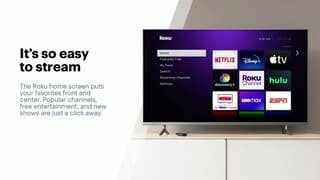
A:AnswerCindy, Roku will work with a hotspot. It isn't the idea solution but it sounds like your options are limited. If you have hotspot access on your phone, you may want to try that first before committing to another device.
A:AnswerI would be very surprised if it doesn't have an HDMI input. You might have to buy a splitter if you don't have enough HDMI ports available. If there truly are no HDMI ports, you would need to convert from most likely component to HDMI, but would lose out on some display quality.
A:AnswerI bought
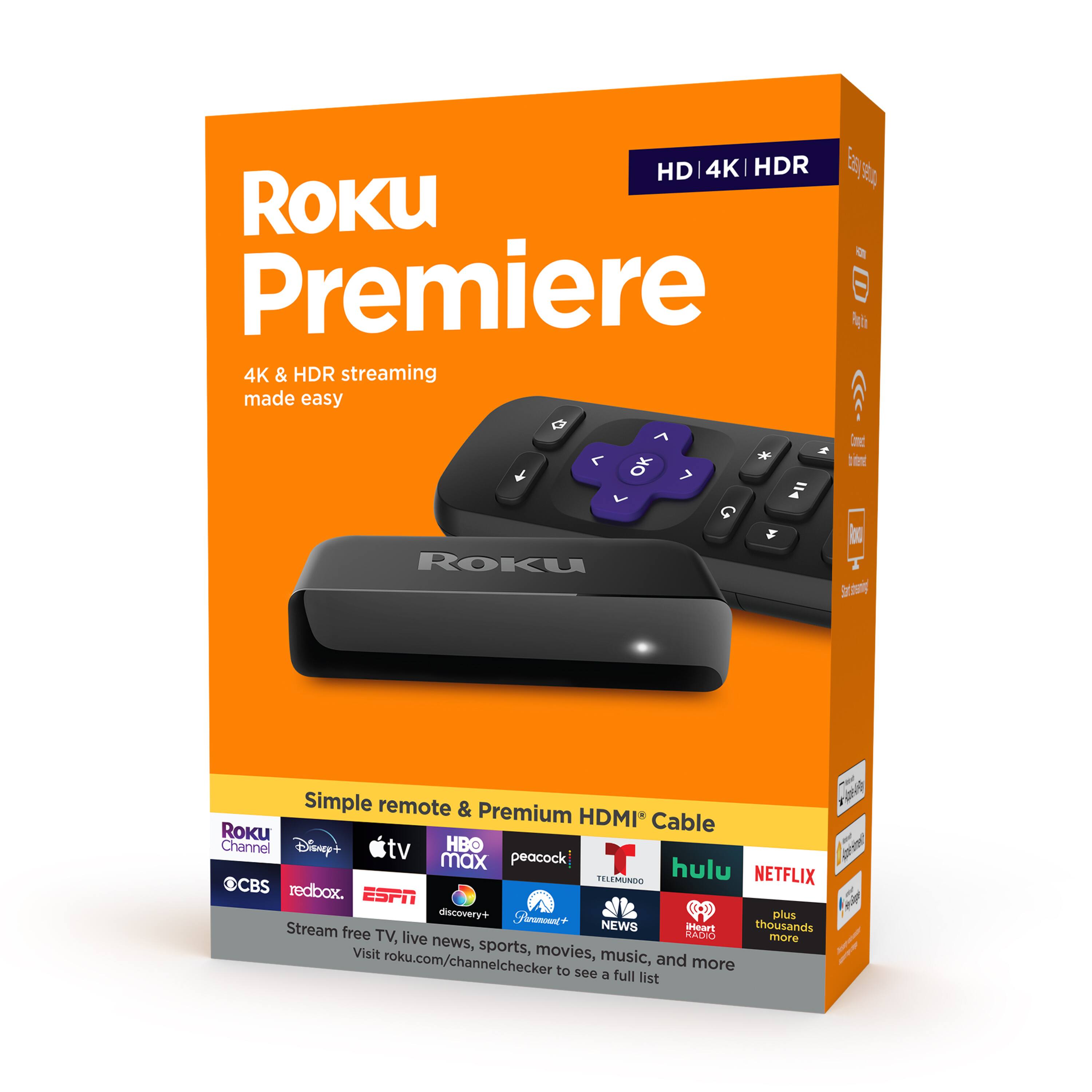
Roku - Premiere 4K Streaming Media Player - Black
I think it is the 2nd cheapest Roku offers. It's good enough for watching programs.
Youtube has video talking about the differences of Roku offers, if you need more information.
Best luck.
A:AnswerI'm pretty sure you can stream Peacock for free. HBO max you will have to pay a subscription unless you have it with your cable provider. That's how it works. Whatever you have with your cable provider can be streamed for free. Roku has some free channels too.
A:AnswerWhy don't you try going into the settings and see if the audio got turned off by chance. It would be very unusual for the stick to just loose audio and not video.
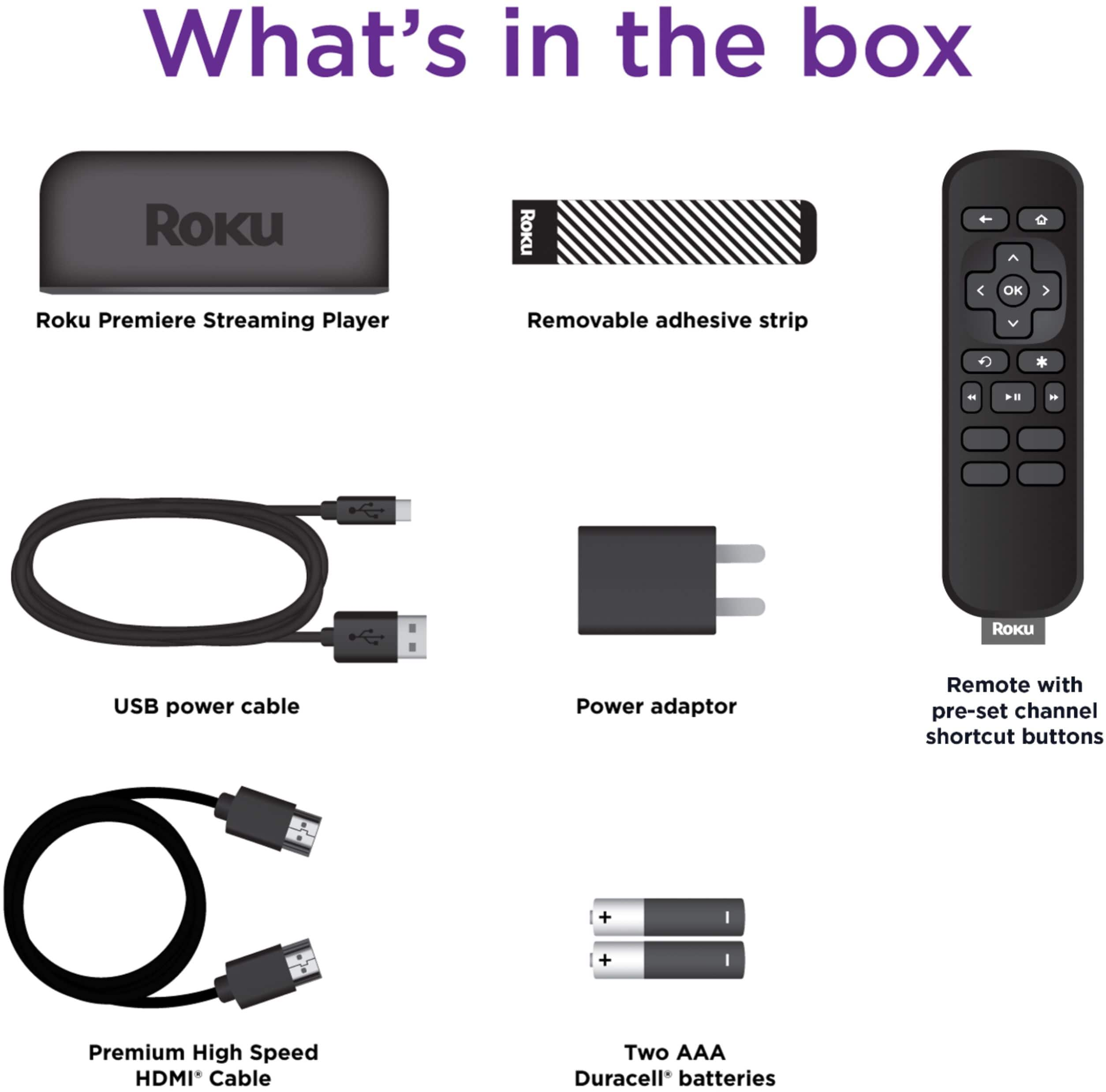
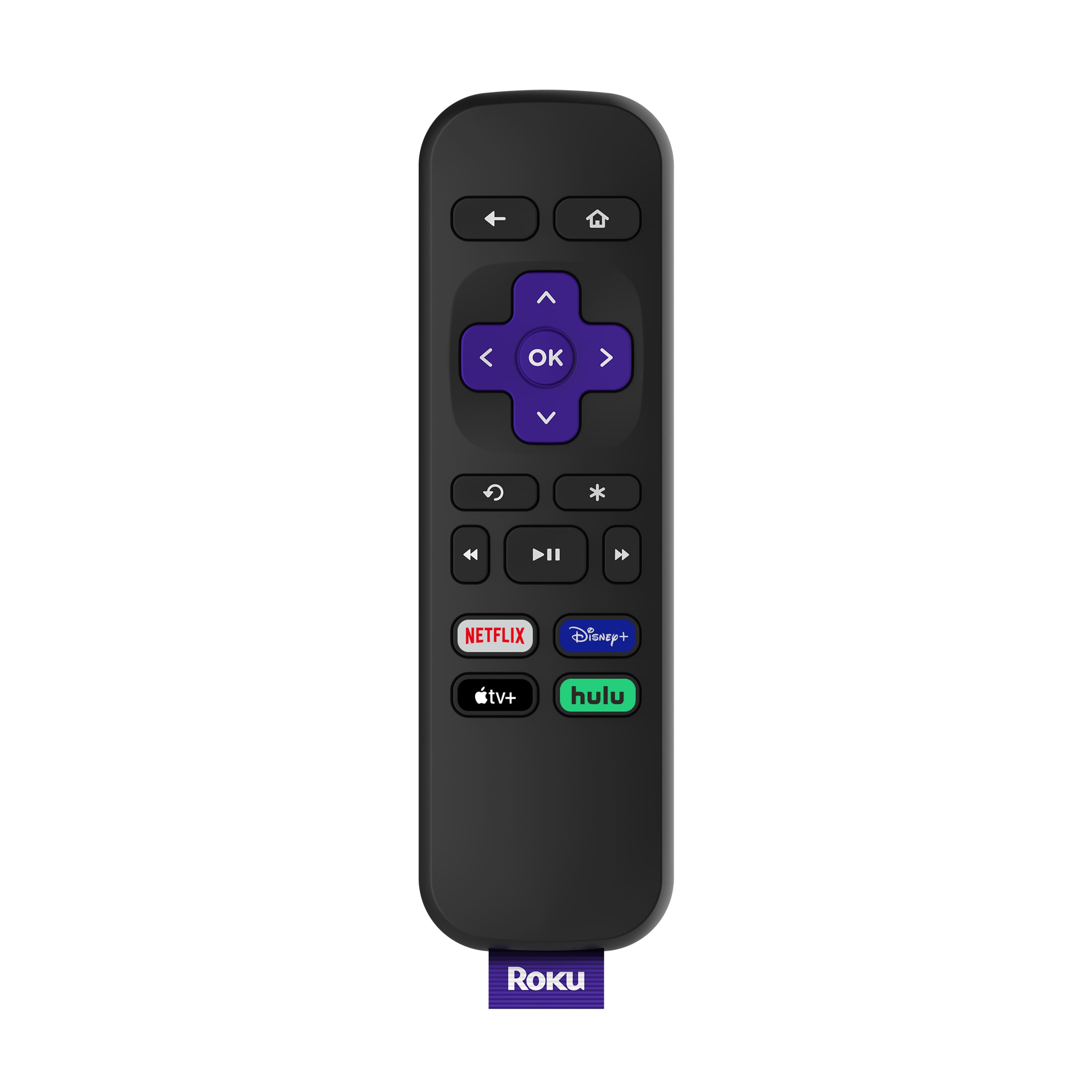
A:AnswerMajor, to use the Voice features on the Roku Premiere you will need to use the Free Roku Mobile Application. The Premiere doesn't come with a voice remote, however it can work with Amazon Alexa or Google Assistant if you have a Smart Speaker. The Roku mobile app is a free application for iOS and Android devices that can be used with any Roku streaming player or Roku TV. Not only does it let you use your voice to speak commands, but you can also share personal photos and videos on your TV, listen to movies and shows privately on your headphones, discover new content to watch, and more all from your smartphone. Learn how to install the Roku mobile app now.
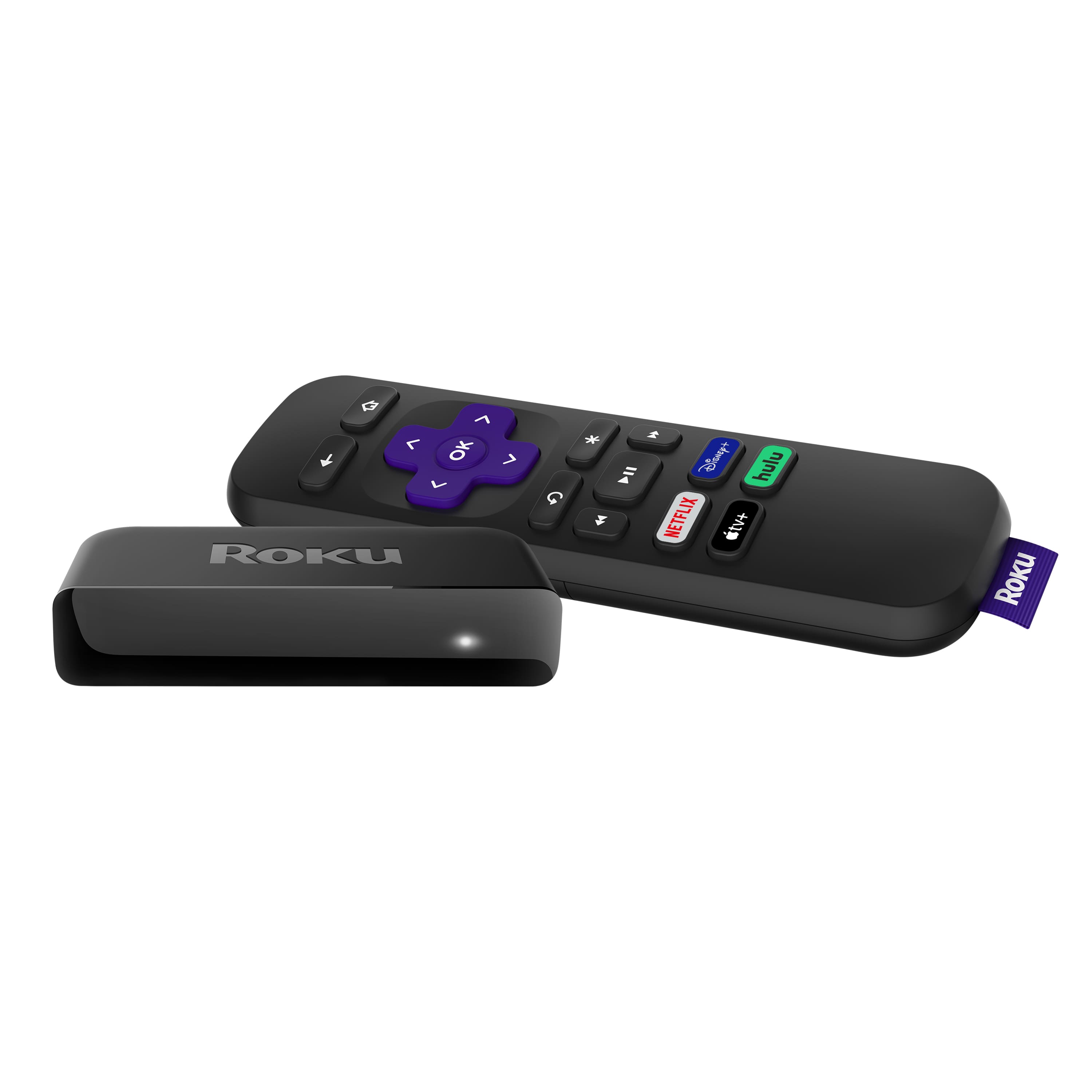
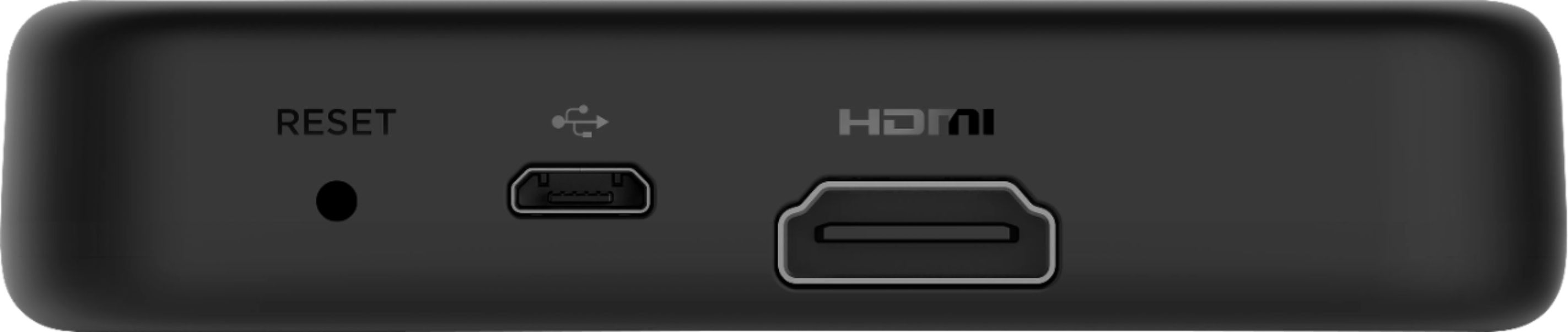
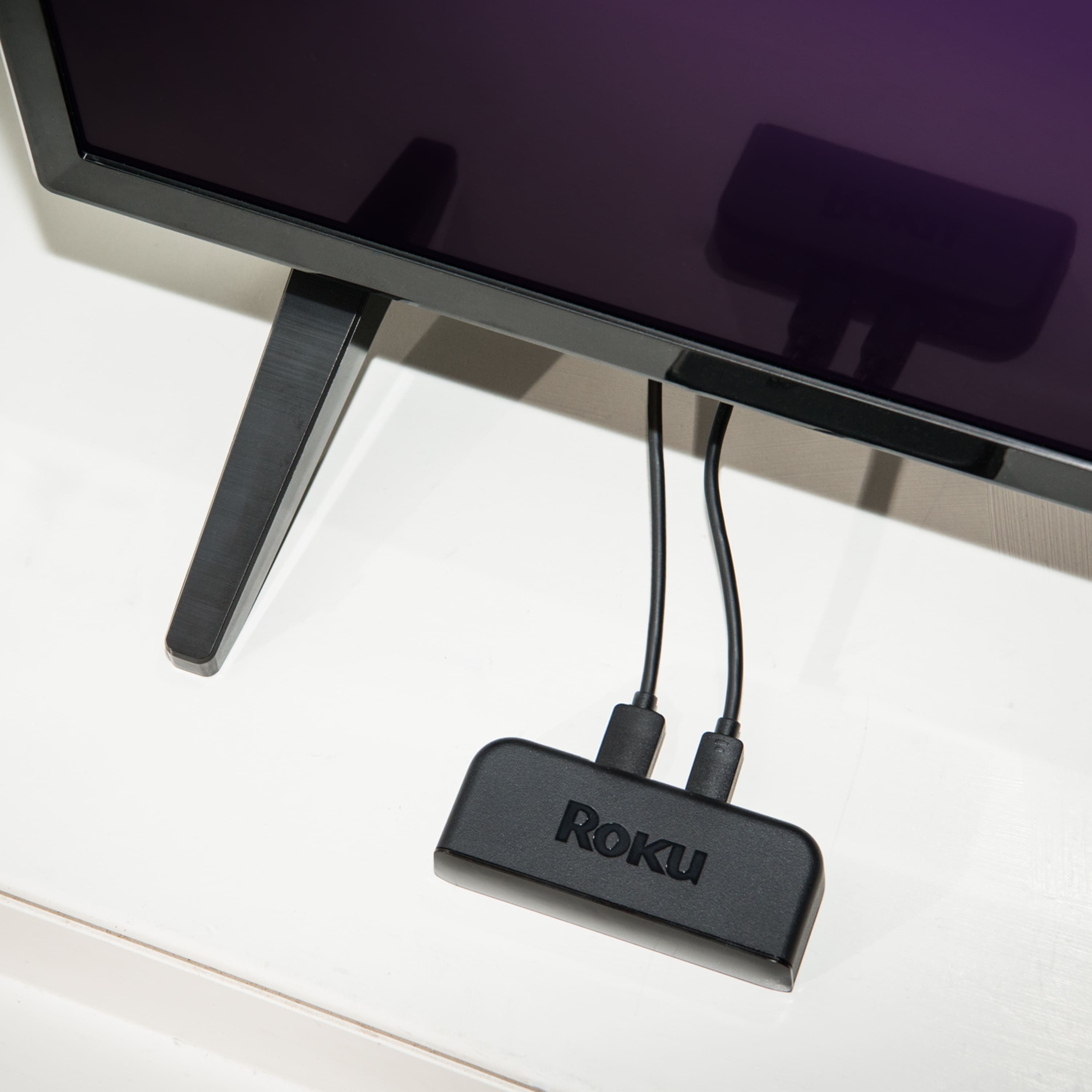
A:AnswerRoku devices are designed to connect directly to the TV. If your LG SmartTV has two HDMI inputs your DVD would be one and the Roku Premiere would be another one
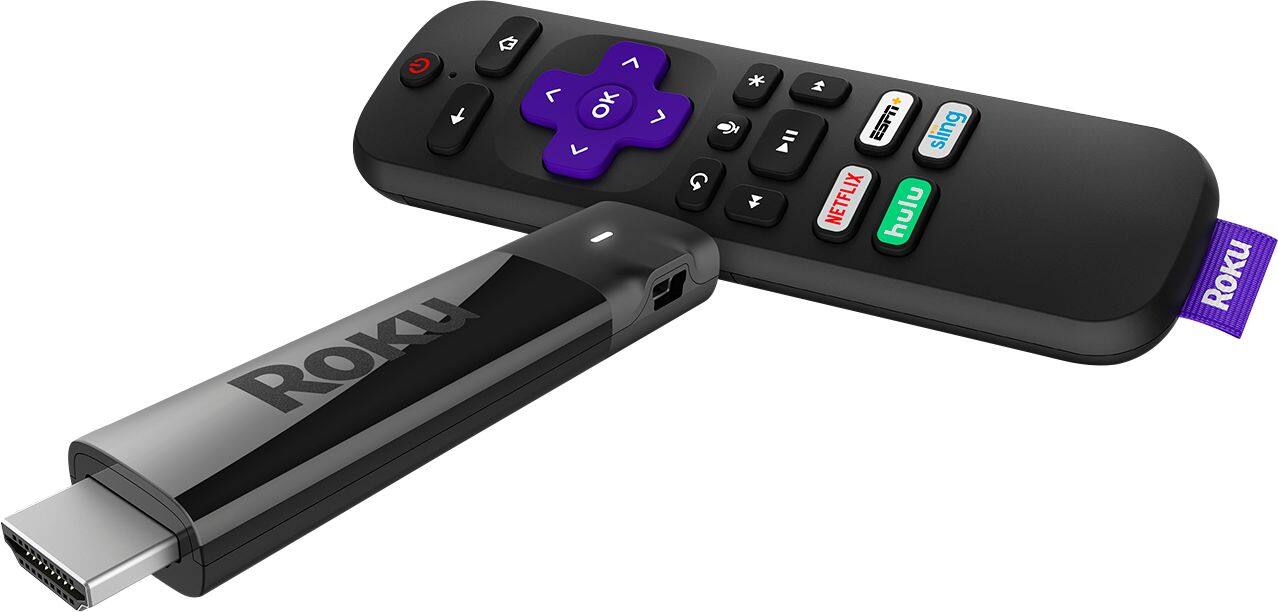
A:AnswerMare, that is correct the Roku Premiere doesn't offer TV controls. However, the Roku Streaming Stick+, Roku Streaming Stick+ HE and Roku Ultra do have the TV controls.
A:AnswerCompuman, all Roku devices and RokuTVs can play the same content and yes AppleTV is available in the Roku Channel Store https://channelstore.roku.com/details/551012/apple-tv
A:AnswerAMP, The Roku Streaming Stick+ is a different design and has a better WIFI connection so the device shouldn't have to work as hard. Although the Premiere shouldn't overheat either, you need to make sure the device itself has enough air flow and is clean, that should prevent any problems.