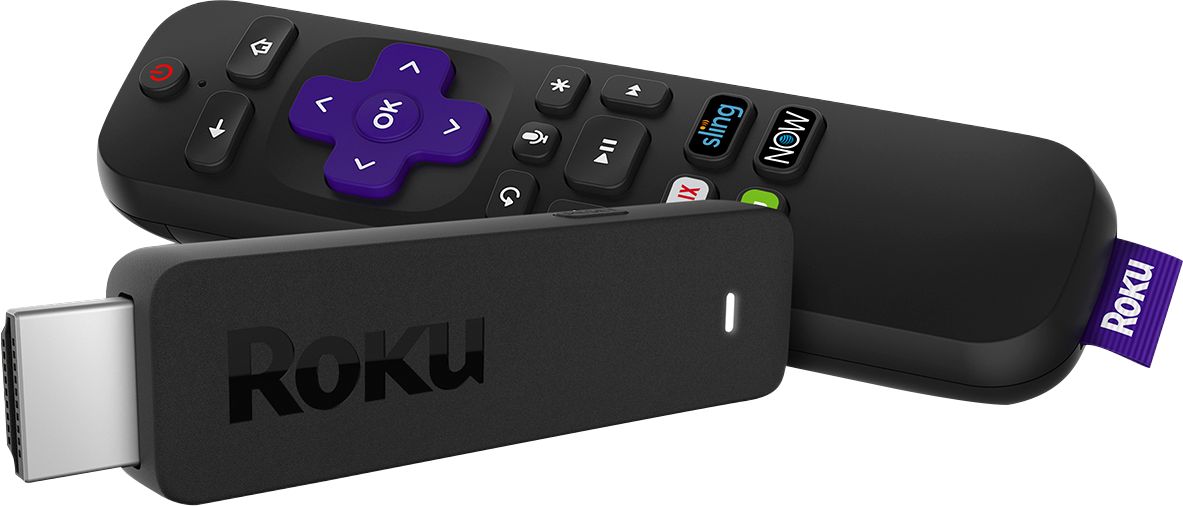
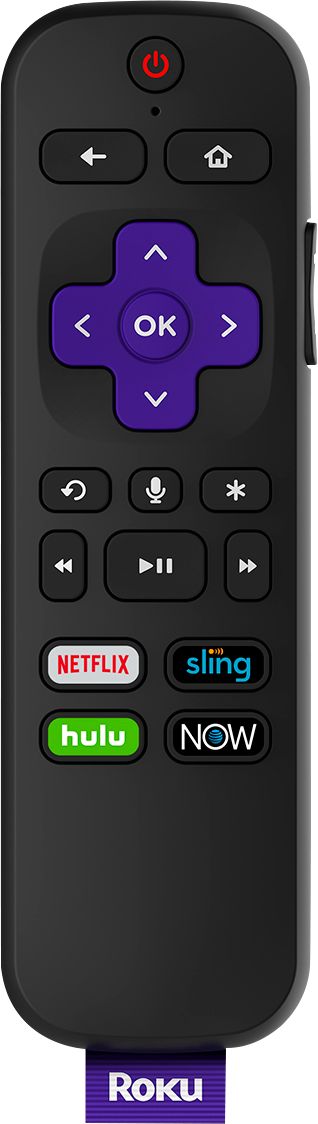
A:AnswerRoku is very good about having the latest app updates. All of the Roku sticks will work with your TVs. Just choose the one for your specific needs (HD vs 4k, etc)
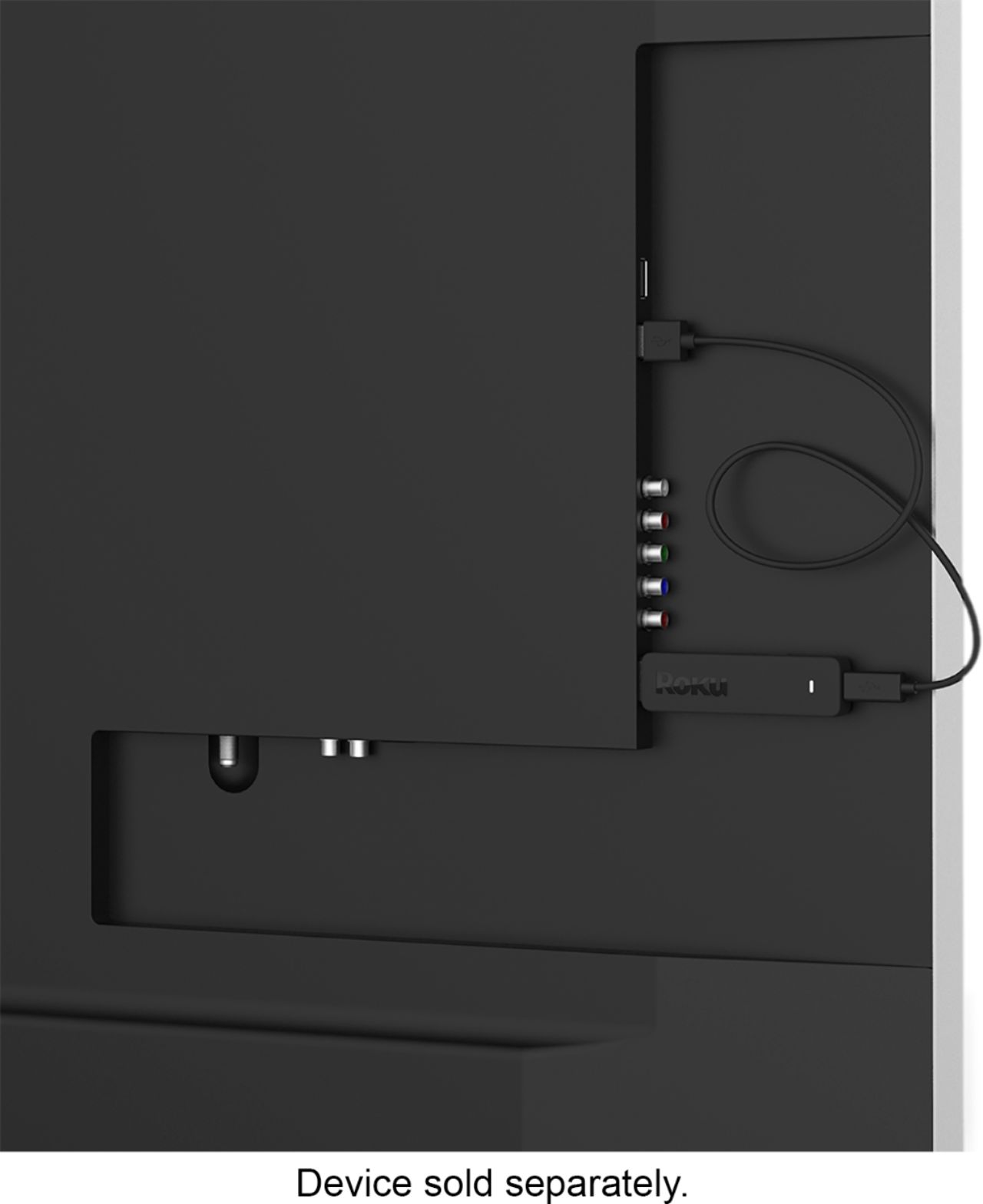
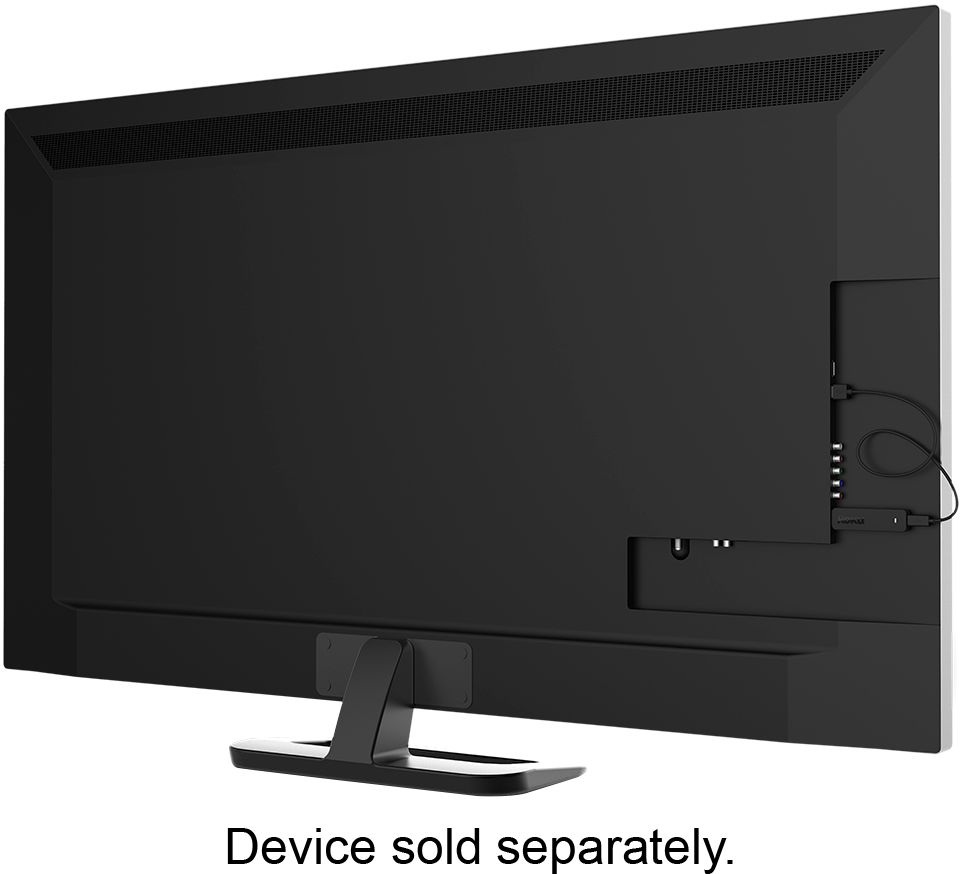
A:AnswerYes, as long as the WiFi signal can be detected in that area of your house, it doesn’t have to face out in front if the TV. Mine is the same way and I just point my remote to my TV and the signal gets to the stick in back of the TV.
A:AnswerHi!
For this Roku Stick, yes, you need WiFi. If you don't have WiFi, you would have to get a larger Roku box that has an Ethernet port in the back.
A:Answercall direct tv and ask if they provide a streaming link.... streaming devices (Roku/FireTV etc) require an internet connection only.... they don't need directTV, which provides their own access to specific channels/content. You set up the sticks by selecting content providers.... lots of them are free and some charge $$. ie.: NETFLIX ~ $10/MO; AMAZON PRIME ~ $10/MO ; TUBI TV IS FREE AS ARE SOOOOO MANY OTHERS; ACORN (BBC MOVIES AND TV) ~ $5/mo.... The free sites include commercials; the ones you pay for do not have any commercials YET. BIG warning: with an internet account comes an amount of gb... 500/1000/3000.... when you stream it uses it .... in ANY CASE YOUR DEVICE WILL CONTINUE TO STREAM EVEN WHEN YOU TURN YOUR TV OFF... YOU NEED TO STOP WATCHING BY GOING TO "HOME". IF YOU PLUG YOUR TV INTO A POWER OUTLET TURN THE POWER OUTLET OFF EVERYTIME YOU TURN YOUR TV OFF. Most tv/monitors, when off, actually have a bit of power running to it to keep it in standby mode. That power can keep your streaming device running in the background....
How old is your tv? you have to be able to connect internet access to it, which requires coax cable connector. If you decide to use a streaming device you should do some research on youtube or just do a search for "what can i watch using a Roku or FireTVstick". We cancelled all of our cable/direct tv and just use an internet provider and streaming everything else. We are saving about $80/mo.... also you might want to get an antenna (indoor or outdoor) and scan for local tv broadcasting: which is free. Do some research about which channels are available in your geographic area before buying an antenna.
A:AnswerSeems like you want local channels from the Roku Stick to supplement your Dish service. What you need is an antenna to get reception of local channels. If that is not possible, you can connect the Roku directly to your tv to get local channels with a paid service like Youtube TV, DirectTV Now, Hulu, Playstation VUE, etc. You will also need an internet connection with WiFi.
A:AnswerYes, Hulu is available on the Roku Channel Store. As long as you have an HDMI port on your Sony tv you will be all set https://channelstore.roku.com/details/2285/hulu
A:AnswerUnfortunately that is one of the few draw backs I have come across using the Roku. With the money I am saving from renting Comcast boxes I do not mind the small inconvenience.