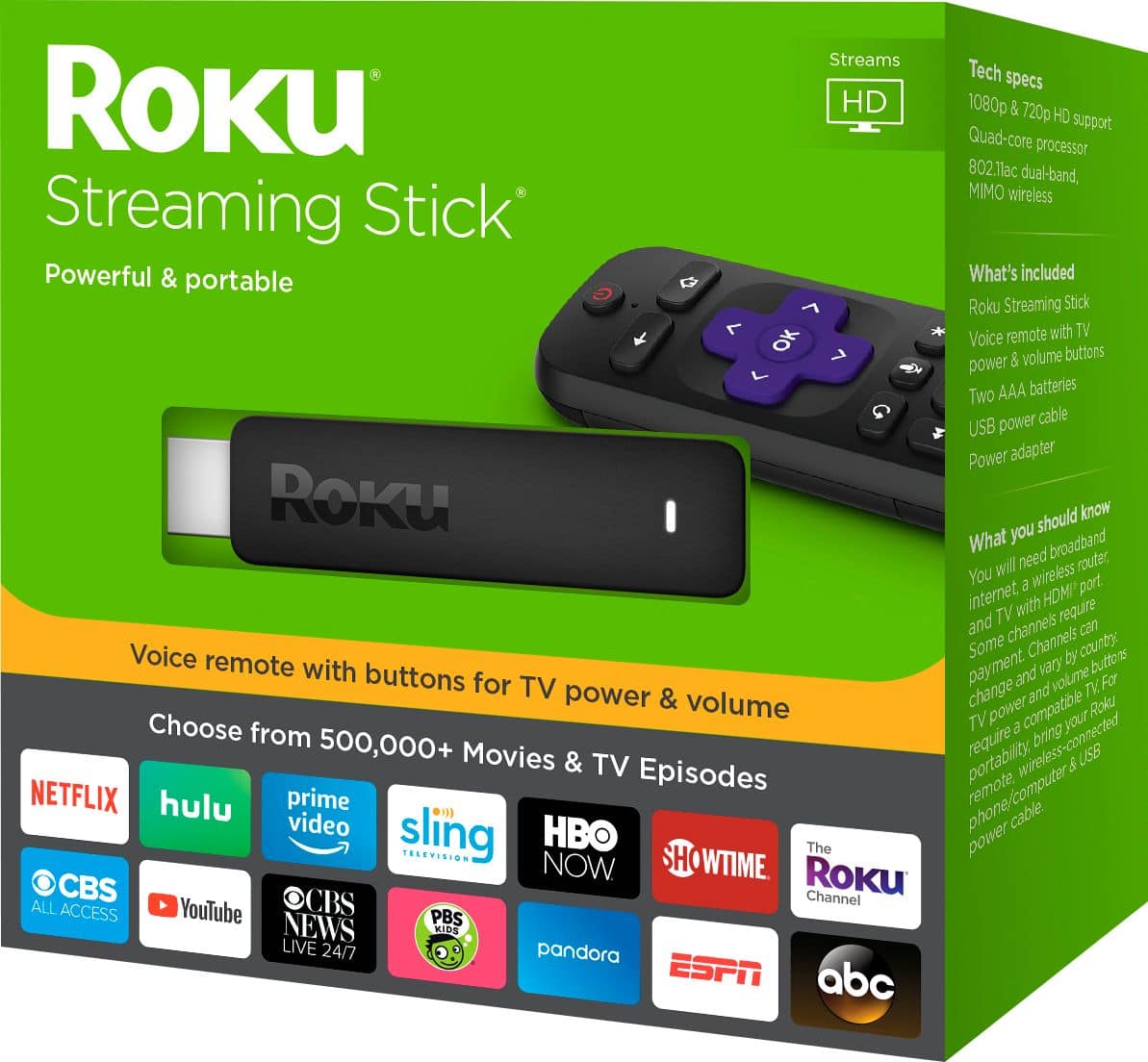
A:AnswerYes the Streaming Stick+ has an advanced wireless receiver that increases the wireless range 4x https://www.roku.com/products/streaming-stick-plus
A:AnswerYes, I was streaming Disney+ on my Roku Stick today and I have used Disney+ on a Roku Stick I purchased in 2016, so the year should not matter.
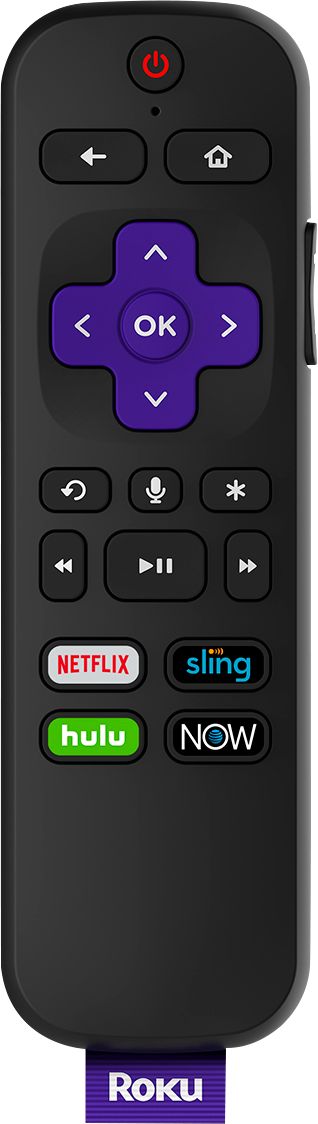
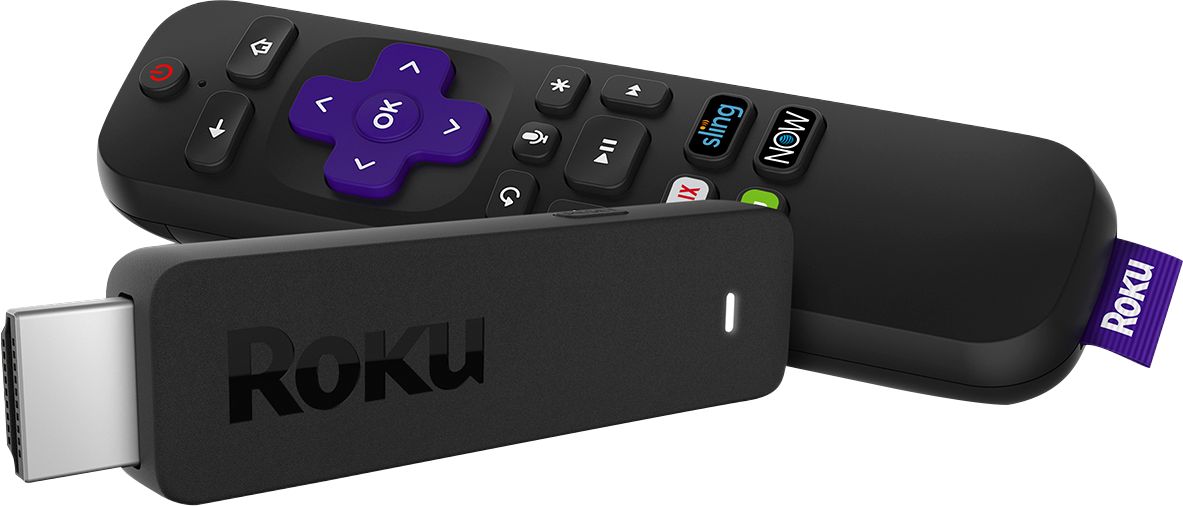
A:AnswerYes definitely! This stick offers voice remote. You simply press the microphone button and request the channel you’d like to go to. Excellent feature!
A:AnswerIt will not. Streaming content will relies on multiple factors. 1 - bandwidth will determine how good of a stream quality your internet connection can handle, if it's slower you will lose resolution and quality right there. 2 - the stream itself, is the content only available in 720 or 1080? You won't get full 4K streams for all content, and I don't believe YouTube TV is streaming 4K content, it might, but probably not. 3 - your TV is already internally taking any 720 or 1080 streams and upscaling them to fill it's 4K resolution display. A Roku unit can output at full 4K resolution but the content itself and your internet connection have to keep up their end of the workload. Hope that helps.
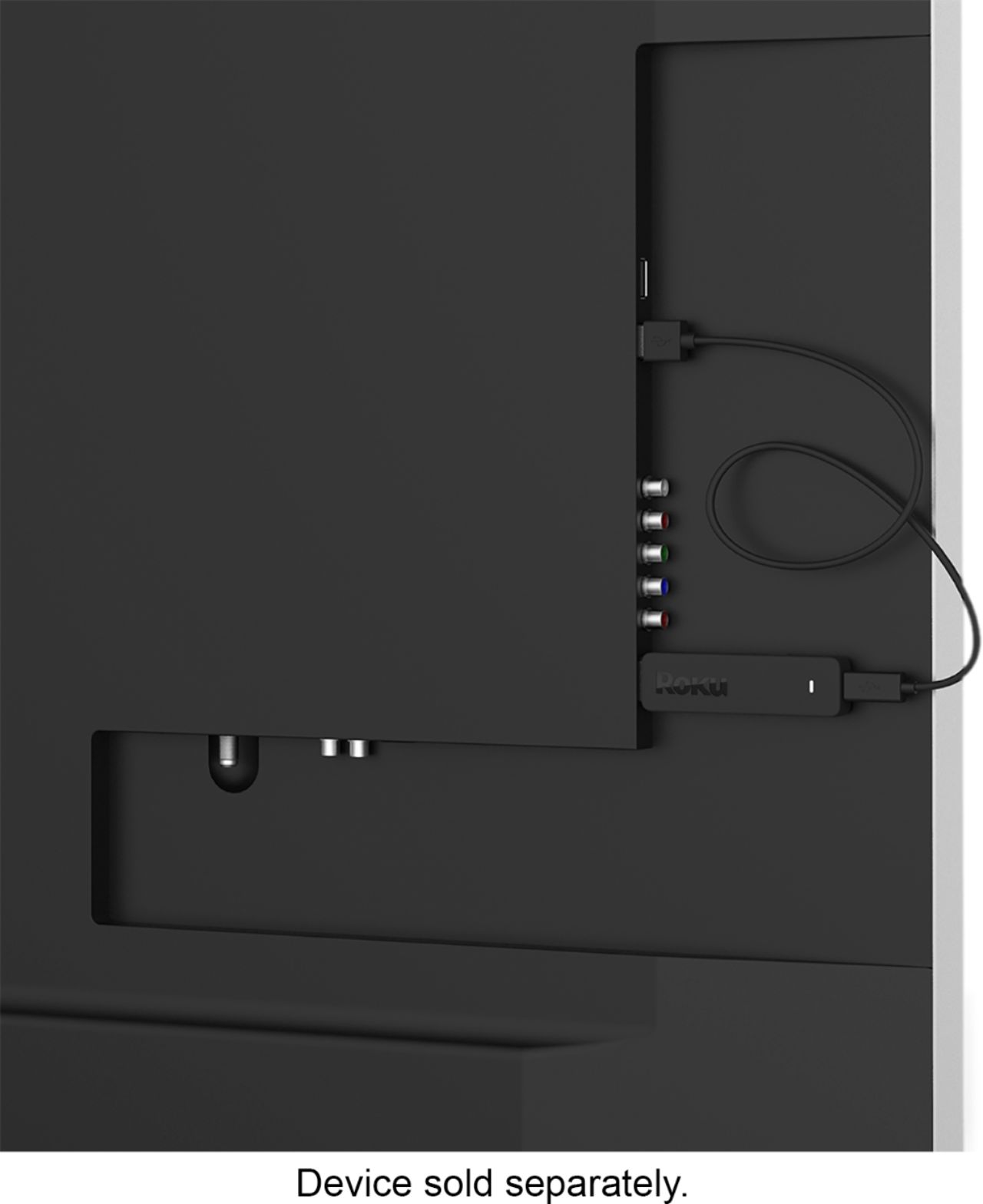
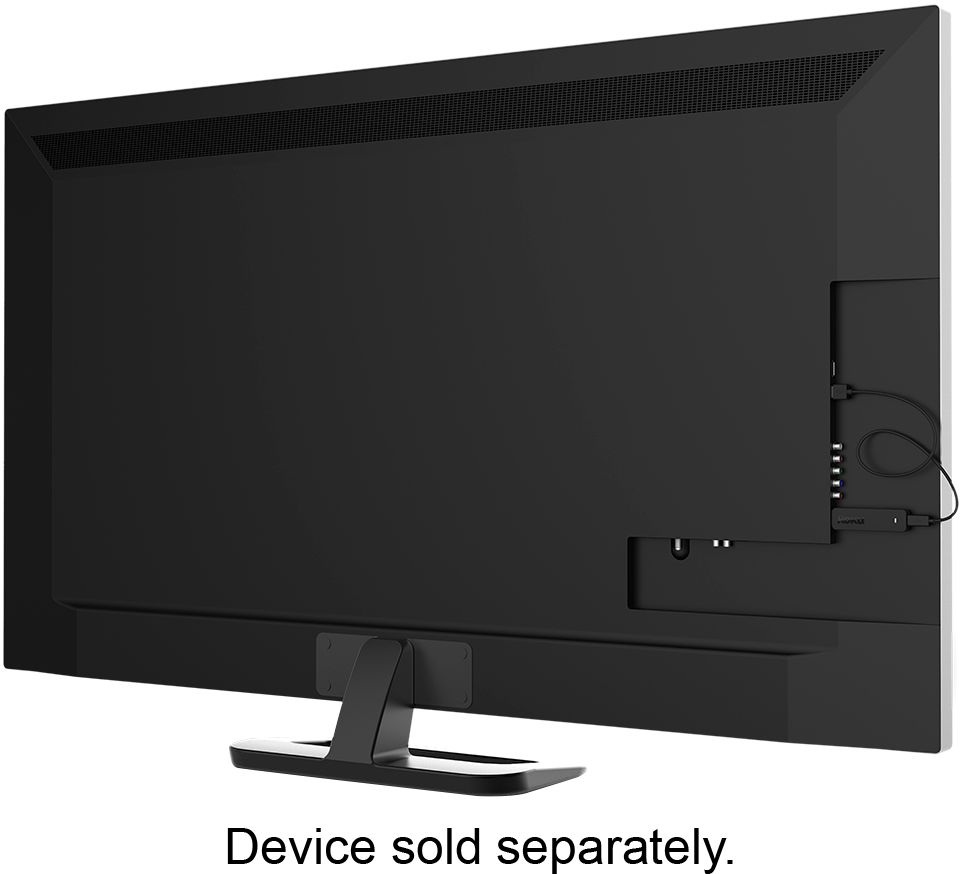
A:AnswerIt will have a high quality picture but your tv must have a usb port, and you will need internet with a good quality wifi router if the building does not already have wifi.
A:AnswerYes, you just use it in a different HDMI port. We use both services as well. Depending on what carrier you have also , some companies like Xfinity have an app on Roku which allows tv that way in extra rooms versus paying for more cable boxes aside from the main box.
A:AnswerI do not know about the Xbox 1 question, but we use the middle grade roku stick for Xfinity stream app. It also works with any roku supported tv too. The cheapest stick can work, but the mid level has quicker streaming capabilities with less buffering.
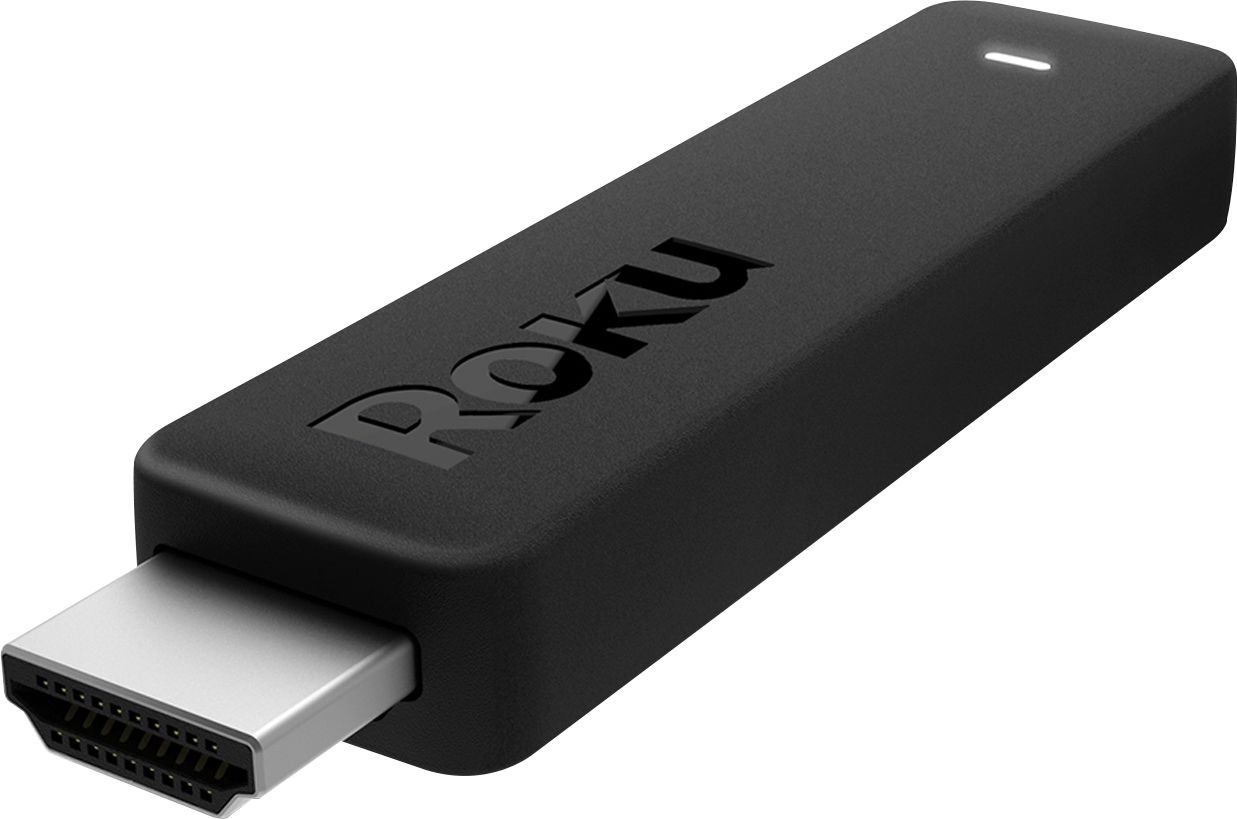
A:AnswerNope! It installs on your tv like a USB stick on your computer. Plug it in and follow the on screen prompts. Super easy! Just make sure you have a USB port on your tv.
A:AnswerYou can program the Roku remote to control power and volume. In the set up process it will ask if you want this remote to be programmed to the TV. Select yes and it will take you through the steps. Takes a little extra time but worth it.