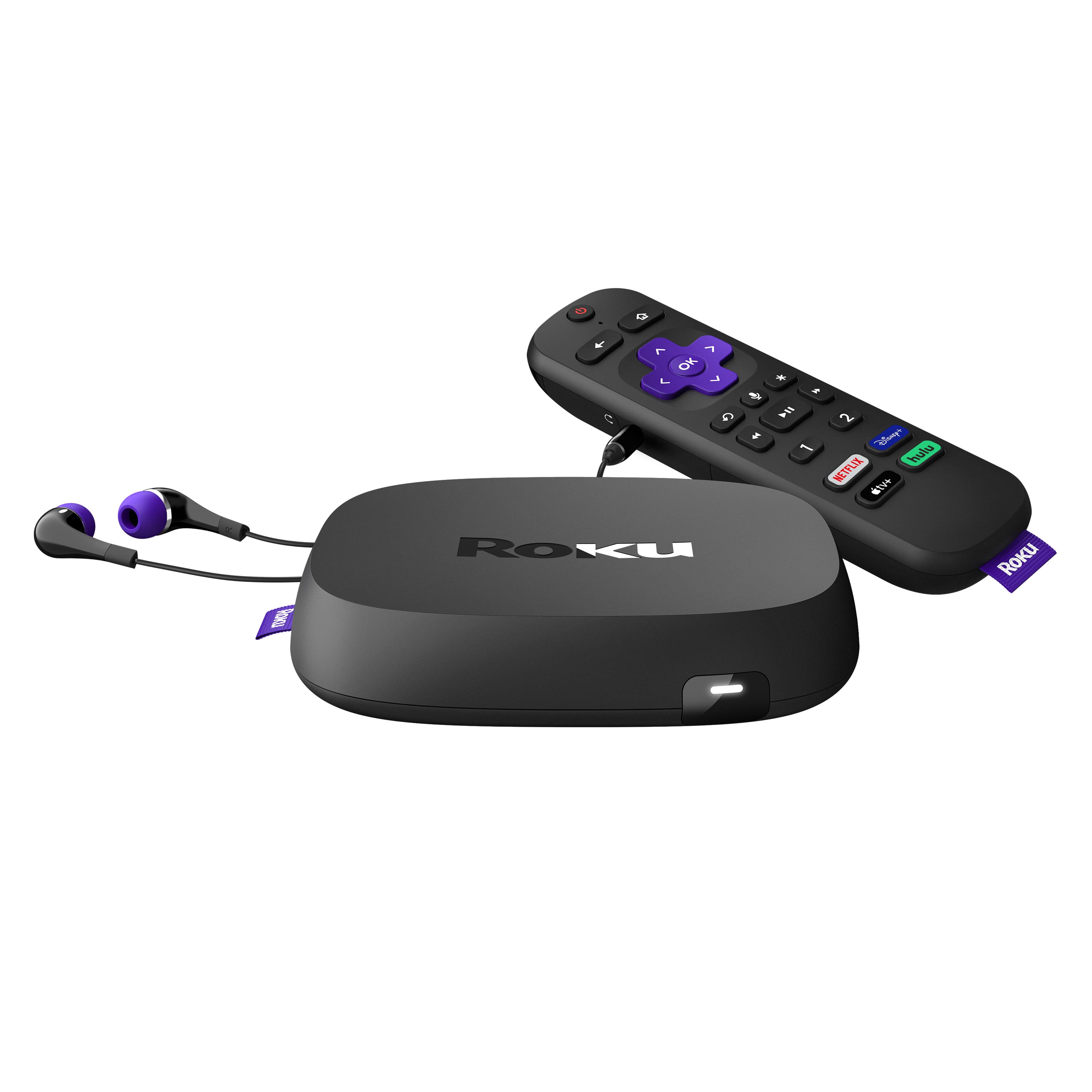
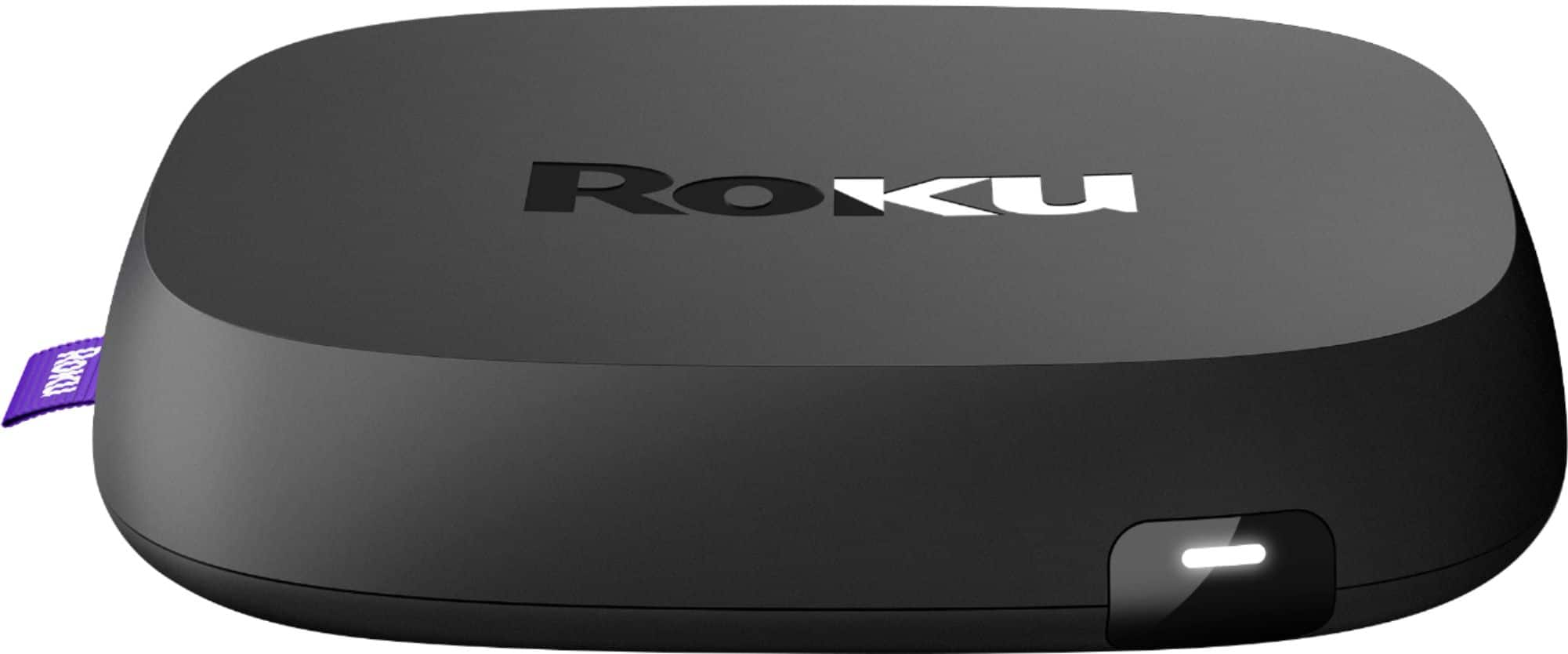
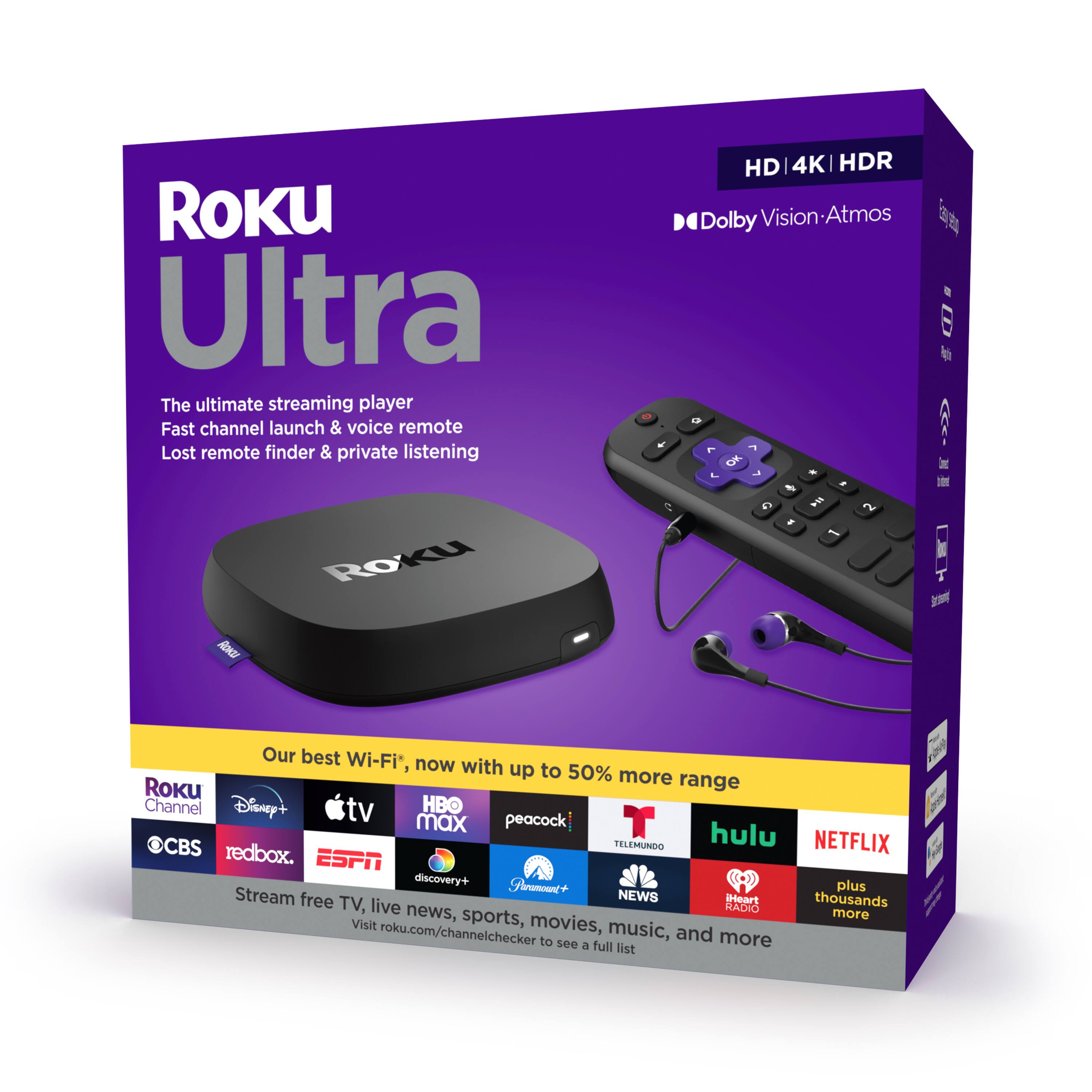
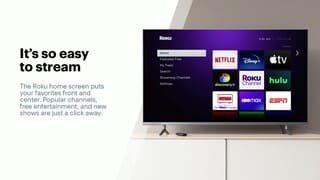
A:AnswerNo Payment for Roku. BUT if you want NETFLIX or HULU, you pay for those. Not the ROKU channel. There are other free channels you may wish to explore. I have NETFLIX because I care about "ratings". Had HULU but didn't like having to pay extra to be advertisement free and there were no ratings on movies.
A:AnswerProximity to the wireless router doesn't automatically guarantee you strong signal strength - if your router is only 5ft away but there's a 6-inch thick wall between it & the Stick then it's effectively more than 10ft away (1-inch of material between device+router = 1ft of distance in terms of signal interference).
As to your internet, try these steps:
1 - do a power-cycle of your router+modem (unplug both devices for 30secs to basically dump their memory & drain their internal batteries then plug them back into power)
2 - if you still experience problems, try contacting your ISP & ask them to reset your connection on their end (sometimes internet connection issues are problems on their end & aren't related to your hardware at all)
3 - if you're using external audio equipment such as a home theather system, the audio-visual delay you mentioned may be the result of either a) your settings not being done right (some TVs have an audio setting that is, by default, set to create a delay in audio playback when connected to external equipment rather than the TV's internal speakers - set it to 0) or b) your audio cable being damaged or not properly connected.
4 - you could try either a) resetting your wifi network's password (cuz you never know when someone managed to crack yours, especially if you live in a crowded apartment building, as having more devices on a single network decreases available bandwidth for each device), b) if your router has it, try switching from the 2.4ghz wifi network to 5ghz (stronger signal but shorter range - also less interference from nearby wifi networks), or c) doing a factory reset of your router & doing a fresh setup of your network (may be a good idea in case you can't remember when you first set up your wifi network)
A:AnswerA Roku isn't a straight-up replacement for a cable box. It's a streaming device that gives you access to a majority of the known & effective streaming services such as Hulu, Netflix, and Disney+. It gives you access to services such as Pluto TV & The Roku Channel Live that offer a pseudo-cable experience, but the content found there is a mix of stuff in the public domain & properties owned (or licensed to) by CBS. You can however sign up for a service like Hulu Live or YouTube TV which gets you access to the same stuff as if you had traditional cable service but that's gonna have the same monthly service fee like cable as well.
Additionally, you can't connect more than one TV to a single Roku - you'll need one device for each TV you own just like with regular cable. As to which version of Roku to get, that's up to you - you can either get the $30 one that gives you the basic remote & access to services or you could go full-ham & buy the Roku Streambar which gives you a streaming device combined with a soundbar that can be expanded into a full-on 5.1 home theater system complete with subwoofer (which can run you upwards of $600 total when brand new for all the extra speakers). I suggest buying one of the more expanded Roku devices for your living room TV & the cheaper options for any bedrooms/offices.
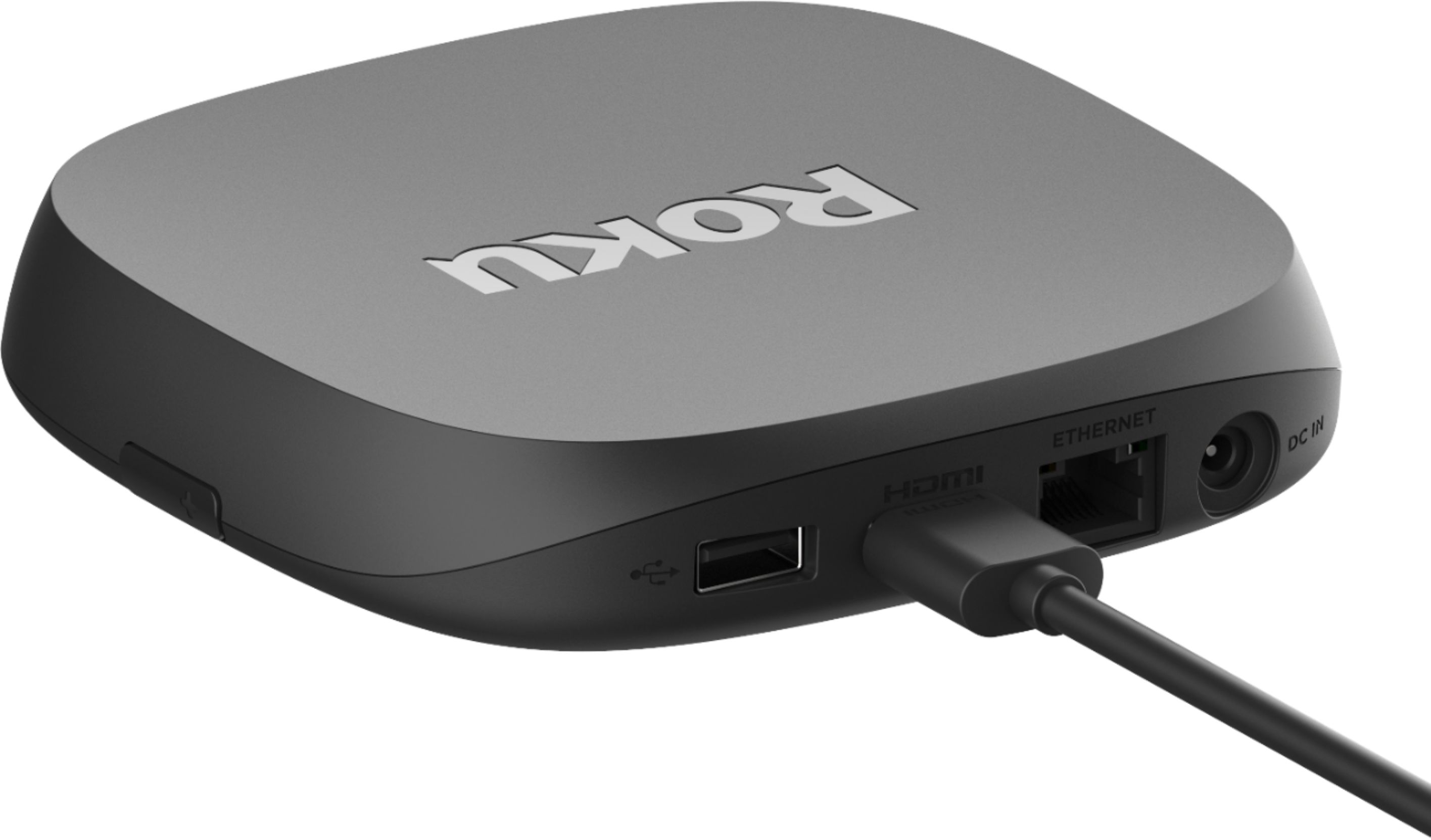
A:AnswerEthernet cable for internet or I connect mine via WiFi router. You have to supply HDMI cable or it comes with USB cable that you connect it to your with
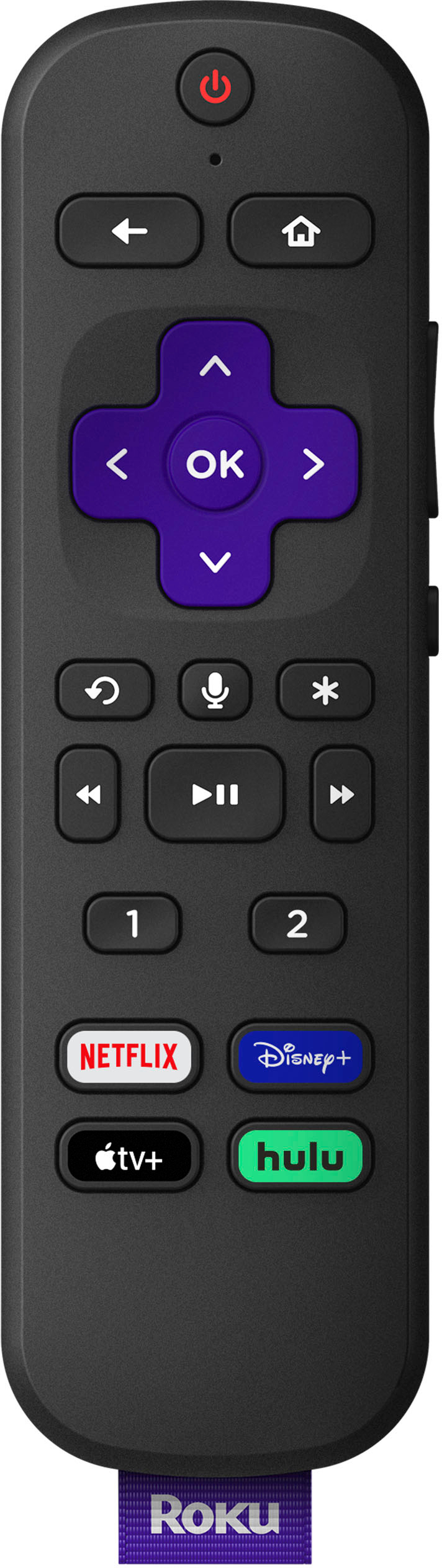
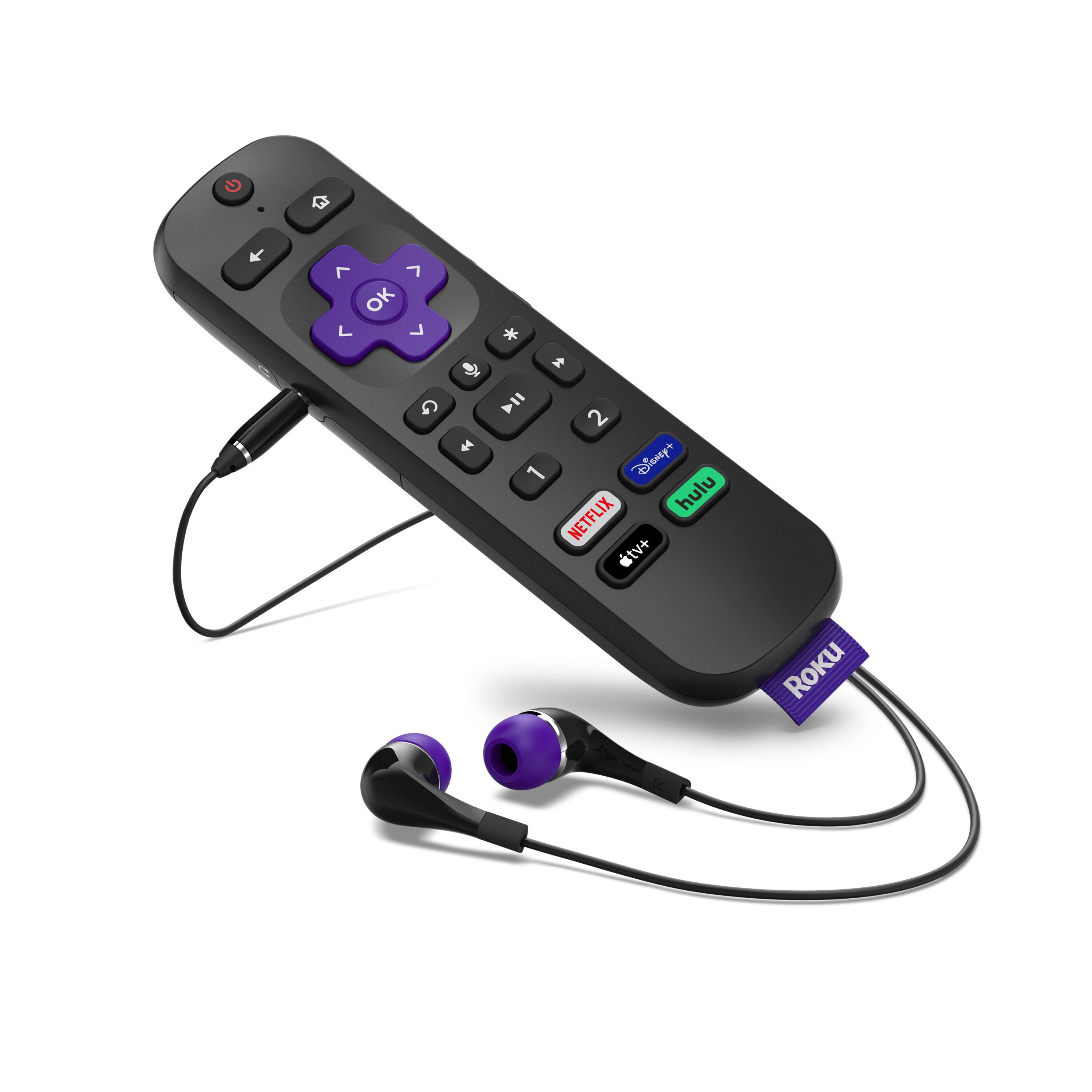
A:AnswerHi, Kevin! The Roku Ultra comes with an RF remote! RF stands for Radio Frequency and means the remote is multi-directional. Radio Frequency (RF) operation provides up to 100′ range though walls, floors and doors, indoors or outdoors. It does not need to be in the line of sight.