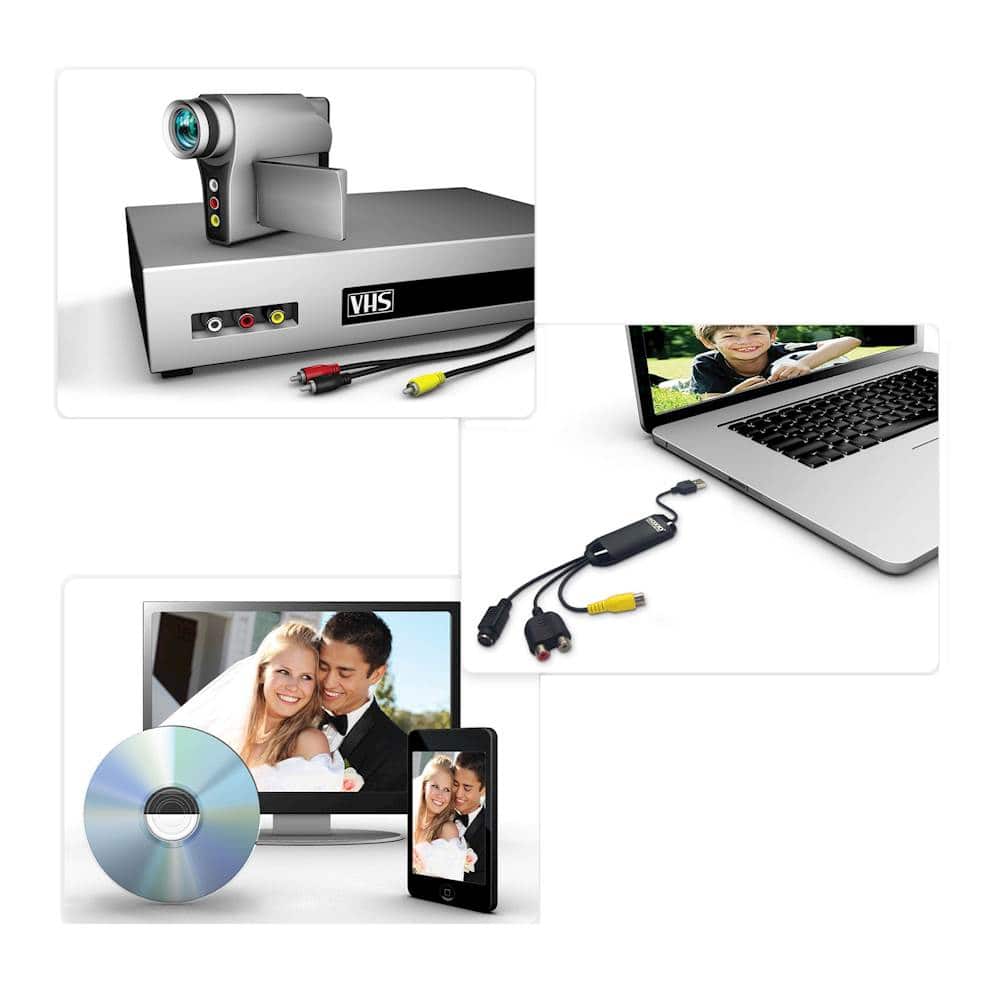
A:AnswerSometimes this was happening to me. I found that the 3 RCA cables sometimes don't have a good connection. Try unplugging them, and re-plugging them into the back of the VCR, and into the recording device. Sometimes these cords get worn and are not as tight in the connections as they should be, or the cables themselves get a short in them. If they appear too loose, or if you suspect a short in the cables, maybe purchase some new cables. It will also improve the quality of the transfer recording, as well. Hope this helps.
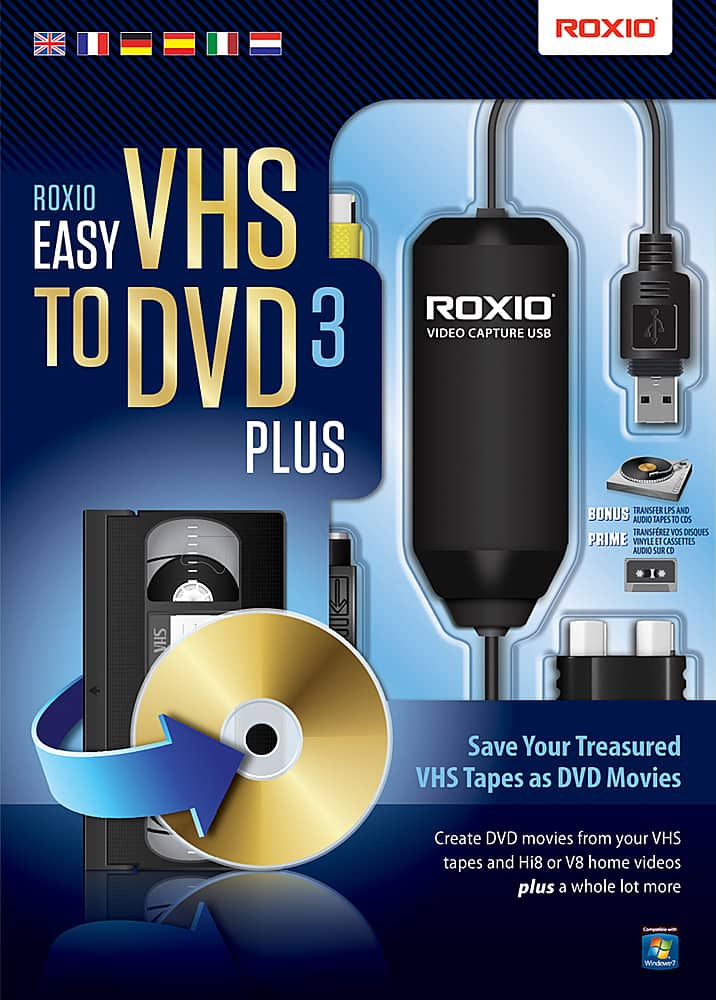
A:AnswerYes it is compatible with windows 10. I haven't tried that but you can use the snipping (https://youtu.be/DeOglvucFK4) tool from windows to take a snapshot on anything from your computer screen .
A:AnswerYes that is how I did all of my vhs tapes. I later burned them to dvd and also loaded them to a thumb drive and external hard drive. It's easy!
A:AnswerThis product has to be used with a PC. If you don't want to go through a PC, you'd have to purchase another VCR/DVD combo unit that has the transfer function.
A:AnswerI purchased the produce with UPC 687967132762. I have successfully used the software and capture device on Windows 11 with no issues. I have transferred over 20 VHS tapes and 45 8mm tapes successfully with this software and capture device.
A:AnswerSorry, can't help. I haven't had time as we just moved and getting all the eqpt. set up. The VHS machine needs an RCA cable to extend the connection from it to the converter going into my PC as well as another extension to my external disc drive.
A:AnswerI have used it in the past, it worked well. It stopped working earlier this year so I bought another one. I could not install it. There are software issues with this product. I went to return it to Bestbuy. They will not take it back! DON'T BUY THIS PRODUCT