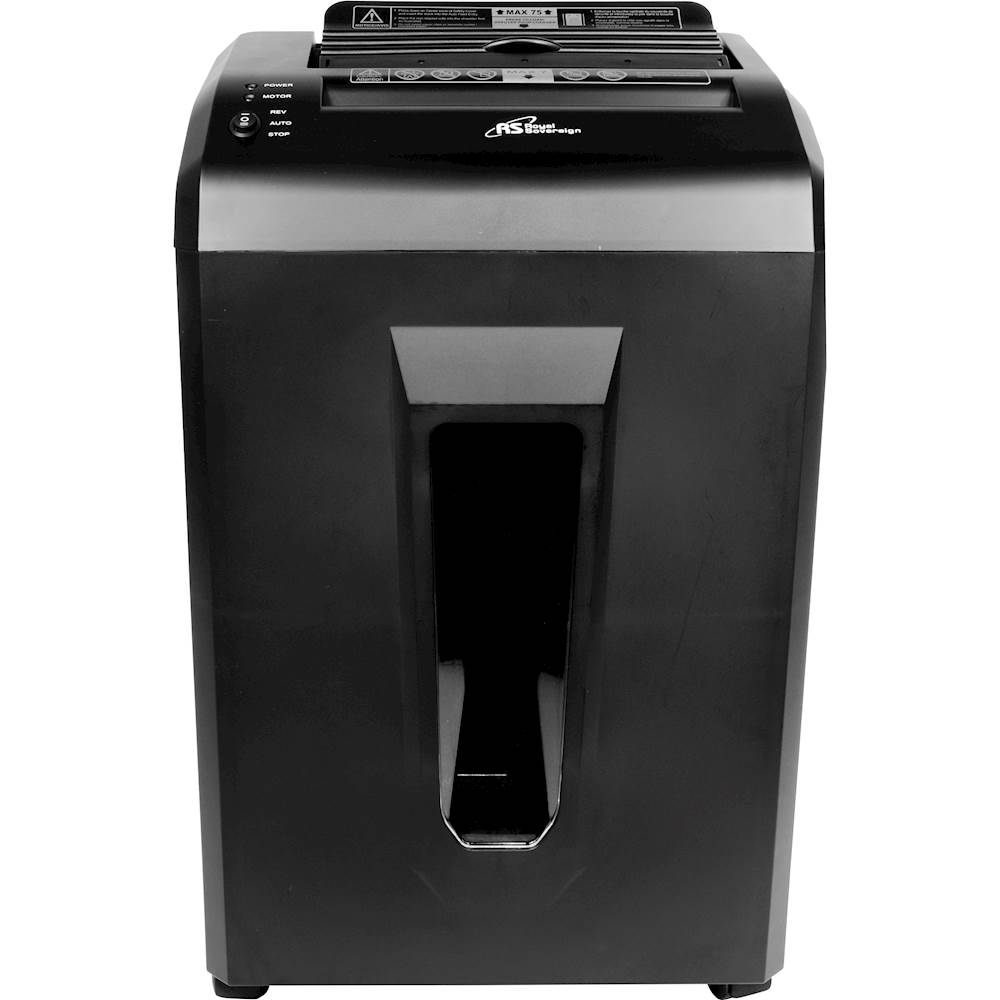
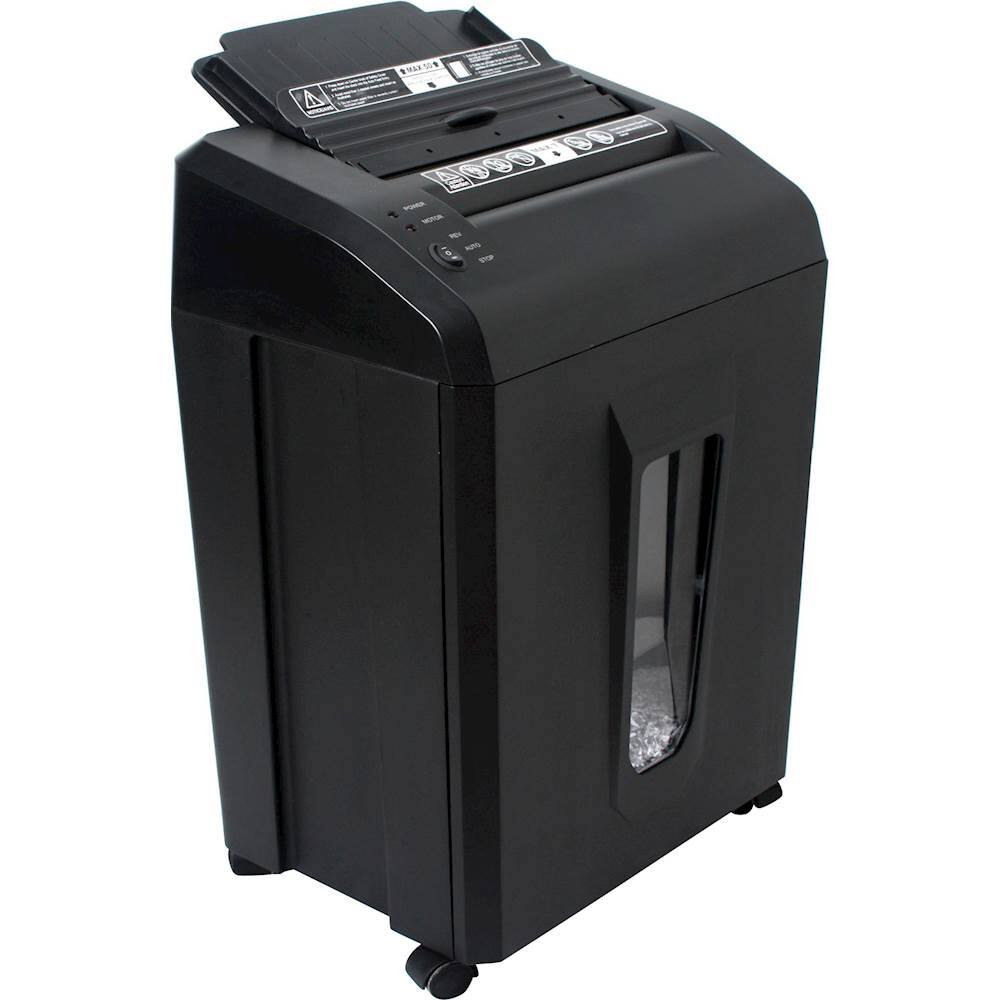
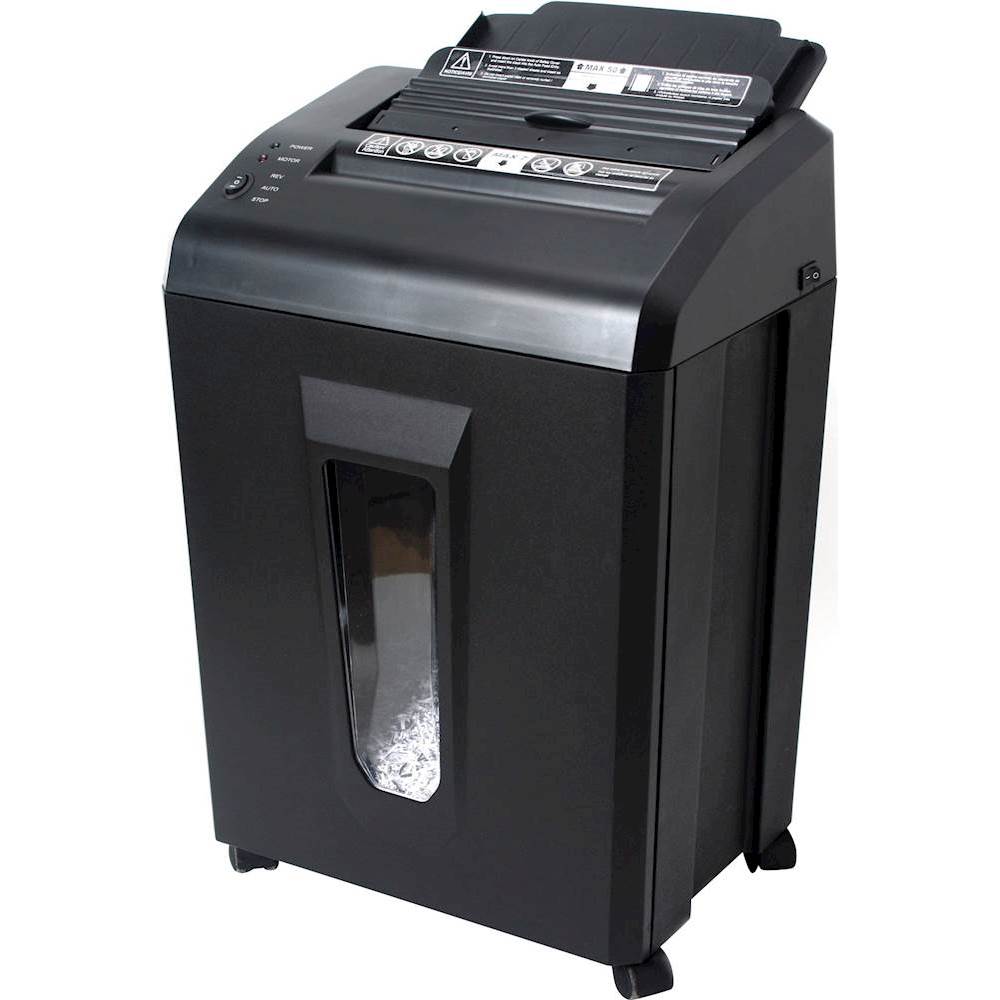
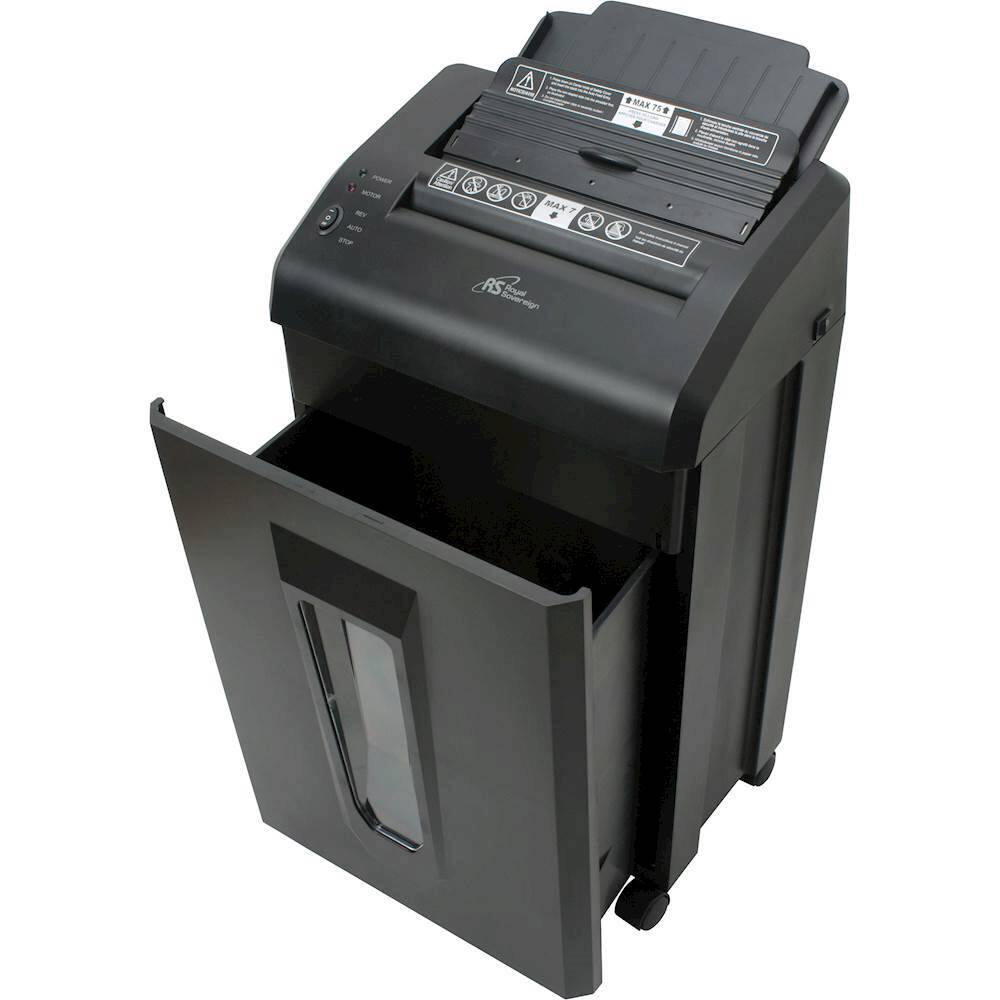
A:AnswerWhen using the manual feed entry, gently pull the jammed papers out. Check to make sure the quantity of paper does not exceed maximum capacity. Turn switch to STOP and back to AUTO. Re-insert paper. When using auto-feed entry, press and lift the safety cover and gently remove jammed paper. Re-stack paper neatly, ensuring quantity of paper does not exceed the maximum capacity, and stapled sheets are inserted with staples at top. Turn switch to STOP and back to AUTO. Re-insert paper making sure non-stapled side of paper enters feeding entry first. If paper cannot be pulled out from either entry, internal Jam removal function will automatically activate.
Internal JAM Removal Function: When curled/crumpled paper is inserted it may result in a JAM problem. If the Auto Reverse cannot remove the paper the Internal JAM Removal Function will automatically start. During this function, red LED light will turn on/off repeatedly. Shredder will automatically run forward/reverse action for approximately 2~3 minutes until jam is cleared. Do not override control switch until process is completed.
And if you need the manual to your product please email us: [email protected]