Last-Minute SavingsLimited quantities.Shop now

Skip to content
Gift Ideas
45575 Dulles Eastern Plz
Ste 188
Sterling, VA 20166
Opens tomorrow at 9 am
Find Another Store
Main Content

Questions & Answers

Page Showing 1-9 of 9 questions
  • QuestionIs this case compatible with the Microsoft Surface Pro X?

    • Answer Yes, this case is designed for use with the Microsoft Surface Pro X.
    This question and answer was generated by AI based on customer and product data.
  • QuestionDoes this case have a built-in stand?

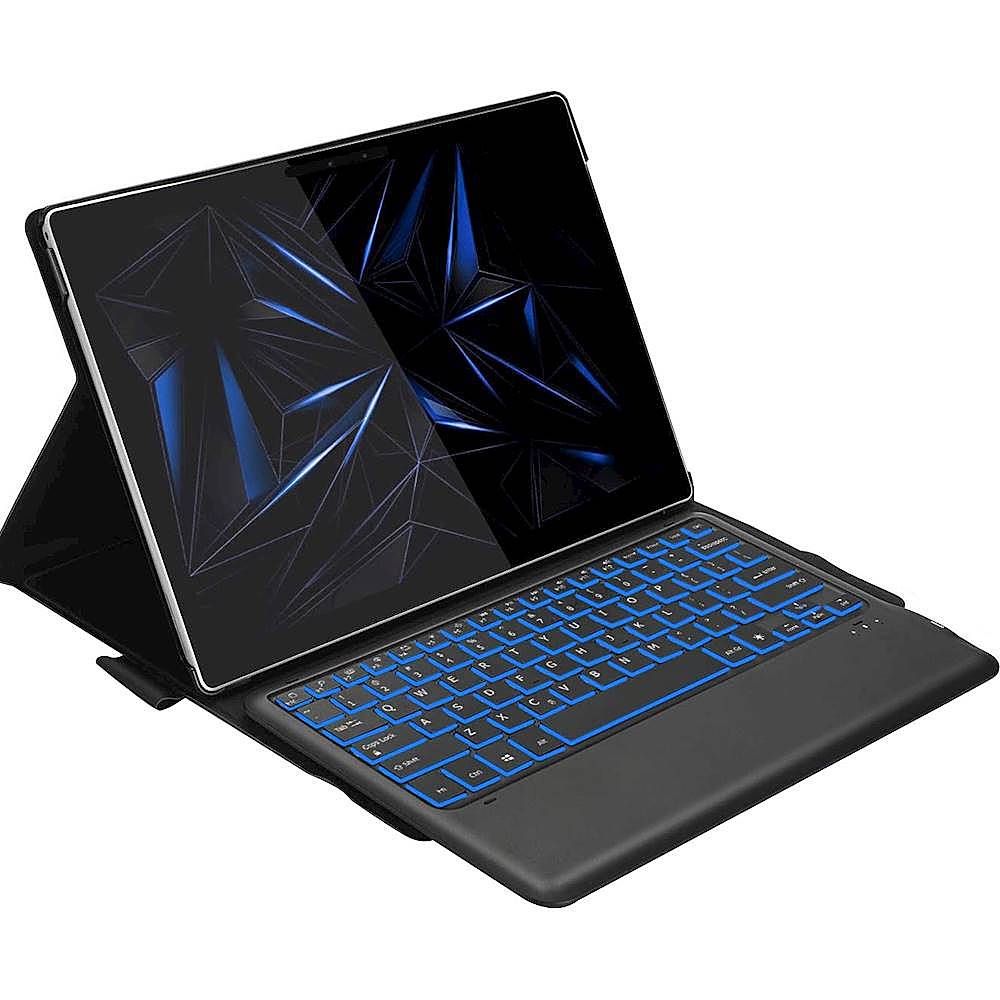
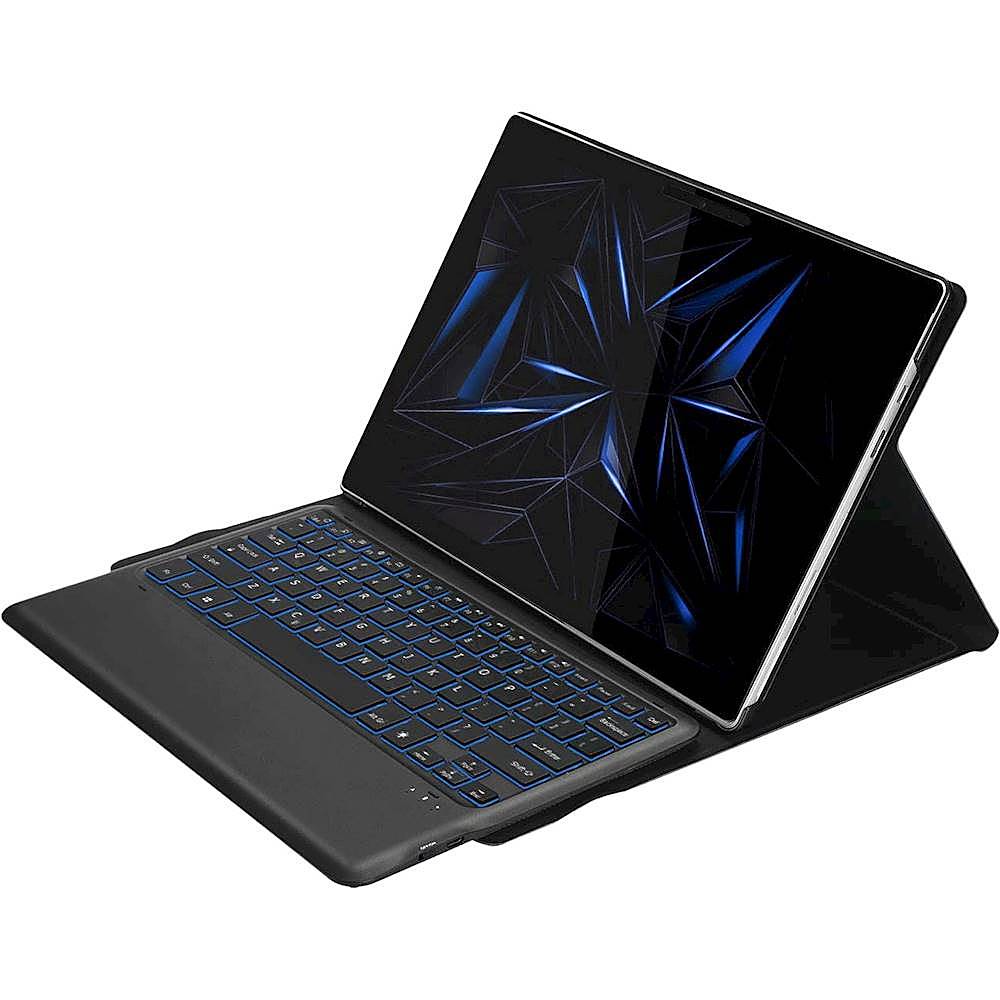
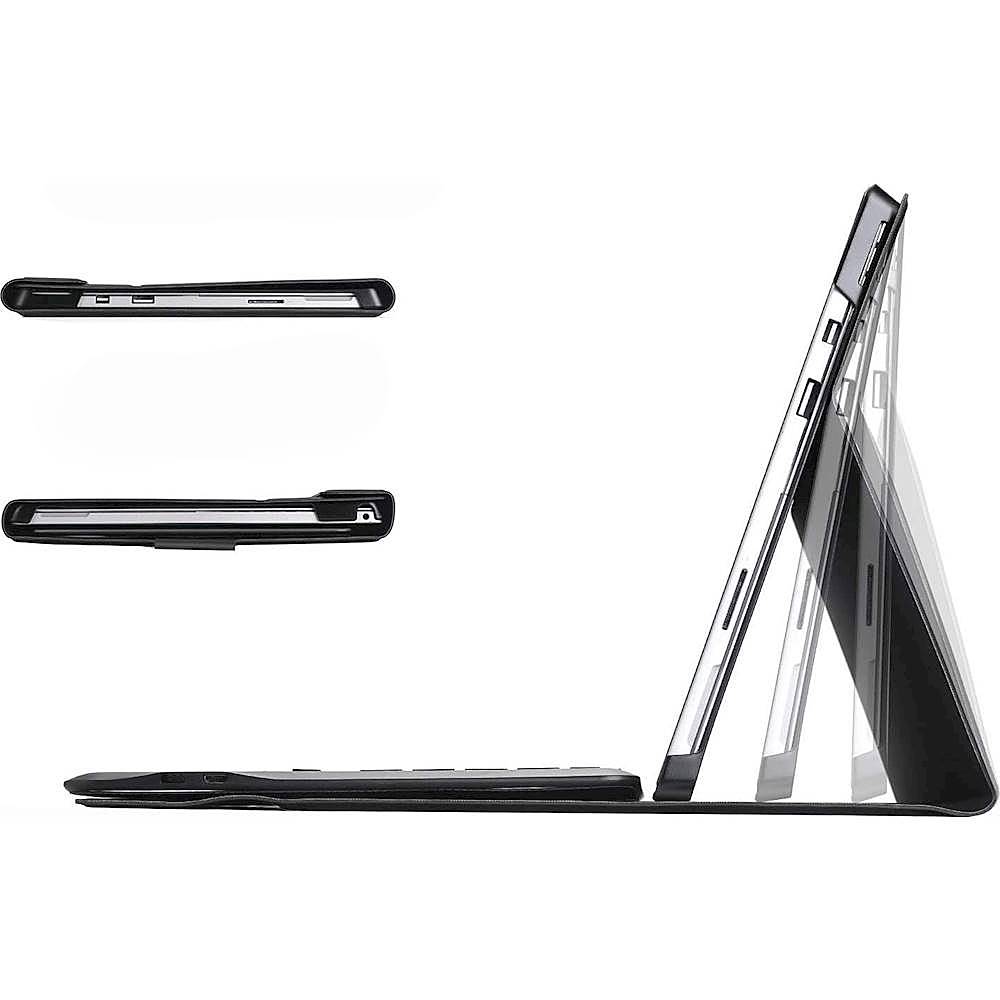
    • Answer Yes, this SaharaCase Keyboard case has a built-in stand for easy hands-free operation.
    This question and answer was generated by AI based on customer and product data.
  • QuestionDoes this case include screen protection?

    • Answer Yes, this case protects the screen from cracks and scratches.
    This question and answer was generated by AI based on customer and product data.

  • QuestionWhat materials are used to make this case?

    • Answer This case is made from robust PU leather, silicone, and microfiber materials.
    This question and answer was generated by AI based on customer and product data.
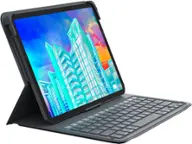
  • QuestionWhat type of keyboard is included?

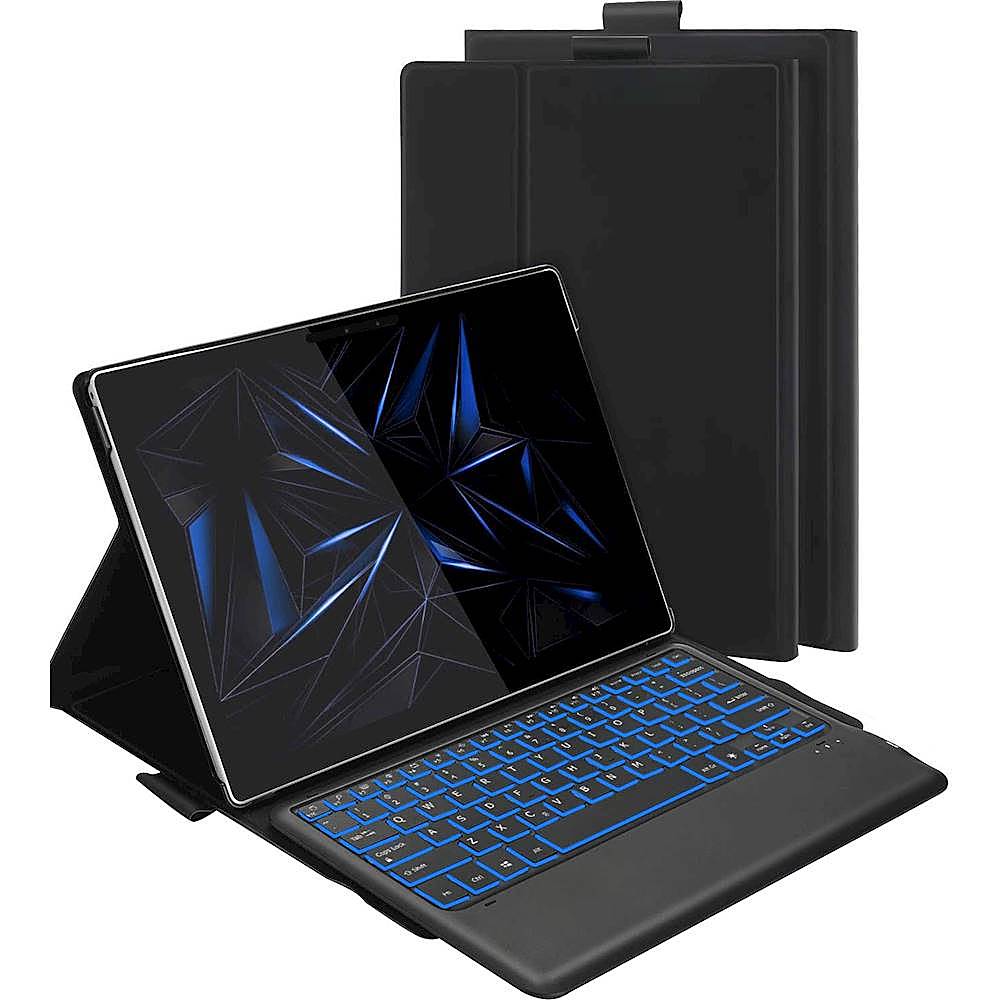
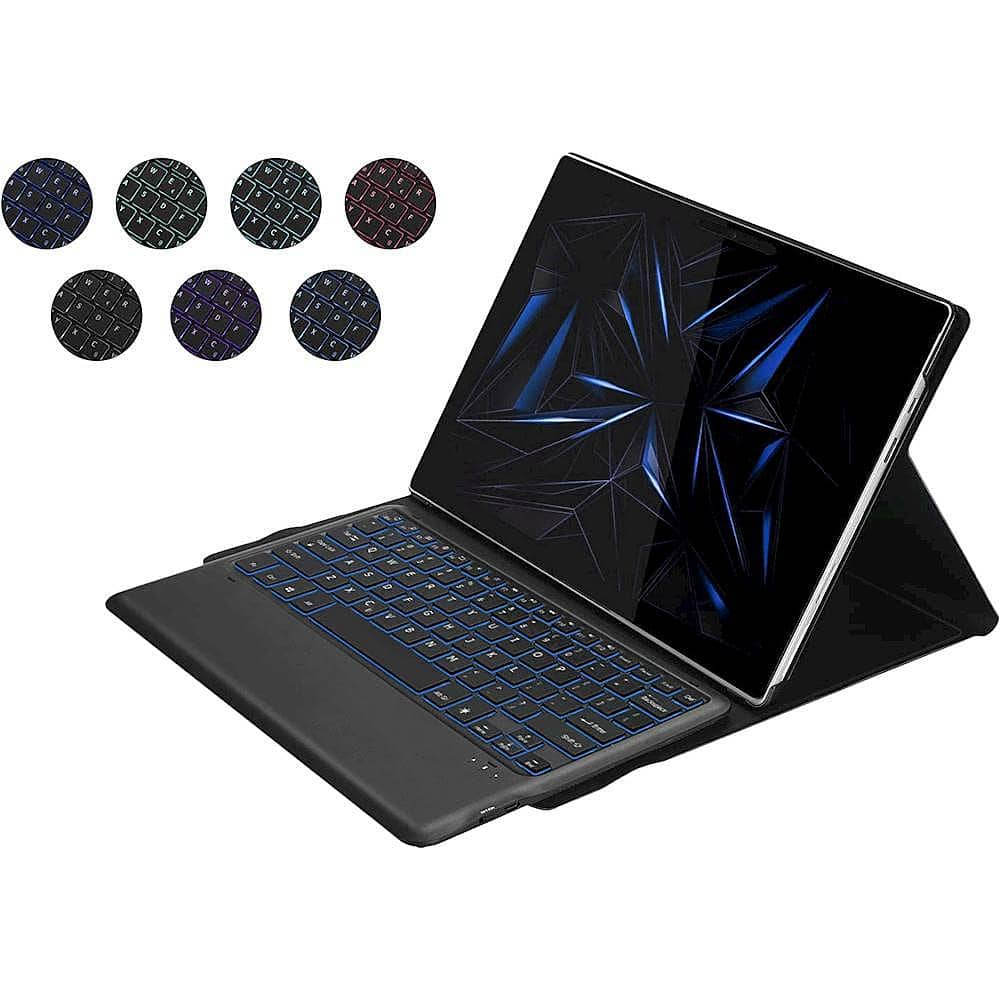
    • Answer The case comes with a detachable Bluetooth keyboard.
    This question and answer was generated by AI based on customer and product data.
  • QuestionHow does the wake and sleep function work?

    • Answer The wake and sleep function automatically wakes up your device when opened and puts it to sleep when the case is closed to keep the battery life longer.
    This question and answer was generated by AI based on customer and product data.
  • QuestionDoes this product work with a Surface Pro 7 tablet?

    Asked by Janai.

    • Answer Hi, No, unfortunately this case is only compatible with the Surface Pro X. Hope this helps! Support Team - SaharaCase

      Answered by Support Team - SaharaCase

  • QuestionHow do you put the keyboard in pairing mode?

    Asked by ddchern.

    • Answer There are a couple different ways to turn on the Bluetooth connection on the keyboard. Please make sure that the keyboard is fully charged, then in order for you to activate the Bluetooth feature, you will need to press and hold onto the (FN) and (C) keys for upwards to 10 seconds. Let me know if that does not work and we can try a different way!

      Answered by Support Team - SaharaCase

  • QuestionDoes the keyboard come with case

    Asked by Bobby.

    • Answer Hello, the SaharaCase - Keyboard Folio Case for Microsoft Surface Pro X - Black does include the keyboard.

      Answered by Support Team - SaharaCase