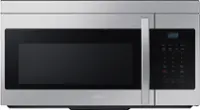
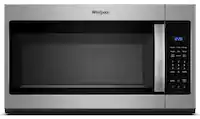
A:AnswerHello there,
We would love to discuss your microwave to determine how we can best assist you with the fuse replacement.
Please feel free to get back to us via the following options:
1. Facebook Messenger: http://m.me/Samsungsupport
2. Twitter: https://twitter.com/messages/compose?recipient_id=18768513
3. Samsung Community: https://us.community.Samsung.com/t5/Samsung-Community/ct-p/us
Please provide us with this reference number (1148781357) to help our team pull up your information when you message us.
Have a great day.
^Charles
A:AnswerHi Joe,
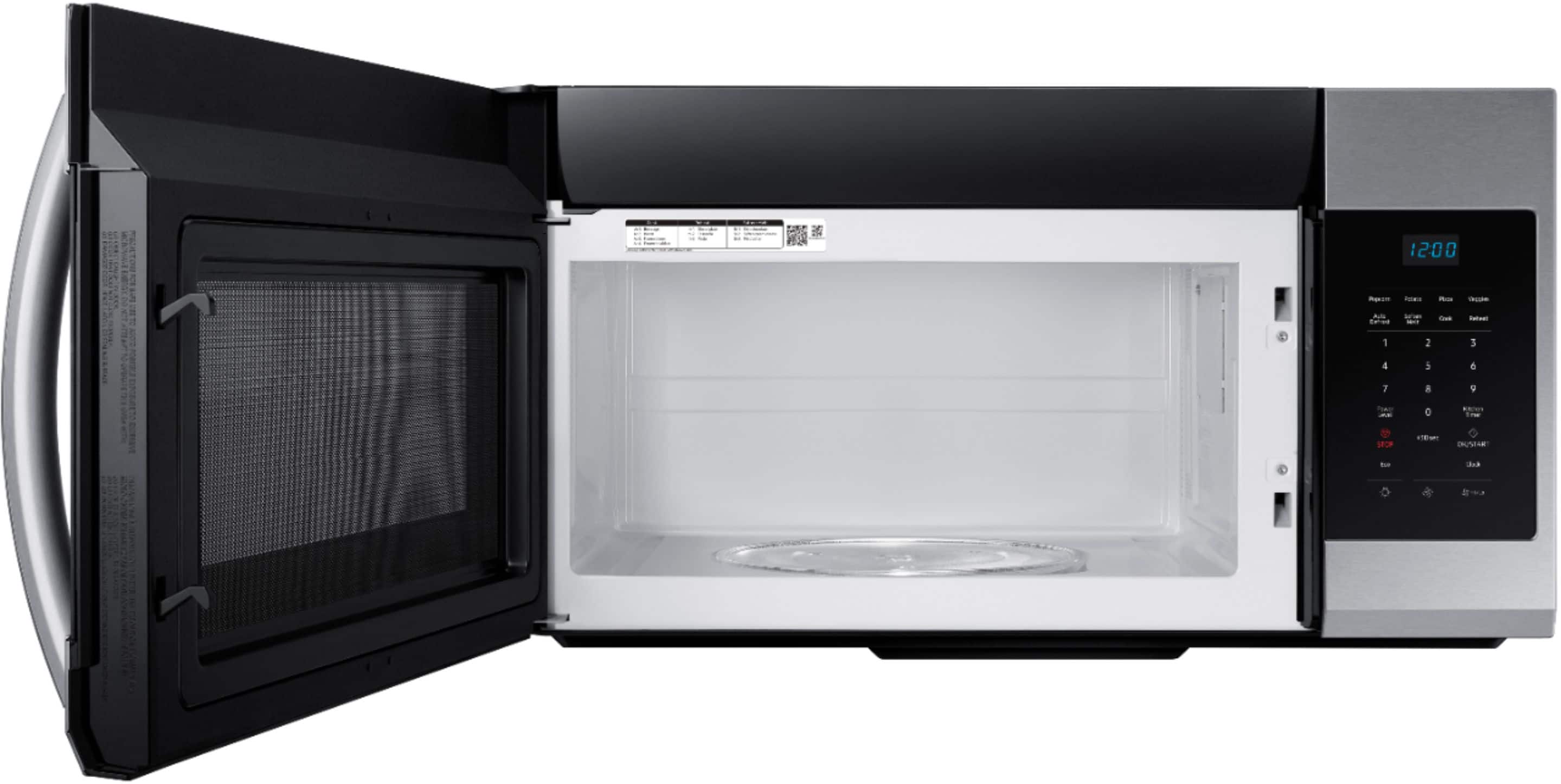
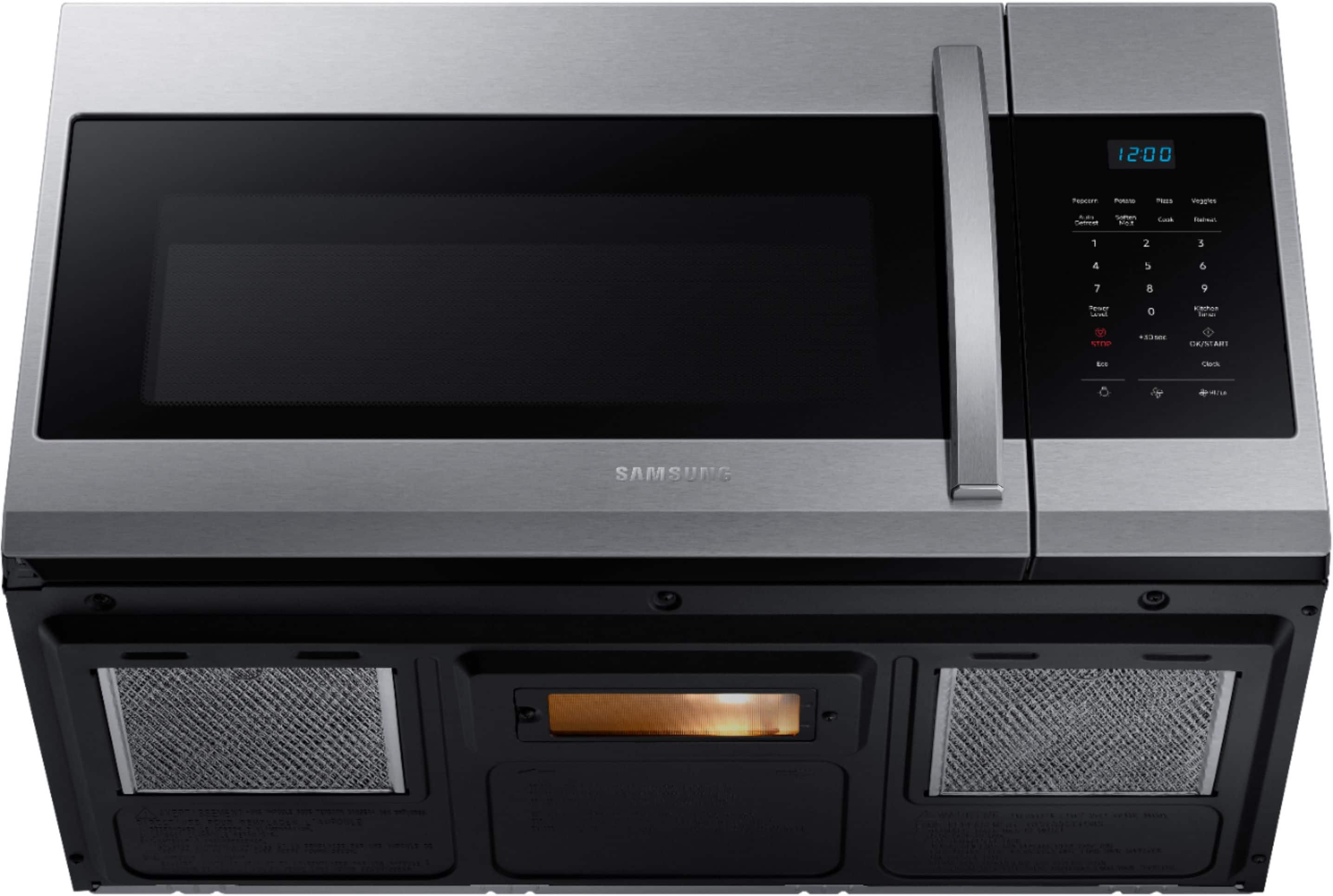
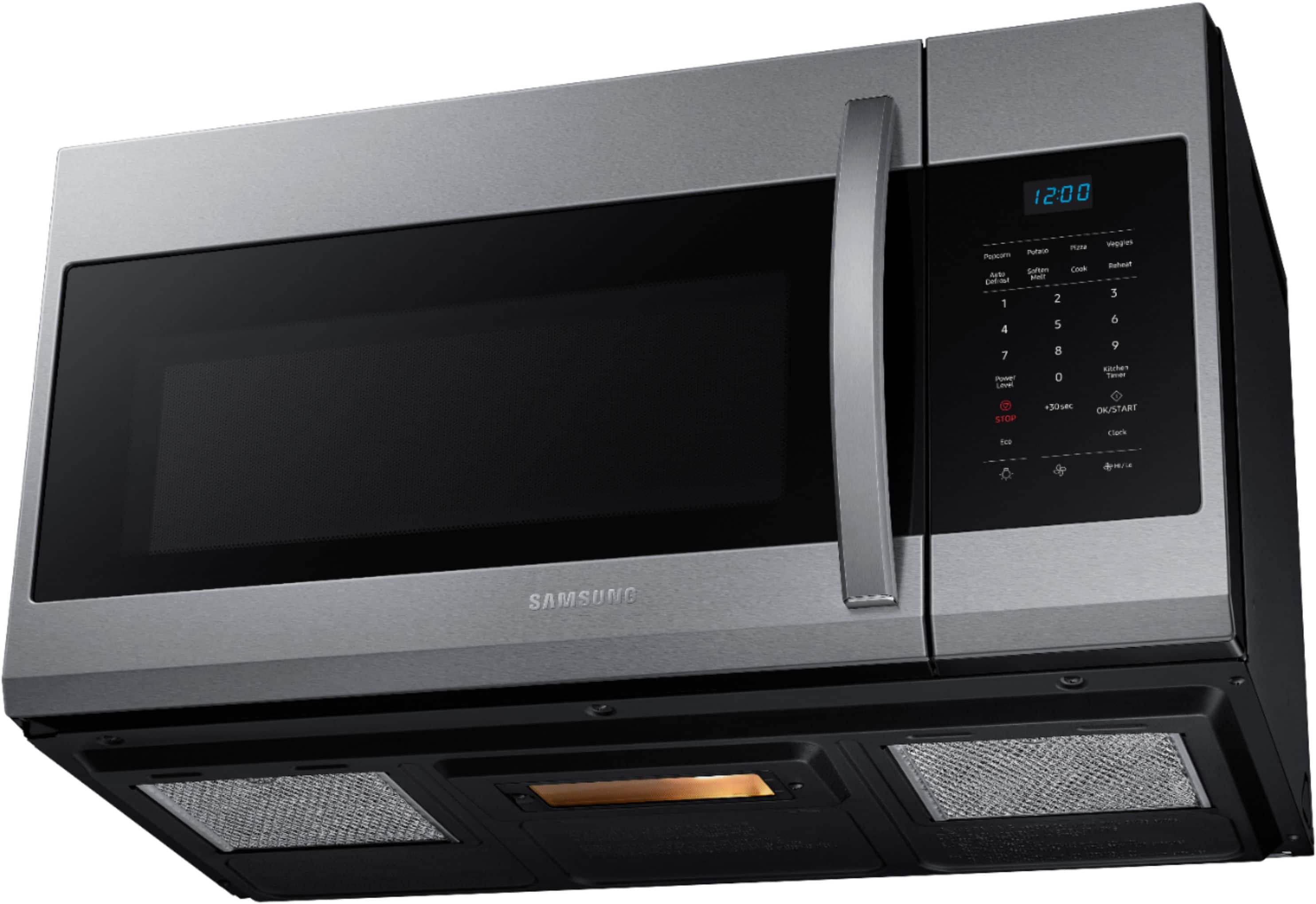
The microwave's bottom light bulb has 40 watts.
If you have further questions or inquiries, these are the platforms on which you can reach us:
1. Facebook Messenger: http://m.me/samsungsupport
2. Twitter: https://twitter.com/messages/compose?recipient_id=18768513
3. Samsung Community: https://us.commuity.samsung.com/t5/Samsung-Community/ct-p/us
4. Samsung Customer Care: 1-800-7267864 (1800-SAMSUNG)
Please provide us with this reference number (1147512389) to help our team pull up your information when you message us.
Thank you.
-Kimberly
A:AnswerHi Pete,
This microwave doesn't have a grilling feature. You can check out the features and specifications of this model at the link below.
https://image-us.samsung.com/SamsungUS/home/home-appliances/microwaves/pdf/ME17R7021ES_V4.pdf
Thank you for choosing Samsung and have a great day!
^Rainly
A:AnswerHi Sam,
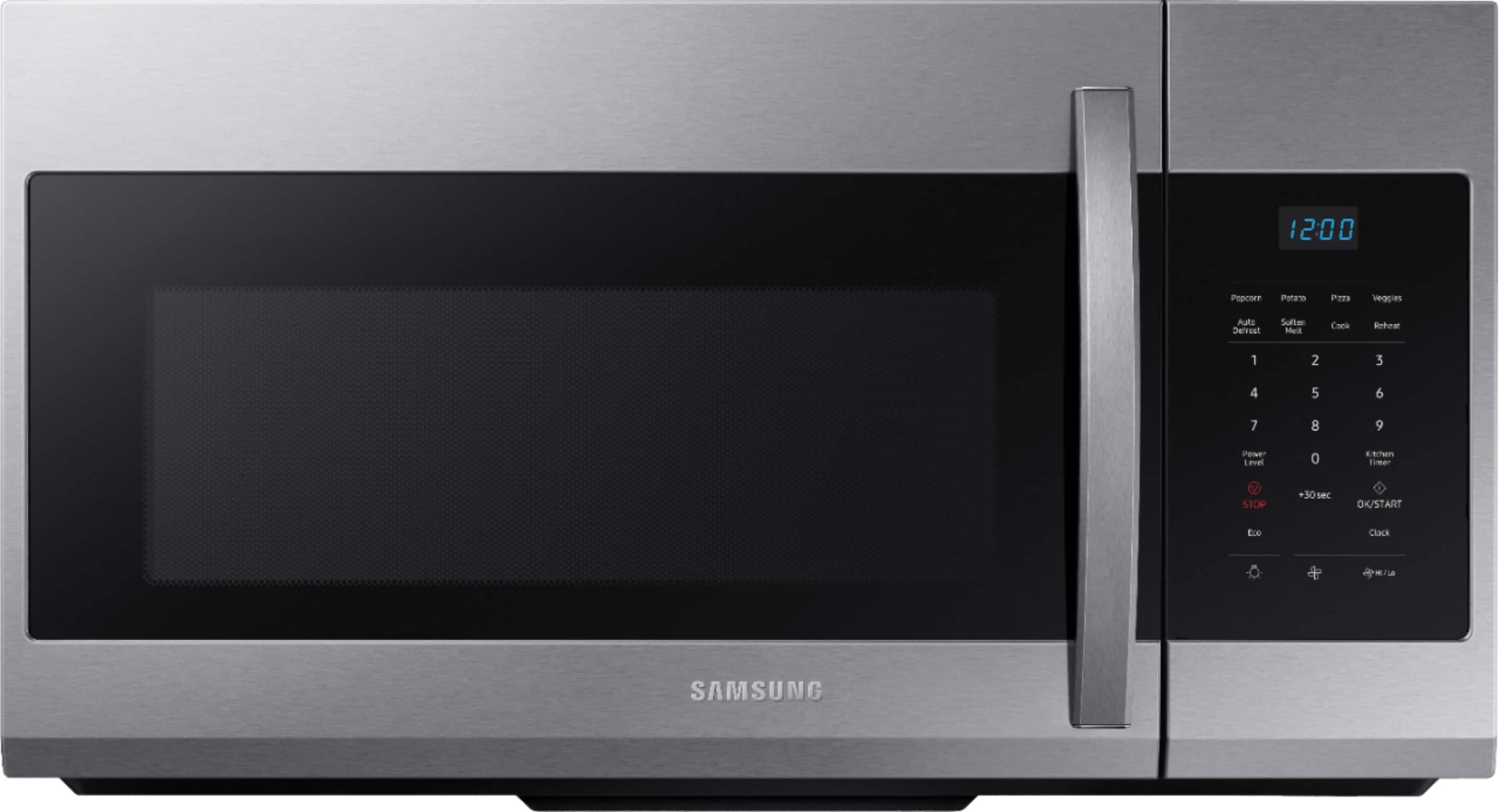
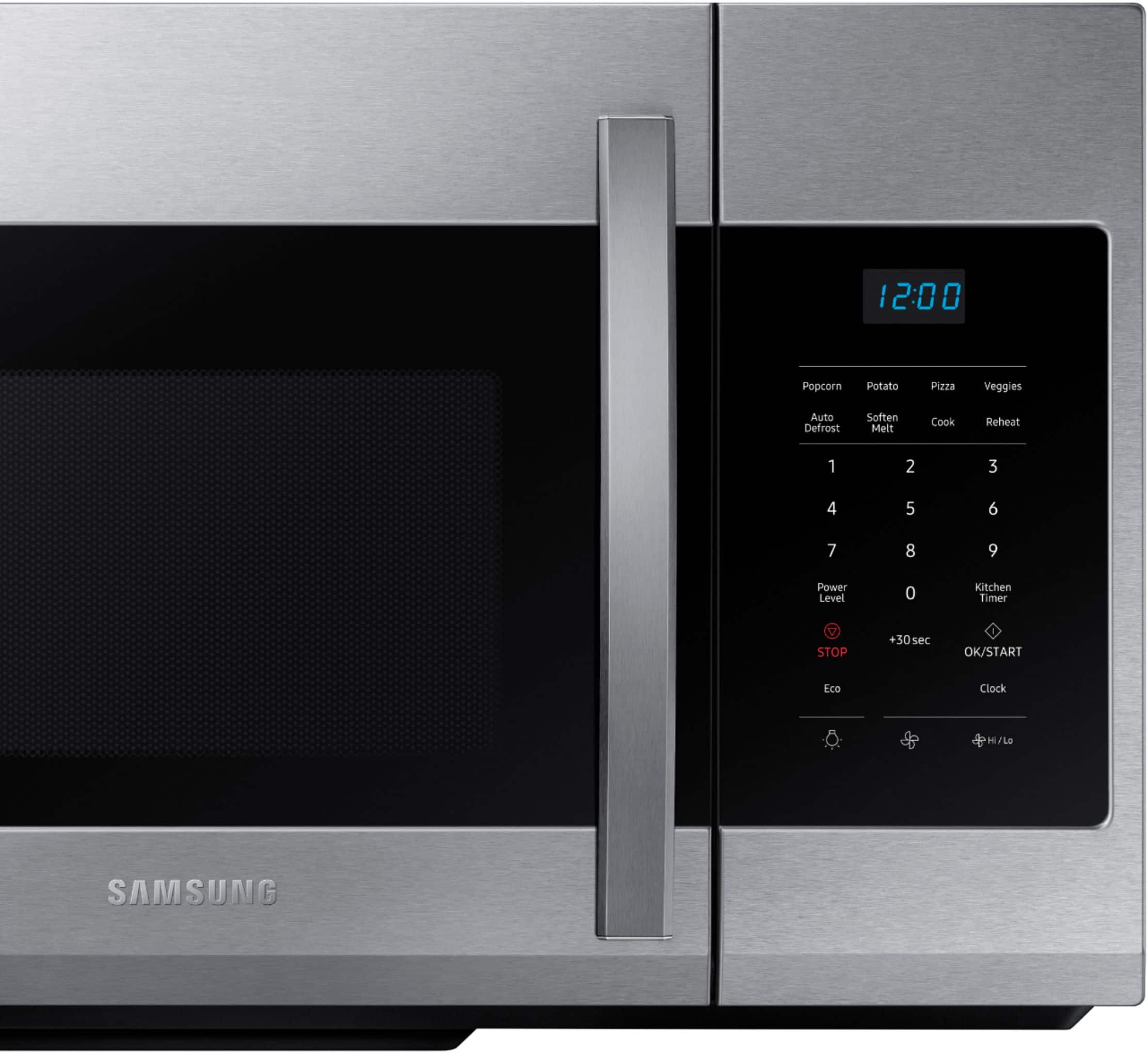
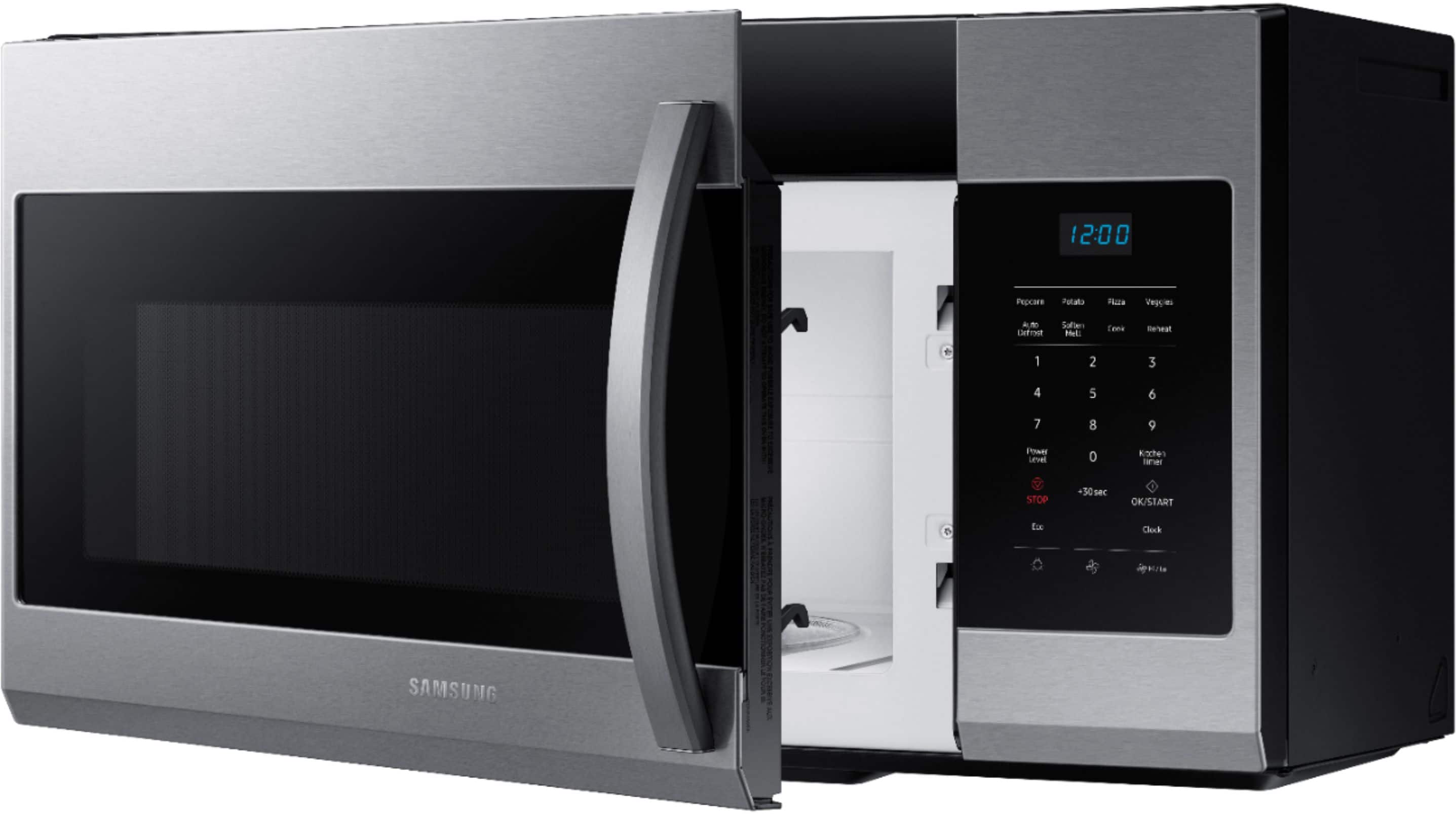
You can set the time on your microwave by pressing the Clock button, then using the number buttons to enter the current time, and then pressing the OK/START button.
Thank you for choosing Samsung and have a great day!
^Rainly
A:AnswerHi there,
Yes, the appliance can vent out to the top.
To see the venting options available for the appliance
Please see page 11-14 of the installation manual for the vent options
Manual
https://downloadcenter.samsung.com/content/EM/202109/20210929171818865/ME4000R_ME17R7021EB_AA_DE68-04584A-01_EN_210325.pdf
Have a great day.
^Charles
A:AnswerHi there,
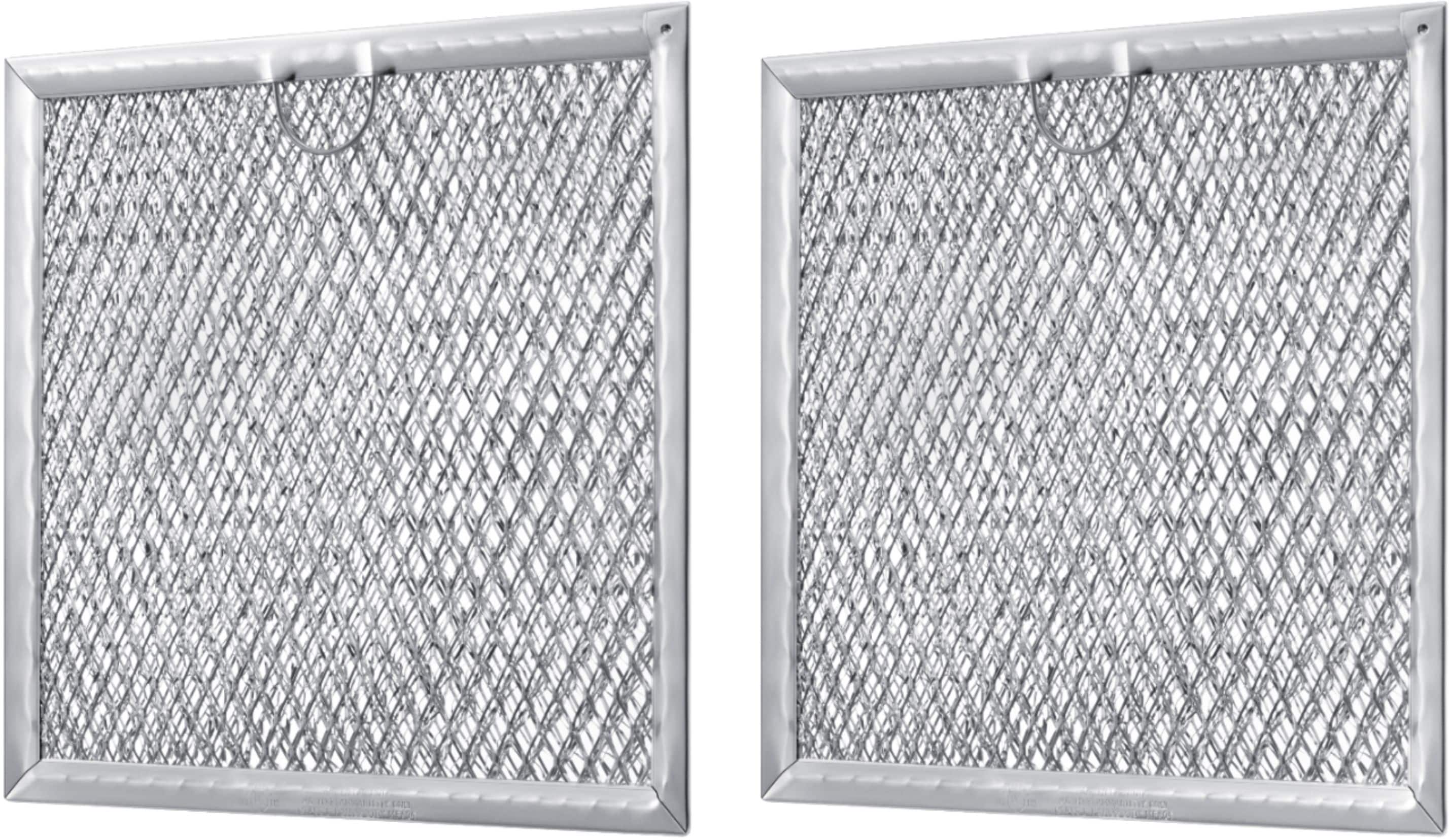
Here is a link to help you change the microwave filters. Please see each section, follow the steps and click the hyperlinks for further assistance.
Replace and clean Samsung microwave filters.
https://www.samsung.com/us/support/answer/ANS00049239/
Have a great day.
^Aloe
A:AnswerNo it' a microwave. Microwave ovens don't use heat. The item you want to cook will vibrate which creates heat, like when you rub your hands an a cold day. The more moisture in the item, the fasted that item will cook. Some microwaves have moisture sensors. as soon as it's cooked the oven turns off.
A:AnswerGreetings,
Press the clock button to begin setting the time. Next, enter the current time using the number buttons. Lastly, press the OK/START button.
Thank you for choosing Samsung and have a great day!
^Rainly
A:AnswerIf you can hear the fan maybe you forgot to turn the motor which is set to blow air out side through a vent. Flip the motor and air will blow threw the grease filters back into the kitchen.
A:AnswerTake the microwave down and pull the motor up. Assuming the microwave is unplugged, spin the squirrel (round) fan. It should be quiet. If it scrapes, you'll see the problem.
A:AnswerThe door should protrude into the kitchen, breakroom, etc.
with standard kitchen cabinets. If uncle Fred made up some homemade cabinets, no problem. Just mount it so the door sticks out past the cabinets.
A:AnswerAll microwave are attached to the cabinet above it and securely attached to the wall studs behind it. It should have it's own outlet in the cabinet above it. Safety first. You don't want the fire marshal to find an improperly installed microwave cause you house to burn down. Your homeowners insurance might not pay up.