A:AnswerWiFi printers should work.
But, other option is to use Google Print that is going to put your normal print in the cloud.
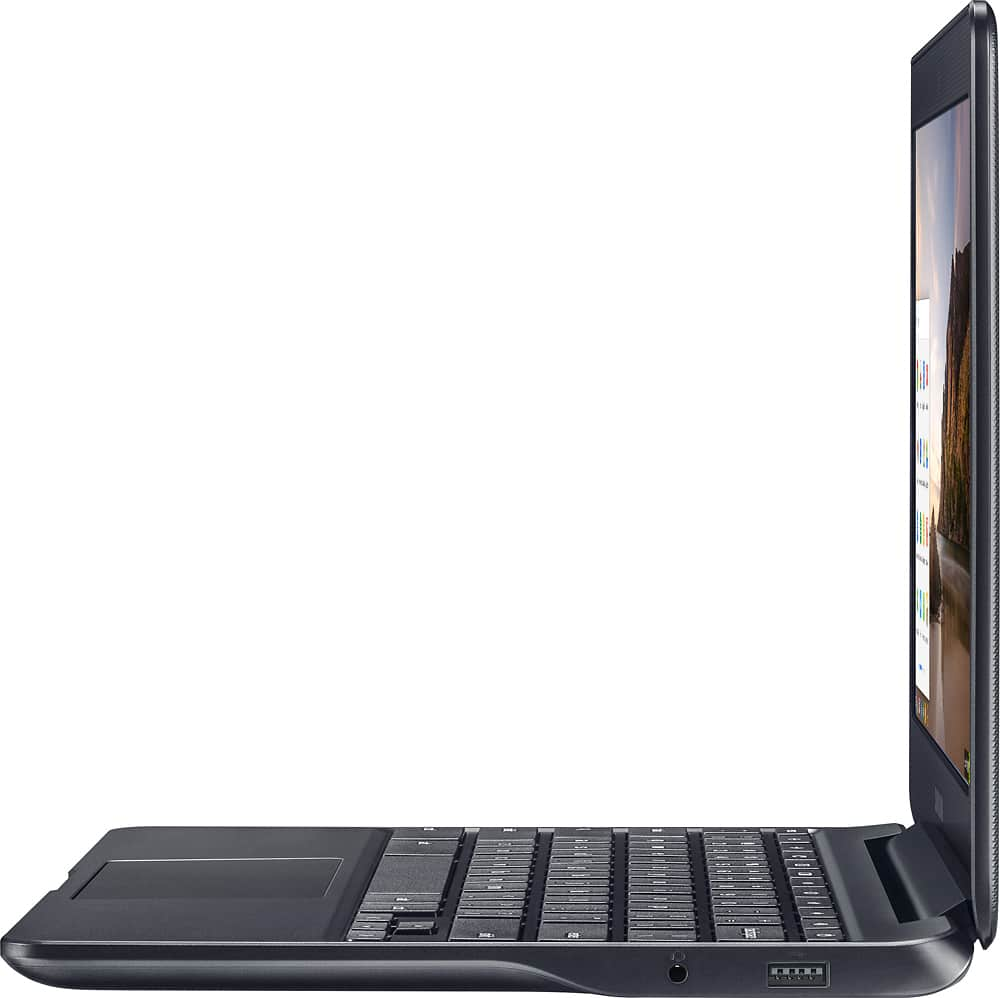
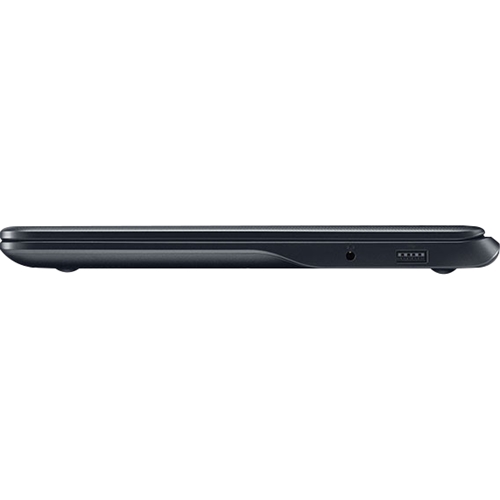
Since you can´t install the software of the printers in Chromebook, even having the USB port, they won´t work properly.
A:AnswerChrome O/S only allow you to install Chrome apps from the Chrome web store. Any software that needs to be installed on a Windows or Mac to run will not work here. A good alternative is using Google Docs which allows you to write documents, create spreadsheets and make basic presentations. The latest version of Chrome O/S adds support for working with documents through Google Docs offline (no wifi).
A:AnswerIt's fairly quick, until you try to do to many things at one time and have multiple windows open at the same time. My daughter uses it for High School, and with google docks (I think that's how it's spelled) already loaded on it when we purchased it. She has had no issues doing her homework, or problems with its speed. I hope this helps. Good luck.
A:Answerppts are microsoft, so can't be used on a chromebook except through google slides. I use ppts in my teaching, and have been able to make edits through google slides, but sometimes formatting is off.
A:AnswerSo long as your email is web based or has a web based version liked gmail, Yahoo!, Comcast, RCN, AOL etc then you can access your email on it. Likewise you can sign in to your on-line banking account using the web browser (Chrome).