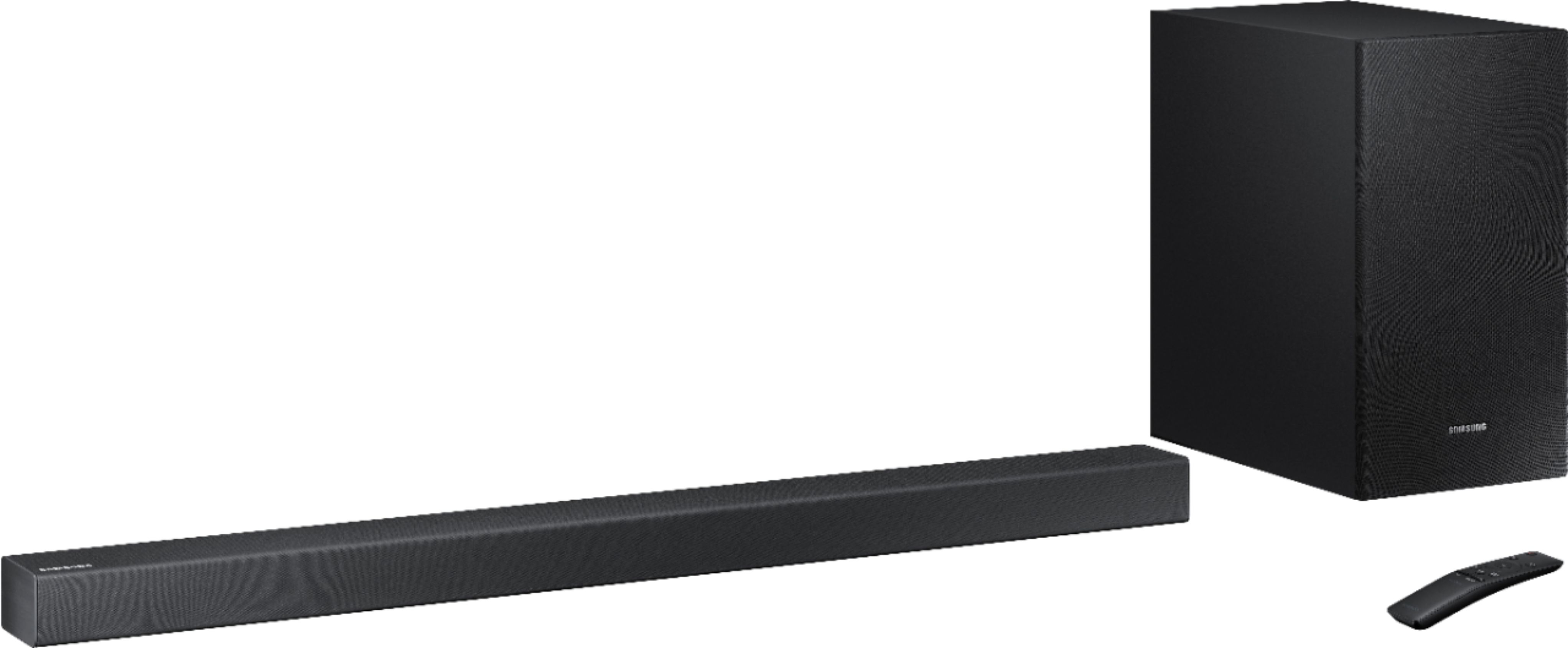
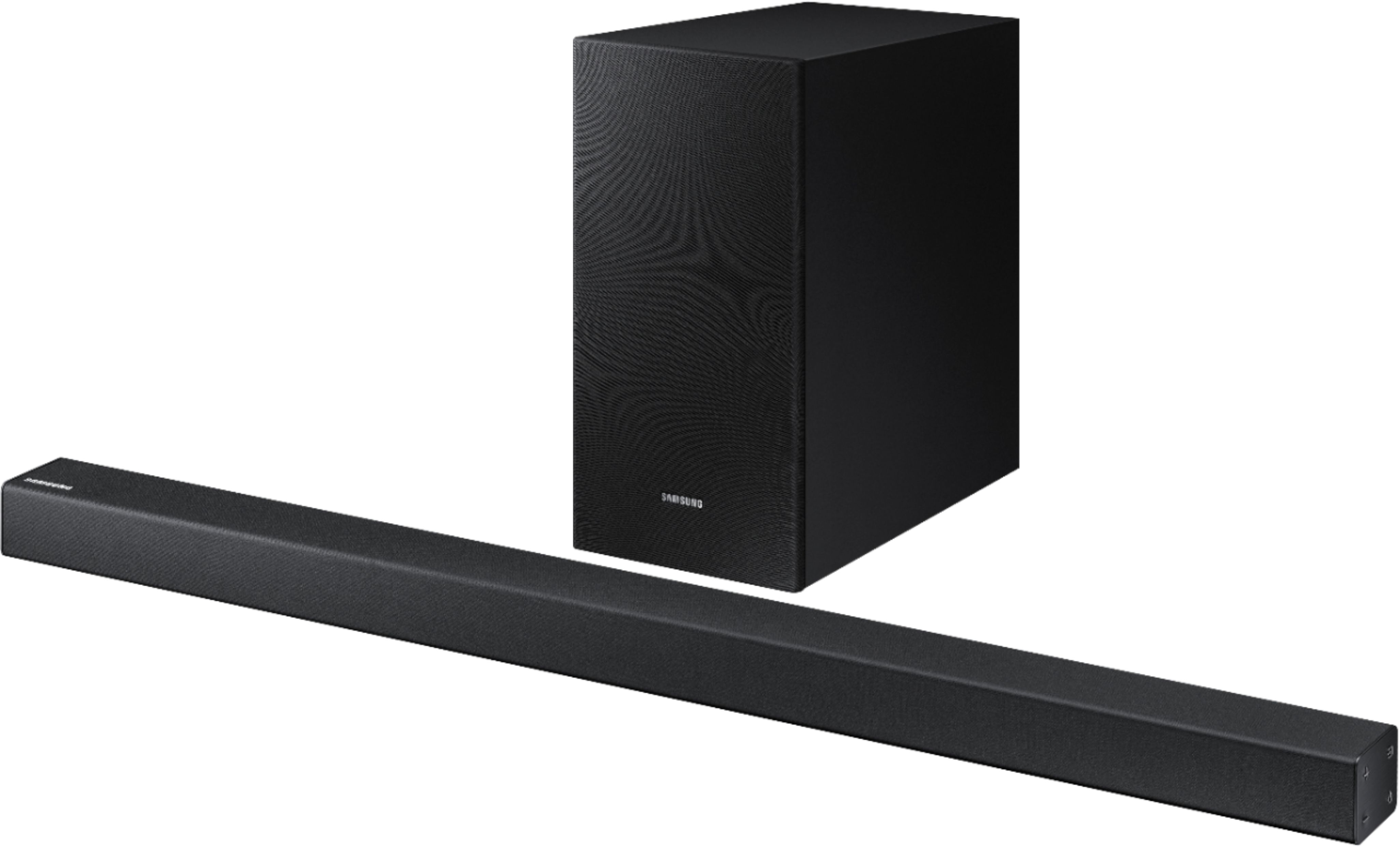
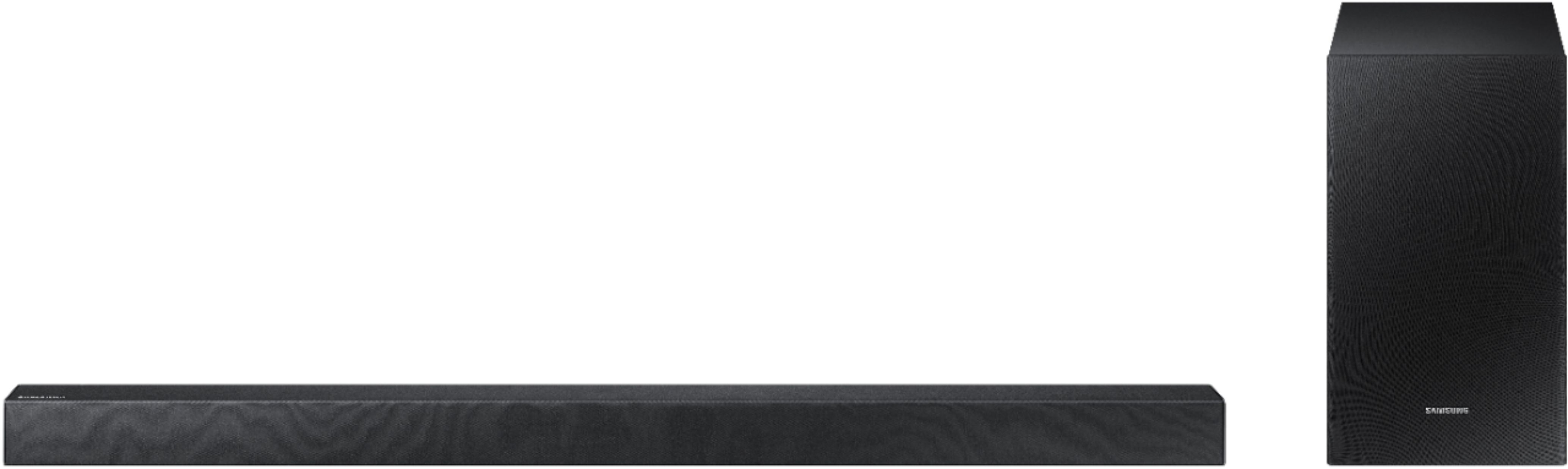
A:AnswerI just purchased the QR60 soundbar for my samsung 65" 800 series for the exact same reason. I purchased the cheapest Samsung soundbar that i could find but the QR60 has 5 speakers instead of 3 like my cheaper one has and one of the speakers are just for dialogue. This made a world of diffence for me. And the QR60 wasnt even the most expensive soundbar Samsung makes. I hope this helps!!!
A:AnswerYou can use this with any TV that has an optical output (aka TOSLink) or a HDMI ARC Port, which uses a standard HDMI cable and will be marked on your TV. There is also a standard 3.5mm audio jack, and it has Bluetooth as well. There is an optical cable included. Hope that helps!
A:AnswerYes. Recently installed Samsung tv and sound bar on Comcast. Install on remote was easy. Turn sound off on tv and remote will control sound bar volume
A:AnswerI found this the hard way, you only have two pair the TV and the sound bar once using the Bluetooth wireless. When you turn the TV off by the TV remote or by your cable TV remote don’t turn the sound bar off. The sound bar will turn itself off after a few minutes and then when you turn the TV on the sound bar will come on automatic. I understand that’s the manual does not do a good job explaining all that. I hope that will help