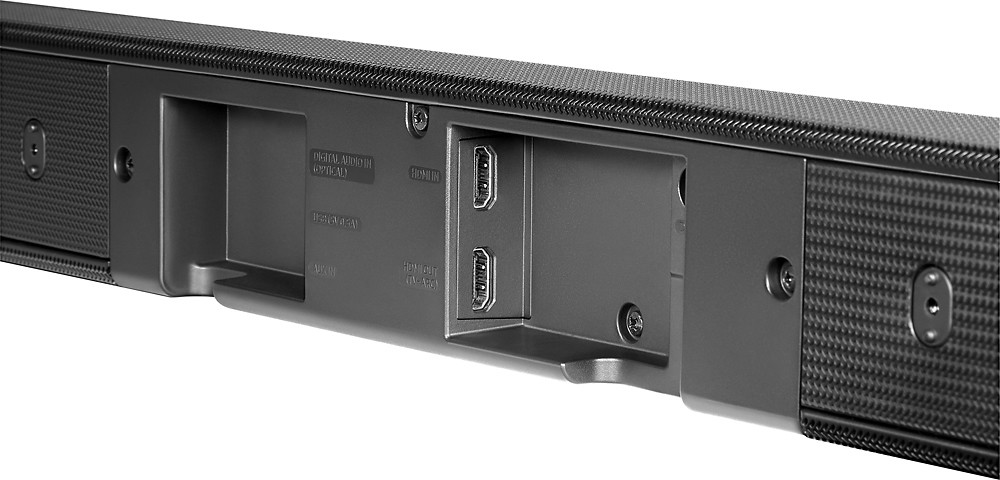
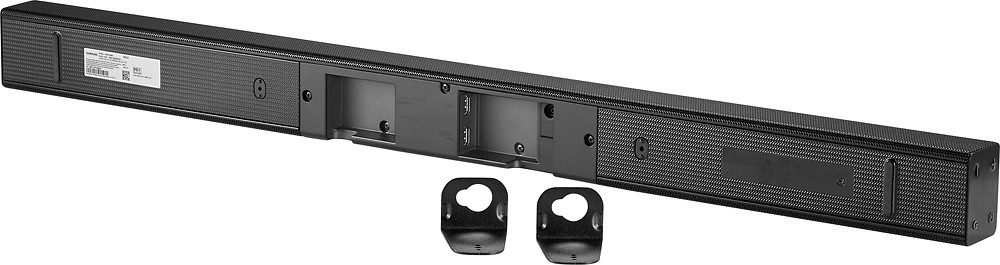
A:AnswerIt'll hook up to whatever you need it to. If your receiver has Optical Out you should be good. It has an aux-input, but wouldn't recommend that as I don't think it'll support quality 2.1 for movies, but music would be fine.
A:AnswerMost definitely. I got it for that very reason & couldn't believe the difference with the soundbar; I can actually hear voices above the background music.
A:AnswerVideo signals are HD or 4K and audio signals are 2.0, 2.1, 3.1, 5.1, 7.1, etc.. If you plug a 4K HDMI signal into this soundbar HDMI In, it will decode the audio but the HDMI out will only be HD (1080p) video. I tried this with a 4K upscaling Blu-ray.
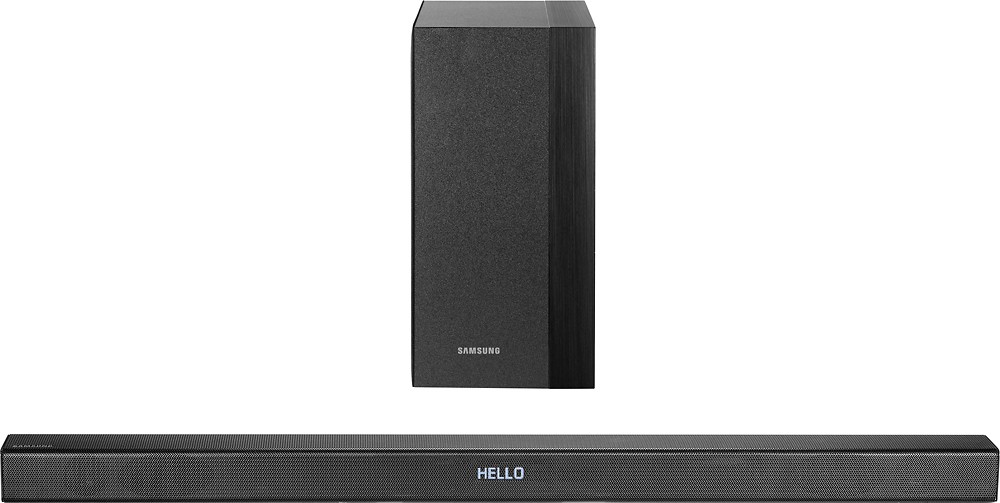
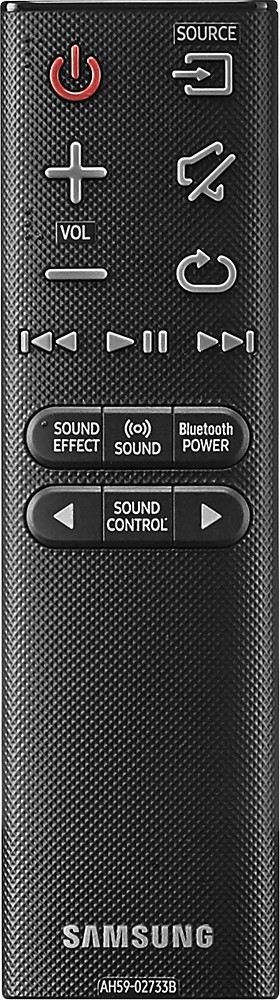
A:AnswerSimple...MUTE the commercials using the remote mute button...
then send details of the channel volume differences to your cable provider and have them fix the issue...
A:AnswerThe sound bars all seem to be independent sound systems. They must be paired with your tv directly and do not go through the receiver that is powering your present theatre sound systems. I see the sound bars as more of an office/study or bedroom tv function. I do not see them as a home theatre choice. Go with built in LCR's and find a pair of niles soundstage on line for your rears Pick up a nice sub and you would be set
A:AnswerYou can plug an analog audio cable into the headphone jack of the iPod and into the soundbar. Here is the video from the Samsung support site: http://www.samsung.com/us/support/owners/product/HW-K450/ZA?g=HV001021&v=4922766699001