A:AnswerHi William,
We understand how you feel regarding your fridge. We are here to help you in any way we can.

We would like to speak to you directly to gather more details about your fridge and see how we can effectively assist you.
Please feel free to get back to us the soonest via the following options:
1. Facebook Messenger: http://m.me/samsungsupport
2. Twitter: https://twitter.com/messages/compose?recipient_id=18768513
3. Samsung Community: https://us.community.samsung.com/t5/Samsung-Community/ct-p/us
When you message us, please provide us with this reference number (1147319982), to help our team pull up your information.
Have a great day!
^Rodel
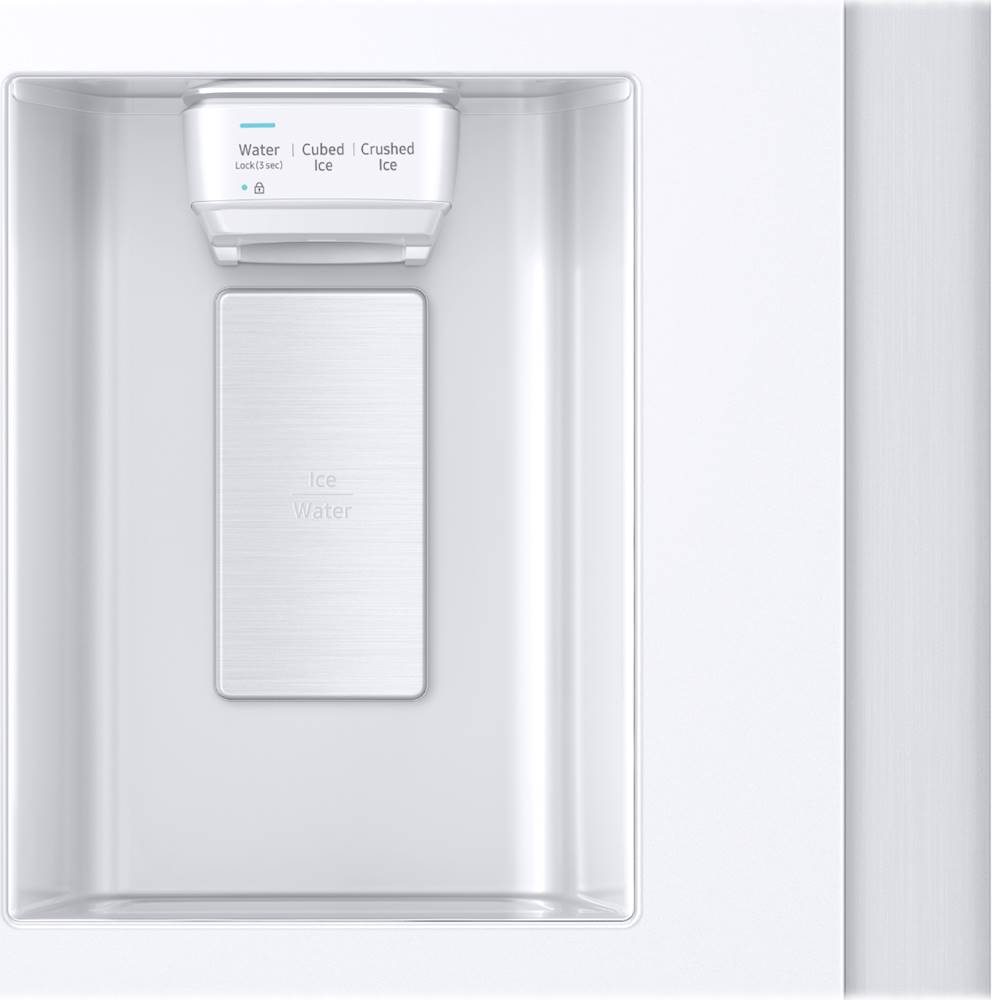
A:AnswerFirst you turn off the lock by pushing the lock button for 3 seconds, (it will chime), then push the filter lighted button for 3 seconds, (you may have to push a little above the filter light to get it to work) Then push the lock button once again for 3 seconds until it chimes. That's it
A:AnswerHi Royalty,
Thank you for reaching out to us with your question about setting up your Samsung refrigerator to make ice. We understand how important it is for your appliance to meet your needs efficiently, and we're here to help guide you through the process.
Based on your request, you can find detailed instructions on setting up your refrigerator to make ice on page 32 of the user manual.
Manual
https://downloadcenter.samsung.com/content/UM/202002/20200201091442956/SBS_RS5300T_DA68-03958J-01_EN-MES-CFR.pdf
Ensure the Ice Maker is On: First, locate the ice maker control panel inside your refrigerator. Make sure that the ice maker is turned on. There is usually an on/off switch or button that controls this function.
Connect the Water Supply: Verify that the water supply line is correctly connected to your refrigerator and that the water valve is open to allow water to flow into the ice maker.
Set the Freezer Temperature: Adjust your freezer temperature to 0°F (-18°C) or lower to ensure optimal ice production.
Prime the Water Supply: Once the water supply is connected, press and hold the "Water" button on the control panel for a few minutes to ensure the water line is filled.
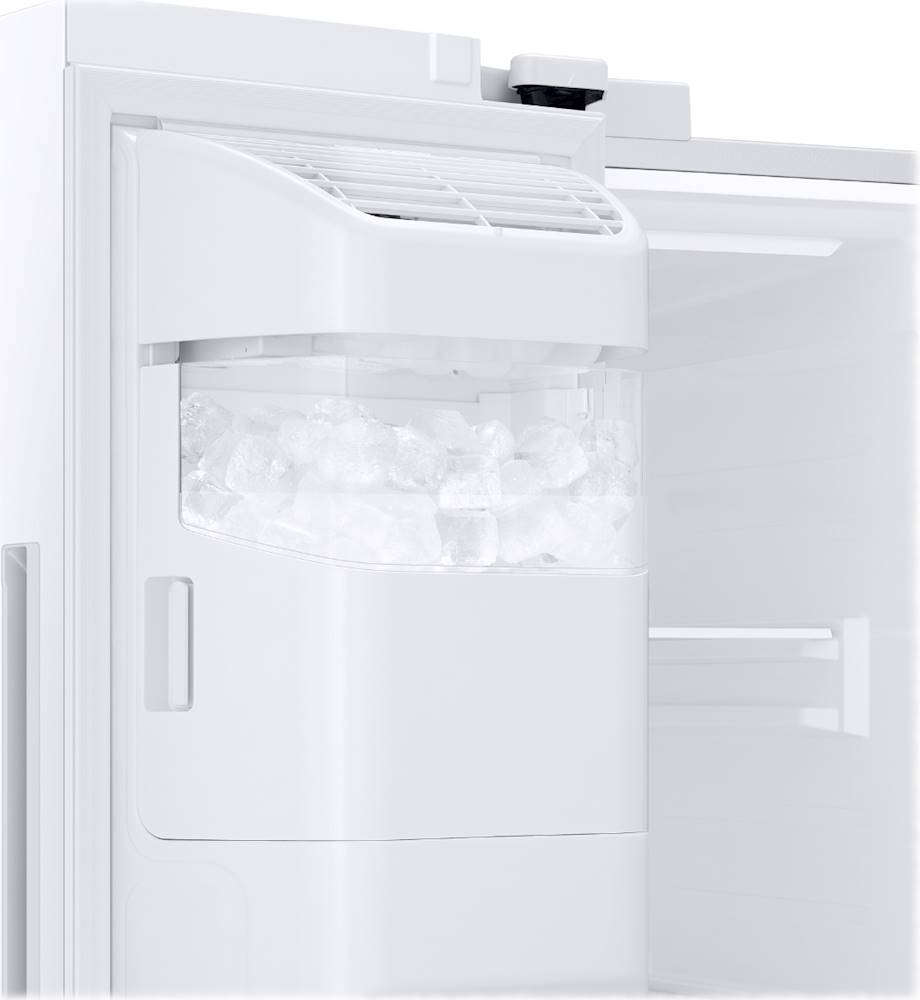
Allow Time for Ice Production: After turning on the ice maker, it may take a few hours for the first batch of ice to be produced. Make sure the ice bin is properly positioned under the ice maker.
Check for Obstructions: Ensure there are no obstructions in the ice maker's mechanism that might impede ice production.
For visual aids and more detailed instructions, you can access the user manual directly on page 32. under the "Ice Maker" section.
Should you need more assistance, please feel free to get back to us via the following options:
1. Facebook Messenger: http://m.me/Samsungsupport
2. Twitter: https://twitter.com/messages/compose?recipient_id=18768513
3. Samsung Community: https://us.community.Samsung.com/t5/Samsung-Community/ct-p/us
When you message us, please provide us with this reference number (1147250558) to help our team gather your information.
Have a great day.
^Charles
A:AnswerDear Valued BestBuy Client,
To better assist you with this concern, don't hesitate to get in touch with our BestBuy Customer Service department at (888) 237-8289. Call any day between available 24 hours a day. They can answer your question or transfer you to your local store to answer your specific inquiry.
Have a great day.
^Aloe
A:AnswerHi there,
No, this can't be painted bisque or white because it may damage its exterior design.
If you need assistance in choosing a refrigerator color, don't hesitate to get in touch with our BestBuy Customer Service department at (888) 237-8289. Call any day between available 24 hours a day. They can answer your question or transfer you to your local store to answer your specific inquiry.
Have a great day.
^Aloe
A:AnswerWe are glad to read your inquiry about locking and unlocking the fridge door, Christian. Let us get you the details you need.
This fridge model does not have a lock or unlock feature. However, it has a door alarm that sounds when the door is left open for more than two minutes. You can also toggle it on or off by pressing the "Door Alarm" in the fridge's panel.
Have a great day.
-John
A:AnswerJeff, We are here to assist you anytime with your fridge. We want to speak with you directly to offer support and see how we can help you find where that blue piece is connected.
Please feel free to get back to us via the following options:
1. Facebook Messenger: http://m.me/samsungsupport
2. Twitter: https://twitter.com/messages/compose?recipient_id=18768513
3. Samsung Community: https://us.community.samsung.com/t5/Samsung-Community/ct-p/us
Please provide us with this reference number, 1147113613, to help our team pull up your information when you message us.
Have a great day.
-John
A:AnswerKnowing the ice dispenser's efficiency saddens us. Let's get you the help you need, Puchie.
We recommend following the troubleshooting steps from the link below to get the ice dispenser's diagnosis. Kindly watch the instructional video and click on the embedded link included.
Ice does not dispense:
https://www.samsung.com/us/support/troubleshooting/TSG01209062/#ice-does-not-dispense
Should you need further assistance, please feel free to get back to us via the following options:
1. Facebook Messenger: http://m.me/samsungsupport
2. Twitter: https://twitter.com/messages/compose?recipient_id=18768513
3. Samsung Community: https://us.community.samsung.com/t5/Samsung-Community/ct-p/us
When you message us, please provide us with this reference number 1147090856, to help our team pull up your information.
Have a great day!
^Chrystel
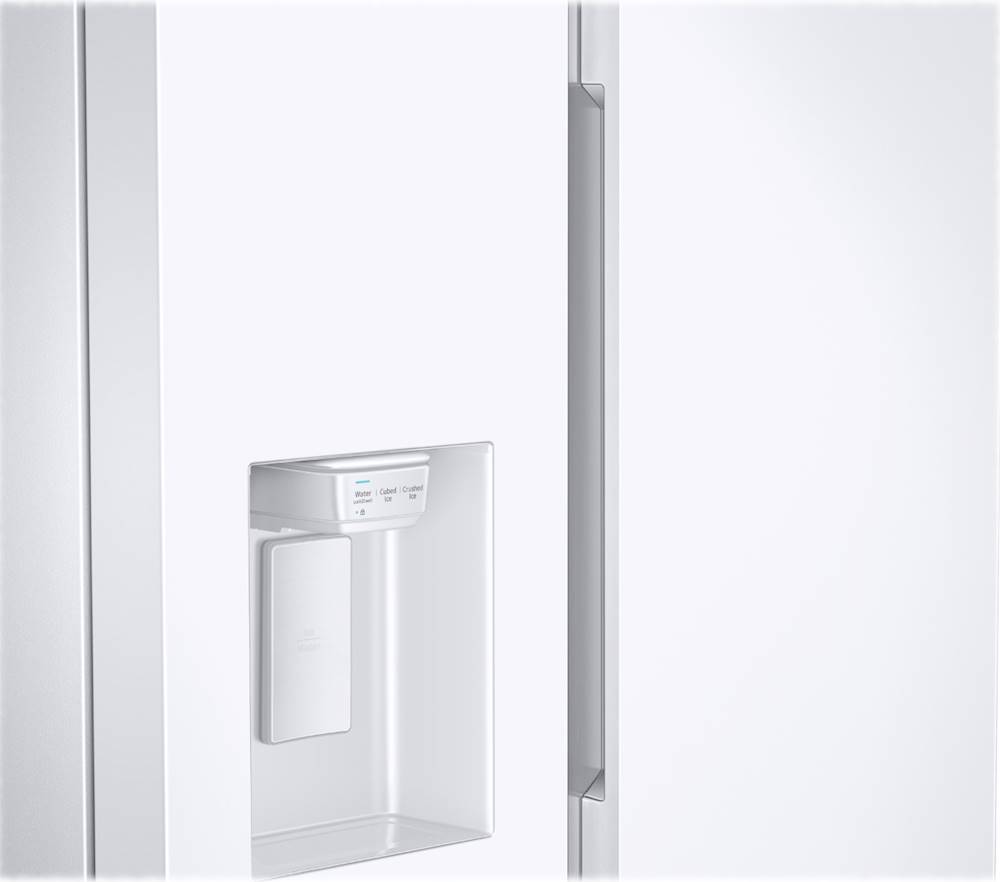
A:Answerthere are no handle you slide your hand down the side in thats what I trying to do put handles on the outside because I have finger prints every where.
A:AnswerHi there,
We can feel the difficulty you're experiencing, and we're here to assist you.
To get the water/ice dispenser working, I have shared the manual for instructions on disabling the lock function on the dispenser. Please read page 34 for reference.
User manual:
https://downloadcenter.samsung.com/content/UM/202002/20200201091442956/SBS_RS5300T_DA68-03958J-01_EN-MES-CFR.pdf
Should you require further assistance, please feel free to get back to us via the following options:
1. Facebook Messenger: http://m.me/samsungsupport
2. Twitter: https://twitter.com/messages/compose?recipient_id=18768513
3. Samsung Community: https://us.community.samsung.com/t5/Samsung-Community/ct-p/us
When you message us, please provide us with this reference number 1147024956, to help our team pull up your information.
Have a great day!
^Chrystel
A:AnswerGreetings,
We are happy to receive your inquiry about the warranty for this model. Let us provide you with the information that you need.
Please see the link below for warranty information on this model.
https://www.samsung.com/us/support/service/warranty/RS27T5200SG/AA/
It would also be great if we could talk to you directly and gather more information about your inquiry.
Please feel free to reach us via the options below, as we look forward to assisting you in the best possible way.
1. Facebook Messenger: http://m.me/samsungsupport
2. Twitter: https://twitter.com/messages/compose?recipient_id=18768513
3. Samsung Community: https://us.community.samsung.com/t5/Samsung-Community/ct-p/us
When you message us, please provide us with this reference number 1146951157, which will help our team pull up your information.
^Rainly